---
title: "Deploy OpenClaw (All-in-One Bundle)"
description: "OpenClaw + Web Wizard + Lite Panel + Web TUI + Browser + Searxng Search"
category: "AI/ML"
url: https://railway.com/deploy/openclaw-all-in-one-bundle
---
# Deploy OpenClaw (All-in-One Bundle)
OpenClaw + Web Wizard + Lite Panel + Web TUI + Browser + Searxng Search
**[Deploy OpenClaw (All-in-One Bundle) on Railway](https://railway.com/template/openclaw-all-in-one-bundle)**
- **Creator:** Protemplate
- **Category:** AI/ML
- **Total deploys:** 535
## Template content
### OpenClaw https://somi-public-assets.s3.ap-southeast-1.amazonaws.com/railway/openclaw-logo.png
- **Source:** https://github.com/protemplate/openclaw-railway
- **Health check:** /health
- **Public domain:** Yes
### searxng-railway https://somi-public-assets.s3.ap-southeast-1.amazonaws.com/railway/searxng-wordmark.svg
- **Source:** https://github.com/protemplate/searxng
- **Public domain:** Yes
## Documentation
# Deploy and Host OpenClaw (All-in-One Bundle) on Railway
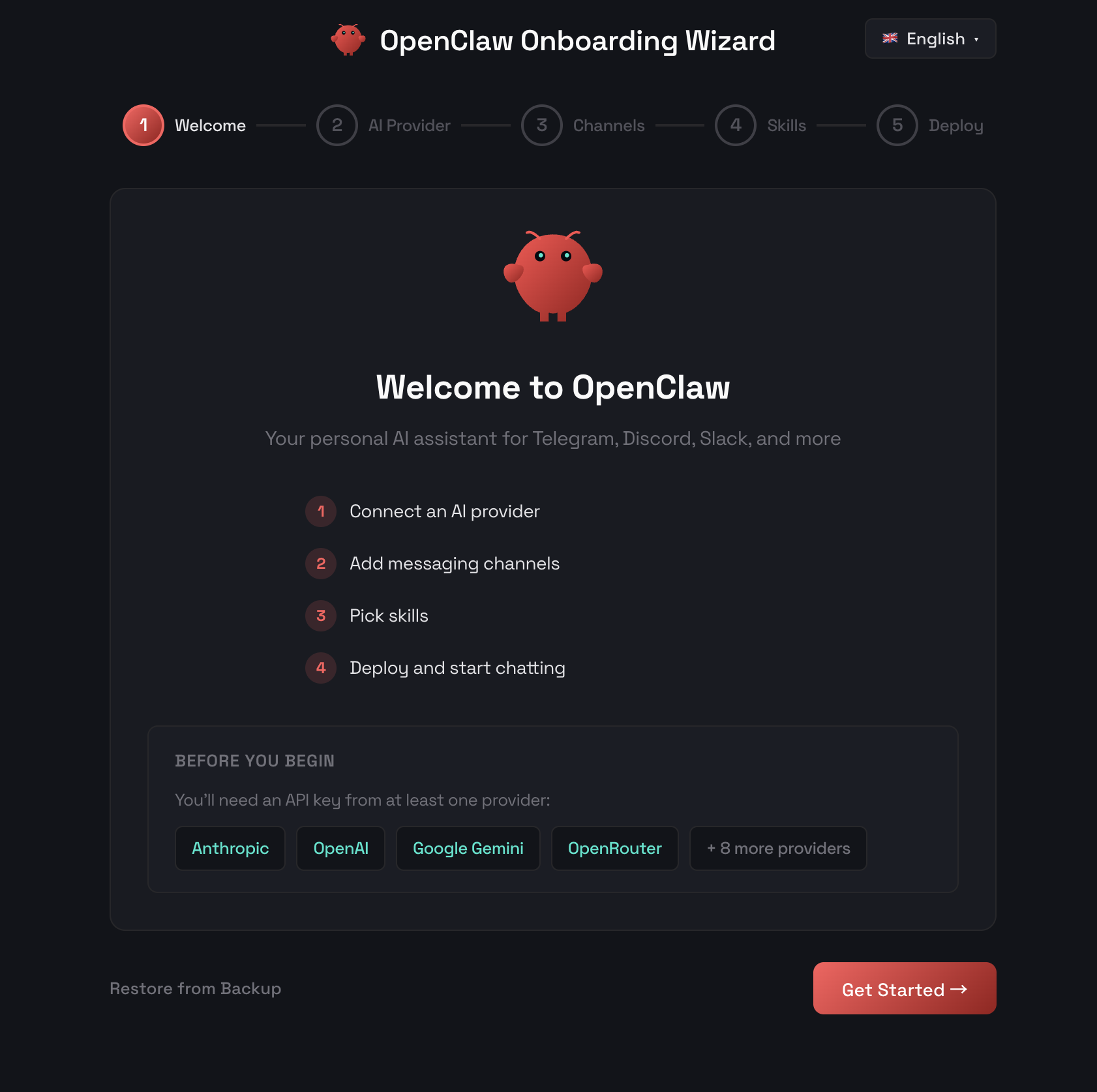
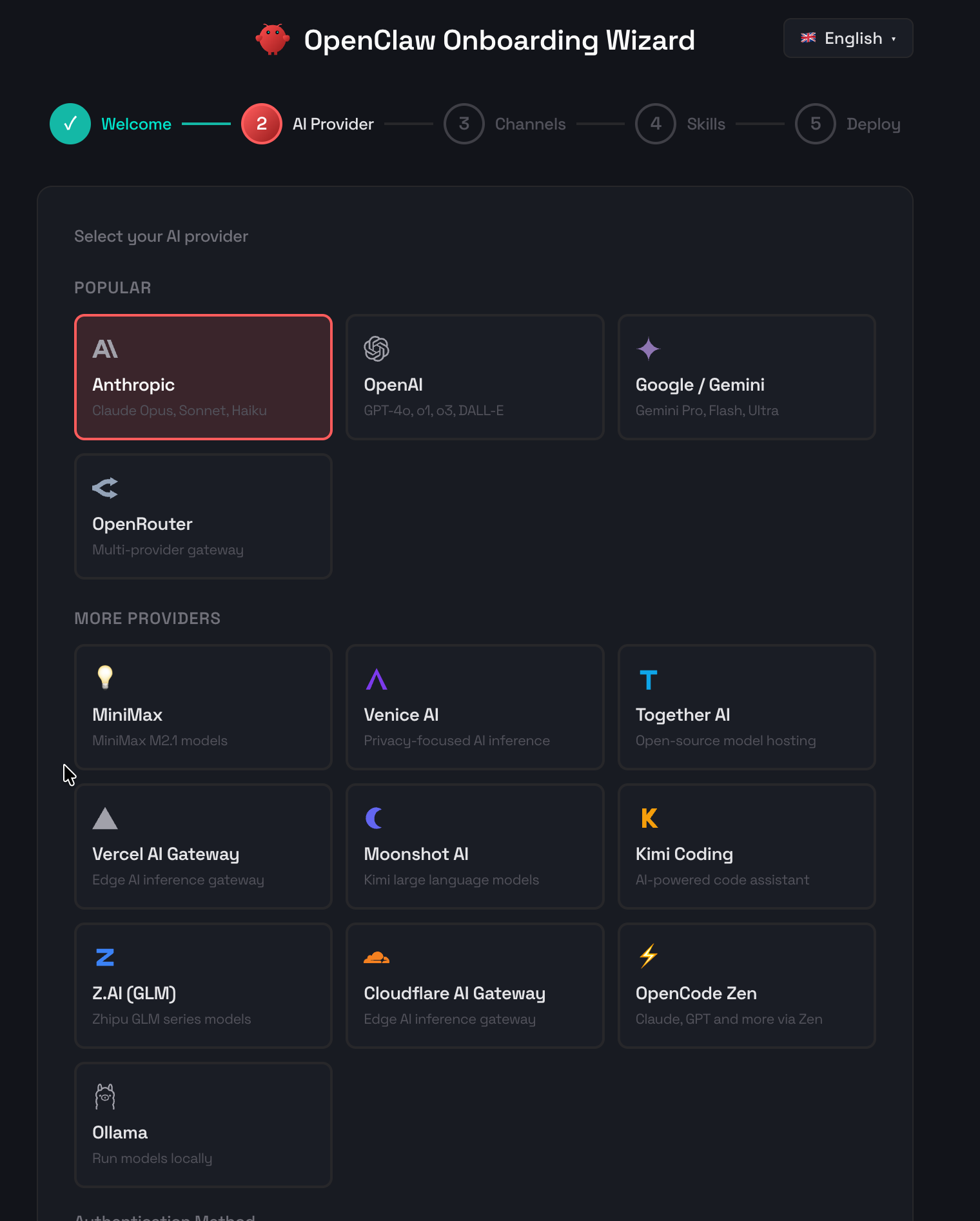
 OpenClaw is a self-hosted personal AI assistant framework that connects to 17 messaging platforms — Telegram, Discord, Slack, WhatsApp, Signal, and more — with support for 14 AI providers including Anthropic, OpenAI, and Google Gemini. This all-in-one bundle packages OpenClaw with a web-based management dashboard, setup wizard, built-in Playwright browser automation, and signal-cli for Signal support into a single deployable service.
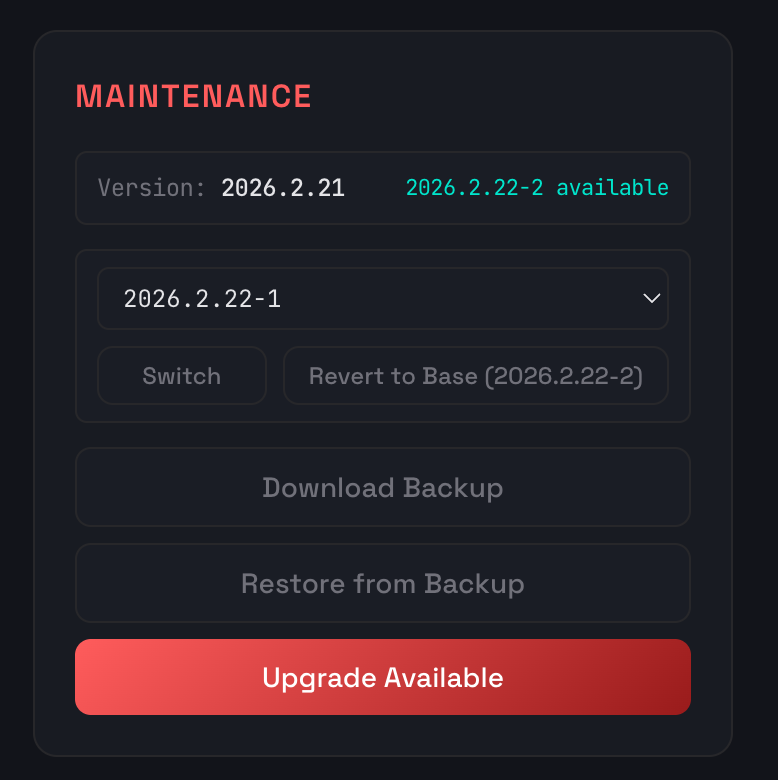 #### ChatGPT / Codex Subscription Pairing
If you have a ChatGPT/Codex subscription, you can connect it without an API key — straight from the browser, even on a headless Railway container. Pick **OpenAI Codex (subscription)** as your provider and the wizard runs OpenAI's device-code flow for you:
1. Click **Open auth page** and sign in with your ChatGPT/Codex subscription.
2. Enter the one-time code the wizard shows you (expires in 15 minutes).
3. Keep the tab open — it polls for approval and finishes automatically.
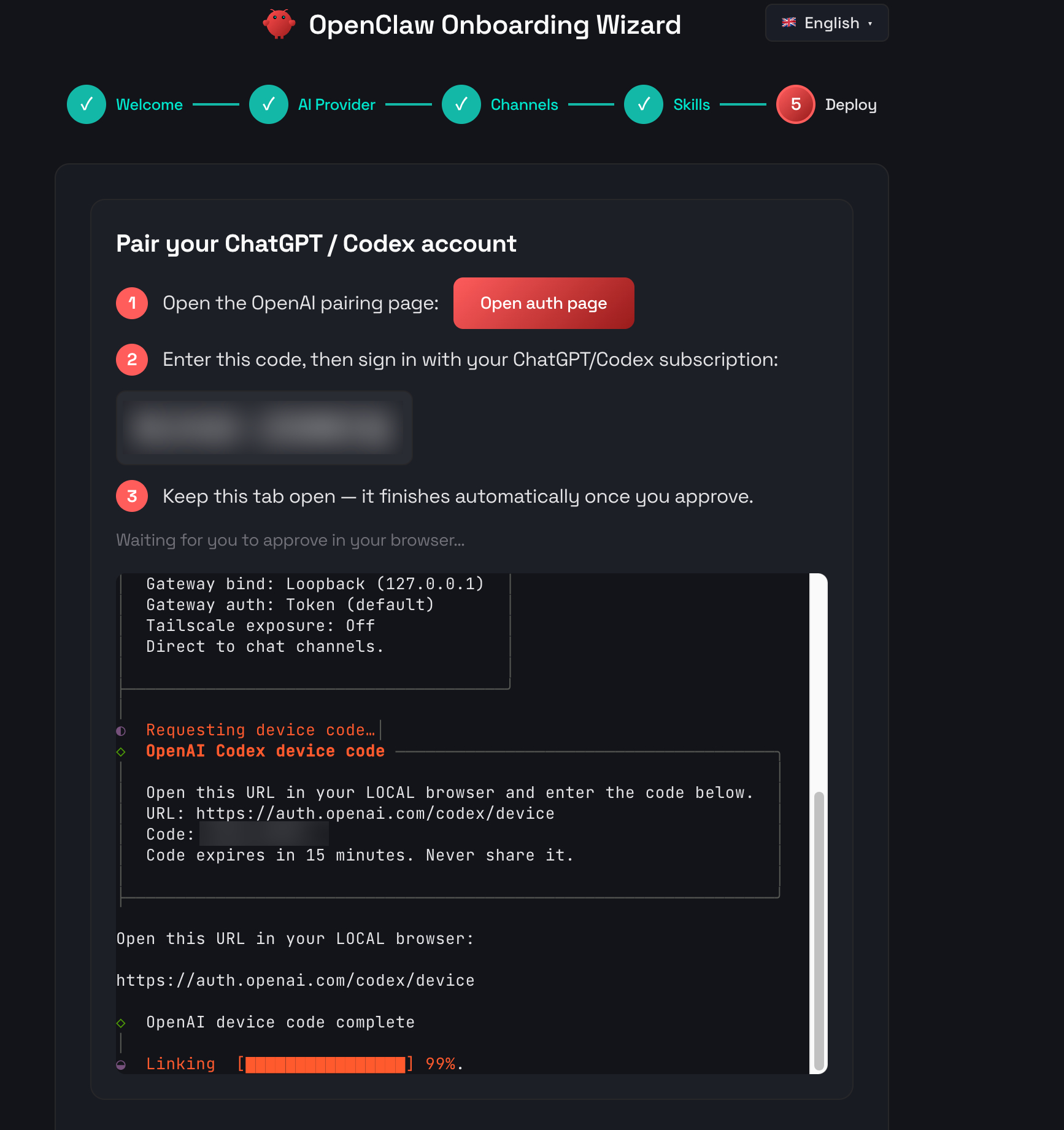
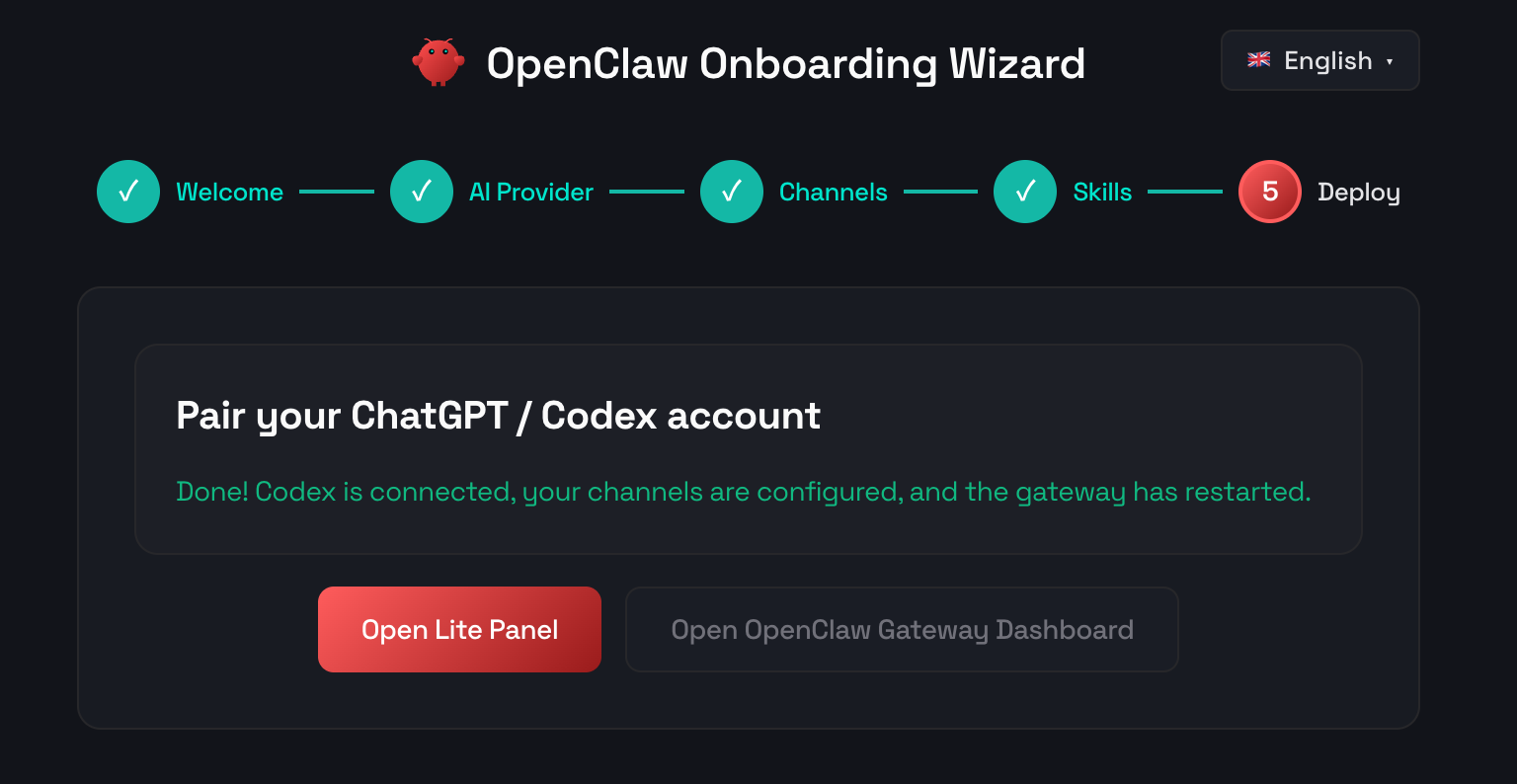
Once you approve, the wizard applies the channels and skills you picked in earlier steps, fixes the model prefix (`openai-codex/...`), and restarts the gateway — no re-prompting and no terminal output to copy. When it's done you get **Open Lite Panel** and **Open OpenClaw Gateway Dashboard** buttons.
## About Hosting OpenClaw (All-in-One Bundle)
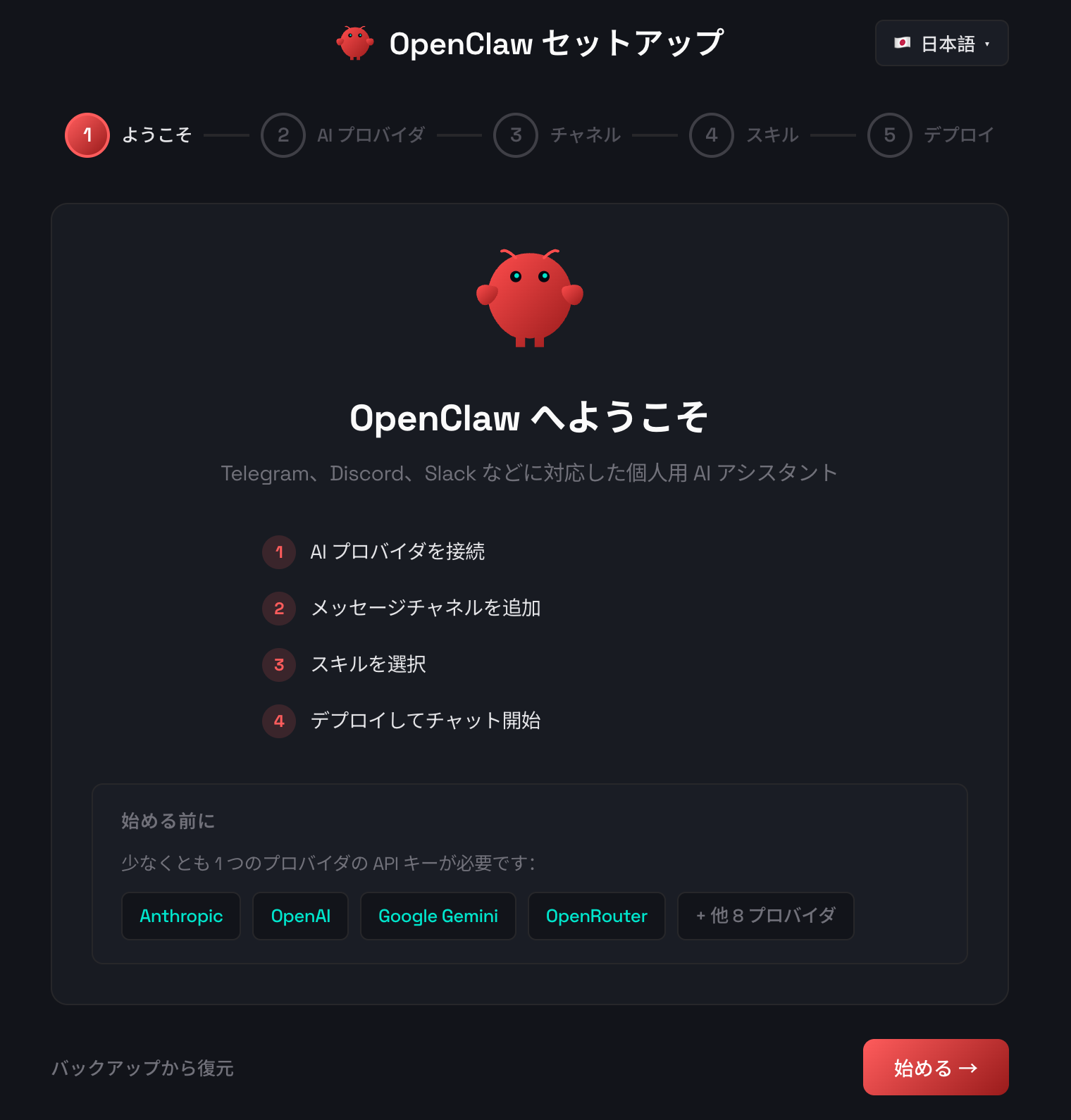
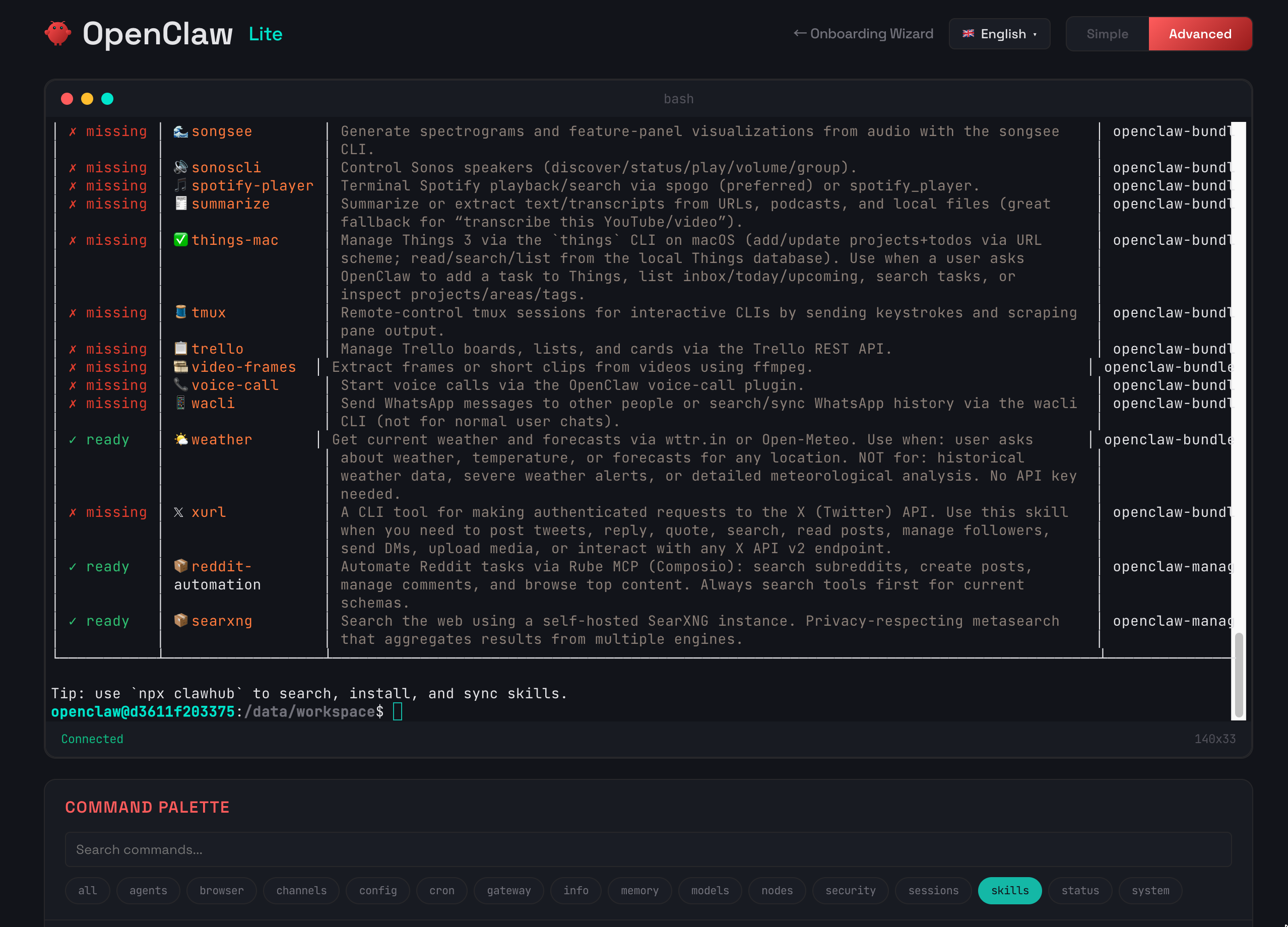
Hosting OpenClaw requires a single container that runs an Express wrapper server in front of the OpenClaw gateway. The wrapper provides password-protected endpoints for onboarding (`/onboard`) and day-to-day management (`/lite`), health checks for monitoring, and a reverse proxy that routes all other traffic to the gateway on loopback. A persistent volume at `/data` stores configuration, sessions, memory, and workspace files. The setup wizard walks you through selecting an AI provider, entering API keys, configuring messaging channels, and installing skills — no SSH or CLI access needed. Once deployed, the management dashboard gives you gateway control, token usage analytics, memory search, security audits, backup/restore, and in-app upgrades without redeploying.
## Common Use Cases
- **Personal AI assistant on messaging platforms** — connect Claude, GPT-4o, or Gemini to Telegram, Discord, Slack, or WhatsApp for a private, always-on AI chatbot
- **Multi-channel AI presence** — run a single OpenClaw instance that responds across multiple platforms simultaneously with shared memory and context
- **Self-hosted AI gateway** — keep your conversations, API keys, and data on infrastructure you control instead of relying on third-party hosted bots
- **Automated workflows with cron and skills** — schedule recurring AI tasks, install community skills from ClawHub, and use browser automation for web-based tools
## Dependencies for OpenClaw (All-in-One Bundle) Hosting
- **Railway volume** — a persistent volume mounted at `/data` is required for configuration and data storage
- **AI provider API key** — at least one API key from a supported provider (Anthropic, OpenAI, Google Gemini, OpenRouter, or any of the 14 supported providers)
- **Messaging platform bot token** — a bot token or credentials for at least one messaging channel (e.g., Telegram bot token, Discord bot token)
### Deployment Dependencies
- [OpenClaw](https://github.com/openclaw/openclaw) — the core AI assistant framework (built from source during Docker build)
- [Railway](https://railway.app) — container hosting platform with volume support
- [Node.js 24](https://nodejs.org/) — runtime for the wrapper server and OpenClaw
- [Playwright + Chromium](https://playwright.dev/) — pre-installed for browser automation tools
- [signal-cli](https://github.com/AsamK/signal-cli) — pre-installed for Signal messaging channel support
### Implementation Details
The template uses a multi-stage Docker build that compiles OpenClaw from source, installs native dependencies (node-pty for terminal emulation, signal-cli for Signal support, Playwright Chromium for browser automation), and produces an optimized runtime image. The wrapper server runs as a non-root user with tini as PID 1:
```
Request → Wrapper Server (Express 5, $PORT)
├── /health/* → Health checks (no auth)
├── /onboard/* → Setup wizard (password required)
├── /lite/* → Management dashboard (password required)
└── /* → Reverse proxy → OpenClaw Gateway (127.0.0.1:18789)
```
The gateway binds to loopback only — all external traffic is authenticated and routed through the wrapper. In-app upgrades install new OpenClaw versions to the persistent volume (`/data/.npm-global`) so updates survive container restarts without redeploying.
## Why Deploy OpenClaw (All-in-One Bundle) on Railway?
Railway is a singular platform to deploy your infrastructure stack. Railway will host your infrastructure so you don't have to deal with configuration, while allowing you to vertically and horizontally scale it.
By deploying OpenClaw (All-in-One Bundle) on Railway, you are one step closer to supporting a complete full-stack application with minimal burden. Host your servers, databases, AI agents, and more on Railway.
## Similar templates
- [Chat Chat](https://railway.com/deploy/-WWW5r) — Chat Chat, your own unified chat and search to AI platform.
- [stella](https://railway.com/deploy/stella) — Self-host stella with web, API, Postgres, Redis, and object storage.
- [Hermes Agent | OpenClaw Alternative with Dashboard](https://railway.com/deploy/hermes-agent-or-openclaw-alternative-wit) — Self-Hosted Hermes AI Agent for Telegram, Discord & Slack
Open this page in a browser: https://railway.com/deploy/openclaw-all-in-one-bundle
#### ChatGPT / Codex Subscription Pairing
If you have a ChatGPT/Codex subscription, you can connect it without an API key — straight from the browser, even on a headless Railway container. Pick **OpenAI Codex (subscription)** as your provider and the wizard runs OpenAI's device-code flow for you:
1. Click **Open auth page** and sign in with your ChatGPT/Codex subscription.
2. Enter the one-time code the wizard shows you (expires in 15 minutes).
3. Keep the tab open — it polls for approval and finishes automatically.

Once you approve, the wizard applies the channels and skills you picked in earlier steps, fixes the model prefix (`openai-codex/...`), and restarts the gateway — no re-prompting and no terminal output to copy. When it's done you get **Open Lite Panel** and **Open OpenClaw Gateway Dashboard** buttons.

## About Hosting OpenClaw (All-in-One Bundle)
Hosting OpenClaw requires a single container that runs an Express wrapper server in front of the OpenClaw gateway. The wrapper provides password-protected endpoints for onboarding (`/onboard`) and day-to-day management (`/lite`), health checks for monitoring, and a reverse proxy that routes all other traffic to the gateway on loopback. A persistent volume at `/data` stores configuration, sessions, memory, and workspace files. The setup wizard walks you through selecting an AI provider, entering API keys, configuring messaging channels, and installing skills — no SSH or CLI access needed. Once deployed, the management dashboard gives you gateway control, token usage analytics, memory search, security audits, backup/restore, and in-app upgrades without redeploying.
## Common Use Cases
- **Personal AI assistant on messaging platforms** — connect Claude, GPT-4o, or Gemini to Telegram, Discord, Slack, or WhatsApp for a private, always-on AI chatbot
- **Multi-channel AI presence** — run a single OpenClaw instance that responds across multiple platforms simultaneously with shared memory and context
- **Self-hosted AI gateway** — keep your conversations, API keys, and data on infrastructure you control instead of relying on third-party hosted bots
- **Automated workflows with cron and skills** — schedule recurring AI tasks, install community skills from ClawHub, and use browser automation for web-based tools
## Dependencies for OpenClaw (All-in-One Bundle) Hosting
- **Railway volume** — a persistent volume mounted at `/data` is required for configuration and data storage
- **AI provider API key** — at least one API key from a supported provider (Anthropic, OpenAI, Google Gemini, OpenRouter, or any of the 14 supported providers)
- **Messaging platform bot token** — a bot token or credentials for at least one messaging channel (e.g., Telegram bot token, Discord bot token)
### Deployment Dependencies
- [OpenClaw](https://github.com/openclaw/openclaw) — the core AI assistant framework (built from source during Docker build)
- [Railway](https://railway.app) — container hosting platform with volume support
- [Node.js 24](https://nodejs.org/) — runtime for the wrapper server and OpenClaw
- [Playwright + Chromium](https://playwright.dev/) — pre-installed for browser automation tools
- [signal-cli](https://github.com/AsamK/signal-cli) — pre-installed for Signal messaging channel support
### Implementation Details
The template uses a multi-stage Docker build that compiles OpenClaw from source, installs native dependencies (node-pty for terminal emulation, signal-cli for Signal support, Playwright Chromium for browser automation), and produces an optimized runtime image. The wrapper server runs as a non-root user with tini as PID 1:
```
Request → Wrapper Server (Express 5, $PORT)
├── /health/* → Health checks (no auth)
├── /onboard/* → Setup wizard (password required)
├── /lite/* → Management dashboard (password required)
└── /* → Reverse proxy → OpenClaw Gateway (127.0.0.1:18789)
```
The gateway binds to loopback only — all external traffic is authenticated and routed through the wrapper. In-app upgrades install new OpenClaw versions to the persistent volume (`/data/.npm-global`) so updates survive container restarts without redeploying.
## Why Deploy OpenClaw (All-in-One Bundle) on Railway?
Railway is a singular platform to deploy your infrastructure stack. Railway will host your infrastructure so you don't have to deal with configuration, while allowing you to vertically and horizontally scale it.
By deploying OpenClaw (All-in-One Bundle) on Railway, you are one step closer to supporting a complete full-stack application with minimal burden. Host your servers, databases, AI agents, and more on Railway.
## Similar templates
- [Chat Chat](https://railway.com/deploy/-WWW5r) — Chat Chat, your own unified chat and search to AI platform.
- [stella](https://railway.com/deploy/stella) — Self-host stella with web, API, Postgres, Redis, and object storage.
- [Hermes Agent | OpenClaw Alternative with Dashboard](https://railway.com/deploy/hermes-agent-or-openclaw-alternative-wit) — Self-Hosted Hermes AI Agent for Telegram, Discord & Slack
Open this page in a browser: https://railway.com/deploy/openclaw-all-in-one-bundle