Welcome to another installment of the Railway changelog!
Before we get started, we wanted to make you aware of two upcoming sunset events:
- The Legacy Edge Proxy will be sunset in approximately 1 month on Monday September 16, 2024
- The Legacy Runtime will be sunset in approximately 6 months on Monday December 16, 2024
No action is needed at this time. However, we recommend you upgrade to the latest Edge Proxy and Runtime to take advantage of new and improved performance at your convenience.
To get started, click on a service and navigate to the Settings tab where you’ll find options for both the Proxy and the Runtime.
We’ll provide several more warnings in the coming weeks before sunsetting these legacy features.
Now let’s get into this week’s updates!
Faster Deploys for All Images
The first update this week is a quick but important one.
We’re thrilled to announce that we’ve introduced a dramatic speedup when deploying all images to Railway — particularly larger ones.
Depending on image sizing, you should now see a speedup of anywhere from 25% - 500%.
If you’re wondering how we’ve unlocked this speedup, we’re now using zstd compression which is parallelizable vs standard gzip compression.
No action is required to experience this speedup and you should notice it immediately.
Ok — onward!
New High Availability Database Templates
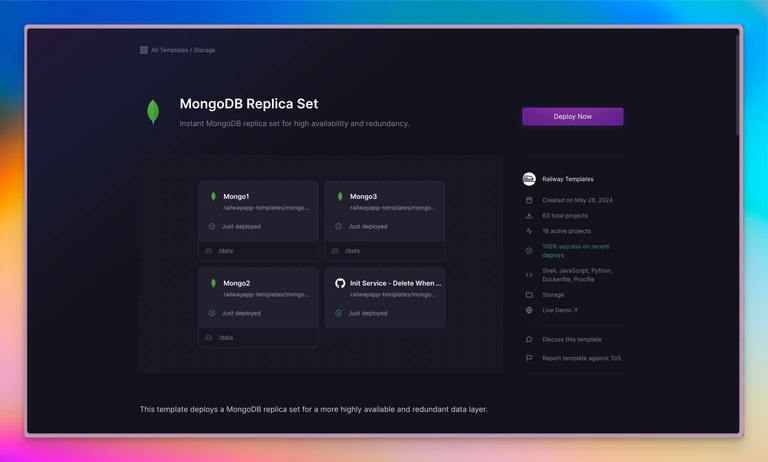
Last week we introduced a high availability template for Postgres.
This week we’ve rounded out the set and introduced four high availability (HA) templates for the four most popular database services on Railway:
Each of these HA templates provides you with an opportunity to deploy a more highly available and redundant data layer.
If you’re looking to deploy more production-ready databases, we’d like you try out these templates. Each template also has an accompanying forum thread to leave comments.
Enjoy!
More Volume Alerts and Disk Resize Self-Service
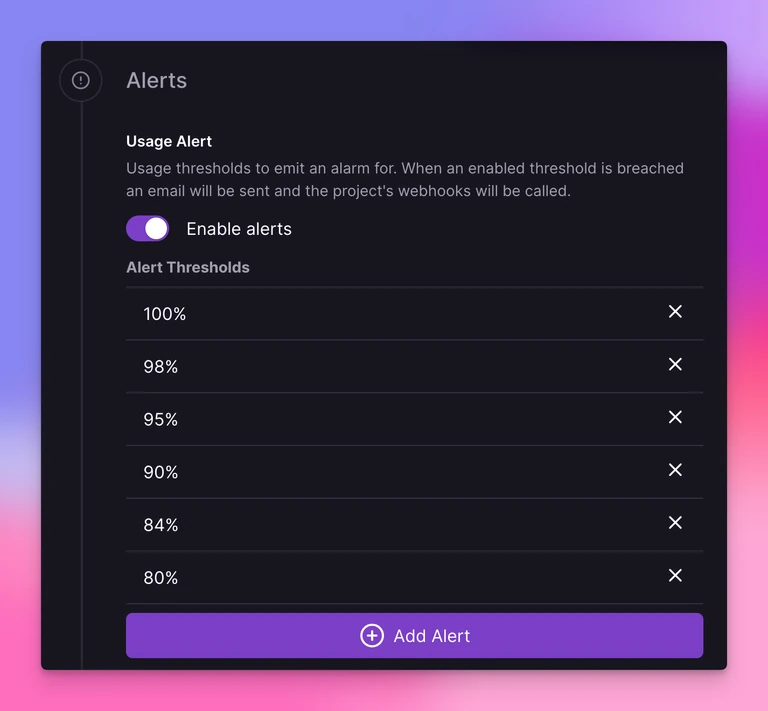
Last week we introduced email alerts for volumes that are reaching their capacity.
This week we’ve added an additional alerting option in the form of support for alerting webhooks.
We’ve also added alert threshold customization options in the volume settings page.
By default the minimum threshold is 80%. Along with 80%, 95% and 100% are enabled by default.
To adjust these settings, click on a volume in the Railway dashboard and select Settings.
One more thing related to volumes — this week we also enabled self-service volume expansion up to 250 GB for Pro users!
This should make it far easier to expand your volume footprint as your application grows as you no longer need to reach out to Railway support to grow your volume.
Enjoy!
Updated Quick Start Guide
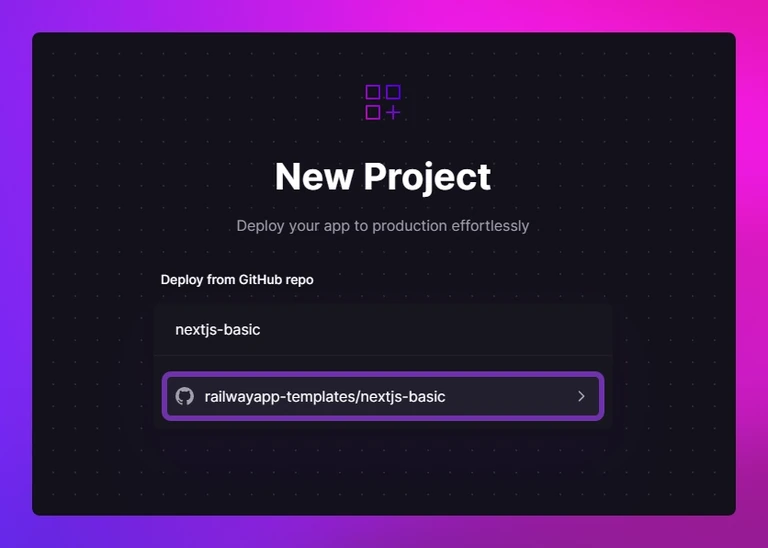
Have a friend or colleague that’s new to Railway?
Point them to the all-new quick start guide in the Railway docs.
We’ve overhauled the docs to provide a nice onboarding to Railway for new (and experienced) users.
Topics include:
- Deploying a project from GitHub via the Dashboard
- Deploying a local project with the CLI
- Deploying a template
We’re curious to know what you think. If you have suggestions for additions or improvements, please drop us a comment on the quick start forum page.
Have a great weekend! ✌️
Fixes and Improvements
- We added the ability to link directly to the deployment details, build logs, or deploy logs pages
- Community member maddsua improved the Railway CLI to publish as a Docker image
- We added support for use of the public database url if it exists when using
railway connectin the CLI - We added support for passive healthchecks to the V2 Edge Proxy. This means that if your application is receiving a lot of traffic from one region and it begins to fail to respond, that region will serve 503 Service Unavailable instead of forwarding more traffic. This will help your application recover by giving other regions a chance to share the load