Recharge Week is over for us here at Railway and Q3 is officially upon us.
Let’s talk about the state of play for the quarter.
If you missed the Q2 highlights, the big news is that The Great Metal Migration is now complete … which means if you’re reading this, you’re now on Railway Metal, which is cheaper, faster, more reliable, and more extensible than legacy Railway.
Prices have dropped (and we have a new pricing page). The dashboard is snappier. Staged changes and merges are faster. And Central Station is faster.
“It’s all coming together,” as they say, and the train is picking up speed.
We’re back to shipping new features, new ergonomic improvements, new reliability pieces, and new ways to get you and your team shipping faster.
Let’s jump into this week’s changeset. 🦘
Log Explorer to Priority Boarding
We’re pleased to release a new Log Explorer to Priority Boarding.
The new Log Explorer is legitimately packed with quality-of-life improvements … like, really packed. You kinda have to just use it to see what we mean.
You’ll get errors (much) quicker, you’ll be able to copy and download logs, you’ll be able to click-sort by just about any available parameter, and a whole lot more.
Let’s see a few examples …
Build failed
Oh no! Your build failed. What can you do? How about an easy shortcut to get right to the error logs in context?
You got it!
There’s an ultra-fast new way to see your failed build logsCopy and download logs
What if you want to copy or download your logs? Shouldn’t that be made easy?
Well now it is!
It’s also now easy to copy and download logs via the UIClickable tokens
What if you’d like to see other logs that are similar to the ones you’re looking at?
Just point your mouse to the param and click!
Log parameters are now click-to-filter tokensFull log explorer mode
And what if you want to experience the full log explorer mode?
Now you can!
The full screen log explorer has nifty new features like pauseTo get started exploring the Log Explorer we invite you to explore your Feature Flags, where you will discover a New Log Explorer toggle.
Explore away!
Rapid GitHub Repo Retrieval to Priority Boarding
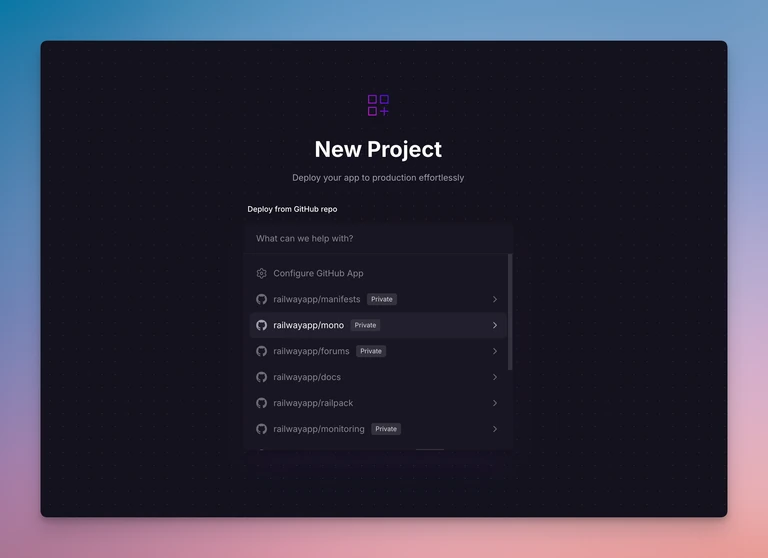
We gotta tell ya — loading your GitHub repos is way. too. slow. — especially if you have a ton of repos like most of us do at Railway.
So we went to the GitHub documentation mines and started digging for new ways we could utilize the API to deliver faster browsing results.
The early returns are phenomenal — what used to take seconds now takes milliseconds to load.
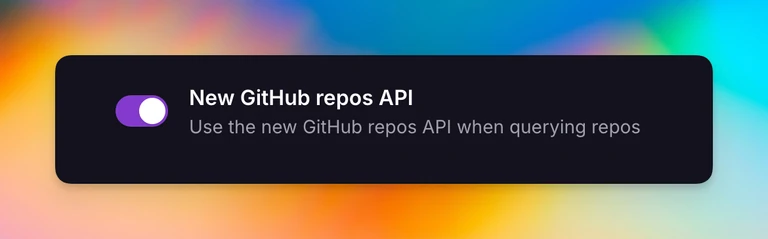
If you’re annoyed by how long it takes to load your GitHub repos in the console, we invite you to head over to your Feature Flags and flip the toggle for New GitHub repos API.
We hope you like it!
Timestamps and Time Zones
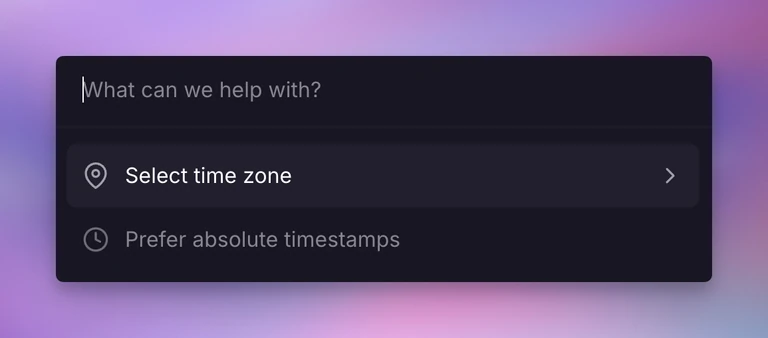
From the department of Why didn’t we implement this earlier?? comes a new feature called Timestamps and Time Zones!
It’s now possible to set your logging timestamps to relative or absolute.
It’s also now possible to set your default time zone.
To get started, just hit CMD + K in the console and scroll down to Internationalization.
What are you waiting for, get out there and set those clocks!
Have a great weekend (whatever time zone you’re in)!
✌️
Fixes and Improvements
- We fixed an issue where we sometimes were sending duplicate volume alert emails
- We tidied up a few items on the new pricing page
- We fixed an issue when initiating an API token-authenticated
railway upcommand