
Deploy 2FAuth
2FAuth | Self-hosted TOTP/HOTP manager (Authy alternative)
2fauth
Just deployed
/2fauth

Just deployed
/var/lib/postgresql/data

Redis
Just deployed
/data
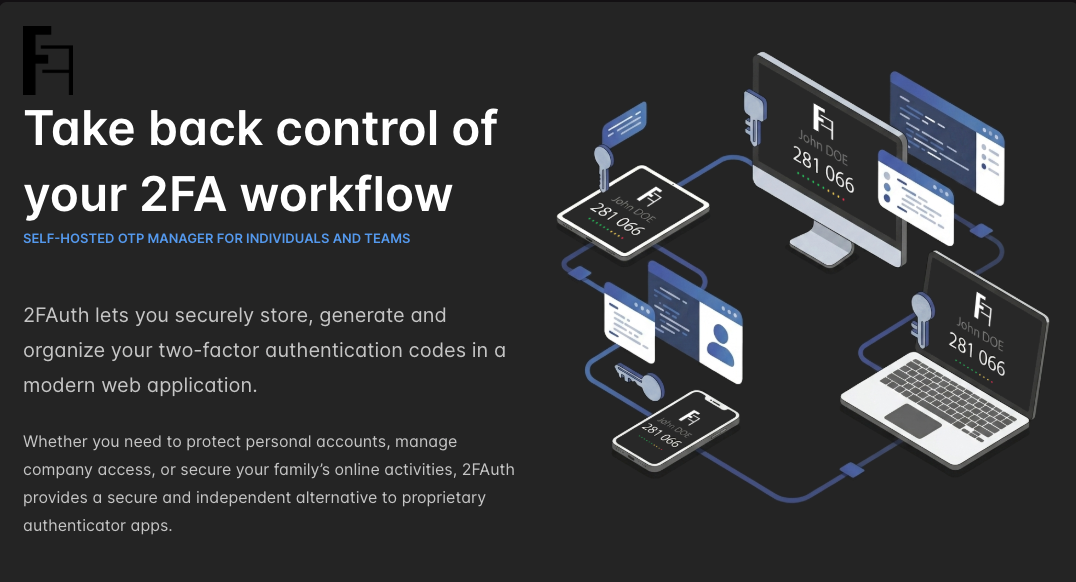
Deploy and Host 2FAuth on Railway
2FAuth is an open-source web app for managing your two-factor authentication accounts and generating their security codes from any browser. It stores the TOTP and HOTP secrets that services like GitHub, AWS and Google hand you at setup, then produces the rotating six-digit codes you need to sign in — the same job a phone authenticator does, but reachable from a laptop and encrypted at rest in a database you control. People self-host 2FAuth because a phone-only authenticator is a single point of failure: lose the handset and you lose every account behind it.
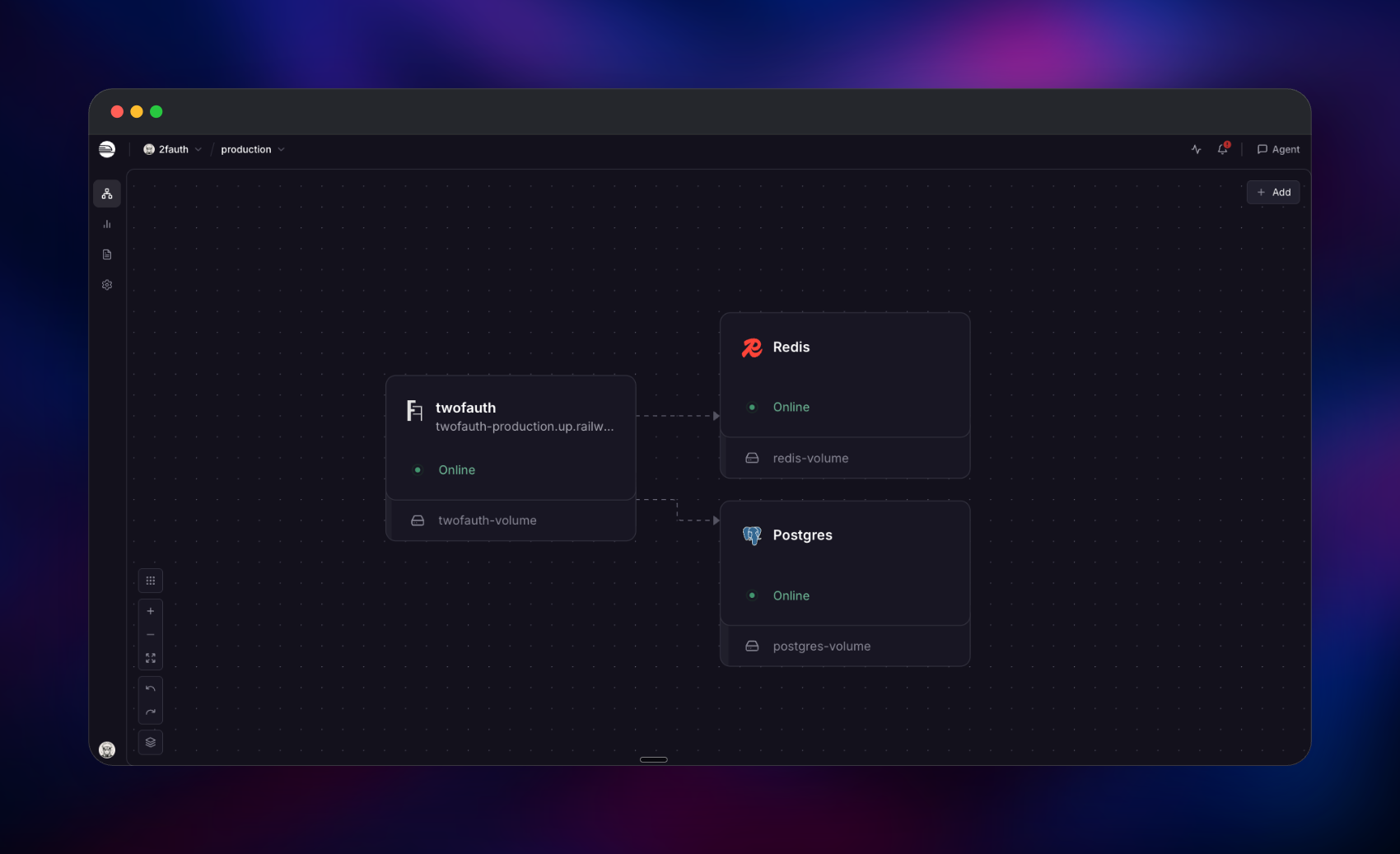
Deploy 2FAuth on Railway and this template runs the official 2fauth/2fauth Docker image against managed PostgreSQL and Redis instances, with a persistent volume attached to the app. PostgreSQL holds users, groups and the encrypted secrets; Redis serves the cache and session store, keeping login state off the disk; the volume keeps the OAuth signing keys that authenticate API clients, plus service icons. Traffic reaches the app over HTTPS on a Railway domain, while the database and Redis stay private.
Getting Started with 2FAuth on Railway
There are no default credentials — 2FAuth has none by design. Open the public URL and you land on the registration screen. The first account you create is automatically promoted to administrator, so register yourself before sharing the URL. You are then offered WebAuthn registration; accept it to sign in later with a passkey or security key, or choose "Maybe later".
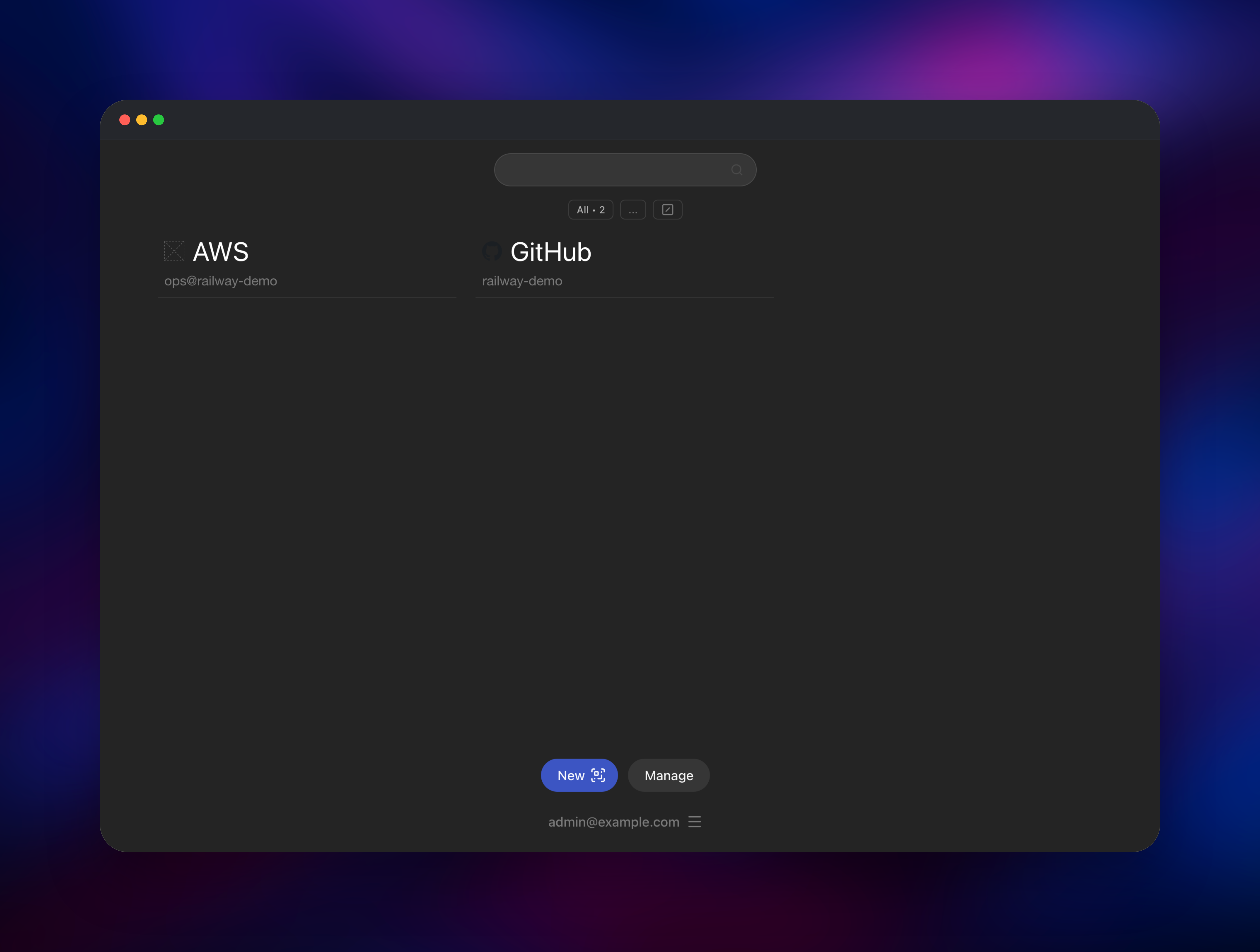
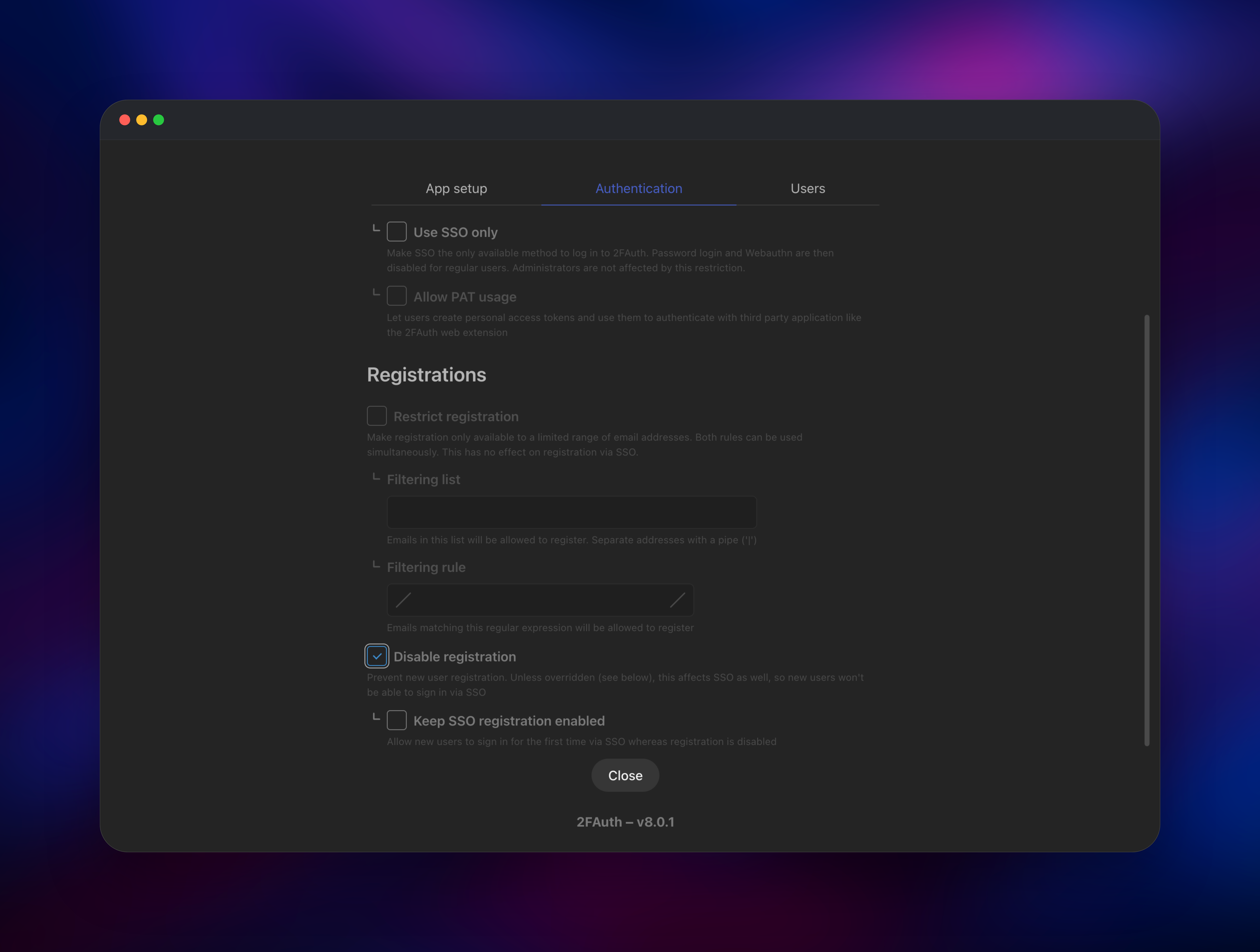
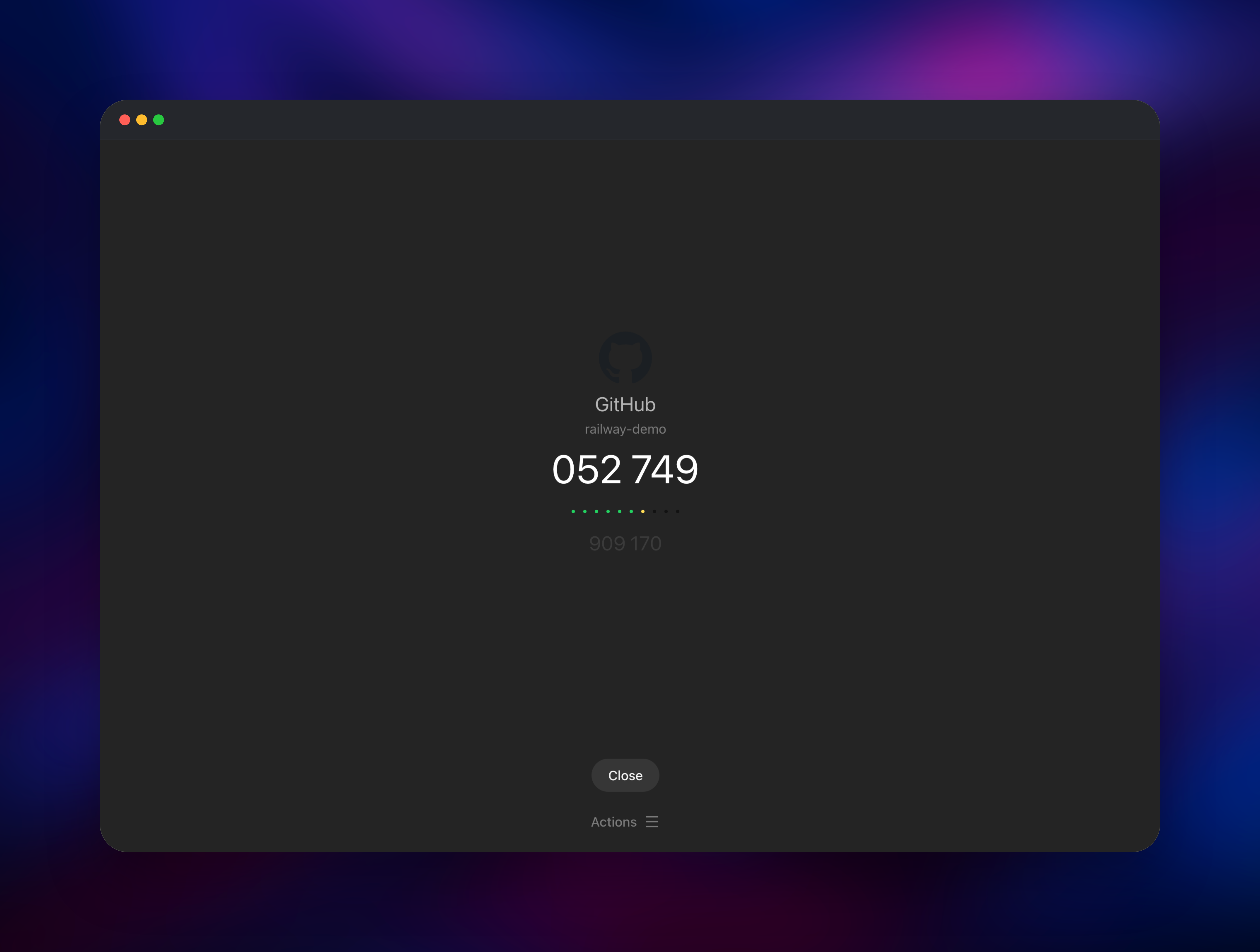
Now add your first account. Click New, then scan a QR code with your webcam, upload a screenshot of one, or pick "Use the advanced form" and paste the base32 secret by hand. Open the account tile and a live code appears with a countdown and a preview of the next one — if the service it belongs to accepts that code, your deployment works end to end. Finally, open your avatar menu → Admin panel → Authentication and switch on Disable registration to close signups. Existing accounts import from Settings → Import.
About Hosting 2FAuth
2FAuth is a Laravel and Vue application under the AGPL-3.0 licence that acts as a personal or team vault for one-time-password seeds. Self-host it when you want codes on a desktop, need a recoverable backup of seeds that otherwise live only on a phone, or have a policy that authentication material must not sit with a SaaS vendor.
Key features:
- TOTP, HOTP and Steam codes, with configurable digits, period and algorithm
- QR capture by webcam, image upload or clipboard paste, plus manual entry
- Encrypted secrets and emails, keyed on your own application key
- WebAuthn / passkey sign-in, plus optional SSO via OpenID Connect or GitHub
- Import from 2FAS, Aegis and Google Authenticator; export in 2FAuth JSON
- Groups, search, icons, multi-user accounts and sharing between users
- A REST API with personal access tokens, used by the browser extension
The architecture is deliberately small: nginx in front of PHP-FPM on port 8000, PostgreSQL as the system of record, Redis for cache and sessions. The volume is not optional — it carries the OAuth key pair that signs API tokens, the icon cache, and the marker file the container reads to decide whether the database is already installed.
Why Deploy 2FAuth on Railway
Railway removes the server work around a security-sensitive app:
- PostgreSQL and Redis provisioned and privately networked, no wiring
- HTTPS and a domain issued automatically, which WebAuthn requires
- Persistent volume for signing keys and icons, with backups available
- One-click redeploys onto new upstream releases
- Usage-based pricing, so a personal instance stays inexpensive
Common Use Cases
- A desktop backup of codes that normally live only on your phone, so a lost handset never locks you out
- A shared vault for an on-call team needing codes for cloud consoles and registrars
- A self-hosted replacement for Authy after its desktop apps were retired
- Automated sign-in and testing, where scripts fetch codes through the REST API
Dependencies for 2FAuth
- 2FAuth —
2fauth/2fauth:8.0.1, the official image built from github.com/Bubka/2FAuth - PostgreSQL — users, groups, settings and encrypted secrets. SQLite and MySQL also work, but PostgreSQL keeps data outside the container where it can be backed up independently.
- Redis — cache and sessions, so logins survive restarts and cache writes stay off the volume.
- Volume at
/2fauth— OAuth signing keys for API tokens, plus the icon cache.
Environment Variables Reference
| Variable | Purpose |
|---|---|
APP_KEY | Encrypts secrets and emails at rest. Exactly 32 characters. Back it up. |
APP_URL | Public address. WebAuthn fails if it does not match. |
DB_CONNECTION | pgsql, replacing the image's SQLite default |
DB_HOST / DB_PORT / DB_DATABASE / DB_USERNAME / DB_PASSWORD | Database connection |
REDIS_URL | Redis connection for cache and sessions |
TRUSTED_PROXIES | *, so the app reads the real client IP and HTTPS scheme |
LOG_CHANNEL | stderr, so logs appear in the Railway log view |
MAIL_MAILER | log by default; point at SMTP for password-reset email |
Deployment Dependencies
- Source: github.com/Bubka/2FAuth · Image: hub.docker.com/r/2fauth/2fauth · Docs: docs.2fauth.app
- Runtime: PHP 8.4 with nginx, PostgreSQL 16+, Redis 7+
Hardware Requirements for Self-Hosting 2FAuth
2FAuth is light — code generation is a hash computation, and the database stays small even with hundreds of accounts.
| Resource | Minimum | Recommended |
|---|---|---|
| CPU | 0.5 vCPU | 1 vCPU |
| RAM | 512 MB | 1 GB |
| Storage | 1 GB volume | 2 GB volume |
| Database | PostgreSQL 16 | PostgreSQL 16+ |
| Runtime | PHP 8.4, nginx | PHP 8.4, nginx |
Self-Hosting 2FAuth with Docker
The quickest way to run 2FAuth outside Railway is a single container backed by SQLite. The following shell command generates a 32-character key and starts it:
docker run -d --name 2fauth \
  -p 8000:8000 \
  -v 2fauth-data:/2fauth \
  -e APP_KEY="$(openssl rand -hex 16)" \
  -e APP_URL="https://2fa.example.com" \
  2fauth/2fauth:8.0.1
For production, point the same container at an external PostgreSQL database. The following is a Docker Compose definition:
services:
  2fauth:
    image: 2fauth/2fauth:8.0.1
    ports: ["8000:8000"]
    volumes: ["2fauth-data:/2fauth"]
    environment:
      APP_KEY: replace-with-32-random-characters
      APP_URL: https://2fa.example.com
      DB_CONNECTION: pgsql
      DB_HOST: postgres
      DB_DATABASE: twofauth
      DB_USERNAME: twofauth
      DB_PASSWORD: replace-me
volumes:
  2fauth-data:
Keep the volume mounted at /2fauth in both cases. The container decides whether to install the schema by looking for a marker file there, so a missing volume makes it reinstall on every start.
Is 2FAuth Free to Self-Host?
2FAuth is free and open source under AGPL-3.0, with no paid tier, seat limits or feature gating — every capability is in the image. The only cost on Railway is infrastructure: the app container, PostgreSQL, Redis and the volume. A personal instance sits at the low end of usage-based pricing and stays flat as you add accounts.
FAQ
What is 2FAuth? A self-hosted web application that stores your two-factor authentication secrets and generates the rotating TOTP, HOTP and Steam codes those accounts require — the same job as a phone authenticator app, in a browser you can reach from any device.
What does this Railway template deploy?
The official 2fauth/2fauth image alongside managed PostgreSQL and Redis instances and a persistent volume. The app gets a public HTTPS domain; the database and Redis stay private.
How do I create the first admin user in self-hosted 2FAuth? Open the deployed URL and register. 2FAuth ships no default credentials, and the first account on a fresh instance is automatically made an administrator. Afterwards turn on "Disable registration" in the admin panel so no one else can sign up.
Why does this template include PostgreSQL and Redis? PostgreSQL keeps your encrypted secrets outside the container so they survive redeploys and can be backed up on their own. Redis handles cache and sessions, so logins are not lost on restart.
What happens if I lose my APP_KEY?
Every secret and email is encrypted with it, so without that exact value the stored accounts are unrecoverable. Keep a copy safe. Rotating it means moving the old value into APP_PREVIOUS_KEYS so existing records still decrypt.
Does 2FAuth have an API I can use from scripts?
Yes — a REST API authenticated with personal access tokens created under Settings → OAuth. The official browser extension uses the same API, and THROTTLE_API controls the rate limit.
Template Content

