
Deploy Affine
Notion alternative. Docs, whiteboard, kanban, databases & real-time sync

Just deployed
/var/lib/postgresql/data
Just deployed
/root/.affine

Redis
Just deployed
/data
Deploy and Host AFFiNE on Railway
AFFiNE is an open-source, local-first workspace that puts documents, an infinite whiteboard and structured databases on one canvas. A paragraph you write in page mode is the same object you drag around in edgeless mode, so notes, diagrams, kanban boards and wikis stop living in three separate tools. Teams reach for it when they want Notion-style docs and Miro-style whiteboarding without handing the content to someone else.
Deploy AFFiNE on Railway and the self-hosted stack comes up wired together: the AFFiNE server (ghcr.io/toeverything/affine, source at github.com/toeverything/AFFiNE), a managed PostgreSQL holding documents and history, and a managed Redis backing the job queues. A volume keeps uploads and the signing key, and migrations run on every boot.
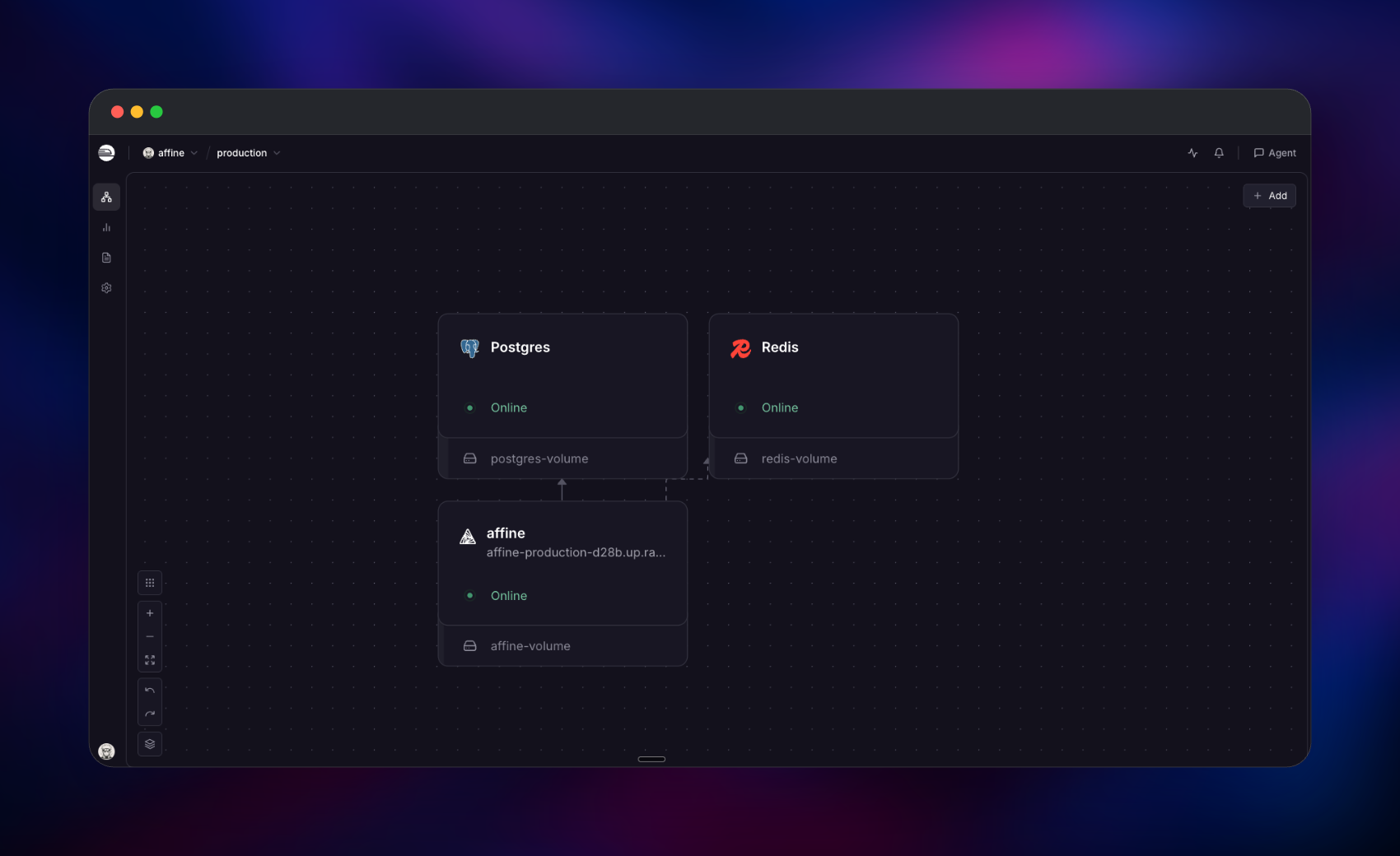
Getting Started with AFFiNE on Railway
Open the generated Railway domain once the deploy is live. A new instance has no accounts, so every route redirects to /admin/setup — there are no default credentials, and that wizard creates the first administrator. Enter a name, an email and a password of 8–32 characters, click Continue twice, and you land in the admin panel at /admin.
Now visit the root URL. You are already signed in, and the sidebar opens on a local demo workspace. Click the workspace name top-left and choose Create workspace — one created this way is a cloud workspace, so its contents sync to your Postgres database rather than only to browser storage. Add a doc with New doc, then use the page/edgeless toggle in the top bar to flip that same document onto the whiteboard; typing / in any doc reaches tables, kanban boards, mind maps and image uploads. To check the deployment is healthy, hit /info — it returns the running version and "type":"selfhosted".
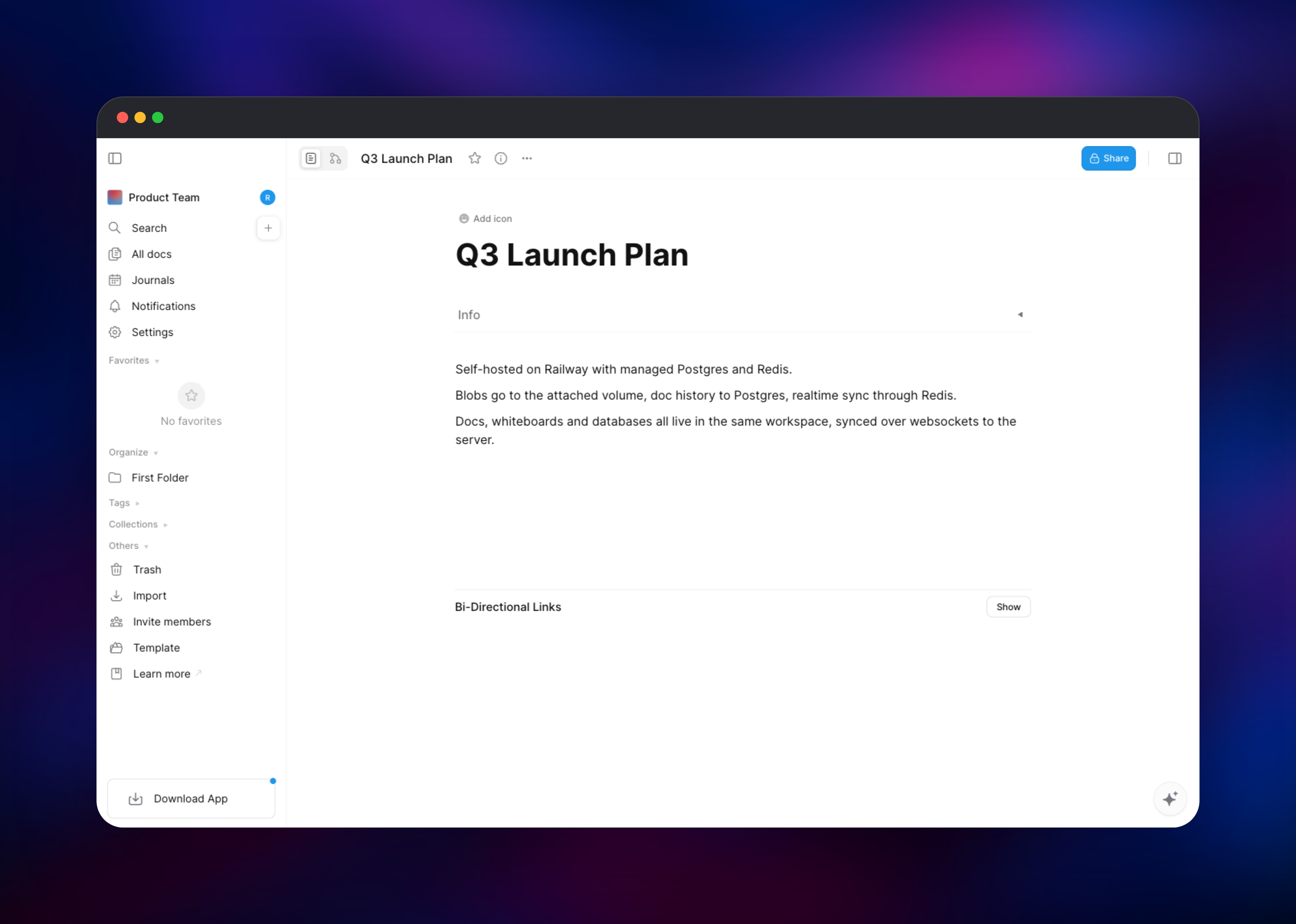
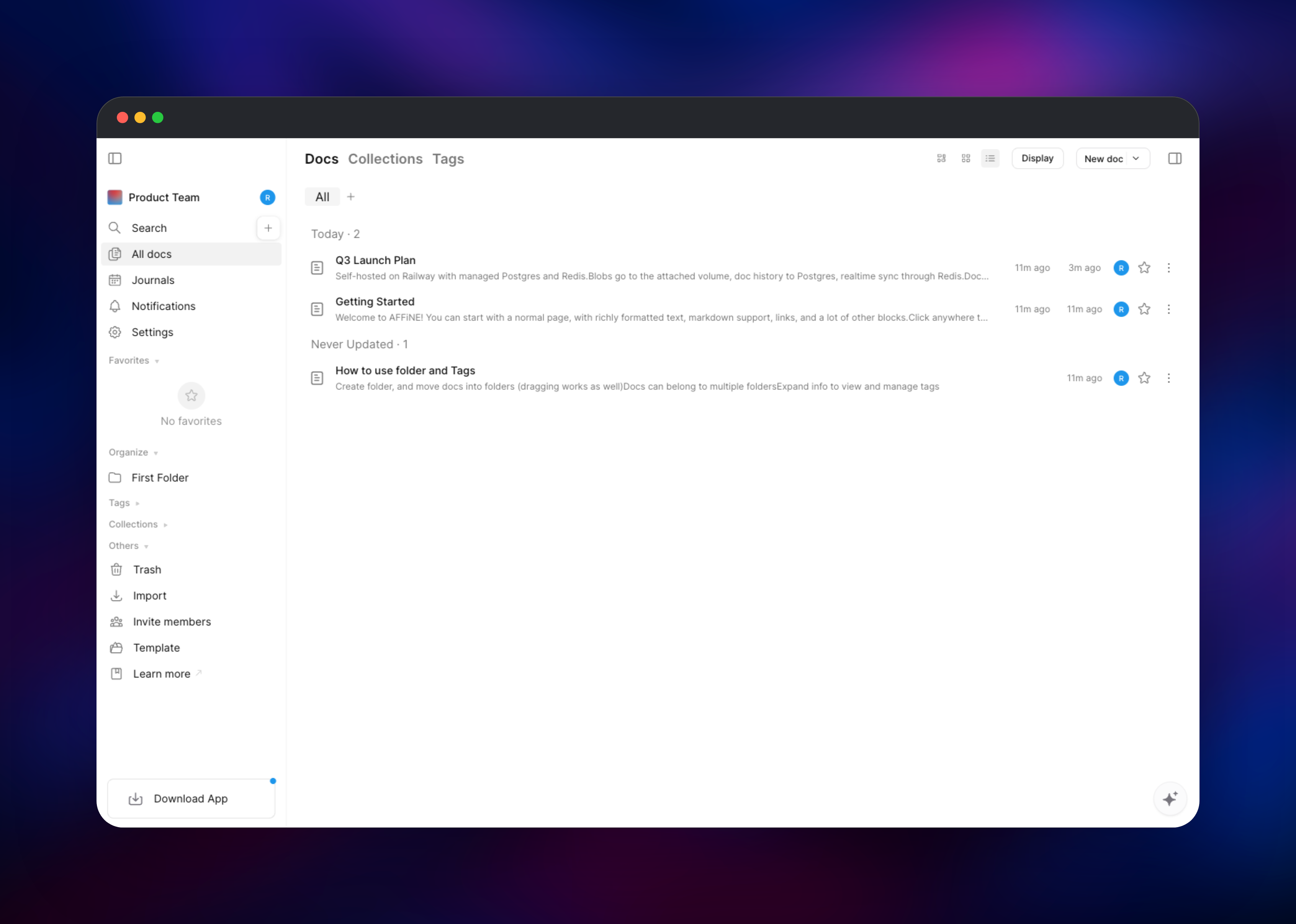
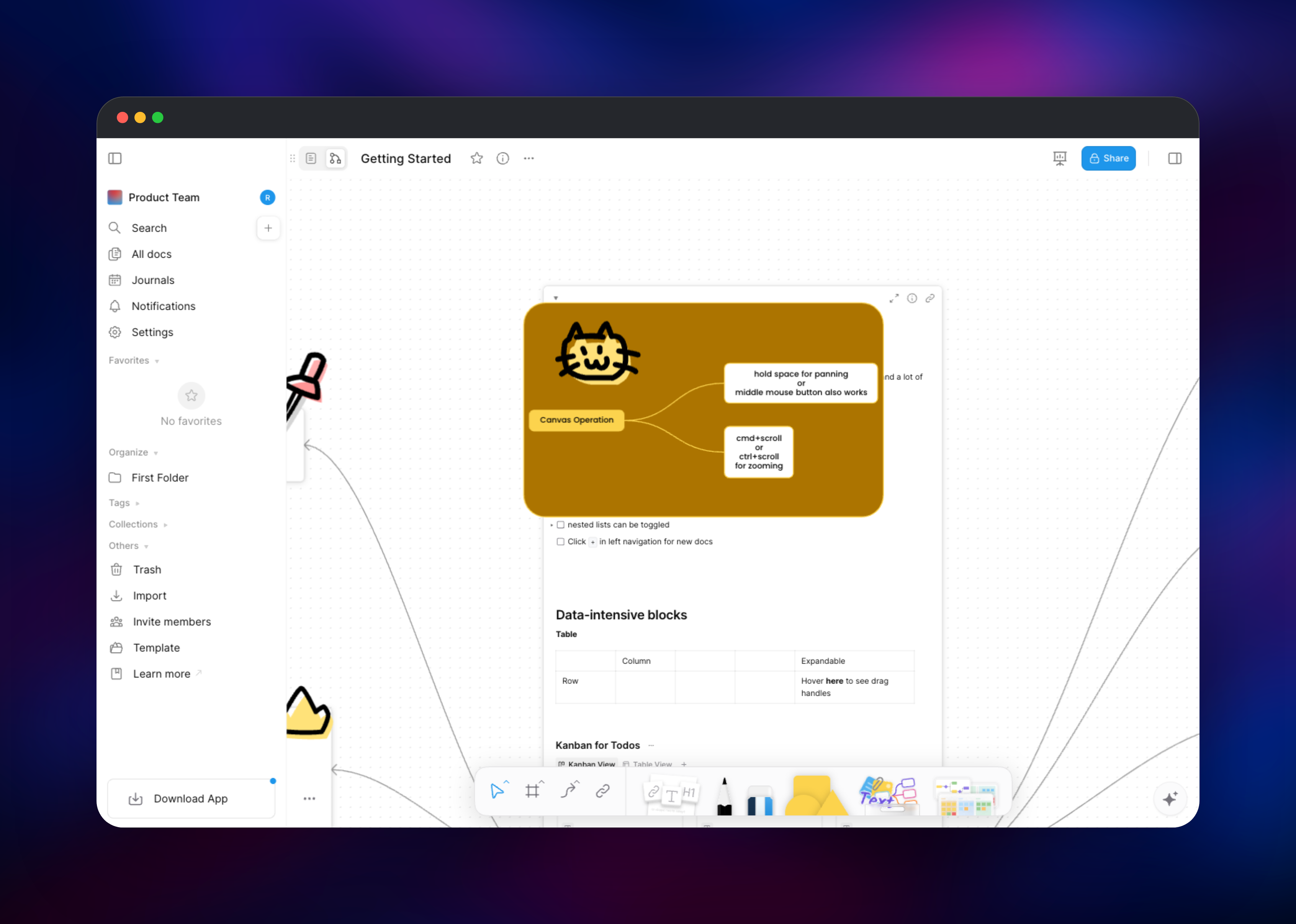
About Hosting AFFiNE
AFFiNE is TypeScript on NestJS with a CRDT-backed editor, so several people can edit one document at once and offline edits merge cleanly on reconnect. Self-host it when documents hold material you cannot put on someone else's SaaS, or when you want members without per-seat pricing.
- Page and edgeless modes over one document — write a doc, then arrange it on an infinite canvas
- Database blocks with table, kanban and calendar views, embeddable in any page
- Real-time collaboration, doc history and version snapshots
- Local-first sync — clients work offline and reconcile afterwards
- Admin panel at
/adminfor accounts, server settings, jobs and auth policy
The deployment is one AFFiNE server in its allinone flavor: frontend, the GraphQL and REST API at /graphql and /api, the websocket sync gateway at /socket.io, and the background document service, all on port 3010. PostgreSQL is the system of record, Redis carries the job queues, and the volume holds uploaded blobs and the signing key.
Why Deploy AFFiNE on Railway
Railway removes the infrastructure work self-hosting AFFiNE normally demands.
- Postgres and Redis provisioned and connected over private networking
- No Compose files, volume permissions or reverse-proxy config to maintain
- HTTPS and a public domain issued automatically, custom domains supported
- Migrations run on every deploy, so an upgrade is a tag change
Common Use Cases
- An internal wiki and handbook — engineering docs, diagrams and onboarding checklists in one workspace
- Product and design planning — sprint boards as database blocks, user flows drawn beside the spec
- Client-confidential notes for teams that cannot use hosted SaaS note tools
- A personal knowledge base synced across desktop, web and mobile against your own server
Dependencies for AFFiNE
- AFFiNE server —
ghcr.io/toeverything/affine:0.27.3on port 3010: frontend, API, sync, background jobs. - PostgreSQL — Railway managed. Documents, users, workspaces, permissions and history. Migrations create the
vectorandpgcryptoextensions on first boot; the managed database has both. - Redis — Railway managed. Job queues and realtime coordination.
- Volume —
/root/.affine: uploads plus the signing key.
Environment Variables Reference
| Variable | Description | Required |
|---|---|---|
DATABASE_URL | PostgreSQL connection string | Yes |
REDIS_SERVER_HOST / _PORT / _PASSWORD | Redis connection details | Yes |
AFFINE_SERVER_EXTERNAL_URL | Public base URL for generated links | Yes |
AFFINE_SERVER_HTTPS | Marks the site HTTPS so session cookies are secure | Yes |
AFFINE_SERVER_PORT | Port the server listens on (3010) | Yes |
DEPLOYMENT_TYPE | selfhosted — enables /admin/setup and admin panel | Yes |
AFFINE_CONFIG_JSON | Config overrides written to ~/.affine/config/config.json | Yes |
AFFINE_INDEXER_ENABLED | Server-side search; needs an external search service | No |
NODE_OPTIONS | Node heap ceiling for the container | No |
MAILER_* | SMTP; only for magic-link sign-in and invites | No |
Deployment Dependencies
- Source: github.com/toeverything/AFFiNE; image
ghcr.io/toeverything/affine(stablecurrently resolves to0.27.3) - Runtime: Node.js 22 on Debian, bundled in the image
- Self-hosting docs: docs.affine.pro
Server Requirements to Self-Host AFFiNE
| Resource | Minimum | Recommended |
|---|---|---|
| CPU | 1 vCPU | 2+ vCPU |
| RAM | 2 GB | 4–8 GB |
| Storage | 5 GB volume | 20 GB+, sized to your uploads |
| Database | PostgreSQL 16+ with vector, pgcrypto | Same, own instance |
| Cache / Runtime | Redis 6+, Node.js 22 (in the image) | Same |
The server sizes its Node heap from host memory, not the container limit, so keep NODE_OPTIONS=--max-old-space-size=… near half the container's RAM. First boot runs migrations before the HTTP server binds, so allow a generous health-check window.
How to Self-Host AFFiNE Outside Railway
Upstream ships a Compose file:
curl -O https://raw.githubusercontent.com/toeverything/AFFiNE/stable/.docker/selfhost/compose.yml
curl -o .env https://raw.githubusercontent.com/toeverything/AFFiNE/stable/.docker/selfhost/.env.example
docker compose up -d
Against databases you already have, the container needs the connection details and a persistent path:
docker run -d --name affine -p 3010:3010 \
  -e DATABASE_URL="postgresql://user:pass@postgres:5432/affine" \
  -e REDIS_SERVER_HOST="redis" \
  -e AFFINE_SERVER_EXTERNAL_URL="https://affine.example.com" \
  -e AFFINE_SERVER_HTTPS="true" \
  -v affine-data:/root/.affine \
  ghcr.io/toeverything/affine:0.27.3
Postgres must offer the vector extension — upstream's Compose uses pgvector/pgvector:pg16 for that.
Is AFFiNE Free to Self-Host?
The AFFiNE source is open source and free to run yourself, with no seat limits or feature gates on the self-hosted server; on Railway you pay only for the compute, database and volume it uses. AFFiNE also sells a hosted service — Cloud's free tier gives 10 GB and up to 3 members per workspace, Pro is around $6.75/month for 100 GB and 10 members, and a one-off $499.99 Believer plan covers lifetime personal Pro. Self-hosting removes those ceilings; only the AI assistant needs an external model provider key.
FAQ
What is AFFiNE and how does it compare to Notion? An open-source workspace combining documents, an infinite whiteboard and databases in one local-first, collaborative app. Notion has the bigger integration catalogue, but AFFiNE is the one you can run entirely on your own infrastructure, with multiplayer editing and a real whiteboard included rather than sold per seat.
What does this Railway template deploy?
The AFFiNE server from ghcr.io/toeverything/affine, a managed PostgreSQL, a managed Redis, and a volume for uploads and the signing key — private networking between them, public HTTPS on the app.
What are the default login credentials for self-hosted AFFiNE?
There are none. Opening the deployed URL redirects you to /admin/setup, where you create the administrator account yourself.
Why does the template include PostgreSQL and Redis? PostgreSQL holds documents, users, workspaces and version history — without it nothing survives a restart. Redis backs the job queues, and the server will not start without it.
Can other people sign up on my self-hosted AFFiNE instance? Not by default — new registrations are off, so an unknown email cannot create an account. Re-enable it under Settings → Auth → Whether allow new registrations, or invite people into a workspace instead.
Can I use self-hosted AFFiNE in production?
Yes. Add a custom domain, keep the volume attached, and pin an explicit tag such as 0.27.3 rather than stable so redeploys are not unplanned upgrades. Password sign-in needs no SMTP; set the MAILER_* variables only for magic links and emailed invitations.
Template Content

