
Deploy Apache Answer
Question-and-answer site for building a community knowledge base

Just deployed
/var/lib/postgresql/data

mailpit
Just deployed
/data
Just deployed
/data
Deploy and Host Apache Answer on Railway
Apache Answer is an open-source question-and-answer platform from the Apache Software Foundation, written in Go with a React front end. It gives a community the Stack Overflow shape — questions, answers, accepted solutions, votes, tags, reputation and badges — plus the moderation queue and permission levels that keep a growing site readable. Teams run it as a public support forum, an internal knowledge base, or an open-source project's home.
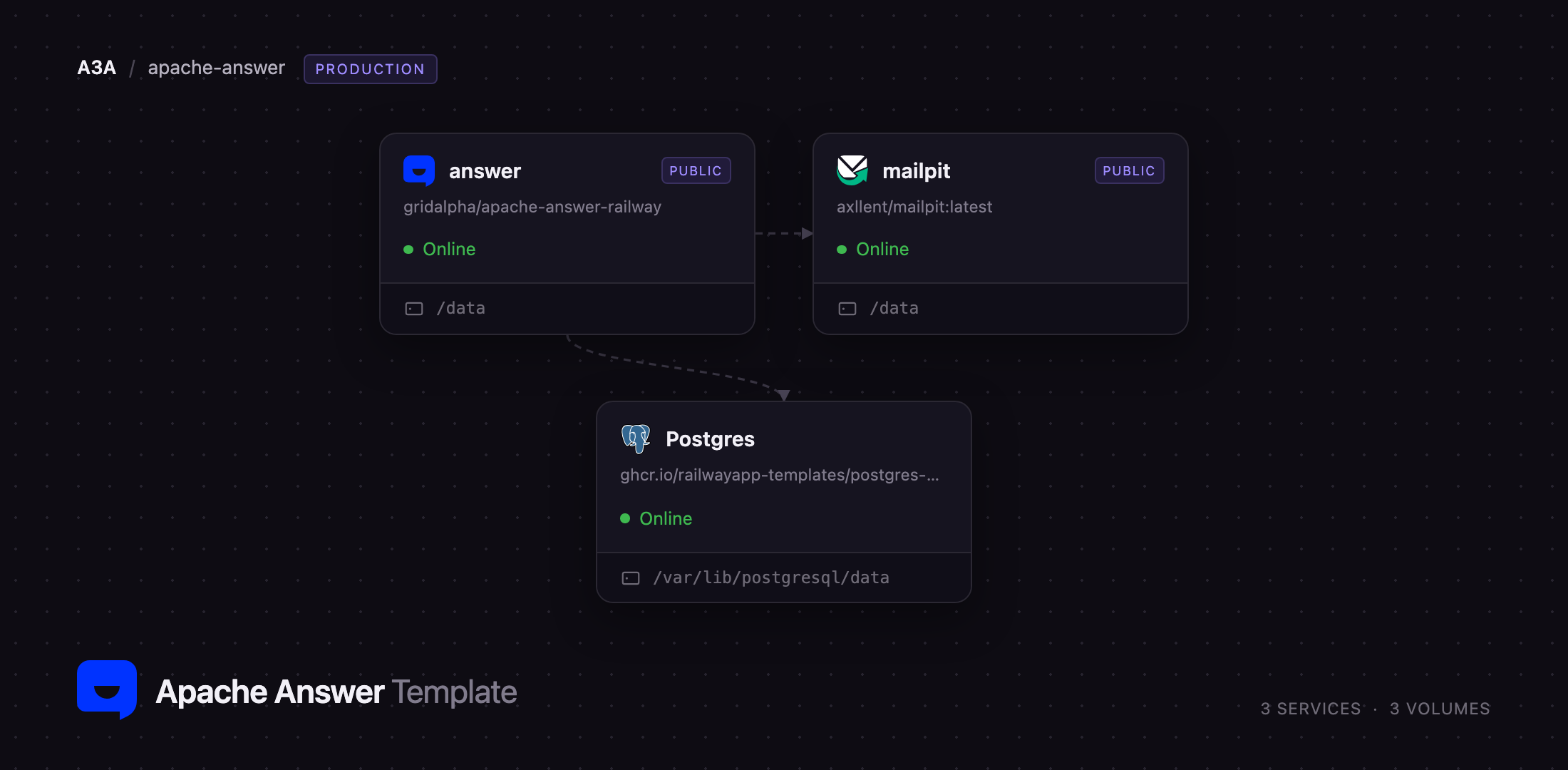
Self-host Apache Answer on Railway and the template wires up the three pieces a real community needs. The answer service runs the application with a volume at /data for configuration, language bundles and uploads. A managed Postgres service stores every question, answer, vote and account. A Mailpit service provides SMTP privately plus a web inbox for the mail Apache Answer sends: activation links, password resets and reply notifications. The site then installs itself on first boot — no setup wizard, no manual database step, and no unconfigured mail server swallowing your first sign-ups.
Getting Started with Apache Answer on Railway
Set ADMIN_NAME, ADMIN_EMAIL, ADMIN_PASSWORD and SITE_NAME when you deploy; everything else has a working default. The first boot runs Apache Answer's headless installer, which creates the schema, seeds two example questions and makes your admin account, so the public URL comes up as a working community rather than a wizard. Sign in with that email and password, then use Admin → General for the description and contact address.
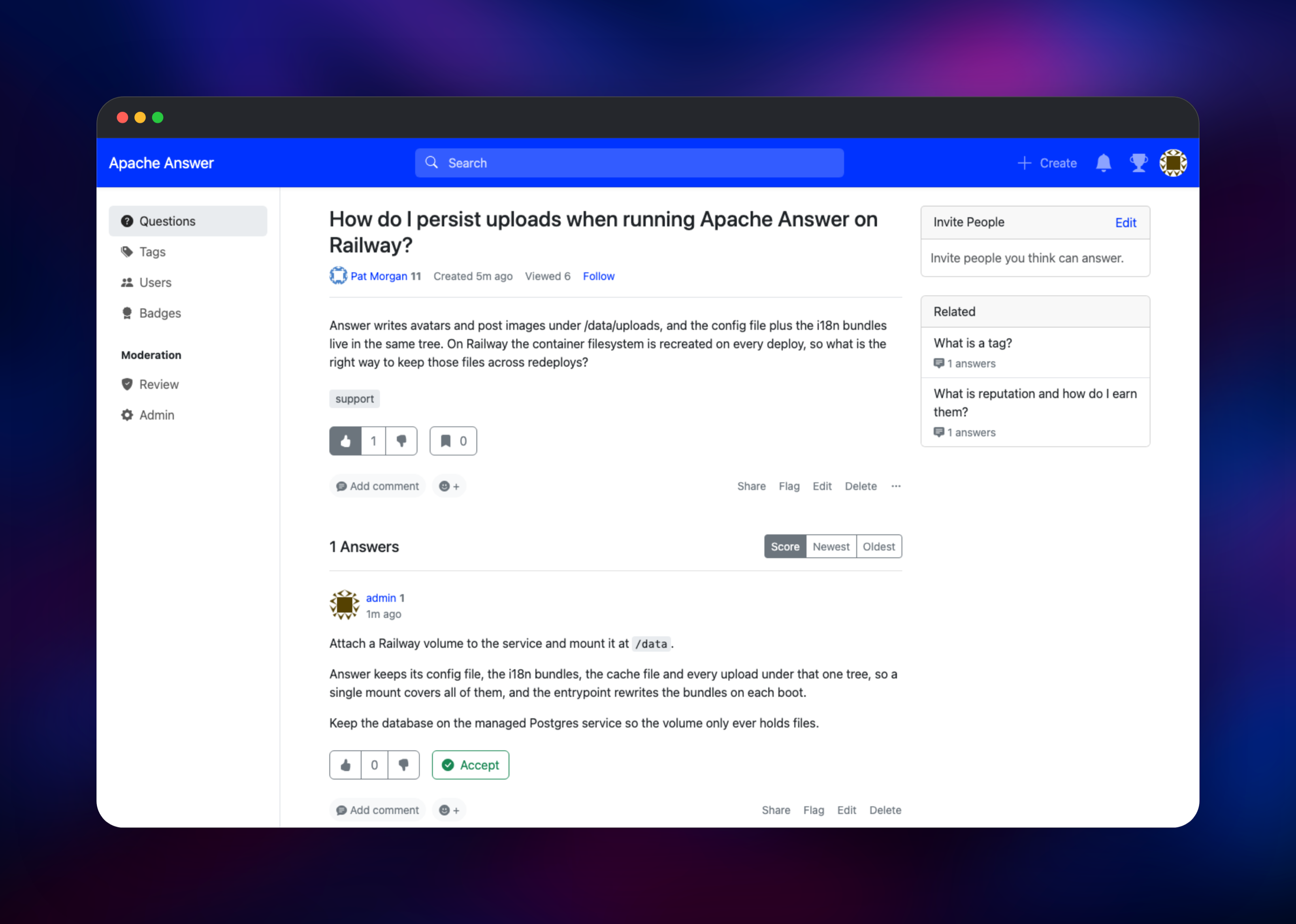
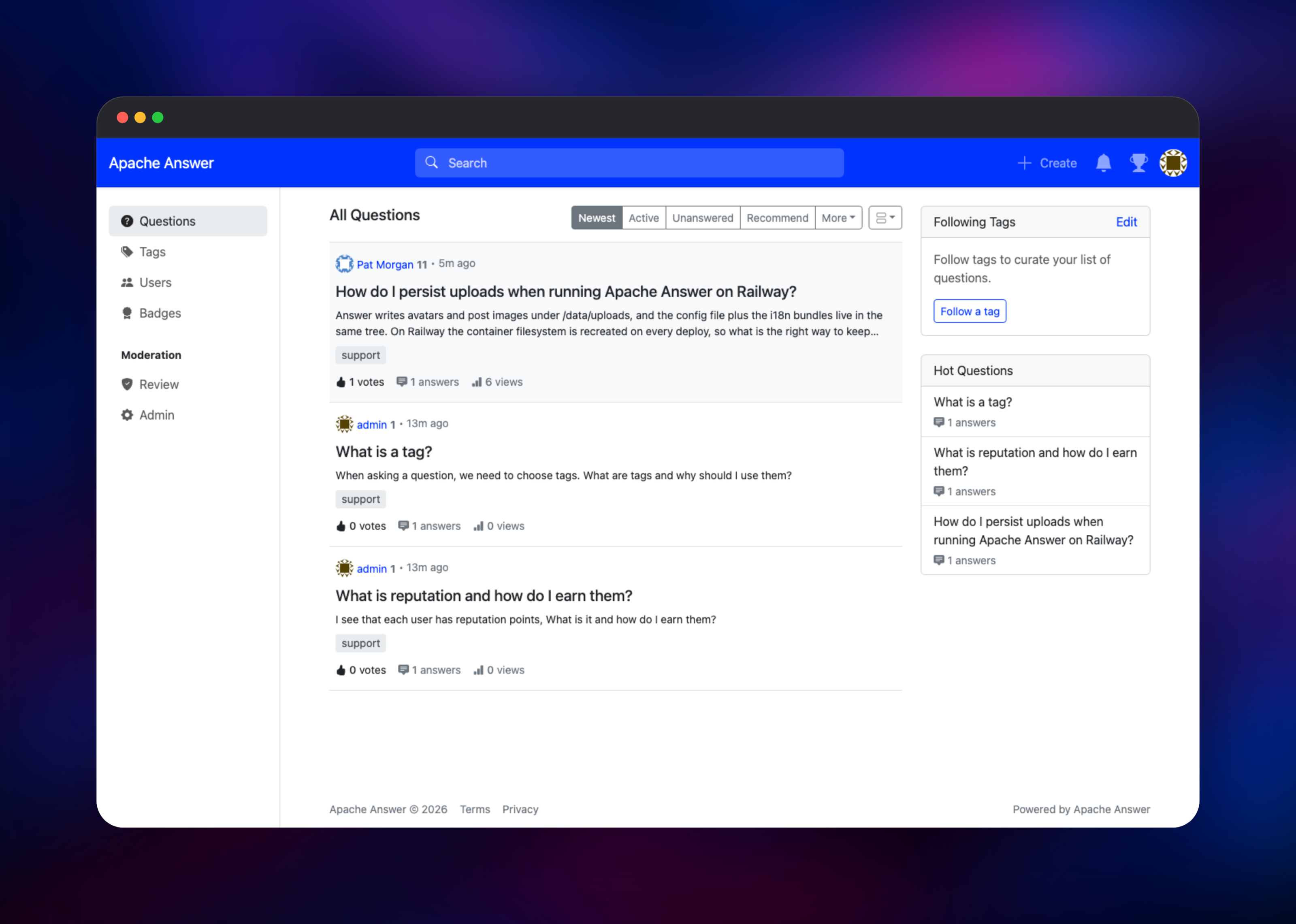
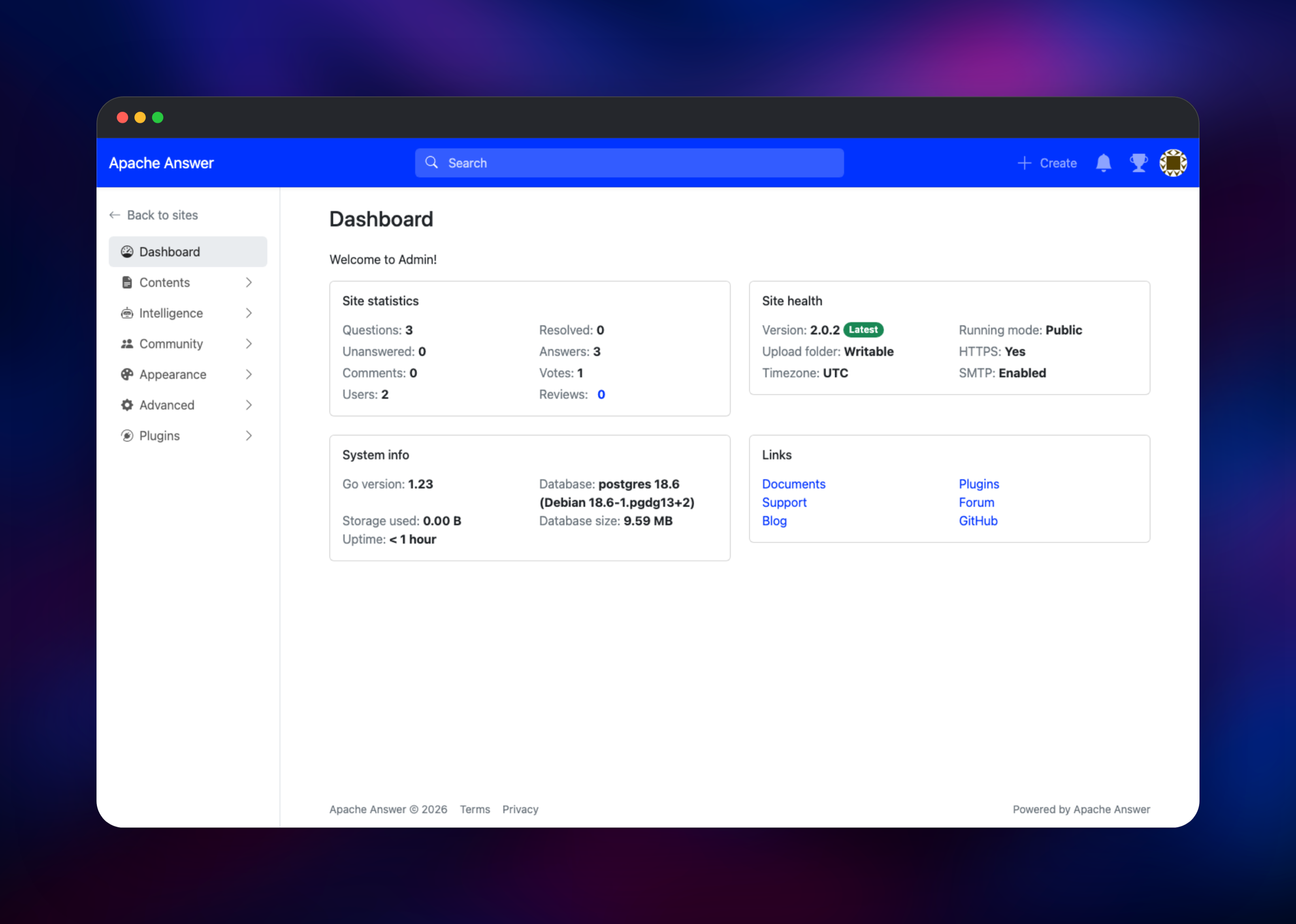
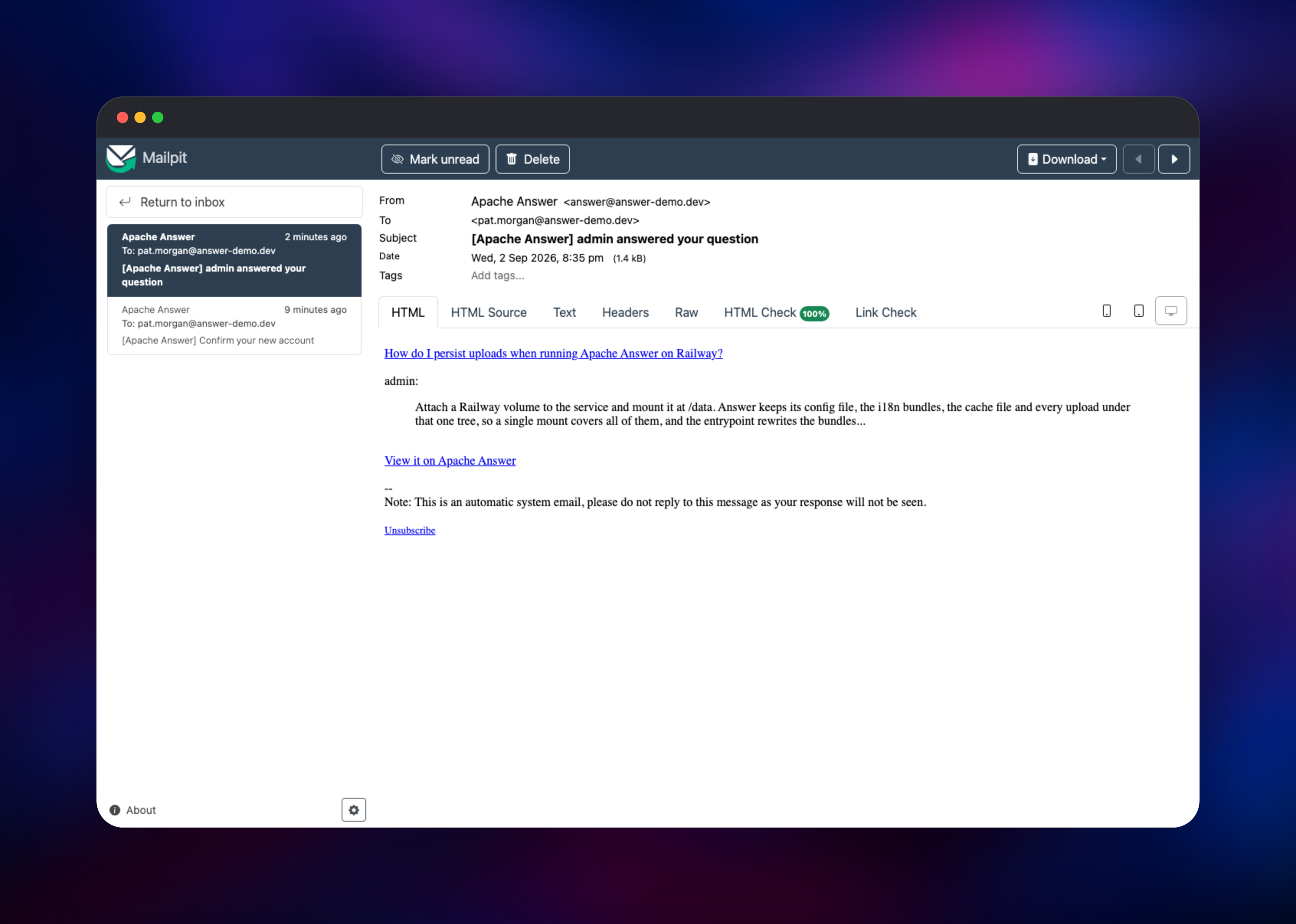
Post a question from the Create button, answer it from a second account, and upvote the answer — that round trip exercises the database, the reputation system and the notification mailer at once. To check the mail path, open the Mailpit service's public URL and sign in with its MP_UI_AUTH credentials; the activation and notification messages will be waiting. Mailpit captures mail rather than delivering it, so point the SMTP_* variables at your own relay when you go live, and confirm in Admin → Dashboard that the upload folder reads Writable and SMTP reads Enabled.
About Hosting Apache Answer
Apache Answer is a single Go binary serving both the API and the compiled front end, which makes it unusually simple to host for a product this broad. It keeps relational data in PostgreSQL, MySQL or SQLite and uploads on disk. Self-hosting makes sense when the content is the point: a knowledge base indexed under your own domain, or one whose answers never leave your network.
Key features:
- Questions, answers, comments, accepted answers, and up and down votes
- Tags with descriptions and following, plus full-text search across posts
- Reputation, ranks, badges and privilege levels that unlock moderation abilities
- A review queue for flagged content, suspensions and per-role permissions
- Thirty-plus translations, plugins for social login and spam review, and a REST API
The services divide cleanly. answer is the only one facing the internet; its volume at /data holds the configuration file, language bundles, cache snapshot and every upload. Postgres is private, and Mailpit takes SMTP on port 1025 there while serving its inbox on a separate password-protected URL.
Why Deploy Apache Answer on Railway
Railway removes the parts of self-hosting that have nothing to do with running a community.
- Postgres, the app and the mail server are provisioned and wired together
- Persistent volumes keep uploads and configuration across redeploys
- HTTPS and a public domain are issued automatically
- Private networking keeps the database and SMTP off the internet
- Redeploys pick up new releases and migrate at boot
Common Use Cases
- A public support community, replacing an inbox where the same question arrives weekly
- An internal engineering knowledge base, voted on rather than buried in chat history
- A documentation companion where readers ask follow-ups against a searchable archive
- An open-source project hub, with tags per component and contributor badges
Dependencies for Apache Answer
- Apache Answer — built from gridalpha/apache-answer-railway on top of the official
apache/answerimage. That repository adds a boot sequence which waits for the database rather than falling back to the setup wizard, and seeds the SMTP settings Answer otherwise only accepts through its admin screens. - PostgreSQL 18 — Railway's managed database, holding users, posts, votes, tags and settings. Answer migrates its own schema at startup.
- Mailpit —
axllent/mailpit, an SMTP server with a web inbox, so email verification works immediately.
Environment Variables Reference
| Variable | Purpose |
|---|---|
ADMIN_NAME / ADMIN_EMAIL | First administrator's display name and login address |
ADMIN_PASSWORD | Their password, 8–32 characters, no spaces |
SITE_NAME / SITE_URL | Community name and public base URL, used in mail and canonical links |
LANGUAGE | Interface language code, such as en_US |
EXTERNAL_CONTENT_DISPLAY | always_display, or ask_before_display to prompt before embedded media |
SMTP_HOST / SMTP_PORT | Mail server for activation and notification email |
Deployment Dependencies
- Project home and docs: answer.apache.org
- Source: github.com/apache/answer
- Plugins: github.com/apache/answer-plugins
Hardware Requirements for Self-Hosting Apache Answer
| Resource | Minimum | Recommended |
|---|---|---|
| CPU | 1 vCPU | 2 vCPU |
| RAM | 512 MB | 1–2 GB |
| Storage | 1 GB volume | 5 GB volume, growing with uploads |
| Database | PostgreSQL 12+, MySQL 5.7+ or SQLite | PostgreSQL 15+ |
The binary idles in tens of megabytes and the database stays small until a community has thousands of posts. Uploads are what grow, so size the volume around them.
Self-Hosting Apache Answer
Upstream ships one container storing everything under /data. The minimal Docker command, using SQLite and the built-in setup wizard on port 9080:
docker run -d --name answer -p 9080:80 -v answer-data:/data apache/answer:latest
Skip the wizard by supplying the installer's variables, which is what this template does. Put AUTO_INSTALL=true, DB_TYPE, DB_HOST, DB_NAME, DB_USERNAME, DB_PASSWORD, LANGUAGE, SITE_NAME, SITE_URL, CONTACT_EMAIL, ADMIN_NAME, ADMIN_EMAIL, ADMIN_PASSWORD and EXTERNAL_CONTENT_DISPLAY in an answer.env file, then run:
docker run -d --name answer -p 9080:80 -v answer-data:/data \
  --env-file answer.env apache/answer:latest
To build it yourself, clone the repository and run make build. Plugins are linked into the binary rather than loaded at runtime, so adding one means recompiling with ./answer build --with .
How Much Does Apache Answer Cost to Self-Host?
Apache Answer is free and open source under the Apache License 2.0, with no paid tier, seat limits or feature gates, and every official plugin is free too. The only cost is infrastructure: on Railway, three containers and their volumes, scaling with traffic not member count.
FAQ
What is Apache Answer?
A free, open-source question-and-answer platform from the Apache Software Foundation, providing questions, answers, votes, tags, reputation and moderation tools for a community knowledge base under your own domain.
What does this Railway template deploy?
Apache Answer with a persistent volume, a managed PostgreSQL database, and a Mailpit SMTP server with a password-protected web inbox — wired together and installing itself on first boot from the admin details you supply.
Why does the template include a database and a mail server?
PostgreSQL keeps community content off the container filesystem. The mail server matters more than it looks: Answer emails a confirmation link on registration, and without working SMTP new accounts stay inactive and cannot post.
How do I use my own SMTP provider with self-hosted Apache Answer?
Set SMTP_HOST, SMTP_PORT, SMTP_USERNAME, SMTP_PASSWORD and SMTP_ENCRYPTION before the first deploy, or change the server later in Admin → SMTP; changes made there survive redeploys. Admin → Login is where you close registration or allow-list email domains.
Can I add S3 storage, Redis caching or Elasticsearch search?
Yes, through the official plugin collection — but plugins compile into the binary, so it means a custom image built with answer build --with , then configured under Admin → Plugins.
Can I scale self-hosted Apache Answer to more than one replica?
Run a single instance. Apache Answer starts an in-process scheduler for sitemap generation, hot-question ranking and upload cleanup with no leader election, so a second replica duplicates that work. Give the one instance more CPU and memory.
Template Content


