
Deploy Audiobookshelf
Self-host Audiobookshelf on Railway: audiobooks, podcasts, ebooks
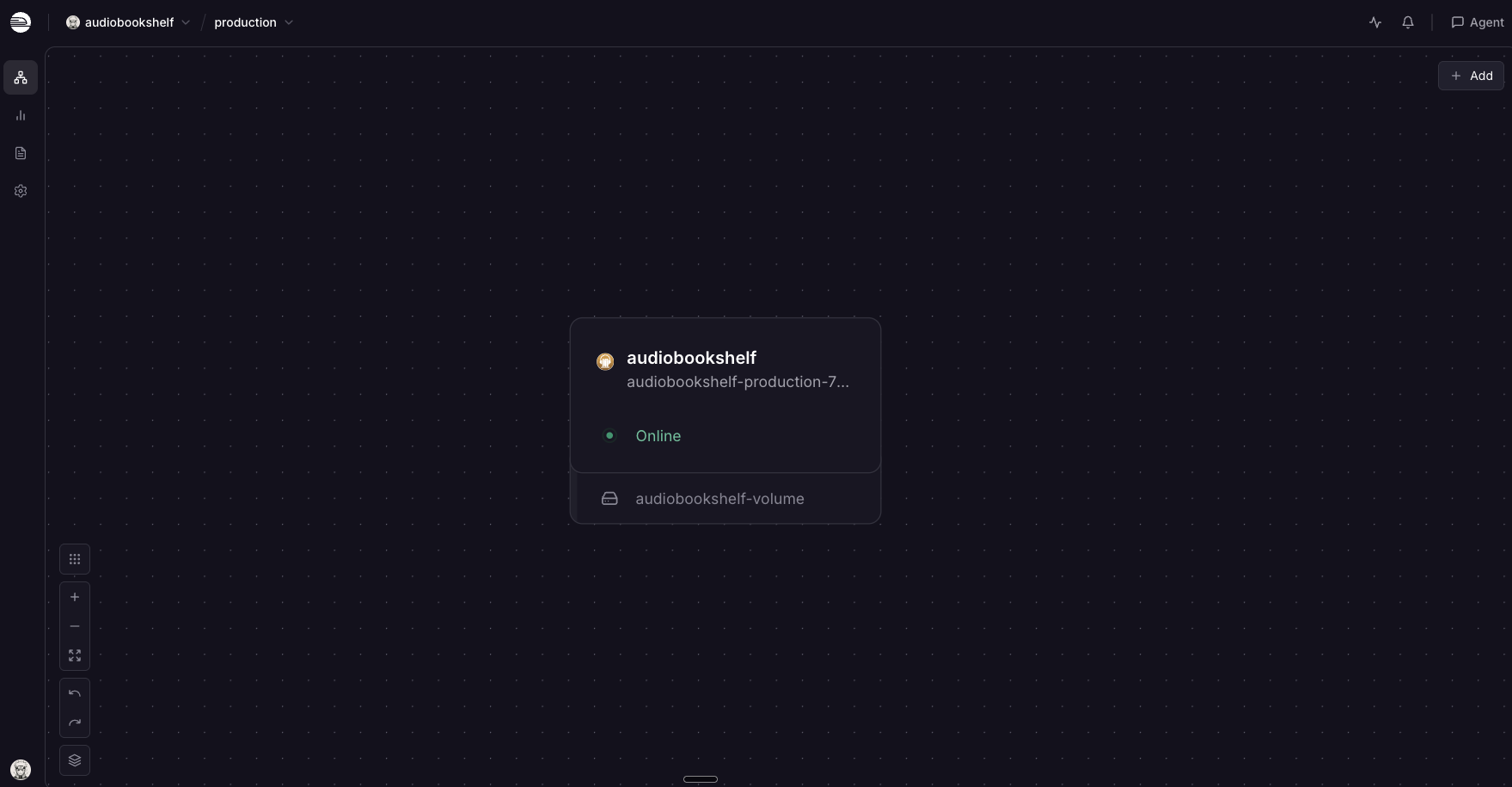
audiobookshelf
Just deployed
/data
Deploy and Host Audiobookshelf on Railway
Audiobookshelf is an open source, self-hosted server for your audiobooks, podcasts and ebooks. It scans your files, matches them against metadata providers, and serves them through a web player and official iOS and Android apps — with per-user progress sync, bookmarks, chapters and sleep timers. People self-host Audiobookshelf to own their listening library outright: no subscription, and no catalogue that shrinks when a licence expires.
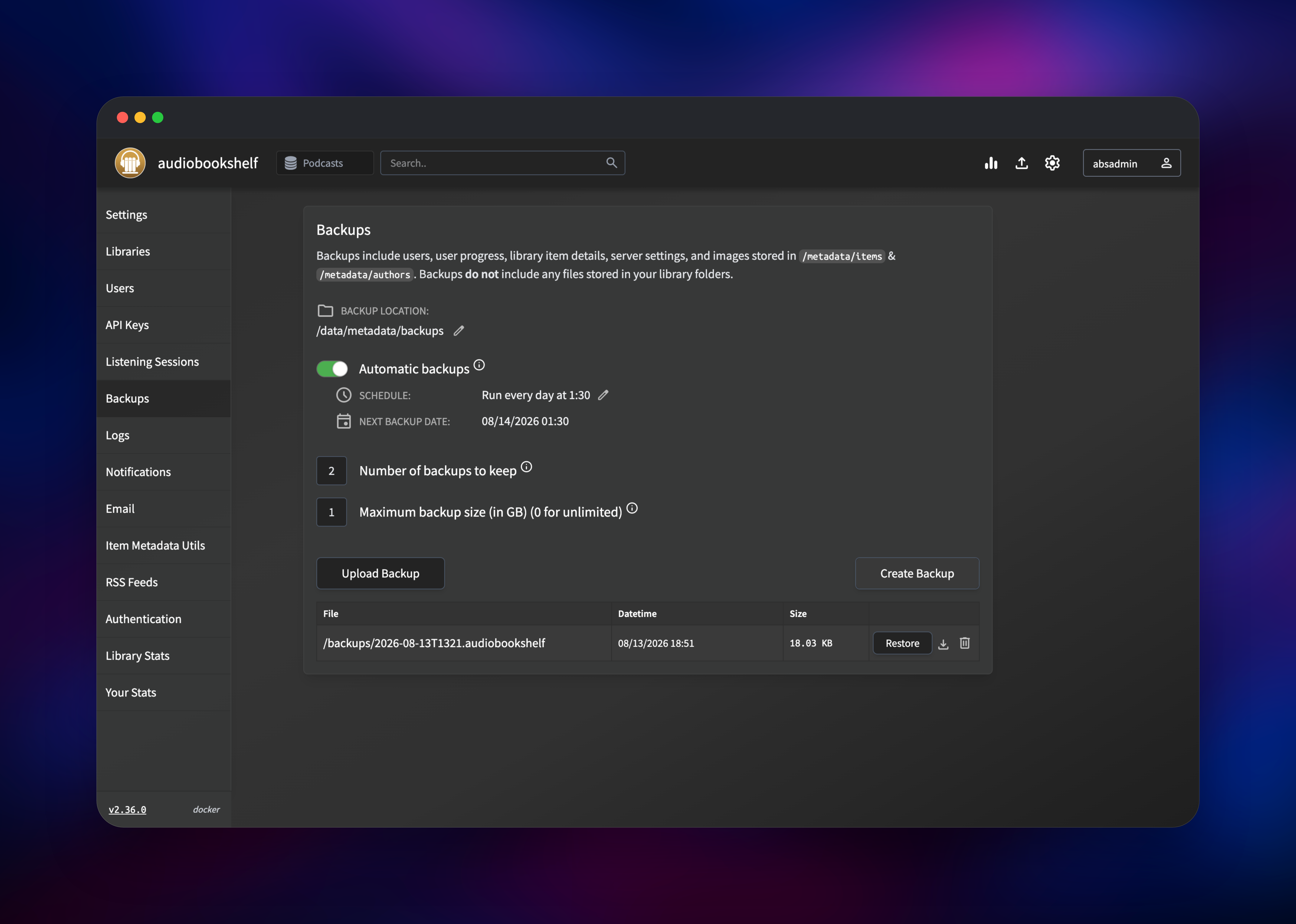
Deploy Audiobookshelf on Railway and you get the published ghcr.io/advplyr/audiobookshelf image wired to a persistent volume, a public HTTPS domain, and a health check, in a single service. Audiobookshelf keeps its own SQLite database and needs no separate Postgres, Redis or object storage — so the whole template is one container plus one disk. The volume is mounted at /data, with the database at /data/config, cached covers, metadata and backups at /data/metadata, and your library folders under /data/media.
Getting Started with Audiobookshelf on Railway
Once the deploy is green, open the generated Railway domain. The app redirects to /audiobookshelf/login and presents the Initial Server Setup form — there are no default credentials, so the first person to reach it creates the root account. Pick a strong password and sign in; the setup route is closed permanently after that, and there is no public sign-up, so extra users are created by an admin under Settings → Users.
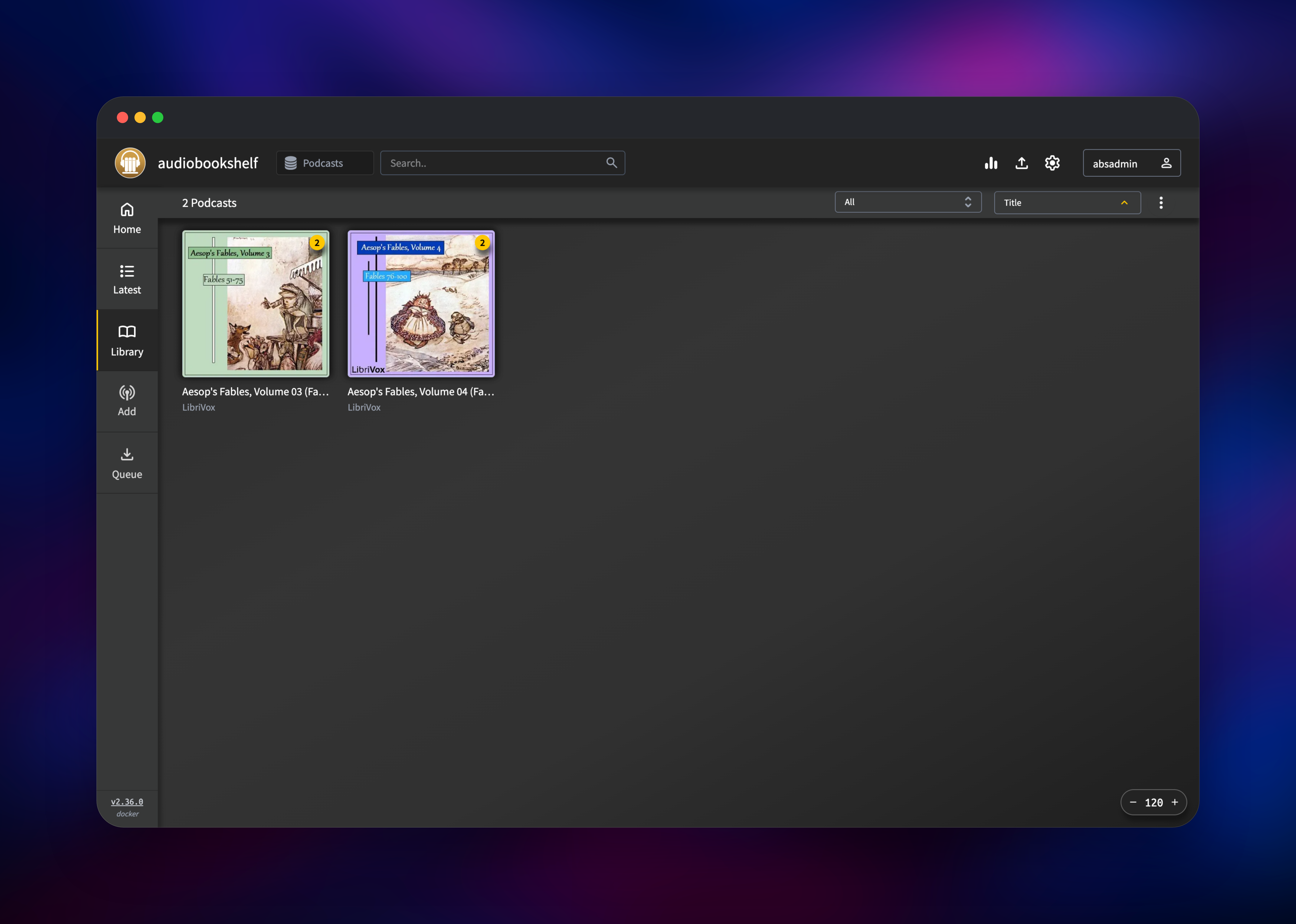
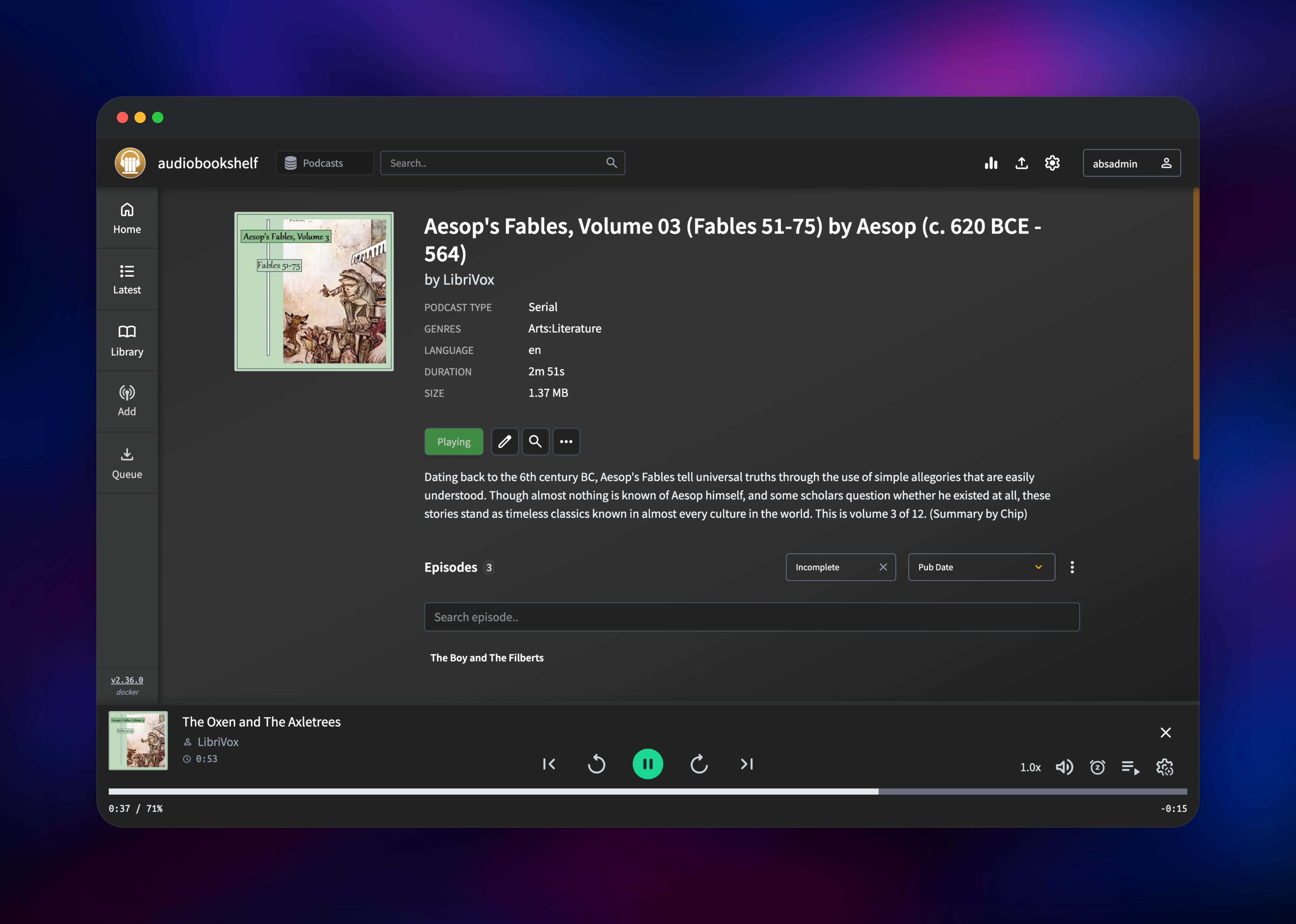
Next, go to Settings → Libraries → Add Library. Choose Books or Podcasts and set the folder path to something under the volume, such as /data/media/audiobooks — Audiobookshelf creates the directory for you. Then get media in: use Upload Media in the top bar to drag audiobook or ebook files into the library, or, for a podcast library, open Add, paste an RSS feed URL and pick episodes to download. Press play on any item to confirm streaming works end to end; GET /healthcheck returns 200 for a scriptable check.
About Hosting Audiobookshelf
Audiobookshelf turns a folder of audio files into a real listening service. It reads embedded tags and folder structure, then enriches items from Audible, Google Books, iTunes or Open Library, so a rough library ends up with covers, series, narrators and chapters.
- Audiobook, podcast and ebook libraries in one server, with a built-in EPUB/PDF/CBZ reader
- Per-user progress, bookmarks and listening stats, synced between web and mobile
- Official Android and iOS apps with offline downloads
- Podcast subscriptions with scheduled auto-download and episode cleanup
- Multi-user accounts with per-library permissions, plus OpenID Connect (OIDC) single sign-on and API keys
- Share a title by public link, or generate an RSS feed so any podcast app can play your library
Architecturally it is a single Node.js process: the HTTP API, the web client, the library scanner, the podcast downloader and the cron scheduler all live in one container, with SQLite on disk as the datastore. That is why this template has no database service to configure.
Why Deploy Audiobookshelf on Railway
Railway removes the server-admin half of self-hosting:
- Persistent volume attached and mounted — no Docker volume wiring
- HTTPS and a public domain issued automatically, with custom domains available
- Health checks and automatic restarts on failure
- One-click redeploys when you bump the image tag
- Metrics, logs and disk usage in one dashboard
- No VPS to patch, firewall or keep online
Common Use Cases for Self-Hosted Audiobookshelf
- Hosting a DRM-free audiobook collection bought from Libro.fm, Downpour or Humble Bundle, playable on any phone
- Running a household library where each family member keeps their own position in the same book
- Replacing a podcast app with a server that archives episodes permanently, including feeds that delete their back catalogue
- Serving a book club or small team with per-library permissions and SSO
Dependencies for Audiobookshelf
- Audiobookshelf —
ghcr.io/advplyr/audiobookshelf:2.36.0(also on Docker Hub asadvplyr/audiobookshelf). Source: https://github.com/advplyr/audiobookshelf - Persistent volume — mounted at
/data. Holds the SQLite database, cached metadata, backups and every media file under one mount. - No external database, cache or object storage is required.
Environment Variables Reference
| Variable | Description | Required |
|---|---|---|
PORT | HTTP port the server listens on. Keep at 80. | Yes |
CONFIG_PATH | Directory for the SQLite database and server settings. Must be on the volume. | Yes |
METADATA_PATH | Directory for covers, item metadata and backups. Must be on the volume. | Yes |
JWT_SECRET_KEY | Signs access and refresh tokens. Changing it signs every user out. | Yes |
TZ | Server timezone, used by backup and scan schedules. | No |
NODE_OPTIONS | Node heap ceiling. --max-old-space-size=4096 keeps Node sized to the container. | No |
RATE_LIMIT_AUTH_MAX | Failed-login attempts allowed per window. Defaults to 40; 0 disables the limiter. | No |
RATE_LIMIT_AUTH_WINDOW | Login rate-limit window in milliseconds. Defaults to 10 minutes. | No |
BACKUP_PATH | Override the backup directory. Defaults to /backups. | No |
Deployment Dependencies
- Runtime: Node.js 20 with ffmpeg and ffprobe, both bundled in the image
- Docker image: https://ghcr.io/advplyr/audiobookshelf
- Source repository: https://github.com/advplyr/audiobookshelf
- Documentation: https://www.audiobookshelf.org/docs
Hardware Requirements for Self-Hosting Audiobookshelf
| Resource | Minimum | Recommended |
|---|---|---|
| CPU | 1 vCPU | 2 vCPU (faster scans and transcoding) |
| RAM | 512 MB | 1–2 GB |
| Storage | 2 GB + your media | Size the volume to your library; audiobooks average 25–500 MB per title |
| Runtime | Node.js 20 | Node.js 20 (bundled in the image) |
The server is light — it idles around 40 MB of RAM. Storage is the real constraint, and the Railway volume size available to you depends on your plan, so check that ceiling before importing a large collection.
How to Self-Host Audiobookshelf with Docker
Outside Railway, the fastest path is the published image. The following runs it with three host directories mapped in:
docker run -d \
  --name audiobookshelf \
  -p 13378:80 \
  -v $(pwd)/config:/config \
  -v $(pwd)/metadata:/metadata \
  -v $(pwd)/audiobooks:/audiobooks \
  ghcr.io/advplyr/audiobookshelf:2.36.0
The equivalent Docker Compose service:
services:
  audiobookshelf:
    image: ghcr.io/advplyr/audiobookshelf:2.36.0
    ports:
      - 13378:80
    volumes:
      - ./config:/config
      - ./metadata:/metadata
      - ./audiobooks:/audiobooks
      - ./podcasts:/podcasts
    restart: unless-stopped
Open http://localhost:13378 and complete the same Initial Server Setup flow.
How Much Does Audiobookshelf Cost?
Audiobookshelf is free and open source under GPL-3.0. There is no paid tier, no licence key and no hosted commercial edition from the project — the official mobile apps are free too. On Railway you pay only for infrastructure: one small container plus the volume holding your media, which is usually the larger line item.
FAQ
What is Audiobookshelf? An open source, self-hosted media server for audiobooks, podcasts and ebooks. It organises your files, fetches metadata and cover art, and streams them to a web player and official mobile apps while syncing your progress across devices.
What does this Railway template deploy?
A single Audiobookshelf service running the official ghcr.io/advplyr/audiobookshelf image, with a persistent volume at /data, a public HTTPS domain and a health check on /healthcheck.
Why is there no database service in this template? Audiobookshelf uses SQLite exclusively and stores it alongside your files, so there is nothing to connect. The volume is the database — which is why it must never be detached.
How do I get my audiobooks onto the server? Use the Upload Media button in the app to drag files into a library from your browser, or point a podcast library at an RSS feed and let the server download episodes. There is no SSH into a Railway volume, so plan large imports through the uploader.
Are there mobile apps for self-hosted Audiobookshelf? Yes. The official Android and iOS apps connect to your own server URL and support offline downloads, playback speed, sleep timers and chapters, syncing progress back to the server.
Can I use single sign-on with Audiobookshelf? Yes. It supports OpenID Connect, configurable under Settings → Authentication, alongside local accounts and API keys for scripted access.
Does Audiobookshelf support ebooks? Yes. Book libraries accept EPUB, PDF, MOBI, CBR and CBZ files, and the built-in reader works in the browser.
Template Content
audiobookshelf
ghcr.io/advplyr/audiobookshelf:2.36.0

