
Deploy Automation, Scheduling, monitoring - xyops
Scheduling, automation, server monitoring, alerting, and incident response.
pixlcore/xyops:latest
Just deployed
/data
Deploy and Host xyOps | Automation Scheduling Monitoring on Railway
xyOps is an open-source platform that combines workflow automation, job scheduling, infrastructure monitoring, and incident response into a single application. Designed for developers, DevOps engineers, and operations teams, it enables users to automate recurring tasks, monitor systems in real time, manage alerts, and visualize operational health through an integrated web dashboard.
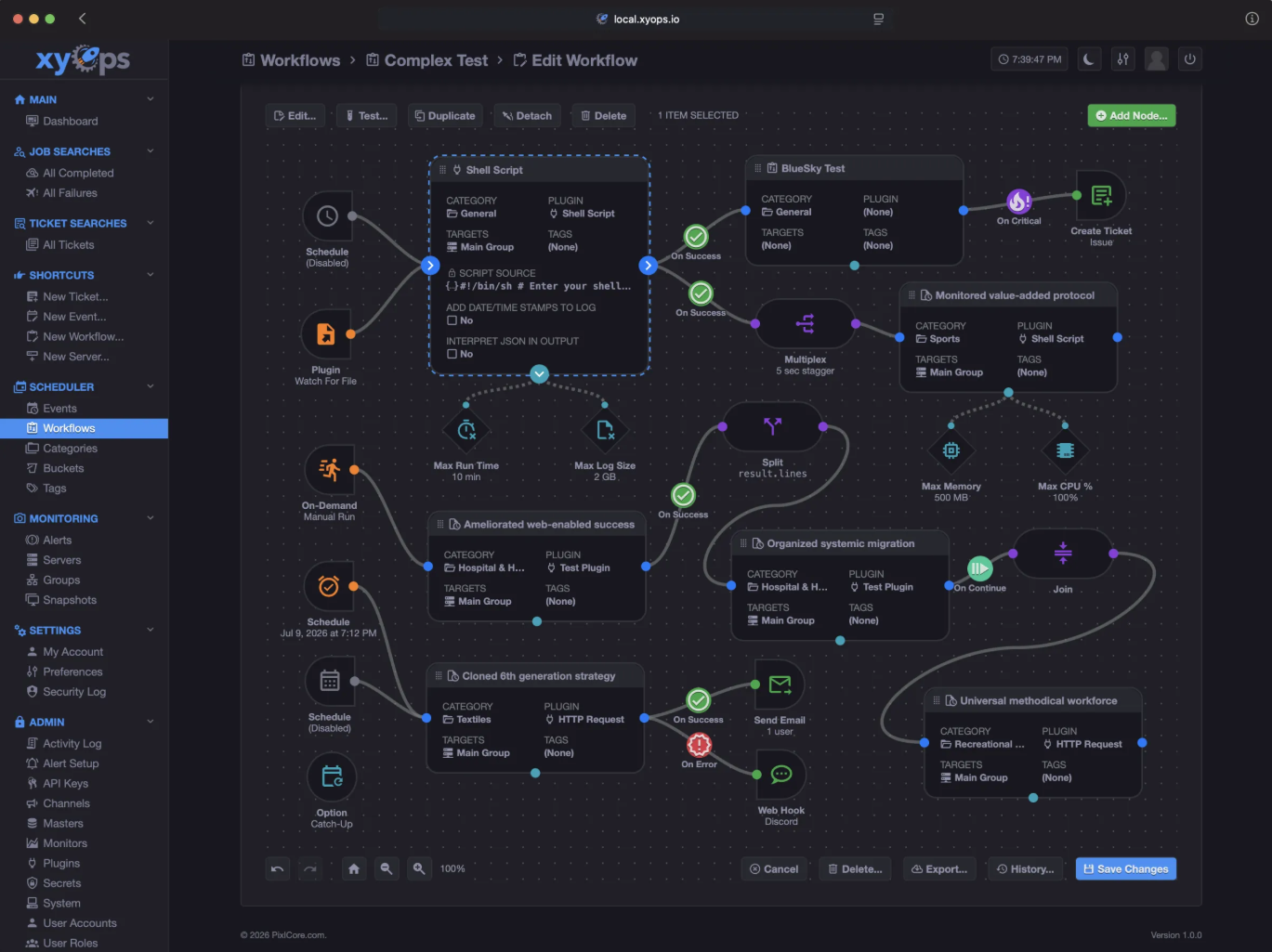
About Hosting xyOps | Automation Scheduling Monitoring
Railway makes deploying and managing xyOps simple by handling the infrastructure, networking, and HTTPS automatically. This template uses the official Docker image, allowing Railway to deploy the application without any custom build process. A Railway Volume mounted at /data persists application data and configuration across deployments and restarts. Railway also provides secure HTTPS endpoints, environment variable management, automatic deployments, and scalable infrastructure, making it an ideal platform for running continuous automation workflows, scheduled jobs, and infrastructure monitoring services.
Common Use Cases
- Automating recurring jobs and workflow pipelines through a visual scheduler.
- Monitoring servers and infrastructure with real-time alerts and health dashboards.
- Managing incidents by connecting automation, monitoring, and operational events in one platform.
Dependencies for xyOps | Automation Scheduling Monitoring Hosting
| Dependency | Required | Purpose |
|---|---|---|
| Railway Volume | Yes | Stores persistent application data and configuration. |
Deployment Dependencies
| Resource | Link |
|---|---|
| Official GitHub Repository | https://github.com/pixlcore/xyops |
| Docker Image | https://ghcr.io/pixlcore/xyops |
Implementation Details
Docker
This template deploys the official Docker image:
ghcr.io/pixlcore/xyops:latest
No build process is required because Railway pulls the prebuilt image directly.
Public Networking
| Setting | Value |
|---|---|
| Proxy Type | HTTP Proxy |
| Target Port | 5522 |
Environment Variables
Configure the following Railway Variables before deployment.
| Variable | Required | Description |
|---|---|---|
TZ | Yes | Time zone used by the application. |
XYOPS_masters | Yes | Public URL of the Railway deployment. Use ${{RAILWAY_PUBLIC_DOMAIN}}. |
XYOPS_xysat_local | Yes | Enables local monitoring mode. |
XYOPS_foreground | Yes | Runs the application in the foreground. |
XYOPS_echo | Yes | Enables console logging. |
Raw Editor example:
TZ=America/New_York
XYOPS_masters=${{RAILWAY_PUBLIC_DOMAIN}}
XYOPS_xysat_local=true
XYOPS_foreground=true
XYOPS_echo=true
Persistent Storage
A Railway Volume is required.
- Open your Railway service.
- Navigate to Settings → Volumes.
- Click Add Volume.
- Mount the volume at:
/data
The mounted volume stores persistent application data and configuration, ensuring your workflows and settings remain available after redeployments and restarts.
Build & Start
This template uses the official prebuilt Docker image.
No custom build or start commands are required.
Accessing the Application
After deployment:
- Open your Railway service.
- Go to Settings → Networking.
- Click Generate Domain.
- Open the generated Railway URL in your browser.
First Login
Use the default administrator credentials:
Username: admin
Password: admin
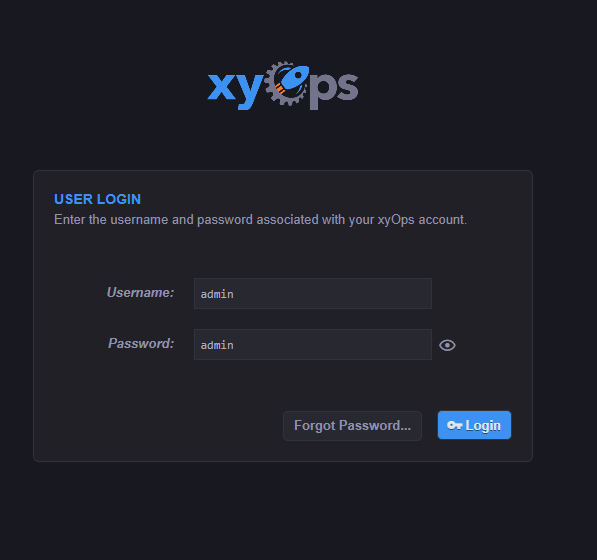
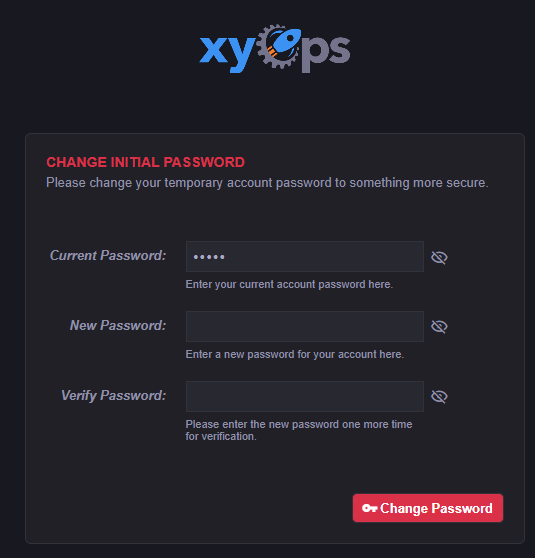
After signing in, you will be prompted to change the default password. This step is recommended to secure your deployment.
Once the password has been updated, the xyOps dashboard will load, where you can configure automation workflows, scheduled jobs, monitoring, alerts, and system settings.
Why Deploy xyOps on Railway?
Railway is a singular platform to deploy your infrastructure stack. Railway will host your infrastructure so you don't have to deal with configuration, while allowing you to vertically and horizontally scale it.
By deploying xyOps | Automation Scheduling Monitoring on Railway, you are one step closer to supporting a complete full-stack application with minimal burden. Host your servers, databases, AI agents, and more on Railway.
Template Content
pixlcore/xyops:latest
ghcr.io/pixlcore/xyops:latest