
Deploy Bookstack
Open-source wiki and knowledge base with managed MySQL, Redis and a volume
bookstack
Just deployed
/config

Redis
Just deployed
/data

MySQL
Just deployed
/var/lib/mysql
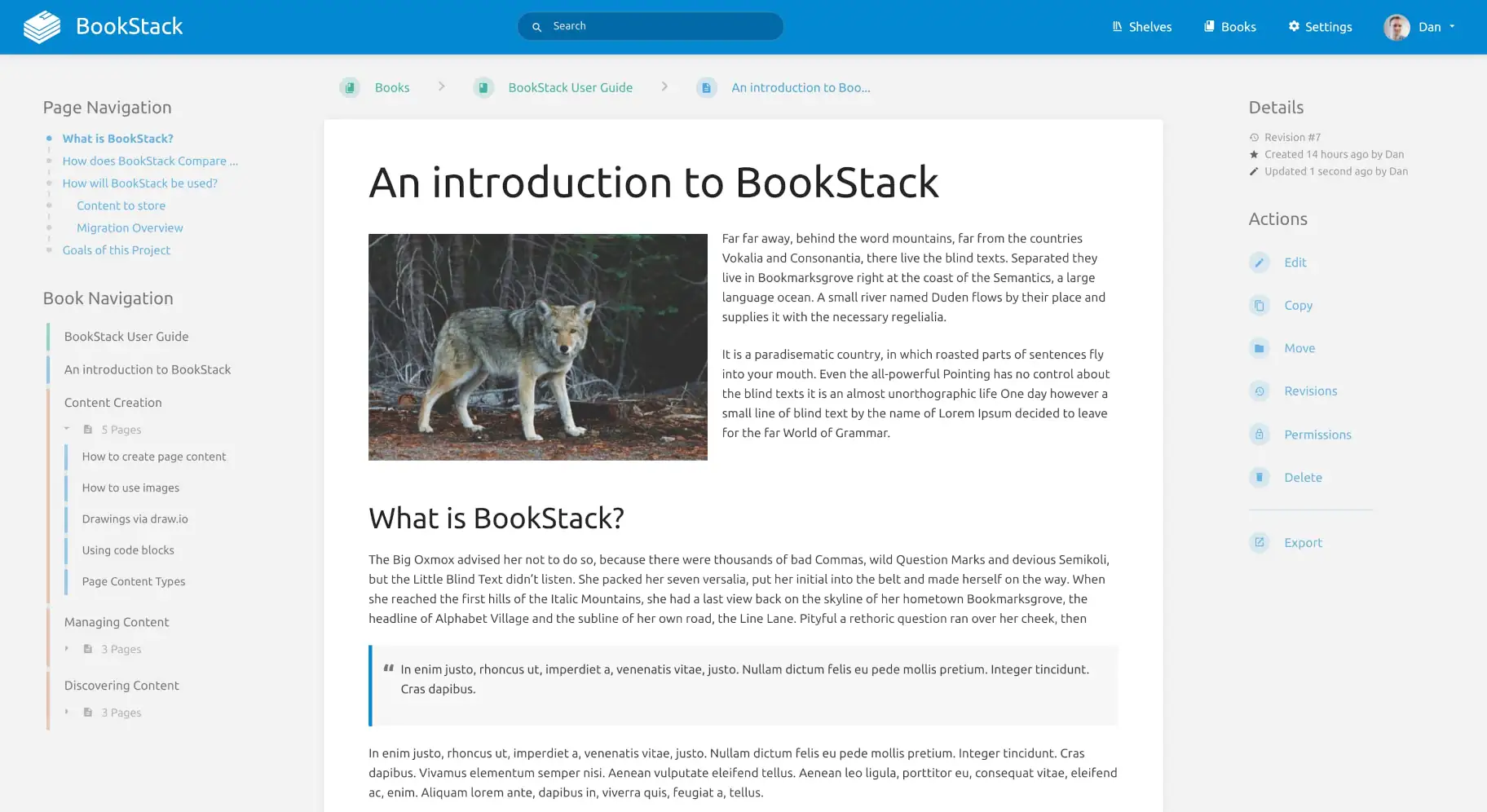
Deploy and Host BookStack on Railway
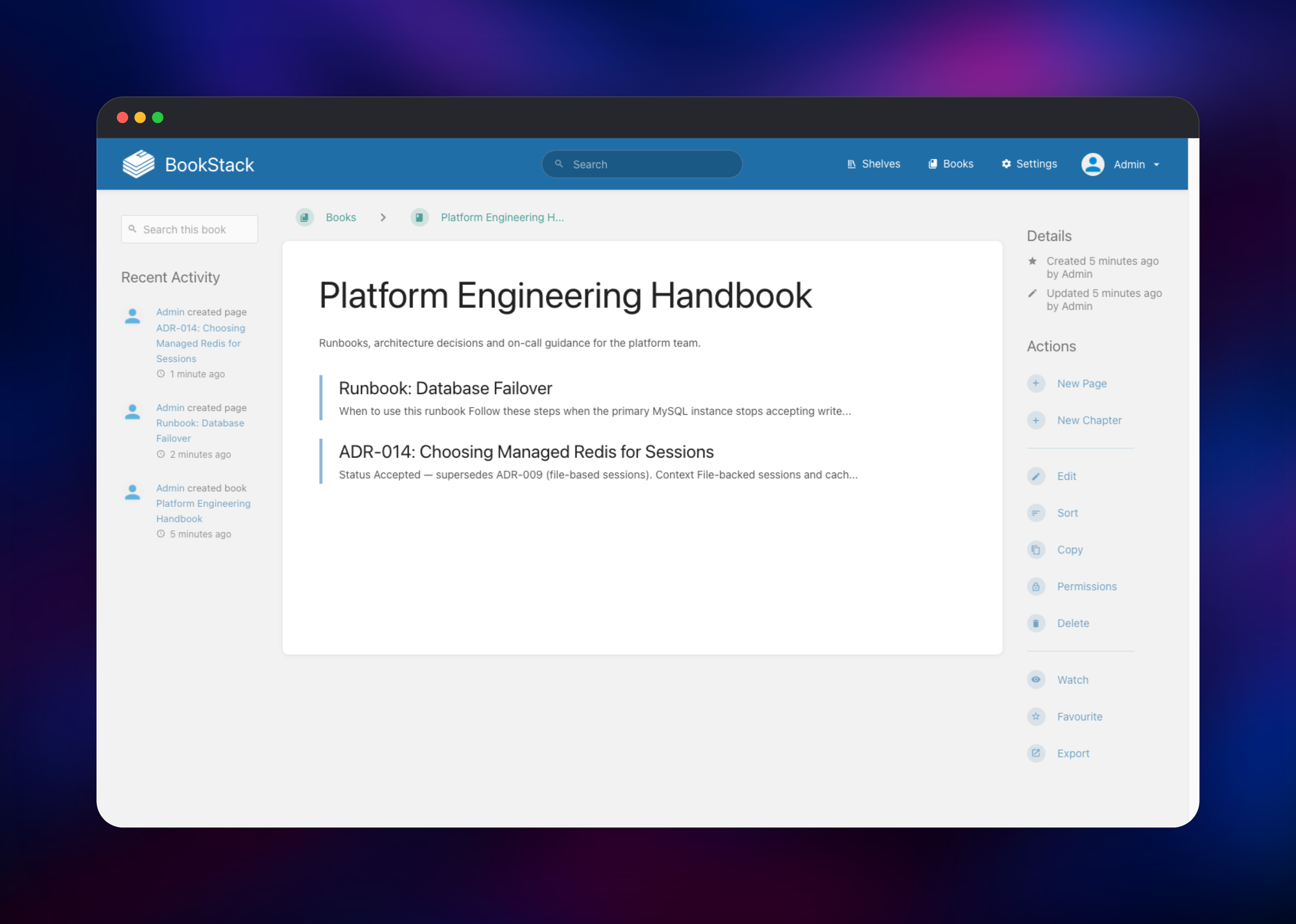
BookStack is an open-source wiki and documentation platform built on PHP and Laravel, used by engineering teams, IT departments and MSPs as a self-hosted Confluence alternative. It fixes documentation nobody can find: content is organised like a library — shelves hold books, books hold chapters, chapters hold pages — so a newcomer browses instead of guessing search terms. Every page has revision history with diffs, comments, tags and attachments, permissions apply at any level of that tree, and BookStack is MIT licensed with no seat limits.
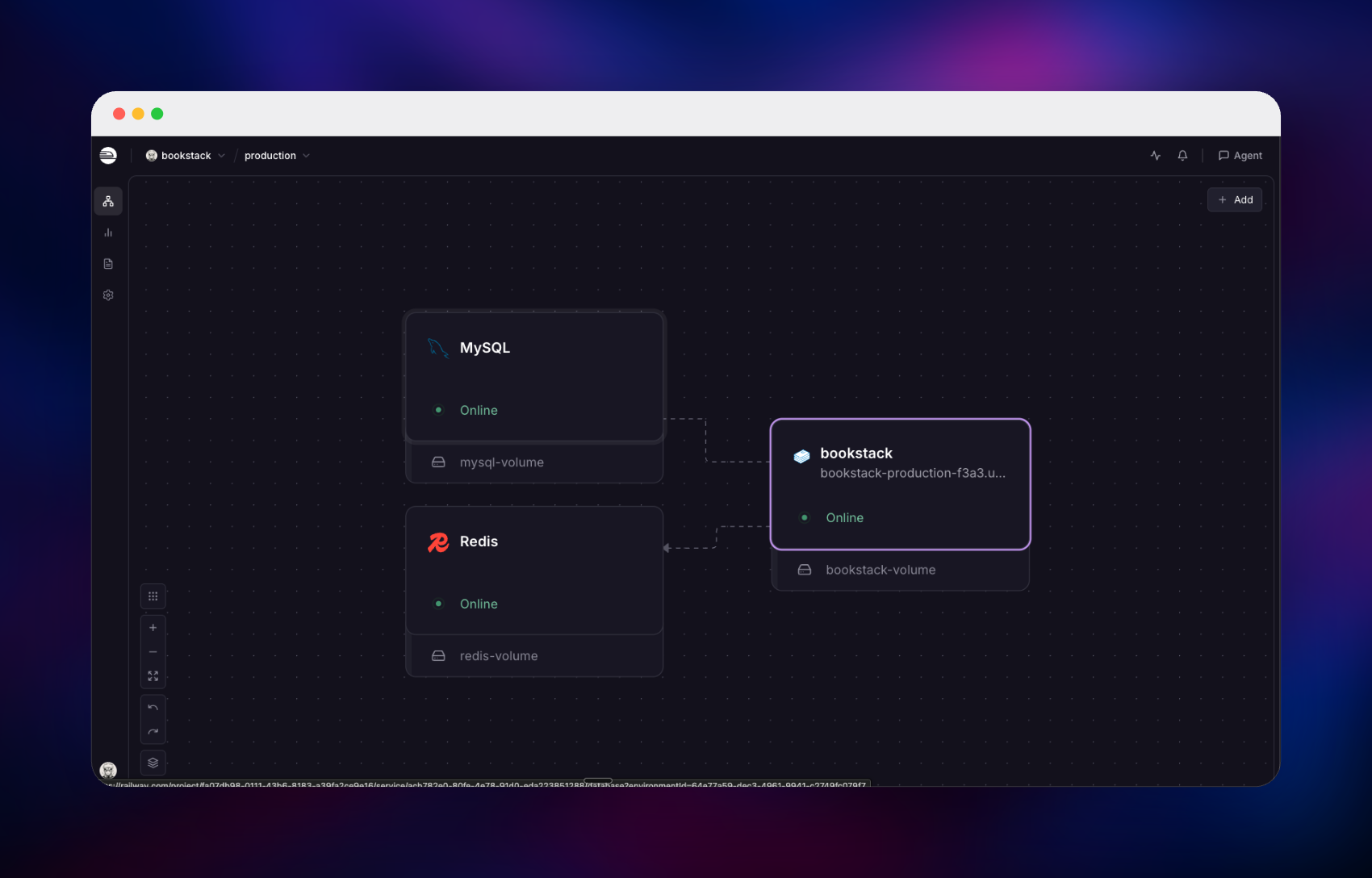
Deploy BookStack on Railway and this template wires up the three pieces it needs. The bookstack service runs lscr.io/linuxserver/bookstack:latest — nginx and PHP-FPM on port 80 behind a Railway-managed TLS domain — and the same container runs artisan queue:work, so webhooks and email go out in the background. A private MySQL database holds pages, revisions, users and the search index; a private Redis instance backs the cache, sessions and the queue. Uploads live on a Railway volume at /config, served from your own domain. To self-host BookStack you supply two values: the email and password for the first administrator.
Getting Started with BookStack on Railway
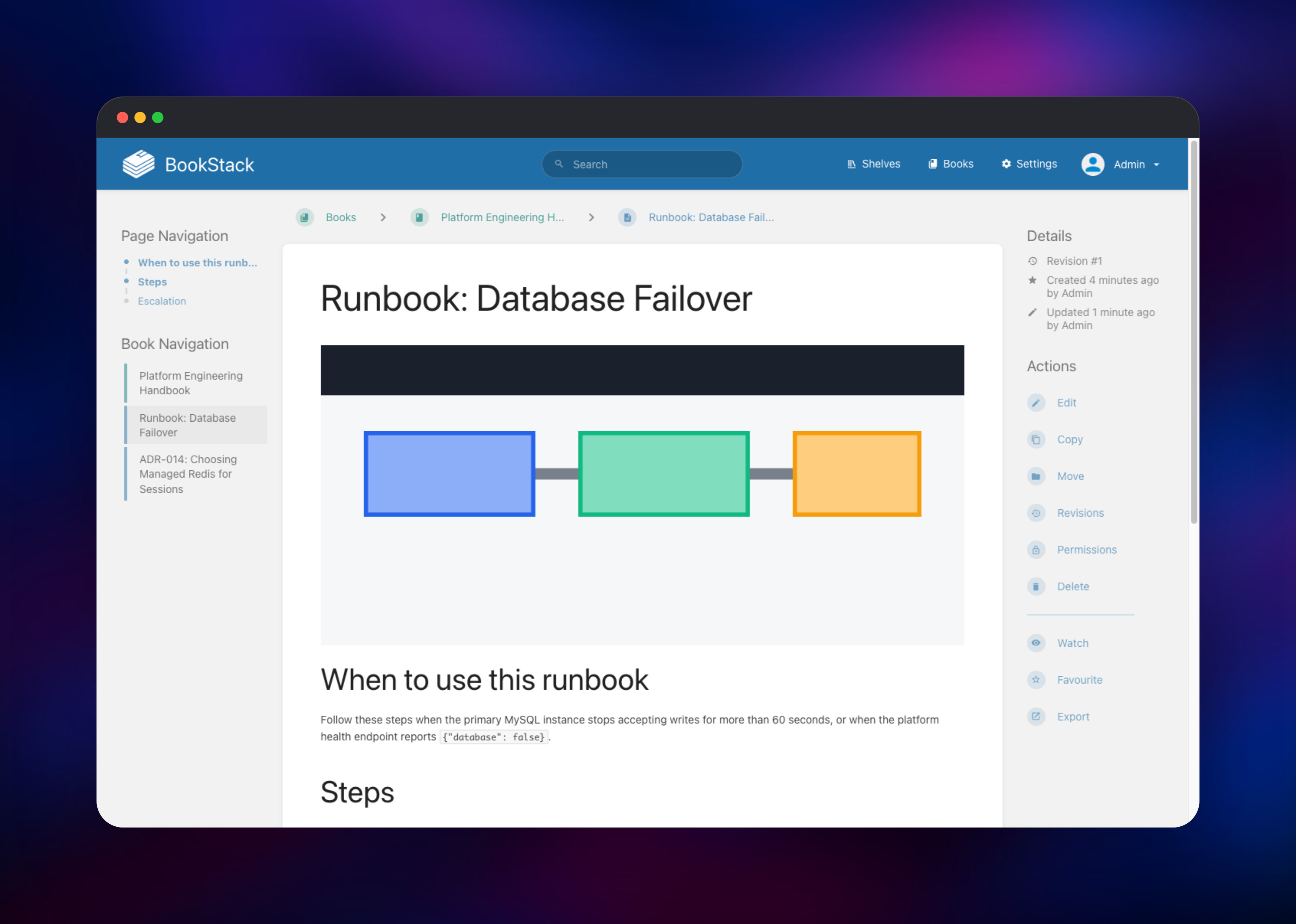
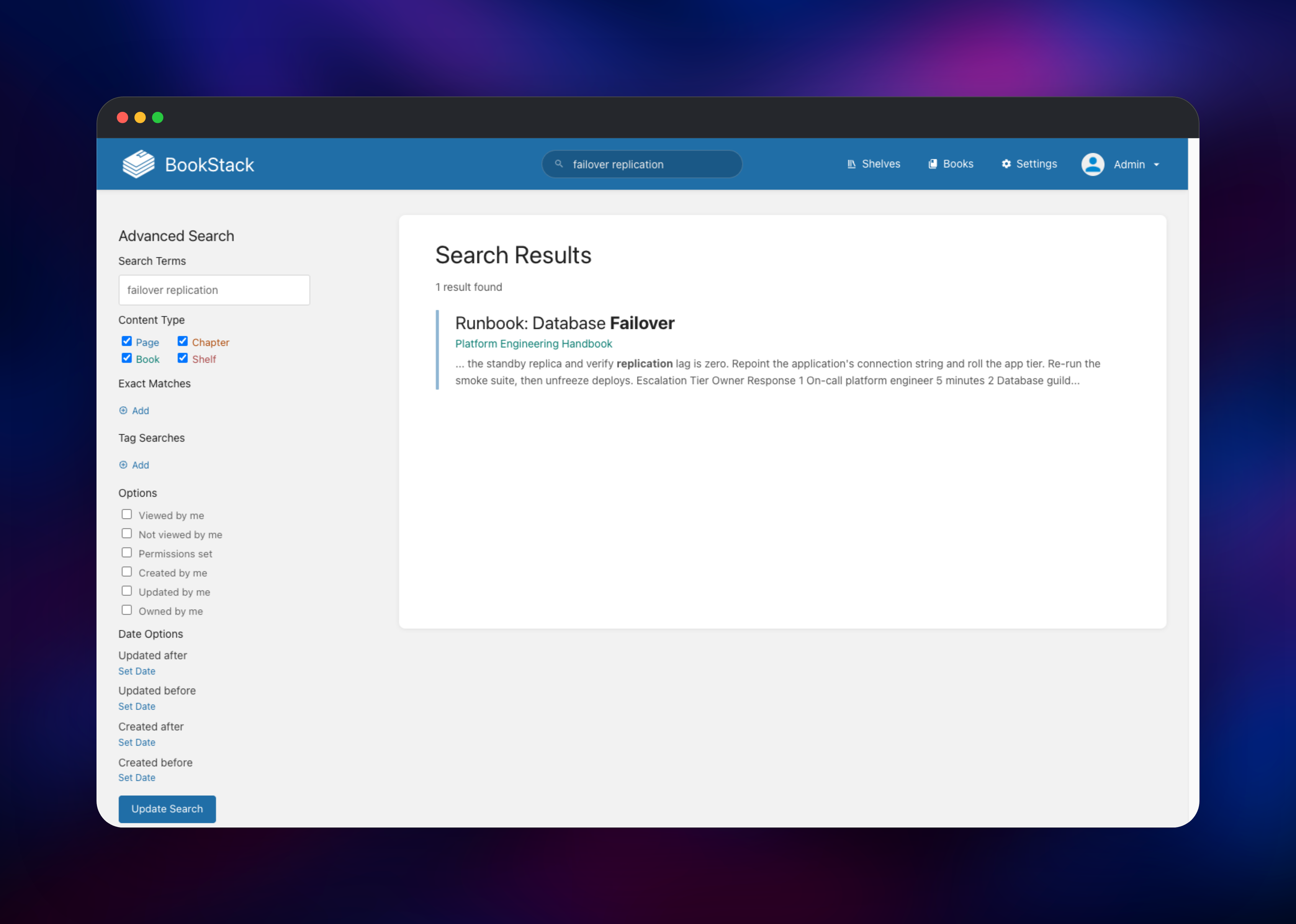
Set INITIAL_ADMIN_EMAIL and INITIAL_ADMIN_PASSWORD in the deploy form — they become your login; every other variable has a working default. When the deploy goes green, open the Railway URL and sign in. BookStack's stock admin@admin.com / password account is replaced on first boot, before the container answers a request, so it never works here; if you kept the generated password, read it from the bookstack service's variables. From the dashboard choose Books → New Book, then New Page, picking the WYSIWYG or Markdown editor in your profile. Write a heading and a table, drag in an image and save: the file lands on the volume under /uploads/images/, confirming storage works. Search a word from that page to verify MySQL's index, and open /status for {"database":true,"cache":true,"session":true} — the endpoint Railway health-checks. Registration is off by default, so invite colleagues from Settings → Users once roles and permissions are set.
About Hosting BookStack
BookStack is deliberately conventional — a Laravel app, a MySQL database and a directory of uploads — so it runs well on small instances. Teams self-host it when docs are commercially sensitive or a per-seat wiki bill stops making sense.
- Library structure and two editors — shelves, books, chapters and pages with drag-and-drop sorting, written in WYSIWYG or Markdown with live preview
- History and permissions — diffs with one-click restore, role defaults, and overrides on any shelf, book, chapter or page
- Authentication — local accounts plus SAML 2.0, OIDC, LDAP/Active Directory, Google, GitHub, Okta and Entra ID, selected with
AUTH_METHOD - Content tools — a bundled diagrams.net editor, code highlighting, page templates, comments, PDF and Markdown export, a REST API and webhooks
Only bookstack has a public domain. MySQL is the system of record and powers search. Redis holds the cache, the queue the worker drains, and sessions — so a restart does not sign everyone out.
Why Deploy BookStack on Railway
Railway removes the operational work around a self-hosted wiki:
- Managed MySQL and Redis, provisioned and wired to the app
- A public domain with TLS certificates issued automatically
- Private networking keeps the database and cache off the internet
- A persistent volume for uploads, mounted at
/config - Health checks that replace an unresponsive container
Common Use Cases
- Internal engineering handbooks — onboarding guides and runbooks, with production runbooks restricted to the on-call role
- IT and MSP knowledge bases — one book per client or system, with troubleshooting pages staff find by search
- Public product documentation — a guest-readable manual on a custom domain, exportable to PDF
- Standard operating procedures — policies where the diff and audit log matter as much as the text
Dependencies for BookStack
- BookStack —
lscr.io/linuxserver/bookstack:latest, the LinuxServer.io build of . Bundles nginx, PHP-FPM, the boot migration and the queue worker, on port 80 with data at/config. - MySQL — Railway managed,
mysql:9.4. Stores pages, revisions, users, permissions and the search index. Requires MySQL 8.0+ or MariaDB 10.6+. - Redis — Railway managed. Cache, session store and queue backend, on index
0.
Environment Variables Reference
| Variable | Purpose |
|---|---|
APP_URL | Public base URL BookStack builds links from |
APP_KEY | 32-character key encrypting sessions and secrets |
DB_HOST / DB_PORT / DB_DATABASE | Private MySQL hostname, port and database |
DB_USERNAME / DB_PASSWORD | Credentials for the scoped bookstack user |
REDIS_SERVERS | Packed host:port:database:password string |
INITIAL_ADMIN_EMAIL / INITIAL_ADMIN_PASSWORD | Login created on first boot |
APP_PROXIES | Trusted proxy CIDRs, so rate limits see real IPs |
QUEUE_CONNECTION | Queue backend; setting it also starts the worker |
STORAGE_TYPE | Where uploads live and how they are guarded |
Deployment Dependencies
- Source repository:
- Container image:
- Documentation:
- Runtime: PHP 8.2+, MySQL 8.0+ or MariaDB 10.6+, Redis 6+
Hardware Requirements for Self-Hosting BookStack
| Resource | Minimum | Recommended |
|---|---|---|
| CPU | 0.5 vCPU | 1–2 vCPU |
| RAM | 512 MB | 1–2 GB |
| Storage | 1 GB volume + 1 GB database | 10 GB+, grows with attachments |
| Runtime | PHP 8.2, MySQL 8.0, Redis 6 | PHP 8.3+, MySQL 9, Redis 7 |
BookStack is light: 2 vCPU and 2 GB RAM serves dozens of concurrent editors. Size the volume to your attachments, not page count. A volume attaches to one instance, so scale vertically, not out.
Self-Hosting BookStack
To run BookStack outside Railway, this docker-compose.yml starts the app with its database:
services:
  db:
    image: mysql:9.4
    environment:
      MYSQL_ROOT_PASSWORD: root-pw
      MYSQL_DATABASE: bookstack
      MYSQL_USER: bookstack
      MYSQL_PASSWORD: change-me
    volumes: ["db-data:/var/lib/mysql"]
  bookstack:
    image: lscr.io/linuxserver/bookstack:latest
    environment:
      APP_URL: http://localhost:6875
      APP_KEY: 32-random-characters-here
      DB_HOST: db
      DB_DATABASE: bookstack
      DB_USERNAME: bookstack
      DB_PASSWORD: change-me
    volumes: ["config:/config"]
    ports: ["6875:80"]
volumes: {db-data: {}, config: {}}
Open http://localhost:6875 and sign in as admin@admin.com / password, then change both. APP_KEY must be exactly 32 characters — use openssl rand -hex 16. For an existing database, skip Compose:
docker run -d --name bookstack -p 6875:80 \
  -e APP_URL=https://wiki.example.com -e APP_KEY=32-random-characters-here \
  -e DB_HOST=mysql.example.com -e DB_DATABASE=bookstack \
  -e DB_USERNAME=bookstack -e DB_PASSWORD=change-me \
  -v bookstack-config:/config lscr.io/linuxserver/bookstack:latest
Is BookStack Free?
BookStack is free and open source under the MIT license. There is no paid edition and no per-user pricing — SAML, OIDC, LDAP, the REST API and every other feature ship in the same build. The only cost on Railway is infrastructure: the container, MySQL, Redis, the volume and bandwidth.
FAQ
What is BookStack?
BookStack is a free, open-source, self-hosted wiki and documentation platform written in PHP on Laravel. It organises content into shelves, books, chapters and pages, with WYSIWYG and Markdown editing, full-text search, revision history and granular permissions.
What does this Railway template deploy?
Three services: BookStack on a public HTTPS domain with a volume for uploads, a private managed MySQL database, and a private managed Redis instance. The schema is migrated and your admin account created on first boot.
Why does self-hosted BookStack need MySQL and Redis?
MySQL is the system of record and holds the search-term index behind full-text search, which is why MySQL or MariaDB is the only supported engine. Redis holds the cache, sessions — so a restart does not sign everyone out — and the queue webhooks and email are dispatched to.
Is there a separate worker service for background jobs in this template?
None is needed. The container starts artisan queue:work alongside nginx whenever QUEUE_CONNECTION is set. Confirm it by registering a webhook under Settings → Webhooks and editing a page.
How do I use the BookStack REST API from my own scripts?
Enable it under Settings → Features, then generate a token ID and secret on a user's profile page. Send Authorization: Token : to endpoints such as /api/books and /api/pages.
Template Content

