
Deploy Cal.com | Open Source Calendly Alternative
Self Host Cal.com. Scheduling, calendar sync, payments, 100+ integrations

Just deployed
/var/lib/postgresql/data
Cal.com
Just deployed
Deploy and Host Cal.com on Railway
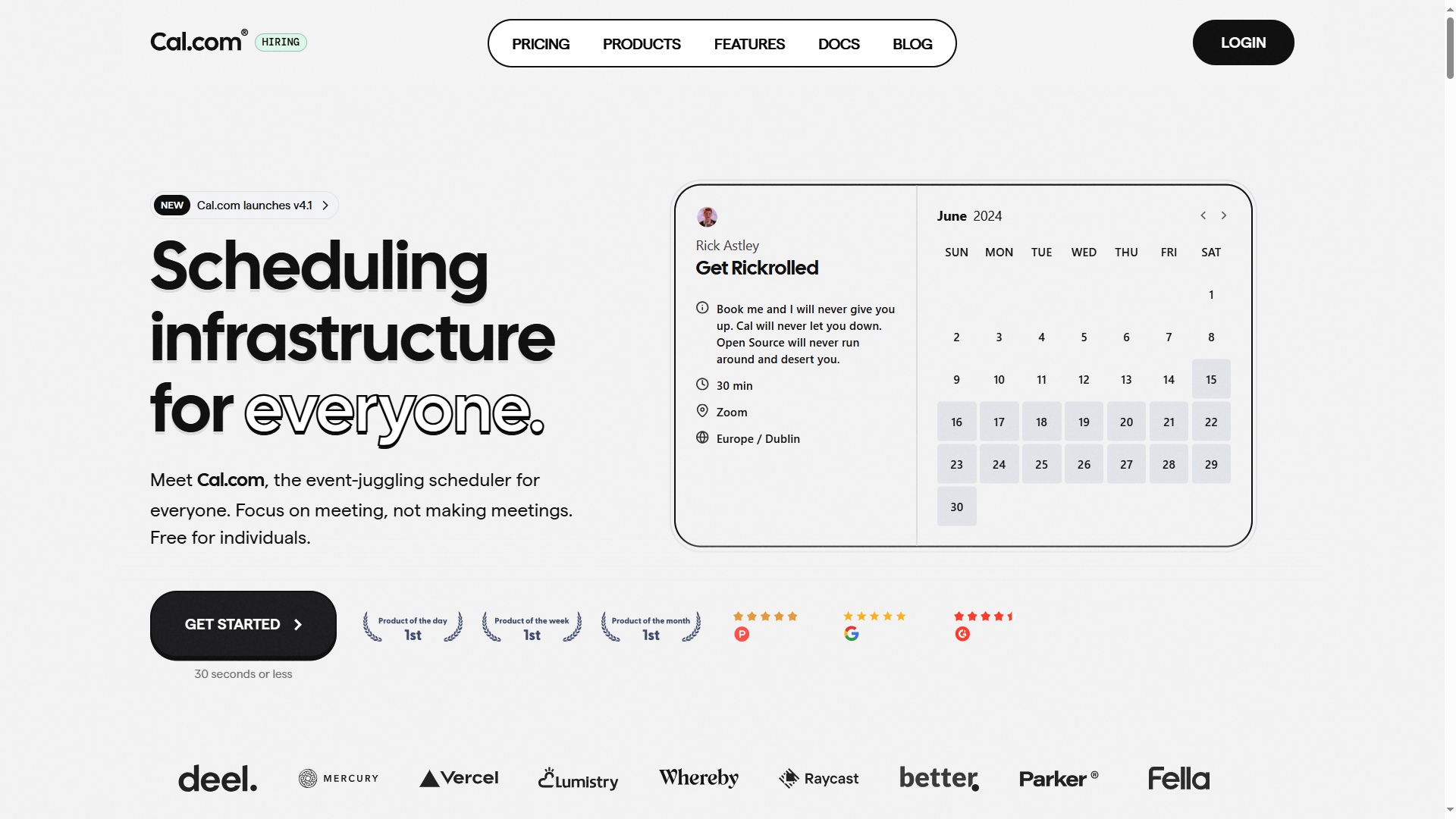
Cal.com is the open-source scheduling infrastructure platform built as a Calendly alternative, giving you full control over your data, branding, and deployment. With 41,000+ GitHub stars and an AGPLv3 license, it's the most popular self-hosted scheduling solution available. Deploy Cal.com on Railway to run your own booking platform with calendar sync, video conferencing, payment processing, and 100+ integrations out of the box.
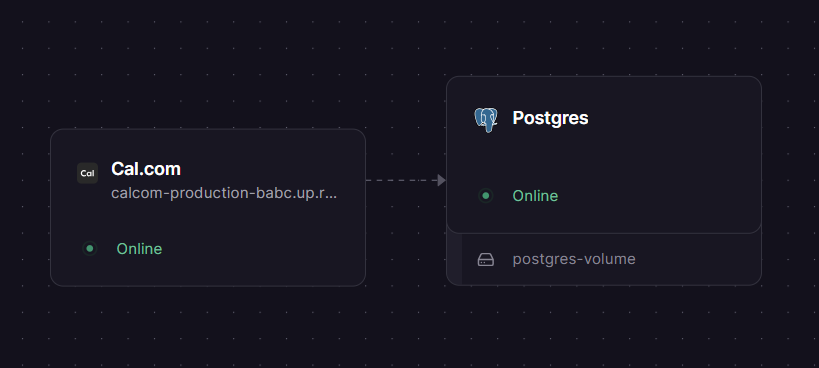
Self-host Cal.com on Railway using this template, which pre-configures the Cal.com Next.js application (calcom/cal.com:latest) alongside a managed PostgreSQL database for persistent storage. Railway handles networking, SSL, and domain provisioning automatically.
Getting Started with Cal.com on Railway
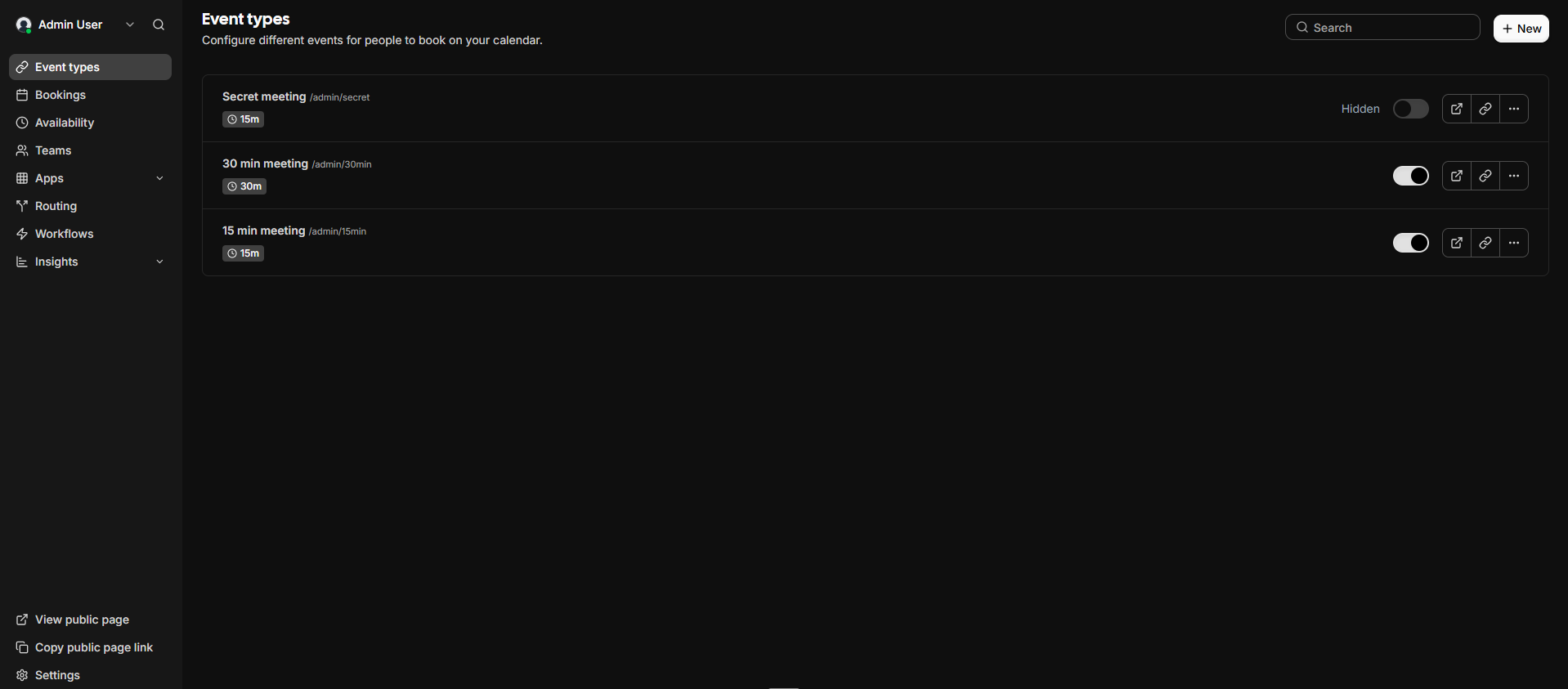
After deployment completes, visit your Railway-generated URL. Cal.com redirects to the first-time setup wizard at /auth/setup. Create your admin account by entering your email, username, and password. Once registered, you land on the Cal.com dashboard where you can create event types (consultations, interviews, demos), set your availability schedule, and connect calendar integrations like Google Calendar or Outlook. Share your booking link (e.g., your-domain.up.railway.app/username) to start accepting appointments immediately.
To connect Google Calendar, navigate to Settings > Calendars and add your Google credentials. For custom branding, go to Settings > Appearance to upload your logo and adjust colors.
About Hosting Cal.com
Cal.com (formerly Calendso) solves the problem of vendor lock-in and limited customization in scheduling tools. Unlike Calendly or Acuity, self-hosting Cal.com means your booking data stays on your infrastructure.
- White-label scheduling with custom branding, colors, and domain
- Prevents double-booking with real-time calendar sync (Google, Outlook, Zoho)
- Built-in video conferencing via Cal Video (Daily.co powered)
- Stripe payment processing for paid appointments
- Round-robin and collective scheduling for teams
- Multi-language support (65+ languages)
- API-driven architecture for embedding and automation
- 100+ app integrations (HubSpot, Zoom, Zapier, n8n, and more)
Why Deploy Cal.com on Railway
Railway makes self-hosting Cal.com straightforward with zero DevOps overhead:
- One-click deploy with managed PostgreSQL included
- Automatic SSL, domain provisioning, and networking
- Full data ownership — no third-party access to your booking data
- No per-seat licensing fees for the open-source edition
- Scale vertically by adjusting Railway service resources
Common Use Cases for Self-Hosted Cal.com
- Sales teams: Embed booking widgets on your website so prospects schedule demos without email back-and-forth
- Healthcare providers: HIPAA-compliant appointment booking with patient data stored on your own infrastructure
- Recruiters and HR: Share interview scheduling links with candidates, with round-robin assignment across interviewers
- Educators and consultants: Offer office hours or paid consultation slots with integrated Stripe payments
Dependencies for Cal.com on Railway
- Cal.com —
calcom/cal.com:latest(Next.js application, port 3000) - PostgreSQL — Railway managed database for user accounts, event types, bookings, and calendar data
Environment Variables Reference for Cal.com
| Variable | Description |
|---|---|
NEXT_PUBLIC_WEBAPP_URL | Public-facing URL of the Cal.com instance |
NEXTAUTH_URL | NextAuth callback URL (same as webapp URL) |
NEXTAUTH_SECRET | Session encryption secret |
CALENDSO_ENCRYPTION_KEY | CalDAV credential encryption key |
DATABASE_URL | PostgreSQL connection string |
MAX_OLD_SPACE_SIZE | Node.js heap memory limit in MB |
NEXT_PUBLIC_LICENSE_CONSENT | Must be agree to accept license terms |
CALCOM_TELEMETRY_DISABLED | Set 1 to disable anonymous telemetry |
Deployment Dependencies
- Runtime: Node.js 18+, Next.js 16
- Database: PostgreSQL 13+
- Docker Hub: calcom/cal.com
- GitHub: calcom/cal.com
- Self-hosting docs: cal.com/docs/self-hosting
Hardware Requirements for Self-Hosting Cal.com
| Resource | Minimum | Recommended |
|---|---|---|
| CPU | 1 vCPU | 2 vCPUs |
| RAM | 1 GB | 2 GB |
| Storage | 1 GB | 5 GB |
| Runtime | Node.js 18+ | Node.js 20+ |
Cal.com is a Next.js application with moderate memory requirements. The MAX_OLD_SPACE_SIZE=4096 environment variable ensures the Node.js heap has enough room for startup initialization and Prisma ORM operations.
Self-Hosting Cal.com with Docker
Pull and run the official Docker image with a PostgreSQL database:
docker run -d \
  --name calcom \
  -p 3000:3000 \
  -e DATABASE_URL="postgresql://user:pass@db:5432/calcom" \
  -e NEXTAUTH_SECRET="$(openssl rand -base64 32)" \
  -e CALENDSO_ENCRYPTION_KEY="$(openssl rand -base64 24)" \
  -e NEXT_PUBLIC_WEBAPP_URL="https://your-domain.com" \
  -e NEXT_PUBLIC_LICENSE_CONSENT="agree" \
  calcom/cal.com:latest
Or use Docker Compose for a complete stack:
services:
  database:
    image: postgres:16
    environment:
      POSTGRES_DB: calcom
      POSTGRES_USER: calcom
      POSTGRES_PASSWORD: changeme
    volumes:
      - db-data:/var/lib/postgresql/data

  calcom:
    image: calcom/cal.com:latest
    ports:
      - "3000:3000"
    environment:
      DATABASE_URL: postgresql://calcom:changeme@database:5432/calcom
      NEXTAUTH_SECRET: your-secret-here
      CALENDSO_ENCRYPTION_KEY: your-encryption-key
      NEXT_PUBLIC_WEBAPP_URL: https://your-domain.com
      NEXT_PUBLIC_LICENSE_CONSENT: agree
    depends_on:
      - database

volumes:
  db-data:
Is Cal.com Free to Self-Host?
Cal.com is open-source under the AGPLv3 license. Self-hosting the community edition is completely free with no per-seat fees. The managed cloud service offers paid tiers starting at $12/user/month for team features like round-robin scheduling and analytics. On Railway, your only cost is infrastructure usage — typically $5-15/month for a small instance with PostgreSQL.
Cal.com vs Calendly: Why Self-Host on Railway?
| Feature | Cal.com (Self-Hosted) | Calendly |
|---|---|---|
| Open source | Yes (AGPLv3) | No |
| Self-hosting | Full support | Not available |
| Data ownership | Complete | Vendor-controlled |
| White-label | Built-in | Enterprise only |
| Per-seat cost | $0 (self-hosted) | $10-16/user/month |
| Integrations | 100+ | 100+ |
| API access | Full REST API | Limited on free tier |
Cal.com provides comparable functionality to Calendly while eliminating vendor lock-in and recurring per-seat costs.
FAQ
What is Cal.com and why self-host it on Railway? Cal.com is an open-source scheduling platform (formerly Calendso) that lets users book appointments, sync calendars, and process payments. Self-hosting on Railway gives you full data ownership, zero per-seat fees, and one-click deployment with managed PostgreSQL.
What does this Cal.com Railway template deploy?
This template deploys two services: the Cal.com Next.js web application (calcom/cal.com:latest) on port 3000 and a Railway-managed PostgreSQL database for storing user accounts, event types, bookings, and calendar sync data.
Why does Cal.com need a PostgreSQL database? Cal.com uses PostgreSQL (via Prisma ORM) to store all application data including user accounts, event types, booking records, availability schedules, calendar credentials, and app integrations. The database is required — Cal.com cannot run without it.
How do I connect Google Calendar to self-hosted Cal.com on Railway?
Go to the Google Cloud Console, create OAuth 2.0 credentials with the calendar scope, then set the GOOGLE_API_CREDENTIALS environment variable in your Railway service with the JSON credentials. In Cal.com, navigate to Settings > Calendars to complete the connection.
Can I use Cal.com with custom domains on Railway?
Yes. In the Railway dashboard, go to your Cal.com service settings and add a custom domain. Update the NEXT_PUBLIC_WEBAPP_URL and NEXTAUTH_URL environment variables to match your custom domain, then redeploy.
How do I enable email notifications in self-hosted Cal.com?
Set the SMTP environment variables: EMAIL_SERVER_HOST, EMAIL_SERVER_PORT, EMAIL_SERVER_USER, EMAIL_SERVER_PASSWORD, EMAIL_FROM, and EMAIL_FROM_NAME. Cal.com supports any SMTP provider including SendGrid, Mailgun, and Amazon SES.
Template Content