
Deploy Calibre
Web app for reading and managing your own e-book collection

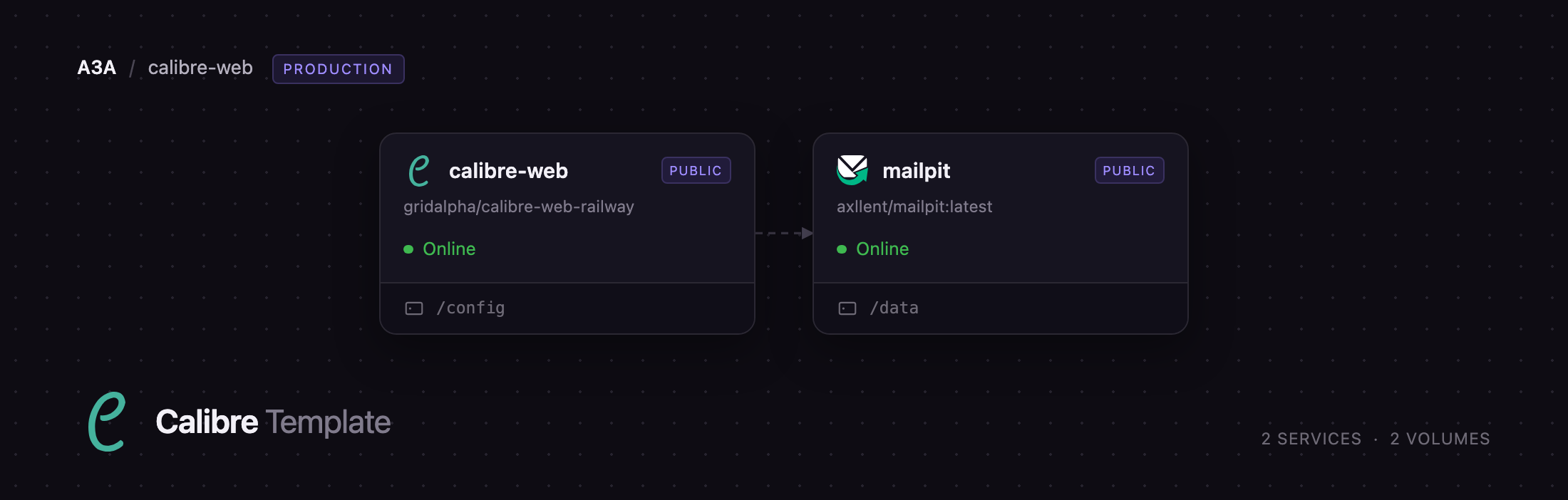
mailpit
Just deployed
/data
calibre-web
Just deployed
/config
Deploy and Host Calibre-Web on Railway
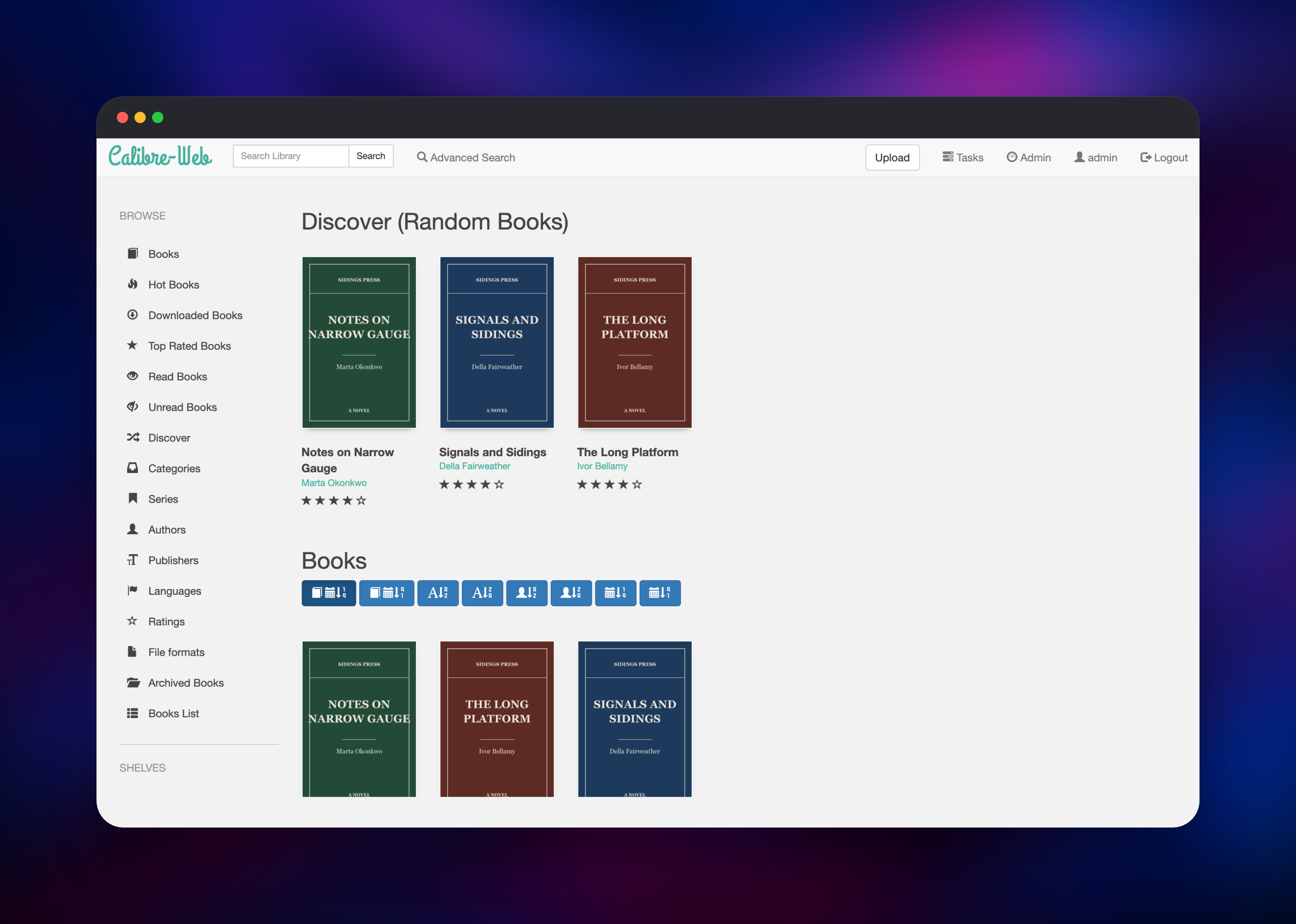
Calibre-Web is an open-source web app that turns a Calibre e-book database into a browsable, searchable online library. It gives you a reading interface for EPUB, PDF, CBZ, MOBI and audiobook files, per-user permissions, metadata editing, an OPDS feed, Kobo sync and one-click sending to a Kindle. It suits anyone whose books live in laptop folders rather than in an app they can reach from a phone or an e-ink reader.
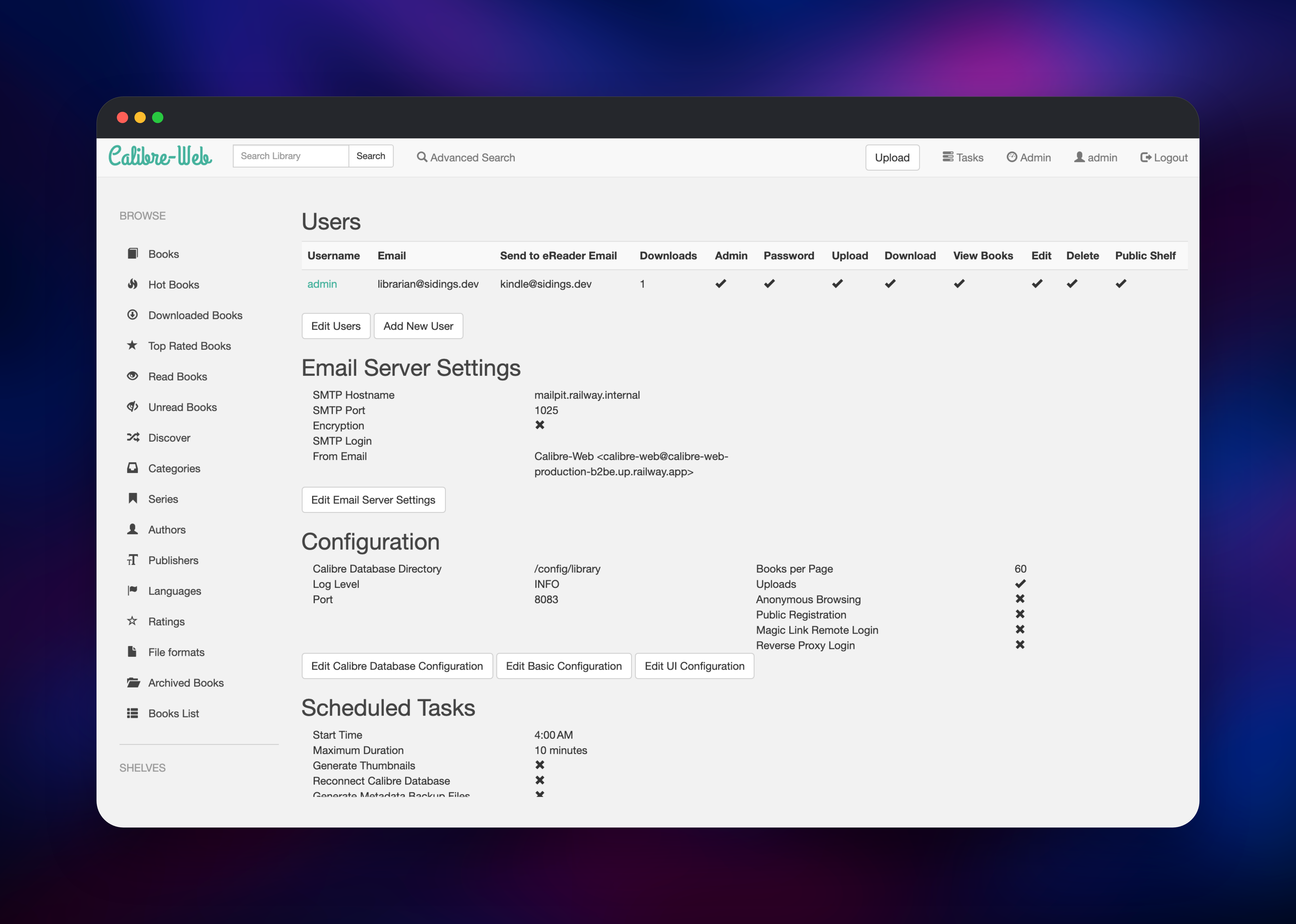
Deploy Calibre-Web on Railway and you get a working library on first boot rather than a setup screen. calibre-web runs the app and mounts a persistent volume at /config holding the library, the user database, uploaded files and covers. mailpit is a private SMTP server the app sends through, so Send to E-Reader, magic-link sign-in and e-mail registration work immediately rather than waiting on an external mail provider. Only the two web interfaces are public.
Getting Started with Calibre-Web on Railway
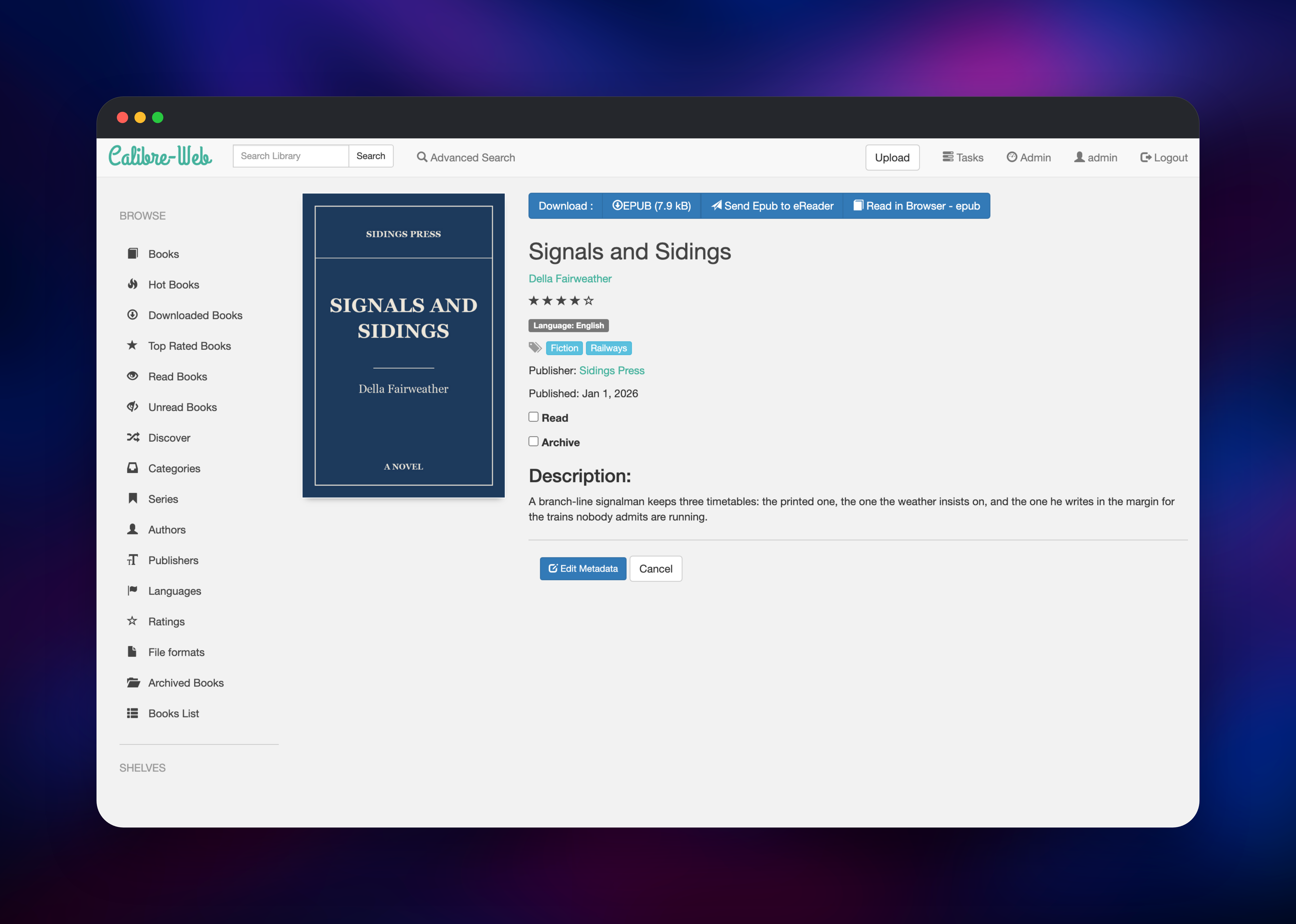
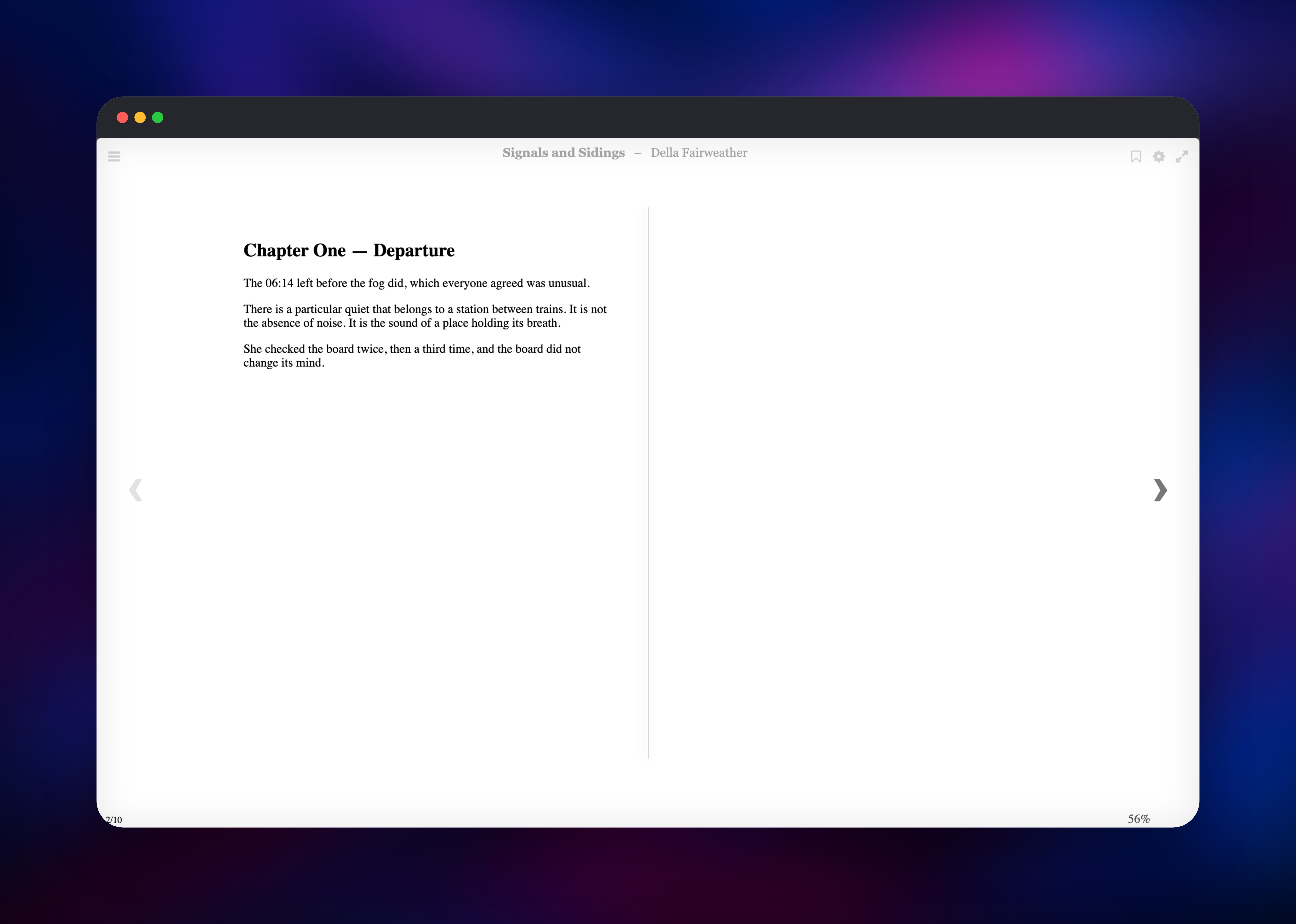
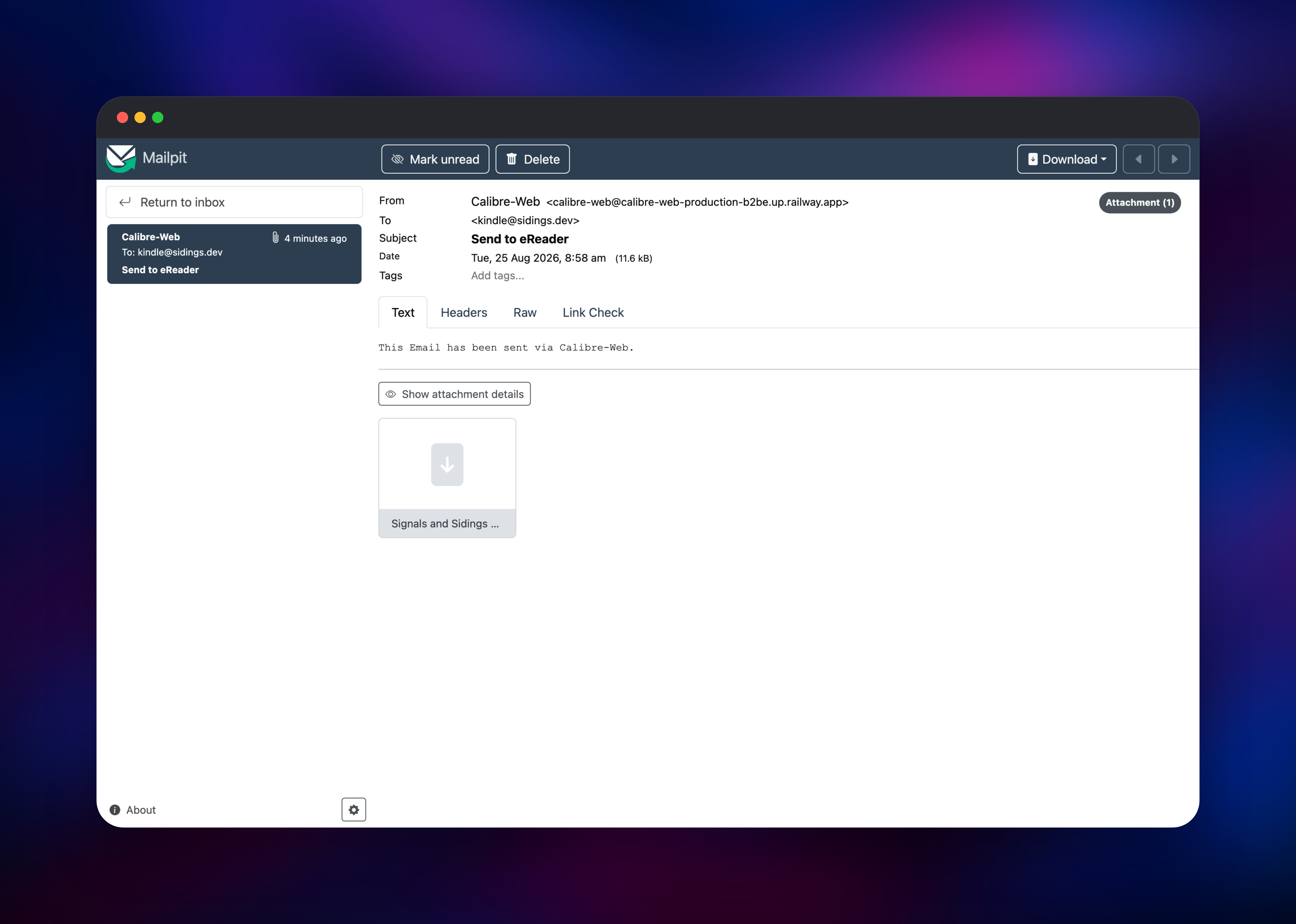
Set ADMIN_PASSWORD before you deploy, then open the calibre-web URL and sign in as admin with it. The image replaces Calibre-Web's shipped admin123 default while the container is still starting, so the account is never exposed with a known password. You start on an empty but valid Calibre library at /config/library — which matters, because Calibre-Web cannot create one itself and would otherwise refuse to serve any page. Click Upload and add an EPUB; cover, title, author and tags are read out of the file. From a book's page you can edit metadata, replace the cover, rate it, click Read in Browser, or Send to eReader once your profile has an address. To check mail end to end, send a book to yourself and open the mailpit URL with the credentials from MP_UI_AUTH. Add readers under Admin → Add New User; public registration is off by default and should stay off.
About Hosting Calibre-Web
Calibre-Web reads the same metadata.db format the Calibre desktop program writes, so an existing collection can be lifted onto the volume as-is. Self-hosting pays off as soon as more than one person or device needs the same books: a household sharing a collection, a group circulating papers, or one reader who wants their library on a phone without syncing files by hand.
Key features:
- In-browser reading for EPUB, PDF, comic archives, plain text and audiobooks
- Per-user accounts with permissions for upload, download, edit and delete
- Metadata editing, custom columns, shelves and advanced search filters
- OPDS catalogue that KOReader, Moon+ Reader and similar apps subscribe to
- LDAP, Google and GitHub sign-in, plus reverse-proxy header auth
The architecture is deliberately small: Calibre-Web keeps users and settings in SQLite and the books on disk, so there is no database service to run or tune. Mailpit is the only companion, and exists because several features are mail-driven.
Why Deploy Calibre-Web on Railway
Railway removes the parts of self-hosting that stop most people:
- The volume, private networking and HTTPS are configured for you
- No first-run wizard — library, admin password and mail server are set at boot
- Books, covers and users persist across every redeploy
- Vertical scaling and log streaming are built in
- One click to redeploy when a new release lands
Common Use Cases
- A household e-book library every phone, tablet and e-reader reaches over HTTPS
- A team's PDF and EPUB reference collection with per-person access control
- Syncing a shelf to a Kobo, or mailing books to a Kindle with no desktop app
- An OPDS feed reading apps subscribe to, keeping books available offline
Dependencies for Calibre-Web
- Calibre-Web — built from gridalpha/calibre-web-railway on
lscr.io/linuxserver/calibre-web:latest, the image upstream recommends. It bundles the optional Python dependencies, ImageMagick and Ghostscript for covers,unrarfor comics andkepubifyfor Kobo. - Mailpit —
axllent/mailpit:latest, an SMTP server with a web inbox, reached over the private network.
Environment Variables Reference
| Variable | Service | Purpose |
|---|---|---|
ADMIN_PASSWORD | calibre-web | Password for admin, applied before the app starts |
PORT | calibre-web | HTTP port the app listens on |
CALIBRE_LIBRARY_DIR | calibre-web | Library path; must stay on the volume |
SECRET_KEY | calibre-web | Signs session cookies |
SMTP_HOST / SMTP_PORT | calibre-web | Mail server for sending books and magic links |
DOCKER_MODS | calibre-web | Optional; adds Calibre's ebook-convert |
MP_UI_AUTH | mailpit | Credentials guarding the inbox |
MP_DATABASE | mailpit | Message store path on the volume |
Deployment Dependencies
- Source project: janeczku/calibre-web
- Base image: linuxserver/docker-calibre-web
- Mail server: axllent/mailpit
- Runtime: Python 3.12 on Ubuntu, served by Gevent
Hardware Requirements for Self-Hosting Calibre-Web
| Resource | Minimum | Recommended |
|---|---|---|
| CPU | 0.5 vCPU | 1 vCPU |
| RAM | 512 MB | 1 GB |
| Storage | 5 GB volume | Sized to your collection, plus covers |
| Runtime | Python 3.9+ | Python 3.12 |
Calibre-Web is light at rest — a few hundred megabytes for a modest library. Storage is what grows: budget the size of your books plus about ten percent for cover thumbnails. The optional conversion binaries add roughly a gigabyte of disk and more CPU while running.
Self-Hosting Calibre-Web with Docker
The quickest local run uses the image this template builds on. The following is a Docker command:
docker run -d --name calibre-web \
  -p 8083:8083 \
  -e PUID=1000 -e PGID=1000 -e TZ=Etc/UTC \
  -v /path/to/config:/config \
  -v /path/to/books:/books \
  lscr.io/linuxserver/calibre-web:latest
Point Location of Calibre database at a folder holding a metadata.db. If you have none, upstream publishes an empty library to copy. The following is a shell snippet:
mkdir -p /path/to/books
curl -L -o /path/to/books/metadata.db \
  https://raw.githubusercontent.com/janeczku/calibre-web/master/library/metadata.db
Calibre-Web also installs from PyPI with pip install calibreweb and starts with cps, leaving you to supply ImageMagick, unrar and kepubify yourself.
How Much Does Calibre-Web Cost to Self-Host?
Calibre-Web is free and open source under the GPL-3.0 licence — no paid tier, no seat limit, no hosted version to upgrade to. The whole cost is infrastructure: on Railway, usage-based pricing for a small container plus the volume holding your books, usually a few dollars a month for a personal library.
Calibre-Web vs Kavita and Komga
| Calibre-Web | Kavita | Komga | |
|---|---|---|---|
| Library source | Calibre database | Folder scan | Folder scan |
| Best for | Mixed e-books | E-books and manga | Comics and manga |
| Kobo sync | Yes | No | No |
| Send to Kindle | Yes | No | No |
| OPDS feed | Yes | Yes | Yes |
| Metadata editing | Full, Calibre-compatible | Partial | Partial |
Pick Calibre-Web if you curate with Calibre or want Kindle and Kobo delivery. Kavita and Komga index folders directly and read comics better, but neither writes back to a Calibre database.
FAQ
What is Calibre-Web?
A self-hosted web interface for a Calibre e-book library: browse, search, read, edit metadata and download your books from any browser, with no desktop Calibre involved.
What does this Railway template deploy?
Two services: Calibre-Web with a persistent volume for the library, and Mailpit as a private SMTP server. Admin password, library path, uploads and mail settings are configured at boot.
Why does the template include a mail server?
Three features send e-mail — send-to-e-reader, magic-link sign-in and registration — and none work without an SMTP host. Mailpit provides one, and relays to a real provider via MP_SMTP_RELAY_*.
How do I import an existing Calibre library?
Copy your library folder, metadata.db and author subfolders included, into /config/library, then confirm the path under Admin → Edit Calibre Database Configuration. Existing metadata, covers and custom columns carry over.
Can I convert between e-book formats on the server?
Not by default — the image ships kepubify and unrar but not Calibre's ebook-convert. Set DOCKER_MODS=linuxserver/mods:universal-calibre, then set Path to Calibre Binaries to /usr/bin.
How do I connect a reading app or a Kobo?
Point your OPDS client at https://your-domain/opds and sign in with a Calibre-Web account. For Kobo, enable sync under Admin → Edit Basic Configuration, then generate a sync token on the profile page.
Can I run more than one instance?
No. Settings live in SQLite and the library is a directory on one volume, so Calibre-Web runs at a single replica. Give it more CPU and memory rather than more copies.
Template Content
mailpit
axllent/mailpit:latestcalibre-web
gridalpha/calibre-web-railway

