
Deploy Campfire
Group chat for teams, with rooms, direct messages and file sharing
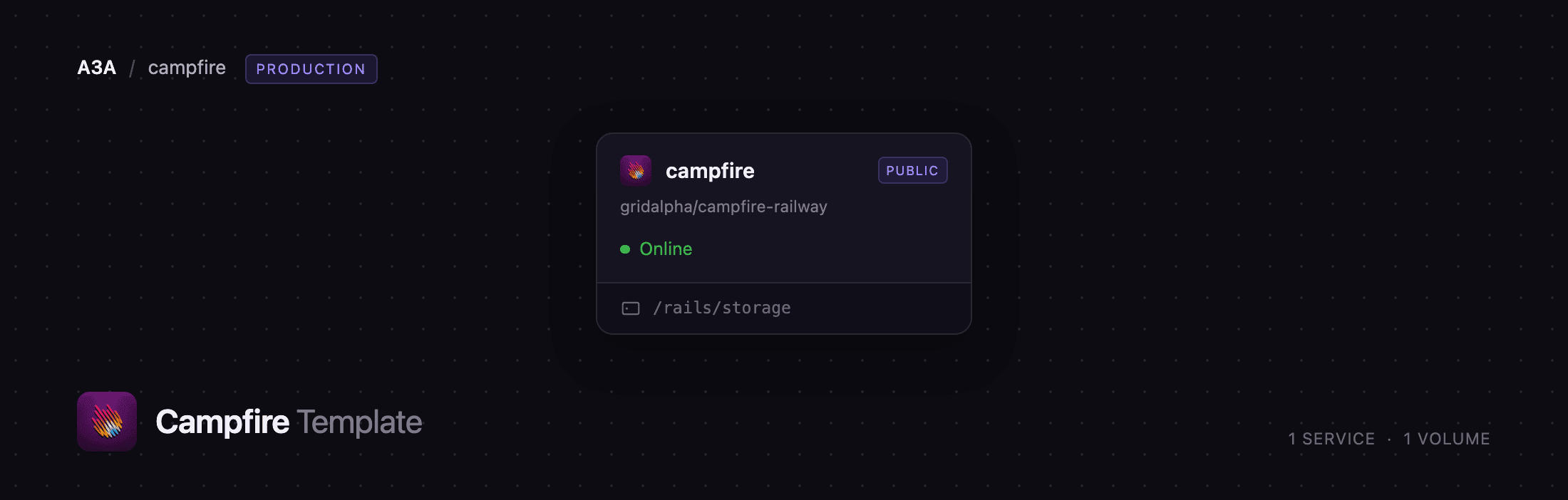
campfire
Just deployed
/rails/storage
Deploy and Host Campfire on Railway
Campfire is 37signals' group chat app — the chat product that grew up inside Basecamp, released as open source under the MIT licence. Deploy Campfire when you want Slack-shaped team chat without per-seat billing, without a history cap, and without your conversations on someone else's infrastructure. It has open and closed rooms, direct messages, attachments with previews, full-text search, @mentions, push notifications, and a bot API.
Self-host Campfire on Railway and its small footprint becomes the advantage. This template runs one service, campfire, built from gridalpha/campfire-railway, which wraps the official ghcr.io/basecamp/once-campfire:latest image. Inside it a supervisor runs Thruster (an HTTP proxy with asset caching) in front of Puma, a Resque worker pool, and a loopback Redis backing the queue, the cache and the live-updating chat channels. Railway's edge terminates TLS and forwards to Thruster on port 8080. All state — the SQLite database, uploaded files and the signing keys — lives on a volume at /rails/storage.
Getting Started with Campfire on Railway
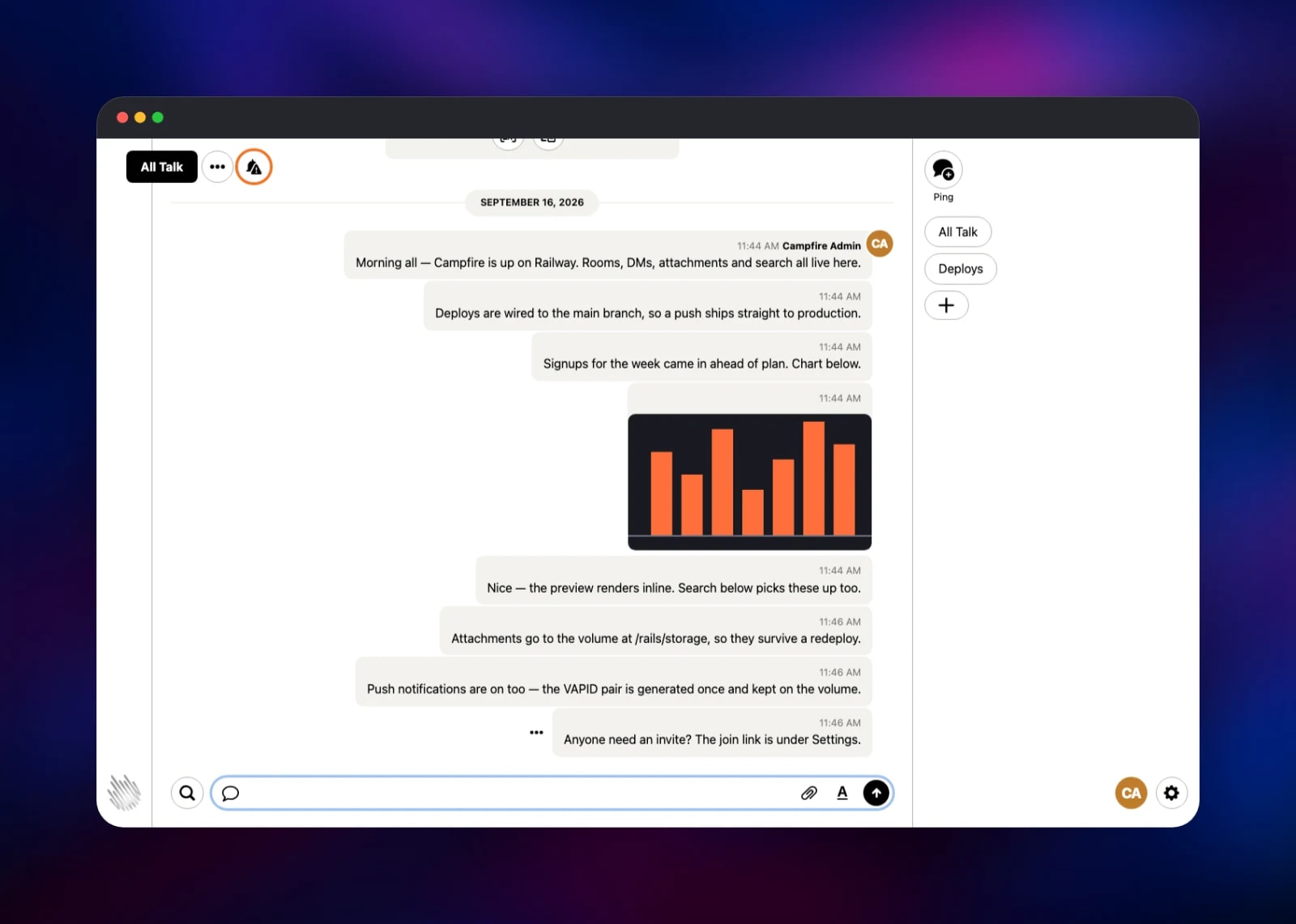
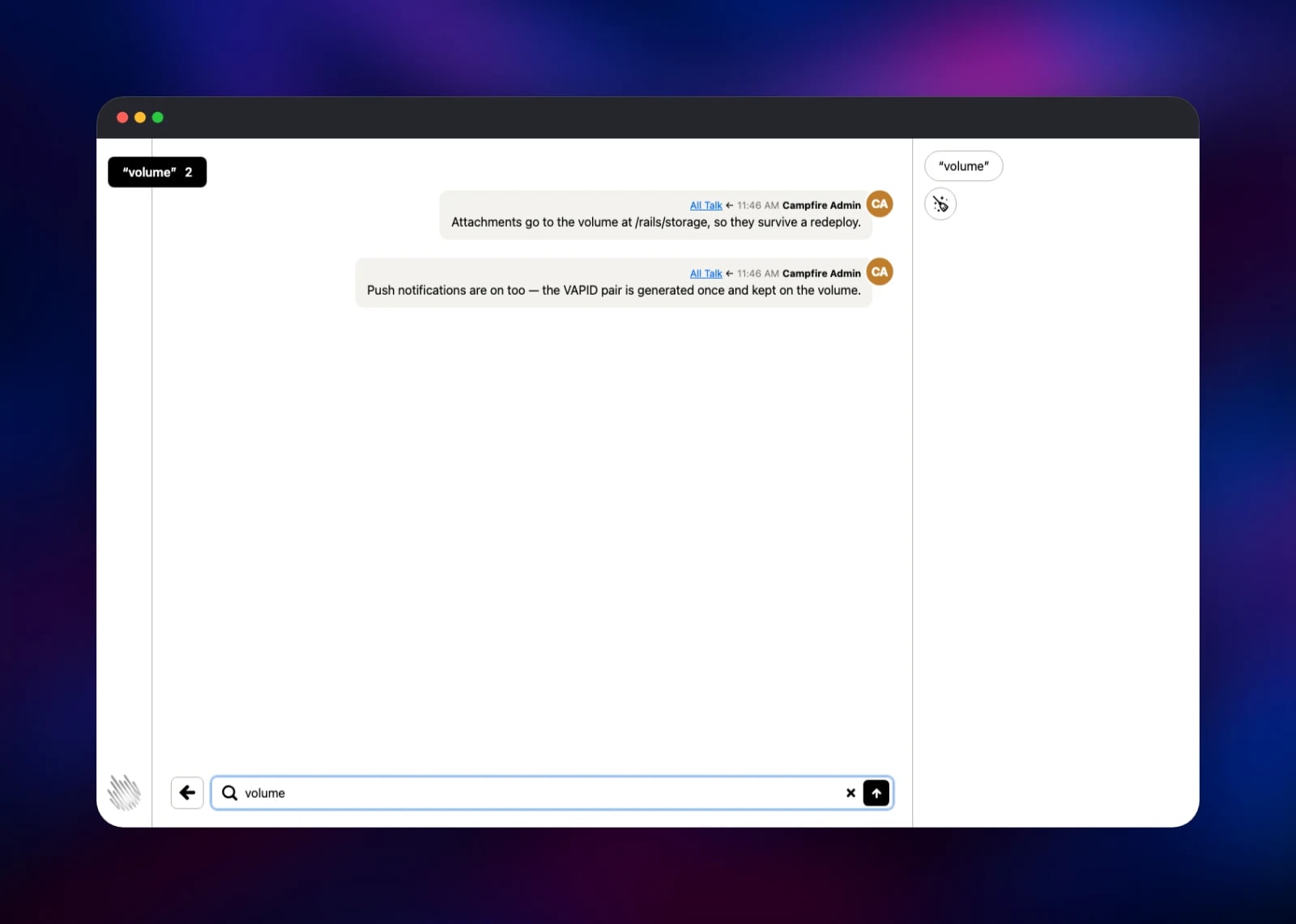
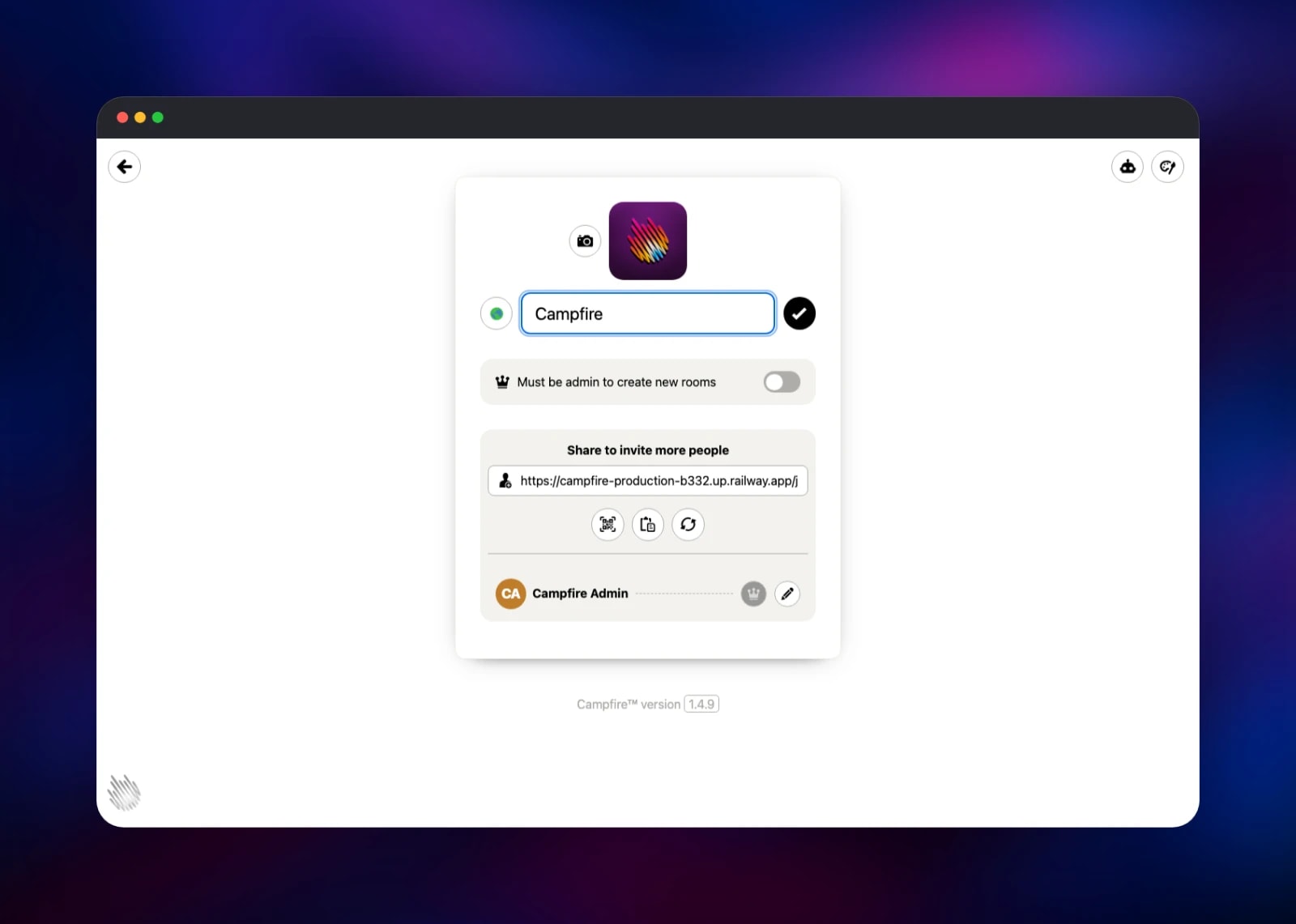
Deploy the template and open the generated *.up.railway.app URL. There is no setup wizard to race and no default password: the container completes Campfire's first-run step while it boots, from CAMPFIRE_ADMIN_EMAIL and CAMPFIRE_ADMIN_PASSWORD, so the first page is the sign-in form. Read the generated password from the service's Variables tab, sign in, and you land in the "All Talk" room created with your account. Send a message — if it appears instantly, the web tier, Redis and the live-update channel all work. Drop a file on the composer to confirm attachments reach the volume; images render inline. Use + in the sidebar to add a room, and the search icon to check the full-text index. To invite your team, copy the join link from Account Settings (the gear, bottom-right): it carries a secret code and is the only route to an account, so rotate it there if it leaks. Change your password under My Settings, and point CAMPFIRE_ADMIN_EMAIL at a real address — the sign-in page shows it as the contact for anyone locked out.
About Hosting Campfire
Campfire is single-tenant chat for one organisation. Open rooms are visible to every member, closed rooms are invite-only, and direct messages ("Pings") stay private. Teams self-host it to stop paying per seat, to keep history under their own retention policy, or because a contract requires chat data on infrastructure they control.
- Open, closed and direct rooms with per-room membership
- Attachments with image and video previews, via libvips and ffmpeg
- Full-text search across every message you can reach
- @mentions with browser push notifications over the Web Push standard
- A bot API — each bot gets a key and posts to rooms over HTTP
- Custom styles, a custom logo, and an installable web app
One Railway service is upstream's design, not a simplification: the web tier and the workers share the same SQLite file and attachments directory, so they share one container and one volume, with Redis beside them on loopback.
Why Deploy Campfire on Railway
Railway removes the administration self-hosted chat usually needs:
- One-click deploy with TLS, a public domain and health checks configured
- A persistent volume for the database and uploads, mounted for you
- No reverse proxy, certificates or firewall rules to maintain
- Push to the source repository and Railway rebuilds automatically
- Logs and resource metrics beside the deployment
Common Use Cases
- Internal team chat replacing a paid Slack or Teams plan, with unlimited searchable history instead of a 90-day window.
- A private community or client channel, where the join link is handed out deliberately and there is no sign-up page.
- An alerting room for your services, using the bot API to post deploy notifications or on-call handoffs.
Dependencies for Campfire
- campfire —
ghcr.io/basecamp/once-campfire:latest, built through gridalpha/campfire-railway. Serves the app on port 8080 and runs the workers and Redis beside it. - Volume at
/rails/storage— the SQLite database, uploaded files and signing keys. Back it up and you have backed up the installation.
No database, queue or object-storage service is needed: SQLite is the database, the in-container Redis is the queue, and Active Storage writes straight to the volume.
Environment Variables Reference
| Variable | Purpose |
|---|---|
PORT | Port Thruster listens on; leave at 8080. |
SECRET_KEY_BASE | Signs session cookies. Changing it signs everyone out. |
CAMPFIRE_ADMIN_EMAIL | Seeds the first admin; shown on the sign-in page. Blank means admin@. |
CAMPFIRE_ADMIN_PASSWORD | Password for that admin. Generated at deploy; change it in the app. |
CAMPFIRE_ADMIN_NAME | Display name for that admin. |
WEB_CONCURRENCY | Puma workers. Derived from the CPU quota when unset. |
JOB_CONCURRENCY | Resque workers. Also derived when unset. |
VAPID_PUBLIC_KEY / VAPID_PRIVATE_KEY | Web Push key pair, generated once and kept on the volume. Set only when migrating. |
RAILS_LOG_LEVEL | info; use debug to troubleshoot. |
SKIP_TELEMETRY | true disables Sentry reporting. |
Leave TLS_DOMAIN and DISABLE_SSL unset. Railway's edge already terminates TLS, and an empty DISABLE_SSL tells Rails to treat requests as secure — which puts the Secure flag on the session cookie and sends HSTS.
Deployment Dependencies
- Source repository:
- Upstream and self-hosting guide:
- Runtime: Ruby 3.4, Rails 8, Puma, Thruster, Resque, Redis, SQLite
Hardware Requirements for Self-Hosting Campfire
| Resource | Minimum | Recommended |
|---|---|---|
| CPU | 1 vCPU | 2 vCPU |
| RAM | 1 GB | 2 GB |
| Storage | 5 GB volume | 10 GB+ for heavy file sharing |
| Runtime | Ruby 3.4 Linux container | Same, plus snapshots |
Campfire is frugal: a team of twenty runs comfortably in 1 GB, and what grows is storage, since every attachment stays on the volume. Worker counts follow the CPU quota, so raising the plan raises concurrency with no config change.
Self-Hosting Campfire with Docker
The published image is self-contained: web app, workers, cache and file serving in one container. A minimal run needs a volume and a session key.
docker run -d --name campfire \
  -p 80:80 \
  -e SECRET_KEY_BASE=$(openssl rand -hex 64) \
  -e DISABLE_SSL=true \
  -v campfire:/rails/storage \
  ghcr.io/basecamp/once-campfire:latest
Web Push needs a VAPID key pair, which the image generates. Run this once and keep the output — reusing the same pair keeps existing push subscriptions valid.
docker run --rm ghcr.io/basecamp/once-campfire:latest \
  script/admin/generate-secrets
To build from source, clone the upstream repository and run docker build -t campfire .. For backups run script/admin/prepare-backup in the container, then archive /rails/storage.
How Much Does Campfire Cost to Self-Host?
Campfire is free and open source under the MIT licence — no seat limits, no paid tier, no licence key. 37signals sells a managed installer, but the application itself is free. On Railway you pay only for compute, memory and volume storage: a few dollars a month for a small team, however many people you add.
FAQ
What is Campfire? Campfire is 37signals' group chat application, open-sourced under the MIT licence: rooms, direct messages, file sharing, search, @mentions and a bot API, in a compact Rails app built for a single machine.
What does this Railway template deploy?
One service, campfire, running the official ghcr.io/basecamp/once-campfire image with a volume at /rails/storage, a public domain and a health check on /up. The admin account is created during first boot, so nothing is unclaimed on a public URL.
Why does Campfire need a volume instead of a database service?
It keeps everything in SQLite plus a directory of uploaded files under /rails/storage, and a volume gives that directory persistence across deploys. There is no Postgres or MySQL option — SQLite is the only database it supports.
How do people sign up for my self-hosted Campfire? They do not sign up; they are invited. The account has one join link containing a secret code, under Account Settings. Anyone with it can create an account, and regenerating the link invalidates the old one.
Do browser push notifications work on a self-hosted instance? Yes. The container generates a VAPID key pair on first boot and keeps it on the volume, so notifications work immediately and survive redeploys. Set the VAPID variables only when migrating.
How do I post messages into a room from CI or a script?
Create a bot in Account Settings and copy its key. Each bot gets a room-scoped URL of the form /rooms///messages; POST a body there and the message appears in that room.
Template Content
campfire
gridalpha/campfire-railway

