Deploy Chirp Hookbox
Private live webhook inbox powered by Chirp and PostgreSQL.
Just deployed

Just deployed
/var/lib/postgresql/data
Deploy and Host Chirp Hookbox on Railway
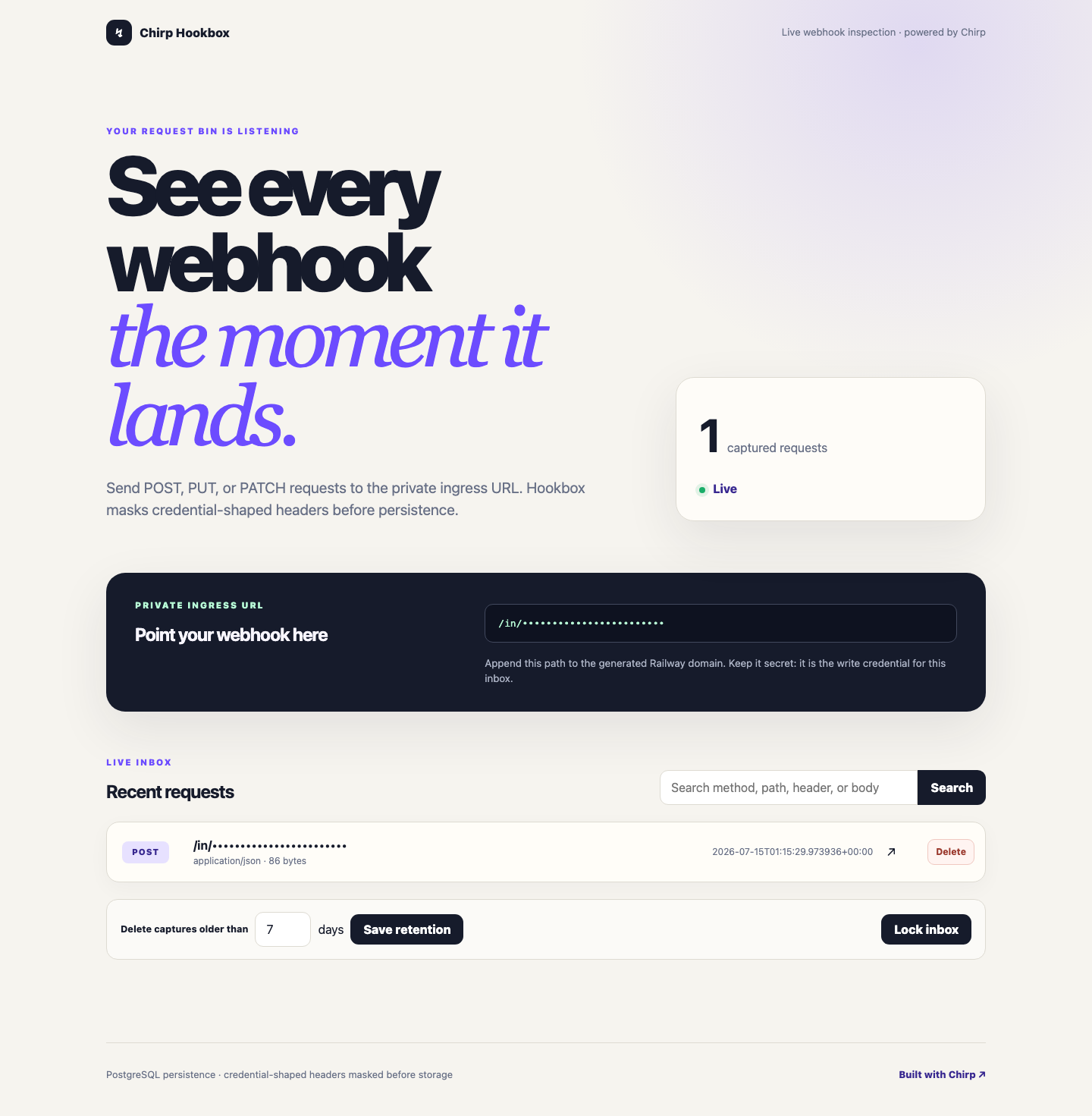
Chirp Hookbox is a private, self-hosted webhook inbox for capturing, inspecting, searching, and replaying HTTP requests. It combines a Chirp web service with Railway-managed PostgreSQL in one deployable template.
About Hosting Chirp Hookbox
Hosting Chirp Hookbox on Railway gives you a durable request bin with a generated private ingress path, a token-protected administrator inbox, live request arrivals over server-sent events, and PostgreSQL persistence. Credential-shaped headers are irreversibly masked before storage, and request bodies are bounded to protect the service.
Why Deploy Chirp Hookbox on Railway?
- Deploy the web application and PostgreSQL together from one template.
- Generate signing, administrator, and ingress secrets automatically.
- Run database migrations before each application deployment.
- Keep captured requests durable across application restarts and updates.
- Use Railway health checks and deployment controls without extra infrastructure.
Common Use Cases
- Inspect webhook payloads while developing an integration.
- Diagnose delivery failures, headers, query parameters, and malformed bodies.
- Share a private team request bin without relying on a public third-party inbox.
- Generate a safe cURL replay command from a captured request.
- Observe live webhook arrivals during demos and acceptance testing.
Dependencies for Chirp Hookbox Hosting
Chirp Hookbox requires the web service and PostgreSQL service included in this template. The web service receives its database connection through Railway's private service-variable reference, so no public database endpoint is needed.
Deployment Dependencies
- Python 3.14
- Chirp 0.10
- Railway-managed PostgreSQL
- A persistent PostgreSQL volume
- Railway-generated
CHIRP_SECRET_KEY,HOOKBOX_ADMIN_TOKEN, andHOOKBOX_INGRESS_TOKENvalues
After deployment, open the web service variables to retrieve HOOKBOX_ADMIN_TOKEN. Use it to unlock the inbox, then copy the private ingress path shown on the dashboard.
Template Content