
Deploy Code Server
VS Code running on a server, opened in a web browser
code-server
Just deployed
/home/coder
Deploy and Host code-server on Railway
code-server is Visual Studio Code compiled to run as a server, so the full editor — extensions, terminal, debugger, source control — loads in a browser tab instead of on your laptop. Built by Coder under an MIT licence, it suits anyone wanting a real development environment on a machine other than the one in front of them: coding from a tablet, keeping a long build off a laptop battery, or having the same open files and shell history on every device.
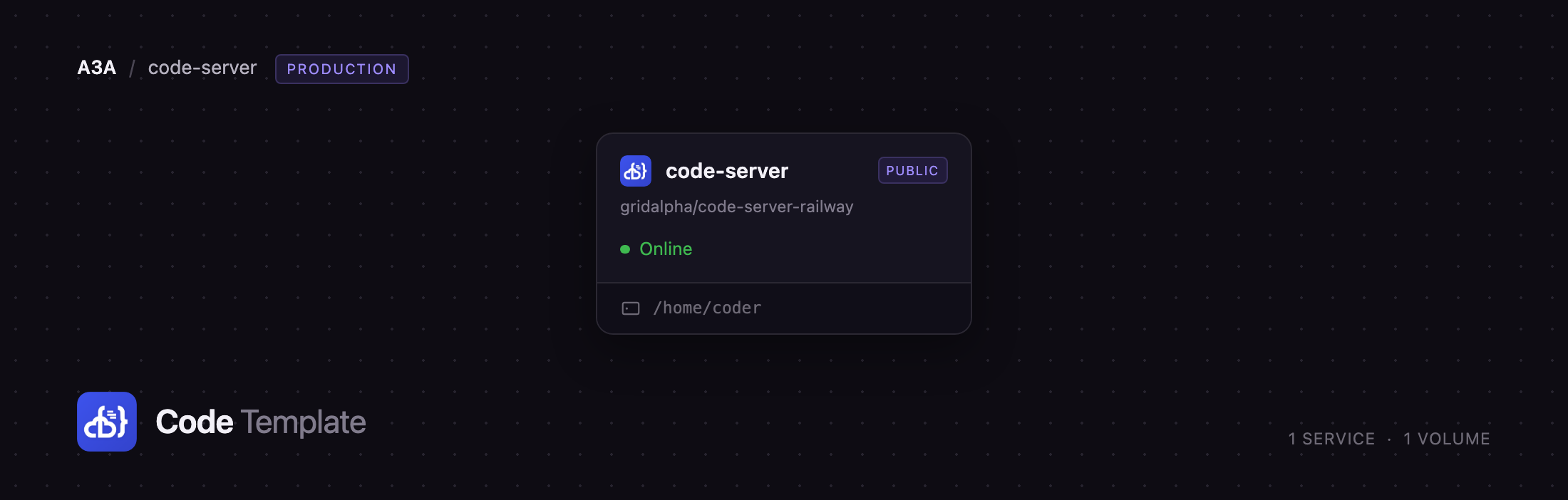
Deploying code-server on Railway puts that environment on a URL, behind a password, with TLS at the edge. This template runs one service, built from a public GitHub repository on top of the official codercom/code-server image, with a persistent volume at /home/coder. That volume is the point: project files, extensions, settings, ~/.ssh keys and ~/.gitconfig live on it and survive every redeploy. The image also bakes in a toolchain — a C/C++ compiler, Python 3 with venv and pip, Node.js 22 LTS, git, ripgrep, jq, tmux, sqlite3 — because anything installed later with apt lands in the container's temporary layer and is gone on the next deploy.
Getting Started with code-server on Railway
Set a PASSWORD when you deploy, or let the template generate one and read it from the service's Variables tab. There is no username and no registration: the public URL shows a login page, then the editor. The service refuses to start without a password — left alone, code-server invents one and writes it inside the container, leaving a deployment nobody can sign in to.
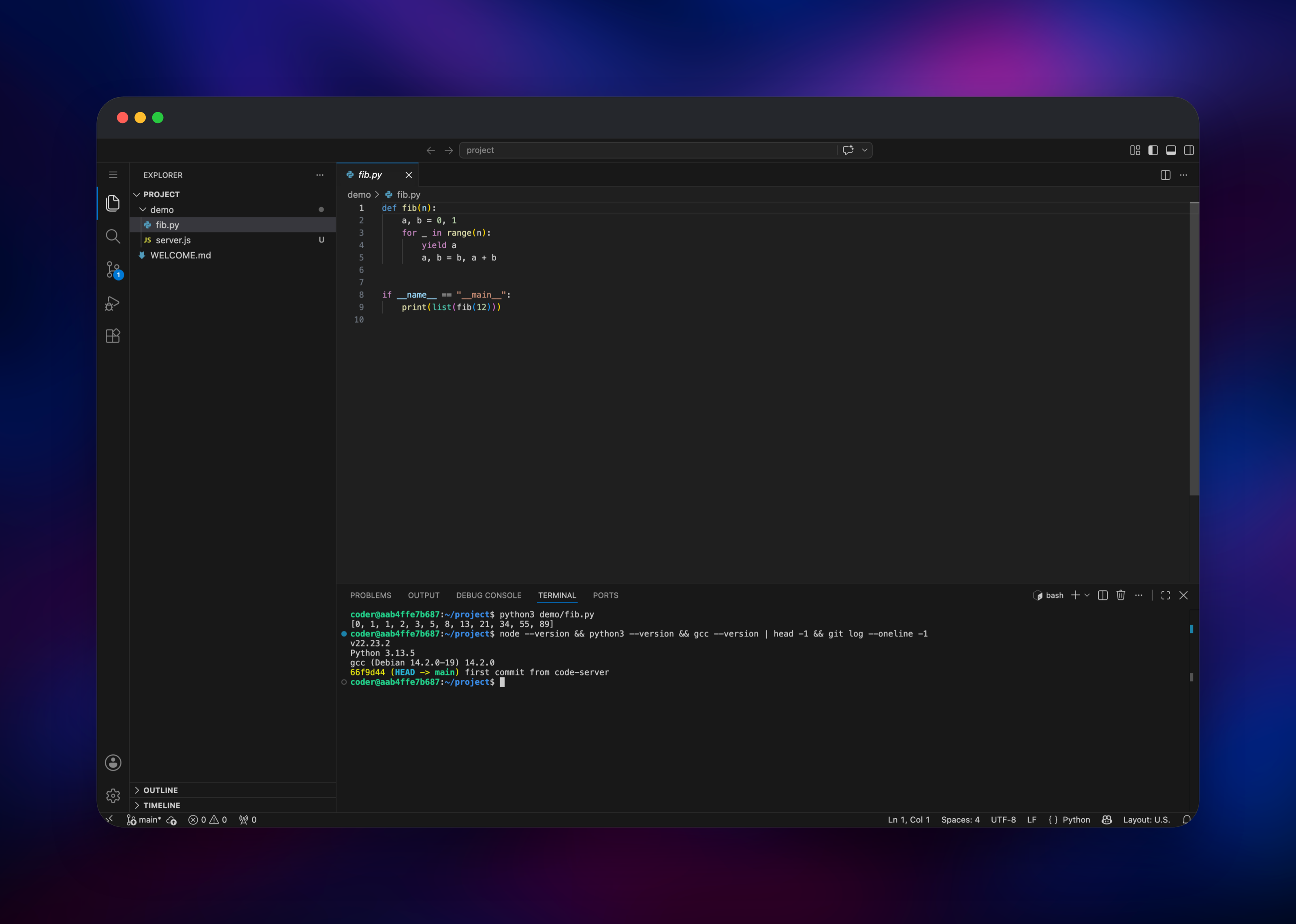
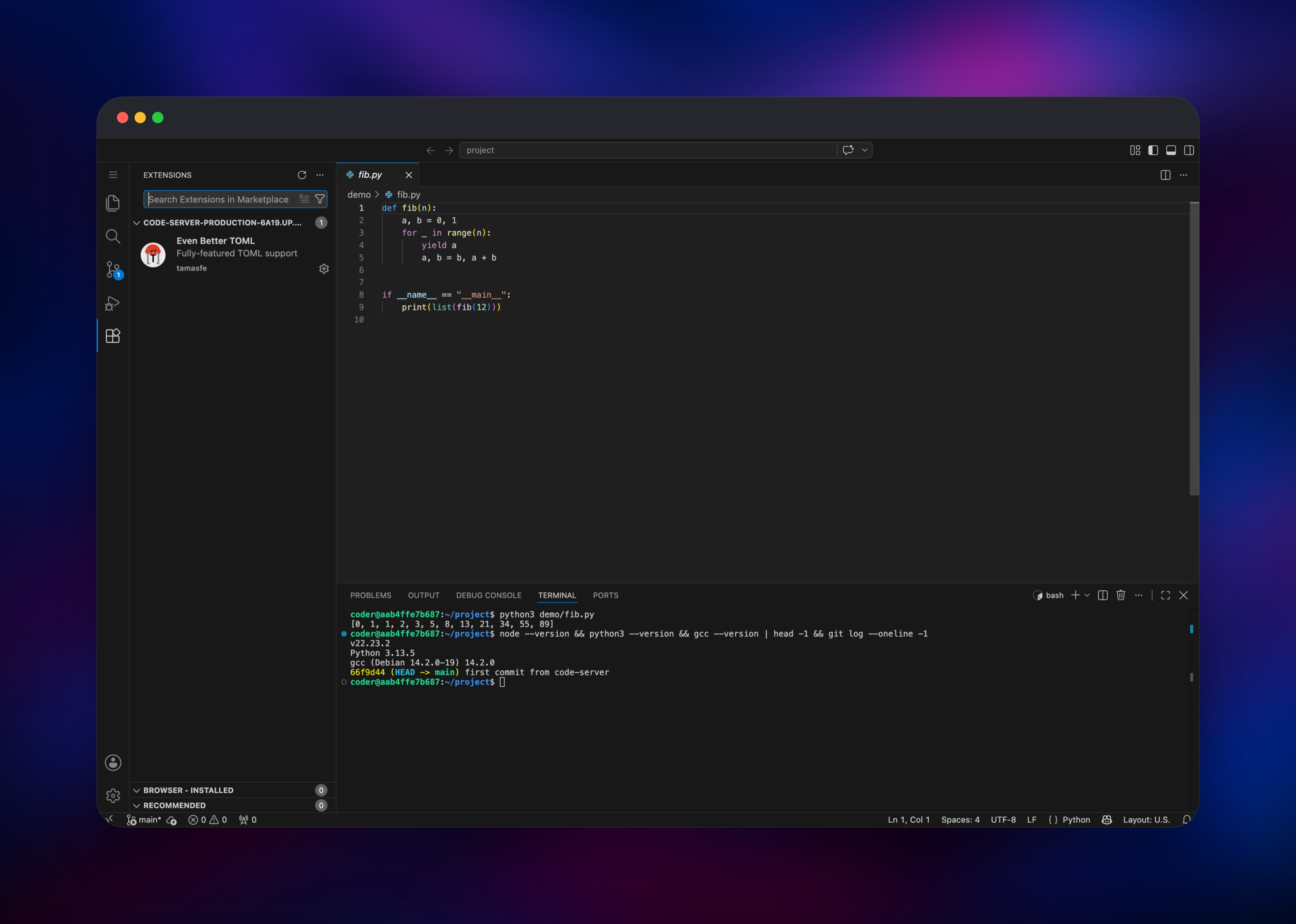
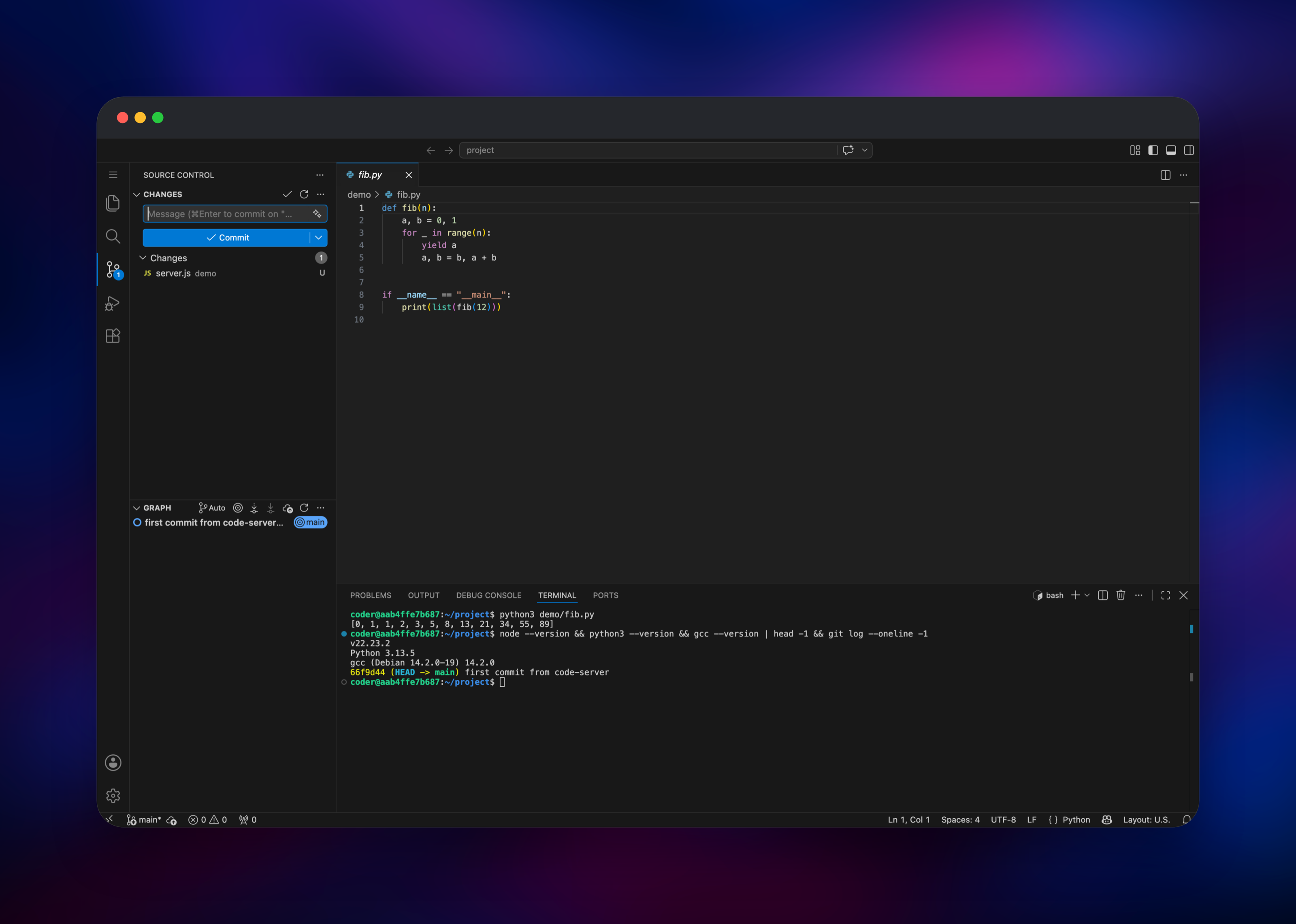
You land in /home/coder/project with a WELCOME.md describing what persists. Open a shell (Terminal → New Terminal) and git clone a repository. Run ssh-keygen -t ed25519 and add the public key to GitHub as a deploy key — ~/.ssh is on the volume, so you do it once — then set your git config --global identity. Install extensions from the Extensions panel, wired to Open VSX. To confirm the deployment end to end, start a dev server on any port and open https://your-domain/proxy/3000/: the port is forwarded through code-server's own authenticated proxy, so the preview reaches you and nobody else.
About Hosting code-server
code-server is the upstream VS Code source with the desktop shell swapped for a web front end and a small Node.js HTTP server. What reaches the browser is the real editor: the same keybindings, the same settings JSON, the same extension host, the same terminal on a genuine shell. The visible difference is the marketplace — Microsoft licenses theirs for their own products only, so code-server ships pointed at Open VSX.
- The complete VS Code editor in any modern browser, tablets too
- A real Linux shell, compilers and runtimes already installed
- Extensions, settings and workspace state stored server-side
- An authenticated port forwarder at
/proxy// - Password authentication built in, with an argon2 hash option
The editor's whole state is one home directory, so code-server is single-instance and single-user by design — no database, queue or worker tier to split out.
Why Deploy code-server on Railway
Railway removes the annoying parts of self-hosting an IDE:
- TLS, a public hostname and HTTP/2 at the edge — no reverse proxy to configure
- A persistent volume keeping code, extensions and keys across deploys
- Custom domains attach in a click
- Scaling is a slider, so a heavy language server just needs more RAM
- Deploys come from a public GitHub repo, so extending the image is a commit
Common Use Cases
- Coding from a tablet or a borrowed machine — a full editor and shell, nothing installed locally.
- A long-lived scratch environment — a workspace, its dependencies and its shell history stay alive between sessions.
- Working beside your infrastructure — the editor sits next to your other Railway services, on one private network.
- Onboarding and pairing — a URL and a password, not a setup doc.
Dependencies for code-server
One service and one volume.
- code-server — built from gridalpha/code-server-railway on top of
codercom/code-server:latest. The repository adds a startup script that prepares the volume and drops to the unprivilegedcoderuser, plus the toolchain above. - Volume at
/home/coder— holdsproject/,.local/share/code-server(extensions and editor state),.config,.sshand.npm-global.
Environment Variables Reference
| Variable | Required | Description |
|---|---|---|
PASSWORD | Yes | Password used to sign in to the editor |
PORT | Yes | Port code-server listens on, set to 8080 |
WORKSPACE_DIR | No | Folder opened after sign-in; /home/coder/project |
CODE_SERVER_APP_NAME | No | Name shown in the browser tab and login |
HASHED_PASSWORD | No | argon2 hash, used instead of PASSWORD when set |
CODE_SERVER_EXTRA_ARGS | No | Extra flags for the code-server command |
CS_DISABLE_PROXY | No | Set to 1 to turn off the /proxy// forwarder |
Deployment Dependencies
- Source repo: https://github.com/gridalpha/code-server-railway
- Upstream: https://github.com/coder/code-server
- Docs: https://coder.com/docs/code-server
- Image: https://hub.docker.com/r/codercom/code-server
- Extensions: https://open-vsx.org
Hardware Requirements for Self-Hosting code-server
The editor is light; language servers and builds use the machine.
| Resource | Minimum | Recommended |
|---|---|---|
| CPU | 1 vCPU | 2–4 vCPU |
| RAM | 1 GB | 4–8 GB |
| Storage | 5 GB volume | 10–50 GB volume |
| Runtime | Node.js 22 (bundled) | Node.js 22 (bundled) |
A session with a few files open sits under 1 GB. TypeScript, Rust and Java language servers use whatever you give them, so raise memory before assuming something is broken. The service reads the container's memory limit on each boot and sizes the editor's JavaScript heap from it, so a resize needs no configuration.
Self-Hosting code-server
To run the official image locally with Docker, mount a directory for the home volume and pass a password:
docker run -it -p 8080:8080 \
  -v "$PWD:/home/coder/project" -u "$(id -u):$(id -g)" \
  -e PASSWORD="change-me" codercom/code-server:latest
To build the image this template uses, clone the repository:
git clone https://github.com/gridalpha/code-server-railway
cd code-server-railway
docker build -t code-server-railway .
docker run -p 8080:8080 -e PASSWORD="change-me" -e PORT=8080 code-server-railway
Upstream also publishes an installer, curl -fsSL https://code-server.dev/install.sh | sh, which installs a system package rather than a container. Either way, put it behind TLS and a password — that terminal is a real shell.
How Much Does code-server Cost to Self-Host?
code-server is free and open source under the MIT licence: no paid tier, no seat count, no feature gating. It is not a trial version of GitHub Codespaces or Gitpod, which are separate hosted products with their own pricing. Self-hosting costs only the machine it runs on — on Railway, the CPU, memory and volume storage the service uses. Coder's commercial platform is a separate, larger product for team workspaces.
FAQ
What is code-server? Visual Studio Code running as a server process and reached through a web browser. It is open source, MIT licensed, and maintained by Coder. The editor, terminal and extensions run on the server; only the interface is in your browser.
What does this Railway template deploy?
One service built from a public GitHub repository on top of the official codercom/code-server image, plus a persistent volume at /home/coder. No database or cache — code-server does not use one.
Why does the template include a volume? Everything code-server treats as yours lives in the home directory — project files, extensions, settings, SSH keys, git config. Railway rebuilds the container from the image on every deploy, so without a volume all of that would be discarded.
Will packages I install with apt still be there tomorrow?
Only if you add them to the image. The coder user has passwordless sudo, so apt install works, but it writes to the container's temporary layer. Fork the repository, add the package to the Dockerfile and push; Railway rebuilds automatically. Anything under /home/coder, virtual environments and global npm packages included, persists anyway.
How do I install extensions in self-hosted code-server? Use the Extensions panel exactly as in desktop VS Code. It is connected to Open VSX rather than Microsoft's marketplace, a licensing restriction on Microsoft's side. Most popular extensions are published there; a few Microsoft-owned ones, such as C# and remote development, are not.
Can several people share one deployment? Not really. One password and one home directory means everyone shares the same files, terminals and editor state. For per-user workspaces, deploy one service per person, or look at Coder's workspace platform.
Template Content
code-server
gridalpha/code-server-railway

