Deploy Comentario
Comment system that adds discussions to any web page
comentario
Just deployed

Just deployed
/var/lib/postgresql/data
Deploy and Host Comentario on Railway
Comentario is an open-source, privacy-first comment engine that adds threaded discussions to any web page with two lines of HTML. It is the actively maintained successor to Commento, rewritten in Go and TypeScript, and it ships no trackers and no advertising — the embed adds roughly 20 KB to a page. Bloggers, documentation teams and static-site owners use it to replace Disqus without handing readers' data to an advertising network.
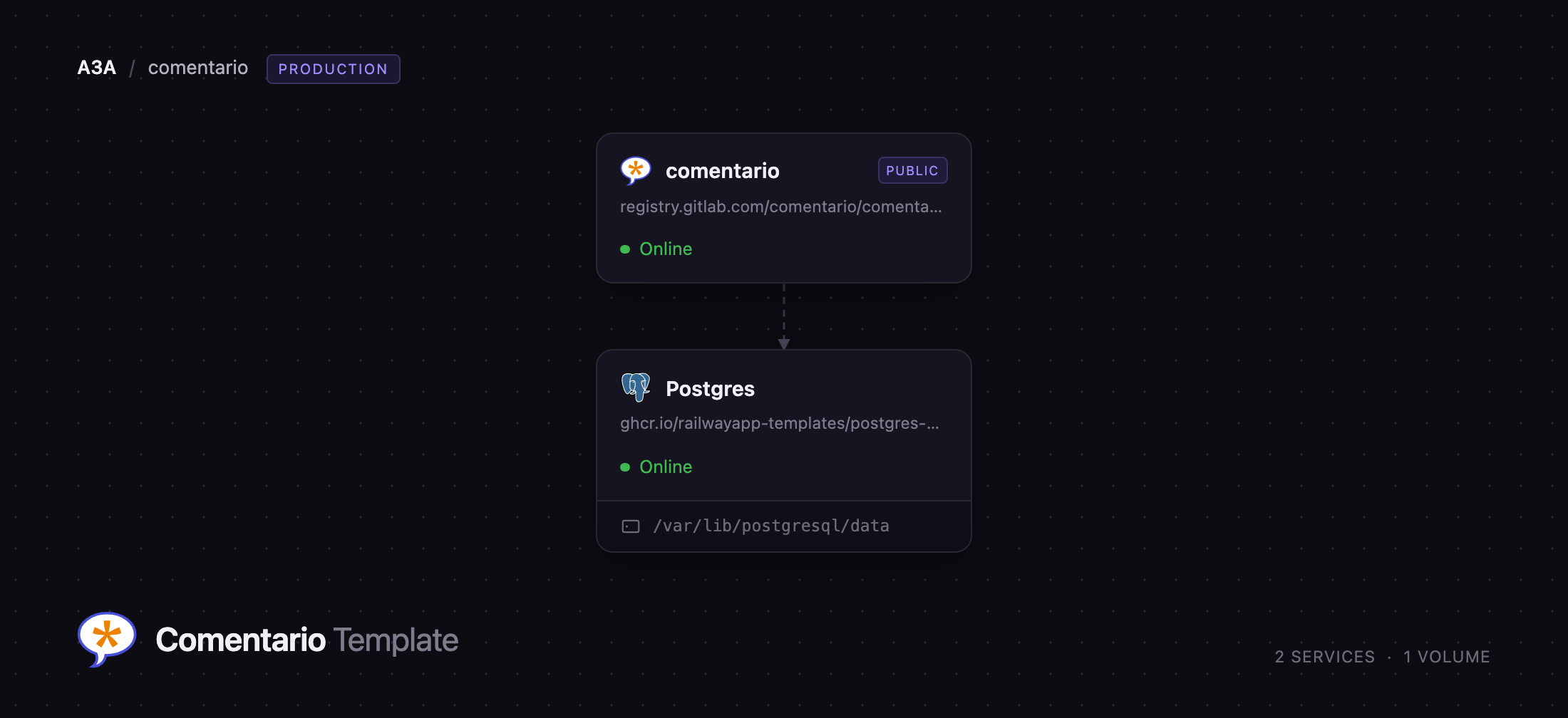
Self-host Comentario on Railway and this template wires the whole stack together: the Comentario server on a public HTTPS domain, and managed PostgreSQL on the private network holding comments, users, domains, moderation state and settings. Browsers load the embed from your Comentario domain and talk to its REST API; the server is the only service exposed to the internet, and the database is never publicly routable. A stable signing key is generated at deploy time, so sessions and emailed links survive redeploys.
Getting Started with Comentario on Railway
Once the deploy goes green, open the public URL and register straight away — the first account created with email and password automatically becomes the instance superuser and is confirmed on the spot, so claim it before anyone else finds the URL. There are no default credentials to look up and none to change. After signing in you land on the Dashboard, which counts users, domains, pages and comments.
Your first real action is registering a domain. Go to Domains → New domain, enter the hostname of the site you want comments on (just the host, such as blog.example.com), name it, and save. Comentario then shows an Installation snippet — a `
## How Much Does Comentario Cost to Self-Host?

Comentario is free and open source under the MIT licence, with no paid tier, seat limits or feature gating — every capability described here is in the build this template deploys. On Railway you pay only for the compute and storage the two services use, which for a typical blog is a small monthly figure.

## FAQ

**What is Comentario?**

An open-source web comment engine that adds threaded, moderated discussions to any page through a small embeddable widget. It is the maintained successor to Commento, and collects no tracking data.

**What does this Railway template deploy?**

Two services: the Comentario server on a public HTTPS domain, and managed PostgreSQL 18 on the private network. Database credentials, the public base URL and a stable signing key are wired in automatically, so there is nothing to configure before the first deploy.

**Why does the template include a PostgreSQL database?**

Comentario keeps all state in PostgreSQL — comments, accounts, domains, moderation status, sessions, statistics and avatars. Because nothing is written to local disk, the app needs no volume and can be redeployed or scaled without migrating files.

**How do I create the admin account in self-hosted Comentario?**

Register the first account through the normal sign-up form. Comentario promotes the first locally registered user to superuser and marks the address confirmed automatically. Do this immediately after deploying, since the first person to register gets the instance.

**Do I need an SMTP server to run Comentario?**

No. With no mail server configured, Comentario confirms every new account automatically, so registration and commenting work out of the box. Add the `COMENTARIO_SMTP_*` variables for moderation notifications, reply notifications and password resets — but note that once mail is configured, new commenters must confirm by email, so point it at a real relay rather than a test inbox.

**How do I add comments to my Hugo or Astro blog?**

Register your site's hostname under Domains, then paste the two-line snippet into your post layout. Comentario identifies each thread by page URL, so one snippet covers every post.
Template Content