Deploy Craft Suite (6 Open-Source Creative Apps in Your Browser)
Six open-source Rust/WASM creative apps: photo, RAW, PDF, vector, video.
craft-suite
Just deployed
craft-relay
Just deployed
Deploy and Host Craft Suite on Railway
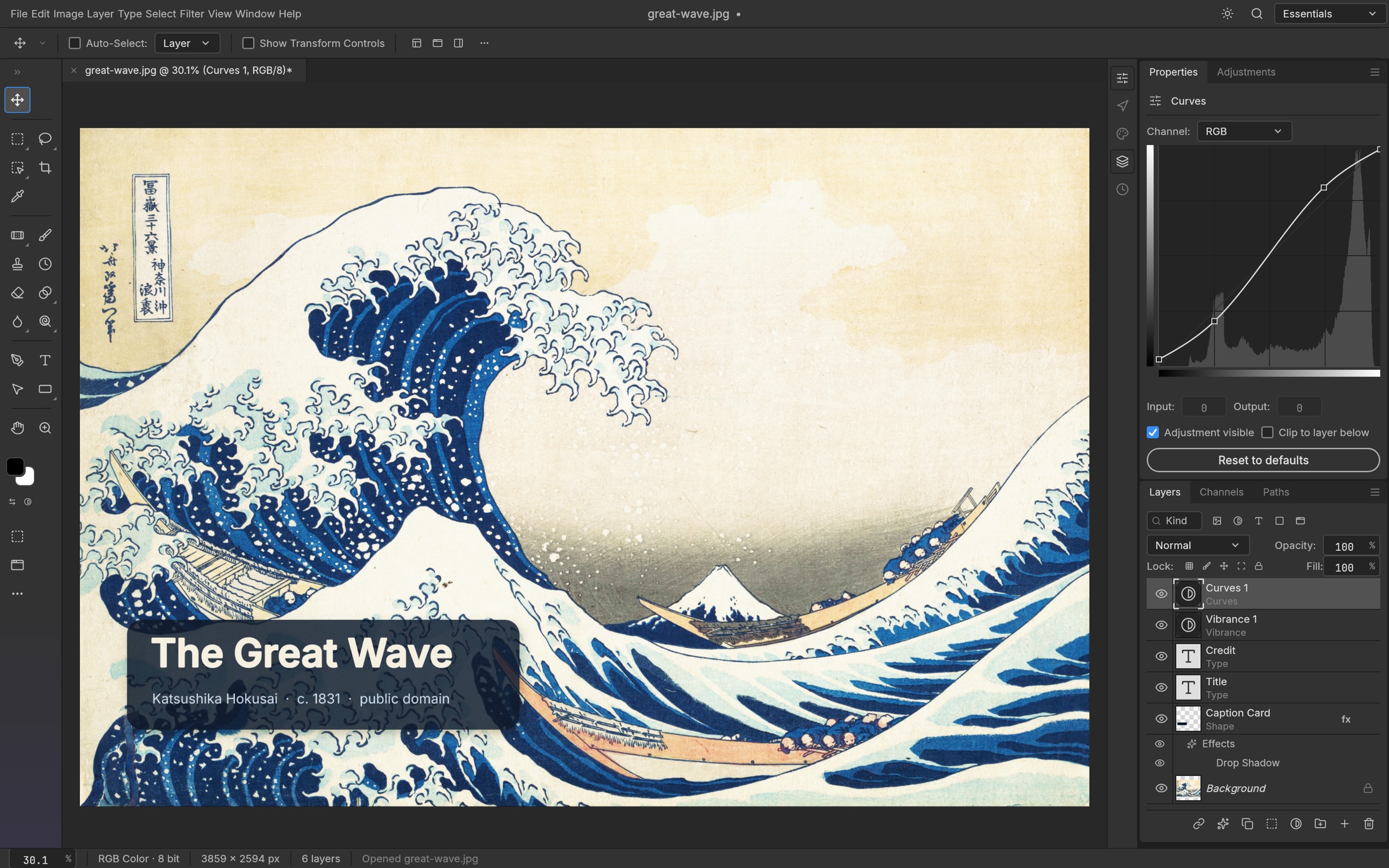
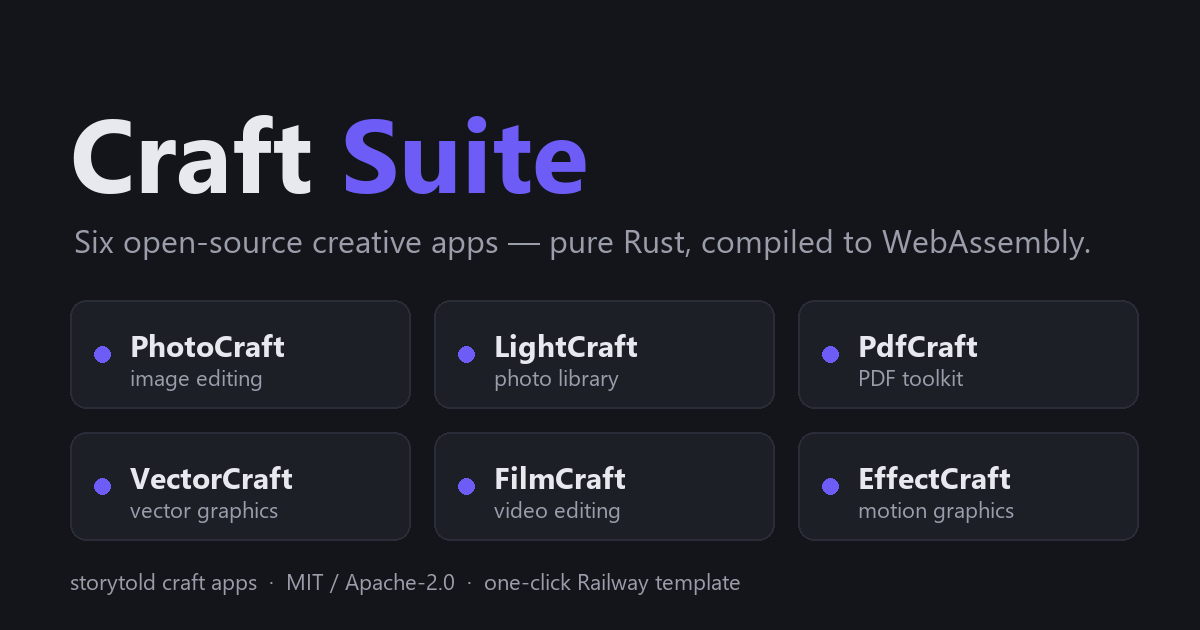
Craft Suite is six open-source creative apps, rewritten in Rust and compiled to WebAssembly, that run entirely in your browser: PhotoCraft (photo editing), LightCraft (RAW development), PdfCraft (PDFs), VectorCraft (vector graphics), FilmCraft (video editing) and EffectCraft (motion effects). Adobe Creative Cloud Pro is $69.99/month — host your own creative suite on Railway for about a dollar or two a month.
What This Template Deploys
| Service | Purpose |
|---|---|
| craft-suite | NGINX serving the WebAssembly builds of all six apps at /photocraft/, /lightcraft/, /pdfcraft/, /vectorcraft/, /filmcraft/ and /effectcraft/ (public HTTPS domain, /healthz check). |
| craft-relay | MCP relay that lets Claude Desktop drive the apps as tools, reached through /relay/ over the private network. |
Two lightweight services. The apps run 100% in the visitor's browser — the server only hands over static files, so heavy editing uses the user's own CPU and GPU, not Railway resources.
About Hosting Craft Suite
Browser-based WebAssembly apps need careful serving: the right MIME type for .wasm, compression, cache headers for hashed assets, and cross-origin isolation headers for advanced features. Getting any of these wrong breaks the apps silently.
On Railway, NGINX is preconfigured per each app's hosting notes — application/wasm, precompressed gzip, immutable caching for hashed files, COOP/COEP headers — and every app version is pinned at build time. The MCP relay is already wired to the apps on the same origin, with generated tokens.
Your work is stored in the browser, per domain. Projects live in the browser's local storage for the exact site address. Set your custom domain before you start real work, and export anything you care about — clearing browser data or changing domains loses it. The apps are young (versions 0.4–0.7), so expect rough edges compared with Adobe's tools.
Typical cost: ~$1–3/month on Railway, since the server only serves static files. Adobe Creative Cloud Pro is $69.99/month, and Photoshop alone is $22.99/month.
Deploy Craft Suite in Under 5 Minutes
- Click Deploy on Railway — the image downloads the six app builds and starts NGINX (~2–3 minutes).
- Add your custom domain now if you plan to use one — before saving any work.
- Open
/photocraft/,/lightcraft/,/pdfcraft/,/vectorcraft/,/filmcraft/or/effectcraft/on your URL. - Optional: add the relay's MCP endpoint to Claude Desktop with
MCP_TOKEN. - In an app, click Connect agent and paste
BRIDGE_TOKENto let Claude drive it.
No installs. No Creative Cloud subscription. No files uploaded to someone else's cloud.
Common Use Cases
- Free Photoshop alternative in the browser — "open source photoshop alternative" you host yourself
- RAW photo editing — LightCraft as a Lightroom-style developer
- PDF editing — PdfCraft for everyday document tasks
- Vector design — VectorCraft for logos and illustrations
- Video and motion — FilmCraft and EffectCraft for simple edits and effects
- AI-driven editing — let Claude Desktop operate the apps through MCP
Configuration
| Variable | Required | Description |
|---|---|---|
MCP_TOKEN | 🔐 Auto-generated | Bearer token Claude Desktop uses for the relay's MCP endpoint. |
BRIDGE_TOKEN | 🔐 Auto-generated | Token you paste into an app's Connect agent dialog to link it to the relay. |
| App versions (build args) | Optional | PHOTOCRAFT_VERSION and others pin each app; override to upgrade. |
Set your domain before importing work. Browser storage is tied to the exact domain, so moving from the Railway URL to a custom domain later means your saved work stays behind.
Craft Suite vs. Alternatives
| Craft Suite on Railway | Adobe Creative Cloud | Photopea | Desktop open source (GIMP, Inkscape) | |
|---|---|---|---|---|
| Monthly cost | ~$1–3 usage | $69.99 Pro, $22.99 Photoshop | Free | Free |
| Runs in the browser | ✅ Yes | ⚠️ Mostly desktop apps | ✅ Yes | ❌ Install required |
| Photo, RAW, PDF, vector, video in one place | ✅ Six apps | ✅ Yes | ⚠️ Photo-focused | ⚠️ Separate apps |
| Self-hosted | ✅ Yes | ❌ No | ❌ No | ✅ Local |
| AI agent control (MCP) | ✅ Built-in relay | ⚠️ Vendor AI features | ❌ No | ❌ No |
| Maturity | ⚠️ Early versions | ✅ Industry standard | ✅ Mature | ✅ Mature |
| License | ✅ MIT / Apache-2.0 | ❌ Proprietary | ❌ Proprietary | ✅ GPL |
Dependencies for Craft Suite Hosting
- Railway account — Hobby ($5/month) is plenty; the server only serves files.
- A modern browser with WebAssembly support (recent Chrome, Edge, Firefox or Safari).
- Claude Desktop, if you want to use the MCP relay.
Deployment Dependencies
- Craft Suite Railway source — this template's build
- PhotoCraft — one of the six upstream apps
- Model Context Protocol — how Claude drives the apps
- Railway Custom Domains — set yours before saving work
Implementation Details
The Dockerfile downloads each app's release build at the pinned version and serves them from NGINX with .wasm as application/wasm, gzip precompression, immutable caching for hashed assets and same-origin isolation headers. /healthz returns 200 for Railway's health check.
craft-relay exposes the apps as MCP tools; NGINX proxies /relay/ to it over the private network, so the in-page bridge connects on the same origin. Nothing is connected until you click Connect agent and paste the bridge token.
Frequently Asked Questions
What is Craft Suite? A bundle of six open-source creative apps — photo, RAW, PDF, vector, video and motion — built in Rust and WebAssembly that run entirely in your browser, deployed together on one URL.
How much does it cost compared to Adobe Creative Cloud? About $1–3/month on Railway. Adobe Creative Cloud Pro is $69.99/month and Photoshop alone is $22.99/month.
Why did my saved work disappear? Work is stored in your browser for the exact domain. Changing domains, using another browser or clearing site data won't show it. Set your custom domain first and export important files.
Do I lose files when I redeploy? No — files aren't stored on the server at all. They stay in your browser's storage, so redeploys don't affect them.
Can Claude edit photos or videos for me?
Yes. Connect Claude Desktop to the relay's MCP endpoint with MCP_TOKEN, then click Connect agent in an app and paste BRIDGE_TOKEN.
Is it a full replacement for Photoshop or Premiere? Not yet. The apps are early (versions 0.4–0.7) and cover common tasks well, but professional workflows may still need mature tools.
Why Deploy and Host Craft Suite on Railway?
Railway is a singular platform to deploy your infrastructure stack. Railway will host your infrastructure so you don't have to deal with configuration, while allowing you to vertically and horizontally scale it.
By deploying Craft Suite on Railway, you get six browser-based creative apps on your own URL — with optional Claude control — for about the cost of serving static files.
Template Content
craft-suite
derekcheungsa/craft-suite-railwaycraft-relay
derekcheungsa/craft-suite-railway

