
Deploy CTFd
Capture-the-flag platform for running security competitions
Just deployed
MySQL
Just deployed
/var/lib/mysql

Redis
Just deployed
/data
ctfd-uploads
Bucket
Just deployed
Deploy and Host CTFd on Railway
CTFd is the capture-the-flag framework most security competitions are built on. It gives you a challenge board grouped by category, static and regex flag checking, purchasable hints, file attachments, a live scoreboard, user or team modes, and an admin panel for writing challenges and freezing the board before the finish. University clubs, corporate red teams and conference villages all run it. Self-host CTFd when the event data — flags, submissions, accounts — should stay on infrastructure you control.
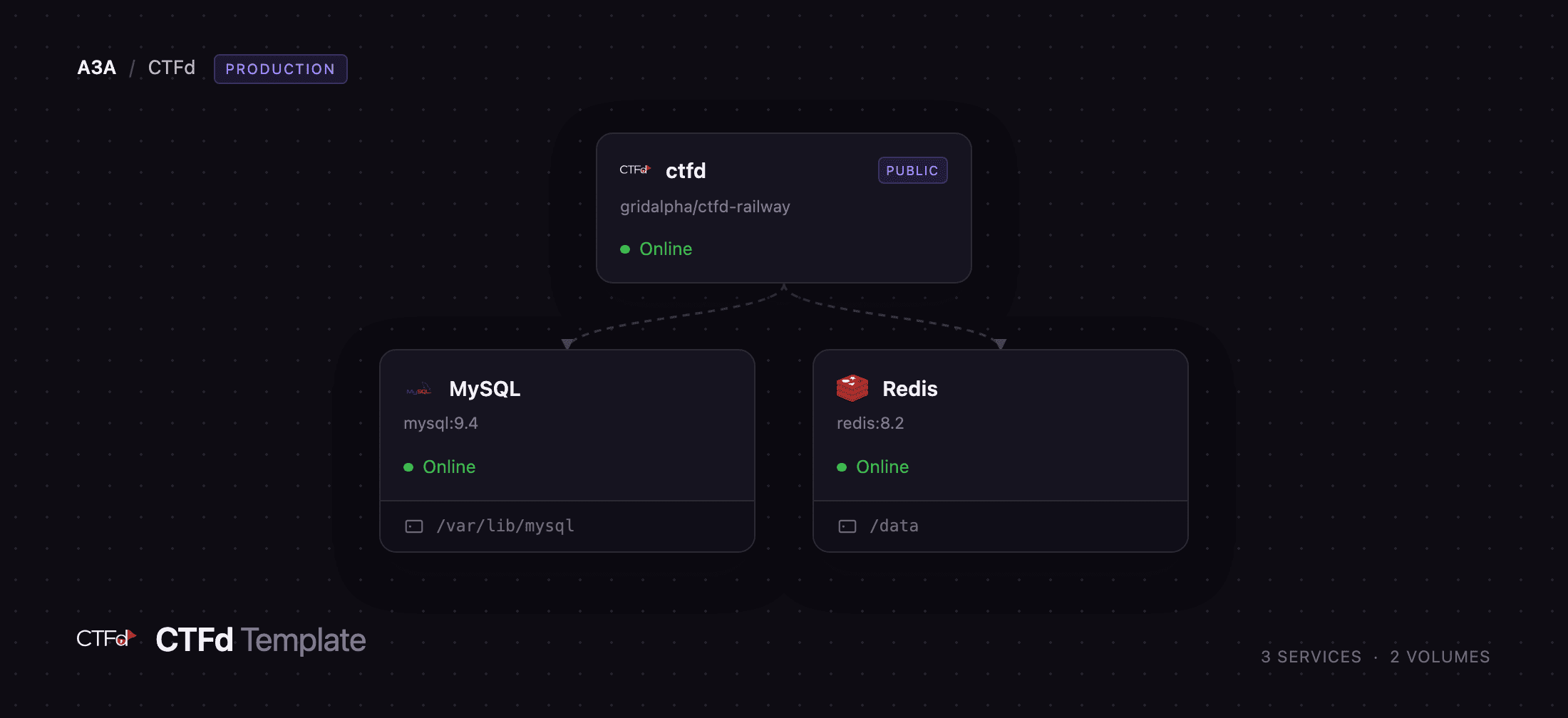
Deploy CTFd on Railway and this template wires up the production shape: a ctfd web service running gunicorn behind Railway's TLS edge, a managed MySQL database for challenges, users and submissions, a managed Redis instance serving as both cache and session store, and a ctfd-uploads bucket for attachments. Players hit the public domain, CTFd reads and writes MySQL over the private network, sessions live in Redis so the web tier keeps no local state, and every file attached to a challenge is written to the bucket and handed back through a signed, time-limited link.
Getting Started with CTFd on Railway
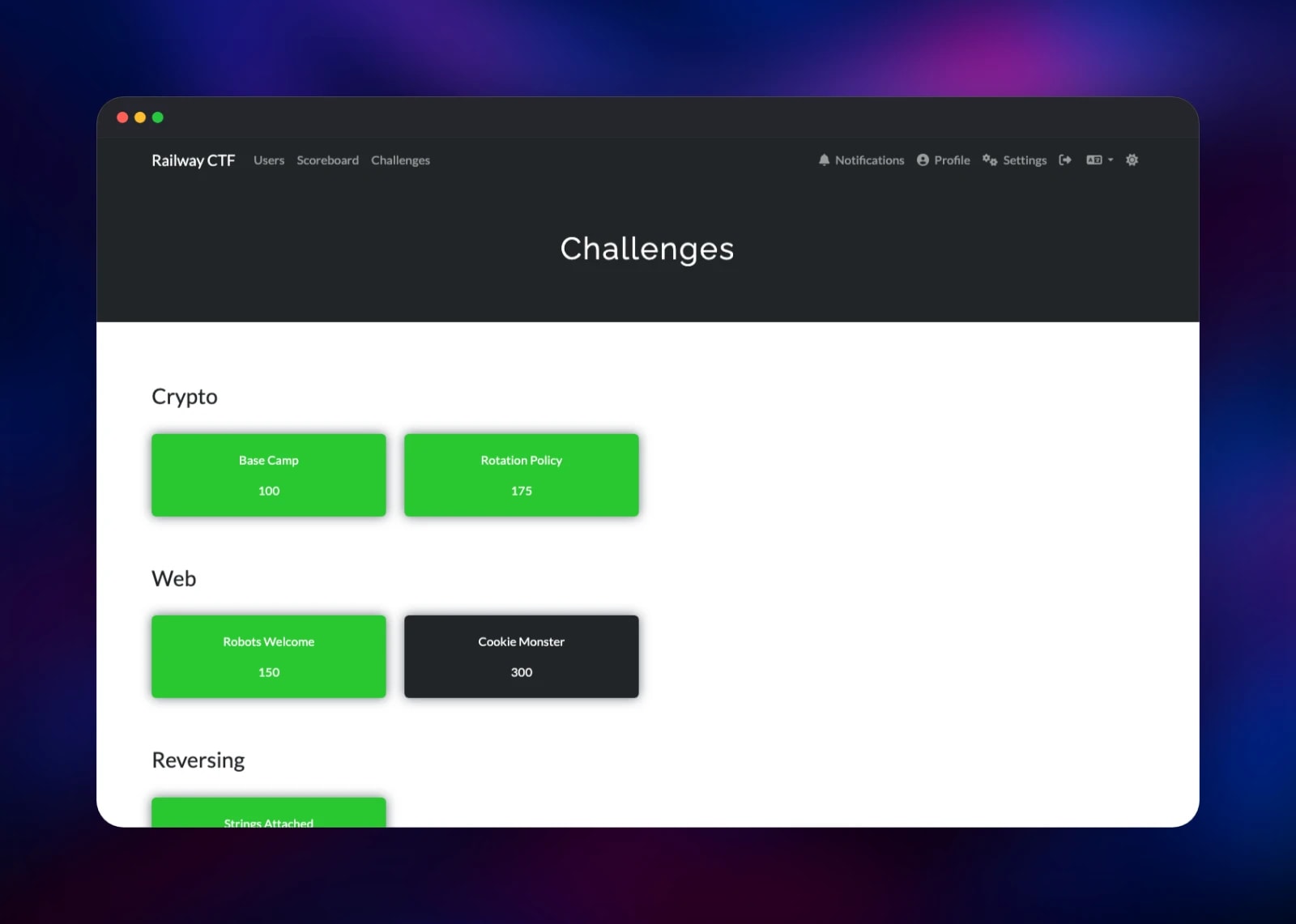
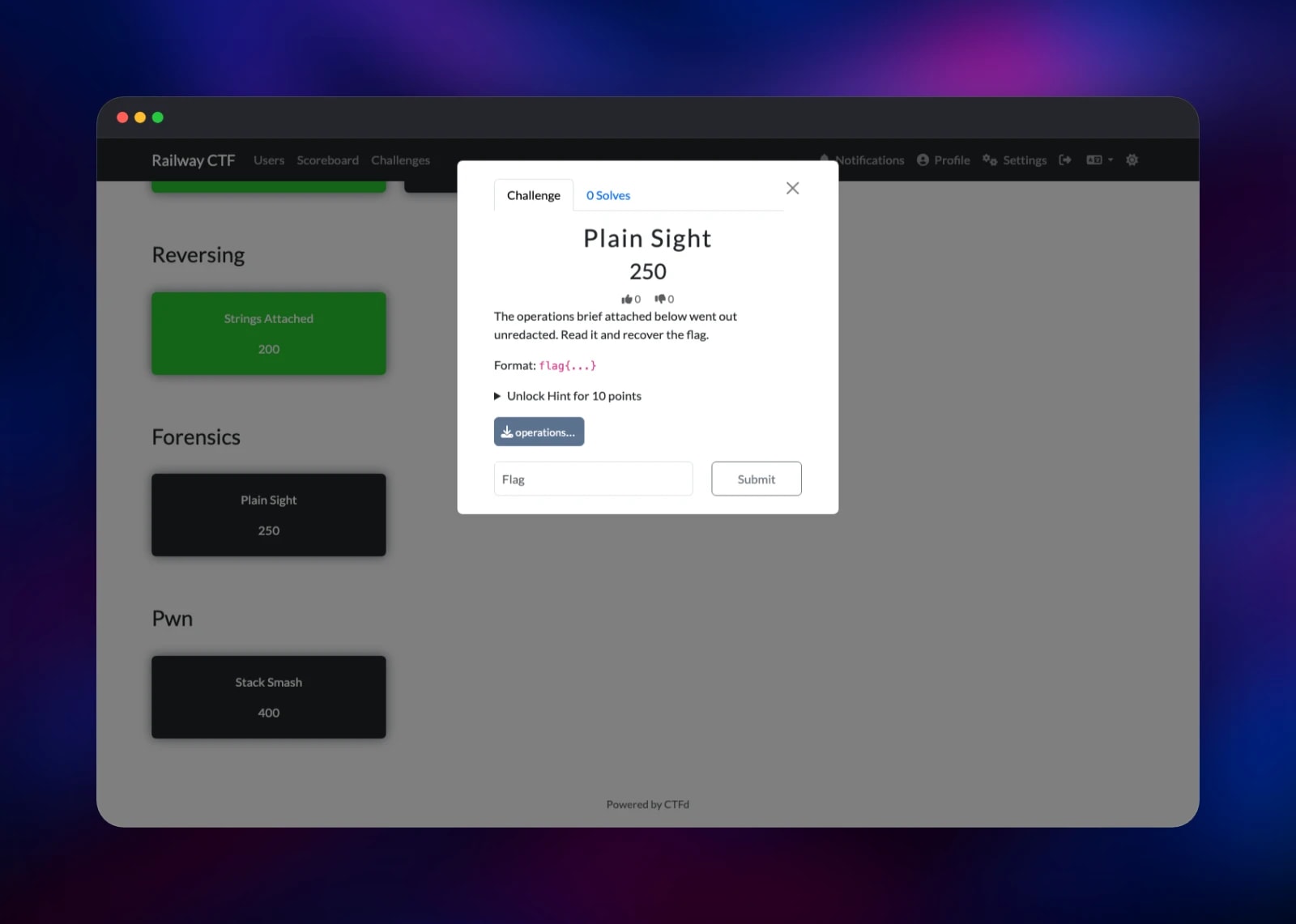
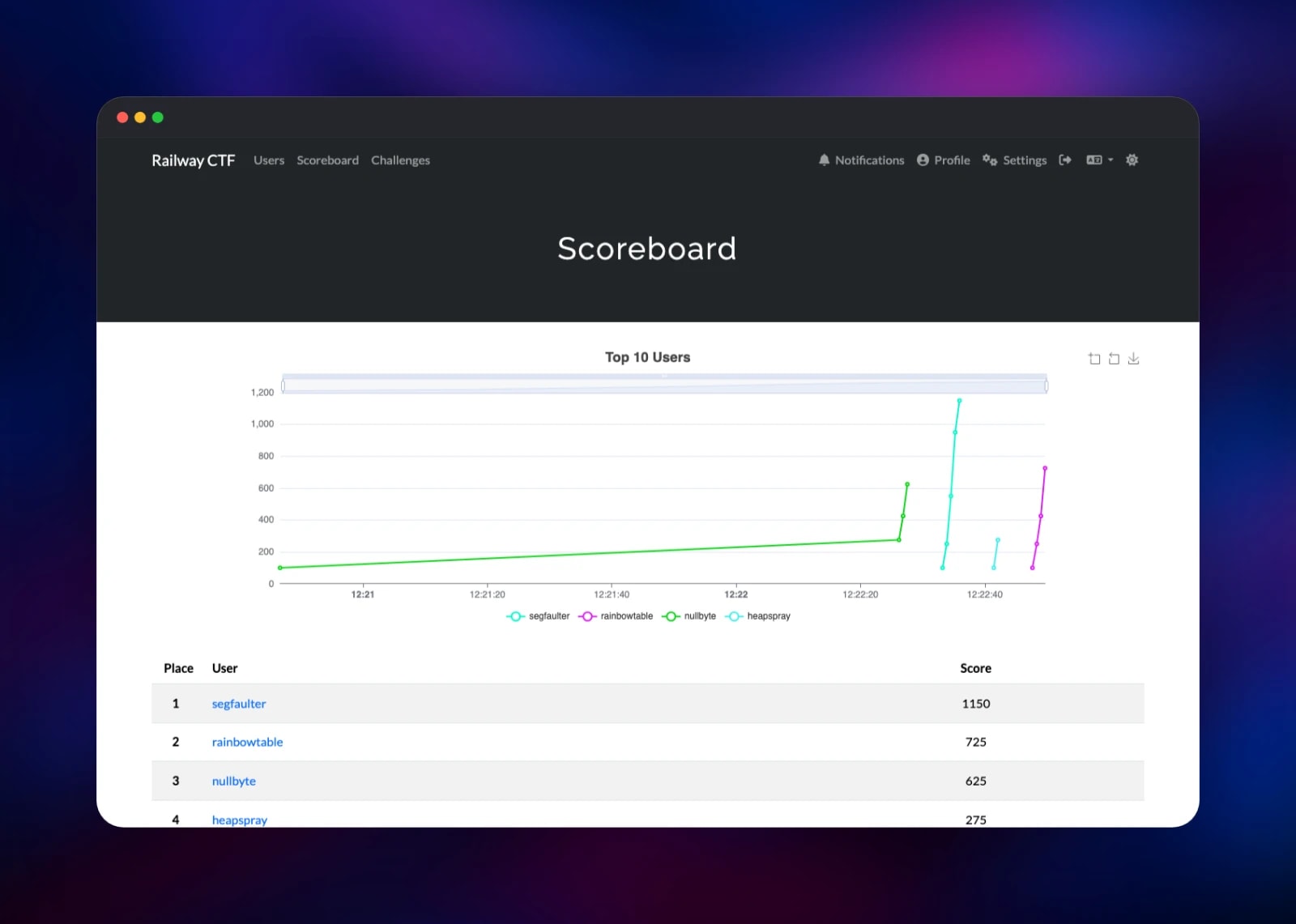
Before clicking Deploy, set PRESET_ADMIN_EMAIL and PRESET_ADMIN_PASSWORD — the credentials for your organiser account. The template creates that administrator during the first boot, before CTFd serves any traffic, so the usual open setup wizard never appears on your public URL and nobody can claim the admin seat first. Open the generated domain and sign in from Login. In the Admin Panel, use Config to set the event name and its start and end times, then go to Challenges and press the plus button: give it a name, a category such as Web or Crypto, a point value, a description, and a static flag on the Flags tab. Attach a file on the Files tab — that upload confirms the bucket is wired up, since CTFd stores it there rather than on disk. Set the state to Visible, open the site in a private window, register a player account and submit the flag; a correct answer turns the card green and the Scoreboard updates at once.
About Hosting CTFd
CTFd is a Flask application that turns a set of puzzles into a scored competition. Organisers write challenges in the admin panel; players register, submit flags and climb a board everyone can watch. The event data — flags, solve times, the participant list — is sensitive until the competition ends, which is why self-hosting is the norm.
Key features:
- Standard and dynamic-scoring challenges, whose value decays as more teams solve them
- Static, case-insensitive and regex flags, with per-challenge attempt limits
- Point-costed hints, and attachments served through expiring links
- Users or teams mode, a freeze time that hides late solves, and brackets for separate fields
- A REST API, plugin and theme APIs, and full event export and import
The architecture splits across four pieces. ctfd runs gunicorn with gevent workers, so long-polling notifications do not block requests. MySQL is the system of record. Redis is both cache and session store, which keeps the web tier stateless and notifications consistent across workers. ctfd-uploads holds every challenge file, keeping large attachments off the container. Registration visibility, a registration code and challenge visibility are all set in Config → Visibility.
Why Deploy CTFd on Railway
Railway removes the infrastructure work between you and an event:
- MySQL, Redis and object storage are provisioned and connected for you
- A TLS domain is issued automatically, with no certificate to renew
- The administrator is created at boot, so no setup wizard is ever exposed
- Private networking keeps the database and cache off the public internet
- Logs, metrics and one-click rollbacks are built in for event week
- Scale the web service up for the competition and back down after
Common Use Cases
- A university or club CTF, where members write challenges and a public scoreboard tracks the field
- Internal security training, using teams mode and brackets so engineering groups compete with peers
- Conference and hiring events, where a short jeopardy board doubles as a technical screen
- A permanent practice range, with challenges added over time and the scoreboard kept private
Dependencies for CTFd
- ctfd — gridalpha/ctfd-railway, a thin layer over the official
ctfd/ctfdimage that creates the first administrator before the app listens and forces theSecureflag on session cookies - MySQL — managed MySQL, the database for challenges, users, submissions and configuration
- Redis — managed Redis, CTFd's cache and server-side session store
- ctfd-uploads — object storage for challenge attachments
Environment Variables Reference
| Variable | Purpose |
|---|---|
PRESET_ADMIN_EMAIL | Email for the administrator account created on first boot |
PRESET_ADMIN_PASSWORD | Password for that account; a valid login until you change it |
PRESET_ADMIN_NAME | Administrator display name, admin by default |
SECRET_KEY | Signs session cookies — changing it logs everyone out |
CTF_NAME | Event name, written on first boot; later edited in Admin → Config |
CTF_USER_MODE | users or teams, applied on first boot only |
WORKERS | gunicorn worker processes, 4 by default |
REVERSE_PROXY | 2,1,1,1,0, so CTFd records the real client IP behind the edge |
UPLOAD_PROVIDER | s3, sending challenge files to the bucket instead of local disk |
MAIL_* | Optional SMTP, needed only for password resets and email verification |
Deployment Dependencies
- Source repository: gridalpha/ctfd-railway
- Upstream: CTFd/CTFd · image
ctfd/ctfd· docs docs.ctfd.io
Hardware Requirements for Self-Hosting CTFd
| Resource | Minimum | Recommended |
|---|---|---|
| CPU | 1 vCPU | 2–4 vCPU during a live event |
| RAM | 512 MB | 2 GB for the web service |
| Storage | Managed by Railway | Attachments live in object storage, not on a disk |
| Runtime | Python 3.11, MySQL 8+, Redis | Provided by the template |
A quiet practice instance is fine on the minimum. CTF traffic is spiky — the scoreboard gets hammered in the last hour — so raise WORKERS and the web service's memory before a big event, not during one.
Self-Hosting CTFd
The quickest local run uses the official image with SQLite — fine for drafting challenges, not for an event:
docker run -p 8000:8000 -e SECRET_KEY=change-me ctfd/ctfd:latest
For anything real, point it at MySQL and Redis. Upstream ships a compose file; the essential wiring:
services:
  ctfd:
    image: ctfd/ctfd:latest
    ports: ["8000:8000"]
    environment:
      - SECRET_KEY=change-me
      - DATABASE_URL=mysql+pymysql://ctfd:ctfd@db/ctfd
      - REDIS_URL=redis://cache:6379
    depends_on: [db, cache]
  db:
    image: mariadb:10.11
  cache:
    image: redis:8
You are then left to issue certificates, decide where uploads live, back up MySQL and reach the setup wizard before anyone else. The Railway template handles all four.
How Much Does CTFd Cost to Self-Host?
CTFd is open source under the Apache 2.0 licence, so the software is free and there is no seat or event fee for the version this template deploys. The project also sells a hosted service and an enterprise edition at ctfd.io; nothing here depends on either. On Railway you pay only for the compute, memory and storage the four services use — for a small event, a few dollars for the weekend.
FAQ
What is CTFd? CTFd is an open-source capture-the-flag platform. It hosts challenges, checks flags, awards points and runs the scoreboard for a security competition.
What does this Railway template deploy? A CTFd web service, managed MySQL, managed Redis and an object storage bucket for attachments, connected over Railway's private network with a TLS domain on the web service only.
Why does the template include MySQL and Redis? MySQL is CTFd's system of record for challenges, accounts and submissions. Redis is both its cache and its session store, which keeps the web tier free of local state and notifications consistent across workers.
How do I log in to self-hosted CTFd the first time?
Use the email and password you set in PRESET_ADMIN_EMAIL and PRESET_ADMIN_PASSWORD. That account is created on the first boot, so there is no setup wizard to race and no default password to change.
Do I need SMTP to run CTFd on Railway?
No. Registration, flag submission and the scoreboard all work without a mail server. Set the MAIL_* variables only for password resets or email verification.
Can I scale CTFd for a large competition?
Yes. Sessions are in Redis and attachments in object storage, so the web service holds no local state — raise WORKERS or add replicas and every worker sees the same sessions and files.
Template Content


