
Deploy Debian
A real XFCE Debian desktop in the browser, not just a web terminal.
Just deployed
/config
Deploy and Host Debian Desktop on Railway
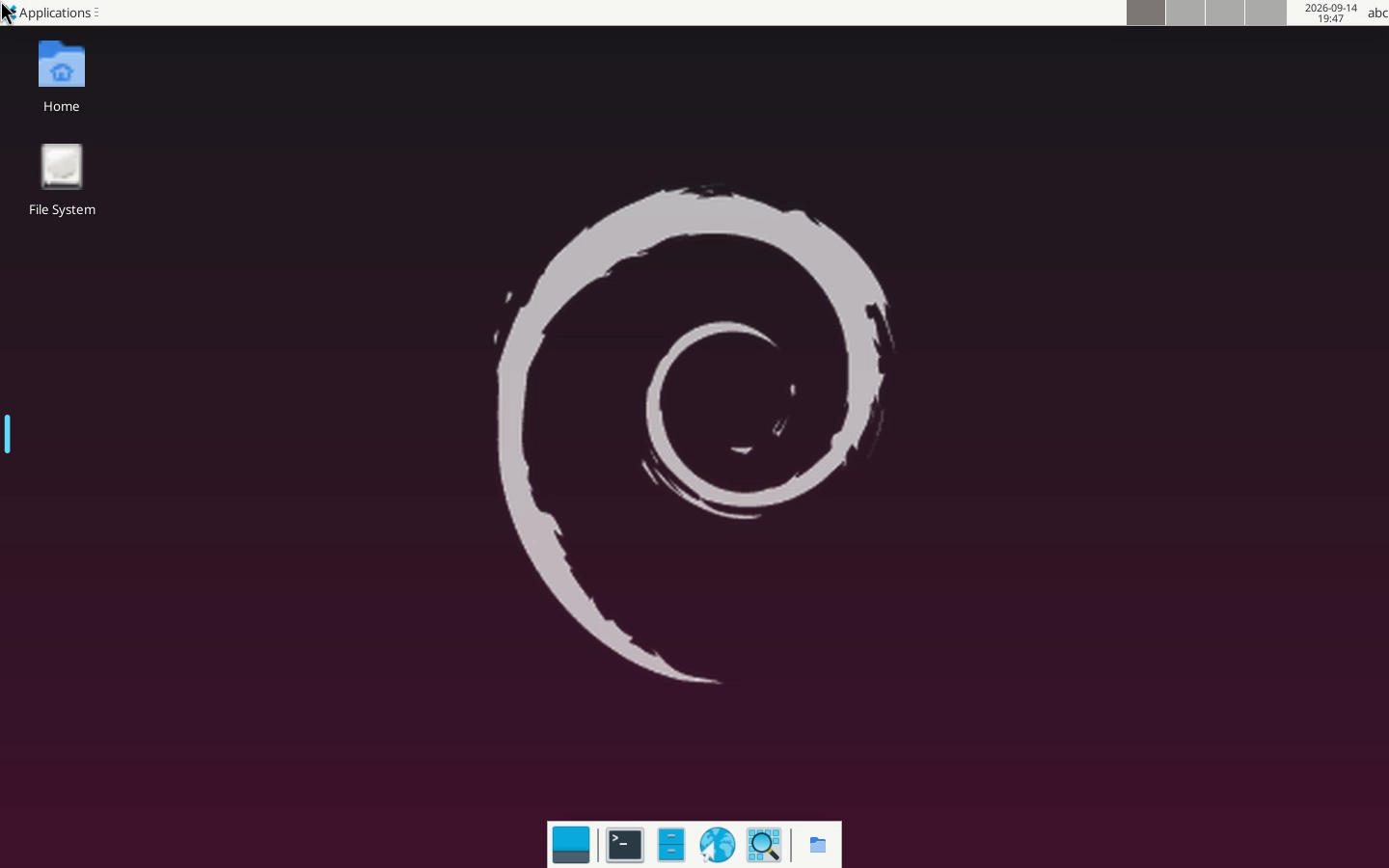
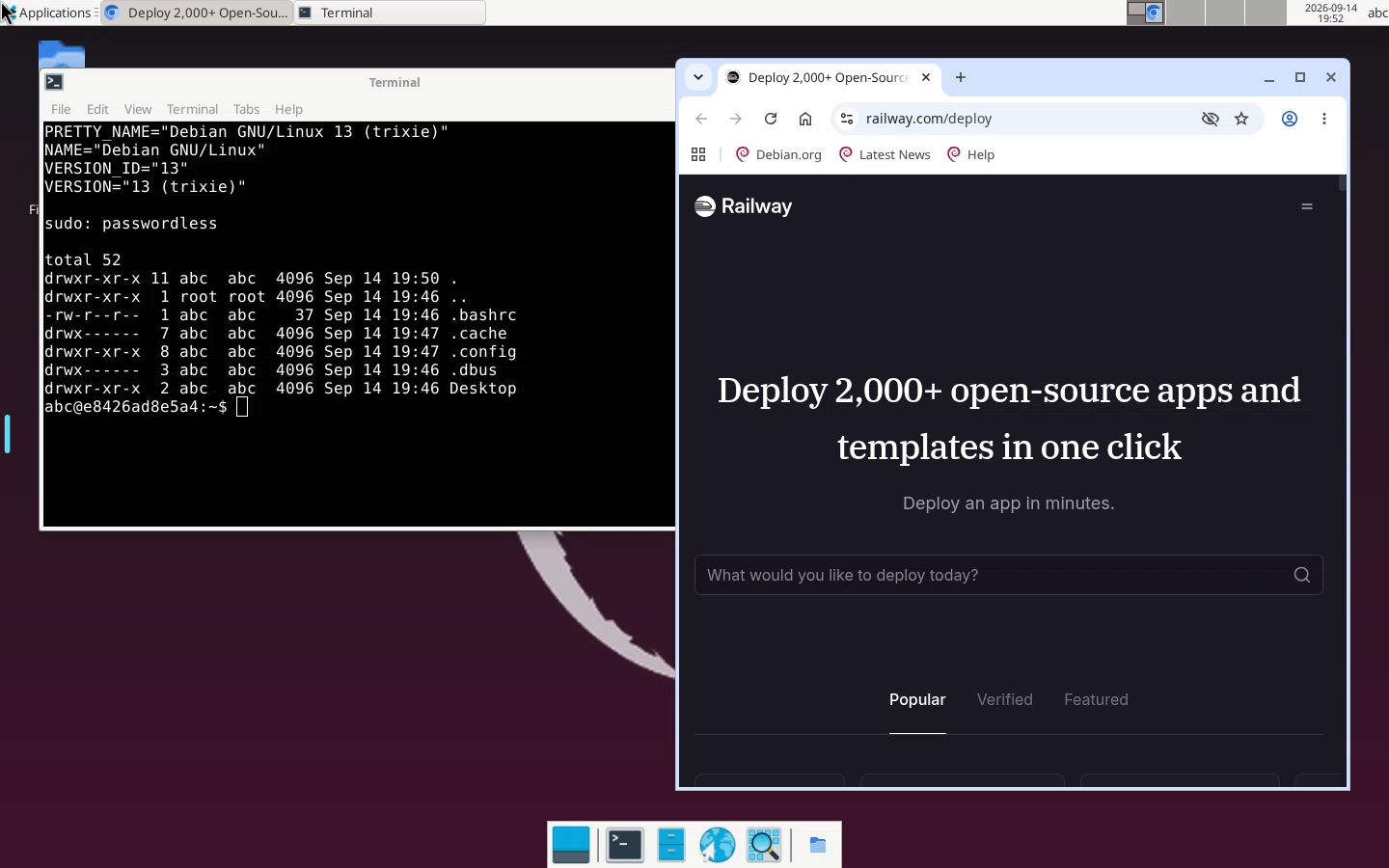
Debian Desktop is a full XFCE graphical desktop that runs in your browser, not a terminal. It gives you a real Debian 13 (trixie) GUI with a file manager, a browser, audio and a shared clipboard, reachable from any device at a URL, with no VNC client, SSH key or local VM.
About Hosting Debian Desktop
Deploying runs a single container built from linuxserver/webtop:debian-xfce,
which serves the entire desktop over one HTTP port through its bundled nginx.
Deploys complete in under a minute. The one thing worth planning for is cost: a
desktop is not a terminal, and it idles near 800 MB of RAM with a session
attached, against roughly 64 MB for a ttyd shell. Enabling Railway's app sleep is
strongly recommended so it suspends when you close the tab and you pay for the
hours you actually use it.
The deploy is gated on a healthcheck at /railway-healthz. That path needs
creating, because the image's nginx puts HTTP basic auth at the server level, so
every path including / answers 401 and an unauthenticated Railway probe could
never pass. The start command adds one exempt location; everything else stays
behind auth.
Common Use Cases
- Running GUI tools that have no terminal equivalent: Wireshark on a capture file, Ghidra, GIMP, a database client, or a full desktop browser
- A persistent cloud workstation reachable from a locked-down machine, a tablet, or a Chromebook
- A disposable, isolated browser and desktop for testing sites, extensions or downloads away from your own machine
Dependencies for Debian Desktop Hosting
- A Railway volume, mounted at
/config, which holds the desktop's home directory. Without it every file, setting and installed app is lost on redeploy. - Nothing else. There is no database, no external API key, and no GitHub repo behind the template.
Deployment Dependencies
- linuxserver/webtop - the upstream image
- Docker Hub image
- Selkies - the streaming layer
- LinuxServer Webtop documentation
Implementation Details
Why a single port is enough. Selkies uses a separate websocket server on 8082, which looks like it needs a second public port. It does not: the image's nginx reverse-proxies it internally.
location /websocket {
    proxy_pass http://127.0.0.1:8082;
}
Why no TURN server is needed. Selkies is often assumed to require STUN/TURN to traverse a reverse proxy, which Railway's HTTP-only edge could not provide. In this configuration it never negotiates WebRTC at all. The browser console on a live deploy reports:
Streaming mode set to: websockets
Pre-flight checks passed: Secure context and VideoDecoder API are available.
[websockets] Connection opened!
Video is H.264 encoded server-side and decoded in the browser through WebCodecs over that websocket. WebCodecs requires a secure context, which Railway's edge TLS supplies to the browser even though Railway speaks plain HTTP to port 3000.
The healthcheck path. nginx sets auth_basic on the server block, which
every location inherits, so no path is reachable unauthenticated. nginx does let a
location override it, and init-nginx rebuilds the config from /defaults on
every boot, so the template it copies is what gets patched:
location = /railway-healthz { auth_basic off; return 200; }
A grep guard fails the boot loudly if that patch ever stops applying, rather
than leaving a desktop whose healthcheck can never pass. Two constraints on
anything added there: init-nginx runs sed s/#//g over the file, so a #
would be silently deleted, and it rewrites 3000 to $CUSTOM_PORT.
The wallpaper. Out of the box this image renders a solid black desktop.
Debian's xfdesktop ships no default backdrop, and the setting is keyed by
monitor name; Selkies calls its monitor selkies-primary, which matches nothing
in a fresh profile. The image also ships no Debian wallpaper, and its gdk-pixbuf
has no SVG loader, so every .svg backdrop it does ship is unusable.
The start command embeds the 256px Debian logo from desktop-base, composites it
over a gradient using the image's own Pillow, and points the backdrop at the
result. It is guarded on the config file not existing, so it runs once on an
empty volume and a wallpaper you pick yourself is never overwritten.
Image tag. The floating debian-xfce tag is used rather than a pinned version
hash. Railway templates have no update mutation, so a pinned tag would strand
every deployer on a frozen image; for a desktop with passwordless sudo, missing
weekly OS security rebuilds is the worse trade.
Security model. You choose CUSTOM_USER and PASSWORD at deploy time, and
they are the only thing between the public Railway URL and a desktop with
passwordless sudo and a terminal. Anyone who reaches the URL with those
credentials can install and run anything and probe Railway's private network.
Both are required at deploy time, so Railway will not let you deploy without
setting them. Do not clear PASSWORD afterwards: a blank value does not lock
the desktop down, it disables authentication completely. The image only enables
its nginx basic auth when the variable is non-empty, so an empty value serves
the desktop to anyone who loads the URL.
HARDEN_DESKTOP=true disables sudo, terminals and the open-with tools if you
want a locked-down desktop.
Why RAILWAY_RUN_UID=0. The image's s6 init has to start as root so it can
chown the mounted volume and then drop the desktop session to PUID/PGID.
Pinning the run uid to 0 keeps that sequence intact on a root-owned Railway
volume.
Why Deploy Debian Desktop on Railway?
Railway is a singular platform to deploy your infrastructure stack. Railway will host your infrastructure so you don't have to deal with configuration, while allowing you to vertically and horizontally scale it.
By deploying Debian Desktop on Railway, you are one step closer to supporting a complete full-stack application with minimal burden. Host your servers, databases, AI agents, and more on Railway.
Template Content
PASSWORD
Password for the desktop's browser login.
CUSTOM_USER
Username for the desktop's browser login.


