
Deploy Docmost
Confluence alternative. Open-source collaborative wiki and documentation

Redis
Just deployed
/data
docmost
Just deployed

Just deployed
/var/lib/postgresql/data
docmost-collab
Just deployed
docmost-storage
Bucket
Just deployed
Deploy and Host Docmost on Railway
Docmost is an open-source collaborative wiki and documentation platform — a self-hosted alternative to Confluence and Notion. Teams use it for engineering runbooks, onboarding handbooks, product specs and meeting notes, organised into spaces with per-space and per-page permissions. The editor does real-time co-editing with live cursors, comments and mentions, nested pages, tables, diagrams, code blocks, math and attachments, plus importers for Confluence, Notion, Markdown, HTML and Word. Because it is AGPL-licensed software you run yourself, every page and attachment stays inside infrastructure you control.
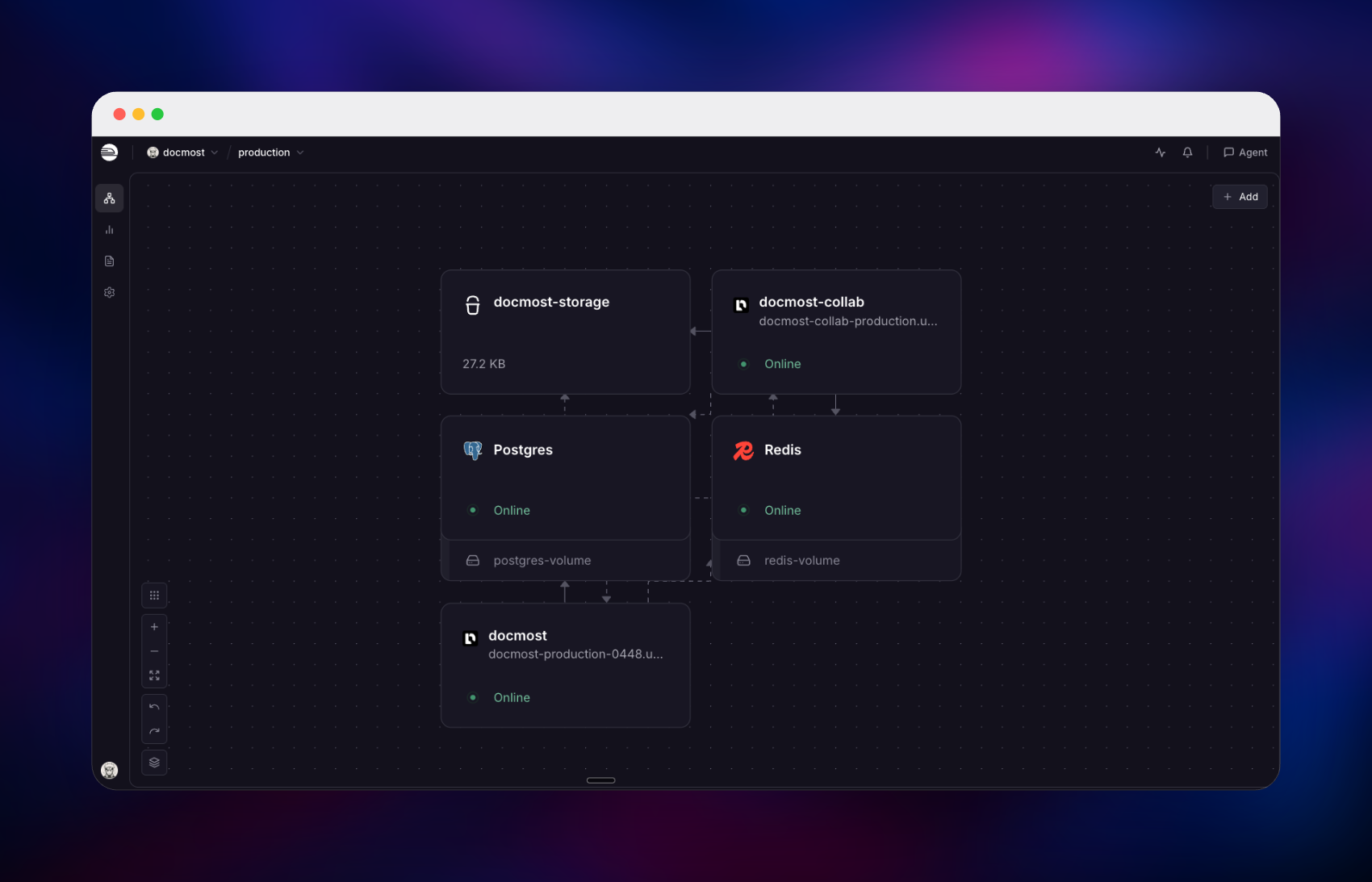
Deploy Docmost on Railway and you get the production shape upstream ships, not a single container. The template runs the API and web UI as one service and the real-time collaboration server as a second, matching Docmost's own start and collab entrypoints. PostgreSQL stores pages, revisions, users, comments and the search index; Redis carries job queues, caching and the document locks that let both servers coordinate; and a Railway bucket holds every uploaded image, avatar and attachment. Your browser talks to the app over HTTP and to the collaboration service over a WebSocket, so live editing never competes with page loads.
Getting Started with Docmost on Railway
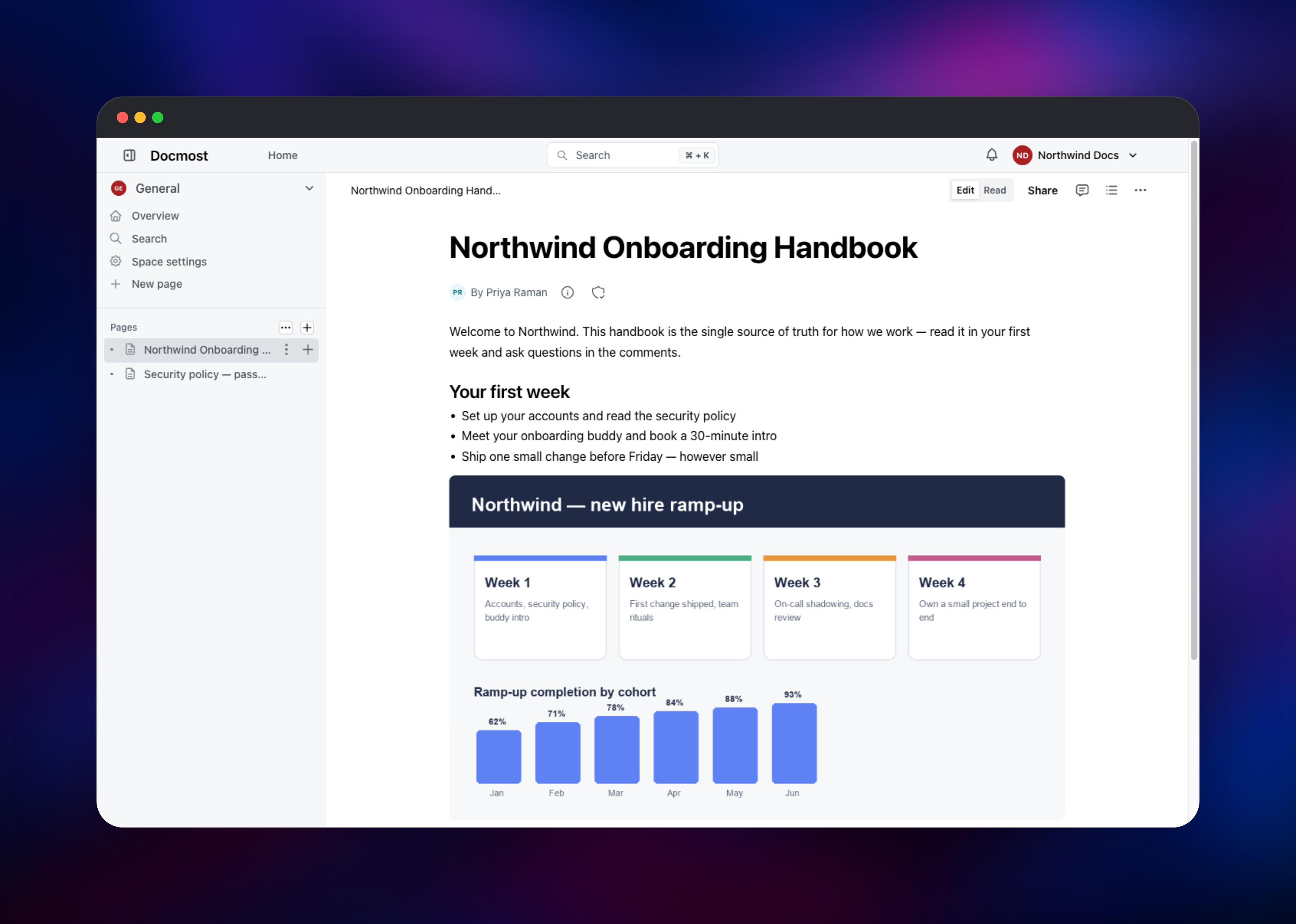
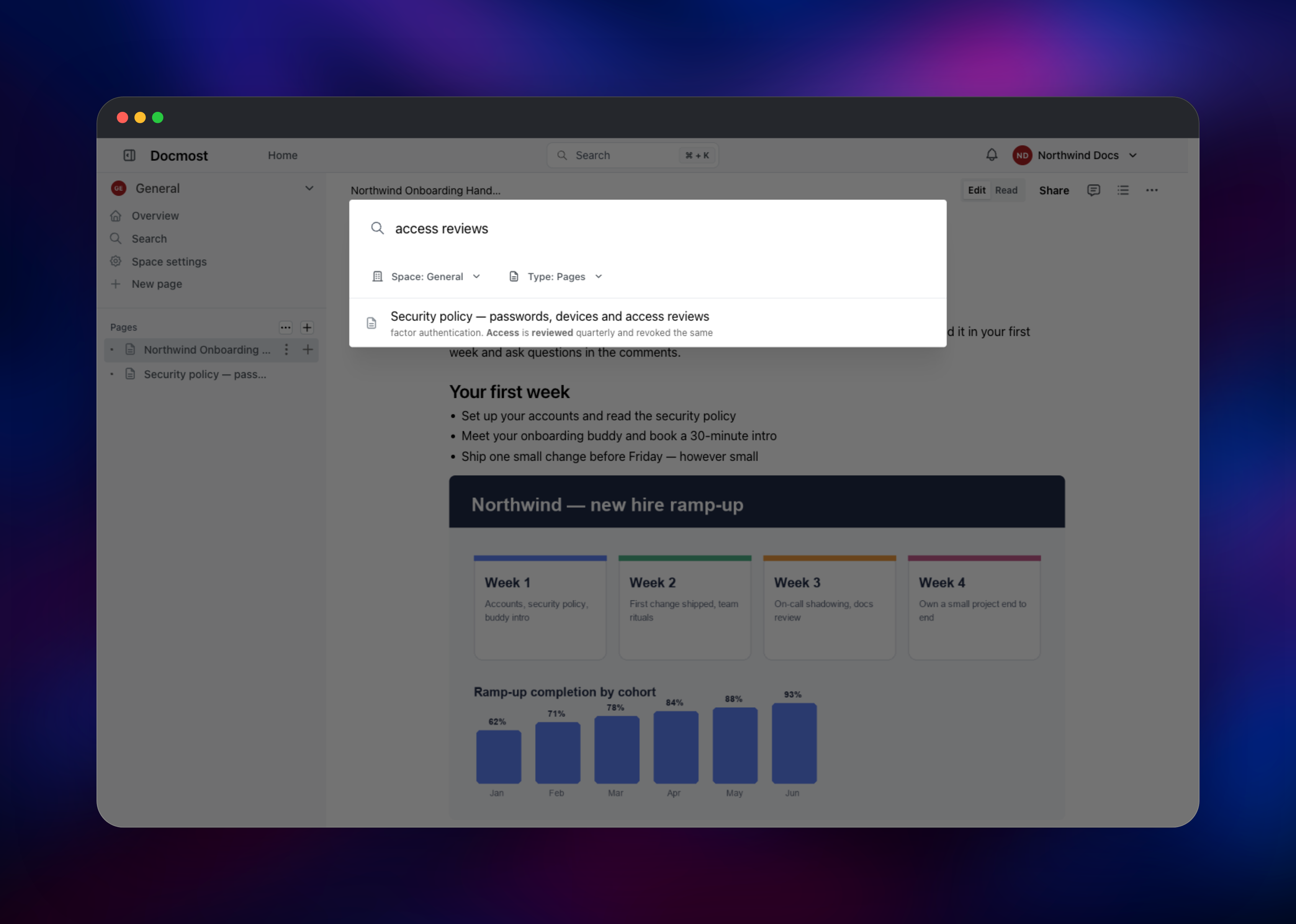
Open the app's public URL once the deployment goes green. Docmost has no default username or password: the first visit redirects to /setup/register, where you name your workspace and create the owner account in one step. That form is single-use — once a workspace exists the setup route closes permanently, so complete it promptly. You then land on the workspace home with a General space already created. Click New page, give it a title and start typing; Markdown shortcuts work inline, and / opens the block menu for images, tables, code and diagrams. To confirm the whole stack works, upload an image with the /image command — that proves the bucket is wired up — then press Cmd/Ctrl + K and search a phrase you just typed, which exercises the PostgreSQL full-text index. Invite your team from Settings → Members; there is no public sign-up form, so people join by invitation only.
About Hosting Docmost
Self-hosting Docmost makes sense when documentation is sensitive, when per-seat wiki pricing stops being worth it, or when the knowledge base should sit beside the rest of your infrastructure. The application is a NestJS API serving a React front end, with collaborative editing built on Yjs and Hocuspocus.
Key features:
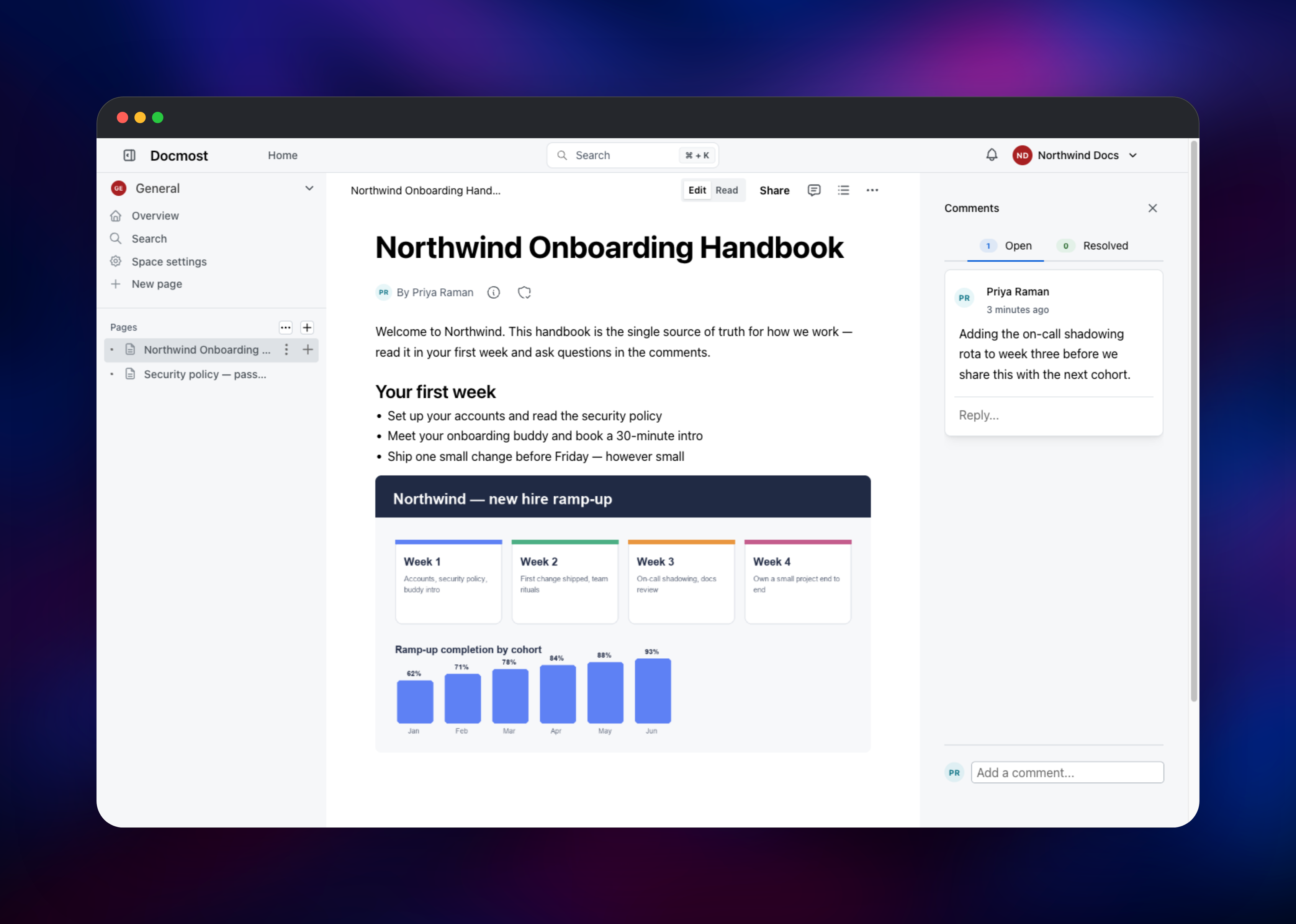
- Real-time collaborative editing with live cursors, comments and @mentions
- Spaces, nested page trees, page-level permissions and public share links
- Rich editor: tables, code blocks, math, callouts, embeds and Draw.io diagrams
- Full-text search across pages, comments and attachment contents
- Page history with revision diffs, watchers, notifications and importers for Confluence, Notion, Markdown, HTML and Word
The app service serves the UI, the REST API and file downloads, and applies database migrations at boot. The collaboration service runs the same image with a different entrypoint and handles only the editing WebSocket; the browser learns where to find it from a runtime configuration value, so no reverse proxy is needed. PostgreSQL is the system of record, Redis backs queues, cache and cross-server document locking, and the bucket holds attachments — which is what lets both services read the same files, since disks are not shared between services on Railway.
Why Deploy Docmost on Railway
Railway supplies the whole stack this template needs:
- Managed PostgreSQL and Redis provisioned and wired up automatically
- Object storage for attachments, with no separate S3 account
- HTTPS domains for both the app and collaboration services
- Private networking, with only the web tiers exposed
- Health checks, logs and metrics per service
Common Use Cases
- An internal engineering wiki of runbooks, architecture decisions and on-call docs
- A company handbook where new hires read policies and track first-week tasks
- Customer-facing docs published through public share links while drafts stay private
- A migration target for teams leaving Confluence or Notion for their own infrastructure
Dependencies for Docmost
- Docmost app —
docmost/docmost:0.95.0, HTTP on port 3000 - Docmost collaboration server — the same image, started with
pnpm collab - PostgreSQL — pages, revisions, users, permissions and the search index
- Redis — queues, cache, and collaboration document locks
- Object storage bucket — attachments, images and avatars
Both application services must run the same image tag: they share one database, and a mismatch can leave one container against a schema the other migrated.
Environment Variables Reference
| Variable | Purpose |
|---|---|
APP_URL | Public base URL; also decides whether cookies are marked secure |
APP_SECRET | Signs session and collaboration tokens. Identical on both app services, and never changed after first boot |
DATABASE_URL | PostgreSQL connection string |
REDIS_URL | Redis connection string |
COLLAB_URL | Collaboration service URL, handed to the browser at runtime |
STORAGE_DRIVER | s3 for object storage, local for a mounted disk |
AWS_S3_* | Bucket name, endpoint, region and credentials for attachments |
SMTP_HOST and related | Optional mail transport for invitations |
Deployment Dependencies
- Source repository: https://github.com/docmost/docmost
- Docker image: https://hub.docker.com/r/docmost/docmost
- Documentation: https://docmost.com/docs
Hardware Requirements for Self-Hosting Docmost
| Resource | Minimum | Recommended |
|---|---|---|
| CPU | 1 vCPU per app service | 2 vCPU per app service |
| RAM | 1 GB per app service | 2 GB per app service |
| Storage | Database only; attachments live in the bucket | 10 GB+ as history grows |
| Runtime | Node.js 26, PostgreSQL 14+, Redis 6+ | PostgreSQL 18, Redis 8 |
Scale the collaboration service first if live editing feels slow.
Self-Hosting Docmost with Docker
The published image runs both roles. This Compose file is the smallest complete self-hosted setup, using a local disk for attachments:
services:
  docmost:
    image: docmost/docmost:0.95.0
    depends_on: [db, redis]
    environment:
      APP_URL: "https://docs.example.com"
      APP_SECRET: "replace-me"
      DATABASE_URL: "postgresql://docmost:pw@db:5432/docmost"
      REDIS_URL: "redis://redis:6379"
    ports: ["3000:3000"]
    volumes: ["docmost:/app/data/storage"]

  db:
    image: postgres:18
    environment: { POSTGRES_DB: docmost, POSTGRES_USER: docmost, POSTGRES_PASSWORD: pw }
    volumes: ["db_data:/var/lib/postgresql"]
  redis: { image: redis:8 }
volumes: { docmost: , db_data: }
Generate the application secret before first start, because rotating it later invalidates every existing session and collaboration token:
openssl rand -hex 32
To split the collaboration server into its own container, run the same image with pnpm collab, set COLLAB_PORT, and point the app's COLLAB_URL at it — exactly what this Railway template does for you.
How Much Does Docmost Cost to Self-Host?
Docmost's community edition is free and open source under the AGPL-3.0 licence, with no seat limit — pages, spaces, the editor, real-time collaboration, comments and full-text search all included. Paid editions add SSO, AI search, SCIM and audit logs, unlocked with a licence key on the same image. On Railway you pay only for the compute, database and storage used.
FAQ
What is Docmost?
Docmost is an open-source collaborative wiki and documentation platform for teams, comparable to Confluence or Notion, with real-time editing, spaces, permissions and full-text search. It is AGPL-licensed and self-hosted.
What does this Railway template deploy?
Five pieces: the Docmost app, a separate collaboration server running the same image, managed PostgreSQL, managed Redis, and an object storage bucket for attachments. Both web services get an HTTPS domain; the database and cache stay private.
Why does this template include PostgreSQL, Redis and an object storage bucket?
PostgreSQL stores pages, revisions and the search index. Redis runs background jobs and the locks that let the app and collaboration servers agree on who owns a document. The bucket holds attachments so both services read the same files — a per-service disk could not.
How do I enable email invitations in self-hosted Docmost?
Set MAIL_DRIVER to smtp plus SMTP_HOST, SMTP_PORT, SMTP_USERNAME, SMTP_PASSWORD and MAIL_FROM_ADDRESS on the app service. Without one you can still add people, but invitation links must be copied from the members screen by hand.
Can I scale Docmost to more users?
Yes. Redis-backed document synchronisation lets the collaboration server run more than one replica, and the app scales independently. Raise the collaboration service first if editing lags, the app if page loads slow.
Template Content
Redis
redis:8.2docmost
docmost/docmost:0.95.0docmost-collab
docmost/docmost:0.95.0docmost-storage
Bucket

