
Deploy ERPNext
Free and Powerful Open Source Enterprise Resource Planning (ERP)

ERPNext
Just deployed
/home/frappe/frappe-bench/sites

Redis-Cache
Just deployed
/data
Websocket
Just deployed

MariaDB
Just deployed
/var/lib/mysql
Redis-Queue
Just deployed
/data
Deploy and Host ERPNext on Railway
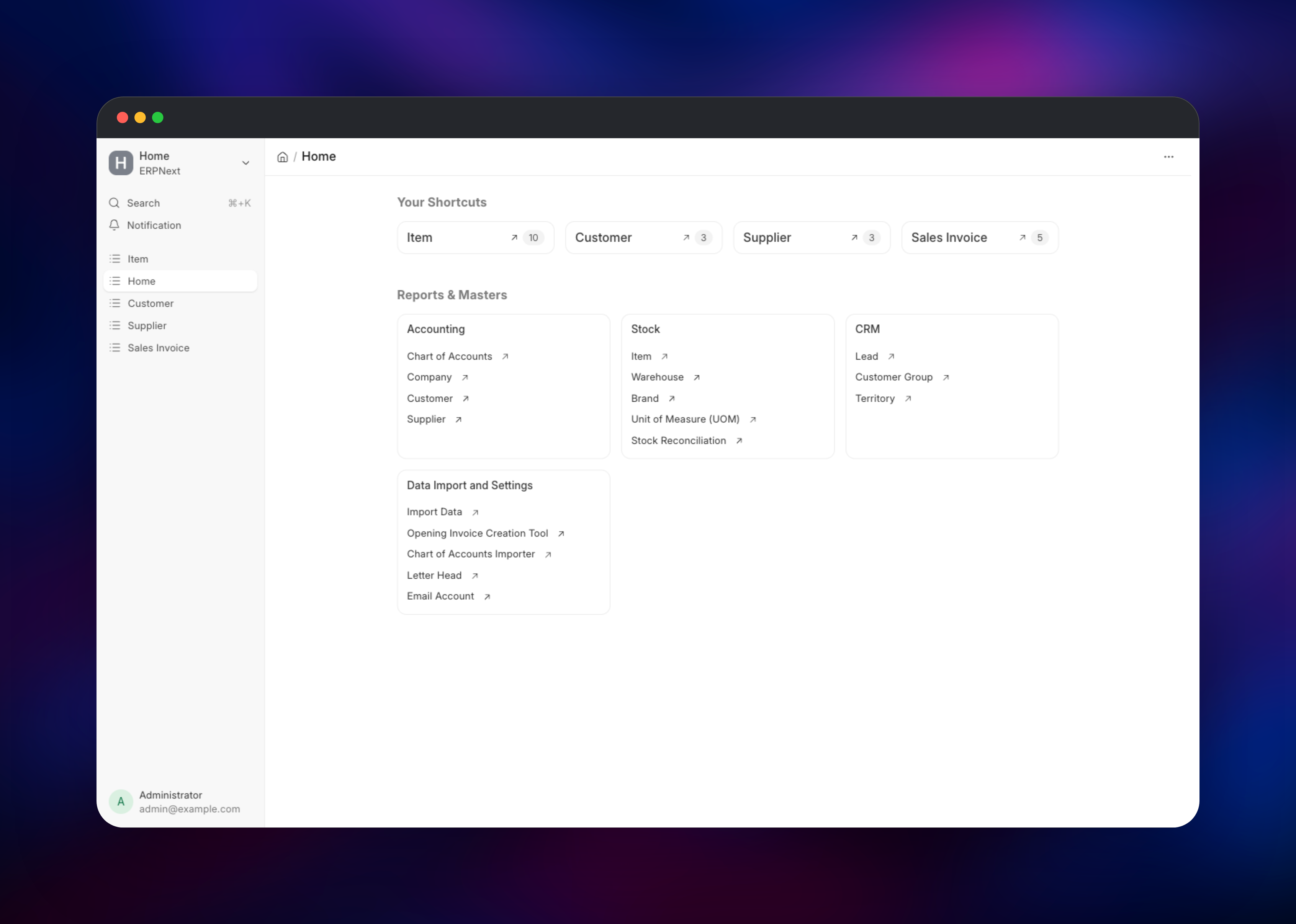
ERPNext is a full open-source ERP: accounting, stock and warehouse management, buying and selling, CRM, manufacturing, projects, HR and payroll and a customer portal — one application, GPLv3, with no paid tier holding features back. It is built on the Frappe framework, which gives every record a REST API, a permission model, custom fields and scripted workflows without forking the codebase. Small manufacturers, distributors and service businesses run it as the system of record their spreadsheets used to be.
Self-host ERPNext on Railway and the pieces the Frappe stack expects are already wired together. ERPNext runs nginx, the gunicorn web workers, two background queue workers and the scheduler; Websocket runs the realtime server that pushes live document updates into the browser; MariaDB stores every transaction; and Redis-Cache and Redis-Queue hold the cache and the job queue. Deploy ERPNext on Railway and the site is created, the admin account set, the scheduler enabled and public sign-up closed before the first request arrives.

Getting Started with ERPNext on Railway
Set ADMIN_PASSWORD before you deploy — that is the password for the built-in Administrator account, read once while the site is created. The first deploy takes several minutes longer than usual because it installs the entire ERPNext schema, and the URL returns 502 until that finishes. When it comes up, open the public URL and sign in as Administrator.
ERPNext then runs its setup wizard: language and region, then company name, abbreviation, fiscal year start and reporting currency. That wizard generates the chart of accounts, tax templates and default warehouses for the country you chose, so answer it carefully.
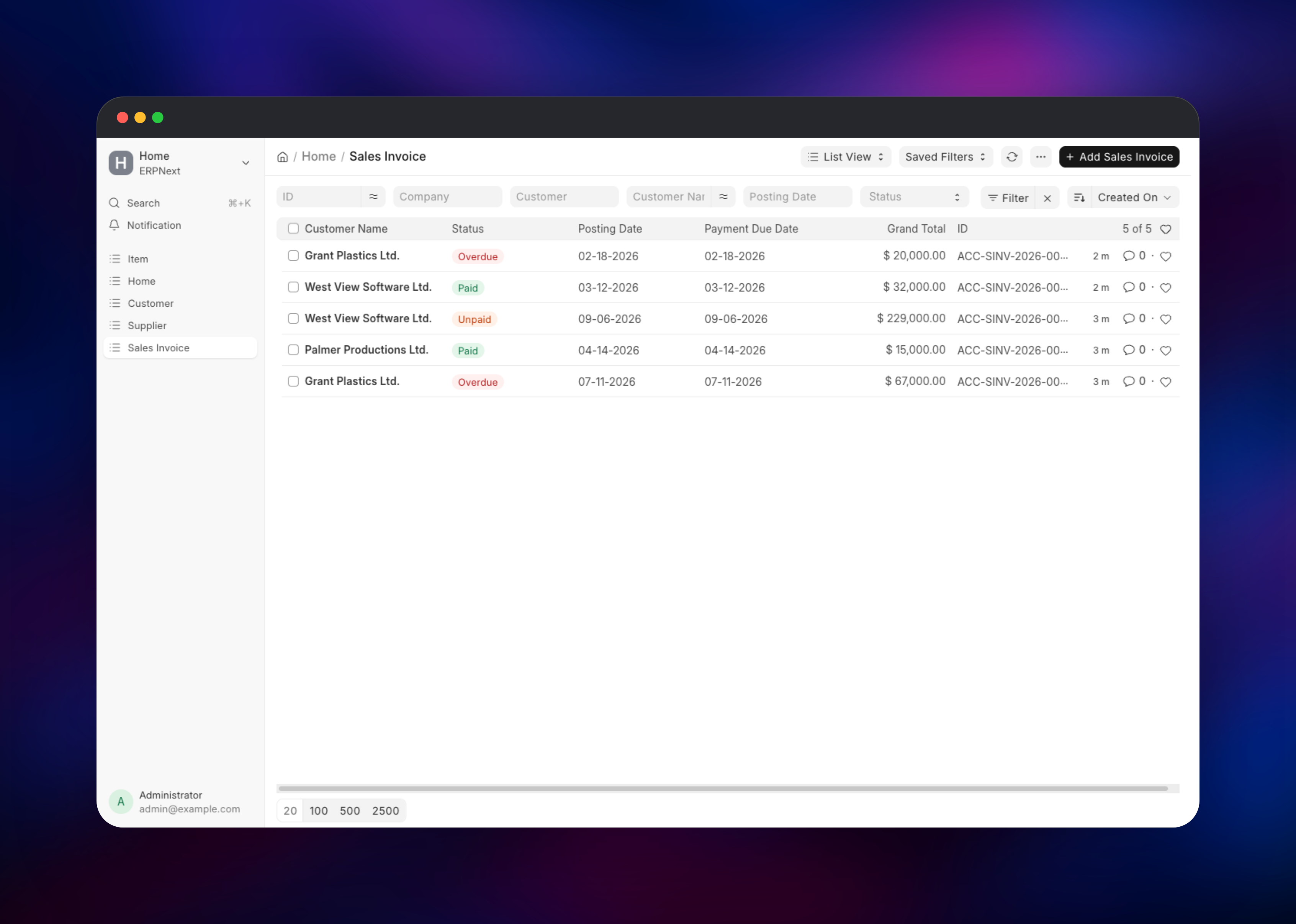
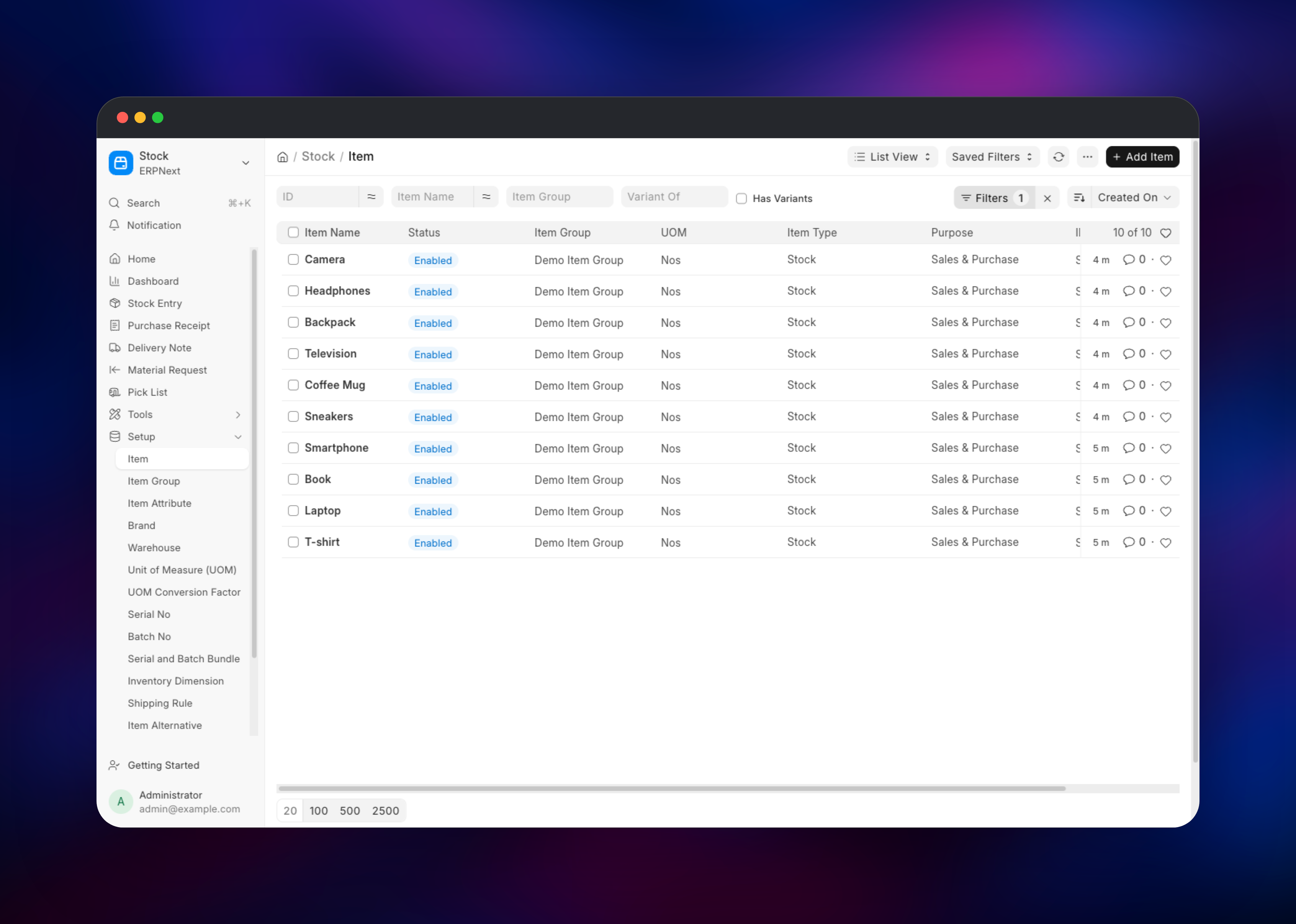
To confirm the deployment genuinely works, create one record end to end: add a Customer under Selling, an Item under Stock, then raise a Sales Order referencing both. A saved Sales Order proves the web tier, MariaDB and the naming series are healthy.
About Hosting ERPNext
ERPNext replaces the patchwork most growing companies accumulate — accounting software, a spreadsheet for stock, a separate CRM — with one database where a sales order, the stock it reserves and the invoice it produces are the same transaction. Teams self-host it when they want financial data on infrastructure they control, or when per-user SaaS pricing stops making sense.
Key capabilities:
- Double-entry accounting, multi-currency, multi-company, multi-fiscal-year
- Stock control with batches, serial numbers, multiple warehouses, perpetual inventory
- Order-to-cash and procure-to-pay: quotations, orders, invoices
- Manufacturing: bills of materials, work orders, job cards, capacity planning
- CRM, projects with timesheets, HR with payroll, asset depreciation
- A REST API over every document type, plus server scripts and custom fields
Architecture in plain language: nginx serves static assets and hands application requests to gunicorn. Anything slow — reports, PDF rendering, email, scheduled jobs — goes onto a Redis queue and is run by the background workers alongside it, so the web tier stays responsive. The realtime service subscribes to the same Redis instance and streams document updates over WebSockets. MariaDB holds business data; the volume holds attachments and backups.
Why Deploy ERPNext on Railway
Railway removes the parts of a Frappe deployment that usually take a day:
- MariaDB, both Redis instances and the realtime service arrive already connected
- A persistent volume keeps attachments and backups across redeploys
- HTTPS and a public domain are issued automatically; custom domains just work
- The database password and encryption key are generated, never hand-copied
- Scaling means changing a service's resources, not rebuilding a server
Common Use Cases
- A distributor running purchasing, multi-warehouse stock and invoicing on one ledger
- A manufacturer planning work orders from bills of materials and tracking job costs
- A services firm billing projects from timesheets and reconciling against payroll
- A team outgrowing per-seat SaaS accounting that wants its data on its own infrastructure
Dependencies for ERPNext
- ERPNext — built from
frappe/erpnext:v16via gridalpha/erpnext-railway. Runs nginx, gunicorn, the short and long queue workers and the scheduler. - Websocket — the same image with
ROLE=websocket, running the realtime server on port 9000. Private; nginx proxies/socket.ioto it. - MariaDB —
mariadb:11.8withutf8mb4. Frappe targets MariaDB specifically; it is not interchangeable with MySQL. - Redis-Cache — caches documents, permissions and rendered pages.
- Redis-Queue — backs the job queues and the realtime pub/sub channel. Kept separate so clearing the cache can never drop queued jobs.
Environment Variables Reference
| Variable | Purpose |
|---|---|
ADMIN_PASSWORD | Administrator password, applied at site creation |
FRAPPE_SECRET | Seed the database password and encryption key derive from |
SITE_NAME | Internal site identity; the app answers on any hostname |
DB_HOST, DB_ROOT_PASSWORD | MariaDB connection used to create the site |
REDIS_CACHE_URL, REDIS_QUEUE_URL | Cache and queue endpoints |
GUNICORN_WORKERS, GUNICORN_THREADS | Web concurrency; raise with CPU |
CLIENT_MAX_BODY_SIZE | Upload size limit, default 50m |
DISABLE_SIGNUP | Closes public sign-up on first boot |
Deployment Dependencies
- Source repository: github.com/gridalpha/erpnext-railway
- Upstream: frappe/erpnext, frappe/frappe
- Images: frappe/erpnext, mariadb
- Documentation: docs.frappe.io/erpnext
Hardware Requirements for Self-Hosting ERPNext
| Resource | Minimum | Recommended |
|---|---|---|
| CPU | 2 vCPU | 4 vCPU |
| RAM | 4 GB across all services | 8 GB or more |
| Storage | 10 GB volume | 50 GB+ SSD-backed volume |
| Runtime | Python 3.14, Node 24, MariaDB 11.8 | Same |
The web tier, both queue workers and the scheduler share one container, so give the ERPNext service the larger share of memory. MariaDB sizes its InnoDB buffer pool from the container's memory limit on every boot, so raising its resources retunes it.
Self-Hosting ERPNext
Locally, the fastest route is Frappe's own compose stack, which brings up the same services this template runs:
git clone https://github.com/frappe/frappe_docker
cd frappe_docker
docker compose -f pwd.yml up -d
That publishes the app on http://localhost:8080. Site creation takes a few minutes; follow it with docker compose -f pwd.yml logs -f create-site.
Administration happens through bench, run inside the application container:
bench --site  backup --with-files
bench --site  set-admin-password
bench --site  install-app hrms
bench --site  migrate
Run these from the service's shell on Railway. bench migrate also runs automatically whenever a redeploy brings in newer ERPNext code than the schema on disk.
Is ERPNext Free?
ERPNext is free and open source under GPLv3, with no paid edition and no feature gating — the self-hosted install is the complete product. Frappe sells managed hosting through Frappe Cloud, priced on compute rather than per user; it is not required. On Railway you pay only for the infrastructure the five services consume.
FAQ
What is ERPNext?
An open-source ERP covering accounting, inventory, sales, purchasing, manufacturing, projects and HR, built on the Frappe framework and released under GPLv3.
What does this Railway template deploy?
Five services: the ERPNext application (nginx, gunicorn, two queue workers, the scheduler), a realtime server, MariaDB, and separate Redis instances for cache and queue.
Why does ERPNext need Redis as well as a database?
Frappe uses Redis for two jobs. One instance caches documents and permissions so common pages do not re-query MariaDB; the other holds the job queue and the pub/sub channel the realtime server listens on. Splitting them means clearing the cache cannot discard queued work.
Can I use PostgreSQL instead of MariaDB for self-hosted ERPNext?
Frappe's PostgreSQL support is experimental and ERPNext is developed and tested against MariaDB, so this template uses MariaDB 11.8 with utf8mb4 collation.
How do I add a custom domain to ERPNext on Railway?
Add the domain to the ERPNext service and point the DNS record it gives you. The site is not tied to a hostname, so it answers on the new domain immediately; links in outgoing email follow on the next deploy.
How do I install extra Frappe apps such as HR or CRM on Railway?
Extra apps must be in the image: add them to the source repository's Dockerfile with bench get-app, then run bench --site install-app after rebuilding.
Template Content
ERPNext
gridalpha/erpnext-railwayRedis-Cache
redis:8.2Websocket
gridalpha/erpnext-railwayMariaDB
mariadb:11.8Redis-Queue
redis:8.2

