Deploy FastAPI
[Jul'26] FastAPI with Hypercorn starter kit. Just 1-click to deploy!
fastapi-boilerplate
Just deployed
Deploy and Host FastAPI on Railway
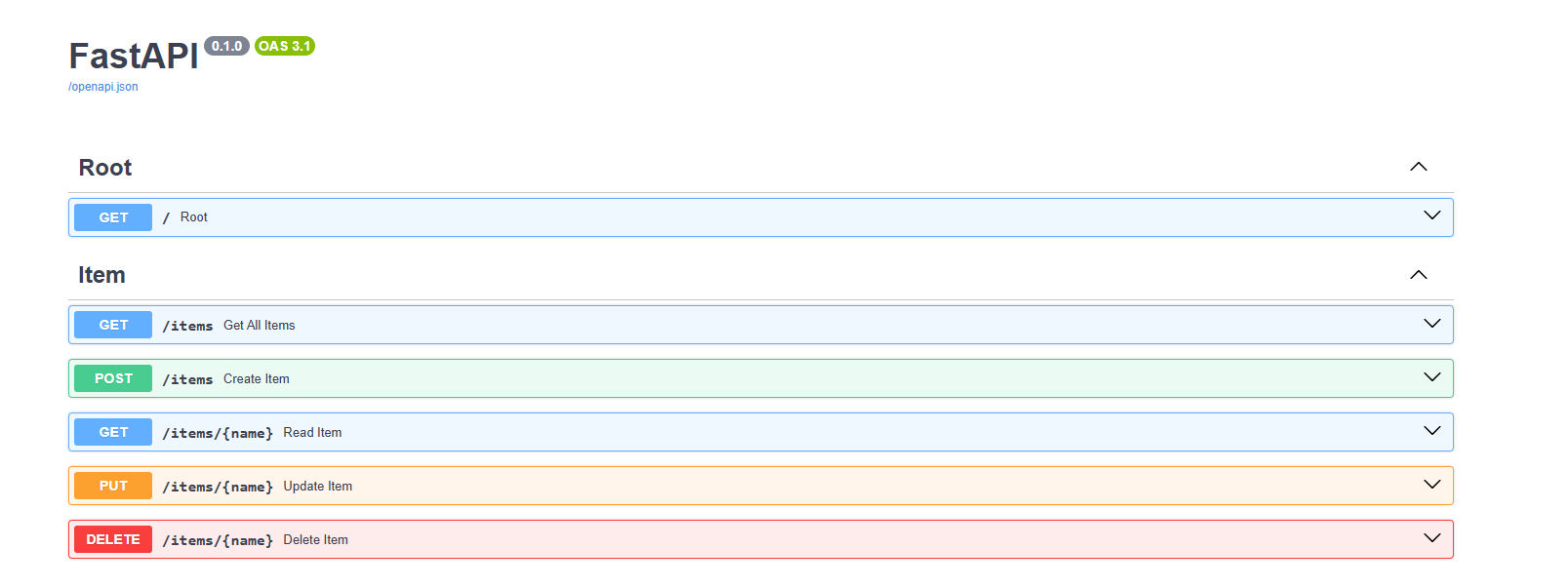
What is FastAPI?
FastAPI is a modern, high-performance Python web framework for building RESTful APIs quickly and efficiently. It is designed for speed, developer productivity, and automatic interactive documentation. With FastAPI, you can build scalable backends that are easy to maintain and extend.
About Hosting FastAPI
Hosting FastAPI on Railway provides a streamlined way to deploy and manage your API without dealing with complex infrastructure. With Railway, you can push your code and instantly get a live REST API running in the cloud. It supports vertical and horizontal scaling, environment variables, and managed databases. Combined with Hypercorn as the ASGI server, deploying FastAPI on Railway ensures your app is production-ready with minimal setup.
How to Use
After deploying this template, the app is already running on Railway. You can open the generated Railway domain to test the starter app immediately.
If you want to customize the source code, use one of the workflows below.
Via Railway CLI
Use this workflow if you want to edit the project locally and redeploy changes directly from your machine using Railway CLI.
- Deploy the template.
- Clone the repository from Source Repo or Upstream Repo in the Railway dashboard.
- Enter the project directory:
cd
- Link your local project directory to the deployed Railway project:
railway link
- Check the linked project, environment, service, and repository information:
railway status
- Edit the code locally.
- Redeploy your local changes to Railway:
railway up
Railway will upload the current local directory and deploy it to the linked service.
Via Git / GitHub
Use this workflow if you want to manage changes through GitHub and let Railway automatically redeploy after every push.
- Deploy the template.
- Open Source Repo or Upstream Repo from the Railway dashboard.
- Fork the repository to your own GitHub account.
- Clone your fork locally:
git clone
cd
- Edit the code locally.
- Commit and push your changes to your fork:
git add .
git commit -m "Customize Node.js starter"
git push origin main
- In Railway, change the service Source Repo to your fork if Railway does not automatically create or link it.
- After the service is connected to your fork, future pushes to the repository can trigger automatic redeployments.
Common Use Cases
- Building a RESTful API for web or mobile apps
- Prototyping AI/ML models into API services
- Creating internal tools or microservices
Dependencies for FastAPI Hosting
Deployment Dependencies
- Railway CLI for deployment
- Git for version control and pushing code to Railway
Why Deploy FastAPI on Railway?
Railway is a singular platform to deploy your infrastructure stack. Railway will host your infrastructure so you don't have to deal with configuration, while allowing you to vertically and horizontally scale it.
By deploying FastAPI on Railway, you are one step closer to supporting a complete full-stack application with minimal burden. Host your servers, databases, AI agents, and more on Railway.
Template Content
fastapi-boilerplate
codestorm-official/fastapi