Deploy Filebrowser Quantum
Dropbox alternative. File manager: browse, search and share files
filebrowser
Just deployed
/data
Deploy and Host FileBrowser Quantum on Railway
FileBrowser Quantum turns a disk into a fast, private web drive: a single Go binary that indexes your files, serves them through a modern browser UI, previews images, video, audio, PDFs, Office documents and 3D models, and hands out share links to people with no account. It is a substantial fork of the original File Browser, rebuilt after that project went into maintenance mode, adding search that answers as you type, multiple sources with include/exclude rules, per-user permissions, and OIDC, LDAP, JWT and proxy login alongside passwords with TOTP. Teams reach for it when Dropbox is more than they need and Nextcloud more than they want to run.
Deploy FileBrowser Quantum on Railway and you get one service, one volume and no database to babysit. The container builds from a public source repository wrapping the upstream image, renders the app's config.yaml at boot so the port and share URLs follow the platform, and handles volume ownership so the app still runs unprivileged. Everything durable sits on the volume: files in /data/files, the user and share database at /data/database.db, index and thumbnails in /data/cache. Self-host FileBrowser Quantum this way and a redeploy is a container swap that the drive, accounts and share links all survive.
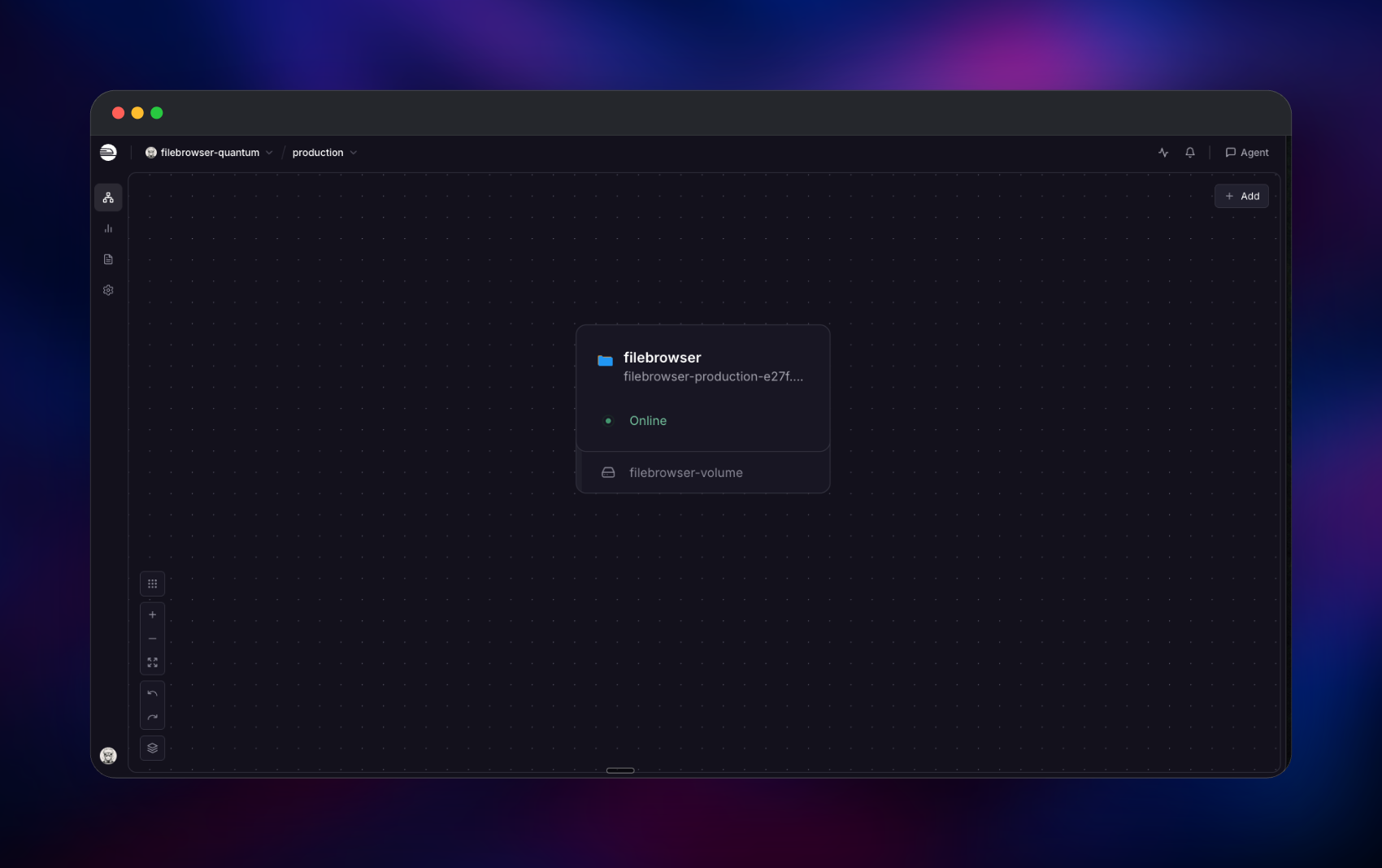
Getting Started with FileBrowser Quantum on Railway
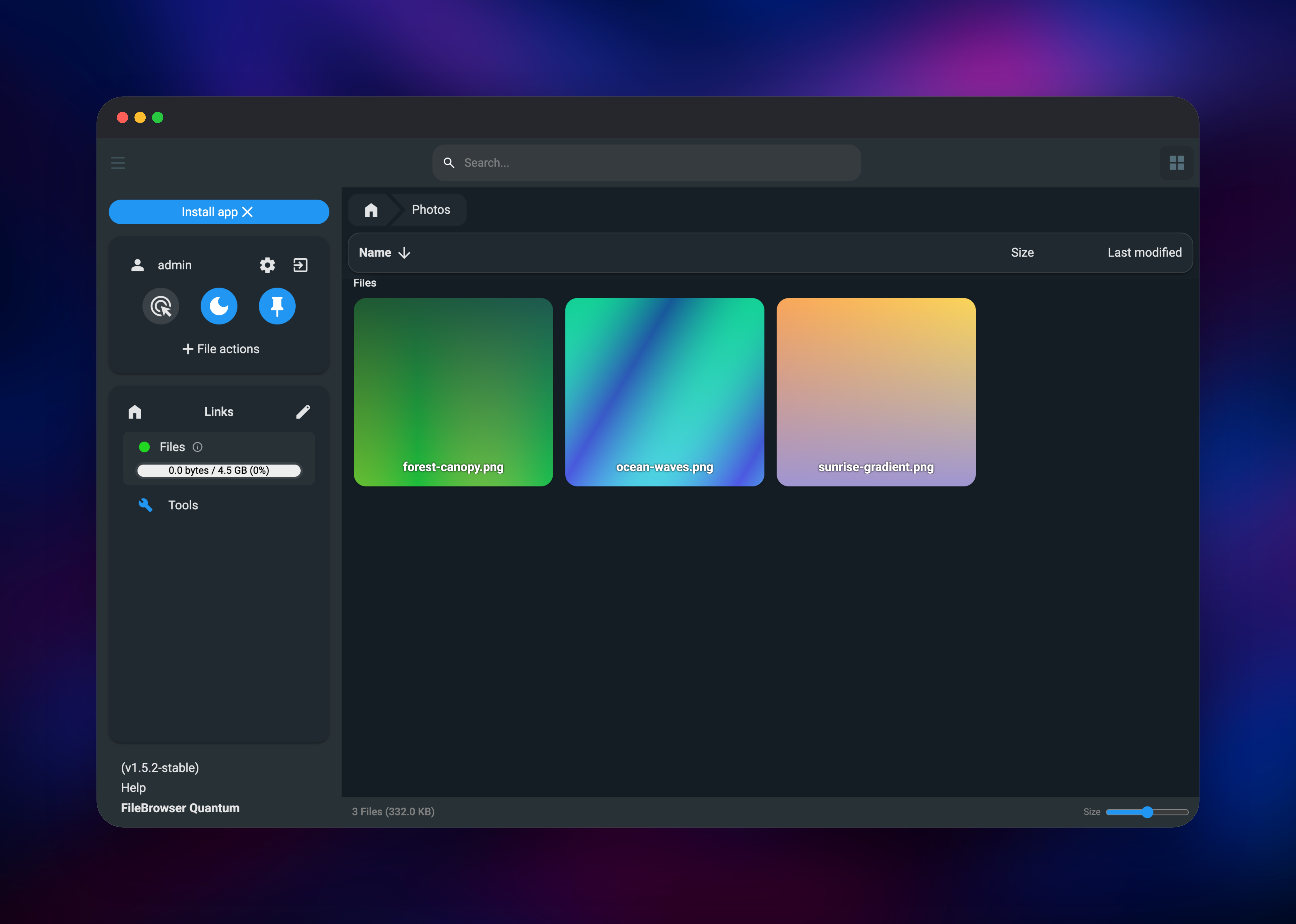
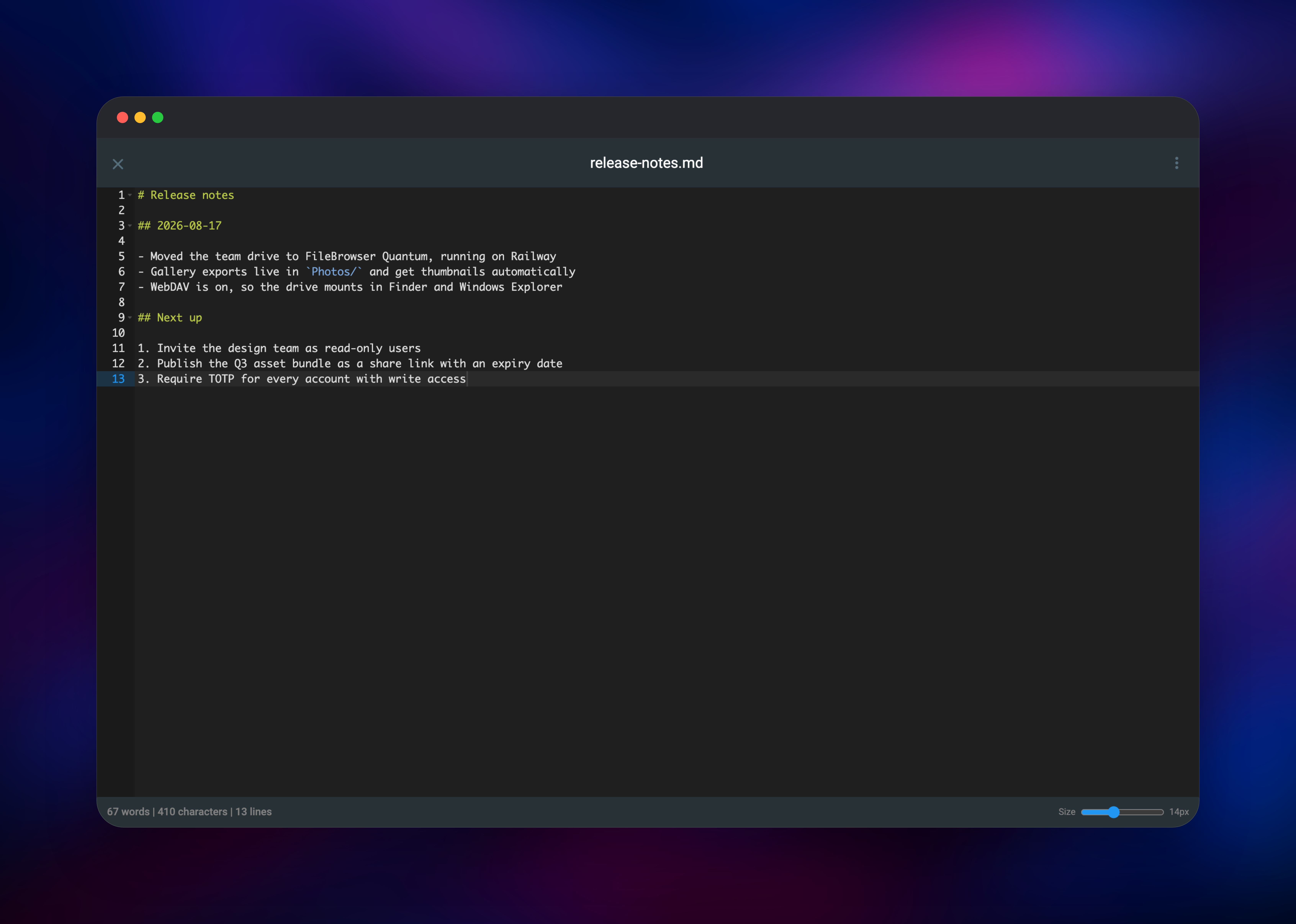
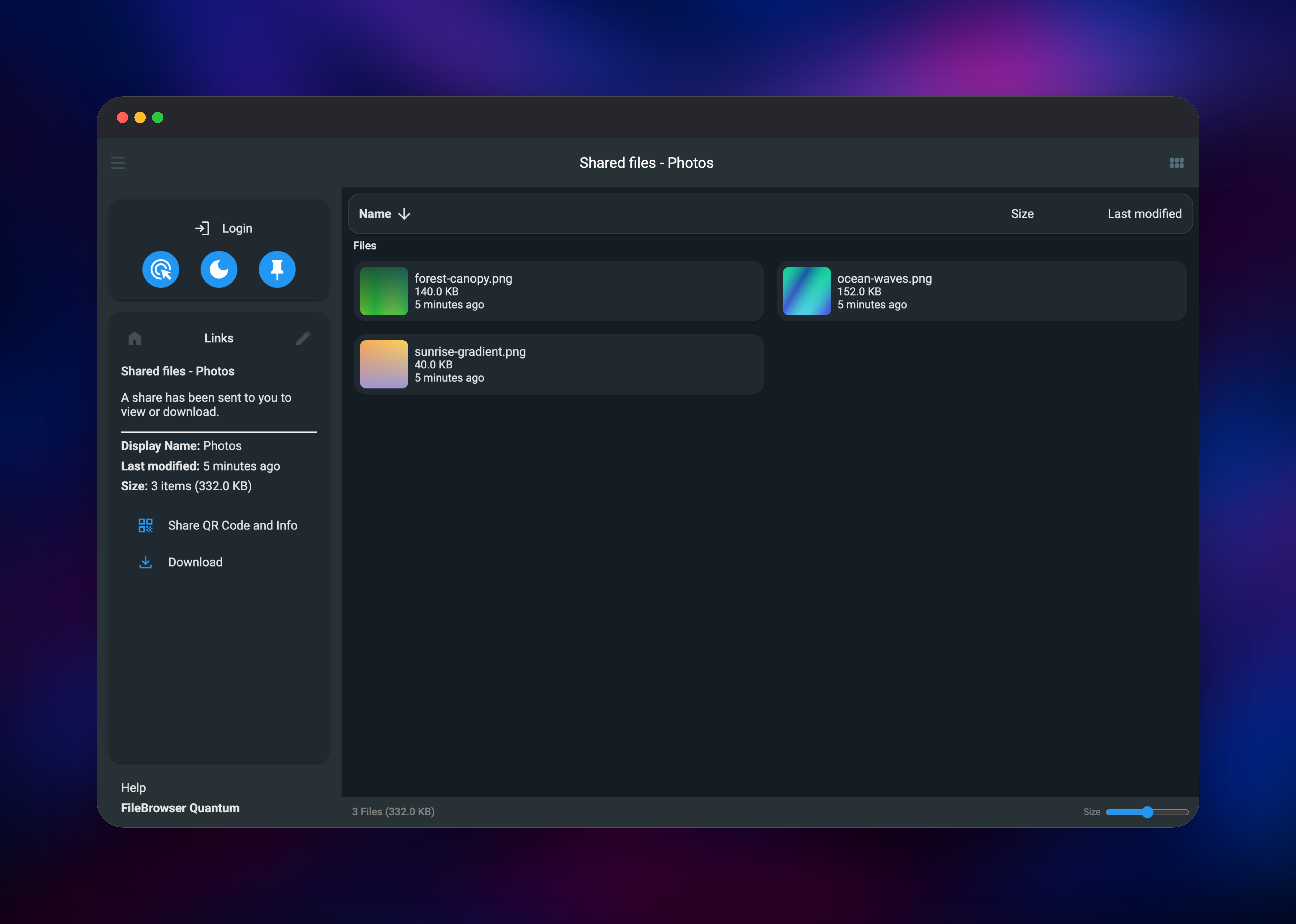
Set FILEBROWSER_ADMIN_PASSWORD before deploying — the only value worth choosing yourself, and it needs at least 10 characters. When the service goes green, open its Railway URL: you land on a login page with no sign-up link, because public registration is off by default. Sign in as admin with that password; if you left the variable empty, the first boot generates one and logs it. You start in an empty source called Files, so the first move is File actions → New folder, then File actions → Upload — images and videos get thumbnails within seconds, and the icon at the top right switches between list and gallery views. Open a Markdown or text file for a syntax-highlighted editor with Ctrl+S to save, and type in the search box to confirm the index is live. To hand something to someone without an account, select a file or folder, choose Share, optionally with a password and expiry, then open the link in a private window. Add the team under Settings → Users, where each account gets its own scope and its own permissions.
About Hosting FileBrowser Quantum
FileBrowser Quantum is a file manager that lives next to your data instead of copying it into somebody else's cloud. It watches one or more directories, keeps a SQLite index of what it finds, and exposes that through a web UI, a REST API with a Swagger page at /swagger, and a mountable WebDAV endpoint. It suits files that already sit on a server — media, scans, exports, design assets — where what you lack is a way to browse, search and hand them out.
- Indexed search returning matches as you type, filtered by name, type and size
- Thumbnails and previews for images, video, audio, PDFs, Office files, 3D models
- Share links with optional password, expiry, download limits and upload-only mode
- Per-user scopes with granular create, modify, delete and share permissions
- Password login with TOTP, plus OIDC, LDAP, JWT and reverse-proxy authentication
- WebDAV at
/dav, plus an installable progressive web app
The template is deliberately small: one service holds the whole application — HTTP server, indexer, previewer and API in one process — and the volume is the only other moving part. Embedded state means nothing to provision, and it means one replica: two containers cannot share that database, and the volume is what makes Railway retire the old container before starting the new one.
Why Deploy FileBrowser Quantum on Railway
Railway removes the server admin work around a self-hosted drive:
- One click builds the image, attaches the volume, issues an HTTPS domain
- Persistent volume storage you can grow as the library grows
- Health checks and automatic restarts keep the drive answering
- Deploys on push, with logs and metrics in the same dashboard
- Usage-based pricing, no per-seat licence for your users
Common Use Cases for Self-Hosted FileBrowser Quantum
- A private team drive for design assets or video rushes, share links replacing WeTransfer
- A browser front end for files a server already produces — reports, exports, scans
- A client download portal scoped to one folder, protected by a share password
- A WebDAV target mounted in Finder or Explorer, so a remote directory acts like a local disk
Dependencies for FileBrowser Quantum
- FileBrowser Quantum — built from gridalpha/filebrowser-quantum-railway, wrapping the upstream image
gtstef/filebrowser:1-stable(gtsteffaniak/filebrowser) - A volume at
/data— files, embedded database, search index, thumbnail cache - Nothing else: no Postgres, no Redis, no object storage
Environment Variables Reference
| Variable | Purpose | Default |
|---|---|---|
FILEBROWSER_ADMIN_PASSWORD | Password for admin, min 10 characters | generated and logged |
FILEBROWSER_JWT_TOKEN_SECRET | Signs sessions and share links | generated once, kept on the volume |
FILEBROWSER_TOTP_SECRET | Encrypts enrolled TOTP secrets | generated once, kept on the volume |
FILEBROWSER_INSTANCE_NAME | Title in the UI | FileBrowser Quantum |
PORT | HTTP listening port | 8080 |
The admin password is re-applied on every boot, so the Railway variable — not the profile page in the app — is where you change or recover it.
Deployment Dependencies
- Upstream project and releases:
- Documentation:
Hardware Requirements for Self-Hosting FileBrowser Quantum
| Resource | Minimum | Recommended |
|---|---|---|
| CPU | 1 vCPU | 2 vCPU — video previews are CPU-bound |
| RAM | 256 MB | 1 GB for large libraries |
| Storage | Your files plus ~5% for index/thumbnails | Grow it before it fills |
| Runtime | One Go binary, Linux container | — |
Self-Hosting FileBrowser Quantum with Docker
Running it locally is one command:
docker run -d --name filebrowser -p 8080:80 \
  -v /srv/fb:/home/filebrowser/data \
  -e FILEBROWSER_ADMIN_PASSWORD=change-this-password \
  gtstef/filebrowser:1-stable
Configuration is a single YAML file. A minimal one serving /data/files with sign-up off:
server:
  port: 8080
  sources:
    - path: "/data/files"
      name: "Files"
auth:
  methods:
    password:
      enabled: true
      minLength: 10
      signup: false
http:
  trustedHeaders:
    - "x-forwarded-for"
Behind any TLS-terminating proxy, that trustedHeaders entry is what lets the app see real client addresses, so login rate limiting counts per visitor instead of per proxy.
Is FileBrowser Quantum Free to Self-Host?
FileBrowser Quantum is open source under Apache-2.0, with no paid tier, seat limits or enterprise edition — OIDC, LDAP, TOTP and sharing are all in the one build. On Railway you pay only for the compute and volume the service uses, which for a small-team drive is a few dollars a month plus storage.
FAQ
What is FileBrowser Quantum?
An open-source, self-hosted web file manager: one Go service that indexes directories on disk and serves a browser UI with search, previews, editing, permissions, WebDAV and share links.
What does this Railway template deploy?
One service built from a public source repository wrapping the upstream gtstef/filebrowser image, plus a volume at /data holding files, the embedded database, the index and thumbnails.
Why is there no database service in this template?
Users, shares and settings live in an embedded database file, and the index is SQLite on the same volume, so Postgres or Redis would have nothing to do here.
How do I log in the first time, and what if I lose the password?
Sign in as admin with FILEBROWSER_ADMIN_PASSWORD; if it was blank, the first boot generates one and logs it. To reset it, change that variable and redeploy — it is applied on every start.
Can I mount self-hosted FileBrowser Quantum as a network drive?
Yes, over WebDAV at /dav/{source}/{path} — https://your-domain/dav/Files/ here. Authenticate with your username and an API token generated in the app as the password; the account password is not accepted there.
How does FileBrowser Quantum compare to Nextcloud?
Quantum serves directories in place from one binary plus a volume. Nextcloud manages its own storage and adds calendars, contacts and collaborative editing, at the cost of PHP, a database and Redis.
Is it safe to expose FileBrowser Quantum on the public internet?
The defaults here are built for it: no public sign-up, a 10-character password minimum, per-visitor login rate limiting with lockout, and optional TOTP. For sensitive data, require TOTP on accounts with write access and give share links a password and an expiry.
Template Content
filebrowser
gridalpha/filebrowser-quantum-railway