
Deploy Flarum | Open-Source Community Forum on Railway, Discourse alternative
Self host Flarum. Lightweight, modern PHP forum with 1600+ extensions
Flarum
Just deployed
/data

MySQL
Just deployed
/var/lib/mysql
Deploy and Host Flarum on Railway
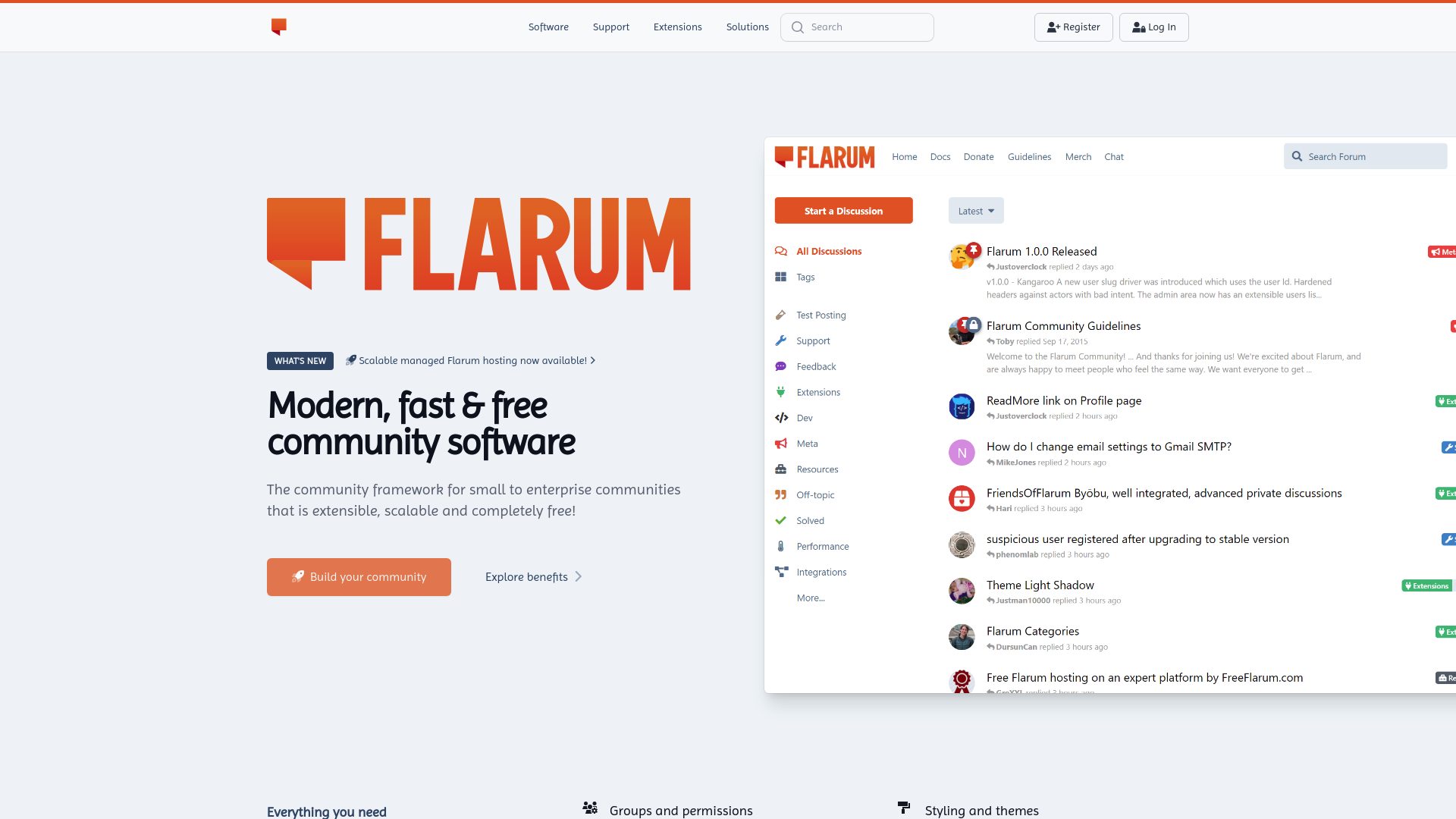
Deploy Flarum on Railway to run a modern, fast, and elegantly designed community forum with zero server management. Self-host Flarum with full control over your data, extensions, and user experience — backed by 16k+ GitHub stars and 1,600+ community extensions.
This Railway template pre-configures Flarum with a MySQL database, persistent storage for extensions and uploads, and a production-ready Nginx/PHP-FPM stack. One click gets you a live forum at a public HTTPS URL with admin access ready to go.
Getting Started with Flarum on Railway
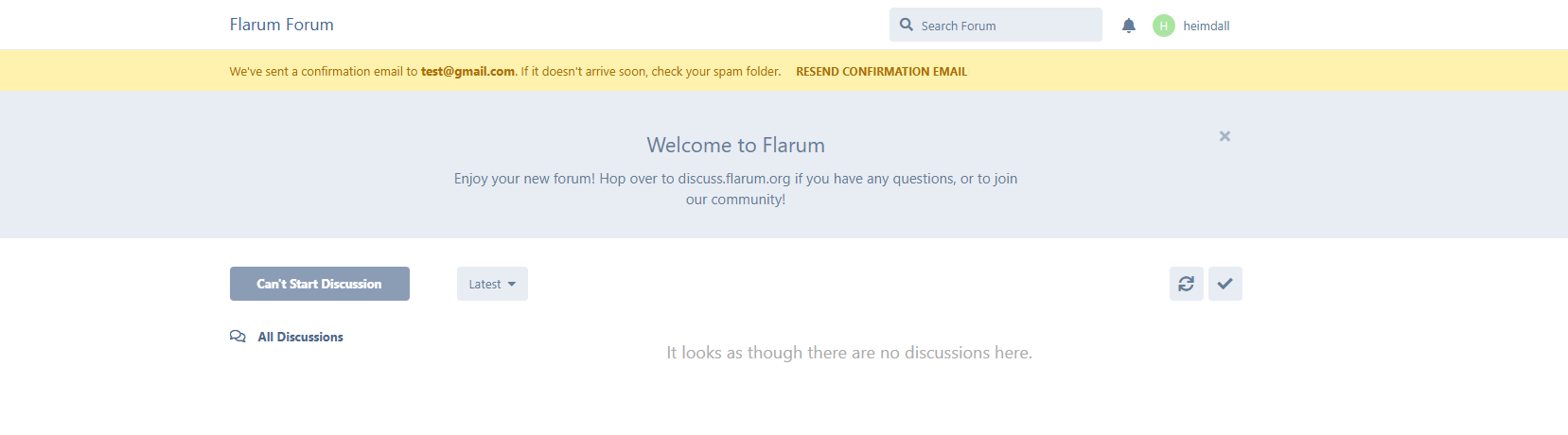
After deployment completes, visit your Railway-provided URL to see your live Flarum forum. Click Log In (top right) and sign in with the default administrator account created automatically on first boot — username flarum, password flarum. Change this password immediately from your profile settings once you're in. Then open the admin dashboard (gear icon) to set your forum title, description, and welcome banner. Install your first extension through the built-in Extension Manager — popular choices include FoF Upload for file attachments and FoF User Directory for member management. Create your first discussion category using Tags, then post a welcome thread to test the full workflow.
About Hosting Flarum
Flarum is an open-source forum platform built on PHP (Laravel) with a Mithril.js single-page application frontend. It was designed as a modern successor to esoTalk and FluxBB, focusing on speed, simplicity, and extensibility.
- Single-page application — real-time updates, infinite scrolling, and fluid navigation without page reloads
- Mobile-first responsive design — full-featured experience on phones and tablets
- "Everything is an extension" architecture — 1,600+ community extensions covering tags, mentions, SSO, OAuth, file uploads, SEO, analytics, and more
- JSON:API compliant REST API — build custom integrations, bots, and mobile apps
- Composer-based package management — install and update extensions via CLI or the built-in Extension Manager
- Lightweight core — minimal resource footprint compared to Discourse or phpBB
Why Deploy Flarum on Railway
- Managed MySQL database with automatic backups and failover
- Persistent volume for extensions, uploads, and forum assets
- HTTPS with automatic TLS certificate — no Nginx or Certbot configuration
- One-click deploy with environment variable configuration
- Scale vertically as your community grows
Common Use Cases for Self-Hosted Flarum
- Product support forums — lightweight alternative to Discourse for SaaS companies needing a customer Q&A space
- Niche hobbyist communities — fast, clean interface for enthusiast groups (gaming, photography, DIY)
- Internal team discussions — private forums for organizations wanting threaded async communication
- Open-source project communities — host discussions alongside your GitHub repo with full data ownership
Dependencies for Flarum on Railway
This template deploys two services:
- Flarum —
crazymax/flarum:latest— PHP/Nginx forum application with s6-overlay process supervision - MySQL —
mysql:9.4— Railway-managed relational database for forum data, users, posts, and extension state
Environment Variables Reference for Flarum
| Variable | Description | Example |
|---|---|---|
FLARUM_BASE_URL | Public URL of the forum | https://${{RAILWAY_PUBLIC_DOMAIN}} |
DB_HOST | MySQL hostname | ${{MySQL.MYSQLHOST}} |
DB_PASSWORD | MySQL password | ${{MySQL.MYSQLPASSWORD}} |
FLARUM_FORUM_TITLE | Forum title (first install only) | My Community |
UPLOAD_MAX_SIZE | Max file upload size | 50M |
MEMORY_LIMIT | PHP memory limit | 256M |
REAL_IP_FROM | Trusted proxy CIDR | 0.0.0.0/0 |
Deployment Dependencies
- Runtime: PHP 8.2+, Nginx 1.28, s6-overlay
- Docker Hub: crazymax/flarum
- GitHub: crazy-max/docker-flarum
- Docs: docs.flarum.org
Hardware Requirements for Self-Hosting Flarum
| Resource | Minimum | Recommended |
|---|---|---|
| CPU | 1 vCPU | 2 vCPU |
| RAM | 512 MB | 1 GB |
| Storage | 1 GB | 5 GB |
| Runtime | PHP 8.1+ | PHP 8.2+ |
Flarum is one of the lightest forum platforms available. A small community (< 1,000 users) runs comfortably on minimal resources. Storage needs grow with file uploads and extension count.
Self-Hosting Flarum with Docker
Run Flarum locally with Docker Compose using the crazymax/flarum image:
services:
  flarum:
    image: crazymax/flarum:latest
    ports:
      - "8000:8000"
    environment:
      FLARUM_BASE_URL: "http://localhost:8000"
      DB_HOST: db
      DB_NAME: flarum
      DB_USER: flarum
      DB_PASSWORD: secret
    volumes:
      - flarum-data:/data
    depends_on:
      - db

  db:
    image: mysql:9.4
    environment:
      MYSQL_DATABASE: flarum
      MYSQL_USER: flarum
      MYSQL_PASSWORD: secret
      MYSQL_ROOT_PASSWORD: rootsecret
    volumes:
      - mysql-data:/var/lib/mysql

volumes:
  flarum-data:
  mysql-data:
Start the stack:
docker compose up -d
Visit http://localhost:8000 — the default admin account is flarum / flarum. Change the password immediately after first login.
Is Flarum Free to Self-Host?
Flarum is completely free and open source under the MIT License. There are no paid tiers, no enterprise edition, and no feature gates. The only cost is your infrastructure — on Railway, that means paying for compute and database usage based on actual resource consumption. Most small-to-medium forums cost under $10/month on Railway.
Flarum vs Discourse
| Feature | Flarum | Discourse |
|---|---|---|
| Language | PHP (Laravel) | Ruby on Rails |
| Frontend | Mithril.js SPA | Ember.js |
| RAM usage | ~256 MB | ~1–2 GB |
| Extensions | 1,600+ community | 200+ plugins |
| Setup complexity | Low | High |
| Real-time | Polling-based | WebSocket |
| Mobile app | Responsive web | Native + web |
| License | MIT | GPL v2 |
Flarum is significantly lighter and simpler to deploy. Discourse offers more built-in features (chat, AI summaries, trust levels) but requires substantially more resources and operational complexity.
FAQ
What is Flarum and why self-host it? Flarum is a modern open-source discussion platform built with PHP and Mithril.js. Self-hosting gives you full data ownership, unlimited customization through extensions, and no per-user pricing that managed forum platforms charge.
What does this Railway template deploy for Flarum?
This template deploys two services: the Flarum application (using the crazymax/flarum Docker image with Nginx and PHP-FPM) and a Railway-managed MySQL 9.4 database. It includes a persistent volume at /data for extensions, uploaded assets, and forum storage.
Why does Flarum need MySQL on Railway? Flarum stores all forum data — users, discussions, posts, tags, notifications, and extension state — in a MySQL database. Railway's managed MySQL provides automatic provisioning, persistent storage, and connection variables that wire directly into Flarum's configuration.
How do I install extensions on self-hosted Flarum on Railway?
Use the built-in Extension Manager from the Flarum admin panel (/admin → Extensions). Search for extensions by name, click install, and enable them. Extensions persist across redeployments because they're stored on the /data volume. You can also install via SSH using composer require vendor/extension-name.
How do I change the default admin password on Flarum deployed on Railway?
The crazymax/flarum image creates a default admin on first boot with username flarum and password flarum — there is no environment variable to override these. Log in with the defaults, then change the password from your profile settings immediately. You can also script this via Flarum's REST API: POST /api/token to authenticate, then PATCH /api/users/1 to update the password.
Can I migrate from Discourse or phpBB to Flarum? Community-built migration tools exist for importing data from Discourse, phpBB, MyBB, and other platforms. Check the Flarum community forums for the latest migration extensions and guides.
Template Content
Flarum
crazymax/flarum:latestMySQL
mysql:9.4
