
Deploy Gitea
Open-source GitHub alternative. Pull requests, package registry, Git LFS.

Redis
Just deployed
/data

Just deployed
/var/lib/postgresql/data
Just deployed
/data
gitea-storage
Bucket
Just deployed

Deploy and Host Gitea on Railway
Gitea is a self-hosted Git service written in Go — repositories, pull requests, issue tracking, releases, wikis, package registries and GitHub-Actions-compatible CI in a single binary that idles around 400 MB of RAM. Teams deploy Gitea when they want GitHub's day-to-day workflow on infrastructure they control: code that never leaves their account, no per-seat billing, and a UI developers already know. It is MIT-licensed and maintained at github.com/go-gitea/gitea.
This template lets you self-host Gitea without hand-writing a config file. The Gitea service builds from a public source repository wrapping the official gitea/gitea image, keeps repositories on a persistent volume, and is published on both an HTTPS domain and a raw TCP proxy so git clone works over HTTPS and SSH. Managed PostgreSQL stores users, issues, pull requests and permissions; managed Redis backs the cache, sessions and job queues, which is what lets the container restart without logging everybody out; and a Railway object storage bucket holds attachments, avatars, LFS objects, archives and packages.
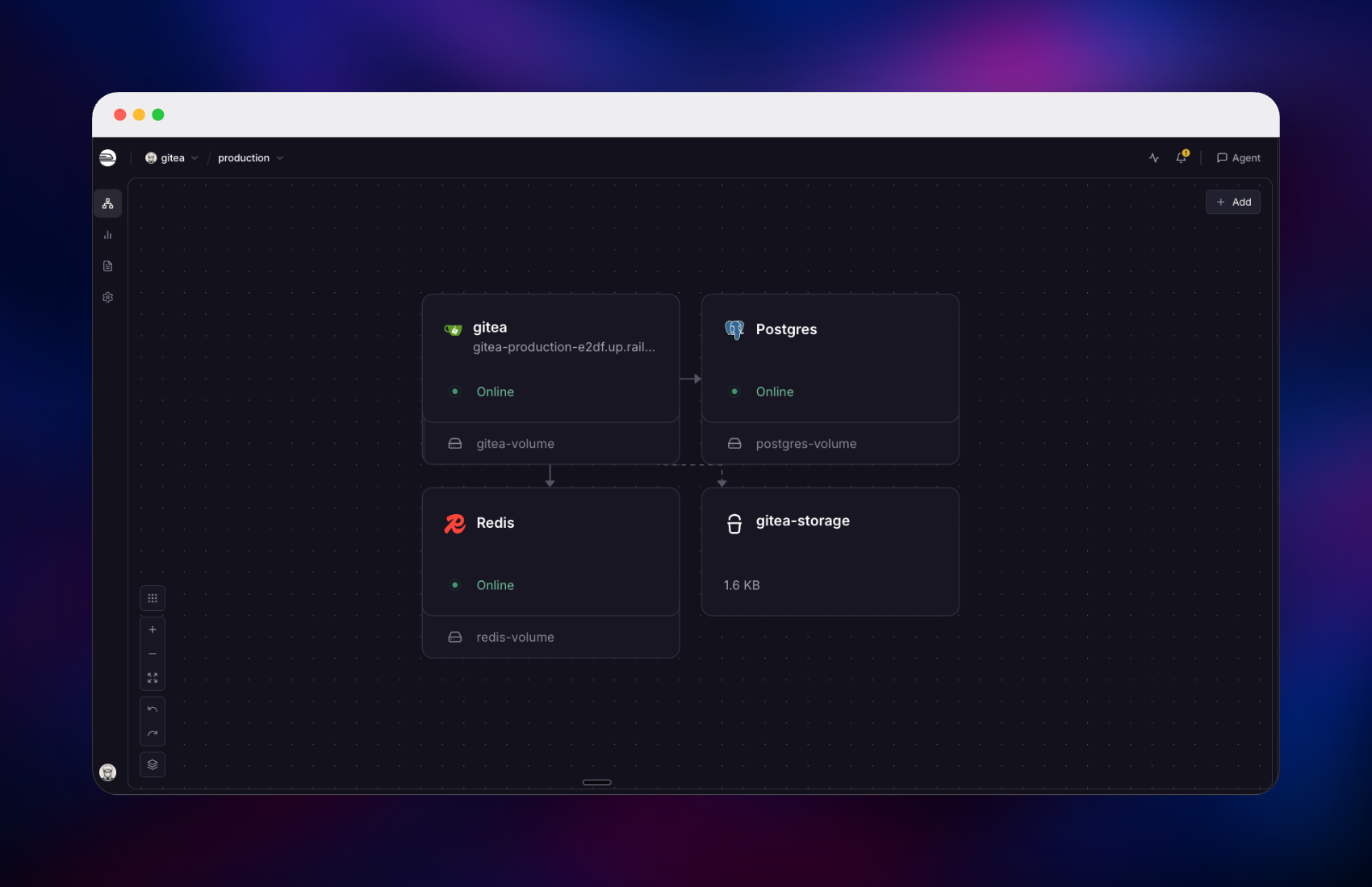
Getting Started with Gitea on Railway
Deploy the template, then open the generated URL. There is no setup wizard — the installer is locked and the administrator account is created before the web server accepts its first request, so you land on a working instance. Sign in with GITEA_ADMIN_USERNAME (default gitea_admin) and the generated GITEA_ADMIN_PASSWORD, both in the service's Variables tab, then change it from Settings → Account.
Public sign-ups are disabled by default, the right posture for an instance on a guessable URL. Add your team from Site Administration → User Accounts, or point Gitea at an identity provider under Authentication Sources — OAuth2, OIDC and LDAP are supported. To confirm the deployment works, create a repository from the + menu with "Initialize repository" ticked and clone it over HTTPS. For SSH, paste a public key into Settings → SSH / GPG Keys and use the address in the clone dropdown — Railway's TCP proxy host and port, not the web domain.
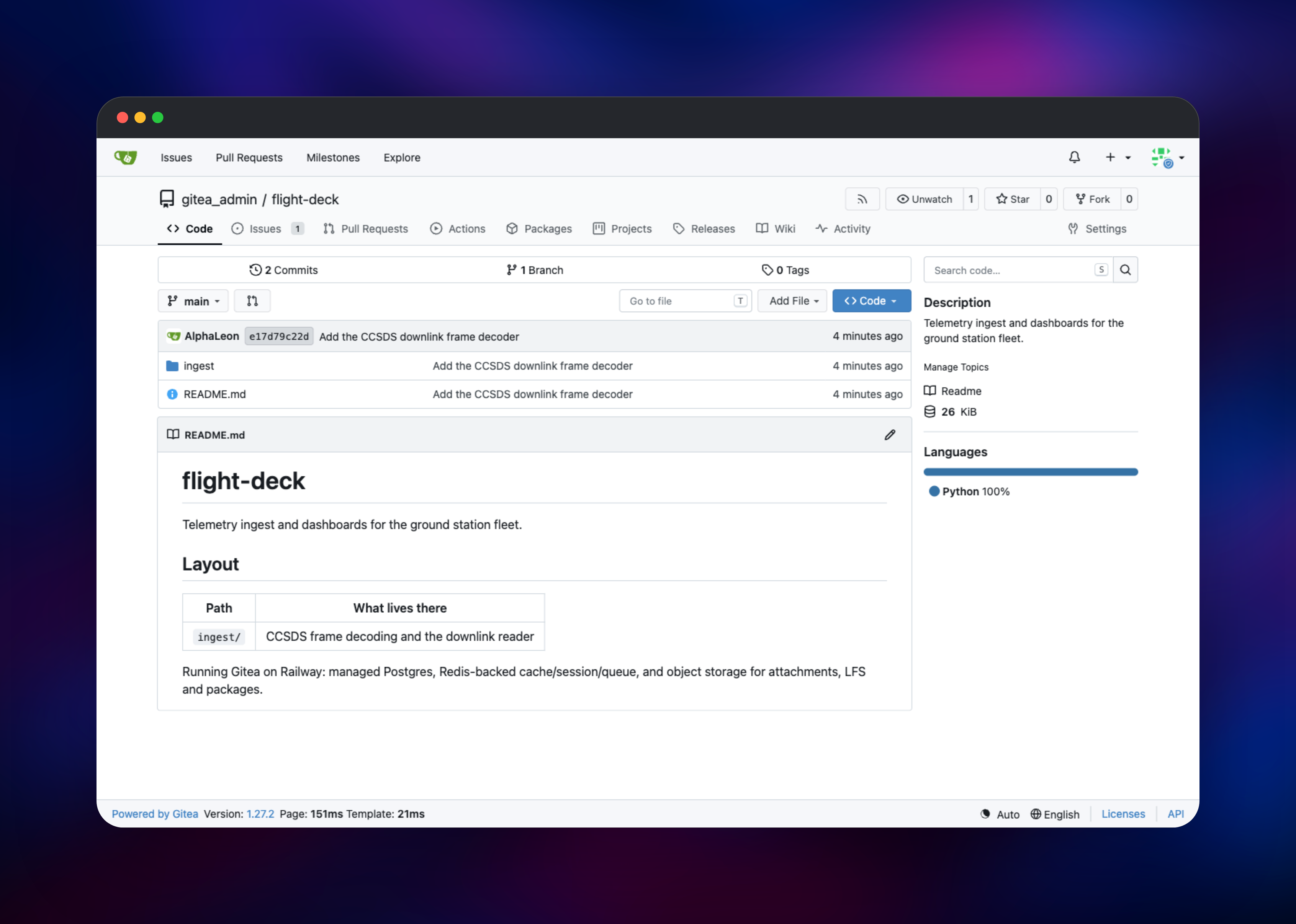
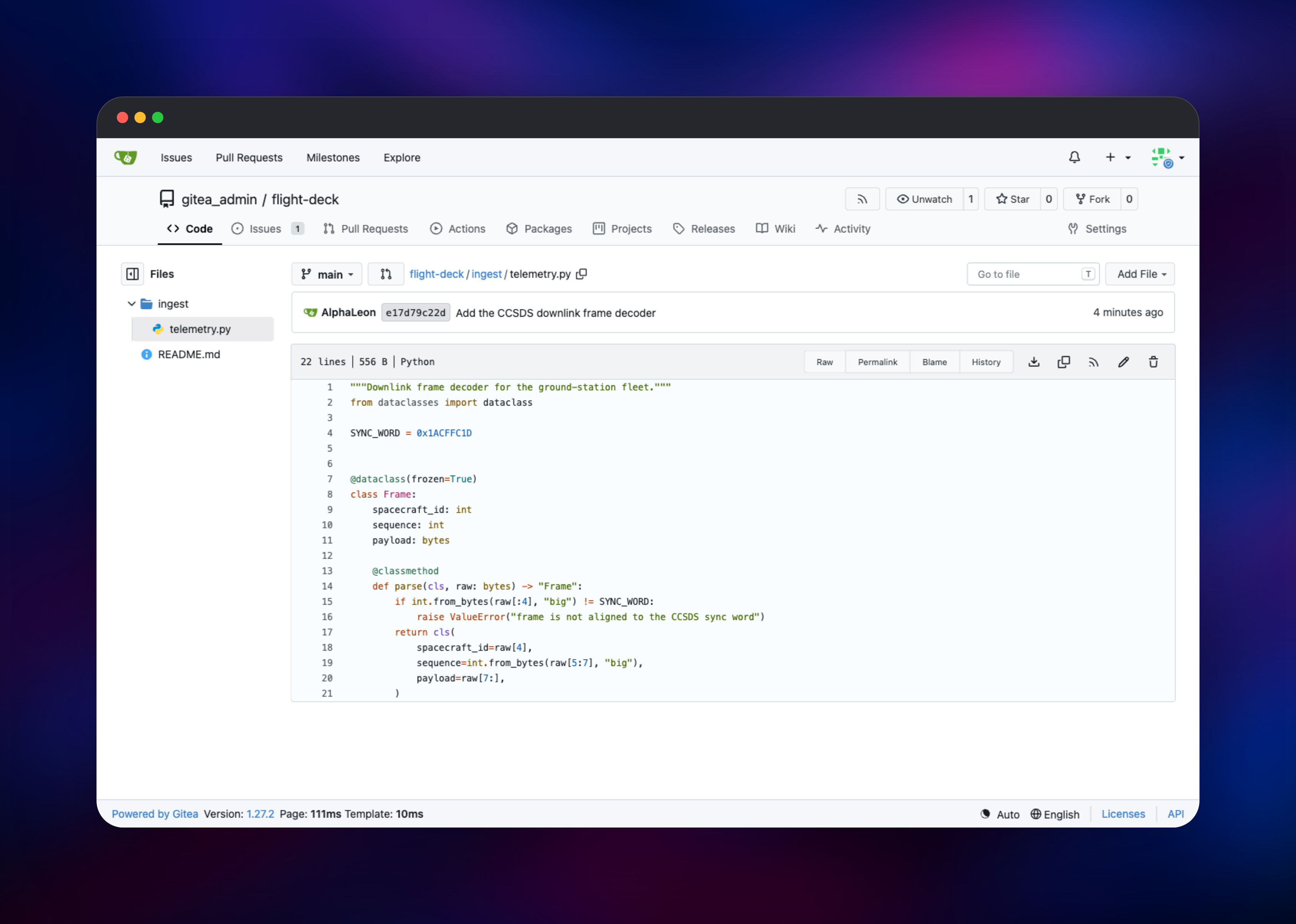
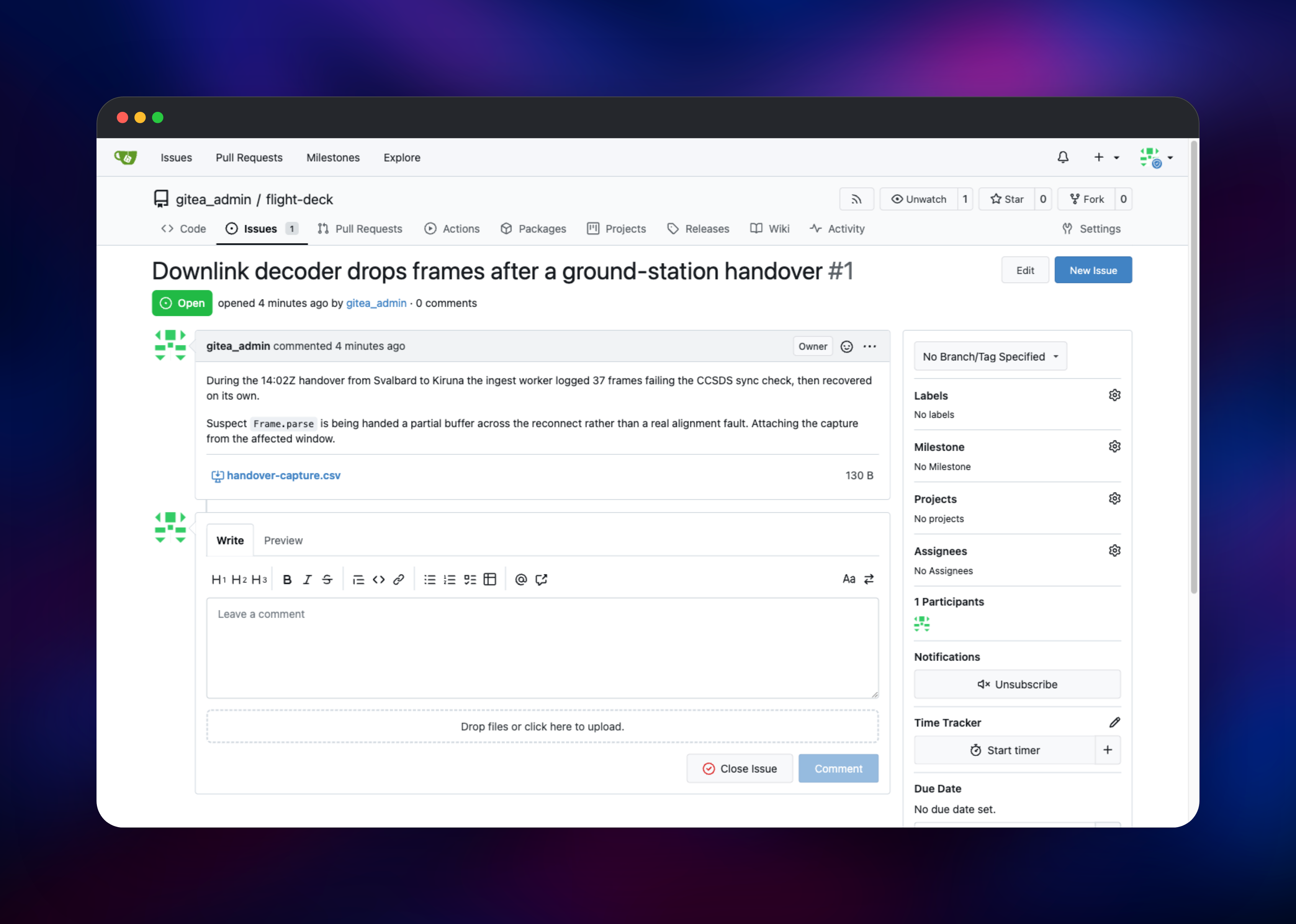
About Hosting Gitea
Gitea lets you own your source code without running a heavyweight DevOps platform. It began as a fork of Gogs and grew into a full forge while keeping the resource profile of a small Go service — practical for a two-person team, comfortable for a few hundred developers. Self-hosting earns its keep when code must stay inside your own network or jurisdiction, or when per-seat pricing stops being worth it.
Key features:
- Pull requests, code review, branch protection and required status checks
- Issues, labels, milestones, projects and per-repository wikis
- Gitea Actions, a CI system that runs GitHub Actions workflow syntax
- Package registries for Docker/OCI, npm, PyPI, Maven, Cargo, NuGet, Composer, Helm, RubyGems, Debian and RPM
- Git LFS, repository mirroring, webhooks and a full REST API
- Organisations, teams and fine-grained access tokens
State is split deliberately: Gitea is stateless apart from the repositories on its volume, PostgreSQL owns relational data, Redis holds cache, sessions and queued work, and the bucket absorbs every large blob.
Why Deploy Gitea on Railway
Railway removes the server administration a Git forge brings.
- PostgreSQL, Redis and object storage provisioned and wired up for you
- HTTPS with automatic certificates on a generated domain
- A TCP proxy for Git over SSH, which a plain HTTP host cannot provide
- Persistent volume for repositories, with no disk to resize
- Secrets generated at deploy time, so nothing starts on defaults
Common Use Cases
- An internal forge for a startup or agency wanting GitHub's workflow without per-seat pricing or third-party code storage
- A private package registry — Docker images, npm packages or wheels beside the repositories that build them
- A mirror of critical upstream dependencies, kept current by scheduled pull mirrors
Dependencies for Gitea
- Gitea — built from a public source repository based on the official
gitea/giteaimage, pinned to1. HTTP on port 3000, SSH on 22, volume at/data. - PostgreSQL 18 — users, repository metadata, issues, pull requests, permissions and Actions history. Gitea gets a non-superuser role owning a single database, so it never holds administrative rights over the instance.
- Redis — response cache, login sessions and job queues, each on its own logical database.
- Object storage bucket — attachments, avatars, LFS objects, archives and packages.
Environment Variables Reference
| Variable | Purpose |
|---|---|
GITEA_ADMIN_USERNAME | Administrator account created on first boot |
GITEA_ADMIN_PASSWORD | Administrator password — change it after signing in |
GITEA__service__DISABLE_REGISTRATION | true closes public sign-ups |
GITEA__service__REQUIRE_SIGNIN_VIEW | true hides repositories from anonymous visitors |
GITEA__mailer__ENABLED | Set true and add SMTP settings to send email |
Any Gitea setting works as GITEA__section__KEY; a dot in the section name is escaped _0X2E_.
Deployment Dependencies
- Image: hub.docker.com/r/gitea/gitea
- Project: github.com/go-gitea/gitea
- Config reference: docs.gitea.com/administration/config-cheat-sheet
Hardware Requirements for Self-Hosting Gitea
| Resource | Minimum | Recommended |
|---|---|---|
| CPU | 1 vCPU | 2 vCPU |
| RAM | 512 MB | 2 GB |
| Storage | 1 GB volume | 10 GB+, sized to your repositories |
| Runtime | Go binary (Alpine container) | Same, plus PostgreSQL and Redis |
Gitea idles at roughly 400 MB. Push size, LFS traffic and Actions concurrency drive the real numbers.
Self-Hosting Gitea with Docker
A single container with SQLite is the fastest way to try Gitea locally:
docker run -d --name gitea -p 3000:3000 -p 2222:22 \
  -v gitea-data:/data gitea/gitea:1
For anything real, move the database and cache outside the container. Gitea reads every setting from GITEA__section__KEY variables, so a production docker compose service still needs no config file:
services:
  gitea:
    image: gitea/gitea:1
    environment:
      GITEA__database__DB_TYPE: postgres
      GITEA__database__HOST: db:5432
      GITEA__database__NAME: gitea
      GITEA__database__USER: gitea
      GITEA__database__PASSWD: change-me
      GITEA__cache__ADAPTER: redis
      GITEA__cache__HOST: redis://redis:6379/0
      GITEA__session__PROVIDER: redis
    volumes: ["gitea-data:/data"]
    ports: ["3000:3000", "2222:22"]
This template does the equivalent, with database, Redis, bucket, TLS and SSH already attached.
How Much Does Gitea Cost to Self-Host?
Gitea is free and open source under the MIT licence — no paid tier, seat limit or feature gate in the software itself. Gitea Ltd. sells a hosted product and enterprise support, but nothing here depends on either. On Railway you pay only for infrastructure, which scales with usage rather than headcount.
Gitea vs GitLab CE vs GitHub
| Gitea | GitLab CE | GitHub | |
|---|---|---|---|
| Minimum RAM | ~512 MB | ~4 GB | n/a |
| CI | Actions (needs a runner) | Built-in | Actions |
| Licence | MIT | MIT (CE) | Proprietary |
| Cost | Infrastructure only | Infrastructure only | Per seat |
Gitea gives you GitHub's shape at a fraction of the footprint. Pick GitLab CE if integrated CI and security scanning matter more than resource usage.
FAQ
What is Gitea?
An open-source, self-hosted Git service written in Go, offering repository hosting, pull requests, issue tracking, wikis, package registries and CI in one lightweight binary — commonly described as a self-hosted GitHub alternative.
What does this Railway template deploy?
Gitea on a persistent volume with an HTTPS domain and an SSH endpoint, a managed PostgreSQL database, a managed Redis instance, and an object storage bucket for uploads, LFS and packages.
Why does the template include PostgreSQL and Redis instead of SQLite?
SQLite keeps everything in one file on the volume, limiting concurrency and complicating backups. PostgreSQL handles concurrent writes properly, and Redis moves sessions and queued jobs out of process memory — without it, every redeploy would sign users out and drop in-flight work.
How do I clone over SSH from self-hosted Gitea on Railway?
Add your public key under Settings → SSH / GPG Keys, then use the address in the repository's clone dropdown. It points at Railway's TCP proxy host and port rather than the web domain, because Git's SSH protocol cannot travel over an HTTPS route.
Can I run Gitea Actions CI on this deployment?
Gitea Actions is enabled, but jobs need an act_runner, and runners require Docker access this environment does not provide. Register a runner on a machine that has Docker, pointing at your instance URL, and workflows will pick it up.
Template Content
Redis
redis:8.2gitea-storage
Bucket


