
Deploy GitLab
GitHub alternative. DevSecOps platform that provides a complete SDLC.
Just deployed
/var/opt/gitlab

Deploy and Host GitLab CE on Railway
GitLab CE is the open-source Community Edition of GitLab — a DevOps platform that puts Git hosting, merge requests, issue boards, wikis, package and container registries and a full CI/CD engine behind one login. Teams reach for it when they outgrow a bare Git server or when per-seat source control stops adding up. CE is MIT (Expat) licensed, so you can self-host GitLab with no subscription and no seat count.
Deploying GitLab on Railway with this template runs the official gitlab/gitlab-ce:19.2.1-ce.0 Omnibus image as one service — no external database or Redis to wire up. Omnibus bundles Puma, Sidekiq, Gitaly, gitlab-shell/sshd, Workhorse, PostgreSQL, Redis and nginx under runit in one container. Railway terminates TLS at the edge and forwards HTTP to nginx on port 80, and a TCP proxy maps port 22 so Git over SSH works.

Getting Started with GitLab CE on Railway
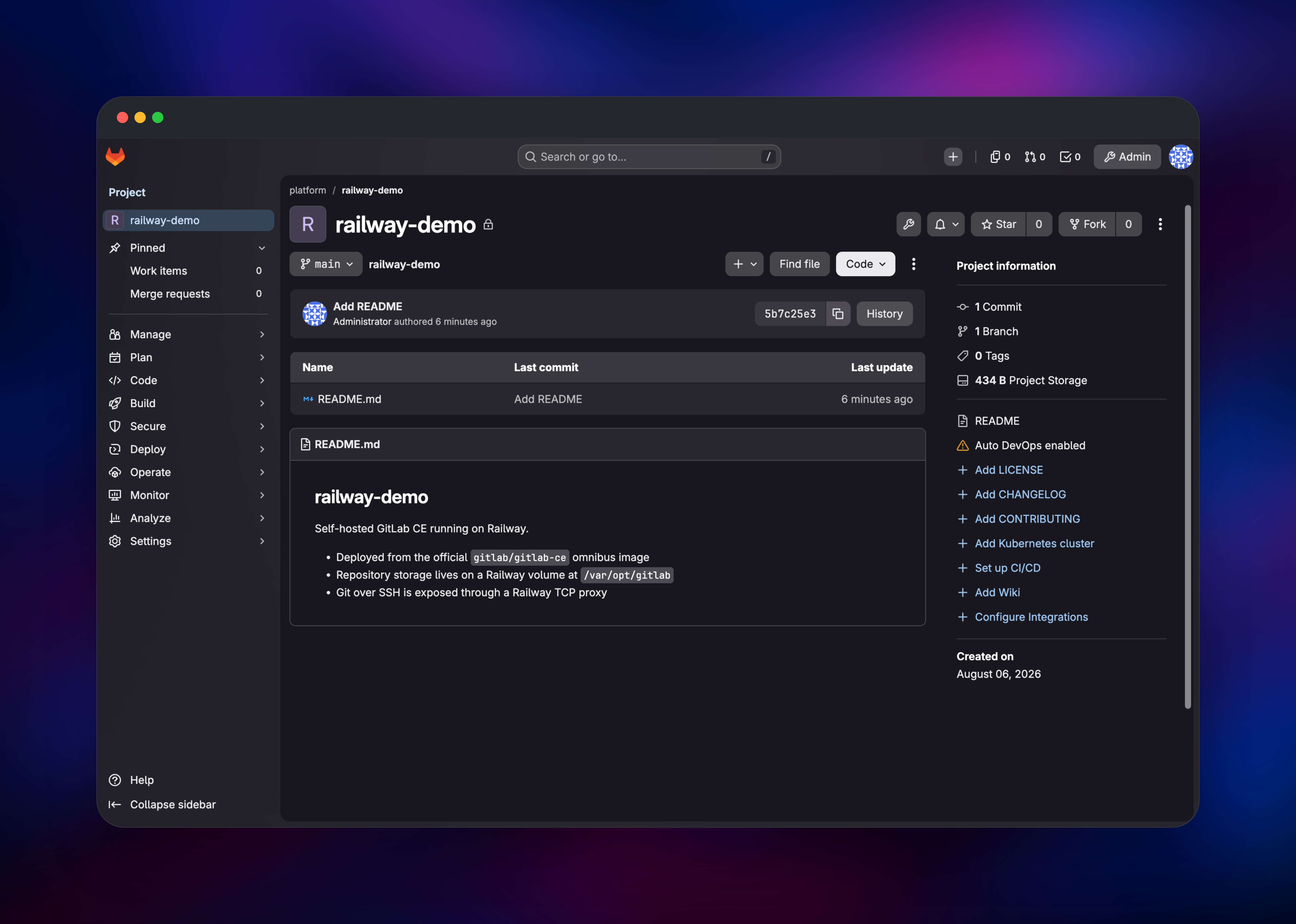
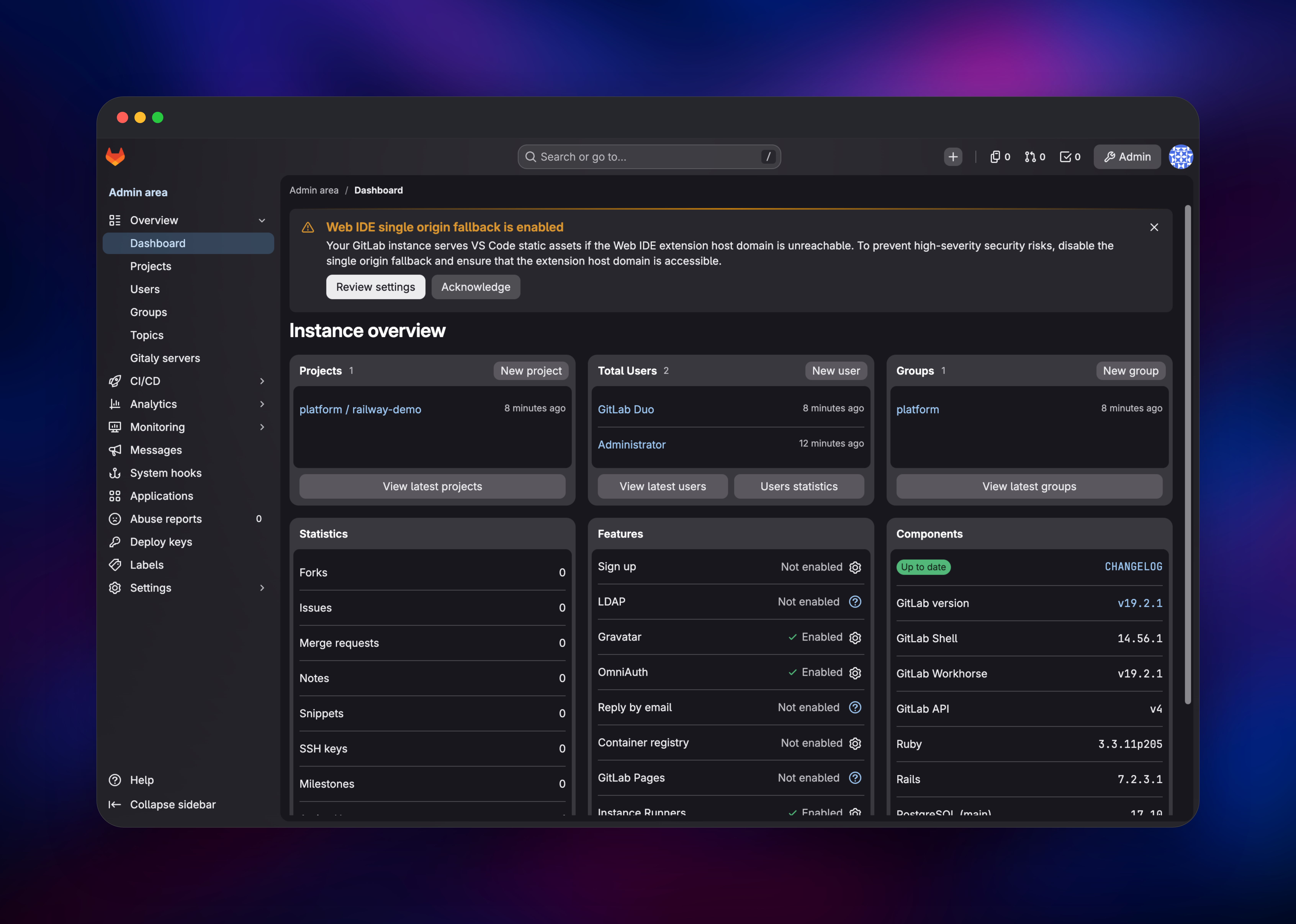
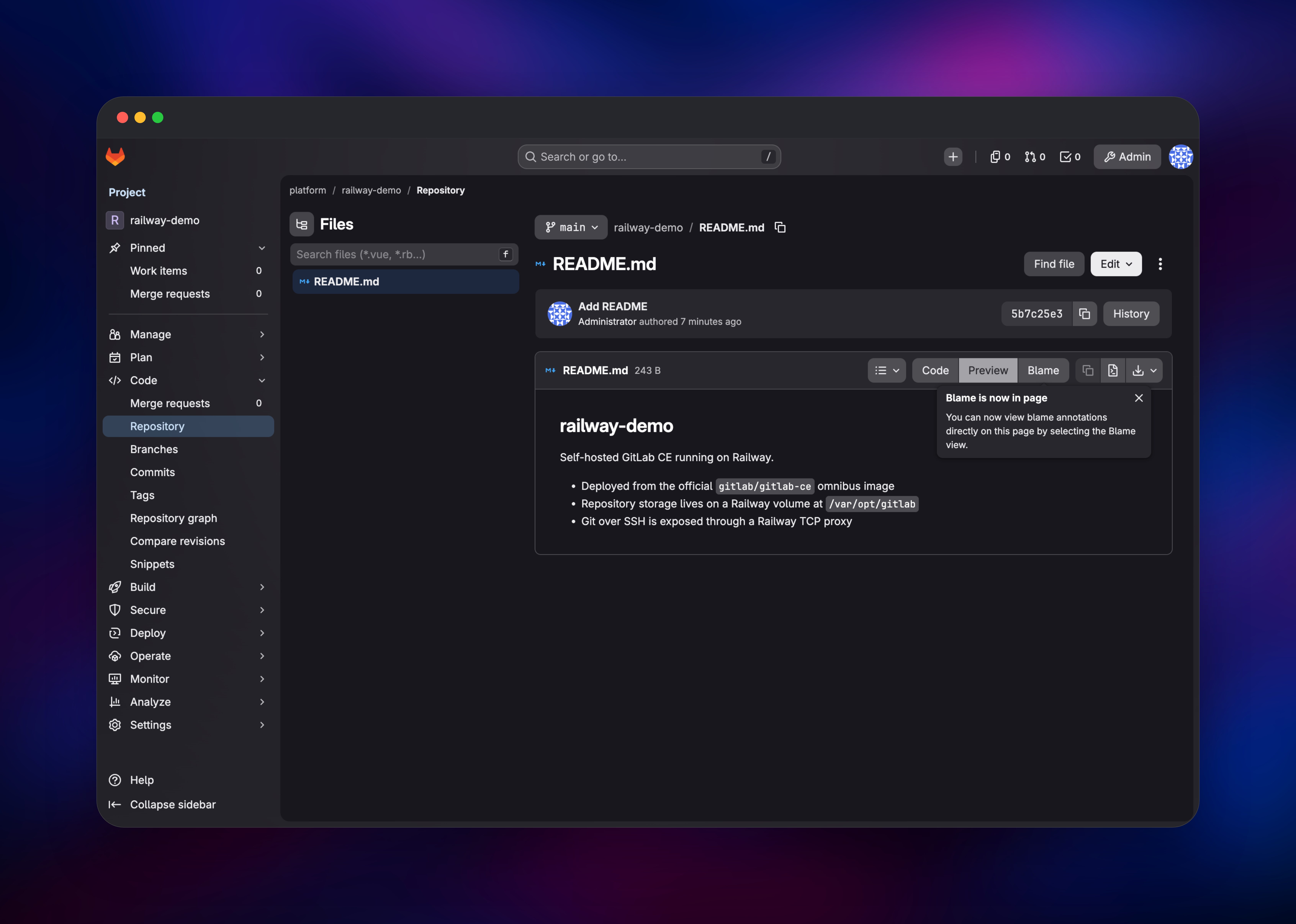
First boot pulls a ~1.4 GB image and runs a full gitlab-ctl reconfigure, so several minutes of 502s are expected rather than a failure — watch the logs until Puma comes up. Open your Railway domain and sign in as root with the password from GITLAB_ROOT_PASSWORD, readable in the service's Variables tab. That value applies on first boot only: GitLab hashes it into the database, so editing the variable later changes nothing — rotate it inside the app. Next, open Admin Area → Settings → General → Sign-up restrictions and clear "Sign-up enabled"; public registration is a database-backed application setting, not a config option, so it cannot be switched off with a variable. Then create a group and project, add your public key under Preferences → SSH Keys, and push a repository to confirm the instance works. Clone URLs already point at the TCP proxy.
About Hosting GitLab CE
Self-hosted GitLab CE ends DevOps tool sprawl: one application with one permission model and one audit trail replaces a Git host, a CI service, a tracker and an artifact store. Teams host it themselves when code cannot leave infrastructure they control.
- Unlimited private repositories, protected branches, merge requests, code review
- GitLab CI/CD:
.gitlab-ci.ymlpipelines, stages, artifacts, environments, schedules - Issue boards, milestones, labels, time tracking and wikis
- Package and container registries for npm, Maven, PyPI, Go, NuGet and OCI images
- Roles, 2FA, audit events, REST/GraphQL APIs, Slack/Jira/Kubernetes integrations
The Railway architecture is deliberately flat: one service runs the whole stack, with PostgreSQL and Redis managed by GitLab in-container. The volume at /var/opt/gitlab holds repositories, the database, uploads and CI artifacts, and also /etc/gitlab, which stores gitlab-secrets.json and the SSH host keys — lose those and every encrypted database column becomes unreadable.
Why Deploy GitLab CE on Railway
Railway removes the server work that comes with running GitLab yourself.
- One-click deploy of the official Omnibus image — no VM or apt required
- Managed TLS and a public HTTPS domain issued automatically
- A persistent volume for repositories, database and secrets
- A TCP proxy so Git over SSH works out of the box
- Vertical scaling and usage-based billing as the team grows
- Logs, metrics and one-click rollbacks in one dashboard
Common Use Cases for Self-Hosted GitLab
- Private source control — unlimited repositories and reviewers, no per-seat licence.
- CI/CD for internal services — register a GitLab Runner on a VM or Kubernetes cluster and point it here to build and deploy from
.gitlab-ci.yml. - Compliance or data-residency workloads — keep code, review history and build logs off multi-tenant SaaS.
- Mirroring and migration staging — pull-mirror repositories from GitHub or Bitbucket while migrating off a SaaS Git host.
Dependencies for GitLab CE
gitlab/gitlab-ce:19.2.1-ce.0— the official GitLab Omnibus Community Edition image on Docker Hub. It is a full single-node distribution rather than a slim app image, supervising Puma, Sidekiq, Gitaly, gitlab-shell/sshd, Workhorse, nginx, PostgreSQL and Redis under runit — hence no companion services.
Environment Variables Reference
| Variable | Purpose |
|---|---|
GITLAB_OMNIBUS_CONFIG | Ruby block evaluated at boot — the single knob for external URL, nginx, trusted proxies, SSH host/port and worker sizing |
GITLAB_ROOT_PASSWORD | Seeds the initial root administrator password; read on first boot only |
PORT | 80, matching nginx['listen_port'] so Railway routes to the right port |
The load-bearing keys are external_url (your https:// domain, even though nginx serves plain HTTP because Railway terminates TLS), nginx['listen_https'] = false with an injected X-Forwarded-Proto: https, and gitlab_ssh_host / gitlab_shell_ssh_port, which point clone URLs at the TCP proxy.
Deployment Dependencies
- Docker Hub image:
https://hub.docker.com/r/gitlab/gitlab-ce - Source repository:
https://gitlab.com/gitlab-org/gitlab - Omnibus packaging and the
gitlab.rbreference:https://gitlab.com/gitlab-org/omnibus-gitlab - Docker install docs:
https://docs.gitlab.com/install/docker/installation/
Hardware Requirements for Self-Hosting GitLab CE
GitLab is not lightweight. Upstream's single-node baseline is 8 vCPU and 16 GB RAM; 8 GB is the practical floor for a small team, and below 4 GB the reconfigure step tends to get OOM-killed.
| Resource | Minimum | Recommended |
|---|---|---|
| CPU | 4 vCPU | 8 vCPU |
| RAM | 4 GB (slow boots) | 8–16 GB |
| Storage | 5 GB volume | 20 GB+ for active repos, LFS and artifacts |
| Runtime | Docker, gitlab/gitlab-ce:19.2.1-ce.0 | Same image, pinned tag |
Omnibus sizes its workers from host-level rather than container-level memory, so this template pins puma['worker_processes'] and sidekiq['concurrency'], and sets postgresql['dynamic_shared_memory_type'] = 'mmap' so parallel queries do not exhaust the 64 MB /dev/shm.
Self-Hosting GitLab CE with Docker
To self-host GitLab outside Railway, run the same image with Docker:
docker run --detach \
  --hostname gitlab.example.com \
  --publish 443:443 --publish 80:80 --publish 22:22 \
  --name gitlab --restart always --shm-size 256m \
  --volume /srv/gitlab/config:/etc/gitlab \
  --volume /srv/gitlab/logs:/var/log/gitlab \
  --volume /srv/gitlab/data:/var/opt/gitlab \
  gitlab/gitlab-ce:19.2.1-ce.0
Without GITLAB_ROOT_PASSWORD, GitLab writes a generated one to a file deleted after 24 hours:
docker exec -it gitlab grep 'Password:' /etc/gitlab/initial_root_password
Configuration is applied either by editing /etc/gitlab/gitlab.rb or — as this template does — by passing the whole block through GITLAB_OMNIBUS_CONFIG, which the image evaluates as Ruby. Pushing over SSH uses the TCP proxy address:
git remote add origin ssh://git@://.git
How Much Does GitLab CE Cost to Self-Host?
GitLab CE is free and open source under the MIT (Expat) licence — no seat limits, no feature timers, no subscription. The paid Premium and Ultimate tiers (roughly $19–29 per user per month and up, Ultimate quoted by sales) add advanced security scanning and portfolio management; none of that is needed for repositories and CI/CD. Self-hosting on Railway costs infrastructure only, so the bill is the same for 3 developers or 30. GitHub Enterprise Server is self-hostable only on a paid tier; Gitea runs in roughly 1 GB but with a lighter CI/CD story.
FAQ
What is GitLab CE? The free, MIT-licensed distribution of GitLab: a self-hostable DevOps platform combining Git hosting, code review, issue tracking, wikis, package registries and CI/CD in one application.
What does this Railway template deploy?
One service running gitlab/gitlab-ce:19.2.1-ce.0, with a persistent volume at /var/opt/gitlab, a public HTTPS domain routed to nginx on port 80, and a TCP proxy on container port 22 for Git over SSH.
Why is there no separate PostgreSQL or Redis service in this template? The Omnibus image bundles and supervises its own PostgreSQL and Redis — upstream's single-node topology. Splitting them out is the multi-node scale-out architecture and adds volumes for no gain at this size.
How do I log in to self-hosted GitLab for the first time?
Sign in as root with the value of GITLAB_ROOT_PASSWORD from the service's Variables tab. It is read on first boot only, so change the password inside GitLab afterwards.
How do I run GitLab CI/CD jobs on a self-hosted instance? Install GitLab Runner separately — on a VM, in Kubernetes, or as another container — and register it against your instance URL with a token from Admin Area → CI/CD → Runners. GitLab itself runs no jobs.
Template Content


