
Deploy Gotenberg
API for converting HTML, Markdown, URLs and Office documents to PDF
gotenberg
Just deployed
Deploy and Host Gotenberg on Railway
Gotenberg is an open-source HTTP API that turns HTML, Markdown, URLs and Office documents into PDFs. You POST a file or a URL as multipart/form-data and get a PDF back — no Chromium to babysit, no LibreOffice to install, no fonts to chase. Teams reach for it whenever an application must produce a real document: invoices, contracts, statements, reports. It is written in Go, MIT-licensed, and used in production by projects such as paperless-ngx.
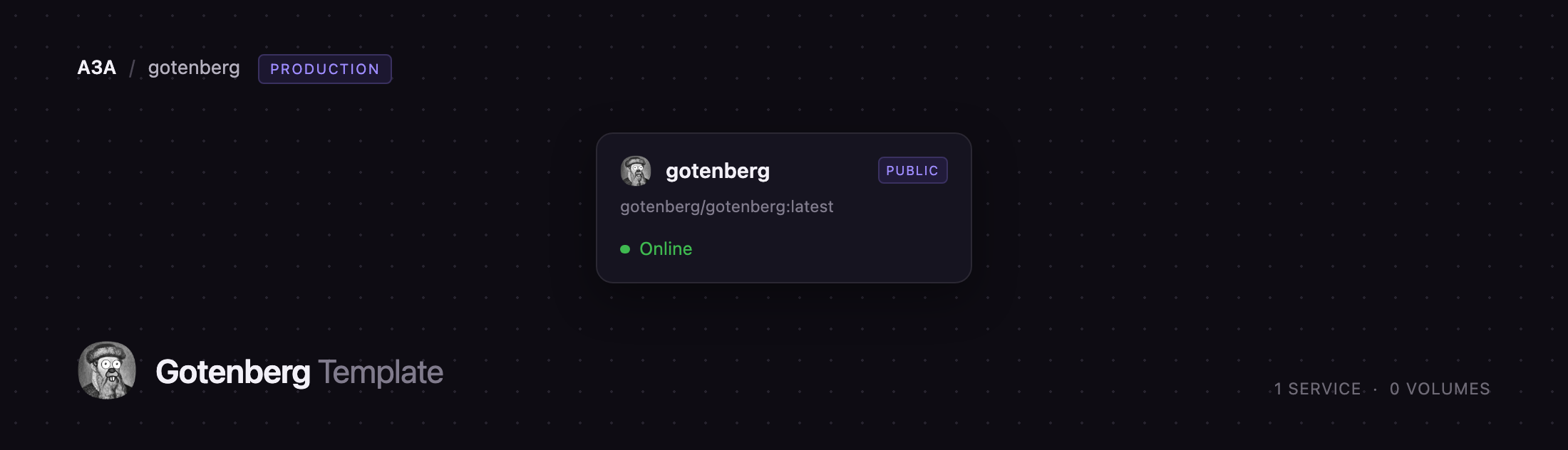
Self-host Gotenberg on Railway and you get one stateless service running the official gotenberg/gotenberg image, on its own HTTPS domain and protected by HTTP Basic authentication out of the box. There is no database, queue or volume, because Gotenberg holds nothing between requests: each job is written to a temp directory, rendered by Chromium or LibreOffice, returned in the response body, and deleted. Traffic hits Railway's edge, terminates TLS there, and reaches the container, which dispatches each job to the engine that handles that format.
Getting Started with Gotenberg on Railway
Gotenberg has no web interface — it is an API, and the root URL returns a short message saying so, after prompting for the credentials you set at deploy time. The real health check is GET /health, deliberately left unauthenticated so uptime monitors can reach it. It reports each engine separately; both chromium and libreoffice should read up before you send real work.
Your first useful action is a conversion. The quickest needs no files — point Gotenberg at a public page and ask for a PDF. Replace the host with your Railway domain and use your own credentials:
curl --request POST \
  --user 'gotenberg:YOUR_PASSWORD' \
  https://your-app.up.railway.app/forms/chromium/convert/url \
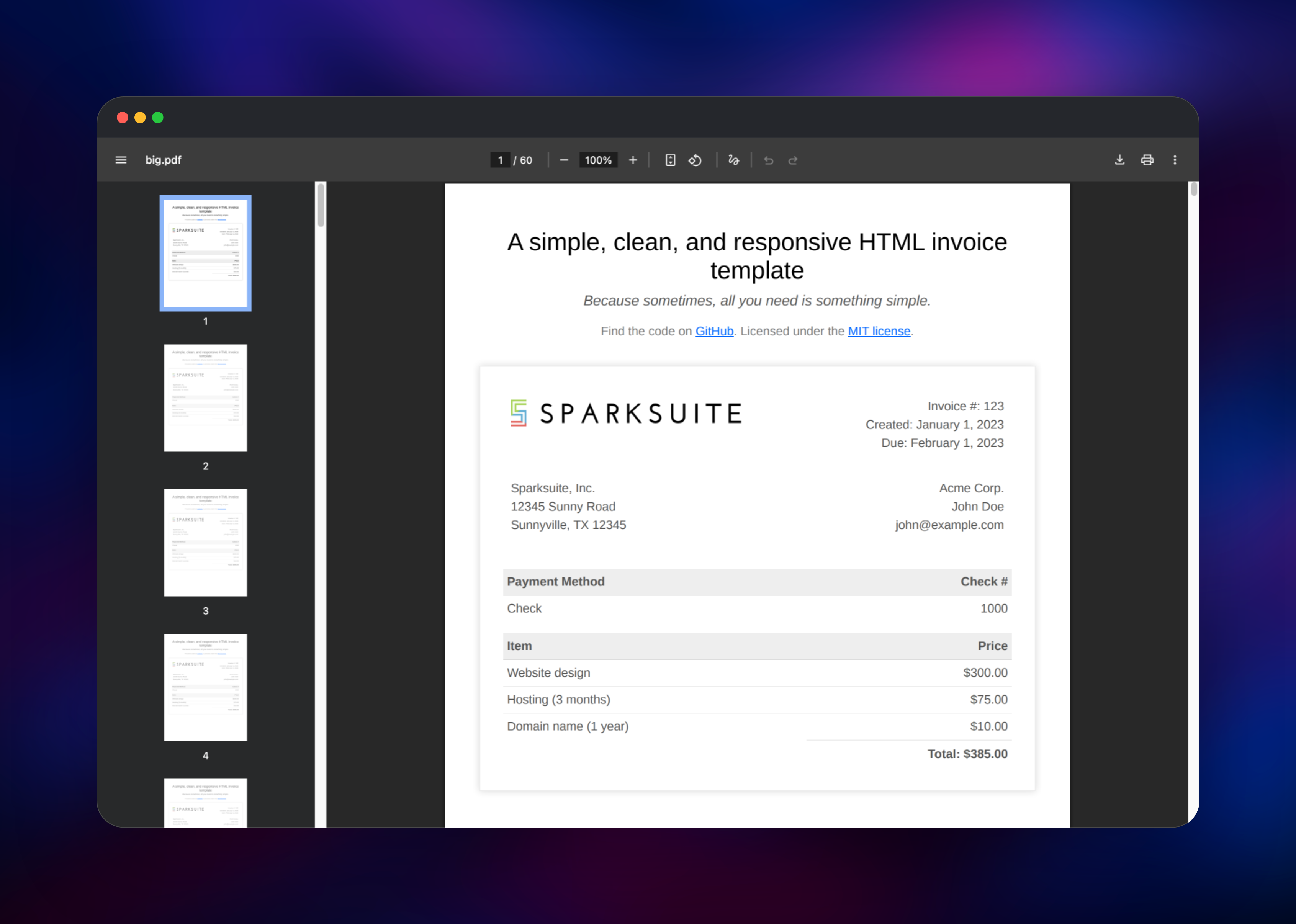
  --form url=https://sparksuite.github.io/simple-html-invoice-template/ \
  -o invoice.pdf
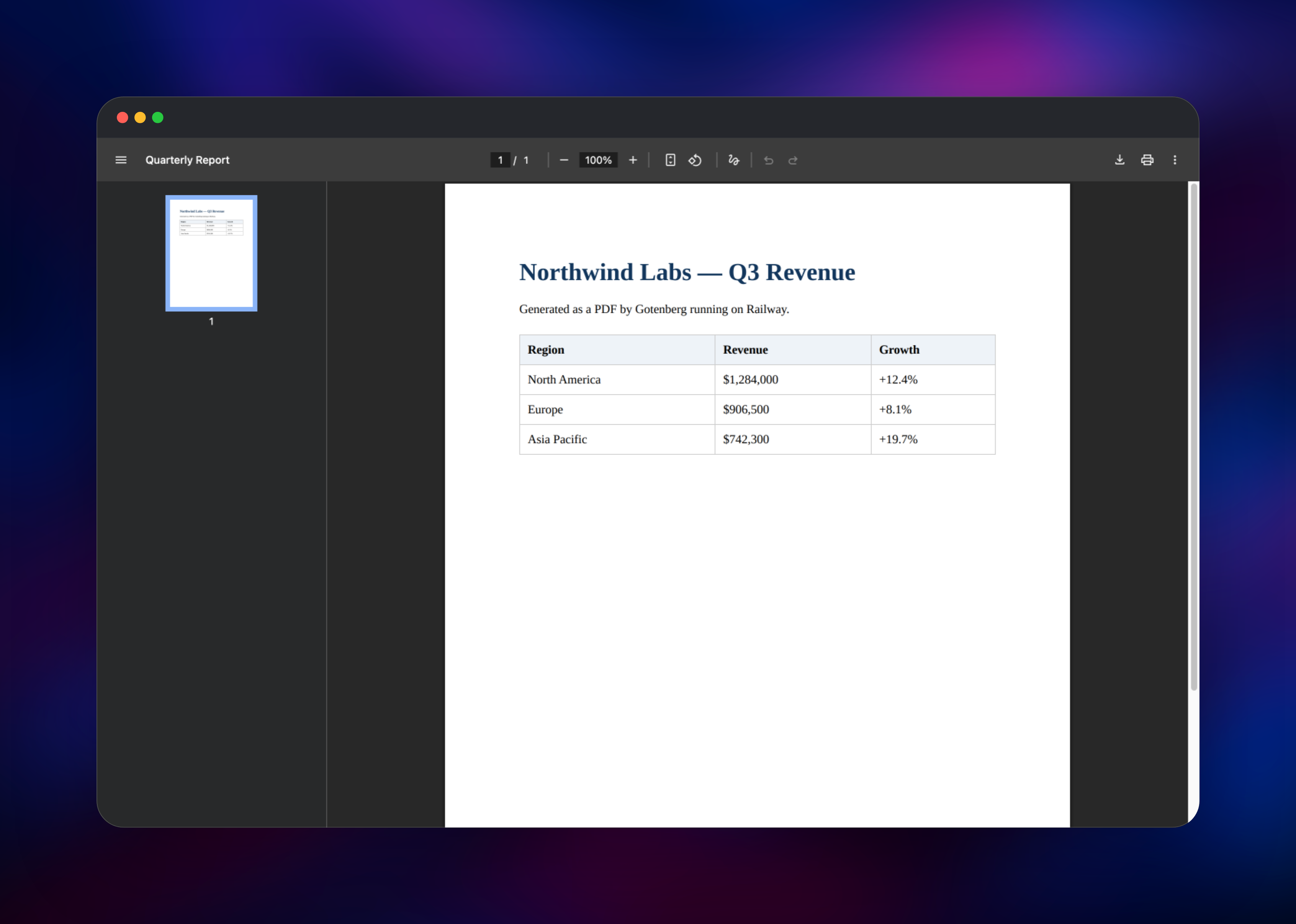
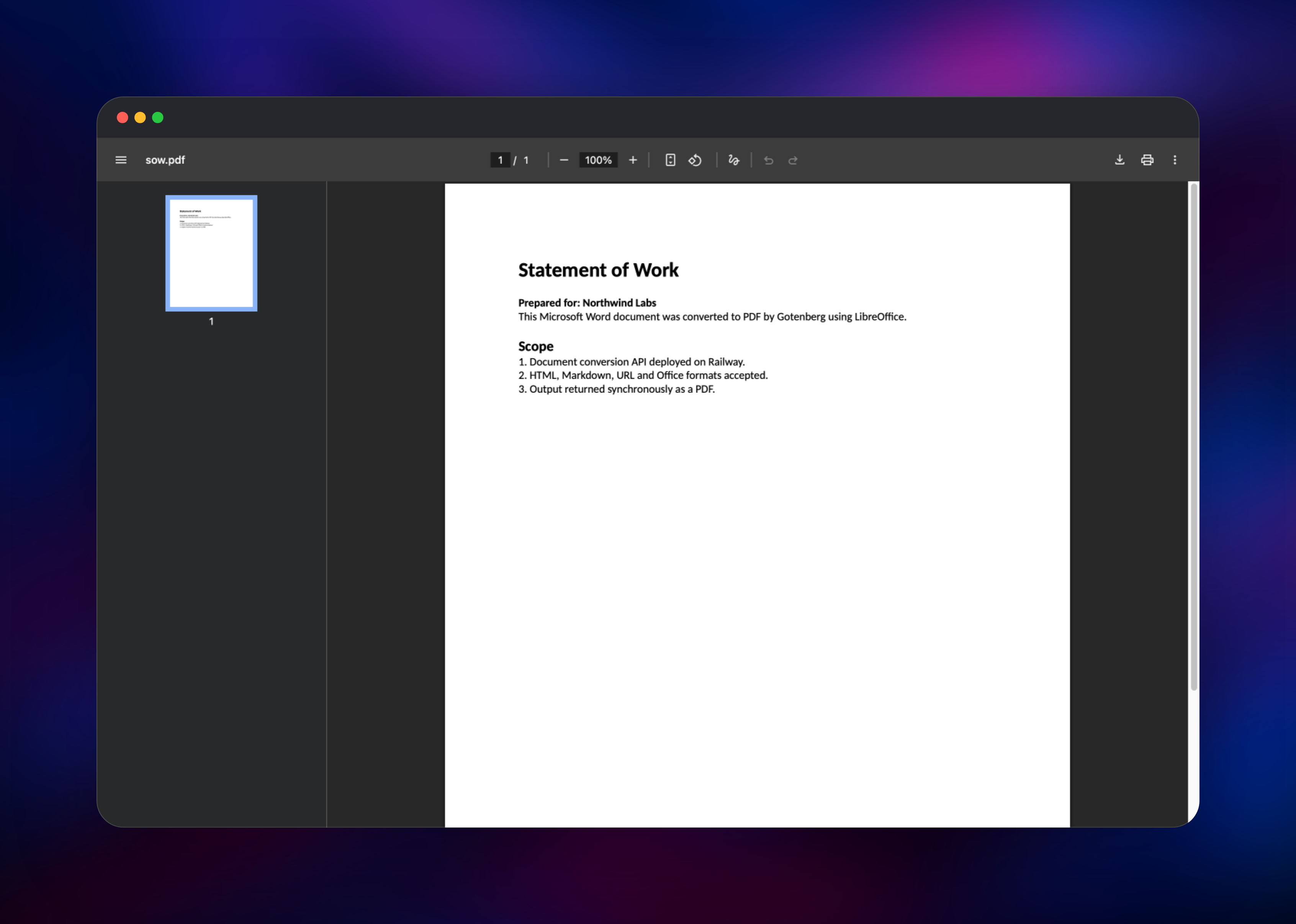
If invoice.pdf opens as a one-page invoice, the deployment and the Chromium engine both work. To exercise LibreOffice, send a Word or Excel file with --form files=@report.docx to /forms/libreoffice/convert. Then point your app's HTTP client at that URL.
About Hosting Gotenberg
Generating PDFs inside an application looks like a small problem and is not. Running headless Chromium yourself means shipping a browser, its shared-memory quirks and a font stack alongside your app; a hosted PDF SaaS means paying per document and sending customer data elsewhere. Gotenberg packages the engines behind a stable HTTP contract, so your app only speaks multipart posts and documents stay on your own infrastructure.
The API is organised by engine. /forms/chromium/ renders HTML, Markdown and live URLs, and can return PNG or JPEG screenshots instead of a PDF. /forms/libreoffice/ accepts over a hundred Office formats. /forms/pdfengines/ operates on PDFs you already have, backed by qpdf, pdfcpu, PDFtk and ExifTool.
Key features:
- HTML, Markdown and URL to PDF via Chromium, with page size, margins and headers set per request
- Office documents to PDF via LibreOffice — Word, Excel, PowerPoint, OpenDocument and RTF families
- Merge, split, rotate and flatten PDFs; watermark, stamp and encrypt output
- PDF/A and PDF/UA output for archival and accessibility
- Screenshots of a URL, an HTML file, or one CSS-selected element; metadata and bookmark editing
Because the service is stateless, the Railway architecture is deliberately flat: one container, one public domain, nothing persisted. Scaling means raising the replica count — no scheduler, no leader election, no shared state, so replicas are interchangeable.
Why Deploy Gotenberg on Railway
Railway removes the operational work that usually surrounds a browser-in-a-container service:
- One-click deploy of the official image, with HTTPS and a domain provisioned for you
- HTTP Basic authentication configured from the start, not left open
- Health checks wired to the engine-aware
/healthroute - Horizontal scaling by replica count, with no state to migrate
- Private networking, so your app calls it without a public hop
Common Use Cases
- Generating invoices, receipts and statements from HTML templates styled with CSS
- Converting uploaded Word, Excel and PowerPoint files to PDF for archival
- Producing scheduled reports and dashboard exports as print-ready PDF/A files
- Merging a cover letter, contract and appendices into one file, then stamping or encrypting it
Dependencies for Gotenberg
Gotenberg is a single-service deployment; everything it needs is inside the image:
- Gotenberg —
gotenberg/gotenberg:latest, the API and both engines, on port 3000 - Headless Chromium — bundled, renders HTML, Markdown and URLs
- LibreOffice — bundled, converts Office and OpenDocument files
- qpdf, pdfcpu, PDFtk, ExifTool — bundled, power the merge, split, encrypt and metadata routes
No database, cache, storage or volume is required.
Environment Variables Reference
| Variable | Purpose |
|---|---|
PORT | HTTP port the API listens on |
GOTENBERG_API_BASIC_AUTH_USERNAME | Username required on every route except /health |
GOTENBERG_API_BASIC_AUTH_PASSWORD | Password for that user |
RAILWAY_DEPLOYMENT_DRAINING_SECONDS | Time for in-flight conversions to finish on redeploy |
TINI_KILL_PROCESS_GROUP | Forwards shutdown signals to the engine processes |
TZ | Timezone for timestamps in rendered documents |
Most of Gotenberg's configuration is flags on the start command, not environment variables. The template sets sensible ones for a public deployment: a 120-second request timeout, both engines started eagerly, and outbound requests to private IPs blocked.
Deployment Dependencies
- Source repository: https://github.com/gotenberg/gotenberg
- Docker image: https://hub.docker.com/r/gotenberg/gotenberg
- Documentation: https://gotenberg.dev
- Runtime: Go, distributed as a Debian-based container image
Hardware Requirements for Self-Hosting Gotenberg
| Resource | Minimum | Recommended |
|---|---|---|
| CPU | 1 vCPU | 2–4 vCPU |
| RAM | 1 GB | 2–4 GB |
| Storage | None (stateless) | None (stateless) |
| Runtime | Docker | Docker |
A container with both engines resident and idle sits well under 512 MB. Memory rises with document complexity and concurrency — Chromium handles six conversions at once by default — so size for peak parallelism, not average traffic.
Self-Hosting Gotenberg
Gotenberg ships as a Docker image, so running it locally takes one command:
docker run --rm -p 3000:3000 gotenberg/gotenberg:8
For a local setup with authentication on, this Docker Compose definition matches what the template deploys:
services:
  gotenberg:
    image: gotenberg/gotenberg:8
    ports:
      - "3000:3000"
    environment:
      GOTENBERG_API_BASIC_AUTH_USERNAME: gotenberg
      GOTENBERG_API_BASIC_AUTH_PASSWORD: change-me
    command:
      - gotenberg
      - --api-enable-basic-auth=true
      - --chromium-deny-private-ips=true
If you override the start command, keep tini in front of the binary — it reaps the Chromium and LibreOffice processes respawned during normal operation.
Is Gotenberg Free?
Gotenberg is free and open source under the MIT license — no paid tier, no seat count, no per-document charge. Self-hosting means you pay only for infrastructure; on Railway, the CPU and memory the container actually uses. That is why teams move to it from hosted PDF APIs, which bill per conversion and get expensive as volume grows.
FAQ
What is Gotenberg?
An open-source, Docker-based HTTP API for converting documents to PDF. It wraps headless Chromium, LibreOffice and several PDF utilities behind one set of multipart/form-data endpoints, so applications generate documents without bundling those tools.
What does this Railway template deploy?
A single Gotenberg service on the official gotenberg/gotenberg image, with a public HTTPS domain, HTTP Basic authentication, and a health check on the /health route. No database or volume is created.
Why is there no database or storage service in this template?
Gotenberg is completely stateless. Each request renders in a temp directory and is returned in the HTTP response, after which the files are removed. A database or volume would never get written to.
How do I secure a self-hosted Gotenberg deployment?
The template enables HTTP Basic authentication, so every conversion route requires your username and password — only /health stays open, so uptime monitors keep working. Requests to private and link-local IPs are blocked too, stopping the URL route from reaching internal services. Keep both enabled on any public deployment.
How do I scale self-hosted Gotenberg for higher throughput?
Increase the replica count. Gotenberg keeps no shared state and runs no scheduler, so replicas are interchangeable and Railway load-balances across them. Services in the same project can also call it privately on port 3000. For long-running jobs, use the webhook feature: supply a callback URL and Gotenberg returns immediately, then POSTs the finished PDF to your endpoint.
Template Content
gotenberg
gotenberg/gotenberg:latest

