
Deploy Grav
Self-hosted WordPress alternative that stores content as Markdown files

Redis
Just deployed
/data
Just deployed
/var/www/html
Deploy and Host Grav on Railway
Grav is a flat-file CMS: every page is a Markdown file with YAML front matter, every setting is a YAML file, and there is no database to migrate or back up. Themes are Twig templates, plugins hook into a Symfony-based event system, and the site is a directory you edit in the admin panel or your own editor. Teams reach for it when WordPress is more machinery than the job needs but a static site generator is too little — Grav renders on request, so an editor publishes without a build step.
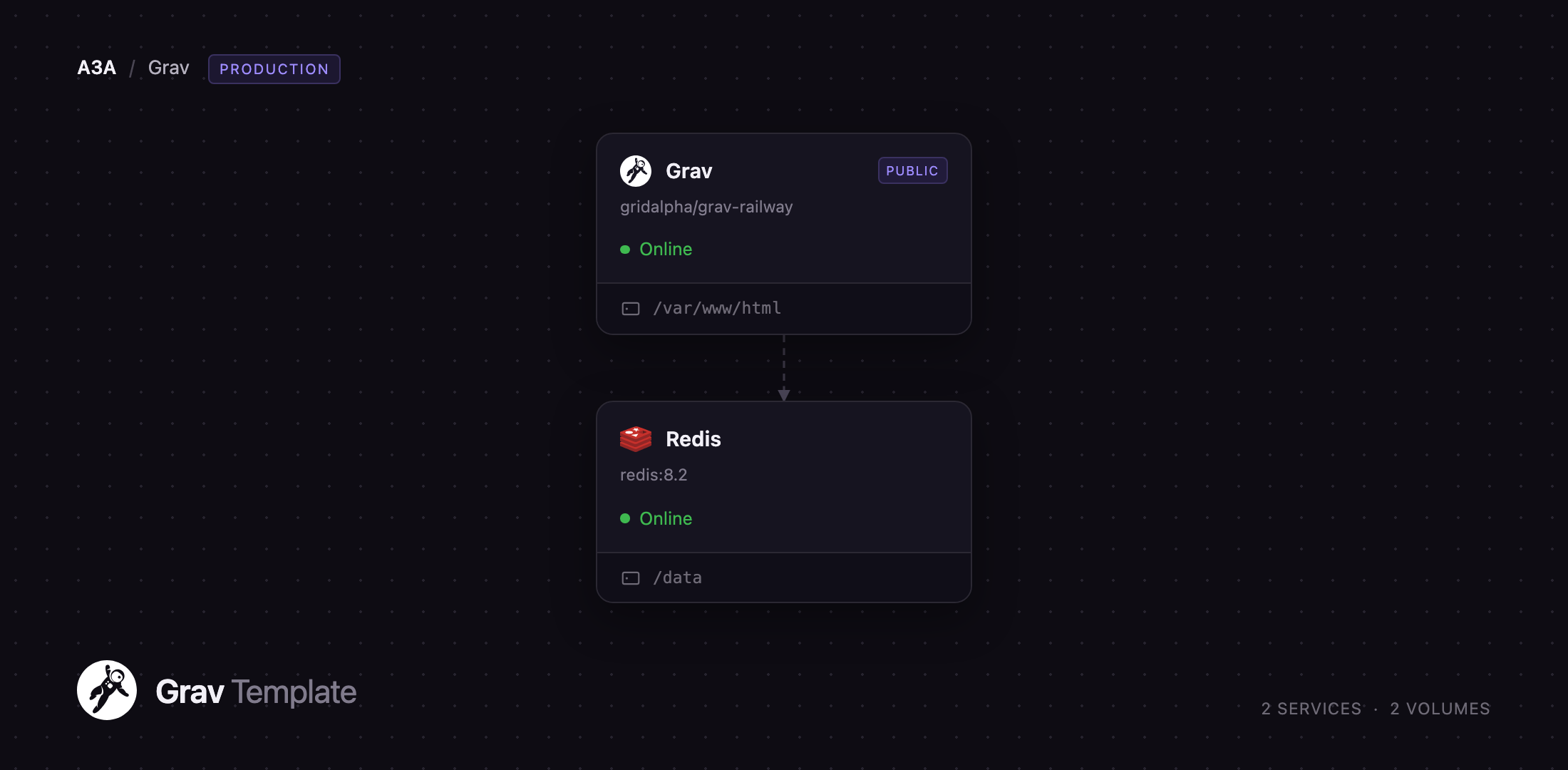
Self-host Grav on Railway and you get the two things a flat-file CMS still needs from a platform: somewhere durable for the files and somewhere fast for the caches. Grav serves the site through Apache and PHP 8.4, with a persistent volume at /var/www/html — pages, media, configuration, accounts and installed plugins and themes are written there and survive redeploys. Redis backs Grav's page, Twig and Flex object caches. Grav holds the public domain; Redis stays private.
Getting Started with Grav on Railway
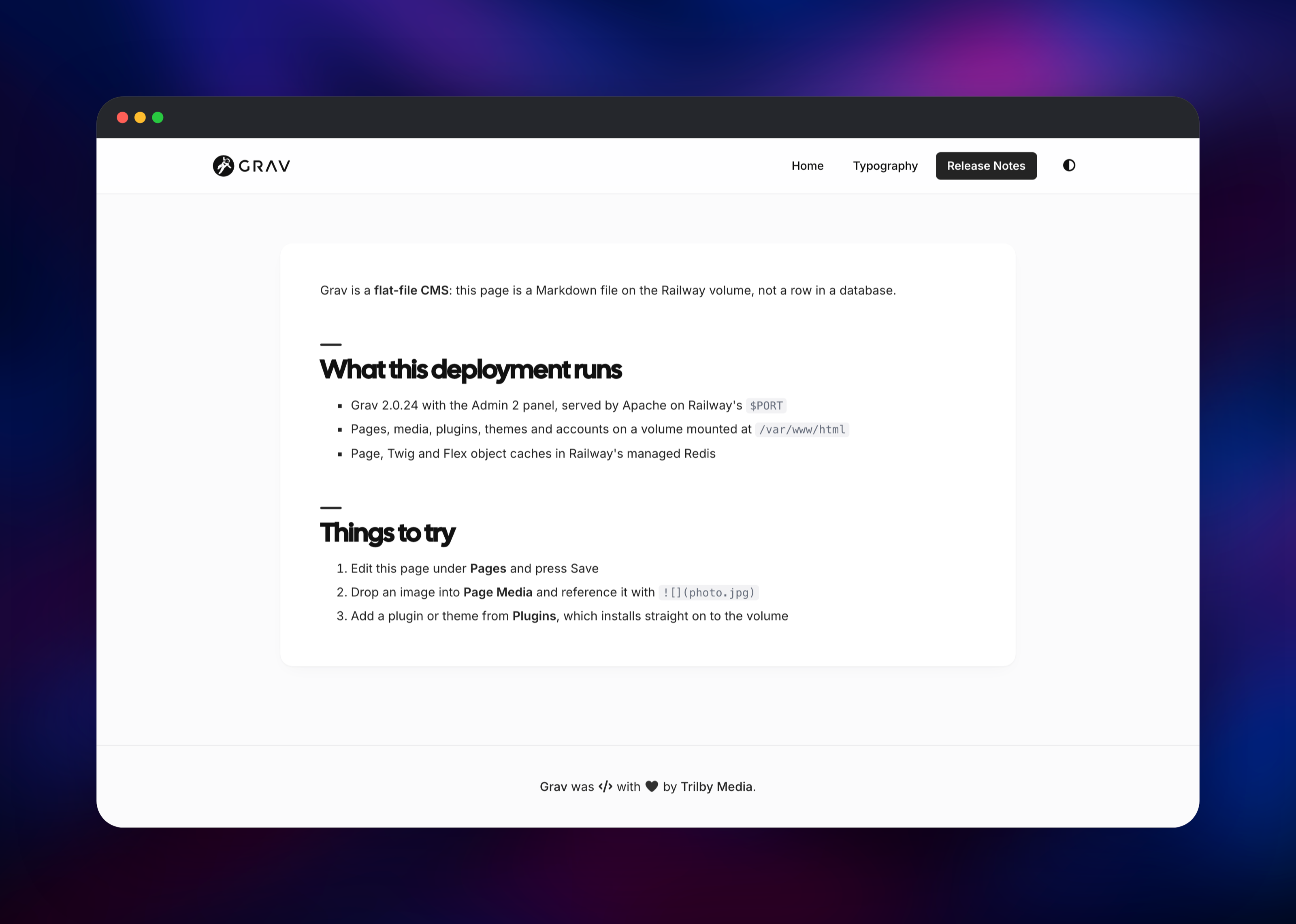
Deploy the template, set a password for the administrator account, and open the generated URL. You land on the Quark 2 theme's home page with two sample pages published. Go to /admin and sign in with the credentials you supplied at deploy — the account is created inside the container before the web server accepts a request, so nobody can claim the administrator seat first. The username defaults to admin.
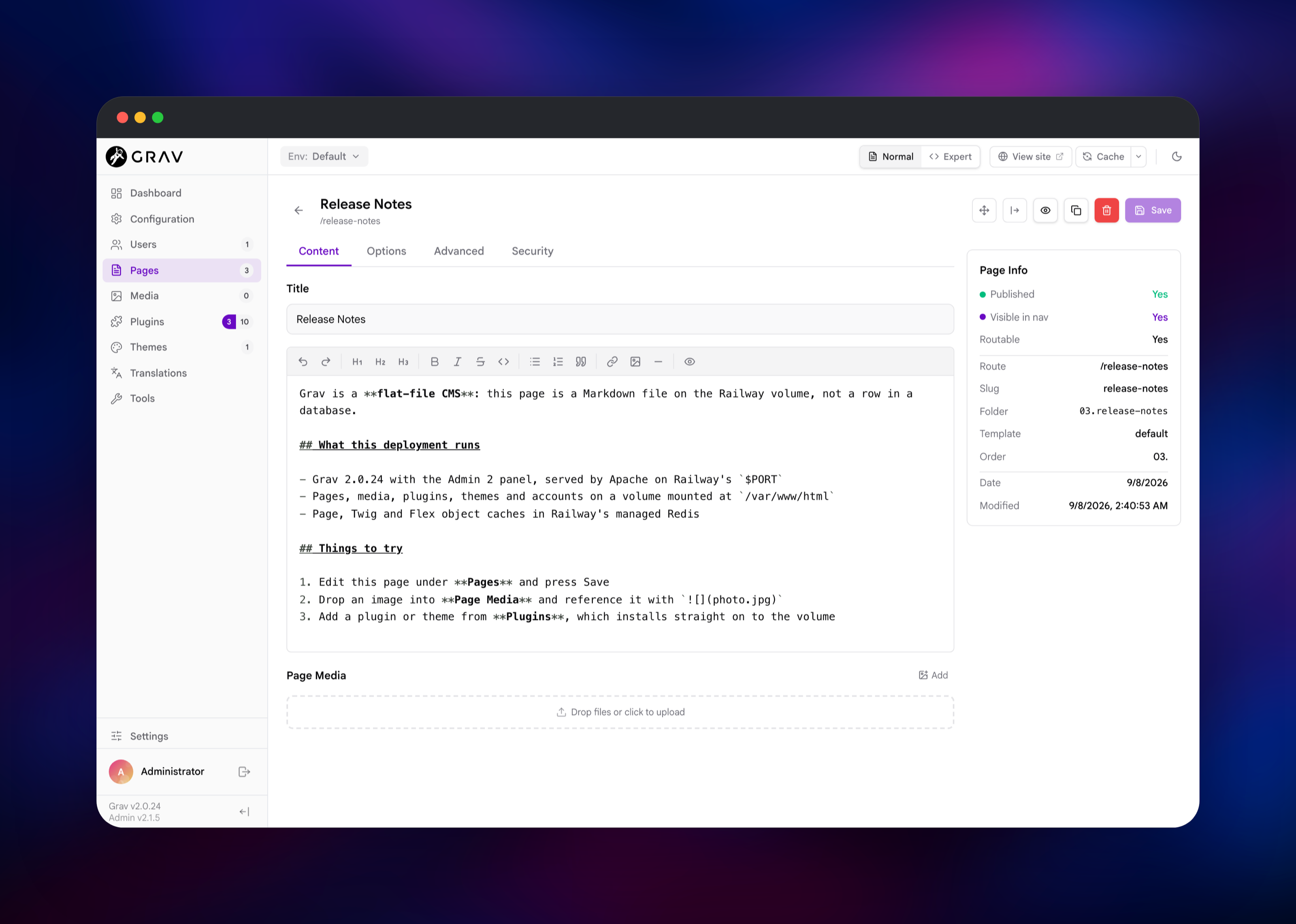
Then publish something. Choose Pages → Add Page, give it a title, pick the Default template, set it Published and press Continue. You get a Markdown editor with a formatting toolbar and a media drop zone; write a paragraph, press Save, then click View site and open it from the navigation. That round trip confirms the deployment: the page is now a .md file on the volume, rendering on the public URL.
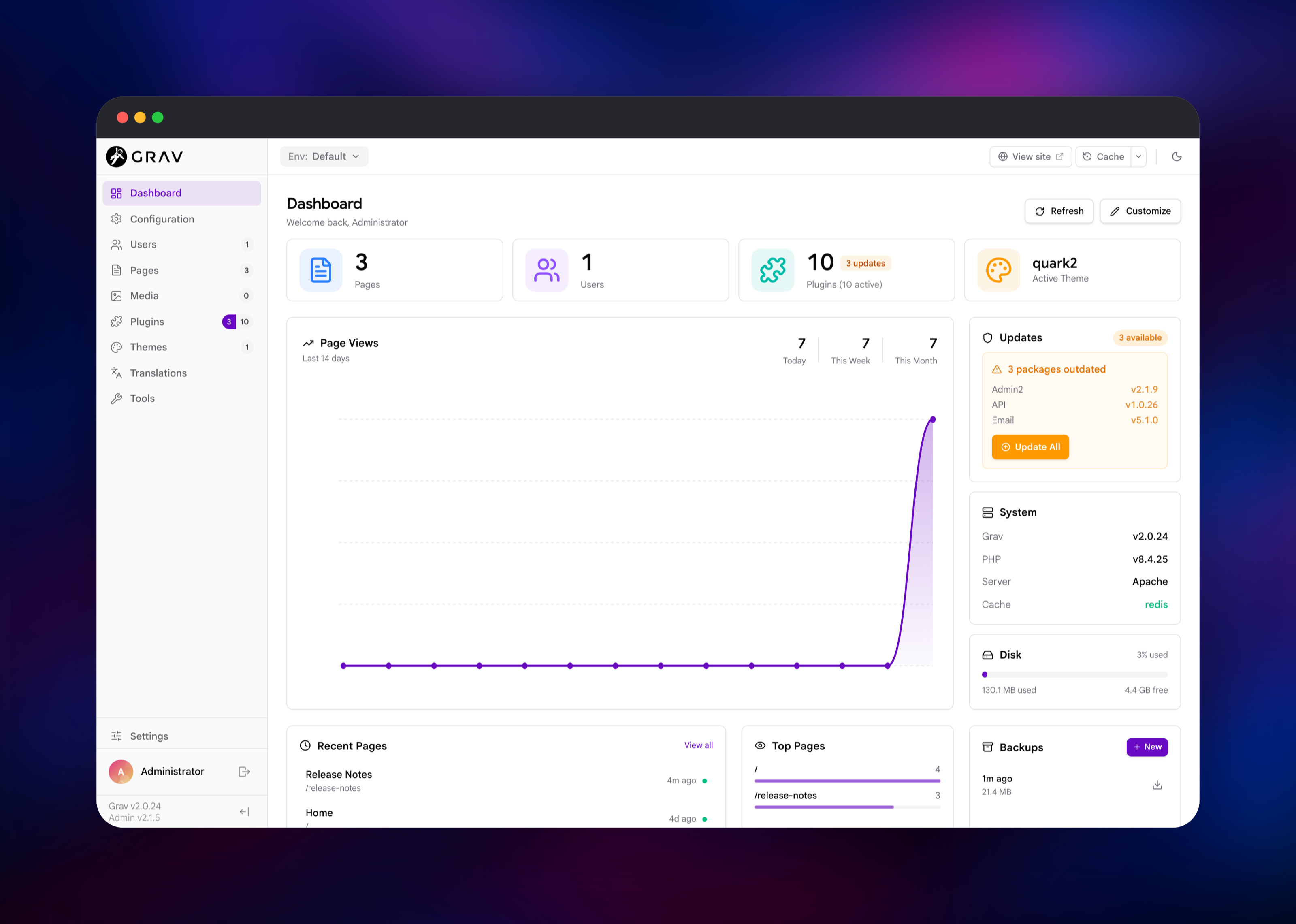
Two things are worth checking on day one. The dashboard's System panel should read Cache: redis, confirming Grav reached the Redis service rather than falling back to file caching. And Tools → Backups zips the whole site on to the volume — the backup story for a CMS with no database.
About Hosting Grav
Grav's design decision is that the filesystem is the database. A page lives at user/pages/01.home/default.md; the folder name sets the URL and ordering, the front matter the metadata, the body is Markdown. Configuration is the same — user/config/system.yaml is plain YAML you can read, diff and commit. Copy the directory and you have copied the site, which is not true of a database-backed CMS.
Key features:
- Markdown pages with a rich editor, media handling and image processing built in
- Twig theming, so a designer can build a theme without touching PHP
- A plugin and theme marketplace installable from the panel or the
bin/gpmCLI - Multi-language content, taxonomy, forms and a scheduler for recurring jobs
- A REST API and a modern admin panel (Admin 2) in the box
On Railway that becomes two services. Grav renders and owns the volume — not an optimisation here, it is the site, so removing it loses everything an editor publishes. Redis is the cache tier: Grav's file cache would otherwise sit on that same volume, so moving it keeps rendering off network storage.
Why Deploy Grav on Railway
Railway removes the parts of self-hosting Grav that are not about the CMS itself:
- A persistent volume for the whole site, provisioned and mounted for you
- Managed Redis on a private network, with no connection strings to copy
- HTTPS and a public domain on first deploy; custom domains are a DNS record away
- PHP 8.4, Apache and every extension Grav needs already in the image
- Rebuilds from a public GitHub repo, so you can fork the stack
Common Use Cases
- Documentation and handbooks — Markdown source, Git-friendly, no database
- Agency and brochure sites — a designer builds a Twig theme, the client edits it
- Developer blogs and changelogs — write a post as a file, publish with no rebuild
Dependencies for Grav
- Grav — built from gridalpha/grav-railway on the official
getgrav/gravimage (PHP 8.4 + Apache). The release is baked in and copied on to the volume at first boot. - Redis — Railway's managed Redis, wired in as
system.cache.driver: redis.
Environment Variables Reference
| Variable | Purpose |
|---|---|
GRAV_ADMIN_USER | Administrator username: 3–16 lowercase letters, digits, -, _ |
GRAV_ADMIN_PASSWORD | Administrator password: 8+ characters with an uppercase letter, a lowercase letter and a digit |
GRAV_ADMIN_EMAIL | Address on the administrator account, used for password recovery |
GRAV_SITE_TITLE | Site title written into user/config/site.yaml on first boot |
GRAV_REDIS_HOST | Redis host; leave the reference in place to use the Redis service |
GRAV_REDIS_PORT | Redis port |
GRAV_REDIS_PASSWORD | Redis password |
GRAV_REDIS_DATABASE | Redis database number, 0 by default |
PORT | Port Apache listens on |
These settings apply only while the volume has no site on it. After that the config files are yours — the admin panel writes them — so changing the variables later is intentionally a no-op. Change the password in Users and the cache driver in Configuration → System.
Deployment Dependencies
- Source repository: https://github.com/gridalpha/grav-railway
- Upstream project: https://github.com/getgrav/grav
- Official image: https://hub.docker.com/r/getgrav/grav
- Docs: https://learn.getgrav.org
Hardware Requirements for Self-Hosting Grav
| Resource | Minimum | Recommended |
|---|---|---|
| CPU | 0.5 vCPU | 1–2 vCPU |
| RAM | 512 MB | 1 GB |
| Storage | 5 GB volume | 5–20 GB, depending on media |
| Runtime | PHP 8.3+ with gd, intl, zip | PHP 8.4 with apcu, yaml, redis |
Grav is light: a site with a few hundred pages runs comfortably in 512 MB. The storage figure is really about media, since uploaded images and their derivatives are the only things that grow without bound.
Self-Hosting Grav with Docker
The official image downloads Grav on first boot into whatever you mount at /var/www/html, so a named volume is all it needs:
docker run -d --name grav \
  -p 8080:80 \
  -v grav_site:/var/www/html \
  getgrav/grav:php8.4
Open http://localhost:8080/admin and create the first account through the setup screen. To build the image this template uses — Apache on $PORT, the release baked in, the administrator created before the port opens:
git clone https://github.com/gridalpha/grav-railway.git
cd grav-railway
docker build -t grav-railway .
docker run -d -p 8080:8080 -v grav_site:/var/www/html \
  -e PORT=8080 -e GRAV_ADMIN_PASSWORD='ChangeMe123' grav-railway
Without Docker, Grav is a PHP application you unzip: download grav-admin from getgrav.org, point a PHP 8.3+ web server at the directory with AllowOverride All so its .htaccess is honoured, and make user/, cache/, logs/ and images/ writable by the web server user.
Is Grav Free to Self-Host?
Grav is open source under the MIT licence, and that covers the admin panel, the REST API and the whole plugin and theme marketplace — no paid edition, no seat count, no feature gate. Trilby Media sells optional premium plugins (a forum, collaborative editing, revision history), but nothing in the core needs them. On Railway you pay only for the compute, volume and Redis you use.
FAQ
What is Grav?
An open-source flat-file CMS written in PHP. It stores pages as Markdown and configuration as YAML, with no database, and renders through Twig on request.
What does this Railway template deploy?
Two services: Grav on Apache with PHP 8.4, holding a persistent volume at /var/www/html, and Railway's managed Redis as the cache backend. Grav gets the public domain; Redis stays private.
Why does a database-free CMS need Redis?
It does not need one, but it benefits. Grav caches parsed pages, compiled Twig templates and Flex objects, and by default those land on the same volume as the content. Redis keeps rendering off network storage and lets you flush the cache without touching files.
How do I log in to Grav for the first time?
Go to /admin with the GRAV_ADMIN_USER and GRAV_ADMIN_PASSWORD values you set at deploy. The account is created before the web server starts, so the first-run setup screen is already closed when the site becomes reachable.
How do I install plugins and themes on a self-hosted Grav?
Use Plugins → Add or Themes → Add; packages install straight on to the volume and survive redeploys. bin/gpm install does the same from a shell.
How do I upgrade Grav after deploying?
Update from Tools → Updates — Grav updates itself in place on the volume, as on any host. Rebuilding the image never overwrites an existing site: the baked release only seeds an empty volume. A custom domain needs no config change either, since the site is not pinned to a hostname.
Template Content
Redis
redis:8.2
