
Deploy Grist
Deploy Grist, the open-source relational spreadsheet, on Railway
Just deployed
/persist

Redis
Just deployed
/data

Just deployed
/var/lib/postgresql/data

gateway
Just deployed
grist-docs
Bucket
Just deployed
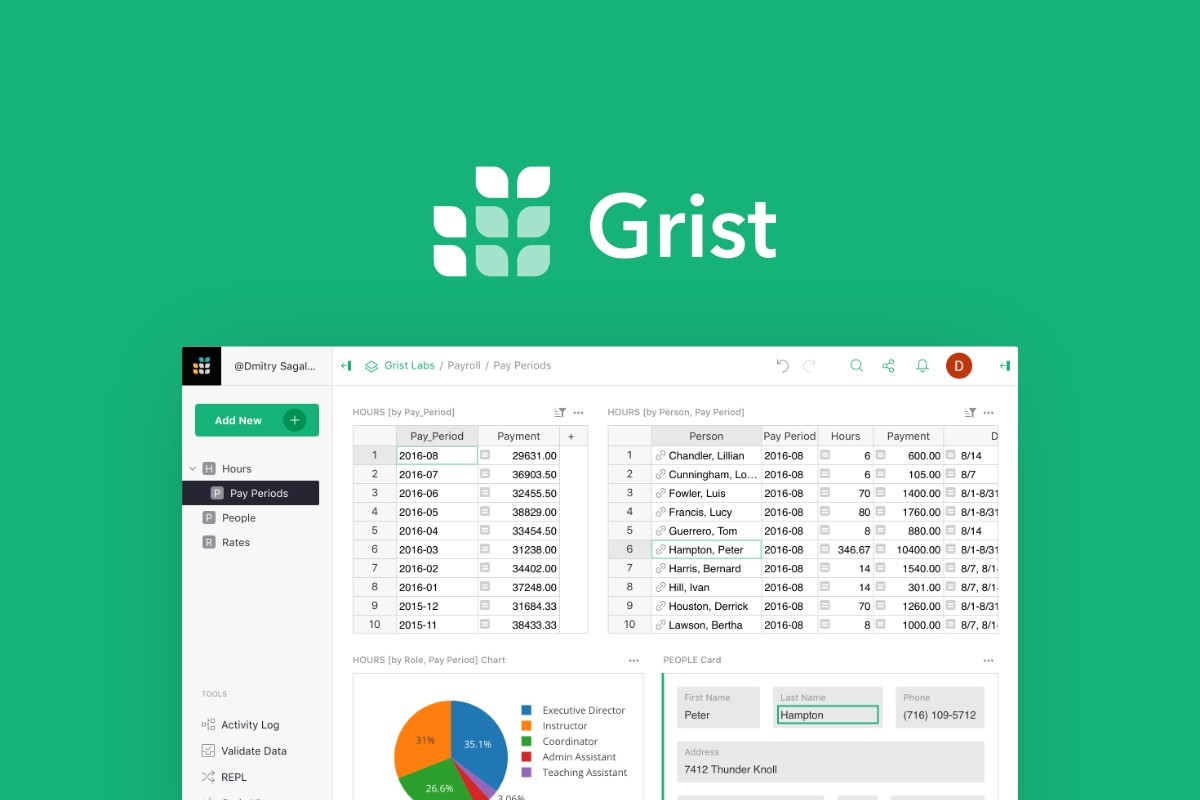
Deploy and Host Grist on Railway
Grist is a relational spreadsheet: a familiar grid where every column has a database type, formulas are written in real Python, and access rules reach down to individual rows and cells. Teams reach for it when a spreadsheet has outgrown itself — a shared tracker that now needs referential integrity, an Airtable base that has become expensive, a reporting workbook that should really be an application. Each document is a single SQLite file, so the data stays portable. The server here is grist-core, Apache 2.0 licensed, from Grist Labs with France's ANCT and DINUM teams.
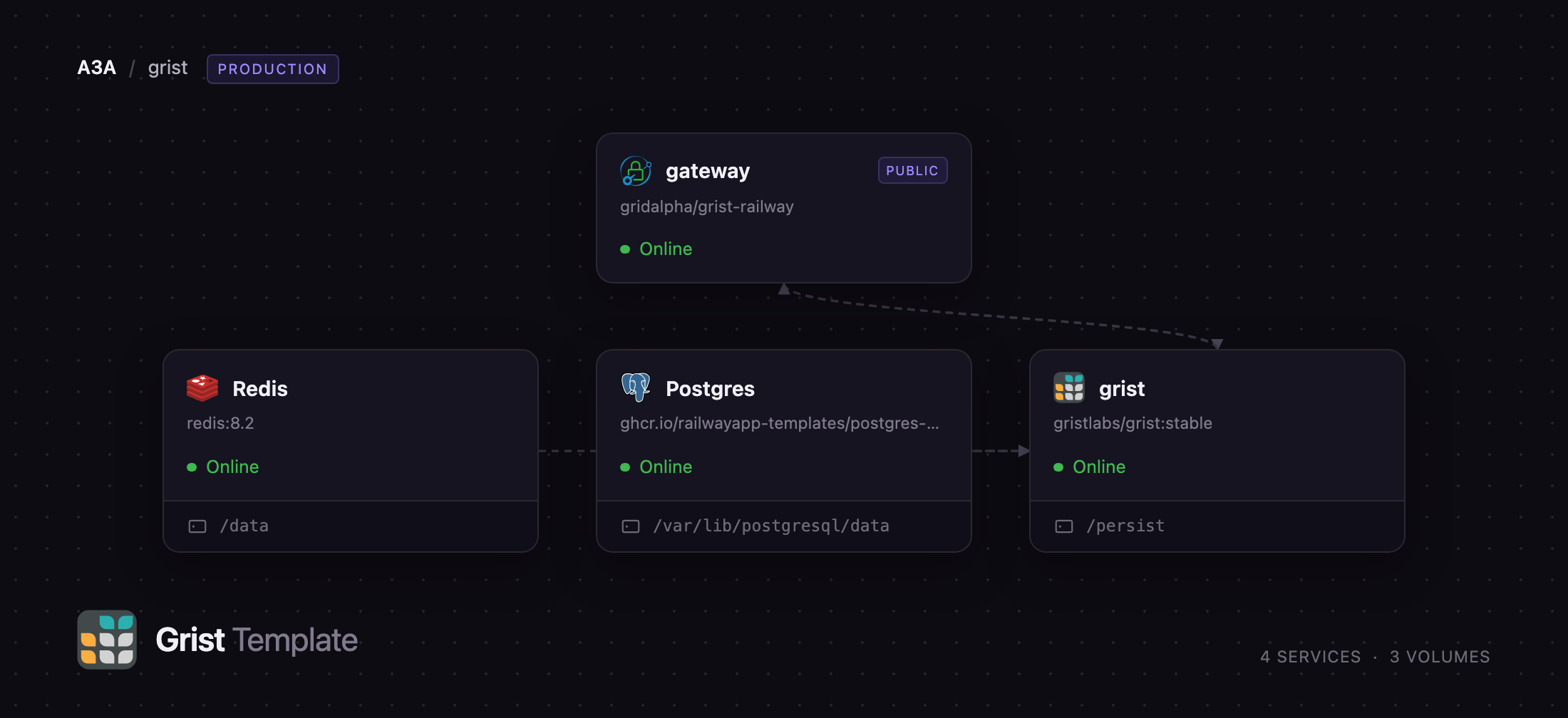
Deploy Grist on Railway and you get the complete server, not a demo. Four services run together: the Grist application from the official gristlabs/grist image, a Caddy authentication gateway as the only public service, PostgreSQL as the home database holding users, team sites, workspaces and the document index, and Redis for sessions. The gateway asks for a username and password and hands the authenticated identity to Grist over the private network; documents and attachments sit on a volume at /persist. Self-host Grist this way and sessions survive redeploys, because they live in Redis, not container memory.
Getting Started with Grist on Railway
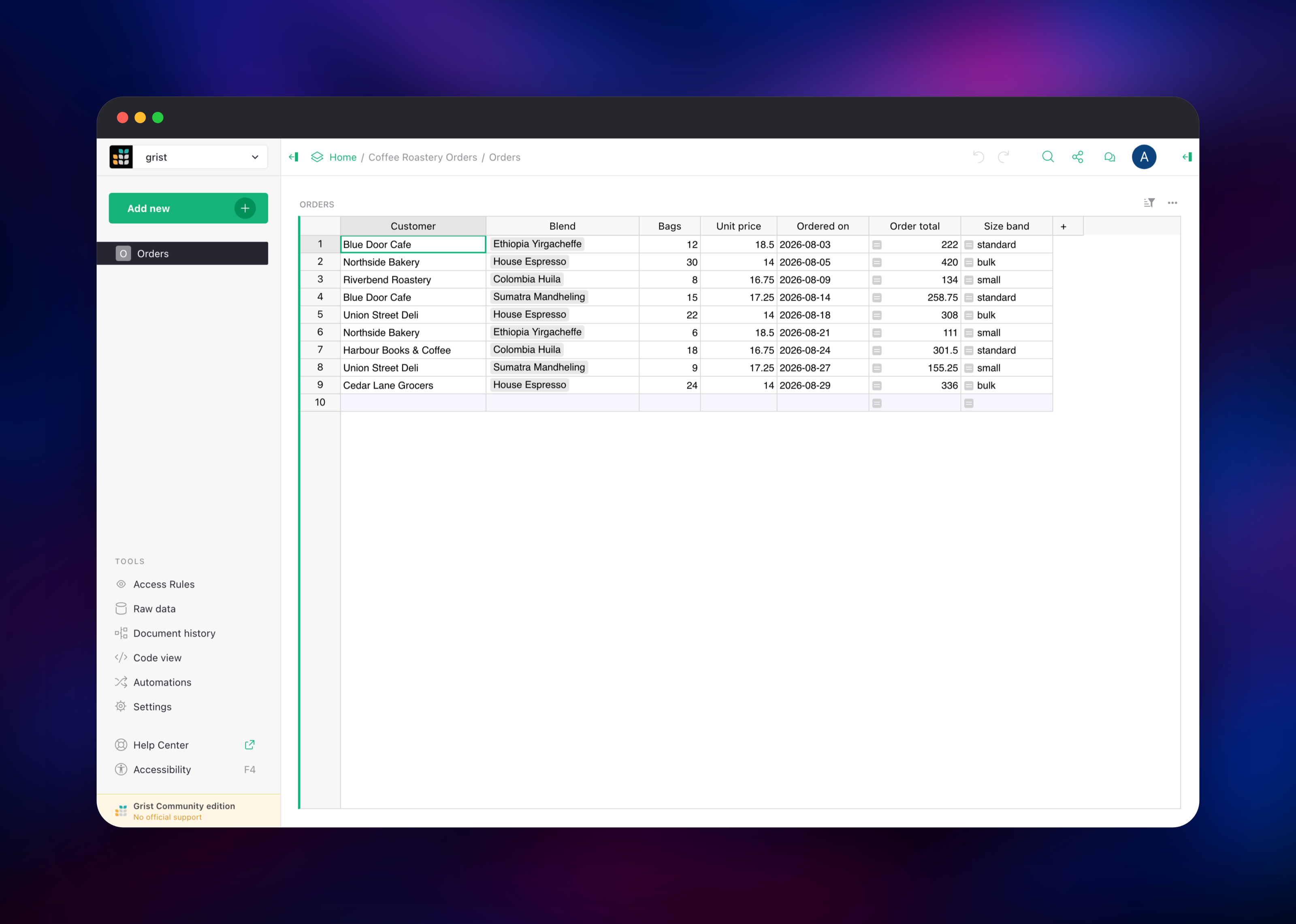
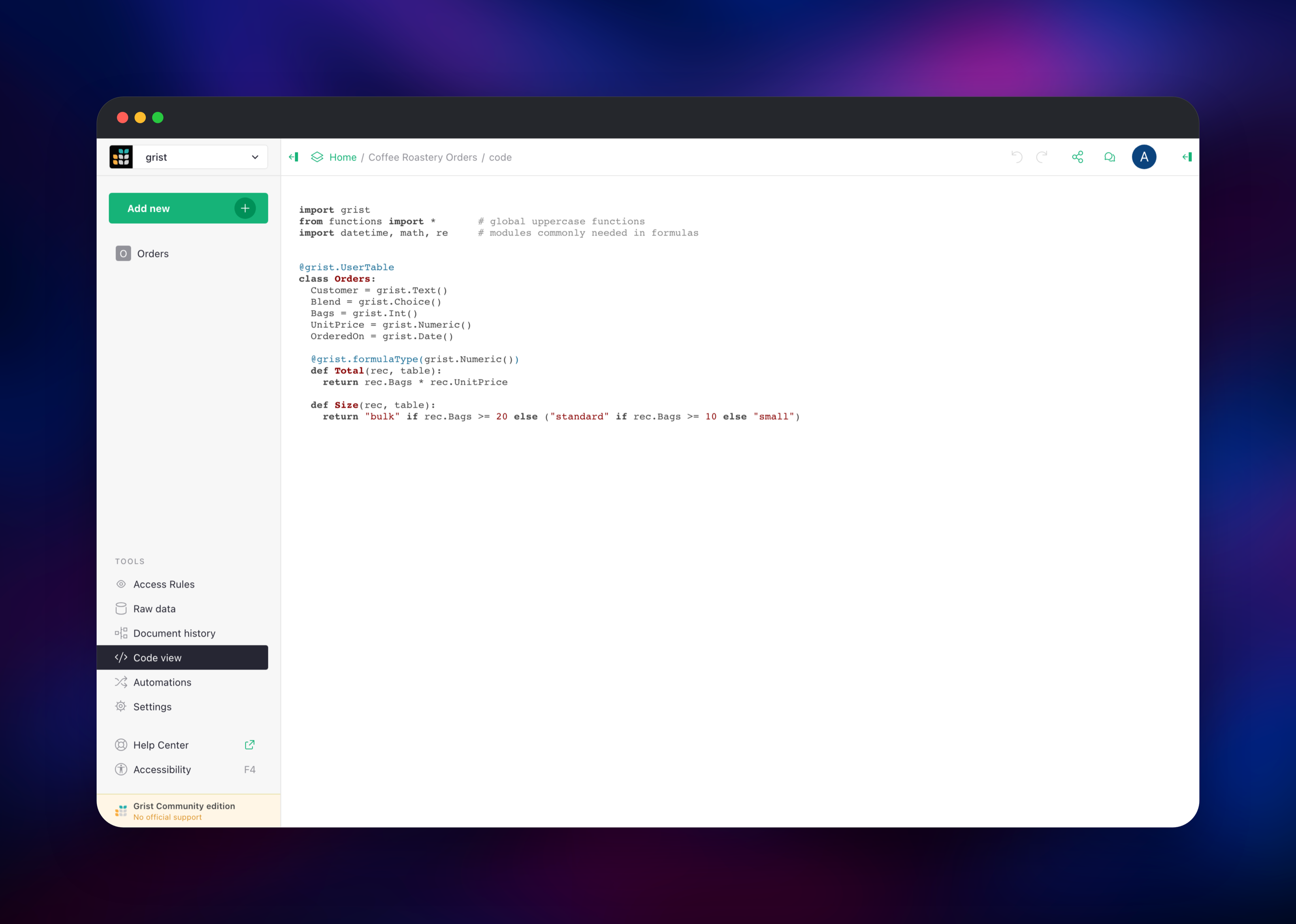
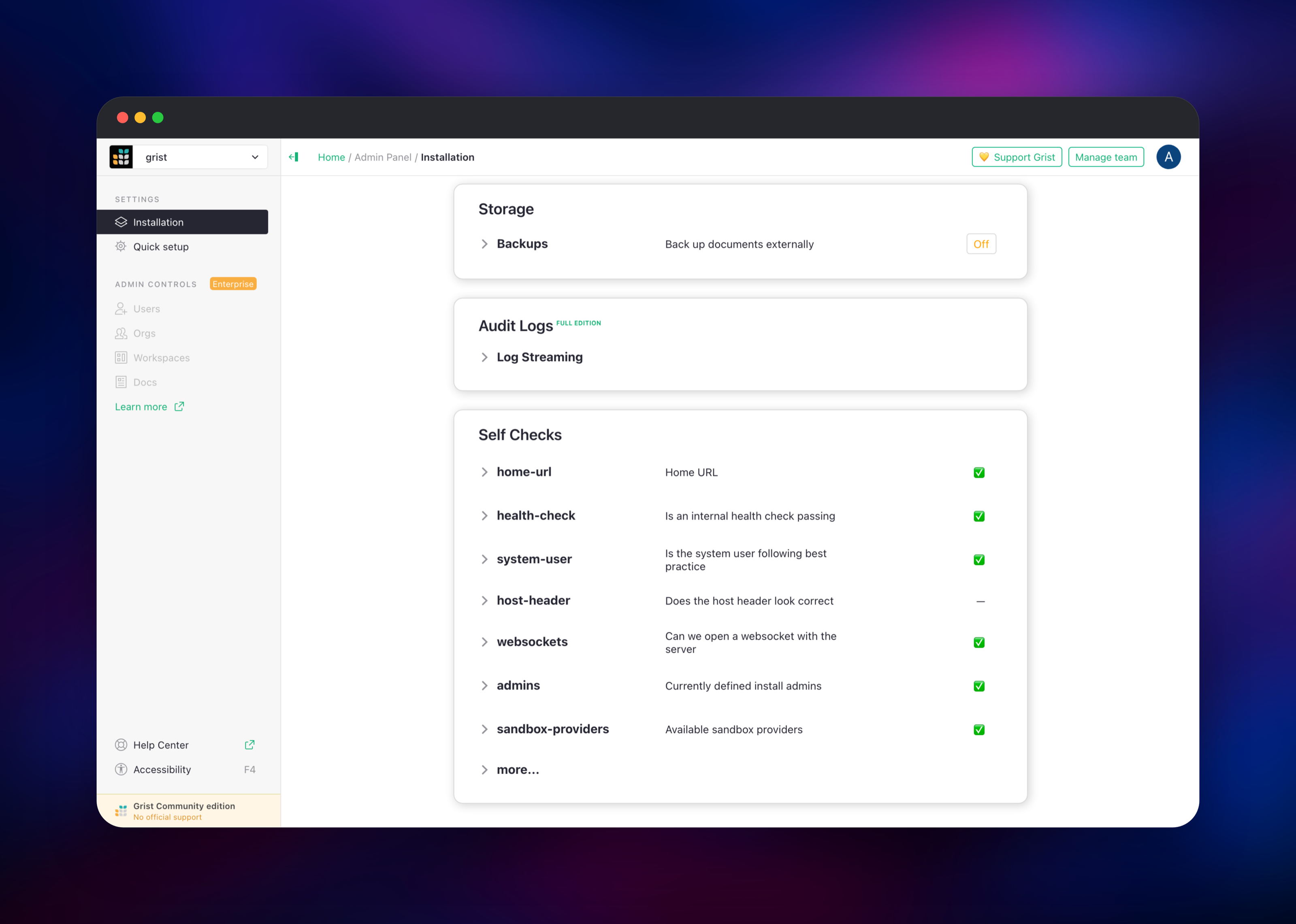
Set two variables when you deploy: GRIST_ADMIN_EMAIL, which is both your sign-in name and the identity Grist attributes work to, and GRIST_ADMIN_PASSWORD. There are no other required inputs and no first-run wizard. Open the public URL, answer the browser's prompt with that email and password, and you land on a team site created on first boot with your account as its owner. Click Add new → Blank document, rename the default table and add a few columns — choose real types such as Choice, Numeric and Date rather than leaving everything as text, since the types are what make formulas and charts behave. Then add a formula column from the + at the right of the grid and enter something like $Quantity * $UnitPrice. If it computes for every row, the Python engine, the database and the volume all work. Access Rules restricts rows or columns by user attribute, Document history lists every action taken, and the Admin Panel at /admin runs self-checks covering sandboxing, storage durability and websockets.
About Hosting Grist
Grist sits between a spreadsheet and a database. Columns are typed, references link tables, and formulas are ordinary Python evaluated by a sandboxed engine, so a column can call SUM, slice a date, or run a few lines of logic. Self-hosting keeps that data on infrastructure you control.
- Python formulas with the standard library, plus Excel-style functions
- Typed columns, two-way references, choice lists and attachments
- Dashboards of linked widgets: grids, cards, charts, calendar
- Row, column and cell-level access rules driven by user attributes
- Native forms writing straight into a table, and outgoing webhooks
- A REST API, CSV and Excel import/export, direct Airtable import
The architecture splits responsibilities cleanly: the Grist service holds documents on its volume, PostgreSQL stores accounts, organisations, workspaces and permissions, Redis holds session state, and the Caddy gateway supplies the login grist-core lacks while keeping the application off the public internet.
Why Deploy Grist on Railway
Railway removes the server work around a self-hosted Grist install.
- Four services deploy together, wired over the private network
- Persistent volume for documents, with managed PostgreSQL and Redis
- HTTPS, a public domain and health checks configured from the start
- Password login included, so nothing is exposed before you sign in
- Vertical scaling and metrics without touching a virtual machine
Common Use Cases
- A shared spreadsheet grown into an internal application — inventory, CRM, applicant tracking — where typed columns and access rules matter
- An Airtable or Google Sheets alternative on your own infrastructure, for data that cannot leave it
- A lightweight operational database non-developers maintain in the browser while services read it through the REST API
- Analysis where a Python formula, a summary table and a chart replace nested spreadsheet formulas
Dependencies for Grist
- Grist —
gristlabs/grist:stable, the application server; source at github.com/gristlabs/grist-core - Gateway —
caddy:2-alpine, built from github.com/gridalpha/grist-railway; password login and identity forwarding - PostgreSQL —
postgres:18, home database for users, sites, workspaces and the document index - Redis —
redis:8.2, session storage and document-worker coordination
Environment Variables Reference
| Variable | Purpose |
|---|---|
GRIST_ADMIN_EMAIL | Sign-in name, install admin, and owner of the team site |
GRIST_ADMIN_PASSWORD | Sign-in password, hashed by the gateway at startup |
GRIST_SINGLE_ORG | Name of the single team site the server serves |
GRIST_SESSION_SECRET | Signs session cookies; changing it signs users out |
GRIST_SANDBOX_FLAVOR | Formula sandbox: gvisor here, pyodide as a fallback |
APP_HOME_URL | Public base URL for links and redirects |
GRIST_FORCE_LOGIN | Blocks anonymous access to every document |
TYPEORM_* | PostgreSQL connection for the home database |
REDIS_URL | Redis connection for sessions and coordination |
Deployment Dependencies
- Docker image: hub.docker.com/r/gristlabs/grist
- Self-hosting documentation: support.getgrist.com/self-managed
- REST API reference: support.getgrist.com/api
Hardware Requirements for Self-Hosting Grist
| Resource | Minimum | Recommended |
|---|---|---|
| CPU | 1 vCPU | 2 vCPU |
| RAM | 1 GB | 2–4 GB |
| Storage | 5 GB volume | 10 GB+, sized to documents |
| Runtime | Node.js with Python 3, from the image | Same, plus PostgreSQL and Redis |
Documents load into memory while open, so size RAM by the largest document and the number of concurrent editors, not by total storage.
Self-Hosting Grist with Docker
The smallest install is one container with a mounted directory, using SQLite for the home database and no login:
docker run -p 8484:8484 \
  -v $PWD/persist:/persist \
  -e GRIST_DEFAULT_EMAIL=you@example.com \
  gristlabs/grist:stable
For anything reachable from the internet, add PostgreSQL, Redis and a proxy that authenticates the browser. Grist reads the identity header on its login route only:
GRIST_FORWARD_AUTH_HEADER=X-Forwarded-User
GRIST_FORCE_LOGIN=true
GRIST_SESSION_SECRET=
TYPEORM_TYPE=postgres
TYPEORM_HOST=postgres
TYPEORM_DATABASE=grist
REDIS_URL=redis://redis:6379
How Much Does Grist Cost to Self-Host?
grist-core is free and open source under Apache 2.0, so self-hosting costs only the infrastructure it runs on — four small services and one volume. Grist Labs also sells a hosted service, free for small projects and $10 per user per month on Pro, plus a full edition with SSO, automations and audit logging whose activation keys are free for individuals and organisations under $1M in annual funding. Nothing here requires a paid key or an external account.
FAQ
What is Grist? Grist is an open-source relational spreadsheet from Grist Labs. It looks like a grid, but columns are typed, tables reference each other, and formulas are written in Python, which makes it a small database with a spreadsheet interface.
What does this Railway template deploy? Four services: the Grist server on a persistent volume, a Caddy gateway providing password login as the only public service, PostgreSQL as the home database, and Redis for sessions.
How do I log in to self-hosted Grist?
Use the email and password you set as GRIST_ADMIN_EMAIL and GRIST_ADMIN_PASSWORD. grist-core has no password login of its own, so the gateway performs the check and passes your identity to Grist, which issues its own session.
Why does the template include PostgreSQL and Redis? PostgreSQL is Grist's home database — accounts, team sites, workspaces and the document index — while document contents stay in their own files on the volume. Redis stores sessions, so you are not signed out every time the service redeploys.
Are my documents safe across redeploys?
Yes. Documents and attachments live on the volume at /persist and the home database is in PostgreSQL, so both survive restarts. Each document is a self-contained SQLite file you can export at any time.
Can I add more users to my self-hosted Grist? Yes. Add more credentials to the gateway and invite each address inside Grist, granting per-document, per-workspace or site-wide access.
Is it safe to run untrusted formulas?
Formulas run inside a gVisor sandbox here, isolated from the network and from other documents. If it ever fails to start, GRIST_SANDBOX_FLAVOR=pyodide switches to a WebAssembly engine that runs anywhere.
Template Content


