Deploy Grist [Updated August '26]
Grist [August '26] (Build Spreadsheets, Databases & Forms) Self Host
gristlabs/grist
Just deployed
/persist
Deploy and Host self hosted Grist (Open-Source Relational Spreadsheet and Database) on Railway
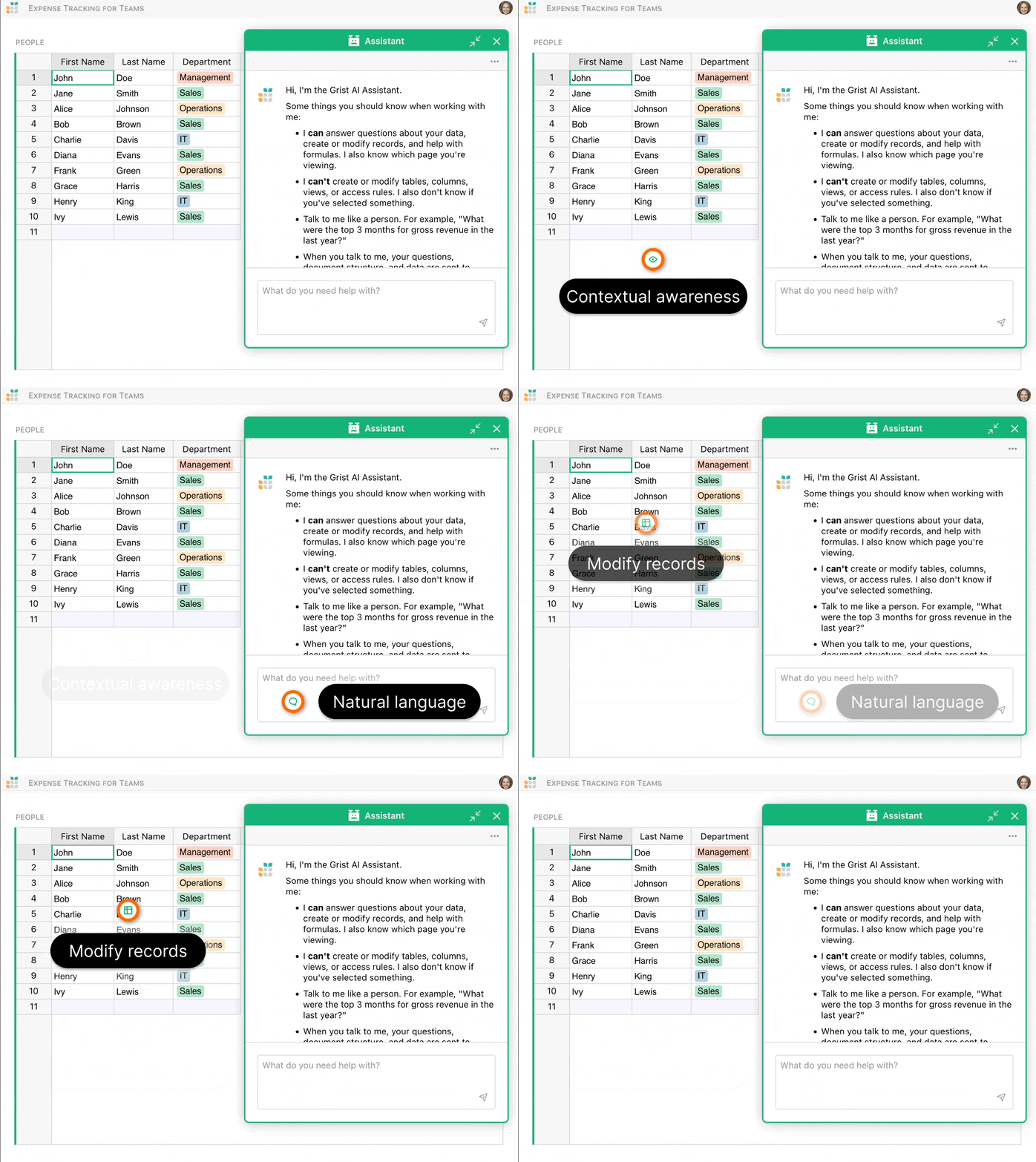
Grist is an open-source relational spreadsheet from Grist Labs that pairs a familiar grid with the structure of a real database. Every document is a portable SQLite file, formulas are written in Python instead of a proprietary formula language, and access rules apply down to individual rows and columns. This template runs the official gristlabs/grist Docker image so you can self host Grist as an Airtable alternative.
About Hosting Grist open-source software on Railway (self hosted Grist template)
Self hosting Grist means your tables, attachments, and user accounts stay on infrastructure you own, with no per-seat billing and no vendor record caps. Grist stores each document as a self-contained .grist SQLite file, so backups are as simple as copying files. On Railway, the container pull, TLS, public domain, healthcheck, restarts, and a persistent volume for /persist are handled for you, so a working instance is live in minutes rather than an afternoon of Docker work.
Why Deploy Grist, the Airtable alternative on Railway (Railway Free Trial)
Airtable charges per user monthly and caps records per base, which gets expensive fast for a team that just wants shared tables. Grist is Apache 2.0 licensed and free, so the only cost of self hosting Grist is the container and storage it runs on. On Railway that cost stays transparent, because you pay for actual usage rather than fixed instance sizes. Railway also gives every new user a $5 free trial on GitHub signup, enough to spin up a Grist workspace and try it with real data.
Railway vs Other Hosting Providers and VPS for Grist self hosting
| Provider | What You Get with Railway | What You Get with the Other Provider |
|---|---|---|
| DigitalOcean | One-click deploy with a persistent volume and HTTPS domain | A droplet where you install Docker, certbot, and a reverse proxy |
| AWS | Simple usage-based pricing with no EC2, EBS, or IAM setup | Strong compute but VPC, security groups, and ALB rules to configure |
| Hetzner | Managed networking, healthchecks, and automatic redeploys | Excellent price per core, but every layer is yours to maintain |
Common Use Cases for hosted Grist
Here are common use cases for the open-source relational spreadsheet:
- Replacing sprawling shared spreadsheets with one relational document where tables reference each other instead of duplicating data.
- Running internal CRMs, inventory trackers, and project pipelines with row-level access rules per team member.
- Collecting structured submissions through native Grist forms that write straight into a table, no third-party form tool.
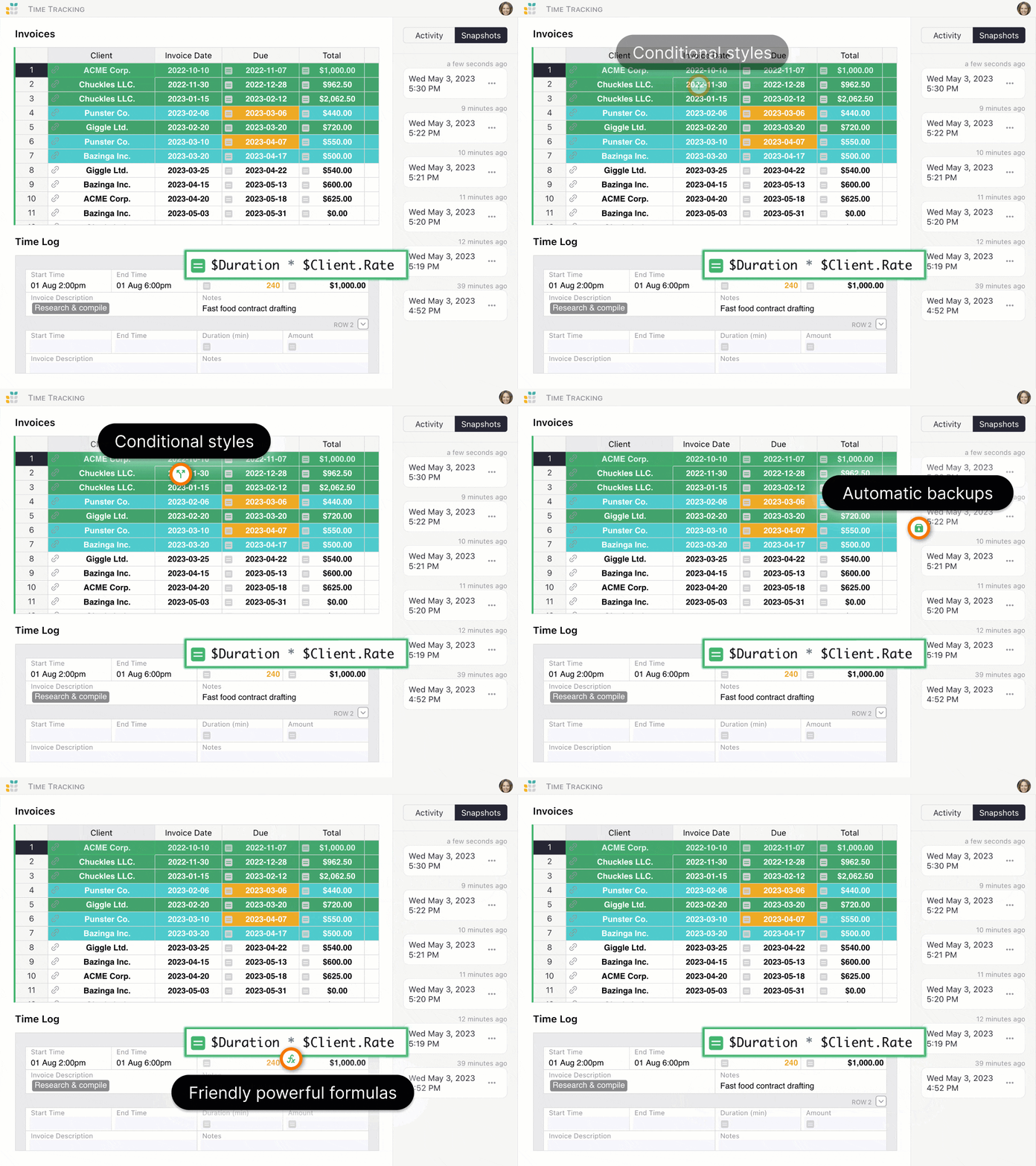
- Serving as a lightweight data backend for scripts and automations through the REST API, with Python formulas doing transformations.
Dependencies for Grist Docker hosted on Railway
Grist runs as a single container and needs a persistent volume at /persist so documents, attachments, and the home database survive redeploys. No external service is required for a standard deploy.
Deployment Dependencies for Managed Grist Service (OSS Spreadsheet Database)
The default deployment uses SQLite for documents and the home database, so there is no PostgreSQL or Redis requirement. Larger installs can point Grist at a PostgreSQL home database with the TYPEORM_* variables, add REDIS_URL for shared sessions and webhooks, and store documents in S3 or MinIO with the GRIST_DOCS_MINIO_* variables.
Implementation Details for Grist (Using the official gristlabs/grist image)
The template deploys the official image with a volume at /persist and a healthcheck on the web port. Key variables are GRIST_SESSION_SECRET (a long random string that signs sessions), APP_HOME_URL set to your Railway public domain so links and forms resolve, GRIST_DEFAULT_EMAIL to claim the first admin account, GRIST_SINGLE_ORG for single-team mode, and GRIST_FORCE_LOGIN=true to require sign-in. Set PORT explicitly (Grist defaults to 8484), and GRIST_SANDBOX_FLAVOR selects formula sandboxing (gvisor by default). Pin an image tag, not latest.
How does Grist compare against other spreadsheet and database platforms
Grist vs Airtable (Airtable Alternative)
- Cost Model: Grist is free to self host with no per-seat charge, while Airtable bills per user monthly and limits records per base by plan.
- Data Ownership: Grist documents are plain SQLite files you can copy and back up, while Airtable data lives only in its cloud.
Grist vs Baserow (Baserow Alternative)
- Formulas: Grist runs real Python in a sandbox, while Baserow uses a simpler custom formula language.
- Access Control: Grist enforces row-, column-, and table-level rules inside the document itself.
Grist vs NocoDB (NocoDB Alternative)
- Architecture: Grist owns its storage as portable SQLite documents, while NocoDB is an interface over an existing database.
- Portability: A Grist document downloads as one file that opens on any other Grist instance, no migration step.
Grist vs Google Sheets (Google Sheets Alternative)
- Structure: Grist adds references, record types, and relational integrity that a flat sheet cannot express safely.
How to use Grist (the OSS spreadsheet database)?
After deploying, open the public domain and sign in with the email in GRIST_DEFAULT_EMAIL to claim the admin account. Create a document, add tables and columns, then set column types such as Reference so records link across tables. Write Python formulas directly in a column, for example $Quantity * $Price or a lookup into another table. Import CSV or Excel files to get started, add charts and card widgets to pages, publish a form, and use the REST API with an access key for automation. Access rules live in document settings and apply to every view, API included.
How to self host Grist on other VPS Services (Grist self hosting guide)
Clone the Repository
Download Grist from GitHub or pull gristlabs/grist from Docker Hub.
Install Dependencies
Ensure your VPS has Docker installed, plus a reverse proxy such as Nginx or Caddy to terminate TLS in front of port 8484.
Configure Environment Variables
Set up the instance configuration such as:
GRIST_SESSION_SECRETAPP_HOME_URLGRIST_DEFAULT_EMAILGRIST_SINGLE_ORGfor sessions, links, and the first admin account.
Start the Grist Application
Run docker run -p 8484:8484 -v $PWD/persist:/persist gristlabs/grist and point the proxy at it.
Official Pricing of Grist (Grist pricing)
Grist Community Edition is open source and free under Apache 2.0, with no record or seat limits when self hosted. Grist Labs also sells a hosted cloud: a free tier capped at 5,000 records per document, Pro around $10 per user per month, Business around $30 per user per month with a five-user minimum, and custom Enterprise pricing.
Grist cloud vs self hosted comparison (Pricing, features, costs, and more)
Grist cloud is billed per user with record caps per document. Self hosting removes the per-seat cost and the record ceiling, keeps documents on storage you control, and lets you connect Grist to internal networks and your own SSO. The trade-off is that backups and upgrades are yours to run, which Railway eases with managed volumes and one-click redeploys.
Monthly cost of self hosting Grist on Railway
The Grist self hosting cost on Railway is typically $5-$15/month for a small team, covering the container and volume, with no per-user or per-record charges.
System Requirements for Hosting Grist on a VPS
Grist runs comfortably on 1 vCPU and 1GB RAM for small teams, with 2GB or more for heavy documents, plus disk sized to your data and Docker installed.
Frequently Asked Questions (FAQs)
What is Grist self hosted?
Grist self hosted means running the open-source Grist server yourself, on Railway, Docker, or a VPS, instead of the Grist Labs cloud, so your data stays under your control with no seat or record limits.
How much does Grist self hosting cost on Railway?
The Grist self hosting cost on Railway is usually $5-$15/month depending on document size and traffic, covering the container and the data volume.
Is Grist free to use?
Yes, Grist Community Edition is free and open source under Apache 2.0. You only pay for the infrastructure that runs it, such as Railway or a VPS.
Does self hosted Grist support single sign-on?
Yes, self hosted Grist supports OIDC and SAML single sign-on, so you can connect providers like Authentik, Keycloak, Google Workspace, or Okta.
Where can I download Grist?
You can get Grist from the official grist-core GitHub repository or the gristlabs/grist image on Docker Hub, or deploy it on Railway with one click using this template.
What are some alternatives to Grist?
Popular alternatives include Airtable, Baserow, NocoDB, and Teable, though Grist stands out for Python formulas, portable SQLite documents, and granular access rules.
Template Content
gristlabs/grist
gristlabs/grist