.png)
Deploy Hermes Agent All-in-One | WebUI + Admin Panel + Gateway - No Terminal Setup
Unified agent across apps, browser setup, auto-ready, skill, and automation
hermes-all-in-one
Just deployed
/data
Deploy and Host Hermes All-in-One | WebUI + Admin Panel + Gateway - No Terminal Setup on Railway
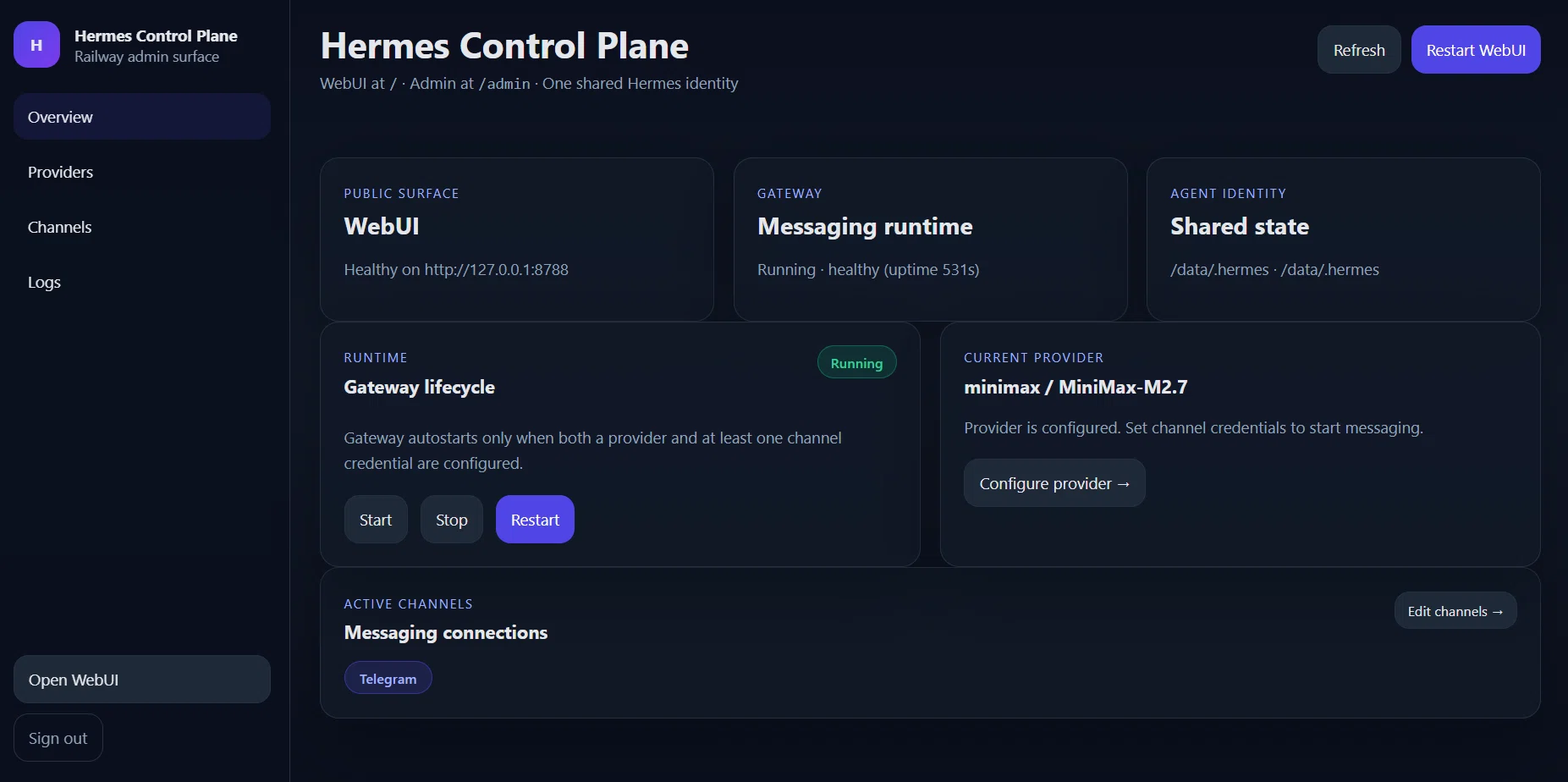
Browser-based setup at /admin — no terminal, no config files. One container, one shared agent identity across WebUI, Telegram, Discord, and Slack. Persistent memory, built-in skills, and cron automations ready on deploy. Powered by NousResearch's open-source Hermes Agent.
About Hosting Hermes All-in-One | WebUI + Admin Panel + Gateway - No Terminal Setup
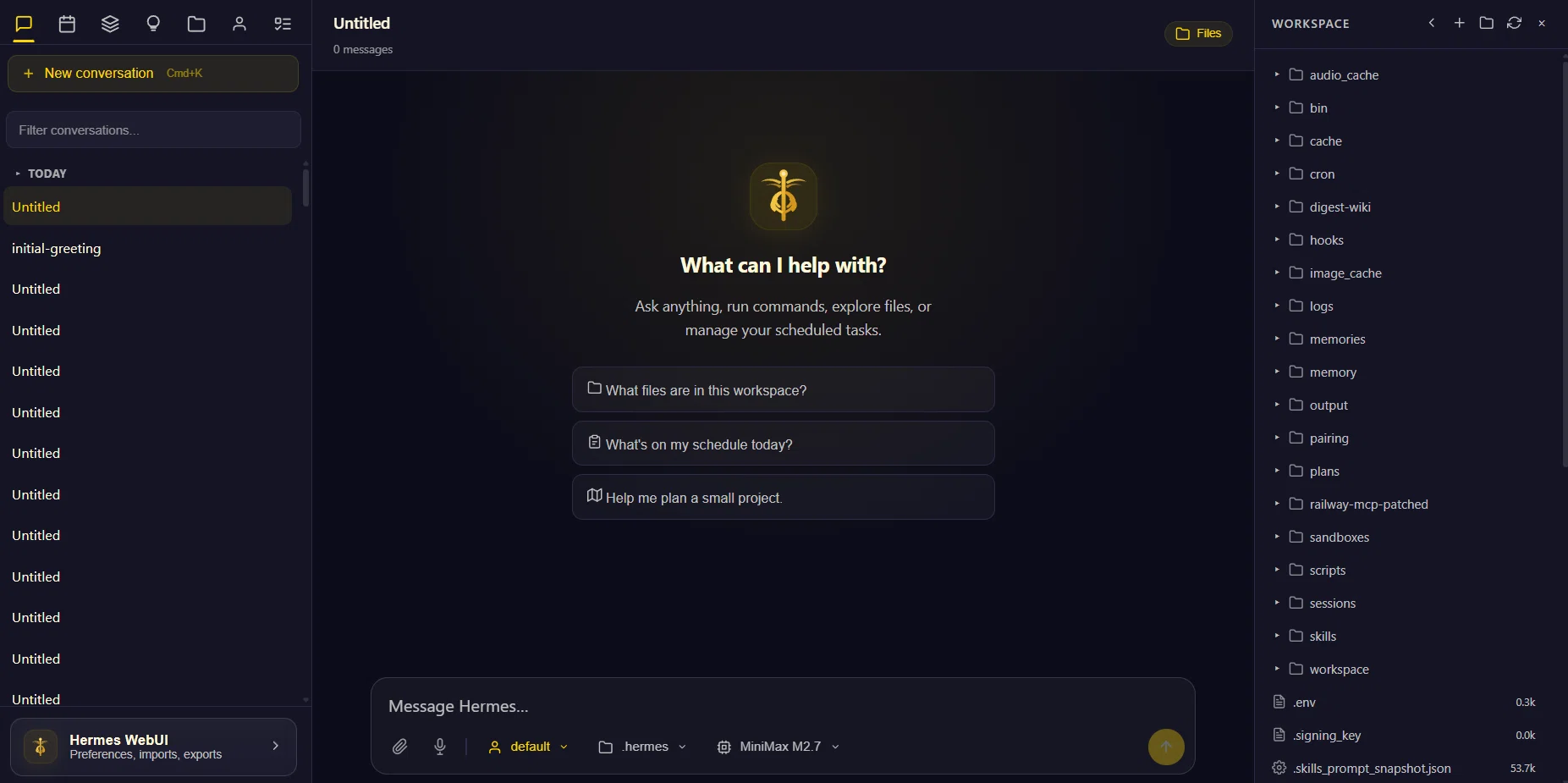
This template packages NousResearch's Hermes Agent, its WebUI, and a custom admin control plane into a single Railway service. Everything is configured from /admin in the browser — no SSH, no terminal, no manual config files. A persistent volume at /data stores all agent memory, skills, credentials, and conversation history across deploys. The WebUI at / and Telegram gateway share one agent identity: same memory, same skills, same personality across every surface. The gateway autostarts automatically once a provider and channel credential are configured.
Common Use Cases
- Personal AI assistant — chat via Telegram on your phone and WebUI in the browser, same agent brain on both
- Scheduled automations — daily briefings, job search digests, RSS feeds, price monitors delivered to Telegram
- Self-improving agent — Hermes creates skills from experience after complex tasks, getting faster at your workflows over time
Dependencies for Hermes All-in-One | WebUI + Admin Panel + Gateway - No Terminal Setup Hosting
- Persistent Volume — mount at
/datato retain agent memory, skills, credentials, and conversation history across deploys - AI Provider API Key — OpenRouter, Anthropic, OpenAI, or any OpenAI-compatible endpoint (configured at
/adminafter deploy)
Deployment Dependencies
- Hermes Agent — NousResearch — the agent runtime this template is built on
- Hermes WebUI — NousResearch — the browser chat interface
- OpenRouter — recommended provider (200+ models, one API key)
- Hermes Skills Hub — agentskills.io — community skill packs installable after deploy
- Full documentation — hermes-agent.nousresearch.com
Implementation Details
Setup in 3 steps after deploy:
1. Attach a persistent volume mounted at /data
2. Set HERMES_WEBUI_PASSWORD and HERMES_ADMIN_PASSWORD in environment variables
3. Open /admin → Providers → paste your API key → Save
Optionally connect Telegram:
/admin → Channels → Telegram
Bot token: from @BotFather
Allowed user IDs: your numeric ID from @userinfobot
Gateway autostarts once both provider and channel credentials are saved.
Schedule automations in plain English:
hermes cron create "every day at 8am" \
  "Search Hacker News for AI news. Send me the top 5 with summaries." \
  --name "Morning Briefing" --deliver telegram
First prompt after deploy:
Use your hermes-agent skill and help me with first-time setup.
Read your own documentation, understand what you're capable of,
then walk me through how to make you as useful as possible.
Why Deploy Hermes All-in-One | WebUI + Admin Panel + Gateway - No Terminal Setup on Railway?
Railway is a singular platform to deploy your infrastructure stack. Railway will host your infrastructure so you don't have to deal with configuration, while allowing you to vertically and horizontally scale it.
By deploying Hermes All-in-One | WebUI + Admin Panel + Gateway - No Terminal Setup on Railway, you are one step closer to supporting a complete full-stack application with minimal burden. Host your servers, databases, AI agents, and more on Railway.
Template Content
hermes-all-in-one
sphinxcode/hermes-all-in-one

