
Deploy Jellyfin
Media server that streams your movies, shows and music to any device
jellyfin
Just deployed
/data
Deploy and Host Jellyfin on Railway
Jellyfin is a free software media server that indexes your films, TV shows and music, enriches them with artwork and metadata from providers like TMDb, and streams them to a browser or a native app on almost any device. It is the community-run alternative to Plex and Emby: GPL-2.0 licensed, with no account server, licence key or premium tier gating remote access or transcoding. Deploy Jellyfin on Railway to keep a private library under your own control, reachable over HTTPS from any browser.
Self-host Jellyfin on Railway as a single service, built from the gridalpha/jellyfin-railway source repository on top of the official jellyfin/jellyfin:10.11 image (10.11.11 today). Railway's edge terminates TLS and forwards to port 8096; a volume at /data holds the SQLite library database, config, cache and your media, so no database or bucket service is needed. On first boot the image completes Jellyfin's setup wizard: it creates the administrator from your variables, registers movies/, shows/ and music/ libraries, trusts Railway's proxy ranges so real client IPs resolve, and caps ffmpeg threads to the CPU quota. Later boots leave your settings alone.
Getting Started with Jellyfin on Railway
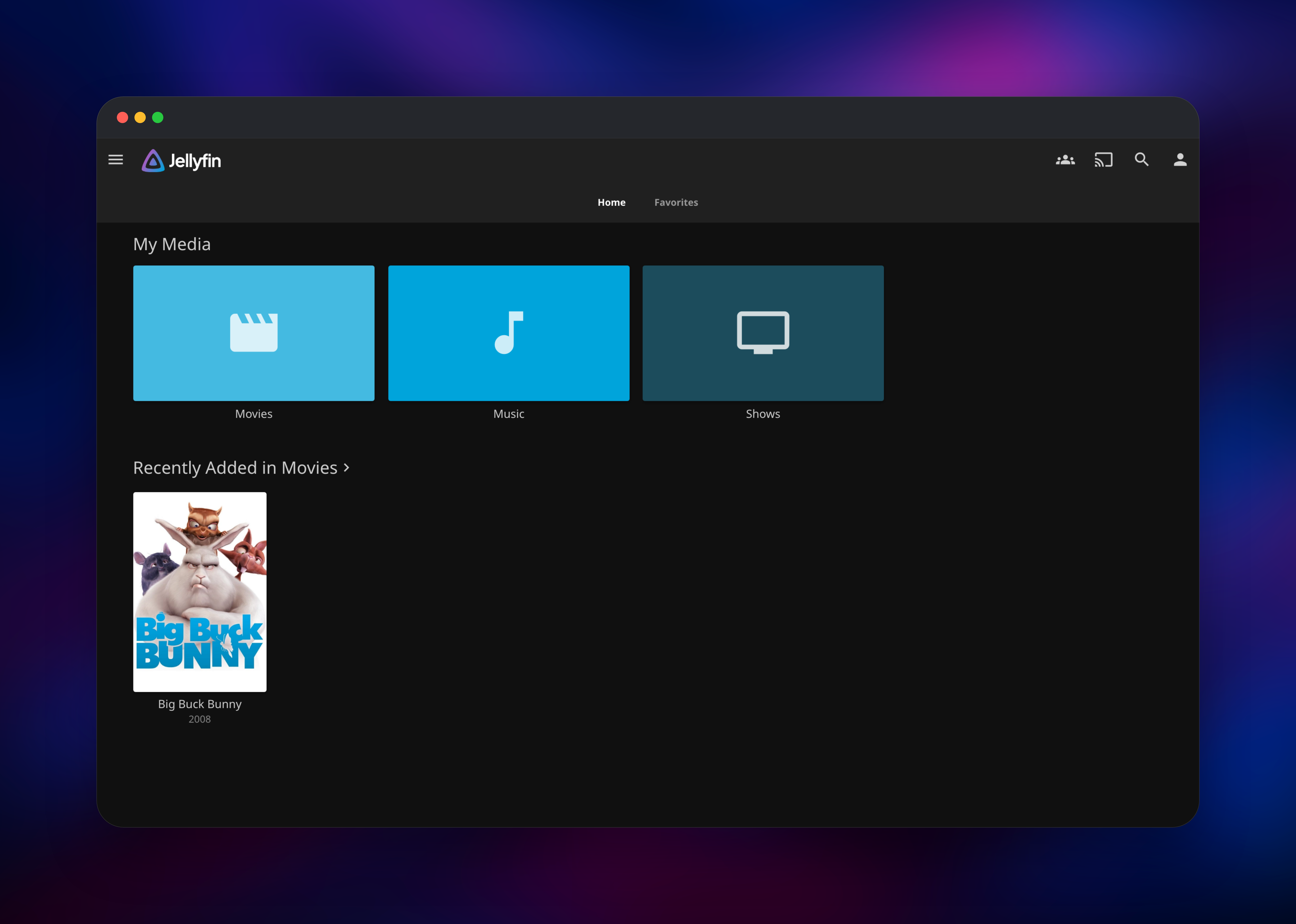
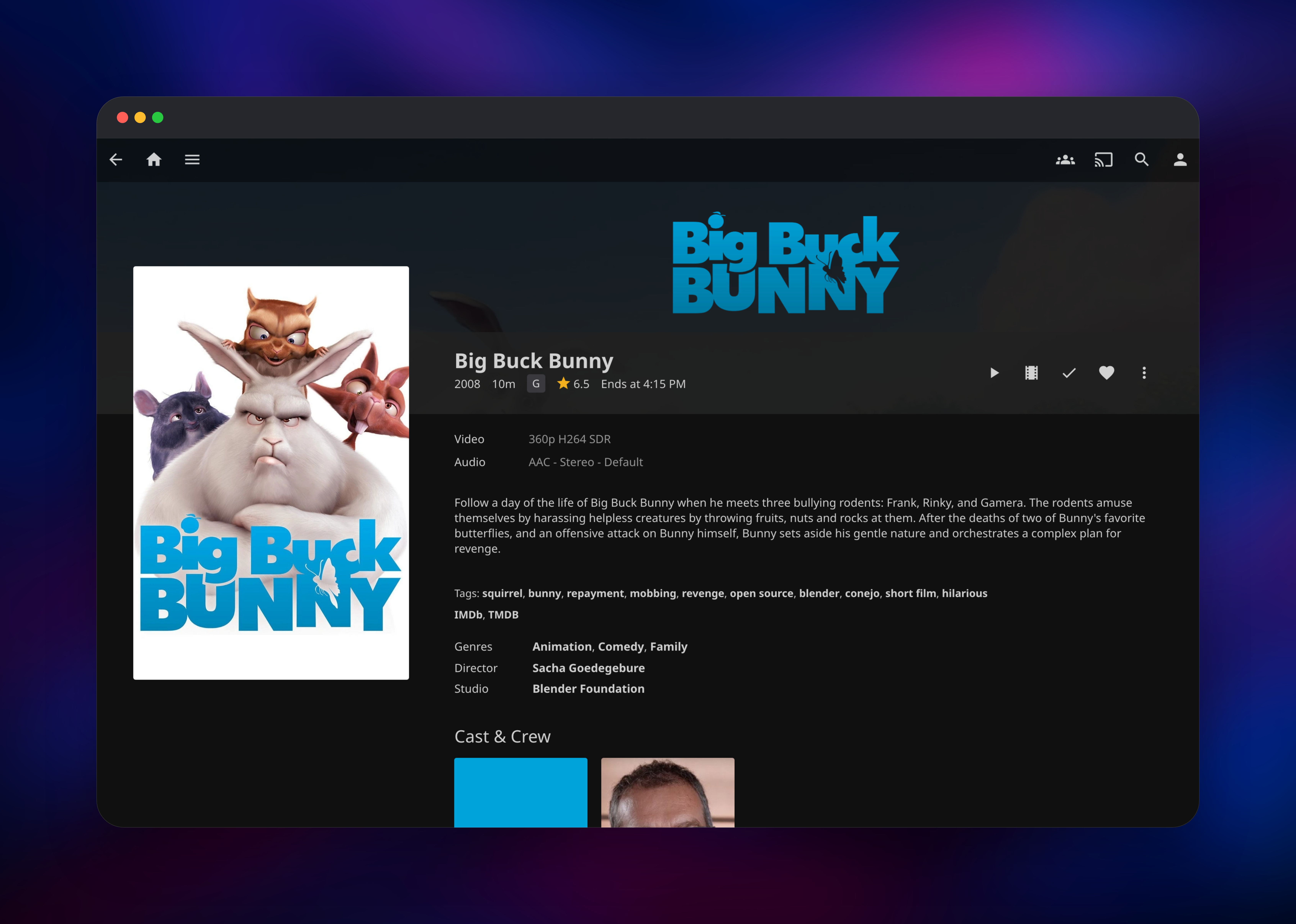
Set JELLYFIN_ADMIN_USERNAME and JELLYFIN_ADMIN_PASSWORD before deploying: they become your administrator account, since Jellyfin has no public sign-up and the wizard is completed automatically so nobody else can claim the server. When the deploy goes green, open the Railway domain and sign in; you land on the home screen with empty Movies, Shows and Music libraries. If JELLYFIN_DEMO_MEDIA is left at true, two Creative Commons Blender Foundation films (Big Buck Bunny and Sintel) are seeded into the movies folder, so you can confirm scanning, metadata and playback right away. Add your own files with the Railway CLI:
railway volume files --volume jellyfin-data upload ./The.Film.2019.mkv /media/movies/The.Film.2019.mkv
railway volume files --volume jellyfin-data browse /
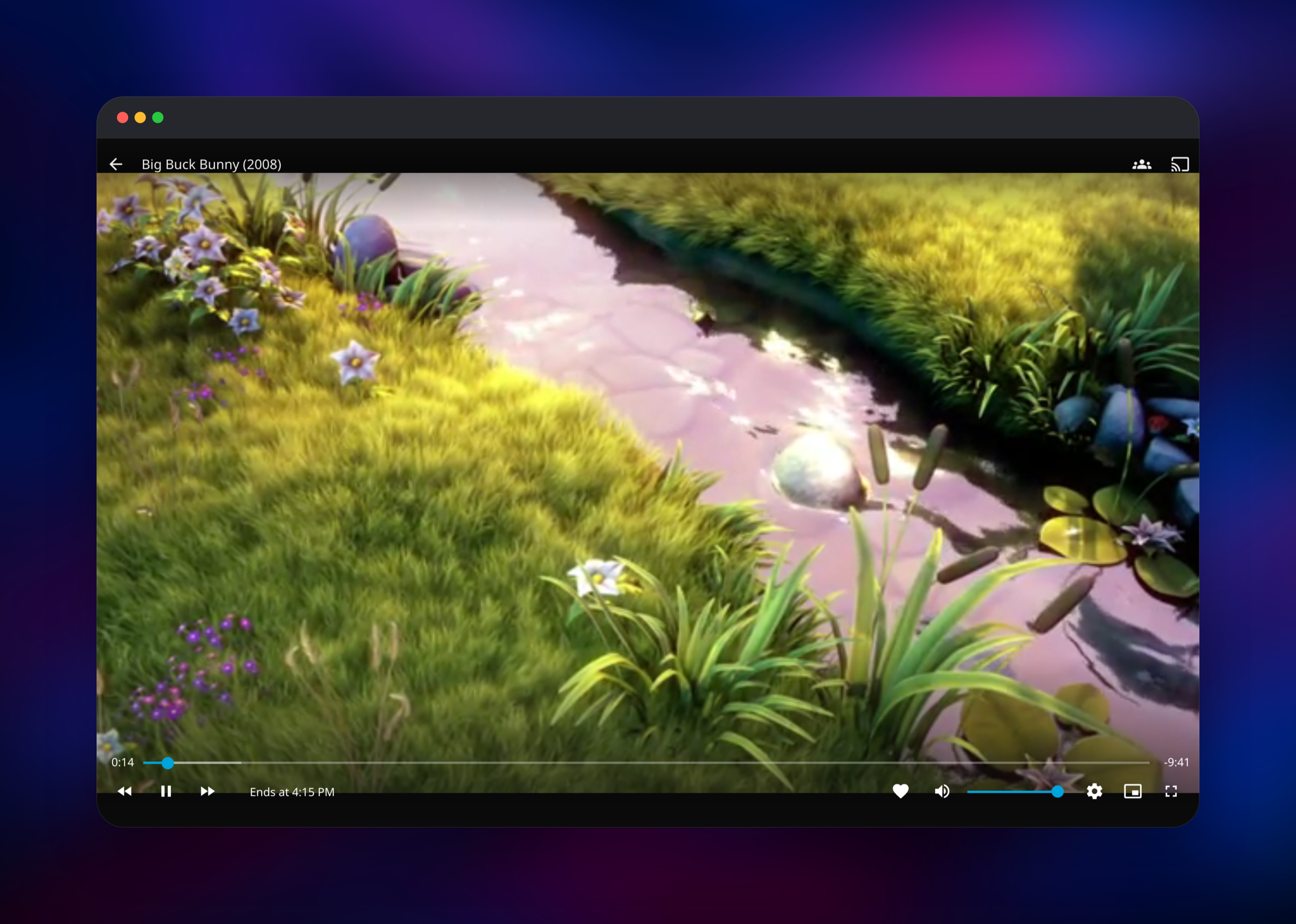
Name files as Jellyfin expects (Movie Name (Year).ext, Show Name/Season 01/Show Name S01E01.ext), then run Dashboard → Libraries → Scan All Libraries and watch posters and cast appear. Press play: video advancing with no buffering spinner means it works end to end. Everyone else gets an account from Dashboard → Users, which also sets the libraries they can see.
About Hosting Jellyfin
Jellyfin descends from Emby 3.5.2, the last release before that project closed its source, and runs on .NET with ffmpeg. Self-host it when the media should stay off someone else's platform: film and music collections, screeners or conference archives.
- Automatic metadata, posters, backdrops, cast and genres for movies, series and music
- A web player plus free clients for Android, iOS, Android TV, Roku, LG and Samsung TVs, Kodi and desktop
- Per-user accounts with per-library permissions, parental ratings and separate watch state
- Direct play when the client understands the file, transcoding as a fallback
- Subtitles, collections, playlists, Live TV/DVR, plugins and a full REST API
One container runs the server, API and web UI; the volume at /data is the only stateful part — database and config in /data/config, cache in /data/cache, media in /data/media. SQLite cannot be shared between containers, so the service runs one replica and scales vertically.
Why Deploy Jellyfin on Railway
Railway removes the parts of self-hosting a media server that usually stop people.
- HTTPS domain and certificate automatically, no port forwarding or reverse proxy
- A persistent volume you can upload media into from the CLI
- First-run setup, proxy trust and ffmpeg tuning handled by the image
- Vertical scaling and usage-based pricing, with no per-seat licence
Common Use Cases for Self-Hosted Jellyfin
- A private household media library — one server, an account per person, watch state synced across TV, phone and laptop.
- Sharing screeners and rough cuts — give reviewers a login instead of a download link, and see who watched in the activity log.
- An internal video archive — talks, onboarding and training recordings, or a library moved off Plex or Emby, streamable without publishing it.
Dependencies for Jellyfin
- Jellyfin —
jellyfin/jellyfin:10.11from thegridalpha/jellyfin-railwaysource repository. Serves the web UI, REST API and streaming on port 8096. - Volume
jellyfin-data— at/data. Holds the library database, config, cache, logs and media; everything the server remembers survives redeploys. - ffmpeg — bundled in the image for transcoding, remuxing, thumbnails and subtitles.
- No database or bucket — Jellyfin 10.11 ships only a SQLite provider.
Environment Variables Reference
| Variable | Required | Description |
|---|---|---|
PORT | Yes | 8096, Jellyfin's fixed listening port |
JELLYFIN_ADMIN_USERNAME | Yes | Administrator created on first boot |
JELLYFIN_ADMIN_PASSWORD | Yes | Its password; change it in the UI |
JELLYFIN_SERVER_NAME | Yes | Name shown in clients and at login |
JELLYFIN_PublishedServerUrl | Yes | Public HTTPS URL clients use |
JELLYFIN_DEMO_MEDIA | No | true seeds two Creative Commons films |
Optional overrides, already correct by default: JELLYFIN_DATA_DIR, JELLYFIN_CACHE_DIR, JELLYFIN_CONFIG_DIR, JELLYFIN_LOG_DIR and JELLYFIN_MEDIA_DIR (folder locations under /data), JELLYFIN_TRUSTED_PROXIES (real client IPs), JELLYFIN_ENCODING_THREADS (ffmpeg thread cap) and JELLYFIN_BOOTSTRAP=false (skip setup).
Deployment Dependencies
- Source repository: https://github.com/gridalpha/jellyfin-railway
- Upstream: https://github.com/jellyfin/jellyfin (GPL-2.0), image
jellyfin/jellyfin - Docs: https://jellyfin.org/docs/ — clients: https://jellyfin.org/downloads/clients/
Hardware Requirements for Self-Hosting Jellyfin
| Resource | Minimum | Recommended |
|---|---|---|
| CPU | 1 vCPU (direct play only) | 2–4 vCPU, more for concurrent transcodes |
| RAM | 1 GB | 4–8 GB, per Jellyfin's guidance |
| Storage | 2 GB for config and cache | Media size plus ~20 GB cache |
| Runtime | .NET and ffmpeg, in the image | Same |
Direct play is nearly free; transcoding is what costs CPU, so size the service for the simultaneous incompatible streams you expect. Jellyfin 10.11 also needs SSE4.1, which Railway provides.
Self-Hosting Jellyfin
Jellyfin publishes an official image, so the smallest local install is one Docker command:
docker run -d --name jellyfin -p 8096:8096/tcp \
  -v jellyfin-config:/config -v jellyfin-cache:/cache \
  -v /path/to/media:/media --restart unless-stopped \
  jellyfin/jellyfin:10.11
To build the image this template uses, with its first-run setup and proxy config, clone the source repository:
git clone https://github.com/gridalpha/jellyfin-railway.git
cd jellyfin-railway
docker build -t jellyfin-railway .
docker run -d -p 8096:8096 -v jellyfin-data:/data \
  -e JELLYFIN_ADMIN_USERNAME=admin \
  -e JELLYFIN_ADMIN_PASSWORD='choose-a-strong-password' \
  jellyfin-railway
Open http://localhost:8096 and sign in. Building from source needs the .NET SDK and ffmpeg, as documented upstream.
Is Jellyfin Free? How Much Does Jellyfin Cost to Self-Host?
Jellyfin is completely free and open source under GPL-2.0 — no premium tier, no lifetime pass, no feature behind a payment, the practical difference from Plex Pass and Emby Premiere. Self-hosting on Railway costs infrastructure only: the CPU and memory the service uses plus the volume holding your media. Heavy transcoding and a large library move the bill.
FAQ
What is Jellyfin?
A free software media server. It scans folders of films, TV shows and music, fetches metadata and artwork for them, and streams the results to browsers, phones, TVs and set-top boxes through a large family of free clients.
What does this Railway template deploy?
One Jellyfin service running jellyfin/jellyfin:10.11, with a public HTTPS domain on port 8096, a /health check, and a volume at /data for config, cache and media.
Why is a volume included instead of a database service?
Jellyfin 10.11 keeps its whole library — items, users, watch state, settings — in SQLite on disk beside your media, so the volume is the only persistence it needs and what survives redeploys. SQLite cannot be shared between containers, hence one replica.
How do I upload my media to a self-hosted Jellyfin on Railway?
Use the Railway CLI: railway volume files --volume jellyfin-data upload ./film.mkv /media/movies/film.mkv writes into the volume, and railway volume files --volume jellyfin-data browse / opens it interactively. Then scan the library from the dashboard.
Does hardware transcoding work on Railway?
No — Railway exposes no GPU or VA-API device, so transcodes are CPU-only. Most clients direct-play common formats such as H.264 MP4 and never transcode. Railway routes no inbound UDP either, so autodiscovery and DLNA are off: add the server by its HTTPS URL in each client.
Template Content
jellyfin
gridalpha/jellyfin-railway

