
Deploy Kafka UI
Kafbat UI — Open-source web UI to monitor and manage Apache Kafka clusters
kafbat
Just deployed
/etc/kafkaui
Deploy and Host Kafka UI on Railway
Kafbat UI is a free, open-source, versatile, fast and lightweight web UI for managing Apache Kafka® clusters. It lets you monitor brokers, topics, partitions, consumer groups, and messages through a clean browser dashboard — without needing CLI tools or complex setup.
About Hosting Kafka UI
Hosting Kafka UI on Railway is straightforward. This template deploys the official Kafbat UI image (ghcr.io/kafbat/kafka-ui:latest) with basic authentication enabled by default. A persistent volume is mounted at /etc/kafkaui so that any cluster configuration you create via the built-in Configuration Wizard (and uploaded certificates) survives restarts. No custom start command is required. After deploy, open the public URL, log in with the default credentials, and connect your Kafka cluster in a few clicks. Ideal for development, staging, or lightweight production observability.
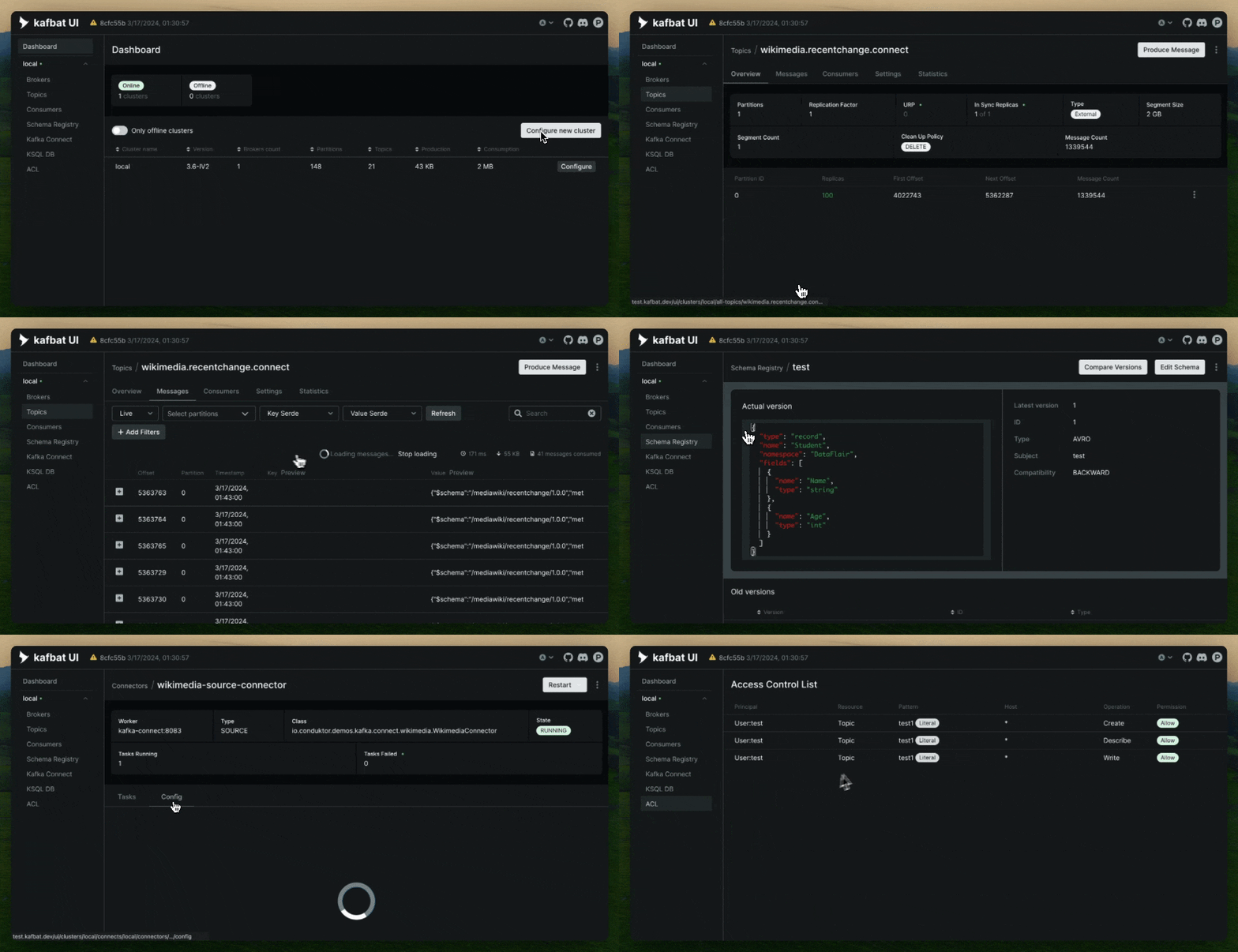
Default Credentials
- Username:
kafka - Password: Auto-generated 16-character secret (visible in the Variables tab after successful deploy)
Common Use Cases
- Quickly inspect topics, partitions, and consumer lag during development
- Debug message payloads and troubleshoot consumer groups in staging
- Provide a simple browser-based control panel for internal Kafka clusters
- Monitor multiple Kafka clusters from a single lightweight UI
Dependencies for Kafka UI Hosting
- An existing Apache Kafka cluster (KRaft or ZooKeeper-based)
- Optional: Schema Registry, Kafka Connect, or ksqlDB if you want full integration
Deployment Dependencies
- Kafbat UI (official image): https://github.com/kafbat/kafka-ui
- Documentation: https://ui.docs.kafbat.io/
- Docker image: https://github.com/kafbat/kafka-ui/pkgs/container/kafka-ui
- Railway Templates: https://docs.railway.com/templates
Implementation Details
SERVER_PORT="8080"
DYNAMIC_CONFIG_ENABLED="true"
SPRING_SECURITY_USER_NAME="kafka"
SPRING_SECURITY_USER_PASSWORD="${{secret(16)}}"
- Port:
8080 - Healthcheck:
/actuator/health - Volume:
/etc/kafkaui(persists dynamic config & uploads) - Start Command: none (uses image default)
Why choose this template over alternatives?
| Feature | This Template (Kafbat UI) | Other Kafka UIs / Manual Setup |
|---|---|---|
| Official maintained image (kafbat) | ✅ | ❌ Often outdated forks |
| Built-in Configuration Wizard | ✅ | ❌ Usually requires env vars |
| Basic Auth enabled out of the box | ✅ | ❌ Extra setup needed |
| Persistent config volume ready | ✅ | ❌ Easy to lose settings |
| Auto-generated secure password | ✅ | ❌ Hardcoded or missing |
| Zero custom start command | ✅ | ❌ Often needs workarounds |
| Lightweight & fast | ✅ | ❌ Some UIs are heavier |
Why Deploy Kafka UI on Railway?
Railway is a singular platform to deploy your infrastructure stack. Railway will host your infrastructure so you don't have to deal with configuration, while allowing you to vertically and horizontally scale it.
By deploying Kafka UI on Railway, you are one step closer to supporting a complete full-stack application with minimal burden. Host your servers, databases, AI agents, and more on Railway.
Template Content