
Deploy Kill Bill
Subscription billing and invoicing platform with an admin console

mariadb
Just deployed
/var/lib/mysql

Redis
Just deployed
/data
killbill
Just deployed
/var/lib/killbill/plugins

Just deployed
Deploy and Host Kill Bill on Railway
Kill Bill is an open-source subscription billing and payments platform. It owns the parts of a business that are painful to build twice: a versioned product catalog, subscription entitlements with trials and upgrades, invoicing, dunning, and payment orchestration across gateways through plugins. Teams reach for it when their pricing has outgrown Stripe Billing, or when they cannot hand customer and revenue data to a vendor. Open source since 2010: github.com/killbill/killbill.
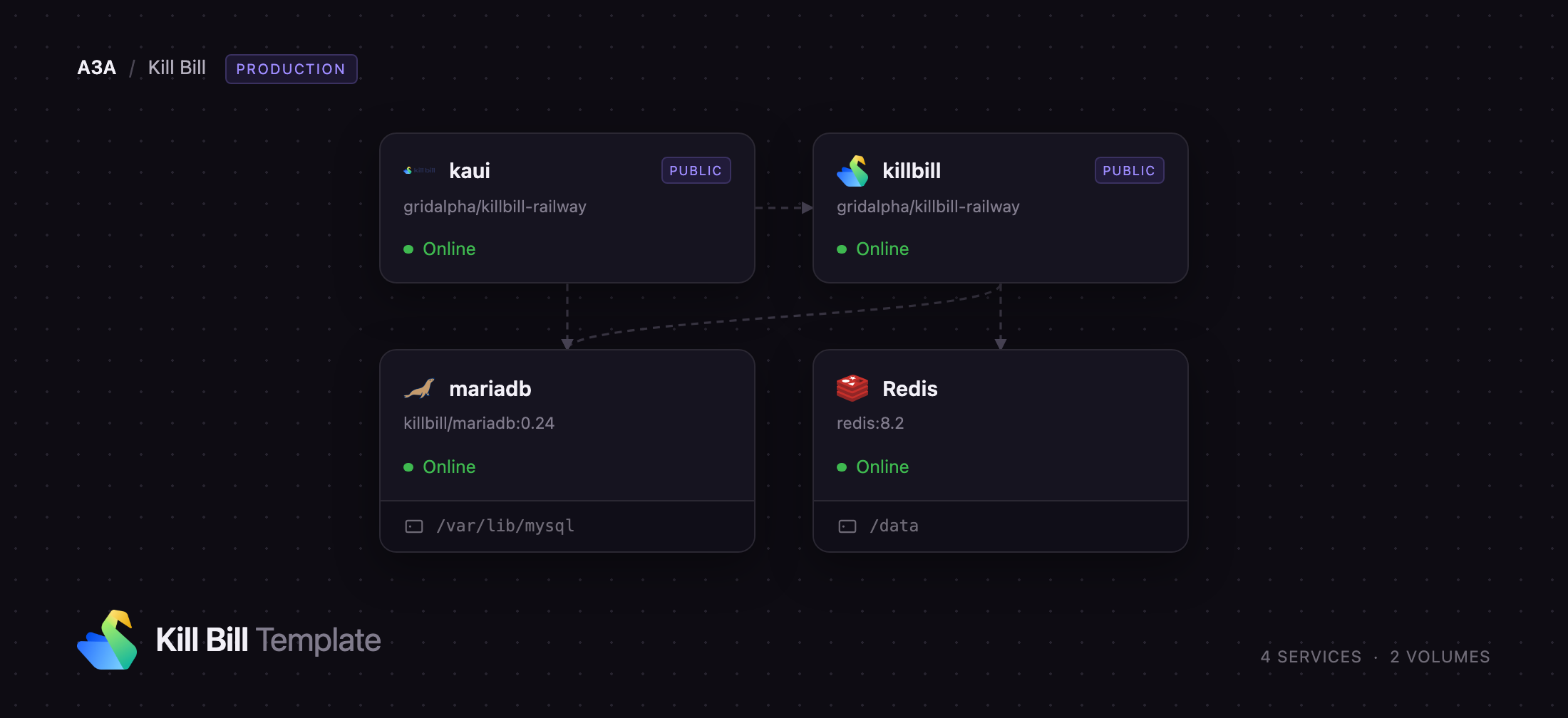
Deploy Kill Bill on Railway with the stack wired together. killbill runs the REST API from killbill/killbill:0.24.21 behind a Railway domain; kaui runs the back-office console from killbill/kaui:4.0.25; mariadb runs upstream's killbill/mariadb:0.24, which ships the Kill Bill, Kaui, Stripe and Analytics schemas and applies them on first boot; Redis backs the distributed cache. Self-host Kill Bill without writing a schema loader or a Tomcat config — it creates its own first tenant and comes up ready for calls.
Getting Started with Kill Bill on Railway
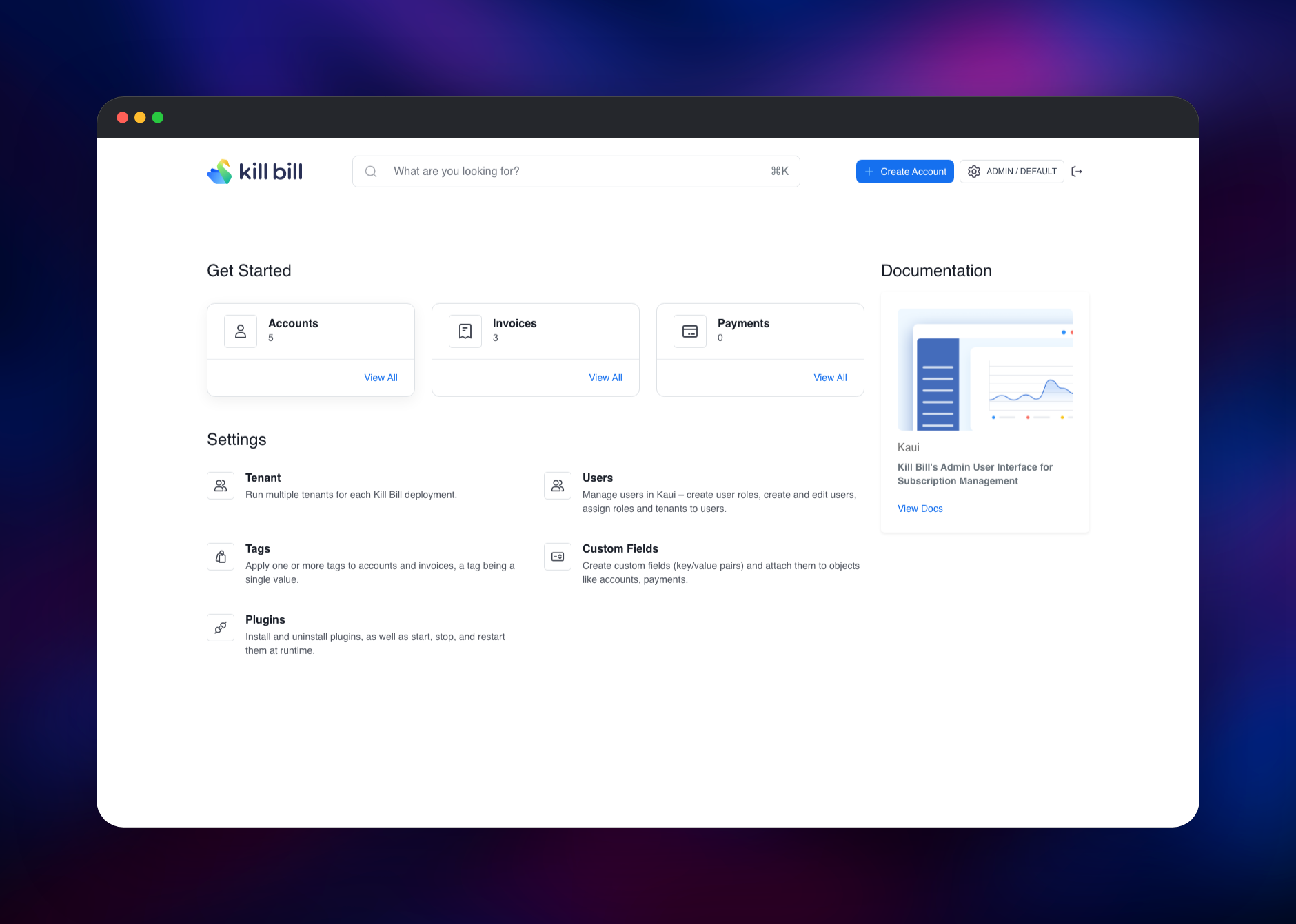
Open the kaui service's public URL and sign in as admin with the password in KB_ADMIN_PASSWORD. Kaui then asks you to register the tenant it talks to: give it any name and paste KILLBILL_API_KEY and KILLBILL_API_SECRET from the killbill service. That tenant already exists, created on first boot, so Kaui only records it. You land on a dashboard counting accounts, invoices and payments.
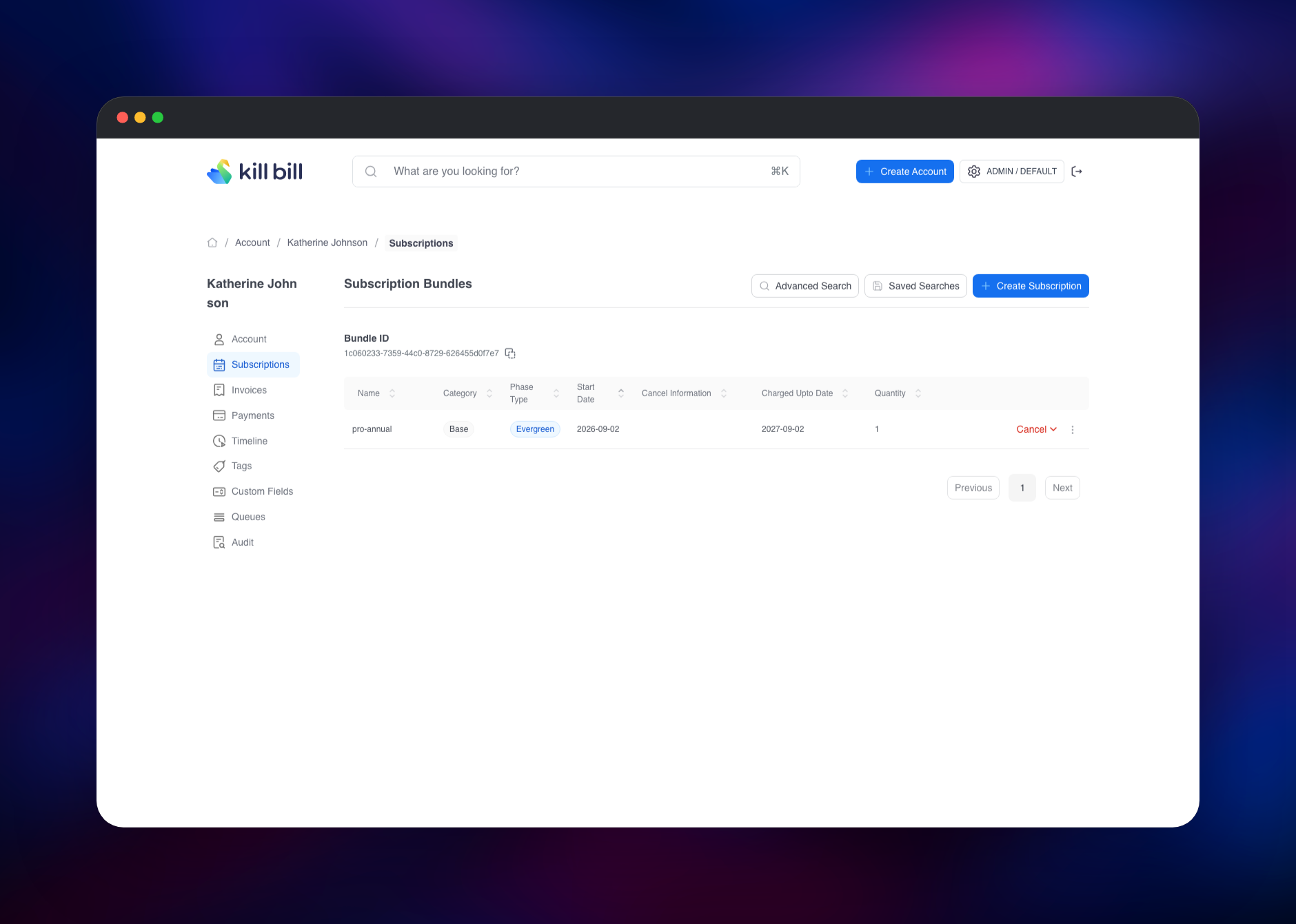
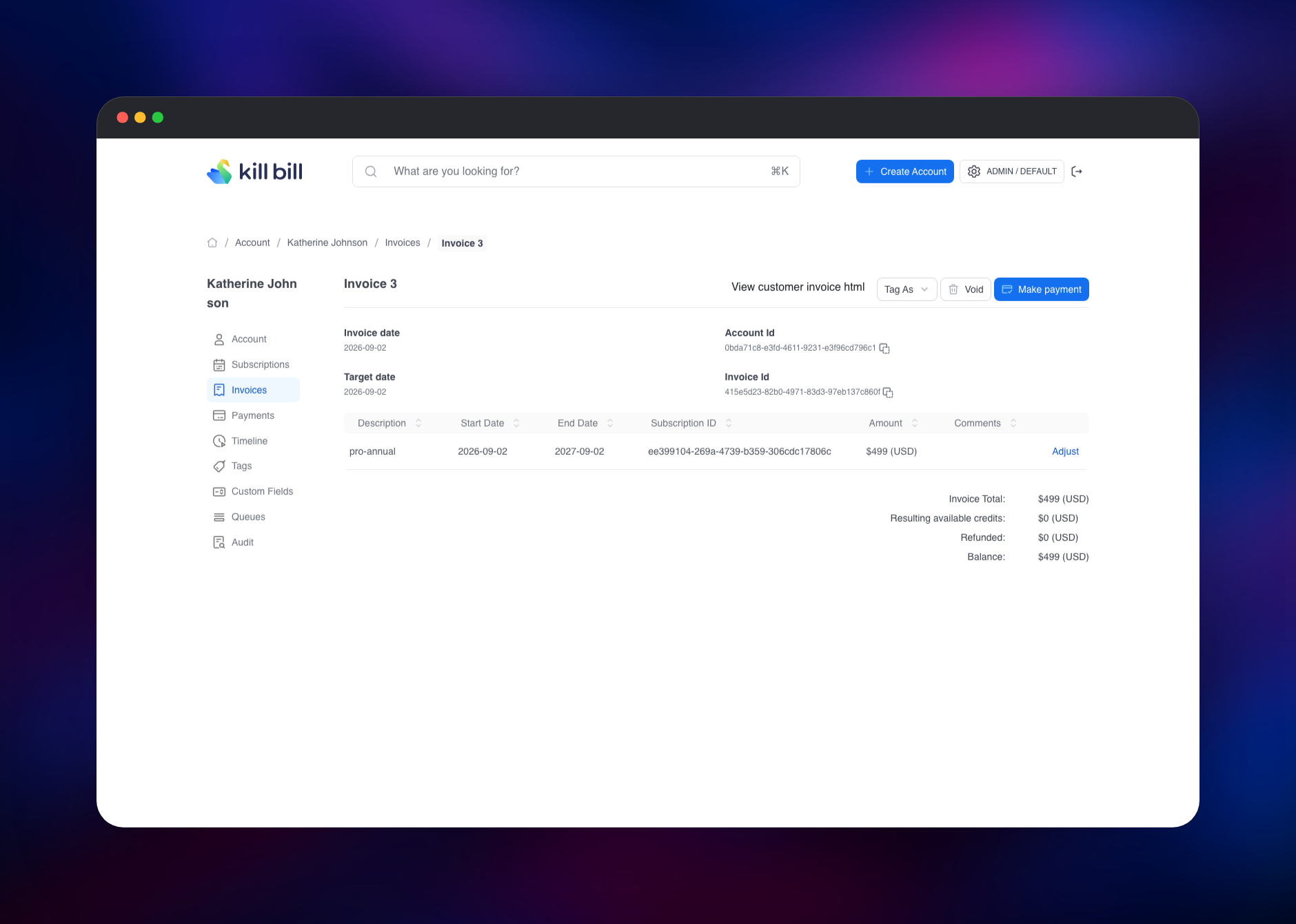
To prove it works end to end, create a plan and charge it: add a customer under Create Account, post a plan to the API, and subscribe the account to it — Kill Bill generates the invoice itself. Everything Kaui does, the REST API does too, authenticated with HTTP Basic plus the X-Killbill-ApiKey and X-Killbill-ApiSecret headers. Before going live, install a payment plugin from Kaui's Plugins page.
About Hosting Kill Bill
Kill Bill separates the billing decision from the money movement. The catalog describes products, plans, phases and price lists; the subscription engine tracks where each customer sits in it over time; the invoice engine turns those transitions into line items; the payment layer hands the charge to a gateway plugin. Every layer is an API, so it sits behind your product.
- Versioned catalogs with trials, add-ons, price overrides and multi-currency plans
- Subscription lifecycle: upgrades, downgrades, pauses and cancellations with proration
- Invoicing, credits, adjustments, refunds, chargebacks and dunning
- Payment plugins for Stripe, Adyen, Braintree, PayPal and CyberSource
- Multi-tenancy, RBAC and an audit trail on every object
killbill is the API plus the notification queue that fires scheduled billing work. kaui is a Rails console reaching it over the private network. mariadb holds both schemas on a volume, and Redis caches tenant, account and authorization lookups.
Why Deploy Kill Bill on Railway
Kill Bill needs a seeded database before it will start.
- Schema for Kill Bill, Kaui and the common plugins applied on first boot
- First tenant and its API credentials created automatically
- Private networking between API, console, database and cache
- Managed TLS, custom domains and one-click redeploys from Git
- A volume that keeps payment plugins across deploys
Common Use Cases
- Billing a SaaS product on seats, tiers or usage without sending customer data to a vendor
- One billing system across several gateways, or migrating between them without code changes
- A marketplace or multi-brand business where each brand is its own Kill Bill tenant
Dependencies for Kill Bill
- killbill —
killbill/killbill:0.24.21, the REST API and billing engine - kaui —
killbill/kaui:4.0.25, the admin console - mariadb —
killbill/mariadb:0.24, MariaDB 11.8 with both schemas preloaded - Redis — managed Redis, the cache
Environment Variables Reference
| Variable | Description | Required |
|---|---|---|
KB_ADMIN_PASSWORD | Password for the admin account, used by Kaui and the API | Yes |
KILLBILL_API_KEY / KILLBILL_API_SECRET | Credentials of the tenant created on first boot | Yes |
KB_org_killbill_server_baseUrl | Public URL Kill Bill advertises in responses | Yes |
KILLBILL_DAO_URL / KAUI_CONFIG_DAO_URL | JDBC URLs for the two schemas | Yes |
KAUI_SECRET_KEY_BASE | Rails session key; changing it logs everyone out | Yes |
KILLBILL_CACHE_CONFIG_REDIS | Enables the Redis-backed distributed cache | No |
KB_org_killbill_cache_disabled | Caches kept out of Redis; leave at the default | No |
MARIADB_ROOT_PASSWORD | MariaDB superuser password | Yes |
Any Kill Bill property becomes an environment variable by prefixing KB_ and replacing dots with underscores, so org.killbill.invoice.maxNumberOfMonthsInFuture becomes KB_org_killbill_invoice_maxNumberOfMonthsInFuture.
Deployment Dependencies
- Java 11 on Tomcat, in the images
- MariaDB 11.8 or MySQL 8+; PostgreSQL is supported upstream with a compatibility layer
- killbill, killbill-admin-ui, docs.killbill.io
Server Requirements to Self-Host Kill Bill
| Resource | Minimum | Recommended |
|---|---|---|
| CPU | 2 vCPU across all services | 4 vCPU |
| RAM | 4 GB (both apps are JVM) | 8 GB |
| Storage | 5 GB for MariaDB, 1 GB for plugins | 20 GB, grows with invoices |
| Runtime | Java 11, MariaDB 11.8, Redis 7+ | same |
Both JVM services size their heap from the container's memory limit, so raising a service's memory raises its heap; TOMCAT_JAVA_XMX overrides that. Kill Bill's memory tracks active subscriptions and queue depth, not request rate.
How to Self-Host Kill Bill Outside Railway
The same three containers run under Compose. Save this as docker-compose.yml:
services:
  db:
    image: killbill/mariadb:0.24
    environment: [MARIADB_ROOT_PASSWORD=killbill]
    volumes: [db:/var/lib/mysql]
  killbill:
    image: killbill/killbill:0.24.21
    ports: ["8080:8080"]
    environment:
      - KILLBILL_DAO_URL=jdbc:mysql://db:3306/killbill
      - KILLBILL_DAO_USER=root
      - KILLBILL_DAO_PASSWORD=killbill
      - KB_ADMIN_PASSWORD=change-me
  kaui:
    image: killbill/kaui:4.0.25
    ports: ["9090:8080"]
    environment:
      - KAUI_CONFIG_DAO_URL=jdbc:mysql://db:3306/kaui
      - KAUI_CONFIG_DAO_USER=root
      - KAUI_CONFIG_DAO_PASSWORD=killbill
      - KAUI_KILLBILL_URL=http://killbill:8080
volumes:
  db:
Bring it up, then create the first tenant — no environment variable does this for you:
docker compose up -d
curl -v -u admin:change-me \
  -H 'Content-Type: application/json' \
  -H 'X-Killbill-CreatedBy: admin' \
  -d '{"apiKey":"my-tenant","apiSecret":"my-secret"}' \
  http://127.0.0.1:8080/1.0/kb/tenants
Pin both application tags. The latest tags of killbill/killbill and killbill/kaui are a different build that installs the app at container start, and the Kill Bill one then waits on a database at 127.0.0.1 that is not there.
Is Kill Bill Free?
Kill Bill is free and open source under the Apache License 2.0 — no seat limits, no revenue share, no paid server edition, and the payment plugins are open source too. The company behind it sells support and managed hosting, but nothing in the software is gated behind it. On Railway you pay only for the compute, memory and storage the four services use, against the $149/month floor plus revenue share a hosted rival starts at.
FAQ
What is Kill Bill? An open-source subscription billing and payments platform. It manages product catalogs, subscriptions, invoices, credits, dunning and payment orchestration through a REST API.
What does this Railway template deploy? Four services: the Kill Bill API server, the Kaui admin console, MariaDB preloaded with both schemas, and Redis for the cache. The first tenant is created on first boot, so it is usable as soon as it is green.
Why does the template include MariaDB instead of a managed database?
Kill Bill does not create its own schema. Upstream's killbill/mariadb image carries the DDL for this release — plus Kaui's, Stripe's and Analytics' — and applies it when the volume is empty.
What is Redis used for in Kill Bill?
It backs the distributed cache for tenant, account and authorization lookups, which lets several Kill Bill nodes share cache state. Two caches are excluded on purpose; leave KB_org_killbill_cache_disabled as it ships.
How do I connect Stripe or another payment gateway to self-hosted Kill Bill?
Install it from Kaui's Plugins page and configure it per tenant. Plugins land on the volume at /var/lib/killbill/plugins so they survive redeploys, and the Stripe plugin's tables are already there.
Does Kill Bill support usage-based billing? Yes. Catalogs define usage sections with tiered or per-unit pricing; you record consumption against a subscription through the API and the invoice engine prices it each period.
Template Content


