
Deploy Listmonk
Mailchimp alternative. Self-hosted newsletter and mailing list manager
listmonk
Just deployed
/listmonk/uploads

mailpit
Just deployed
/data

Just deployed
/var/lib/postgresql/data
Deploy and Host Listmonk on Railway
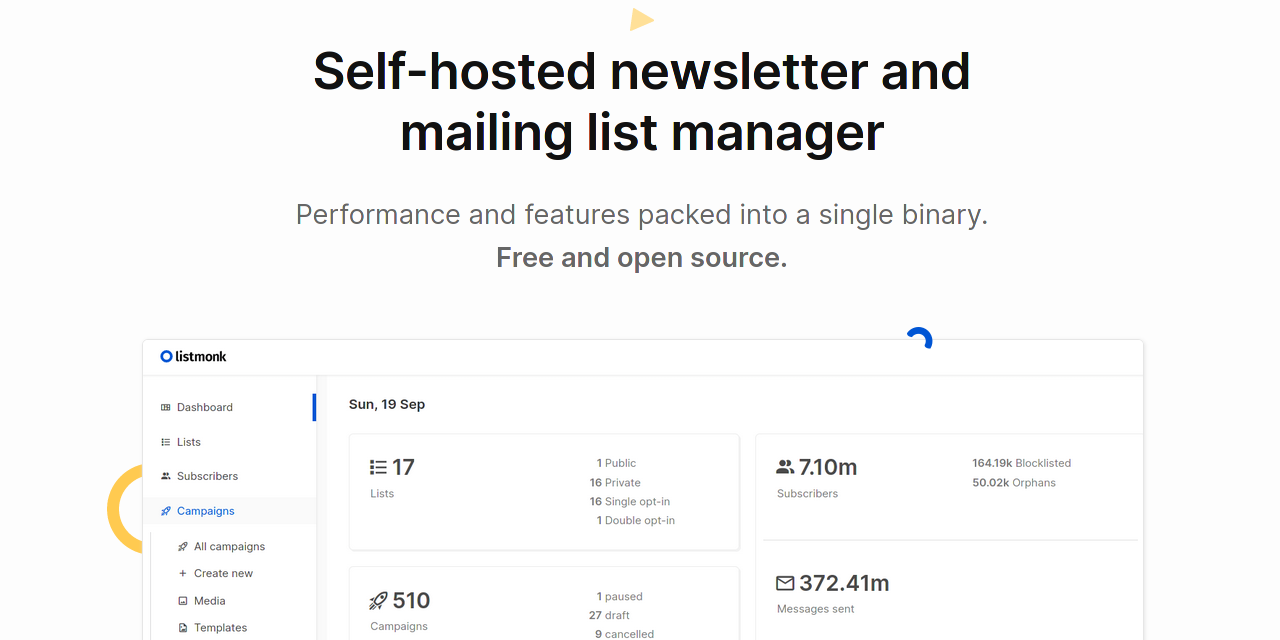
Listmonk is a self-hosted newsletter and mailing list manager built as a single Go binary on PostgreSQL. It owns the lifecycle a hosted platform normally rents you: subscribers with arbitrary JSON attributes, opt-in lists, segmentation by raw SQL, campaign authoring, bounce processing, analytics, a public archive, and a REST API for all of it. Anyone whose Mailchimp bill scales with a list they already own ends up here — Listmonk's cost does not move when that list grows from five thousand people to half a million.
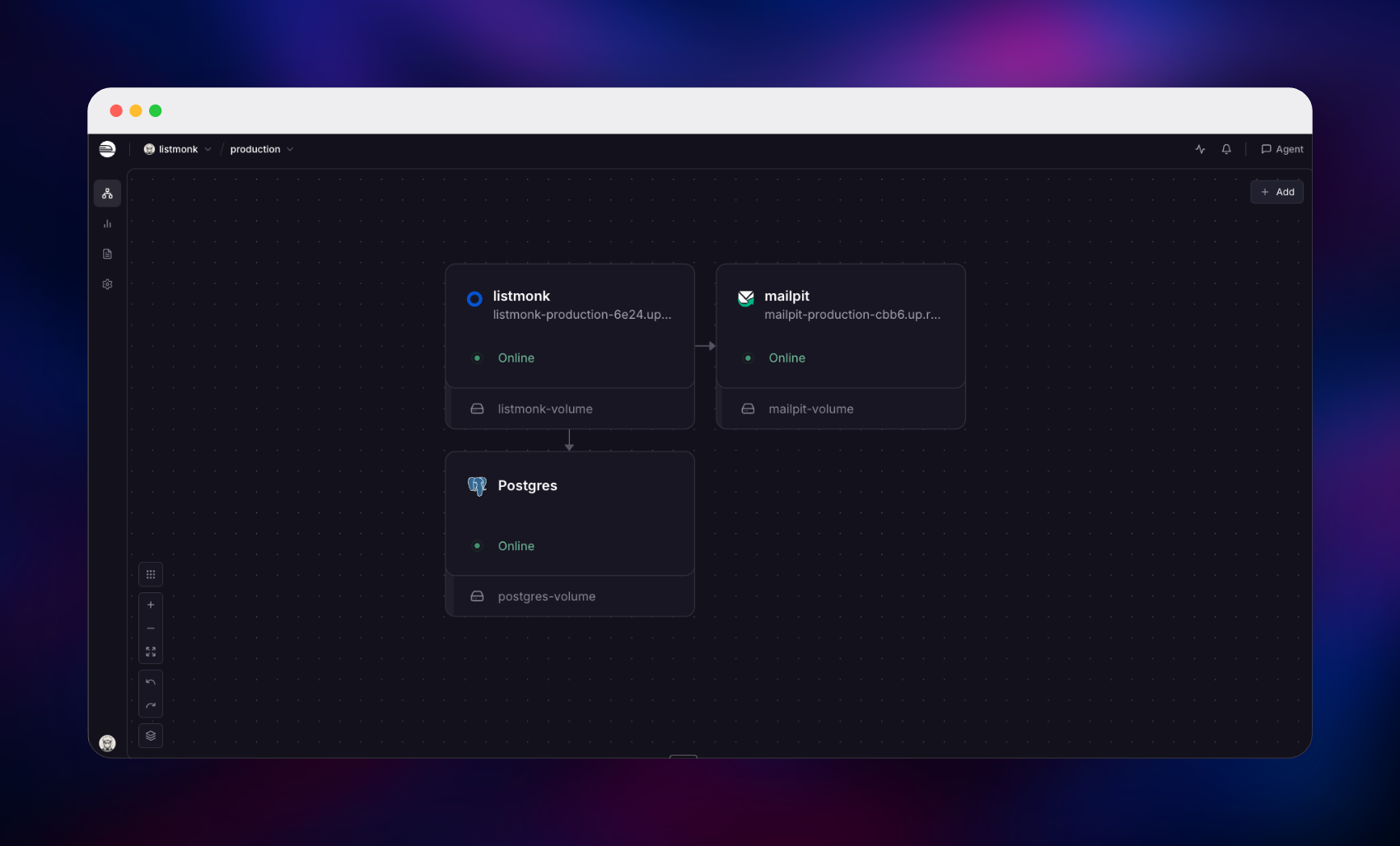
Self-host Listmonk on Railway and this template gives you the working shape rather than a bare container. Three services deploy together: Listmonk on a public URL with a volume for uploaded media, a managed PostgreSQL database holding subscribers, campaigns, settings and sessions, and Mailpit as the mail service Listmonk relays through privately. The source repository, gridalpha/listmonk-railway, wraps the official listmonk/listmonk image with a boot script that installs the schema, gives Listmonk a scoped non-superuser database role, and writes the public URL into the settings table — Listmonk reads those rows after the environment, so otherwise every link it mails would point at localhost.
Getting Started with Listmonk on Railway
Deploying asks for a username and password for the super admin. They are read once, while the schema is created — with no admin credentials Listmonk serves an open "create the first user" page instead, which on a public URL hands the instance to whoever finds it first. Once the deploy is green, sign in at /admin; a sample list, subscriber and draft campaign are waiting.
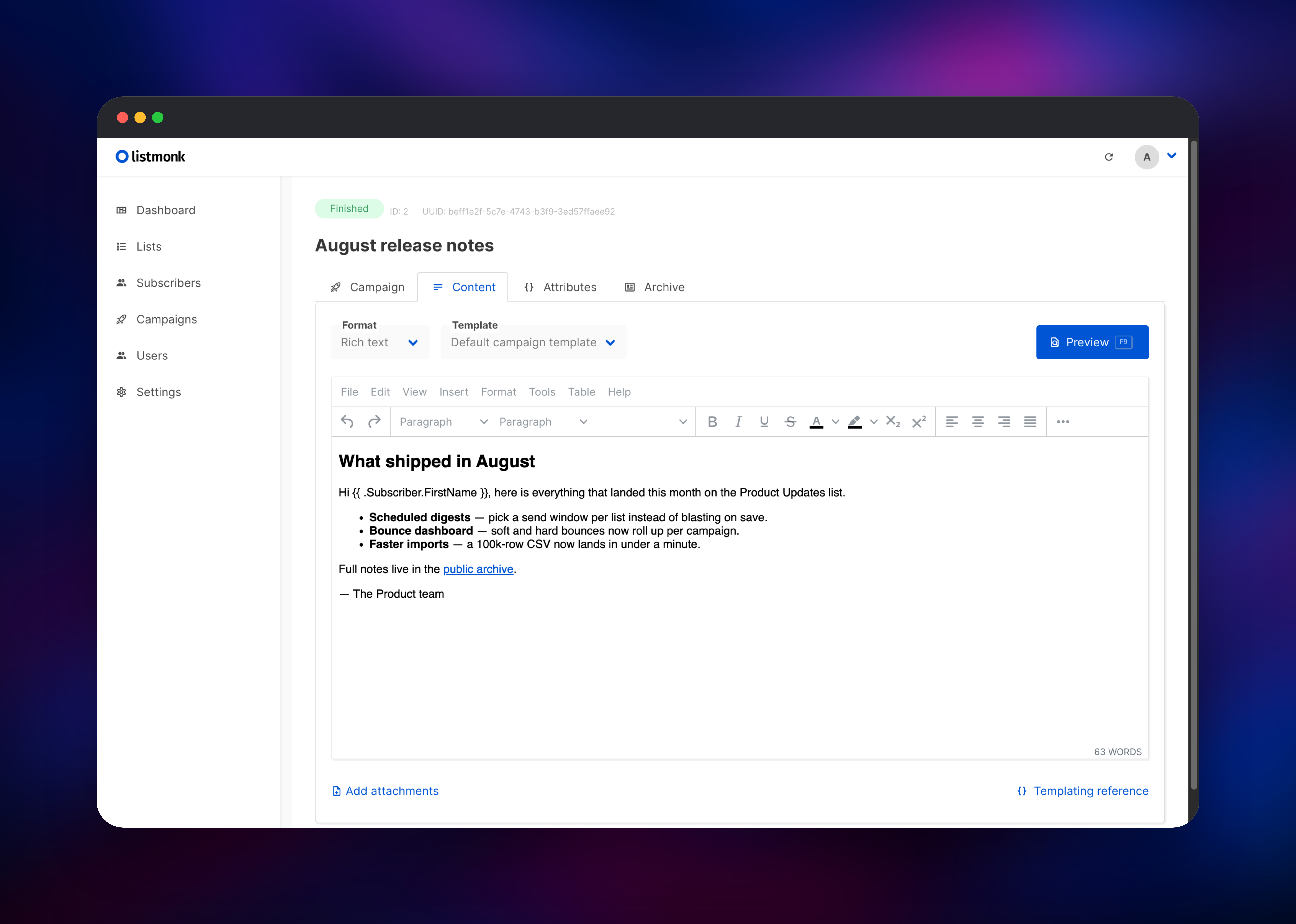
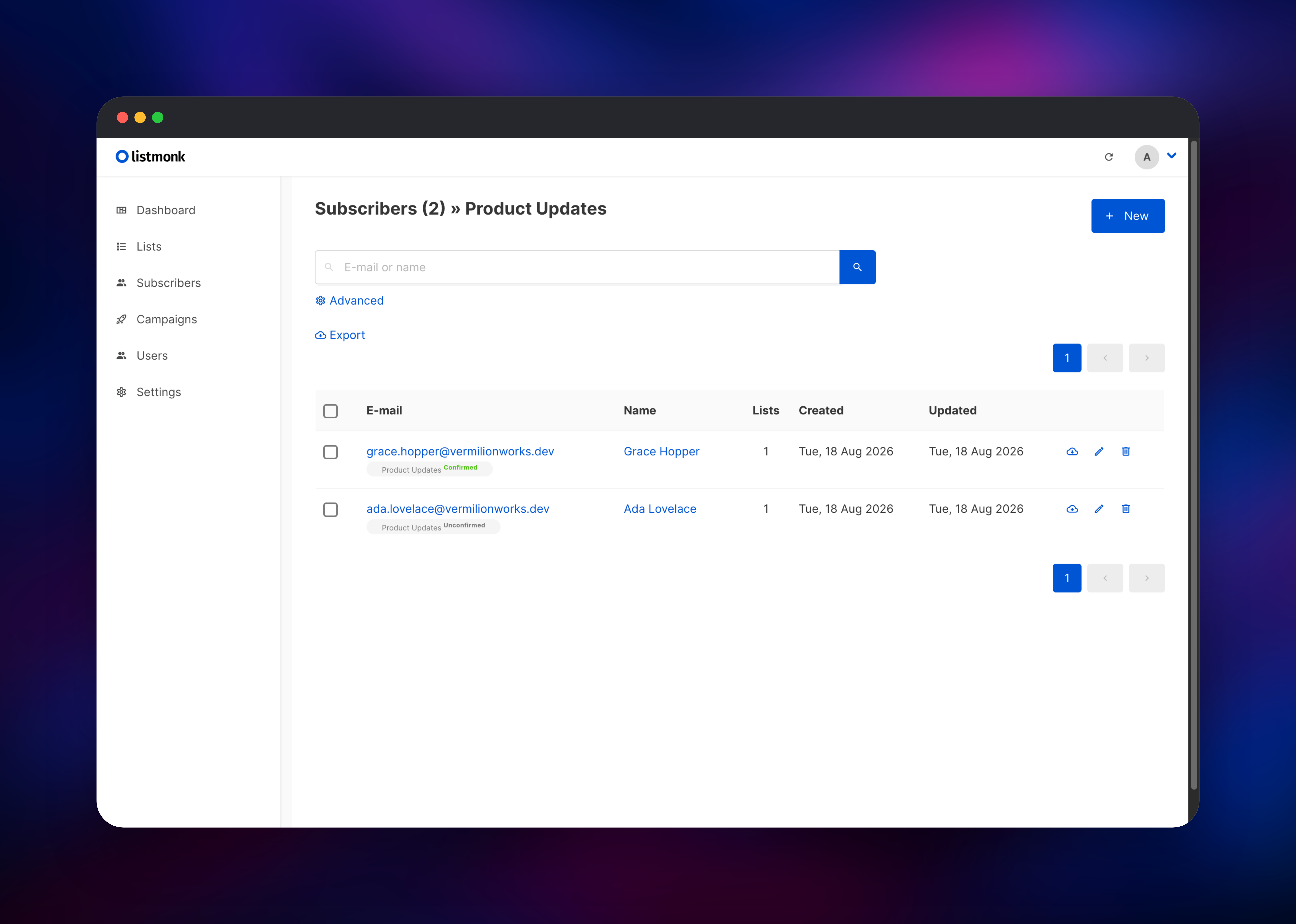
Create your own list under Lists → New, choosing Public and Double opt-in. Open /subscription/form in a private window and subscribe as a reader would. The confirmation email lands in Mailpit within seconds: open the Mailpit URL from your Railway project, sign in with its basic-auth credentials, and click the link inside. That subscriber flipping to Confirmed proves the database, the public pages and the mail path all work in one pass. Then write a campaign under Campaigns → Create new, point it at the list, and send. Before mailing real people, replace the Mailpit target under Settings → SMTP with your own provider — until you do, mail is captured rather than delivered, which is the safe default rather than a bug.
About Hosting Listmonk
Listmonk splits the two halves hosted platforms sell as one: it manages who you send to and what you send, but does not run mail servers. Point it at a relay — SES, Postmark, Resend, Mailgun — and per-message cost becomes that relay's raw rate.
- Segmentation by SQL — any expression valid in a
WHEREclause targets a campaign, including queries against subscriber JSON attributes. - Double opt-in with one-click unsubscribe — confirmation flows, unsubscribe pages,
List-Unsubscribeheaders and blocklisting, on by default. - Bounce processing — webhooks for SES, SendGrid and Postmark, or a POP3 mailbox, with thresholds that blocklist automatically.
- Archive, API and roles — publish campaigns to a browsable archive with RSS; per-list permissions, API tokens, optional OIDC, CSV import at scale.
PostgreSQL is the only durable store that matters — subscribers, campaigns, analytics, settings and sessions all live there, which is why a redeploy never signs you out.
Why Deploy Listmonk on Railway
Railway removes the parts of self-hosting a mailing list that are pure overhead:
- Managed PostgreSQL with backups, no database administration
- Private networking between Listmonk, Mailpit and the database
- HTTPS and a public domain automatically, custom domains supported
- Persistent volumes, health checks and automatic restarts
Common Use Cases
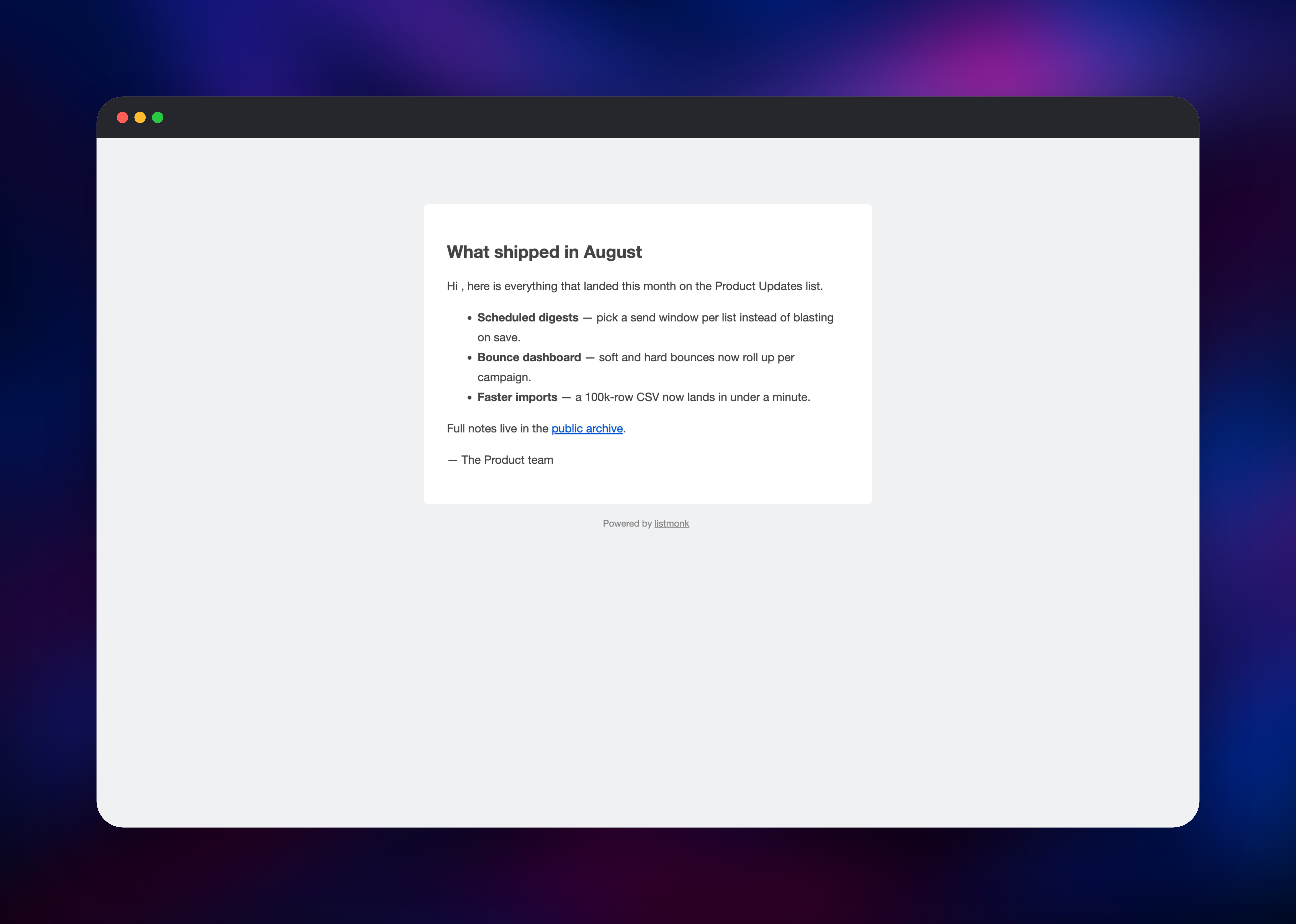
- Product and release newsletters — announce changes to users who opted in, segmented by plan or signup date held in subscriber attributes.
- Independent publishing — run a newsletter with a public archive and RSS, with no per-subscriber platform fee.
- Lifecycle mail via API — the REST API sends templated one-off messages, so an application can drive onboarding sequences.
Dependencies for Listmonk
- Listmonk — gridalpha/listmonk-railway, a boot script layered on
listmonk/listmonk:latest(v6.2.0). Serves the dashboard, public pages, archive and API on port 9000, and runs the campaign sender in-process. - PostgreSQL — Railway managed
postgres-ssl(PostgreSQL 18). Required;pgcryptois created automatically. - Mailpit —
axllent/mailpit:latest(v1.30.7). Accepts SMTP privately and relays upstream once configured.
Environment Variables Reference
| Variable | Service | Purpose |
|---|---|---|
LISTMONK_ADMIN_USER | Listmonk | Super admin username, min 3 characters |
LISTMONK_ADMIN_PASSWORD | Listmonk | Super admin password, min 8 characters |
LISTMONK_ROOT_URL | Listmonk | Override the public URL; unset uses the Railway one |
MP_UI_AUTH | Mailpit | user:password protecting the web inbox |
MP_SMTP_RELAY_HOST | Mailpit | Upstream provider to forward mail to |
LISTMONK_SMTP_* and LISTMONK_FROM_EMAIL reach the settings table only while it holds the shipped default, so later edits under Settings survive every redeploy.
Deployment Dependencies
- Runtime: Go single binary on Alpine, PostgreSQL 12 or newer
- GitHub: knadh/listmonk · axllent/mailpit
- Docs: listmonk.app/docs
Hardware Requirements for Self-Hosting Listmonk
| Resource | Minimum | Recommended |
|---|---|---|
| CPU | 0.5 vCPU | 2 vCPU |
| RAM | 512 MB | 1–2 GB |
| Storage | 1 GB volume | 5 GB volume plus database growth |
| Runtime | PostgreSQL 12+ | PostgreSQL 18 |
Raise app.concurrency and app.message_rate under Settings → Performance, keeping both under your relay's rate limit.
Self-Hosting Listmonk
The quickest local run uses Docker Compose:
curl -LO https://github.com/knadh/listmonk/raw/master/docker-compose.yml
LISTMONK_ADMIN_USER=admin LISTMONK_ADMIN_PASSWORD=changemeplease docker compose up -d
Listmonk is then on http://localhost:9000. Configuration is environment-driven when you pass an empty config path — dots become double underscores, so db.host is LISTMONK_db__host. Against an existing database:
docker run -p 9000:9000 -v listmonk-uploads:/listmonk/uploads \
  -e LISTMONK_app__address=0.0.0.0:9000 \
  -e LISTMONK_db__host=postgres.internal -e LISTMONK_db__user=listmonk \
  -e LISTMONK_db__password=secret -e LISTMONK_db__database=listmonk \
  -e LISTMONK_ADMIN_USER=admin -e LISTMONK_ADMIN_PASSWORD=changemeplease \
  listmonk/listmonk:latest \
  sh -c "./listmonk --install --idempotent --yes --config '' && ./listmonk --config ''"
How Much Does Listmonk Cost to Self-Host?
Listmonk is free and open source under AGPL-3.0, with no paid tier, subscriber cap or feature gating. The only bills are Railway usage for the three services and whatever your SMTP relay charges per message — commonly a few cents per thousand. Against per-subscriber pricing the saving grows with the list: a hundred thousand contacts cost the same to host as a thousand.
FAQ
What is Listmonk?
A free, open-source, self-hosted newsletter and mailing list manager written in Go and backed by PostgreSQL. It handles subscribers, lists, campaigns, opt-in, bounces and analytics, relaying mail through an SMTP provider you supply.
What does this Railway template deploy?
Listmonk on a public URL with a media volume, a managed PostgreSQL database, and Mailpit as the SMTP target and web inbox. The schema is installed on first boot and a super admin created from the credentials you supply.
Why does the template include a database and a mail service?
PostgreSQL is required — Listmonk stores subscribers, campaigns, settings and sessions there and will not start without it. Mailpit is there because Listmonk cannot complete a double opt-in with nowhere to send the confirmation: with no mail target, the very first public subscription fails.
How do I send real email instead of capturing it in self-hosted Listmonk?
Either point Settings → SMTP at your provider's credentials, or set MP_SMTP_RELAY_HOST, MP_SMTP_RELAY_USERNAME, MP_SMTP_RELAY_PASSWORD and MP_SMTP_RELAY_ALL=true on Mailpit. Railway allows outbound SMTP on Pro and above; on lower plans use a provider reachable over HTTPS. On a custom domain, also update Settings → General → Root URL — that value is what goes into unsubscribe and archive links.
Can I run more than one Listmonk instance on Railway?
Run one. Listmonk has a passive mode where extra instances serve traffic without processing campaigns, but a settings change reloads only the instance you made it on, so a second keeps stale SMTP settings until redeployed by hand.
Template Content
listmonk
gridalpha/listmonk-railwaymailpit
axllent/mailpit:latest

