
Deploy Navidrome | Music Server with Drag & Drop Uploads
Self-hosted music streaming — your own Spotify with a drag-drop upload UI.
navidrome
Just deployed
/data
Deploy and Host Navidrome on Railway

Navidrome is a free and open source personal music server and streamer — a self-hosted Spotify for your own collection. It streams your music (FLAC, MP3, OGG, and more) to any device through a fast modern web player or any Subsonic-compatible app, with transcoding, playlists, smart search, and multi-user support built in.
Screenshots
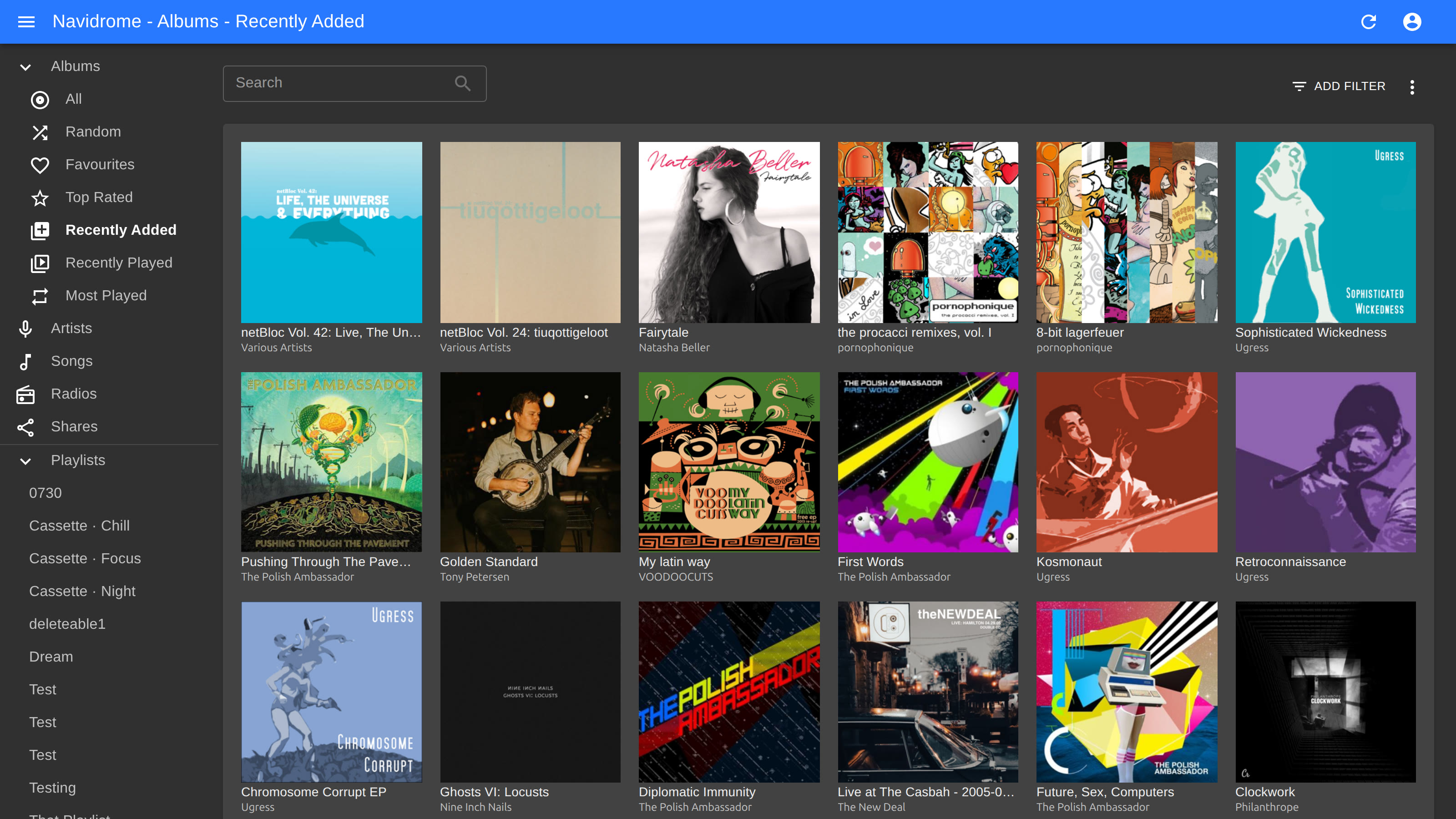
About Hosting Navidrome
This template runs Navidrome as a single Railway service with one extra superpower: a bundled Filebrowser upload UI on its own domain. Railway volumes have no native upload path, so the Filebrowser panel is how your music gets onto the server — drag and drop entire album folders in the browser, and Navidrome's file watcher imports them within seconds, no rescan clicks needed. Music files, the Navidrome database, and Filebrowser settings all persist on the attached volume at /data. Transcoding runs on CPU via the bundled ffmpeg.
Common Use Cases
- Your own Spotify: stream your music collection to browser, phone, or desktop from anywhere
- Escape streaming-service churn — your FLAC/MP3 library, your server, your rules
- Shared family or friends music server with per-user accounts, playlists, and favorites
Dependencies for Navidrome Hosting
- None — Navidrome, ffmpeg, and the Filebrowser upload UI are all in the one service
Deployment Dependencies
Implementation Details
First boot: open the service's main Railway domain and create your Navidrome admin account.
Uploading music: open the second domain (port 8080) — this is the Filebrowser upload panel. Log in with username admin and the generated FILEBROWSER_PASSWORD variable's value, then drag and drop files or whole folders. Keep an Artist/Album/track folder layout for best results. Navidrome watches the music folder and imports new files automatically.
Mobile and desktop apps: any Subsonic-compatible app (Symfonium, play:Sub, Substreamer, Feishin, …) works — server address is your Railway domain, credentials are your Navidrome account.
Notes and limits:
- Storage is bounded by your volume size (grow it in the service settings; Hobby plan caps volumes at 5 GB).
FILEBROWSER_PASSWORDis applied on first boot only; change it later inside Filebrowser (Settings → User Management).- Transcoding is CPU-only. Direct play (no transcoding) is the default and costs almost nothing.
Why Deploy Navidrome on Railway?
Railway is a singular platform to deploy your infrastructure stack. Railway will host your infrastructure so you don't have to deal with configuration, while allowing you to vertically and horizontally scale it.
By deploying Navidrome on Railway, you are one step closer to supporting a complete full-stack application with minimal burden. Host your servers, databases, AI agents, and more on Railway.
Template Content
navidrome
nomideusz/navidrome-railway

