
Deploy Nginx
High-performance web server, reverse proxy and HTTP cache
Just deployed
/data
Deploy and Host NGINX on Railway
NGINX is the web server behind roughly a third of the internet's busiest sites. It serves static files, forwards HTTP, load-balances across backends and caches what it proxies, from one small event-driven process that handles tens of thousands of concurrent connections on modest hardware. Teams reach for it when they need a front door: to publish a built site, put several backends behind one domain, or stand in front of an application never meant to face the internet.
This template deploys a single nginx service with a persistent volume, with the awkward parts of running a web server on a platform already handled. Deploy NGINX here and it listens on the port Railway assigns over IPv4 and IPv6, sizes its worker processes from the container's CPU quota rather than the host's, and recovers the true client address from X-Forwarded-For instead of logging Railway's rotating edge. The volume mounts at /data: your site lives in /data/www and the cache in /data/cache, so both survive every redeploy. The configuration is rendered from environment variables at boot and checked with nginx -t before the server starts.

Getting Started with NGINX on Railway
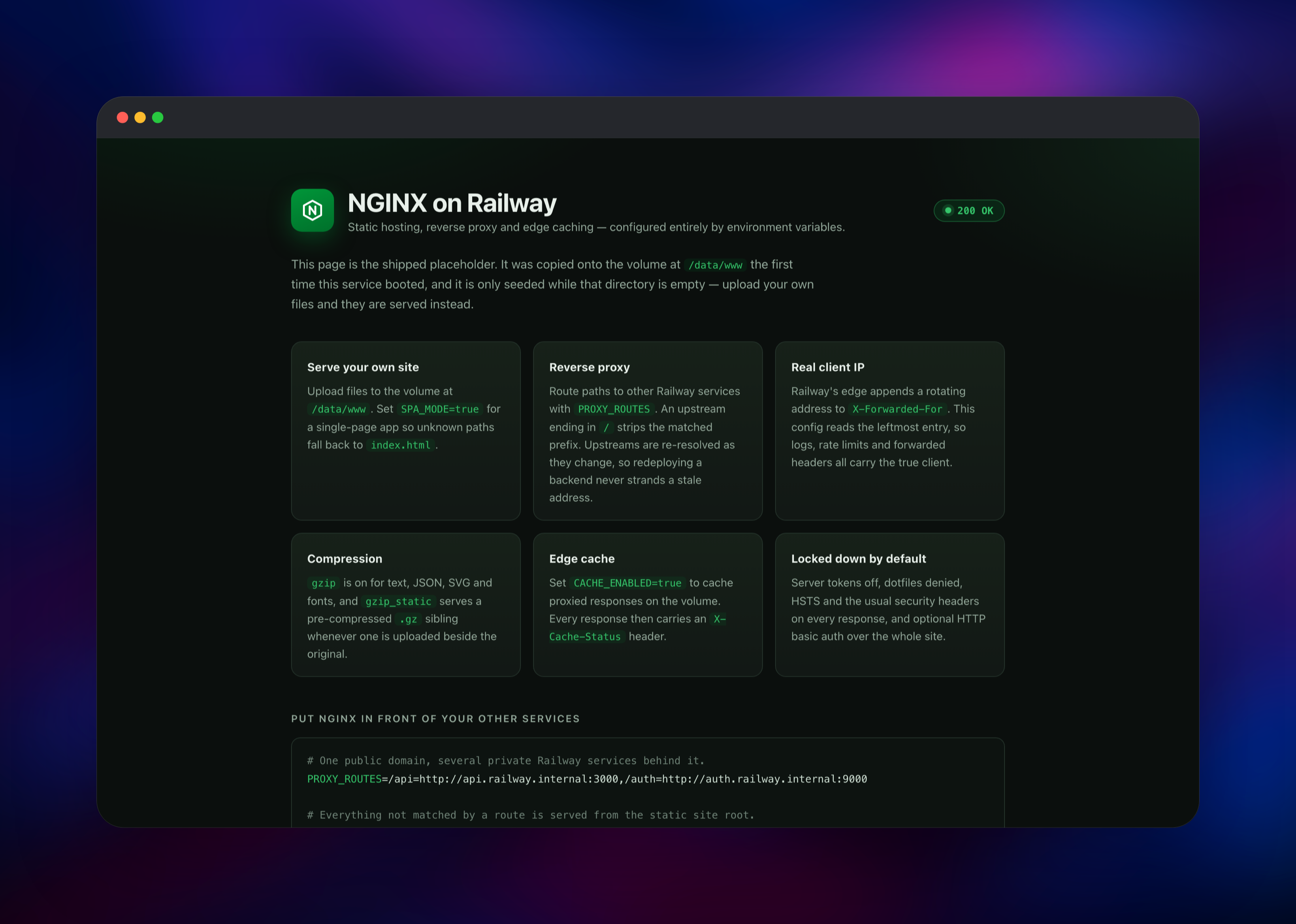
Open the deployed URL as soon as the build finishes. There is no login and no setup wizard — NGINX serves a placeholder page describing the available settings, which is also how you confirm the deployment is healthy. It is seeded onto the volume only while the site root is empty, so it disappears the moment you publish your own index.html.
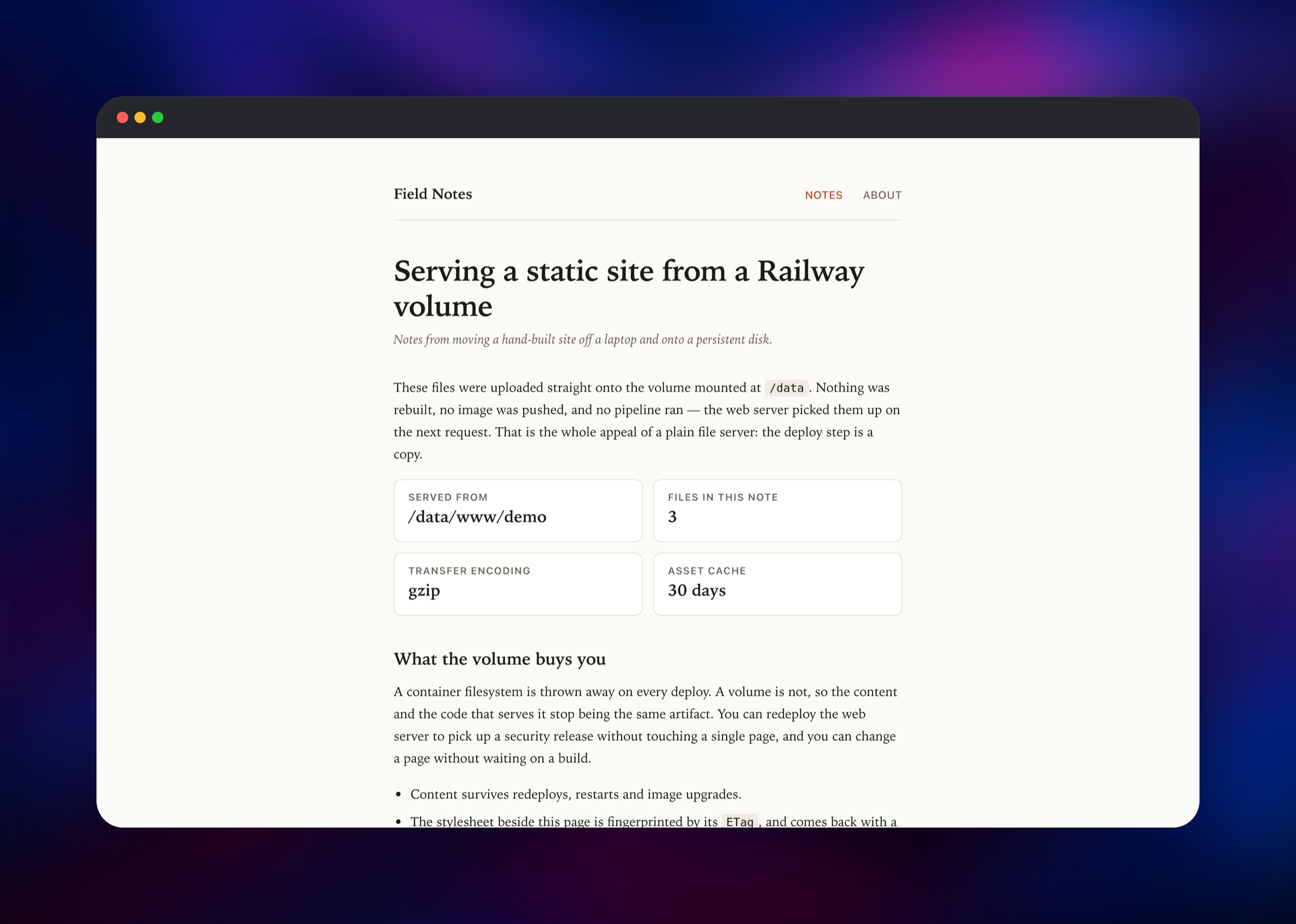
The fastest way to publish a real site is to set SITE_SOURCE_URL to a .tar.gz or .zip of your build output. It is fetched on every boot and unpacked only when its contents have changed, so redeploying publishes a new build. Alternatively, upload files onto the volume with railway volume files --volume upload ./index.html /www/index.html. For a single-page app, set SPA_MODE=true so unknown paths fall back to index.html.
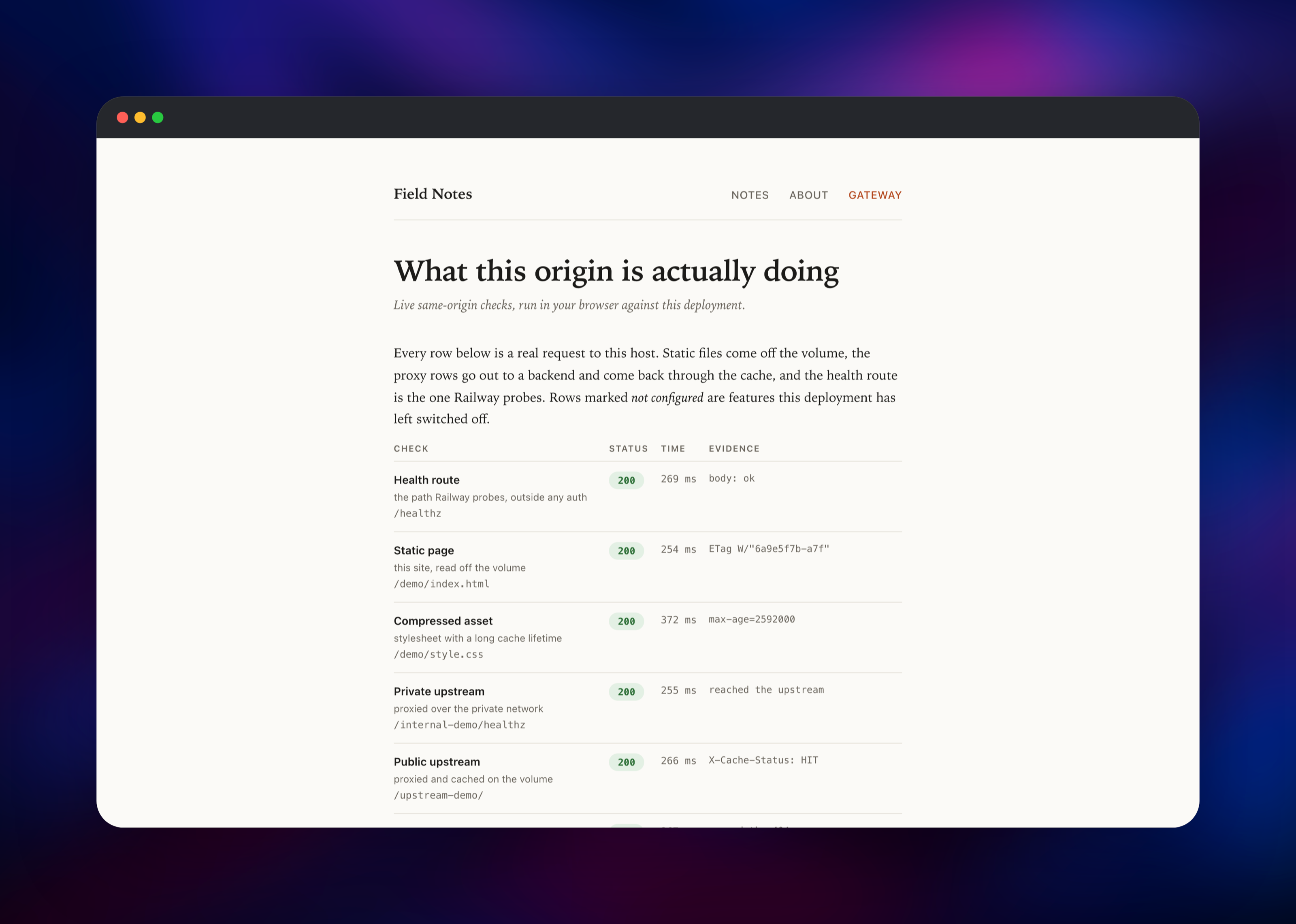
To put NGINX in front of your other Railway services, set PROXY_ROUTES to a comma-separated list of /path=upstream pairs — for example /api=http://api.railway.internal:3000. Following proxy_pass's own convention, an upstream ending in / strips the matched prefix and one without it passes the path through. Check /healthz, which always answers 200 anonymously and is the path Railway's health check uses.
About Hosting NGINX
NGINX solves two problems that appear in almost every deployment. The first is serving files quickly and correctly — right MIME types, compression, cache headers and a real 404. The second is routing: the internet reaches one hostname, and something must decide which backend answers which path. Self-hosting puts that logic in configuration you control.
Key features in this deployment:
- Static file serving from a persistent volume, with optional SPA fallback and directory listings
- Path-based reverse proxying to any HTTP upstream, including private Railway services
- On-disk response caching for proxied traffic, with an
X-Cache-Statusheader - gzip compression, plus
gzip_staticso a pre-built.gzsibling is served as-is - HTTP basic auth over the whole site, hashed at boot, and per-client-IP rate limiting
- Security headers —
nosniff,X-Frame-Options, referrer policy, COOP and HSTS — on every response
There is one service and one volume. NGINX needs no database, no queue and no worker tier.
Why Deploy NGINX on Railway
Railway removes the parts of running a web server that are not about serving pages:
- TLS certificates issued and renewed at the edge, with HTTP redirected to HTTPS
- A persistent volume for site content and cache, surviving every deploy
- Private networking to your other services, so backends need no public domain
- Health checks, restart policy and logs configured out of the box
- Custom domains attached without touching a config file
Common Use Cases
- Publishing a static site, docs build or SPA, with compression and cache headers already set
- Putting one public domain in front of several private Railway services, split by URL path
- Caching an expensive or rate-limited upstream API on disk to cut origin traffic
- Fronting an app that has no auth of its own with basic auth and per-IP rate limiting
Dependencies for NGINX
nginx— the whole deployment. Built fromnginx:alpine(mainline, currently 1.31.5) plus a boot script that renders the configuration. Source: gridalpha/nginx-railway.- Volume — mounted at
/data. The site root and cache sit one level below the mount root, because every Railway volume ships alost+founddirectory.
Environment Variables Reference
| Variable | Default | Purpose |
|---|---|---|
SITE_ROOT | /data/www | Directory served as the site root |
SITE_SOURCE_URL | (unset) | Archive unpacked over the site root at boot |
SITE_SOURCE_STRIP | 0 | --strip-components; use 1 for a GitHub source tarball |
SPA_MODE | false | Fall back to /index.html for unknown paths |
DIRECTORY_LISTING | false | Serve an index for directories with no index file |
PROXY_ROUTES | (unset) | Comma-separated /path=upstream proxy routes |
CACHE_ENABLED | false | Cache proxied responses on the volume |
GZIP_ENABLED | true | gzip plus gzip_static |
HSTS_MAX_AGE | 31536000 | 0 removes the HSTS header |
BASIC_AUTH_USER | (unset) | Set with BASIC_AUTH_PASSWORD to require a login |
RATE_LIMIT_RPS | (unset) | Requests per second per client IP |
Deployment Dependencies
- Base image:
nginx:alpineon Docker Hub - Source repository: gridalpha/nginx-railway
- Upstream project: nginx/nginx and the official documentation
Hardware Requirements for Self-Hosting NGINX
NGINX is unusually cheap to run. The defaults below comfortably serve a static site or a small gateway.
| Resource | Minimum | Recommended |
|---|---|---|
| CPU | 0.1 vCPU | 1 vCPU |
| RAM | 64 MB | 512 MB |
| Storage | 1 GB volume | 5 GB volume, more if caching |
| Runtime | nginx 1.31 (Alpine) | nginx 1.31 (Alpine) |
Raise storage first: the volume holds both your site and the cache, so keep CACHE_MAX_SIZE below the volume size.
Self-Hosting NGINX
The image runs anywhere Docker does. This clones the source repository and builds it:
git clone https://github.com/gridalpha/nginx-railway.git
cd nginx-railway
docker build -t nginx-railway .
docker run -p 8080:8080 -e PORT=8080 -v nginx-data:/data nginx-railway
The next block runs the same server as a gateway: a site from the volume, two paths proxied to backends, and the responses cached.
docker run -p 8080:8080 \
  -e PORT=8080 \
  -e SPA_MODE=true \
  -e CACHE_ENABLED=true \
  -e PROXY_ROUTES=/api=http://api:3000,/auth=http://auth:9000/ \
  -e BASIC_AUTH_USER=admin -e BASIC_AUTH_PASSWORD=change-me \
  -v nginx-data:/data nginx-railway
Is NGINX Free to Self-Host?
NGINX is open source under a permissive two-clause BSD licence, with no paid tier, seat count or feature gate in the version deployed here. F5 sells a commercial distribution, NGINX Plus, adding active health checks and support — neither of which this template needs. Self-hosting costs only the compute and storage the container uses.
FAQ
What is NGINX? NGINX is an open-source web server, reverse proxy, load balancer and HTTP cache. It is event-driven rather than thread-per-connection, which is why one small instance handles very high concurrency.
What does this Railway template deploy?
One nginx service with a persistent volume at /data. It serves static files from /data/www, optionally proxies paths to other services, and optionally caches those responses in /data/cache. No database or supporting service is involved.
Why does the template include a volume? Container filesystems are discarded on every deploy. The volume keeps your site and cache separate from the image, so you can redeploy to pick up an NGINX security release without touching a page.
How do I put NGINX in front of my other Railway services?
Set PROXY_ROUTES to /path=upstream pairs using each service's private hostname, such as /api=http://api.railway.internal:3000. Only NGINX needs a public domain. Upstreams are re-resolved as they change, so redeploying a backend does not strand a stale address.
Does self-hosted NGINX see the real visitor IP behind Railway's proxy?
Yes. Railway's edge appends its own rotating address to X-Forwarded-For, so the usual real_ip_recursive recipe lands on a Railway address. This configuration reads the leftmost entry instead, and uses it for access logs, rate limiting and the headers sent upstream.
How do I password-protect the site?
Set BASIC_AUTH_USER and BASIC_AUTH_PASSWORD. The htpasswd file is generated at boot, so no password is stored in the image, and /healthz stays anonymous so the health check keeps passing.
Template Content


