
Deploy Node.js
[Jul'26] A minimal Node.js web app starter built with Express.js 🚀
Just deployed

Deploy and Host Node.js Starter on Railway
Node.js Starter is a minimal web application built with Express.js. It gives you a simple, ready-to-run foundation for building APIs, backend services, landing pages, prototypes, or small production apps. The setup stays lightweight so you can focus on building features instead of configuring infrastructure.
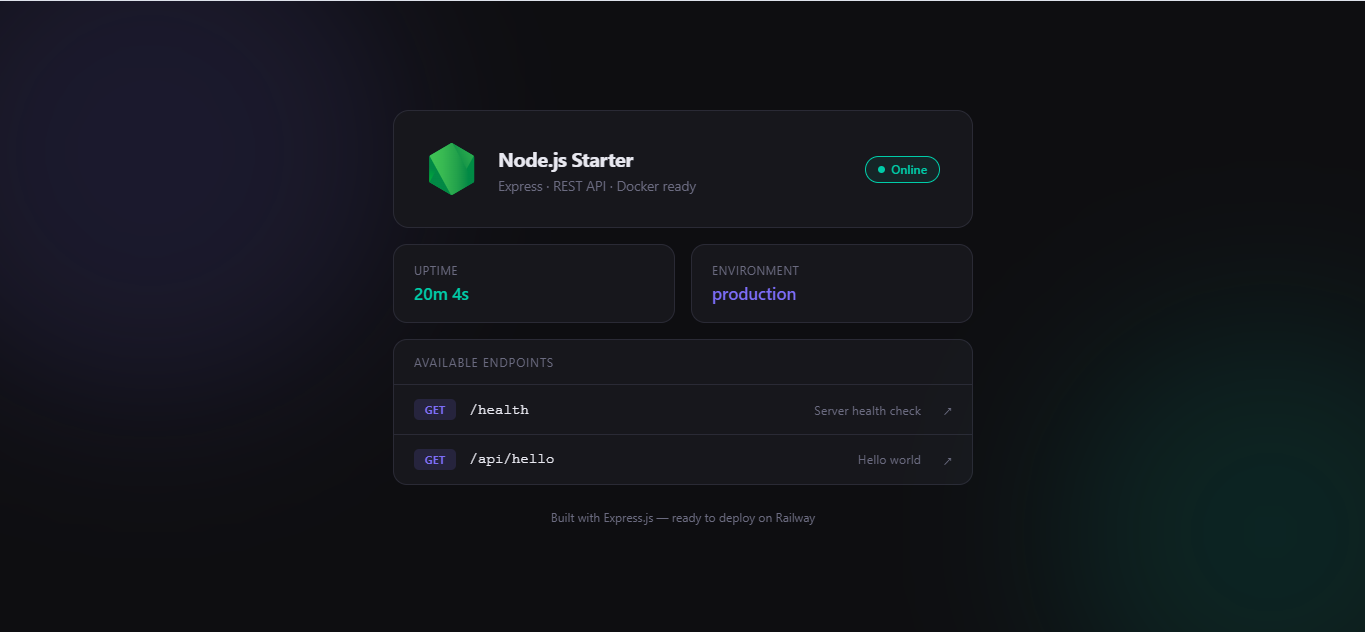
About Hosting Node.js Starter
Hosting Node.js Starter means running a Node.js application in a production-ready environment where it can receive traffic, respond to requests, and scale as your project grows. Railway makes this simple by detecting the Node.js project, installing dependencies, and starting the app automatically. You can connect a GitHub repository, deploy with one click, manage environment variables, view logs, and add services like databases whenever your application needs them.
How to Use
After deploying this template, the app is already running on Railway. You can open the generated Railway domain to test the starter app immediately.
If you want to customize the source code, use one of the workflows below.
Via Railway CLI
Use this workflow if you want to edit the project locally and redeploy changes directly from your machine using Railway CLI.
- Deploy the template.
- Clone the repository from Source Repo or Upstream Repo in the Railway dashboard.
- Enter the project directory:
cd
- Link your local project directory to the deployed Railway project:
railway link
- Check the linked project, environment, service, and repository information:
railway status
- Edit the code locally.
- Redeploy your local changes to Railway:
railway up
Railway will upload the current local directory and deploy it to the linked service.
Via Git / GitHub
Use this workflow if you want to manage changes through GitHub and let Railway automatically redeploy after every push.
- Deploy the template.
- Open Source Repo or Upstream Repo from the Railway dashboard.
- Fork the repository to your own GitHub account.
- Clone your fork locally:
git clone
cd
- Edit the code locally.
- Commit and push your changes to your fork:
git add .
git commit -m "Customize Node.js starter"
git push origin main
- In Railway, change the service Source Repo to your fork if Railway does not automatically create or link it.
- After the service is connected to your fork, future pushes to the repository can trigger automatic redeployments.
Common Use Cases
- Building a lightweight REST API or backend service
- Creating a simple Express.js web app that works out of the box
- Starting a prototype, demo, or production-ready starter project quickly
Dependencies for Node.js Starter Hosting
- Node.js
- Express.js
Deployment Dependencies
Node.js Advantages
Node.js is a popular runtime for building fast, scalable web applications with JavaScript. It is especially useful for APIs, real-time apps, microservices, and lightweight backend services. Because Node.js uses JavaScript, teams can often share the same language across both frontend and backend development.
Node.js also has a large package ecosystem, mature tooling, broad hosting support, and a strong developer community. This makes it a practical choice for projects that need to move quickly while still leaving room to grow into a larger application later.
Why Express.js?
Express.js is one of the most widely used web frameworks for Node.js. It provides a simple, flexible way to define routes, handle requests, add middleware, and build APIs without adding unnecessary complexity.
Express is a strong fit for a starter template because it is easy to understand, easy to extend, and works well for both small projects and larger backend services. You can start with a minimal app, then gradually add authentication, database connections, background jobs, file uploads, or third-party integrations as your project grows.
Why Deploy Node.js Starter on Railway?
Railway is a singular platform to deploy your infrastructure stack. Railway will host your infrastructure so you don't have to deal with configuration, while allowing you to vertically and horizontally scale it.
By deploying Node.js Starter on Railway, you are one step closer to supporting a complete full-stack application with minimal burden. Host your servers, databases, AI agents, and more on Railway.
Template Content