
Deploy OctoBot
Trading bot that runs crypto strategies on your exchange accounts
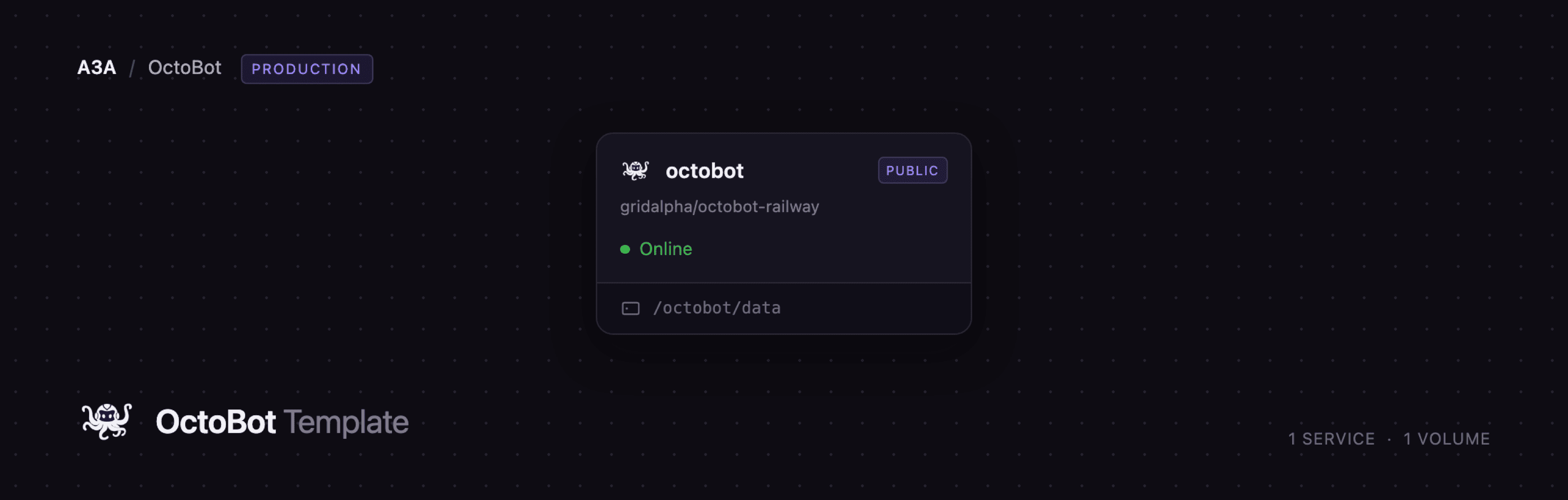
octobot
Just deployed
/octobot/data
Deploy and Host OctoBot on Railway
OctoBot is a free, open-source cryptocurrency trading bot that runs your strategy around the clock on your own exchange accounts. You pick a strategy — a grid, dollar-cost averaging, a crypto basket, a technical-analysis setup, a TradingView alert handler or an LLM-driven mode — configure it in a visual dashboard, test it on historical data, and let it place the orders. Developed in Python since 2018 by Drakkar-Software, it ships under GPL-3.0 and reaches Binance, Coinbase, Kraken, Hyperliquid, MEXC, OKX, Bybit, KuCoin and more through CCXT. Your API keys stay inside your own deployment.
This template runs OctoBot's self-contained web interface as a single Railway service, octobot, built from the gridalpha/octobot-railway source repository on top of the official drakkarsoftware/octobot:stable image. One Railway volume at /octobot/data holds everything that must survive a redeploy: your configuration, the exchange credentials OctoBot encrypts, the installed strategy packages ("tentacles") and the SQLite trade and portfolio history. To self-host OctoBot this way you need no database, cache or object storage. The service gets a public HTTPS domain, and the dashboard behind it is password-protected from the first boot.
Getting Started with OctoBot on Railway
Deploying sets one variable, OCTOBOT_WEB_PASSWORD, generated for you — copy it from the Variables tab. The first boot installs the default tentacle package, so give it a minute or two. Open the public URL and you land on a login page: no username, only that password. Accept the disclaimer, then choose Use custom strategies.
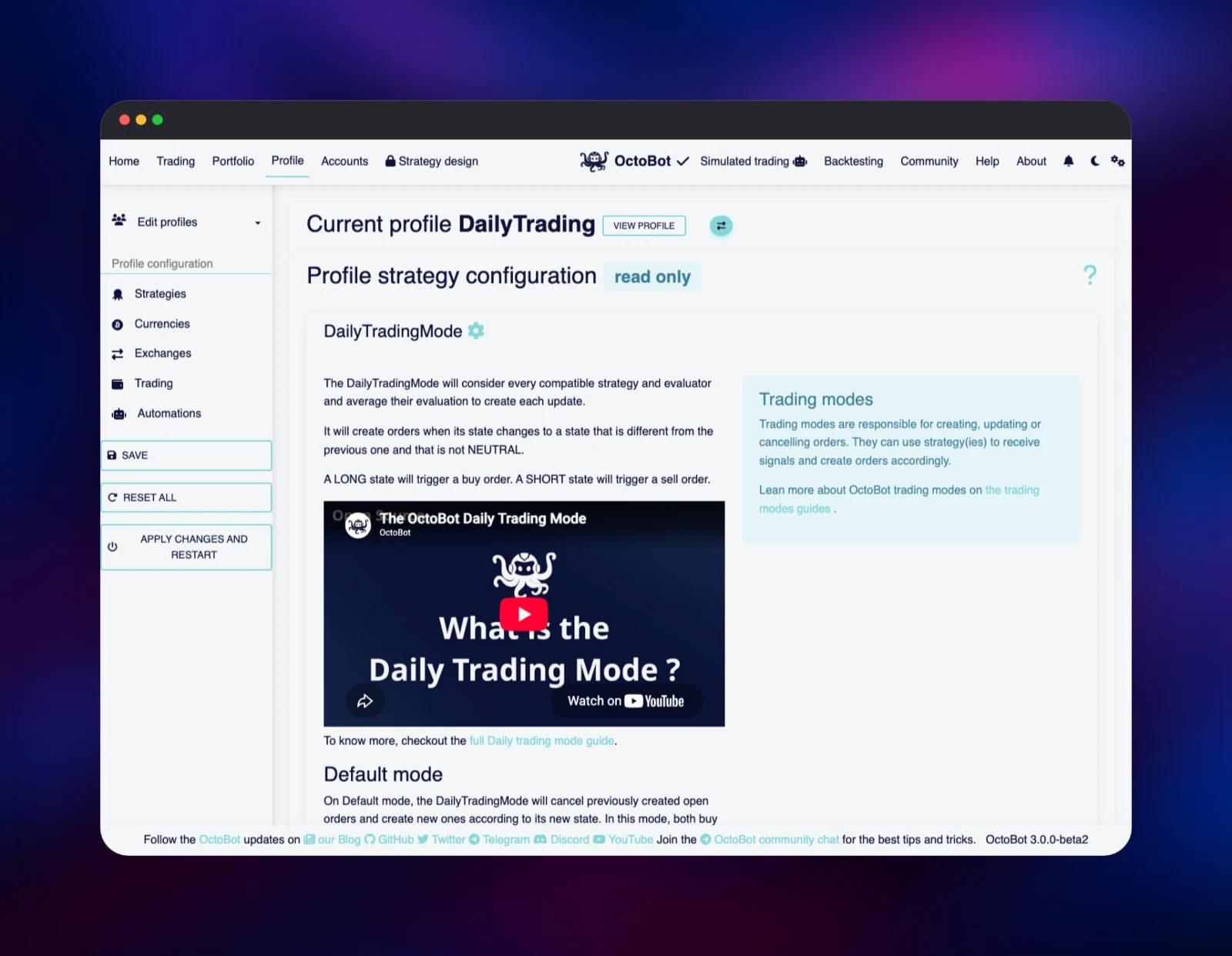
Your first real step is choosing an exchange. Under Accounts → Exchanges, pick one, press Add, and save. Every shipped profile is configured for Binance, whose API refuses most cloud datacenters with an HTTP 451 "restricted location" response, so pick something else — Coinbase and Kraken both connect from Railway with no credentials and stream live prices at once. Then open Profile, press Use this profile on a strategy you like (DailyTrading is a good first one), and on its Exchanges tab enable the exchange you added and disable Binance. Press Apply changes and restart.
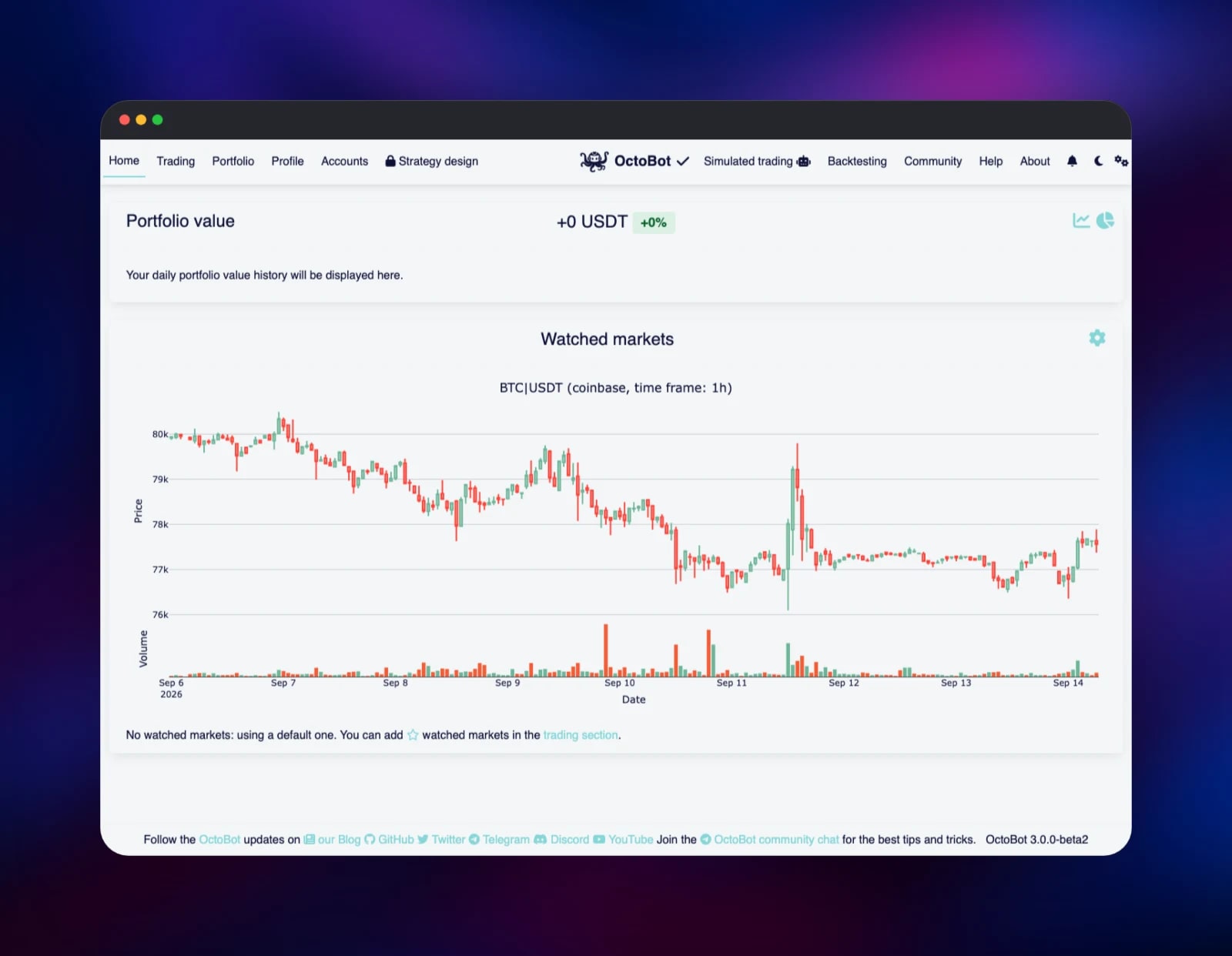
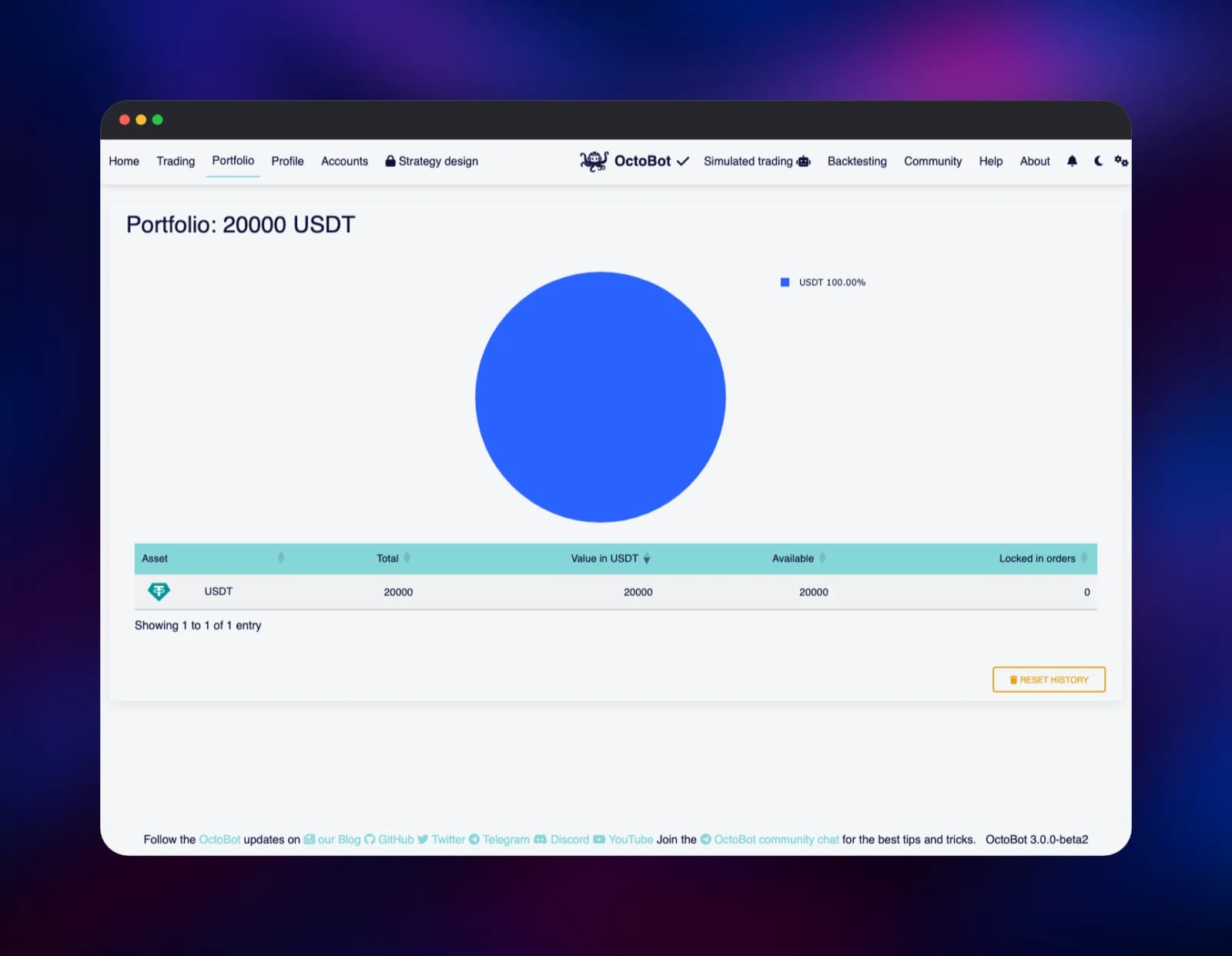
The Home page confirms it works: within seconds it draws a live candle chart for BTC/USDT on your exchange. Portfolio shows a simulated 20,000 USDT balance, because every shipped profile starts with real trading off and paper trading on — nothing touches real money until you add API keys and flip the Simulated trading switch in the header. Use Backtesting to replay a strategy over downloaded candles first.
About Hosting OctoBot
A trading bot has to be online when the market moves, which is exactly when a laptop is closed. Self-hosting solves that and keeps your API keys and your strategy private — hosted bot services hold both.
- Profiles — a strategy as one switchable unit: trading mode, evaluators, pairs, exchanges, risk, starting portfolio
- Trading modes — grid, trailing grid, DCA, smart DCA, index/basket, arbitrage, signal, market making, TradingView, technical-analysis
- AI trading — an OpenAI-compatible mode that can point at a local Ollama server, so the model never leaves your infrastructure
- Backtesting — replay a profile over months of candles, with a profitability report
- Paper trading — a virtual portfolio running the same strategy, no money at risk
- Interfaces — the web dashboard, an optional Telegram bot, a TradingView webhook
The architecture is deliberately small: state lives in SQLite on the volume, so there is one service and one thing to back up. Tentacles are cached there after the first boot, so later deploys start in seconds.
Why Deploy OctoBot on Railway
Railway removes the server admin from running an always-on bot:
- One click to a running, password-protected bot
- A persistent volume for configuration, credentials and trade history
- Automatic HTTPS on a public domain, no certificate to renew
- Health checks and restarts if the process dies
- Logs and CPU/memory metrics in the dashboard
Common Use Cases
- Automated dollar-cost averaging — buy a fixed amount on a schedule, or only into dips
- Grid trading a ranging market — ladder orders and harvest the spread as price oscillates
- Executing TradingView strategies — turn Pine Script alerts into real orders
- Testing an idea safely — backtest a year of candles, then paper-trade for a few weeks
Dependencies for OctoBot
drakkarsoftware/octobot:stable— the official image, published by Drakkar-Software- gridalpha/octobot-railway — the source repository this service builds from, one layer over that image
- A 5 GB Railway volume at
/octobot/data
There is no database, queue or cache service: configuration is JSON and trade history is SQLite, both on the volume.
Environment Variables Reference
| Variable | Default | Purpose |
|---|---|---|
OCTOBOT_WEB_PASSWORD | generated | Dashboard password. The container refuses to start without one rather than serving an open dashboard |
PORT | 5001 | Port the web interface binds and Railway health-checks |
WEB_ADDRESS | 0.0.0.0 | Bind address for the web interface |
OCTOBOT_DATA_DIR | /octobot/data | Volume path for config, tentacles and trade history |
RAILWAY_HEALTHCHECK_TIMEOUT_SEC | 600 | First-boot window, which installs the tentacle package |
Exchange API keys, traded pairs, strategy parameters, Telegram and TradingView settings are entered in the OctoBot interface and stored on the volume.
Deployment Dependencies
- Source: github.com/Drakkar-Software/OctoBot (GPL-3.0)
- Image: drakkarsoftware/octobot
- Docs: octobot.cloud/en/guides
- Runtime: Python 3.13
Hardware Requirements for Self-Hosting OctoBot
| Resource | Minimum | Recommended |
|---|---|---|
| CPU | 1 vCPU | 2 vCPU |
| RAM | 512 MB | 1–2 GB |
| Storage | 2 GB volume | 5 GB volume |
| Runtime | Python 3.13 container | Python 3.13 container |
One pair on one exchange fits the minimum. Long backtests, many watched pairs or several exchanges at once push memory up.
Self-Hosting OctoBot with Docker
The upstream image runs OctoBot directly. On your own machine:
docker run -itd --name OctoBot -p 80:5001 \
  -v $(pwd)/user:/octobot/user \
  -v $(pwd)/tentacles:/octobot/tentacles \
  drakkarsoftware/octobot:stable --standalone
--standalone matters: since 3.0 the image's default is node mode, a headless API whose interface lives on OctoBot's hosted app. The flag selects the self-contained dashboard this template runs.
To run from source instead:
git clone https://github.com/Drakkar-Software/OctoBot.git
cd OctoBot && python3 -m venv venv && . venv/bin/activate
pip install -r requirements.txt && pip install -e .
python start.py tentacles --install --all && python start.py --standalone
How Much Does OctoBot Cost to Self-Host?
OctoBot is free and open source under GPL-3.0, with no seat limits and no licence key — every trading mode, the backtesting engine and all exchange connectors are in the public repository. Drakkar-Software funds it through OctoBot Cloud and a paid premium extension; neither is required or used here. On Railway you pay only for the container and the volume.
FAQ
What is OctoBot? An open-source crypto trading bot written in Python. You configure a strategy in its web interface and it places and manages orders on your exchange accounts, or on a simulated portfolio while you test.
What does this Railway template deploy?
A single octobot service running the official image with its standalone web dashboard, a volume at /octobot/data, a generated password, and a public HTTPS domain.
Why does it need a volume instead of a database? OctoBot keeps configuration as JSON and its trades, orders and portfolio history as SQLite, alongside encrypted exchange credentials and the tentacles downloaded on first boot. Without it, every redeploy would start a blank bot.
Why does my self-hosted OctoBot show no market data after deploying? Every profile ships configured for Binance, whose API answers HTTP 451 from most cloud IP ranges. Add Coinbase or Kraken under Accounts → Exchanges, enable it on your active profile, disable Binance, then apply and restart.
Is my money at risk as soon as I deploy? No. A fresh deployment has no exchange credentials, and every shipped profile has real trading disabled and paper trading enabled, so it runs a virtual portfolio until you add API keys and switch over.
How do I customise a trading strategy in OctoBot? Open the Profile page and press Use this profile on the strategy closest to what you want — that converts it into an editable copy and selects it — then edit its strategies, currencies, exchanges and trading settings.
Template Content
octobot
gridalpha/octobot-railway