
Deploy Odoo
Self-host Odoo: open-source ERP, CRM, invoicing and inventory

Just deployed
/var/lib/postgresql/data
Just deployed
/var/lib/odoo
odoo-proxy
Just deployed

Deploy and Host Odoo on Railway
Odoo is the open-source business suite behind CRM, Sales, Invoicing, Inventory, Project, HR and Point of Sale — dozens of apps sharing one PostgreSQL database and one login, so a quotation becomes a sales order, a delivery and a journal entry with no glue code. Teams that outgrow spreadsheets but do not want a per-seat SaaS bill self-host Odoo Community Edition: LGPL-3.0, no license fee. Deploy Odoo on Railway to get the production configuration on first boot.
Self-host Odoo on Railway as three services. odoo builds on the official odoo:19.0 image and runs it in multi-processing mode, with a volume at /var/lib/odoo for the filestore. Postgres is Railway's managed PostgreSQL on the private network. odoo-proxy runs nginx:1.30-alpine, owns the public domain, and sends /websocket to Odoo's gevent port 8072 and everything else to the HTTP workers on 8069 — Odoo puts its real-time bus on that second port, and a Railway domain maps to only one port, so without the proxy live updates fail silently.
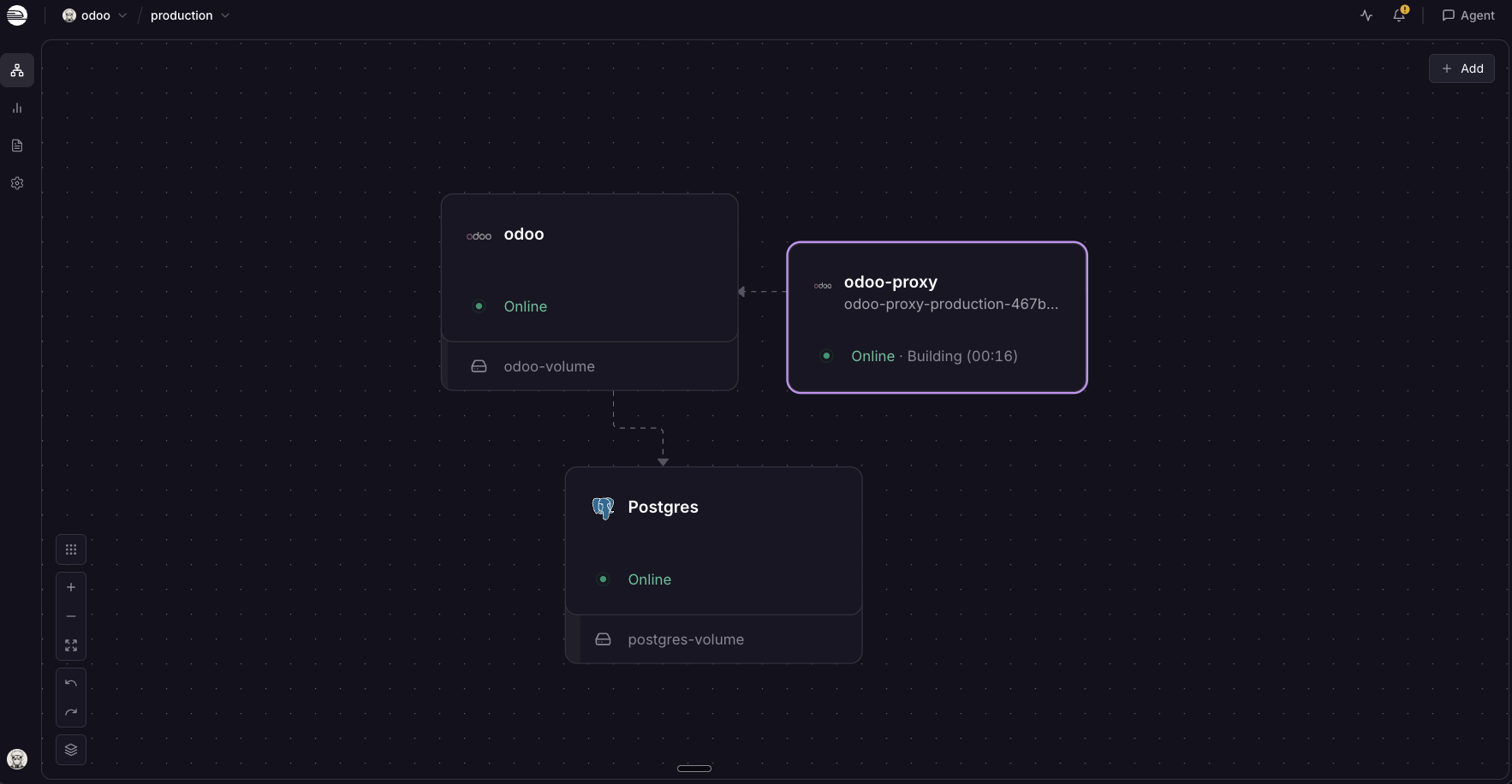
Getting Started with Odoo on Railway
Create the database role first. Odoo 19 refuses to start when its PostgreSQL user is named postgres, so this template ships PGUSER=odoo with a generated PGPASSWORD. Create that role on the Postgres service:
CREATE ROLE odoo WITH LOGIN CREATEDB NOSUPERUSER NOCREATEROLE NOREPLICATION PASSWORD '';
CREATEDB is required: Odoo uses it to create, duplicate and restore databases, and to bootstrap db_name on first boot. If the service exits at boot, this role is why.
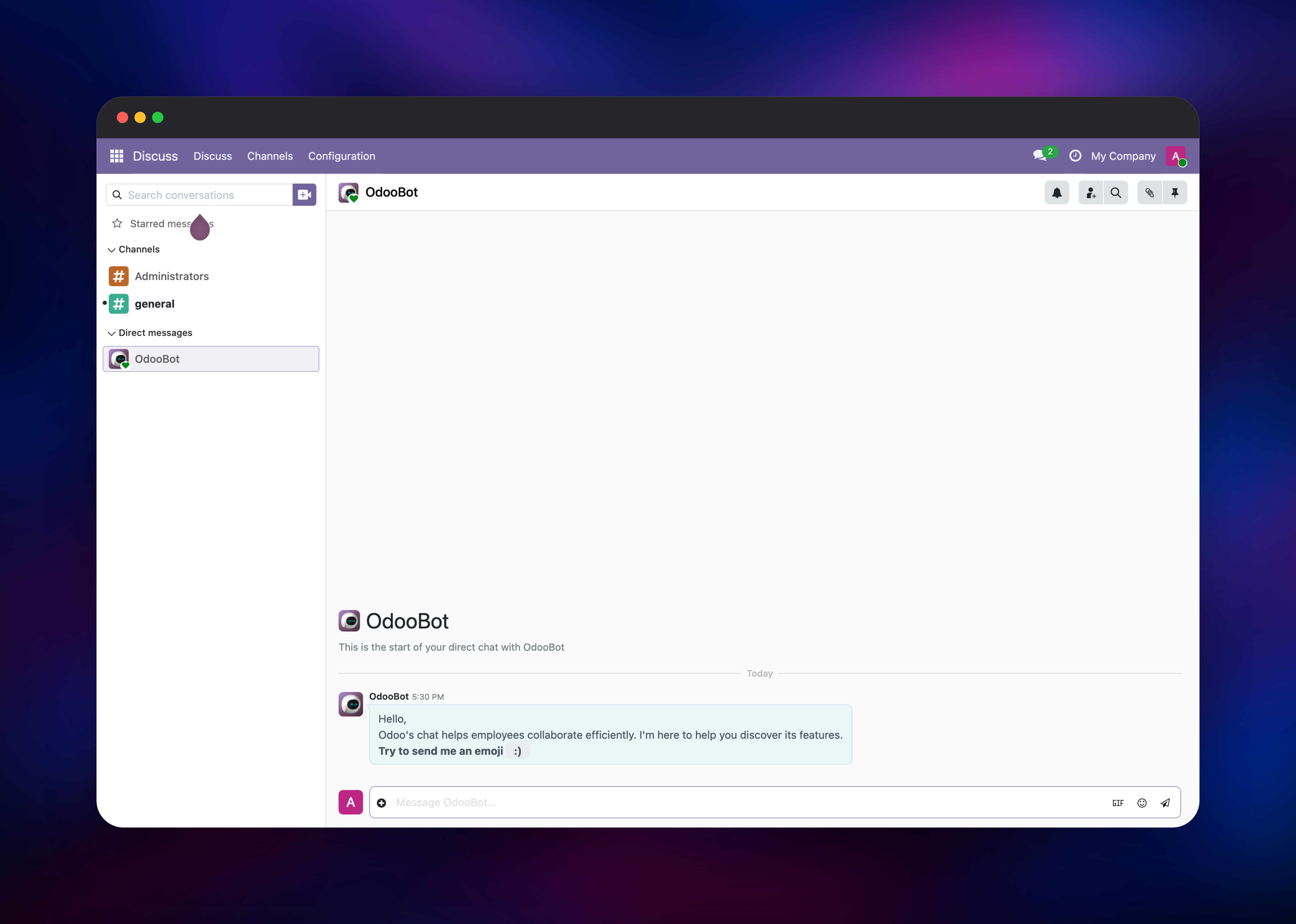
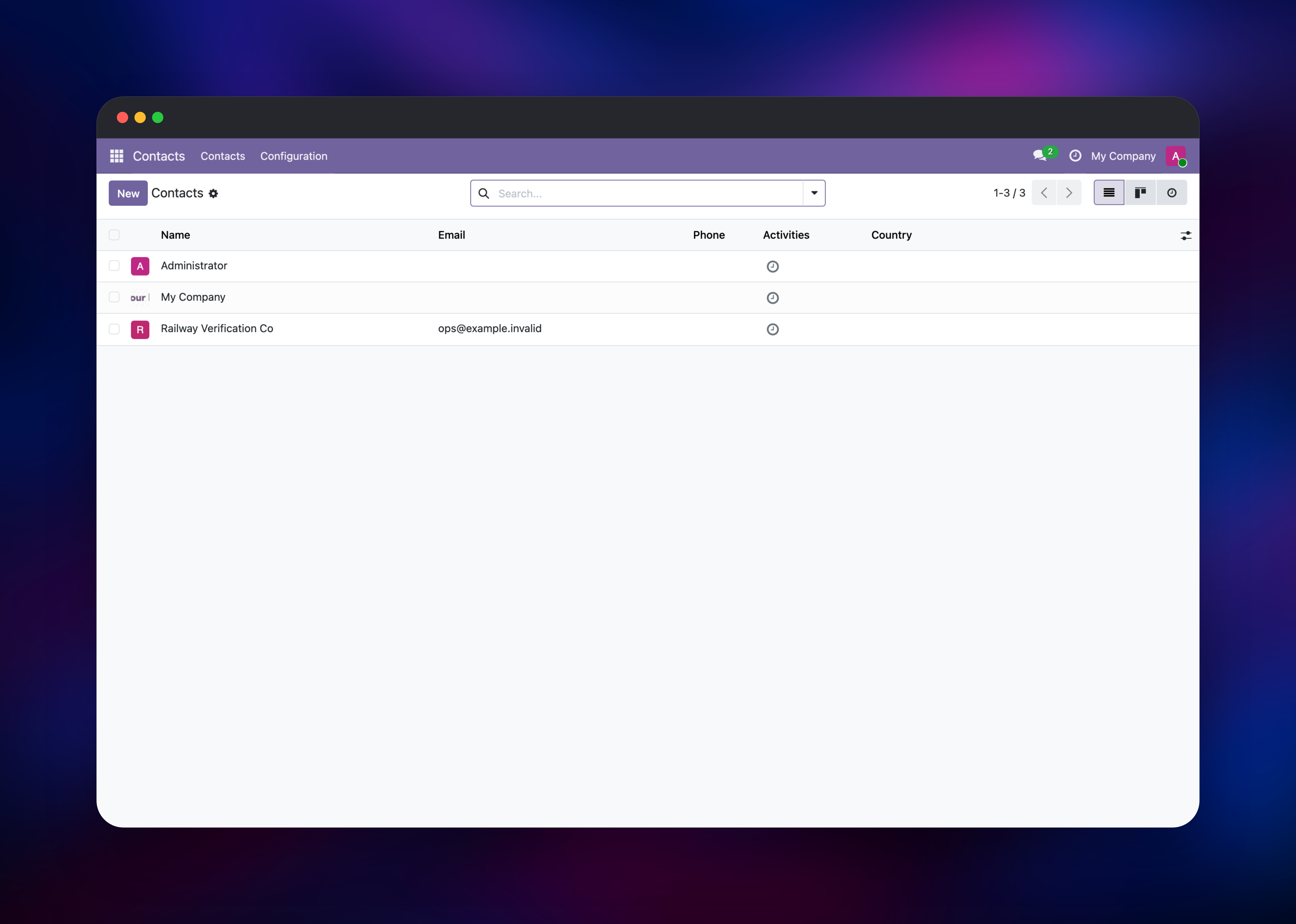
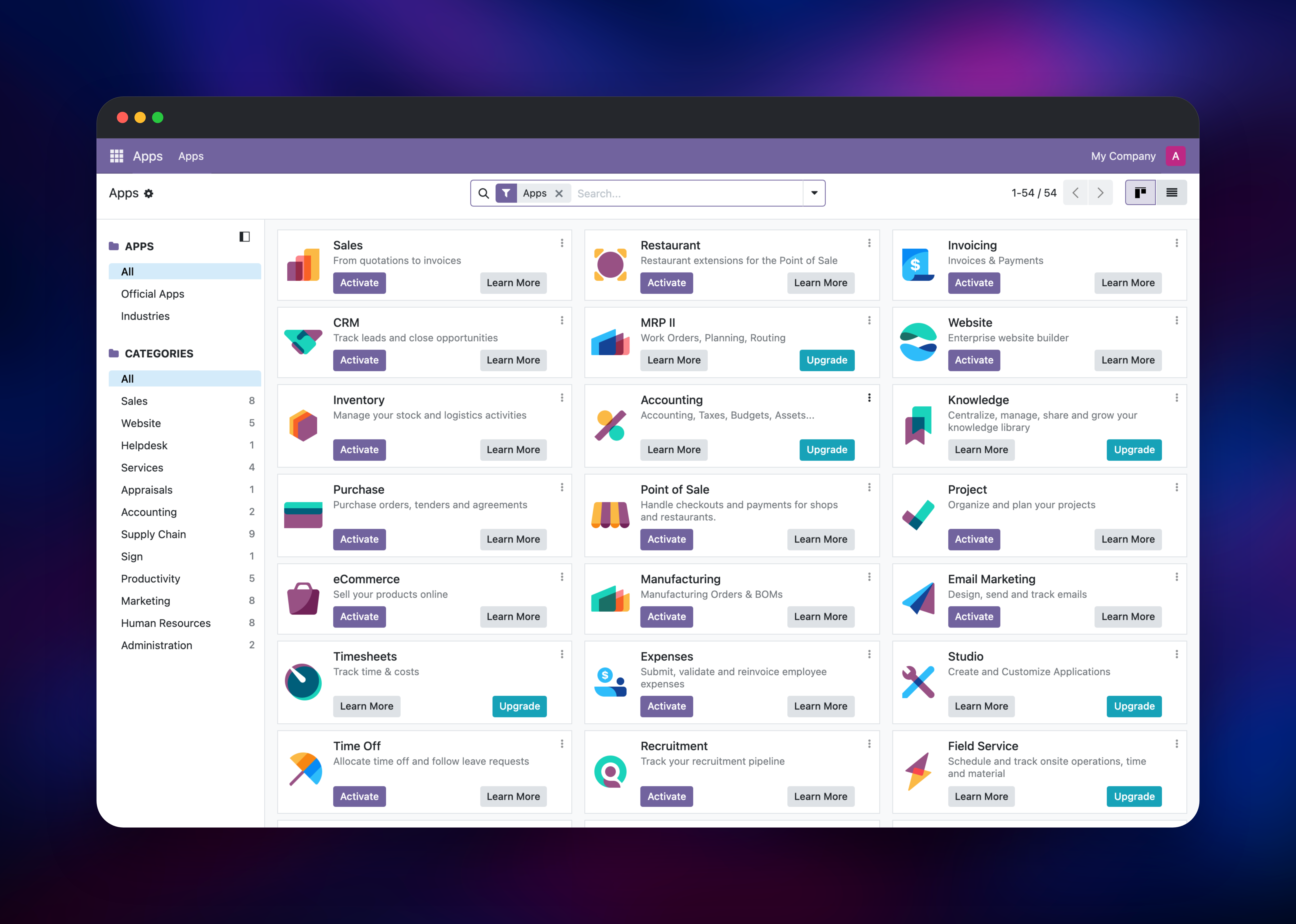
Then open the public domain on odoo-proxy. Odoo initialises the database itself with no first-run wizard: you land on /web/login, and an administrator already exists with the default credentials admin / admin. Change it immediately under My Profile → Account Security — nothing forces it, and the instance is public as soon as the domain resolves. Next open Apps and install a module, then confirm Customer Account is On invitation under Settings → General Settings → Permissions: some apps pull in Odoo's sign-up module, whose default opens public registration at /web/signup.
About Hosting Odoo
Odoo replaces the usual small-business stack — a CRM, an invoicing tool, a stock spreadsheet, an accounting package — with one relational model, so there is no sync job between systems to fail. Self-host it to keep your ledger and customer data on infrastructure you control.
- Modular apps — CRM, Sales, Purchase, Inventory, Invoicing, Project, HR, Point of Sale, Website and eCommerce, installed individually.
- Open APIs — XML-RPC and JSON-RPC expose every model; most Shopify and Stripe integrations build on them.
- Extensible — custom addons drop into the addons path; the OCA publishes thousands of free ones.
The volume is Odoo's filestore: attachments live on disk, not in the database, so it must persist or files 404 after a redeploy. The proxy rewrites X-Forwarded-For to its leftmost entry, so Odoo logs real user IPs.
Why Deploy Odoo on Railway
Railway removes the server administration an ERP normally drags along.
- Managed PostgreSQL, provisioned and wired up
- Persistent volume for the Odoo filestore
- Private networking, so the app server is never exposed
- Free HTTPS domain and certificate on the proxy
- Health checks, logs and metrics, no extra tooling
Common Use Cases for Self-Hosted Odoo
- Full back office for an SMB — quotes, orders, invoices and stock for a 10–100 person team.
- CRM and sales pipeline management — a free alternative to per-seat CRM SaaS, with email logging.
- Inventory and light manufacturing — multi-warehouse stock, reordering rules, bills of materials.
- Custom internal apps — Odoo's ORM and access rules make a fast internal-tool framework.
Dependencies for Odoo
odoo—odoo:19.0, the Docker Official Image from github.com/odoo/odoo: HTTP workers on8069, gevent worker on8072, one cron worker.Postgres— Railway managed PostgreSQL: business data, module state, settings.odoo-proxy—nginx:1.30-alpine: public entrypoint, websocket routing, 128 MB uploads.
Environment Variables Reference
| Variable | Service | What it does |
|---|---|---|
PGHOST / PGPORT | odoo | Private address of Postgres |
PGUSER / PGPASSWORD | odoo | Odoo's own role — never postgres |
PORT | odoo | 8069, the port Railway health-checks |
ODOO_ADMIN_PASSWD | odoo | Master password guarding database create, backup and restore |
PORT | odoo-proxy | 8080, the port the public domain targets |
ODOO_UPSTREAM_HOST | odoo-proxy | Private hostname of the Odoo service |
The libpq names matter: the image's entrypoint reads PORT as the PostgreSQL port, so PG* is used instead, freeing PORT for Railway.
Everything else is a file, not a variable: odoo.conf and the proxy's nginx.conf ship in the images, so tuning them is an edit and a redeploy. list_db = False and dbfilter = ^odoo$ hide the database selector, workers selects the production multi-processing server, and db_maxconn caps connections per process.
Deployment Dependencies
- Runtime: Python 3 (bundled), PostgreSQL 12+
- Source: github.com/odoo/odoo, LGPL-3.0; add-ons: OCA
- Docs: odoo.com/documentation
Hardware Requirements for Self-Hosting Odoo
| Resource | Minimum | Recommended |
|---|---|---|
| CPU | 1 vCPU | 2–4 vCPU |
| RAM | 1 GB | 4–8 GB |
| Storage | 5 GB volume | 20 GB+ volume |
| Database | PostgreSQL 12+ | Managed PostgreSQL 15+ |
Odoo's sizing rule is (cores × 2) + 1 workers at 4–6 concurrent users each, and scaling is vertical — the filestore volume binds the service to a single replica. limit_memory_soft / limit_memory_hard are absolute numbers, not container-aware: four processes at the 2 GiB / 2.5 GiB defaults budget ~10 GiB inside an 8 GiB container. db_maxconn is per process too — four at the default 64 ask for 256 connections against max_connections = 100.
Self-Hosting Odoo with Docker
The minimum stack is Odoo plus PostgreSQL, on a shared Docker network:
docker run -d --name odoo-db --network odoo-net \
  -e POSTGRES_USER=odoo -e POSTGRES_PASSWORD=change-me \
  -v odoo-db-data:/var/lib/postgresql/data postgres:16

docker run -d --name odoo --network odoo-net -p 8069:8069 -p 8072:8072 \
  -e PGHOST=odoo-db -e PGUSER=odoo -e PGPASSWORD=change-me \
  -v odoo-filestore:/var/lib/odoo \
  -v "$PWD/odoo.conf:/etc/odoo/odoo.conf" odoo:19.0
The mounted odoo.conf holds the production settings:
[options]
admin_passwd =
data_dir = /var/lib/odoo
gevent_port = 8072
proxy_mode = True
workers = 2
db_maxconn = 8
dbfilter = ^odoo$
db_name = odoo
list_db = False
without_demo = True
Note without_demo = True: the all value is rejected in a 19.0 config file.
How Much Does Odoo Cost to Self-Host?
Odoo Community Edition is free and open source under LGPL-3.0 — no per-user fee, no seat count. Odoo's hosted Enterprise plans run roughly $25–$76 per user per month by region and tier, which is what self-hosting avoids. On Railway you pay only for the compute, memory, volume and database the stack uses, so cost tracks workers and filestore size, not headcount.
FAQ
What is Odoo? An open-source suite of business apps — CRM, sales, invoicing, inventory, accounting, project and HR — built on Python and PostgreSQL. Community Edition is LGPL-3.0 and free to self-host.
What does this Railway template deploy?
The official odoo:19.0 image with a filestore volume, Railway-managed PostgreSQL, and an nginx:1.30-alpine proxy that owns the public domain.
Why does the template include a separate nginx service?
Odoo serves its real-time bus on 8072 while HTTP stays on 8069, and a Railway domain maps to one port — so nginx does the path split. Without it, live updates fail on a healthy-looking deployment.
Which PostgreSQL user should self-hosted Odoo connect as?
Not postgres — Odoo aborts on that name. Use a dedicated role with CREATEDB and no superuser rights. PostgreSQL is Odoo's only supported database; any reachable 12+ works.
What is the default Odoo login, and what is the master password?
First boot creates an administrator with the credentials admin / admin — change it immediately. admin_passwd is a separate master password guarding database create, backup and restore.
How do I send email from self-hosted Odoo? Nothing outbound is configured, so invitations and password resets queue and fail. Add an outgoing mail server under Settings → Technical.
Template Content
odoo-proxy
gridalpha/odoo-railway

