
Deploy Ollama
Open-source local LLM runtime: chat, embeddings, OpenAI-compatible /v1 API
ollama
Just deployed
/root/.ollama
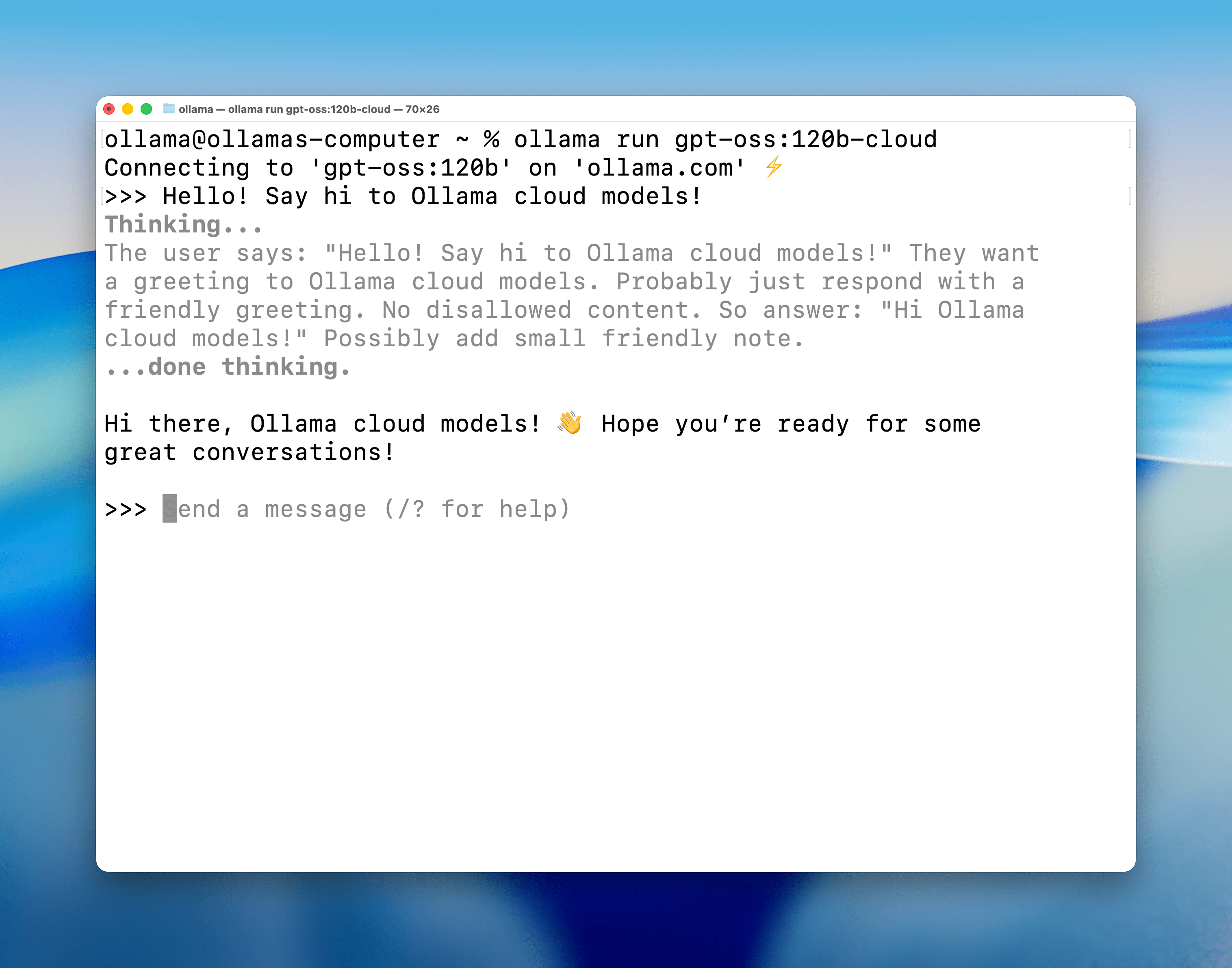
Deploy and Host Ollama on Railway
Ollama is an open-source runtime that serves local large language models over plain HTTP: /api/generate, /api/chat, /api/embed, and an OpenAI-compatible /v1 surface on the same port. Teams self-host Ollama to keep prompts inside their own perimeter and stop paying per token for work a 1B model does fine.
Deploy Ollama on Railway as one service running the official ollama/ollama:0.32.5 image with a 5 GB volume at /root/.ollama for model storage. It listens on port 11434 and gets no public domain by design — Ollama enforces no authentication on any route, so a public URL is an open endpoint strangers could spend your CPU on. It answers at http://ollama.railway.internal:11434, where your app or worker calls it. OLLAMA_HOST is [::]:11434, not the image's IPv4-only default, because Railway private DNS returns AAAA only.
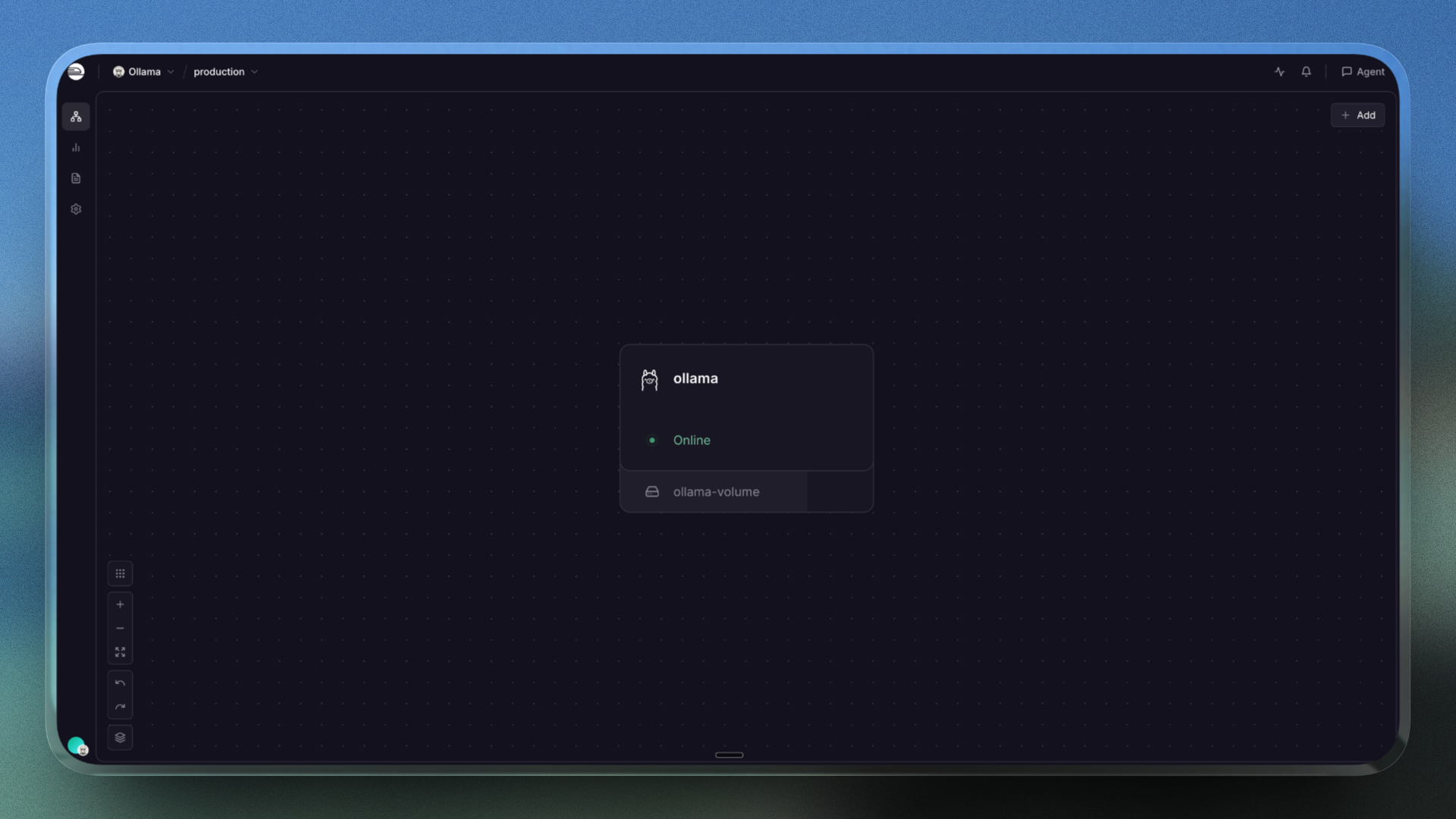
Getting Started with Ollama on Railway
No login screen and no web UI — this is an HTTP API; GET / returns Ollama is running. Call it from another service in the project, where ollama.railway.internal resolves. It starts with zero models, so pull one:
curl http://ollama.railway.internal:11434/api/pull -d '{"model":"llama3.2:1b"}'
curl http://ollama.railway.internal:11434/api/pull -d '{"model":"nomic-embed-text"}'
Then bake a thread cap into each model, as below — skipping it is the most common way to get a deployment that looks healthy and times out. Check GET /api/tags, then generate; the first call pays a ~20 s cold load off the volume.
Required: Cap the Thread Count on Self-Hosted Ollama
Ollama's llama.cpp backend sizes its threadpool from the host machine's core count, not the container's CPU quota, so an 8 vCPU container starts 48 threads contending for 8 vCPU. Uncapped, llama3.2:1b runs at ~0.2 tokens/second and clients time out; capped to the vCPU count it hits 75 tokens/second.
No server-wide setting exists — OLLAMA_NUM_THREAD is not a variable. Pass options.num_thread per request, or bake it in once:
curl -X POST http://ollama.railway.internal:11434/api/create \
  -d '{"model":"llama3.2:1b-cpu8","from":"llama3.2:1b",
       "parameters":{"num_thread":8},"stream":false}'
Point your app at llama3.2:1b-cpu8; the cap applies server-side, and derived models share blobs with their base, so it costs no disk.
About Hosting Ollama
Self-hosting removes an external dependency from the request path: no rate limits you did not set, no provider retiring your model. It suits compliance-bound processing, high-volume batch calls, and anything a small model does well — vLLM suits GPUs and heavy concurrency.
- One API for generation, chat and embeddings — plus OpenAI-compatible
/v1endpoints, so SDKs work by changing a base URL. - Model management and baked-in parameters over HTTP —
pull,create,showanddeletehandle weights; pin context, temperature or thread count into a named model. Function calling and JSON schemas are supported.
Why Deploy Ollama on Railway
- One-click deploy of the official
ollama/ollama:0.32.5image. - A volume at
/root/.ollamakeeps pulled models across restarts. - Private networking gives your services an internal endpoint, no public exposure.
- Volume Live Resize grows storage with no downtime as models pile up.
- Usage-based pricing, plus logs, metrics and one-click rollbacks.
Common Use Cases
- Local embeddings for RAG and semantic search.
nomic-embed-textreturns 768-dim vectors in ~18 ms of compute — cheap enough to re-embed a corpus when chunking changes. - Classification, tagging and extraction at volume. Routing tickets or pulling JSON from messy text are 1B–3B tasks, and running them locally turns a per-token bill into a fixed cost.
- Summarisation or chat behind your own front end. Batch jobs tolerate a few seconds an item; add Open WebUI or LiteLLM for a UI, API keys or spend tracking.
Dependencies for Ollama
ollama—ollama/ollama:0.32.5, official multi-arch image: Ubuntu 24.04, entrypoint/bin/ollama serve, runs as root.- Volume at
/root/.ollama—models/blobsandmodels/manifests; nothing else is stateful, and no database or credentials are involved.
Plan for storage: llama3.2:1b (1.32 GB), llama3.2:3b (2.02 GB) and nomic-embed-text (0.27 GB) fill 3.8 GB of the default 5 GB volume. Live Resize grows a volume with no downtime, but volumes cannot shrink. Ignore the total blobs: 0 startup line — prune bookkeeping, not a model count.
Ollama Environment Variables Reference
| Variable | Value | What it does |
|---|---|---|
OLLAMA_HOST | [::]:11434 | Required. IPv6 bind for private DNS |
PORT | 11434 | Port Railway health-checks |
OLLAMA_MODELS | /root/.ollama/models | Model blobs on the volume |
OLLAMA_NO_CLOUD | 1 | Blocks cloud inference |
OLLAMA_KEEP_ALIVE | 10m | Idle retention of loaded model |
OLLAMA_CONTEXT_LENGTH | 4096 | Pins context; larger risks OOM |
OLLAMA_NUM_PARALLEL | 1 | Slots per model; memory scales |
OLLAMA_MAX_LOADED_MODELS | 1 | One resident model; default 3 OOMs |
Deployment Dependencies
Source: github.com/ollama/ollama (MIT). API reference: docs.ollama.com. Models pull at runtime from ollama.com/library.
Hardware Requirements for Self-Hosting Ollama
| Resource | Minimum | Recommended |
|---|---|---|
| CPU | 2 vCPU with AVX2 | 8 vCPU with AVX-512/VNNI |
| RAM | 4 GB (1B models only) | 8 GB |
| Storage | 5 GB volume | 10–20 GB volume |
| Runtime | Bundled in image | Bundled in image |
Railway offers no GPU instances, so this is CPU inference — size models accordingly. Measured on an 8 vCPU / 8 GB container, threads capped, 4096-token context:
| Model | Prompt eval | Generation | Cold load |
|---|---|---|---|
llama3.2:1b | ~2480 tok/s | 75 tok/s | ~20 s |
llama3.2:3b | ~166 tok/s | 44 tok/s | ~2 s warm |
nomic-embed-text | 14 tokens, 2 inputs | ~18 ms compute | — |
Small models are usable at those speeds; 7B is sluggish and 70B pointless. Peak memory hit 6.5 GB of 8 GB at 3B, hence the pinned caps.
Self-Hosting Ollama with Docker
Runs anywhere Docker does. Without the volume, every restart re-downloads gigabytes of weights:
docker run -d --name ollama --restart unless-stopped \
  -p 11434:11434 -v ollama-models:/root/.ollama \
  -e OLLAMA_HOST=0.0.0.0:11434 -e OLLAMA_KEEP_ALIVE=10m \
  -e OLLAMA_CONTEXT_LENGTH=4096 ollama/ollama:0.32.5
Use 0.0.0.0:11434 for plain Docker, [::]:11434 on Railway. Then pull and generate:
curl http://localhost:11434/api/generate -d '{
  "model":"llama3.2:1b", "stream":false,
  "prompt":"Summarise Ollama in one sentence.",
  "options":{"num_thread":8}
}'
Is Ollama Free? How Much Does It Cost to Self-Host?
Ollama is free and MIT-licensed — no seat charge, per-request fee or paid tier, and its library models are open-weight. Ollama Cloud is a separate optional subscription for GPU-hosted models, disabled here by OLLAMA_NO_CLOUD=1. On Railway you pay infrastructure only: CPU and memory while a model is loaded, plus the volume — so OLLAMA_KEEP_ALIVE is the real cost lever.
FAQ
What is Ollama?
An open-source, MIT-licensed runtime that serves local LLMs over HTTP. It pulls quantised weights from a registry and exposes generation, chat and embedding endpoints, plus an OpenAI-compatible /v1 API.
What does this Railway template deploy?
One service running ollama/ollama:0.32.5 on port 11434 with a 5 GB volume at /root/.ollama and memory-safe CPU defaults. No public domain; the API answers at ollama.railway.internal:11434.
Why does this Ollama template need a volume?
Weights are pulled at runtime, not baked into the image, and three small models come to 3.8 GB. Without a volume every restart re-downloads them.
Can I run Ollama on a GPU on Railway?
No. Railway offers no GPU instances, so this runs on CPU with llama.cpp's AVX2/AVX-512 kernels — fine for embeddings and 1B–3B models, not for large ones.
Why is my self-hosted Ollama so slow, and how do I set num_thread?
Almost always the uncapped threadpool: llama.cpp reads the host's core count, not the container's quota. Pass "options":{"num_thread":8} per request, or bake it into a model.
How do I add authentication or expose self-hosted Ollama publicly?
Ollama checks no credential on any route, so a public domain here is an open endpoint. Put Open WebUI or LiteLLM in the same project, give it the domain, and let it call Ollama privately.
Template Content
ollama
ollama/ollama:0.32.5PORT
OLLAMA_HOST
OLLAMA_MODELS
OLLAMA_NO_CLOUD
OLLAMA_KEEP_ALIVE
OLLAMA_NUM_PARALLEL
OLLAMA_CONTEXT_LENGTH
OLLAMA_MAX_LOADED_MODELS


