
Deploy ONLYOFFICE Docs
MS Office Alternative. Edit Word, Excel and PowerPoint files in the browser
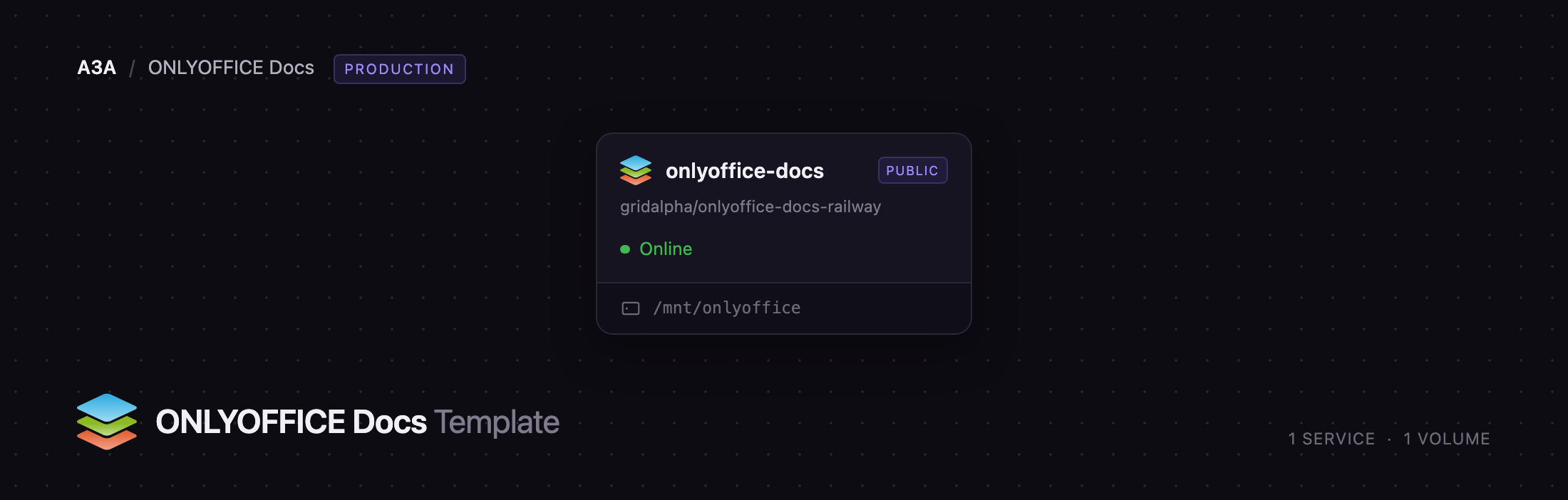
onlyoffice-docs
Just deployed
/mnt/onlyoffice
Deploy and Host ONLYOFFICE Docs on Railway
ONLYOFFICE Docs is an open-source online office suite that opens Word, Excel and PowerPoint files in the browser, with real-time co-editing, comments, track changes and near-perfect Office Open XML fidelity. It is a document editing server, not an app with its own login: a host application — Nextcloud, Seafile, ownCloud, or your own product on the Document Server API — stores the files and hands them to ONLYOFFICE Docs to edit.
Deploy ONLYOFFICE Docs on Railway and the Community Edition comes up as a single service with everything wired: an HTTPS domain, the document cache and signing keys on a persistent volume, JWT request signing on with a generated secret, and a health check on /healthcheck. To self-host ONLYOFFICE Docs otherwise you would run onlyoffice/documentserver and manage its two state directories, nginx worker sizing and proxy headers yourself. The source repository, gridalpha/onlyoffice-docs-railway, does those on every boot.
Getting Started with ONLYOFFICE Docs on Railway
Click Deploy and wait for the build to go green. There are no credentials to set and no first-run wizard, because the server has no user accounts. The public URL shows the ONLYOFFICE Docs welcome page, and /healthcheck returns true once the document service and converter are up.
The value that matters is JWT_SECRET, generated for you. Copy it into your host application's ONLYOFFICE connector along with the public URL — every request between the two is signed with it, and unsigned requests are rejected. In Nextcloud that is ONLYOFFICE → Server settings → Secret key. Once connected, open any DOCX in the host app and it renders in the editor.
To check the editors before integrating anything, set EXAMPLE_ENABLED=true and redeploy. That switches on the bundled test manager at /example/, where you can create a document, spreadsheet or presentation with sample content and edit it in place. It accepts uploads without authentication, so set it back afterwards.
About Hosting ONLYOFFICE Docs
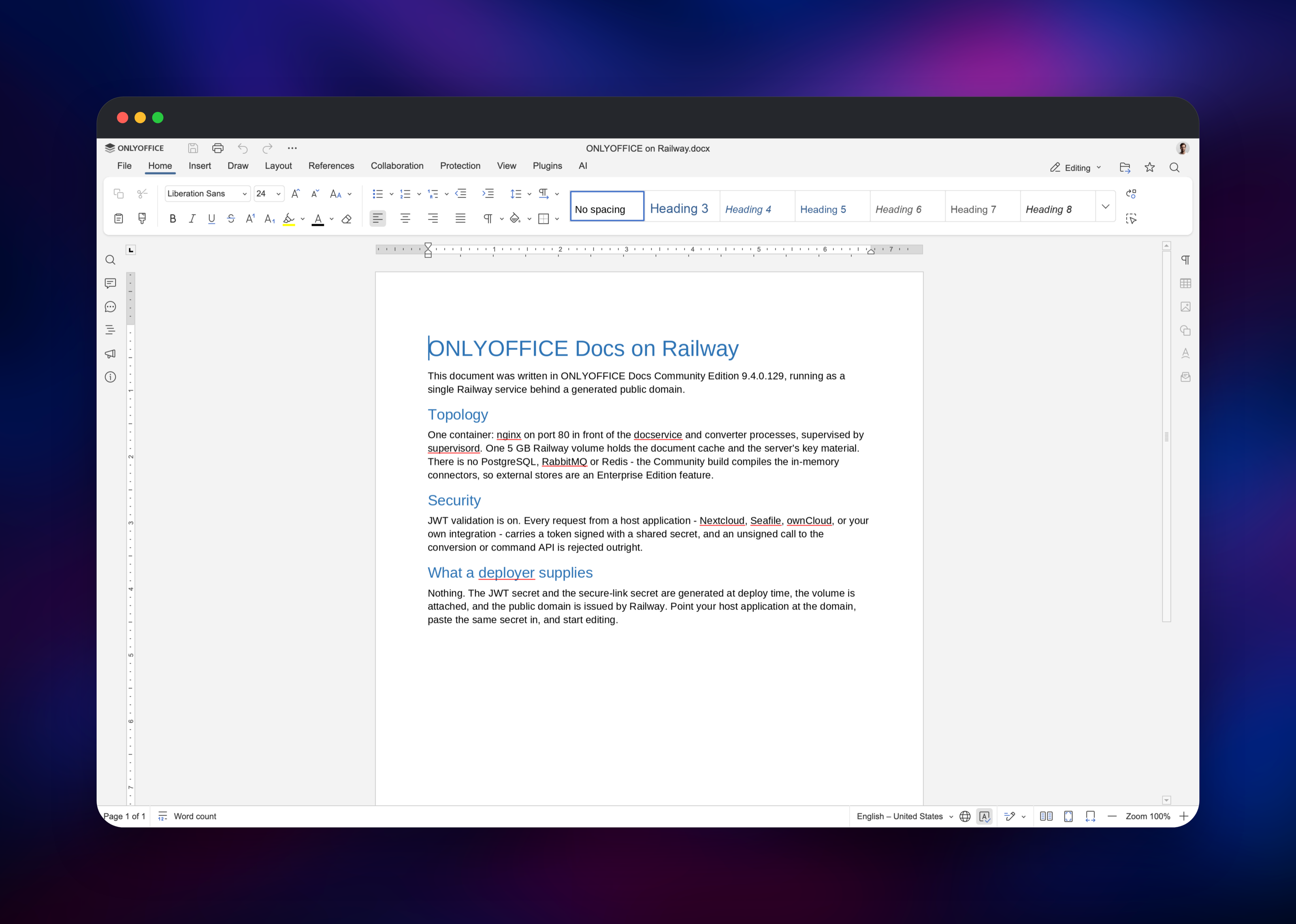
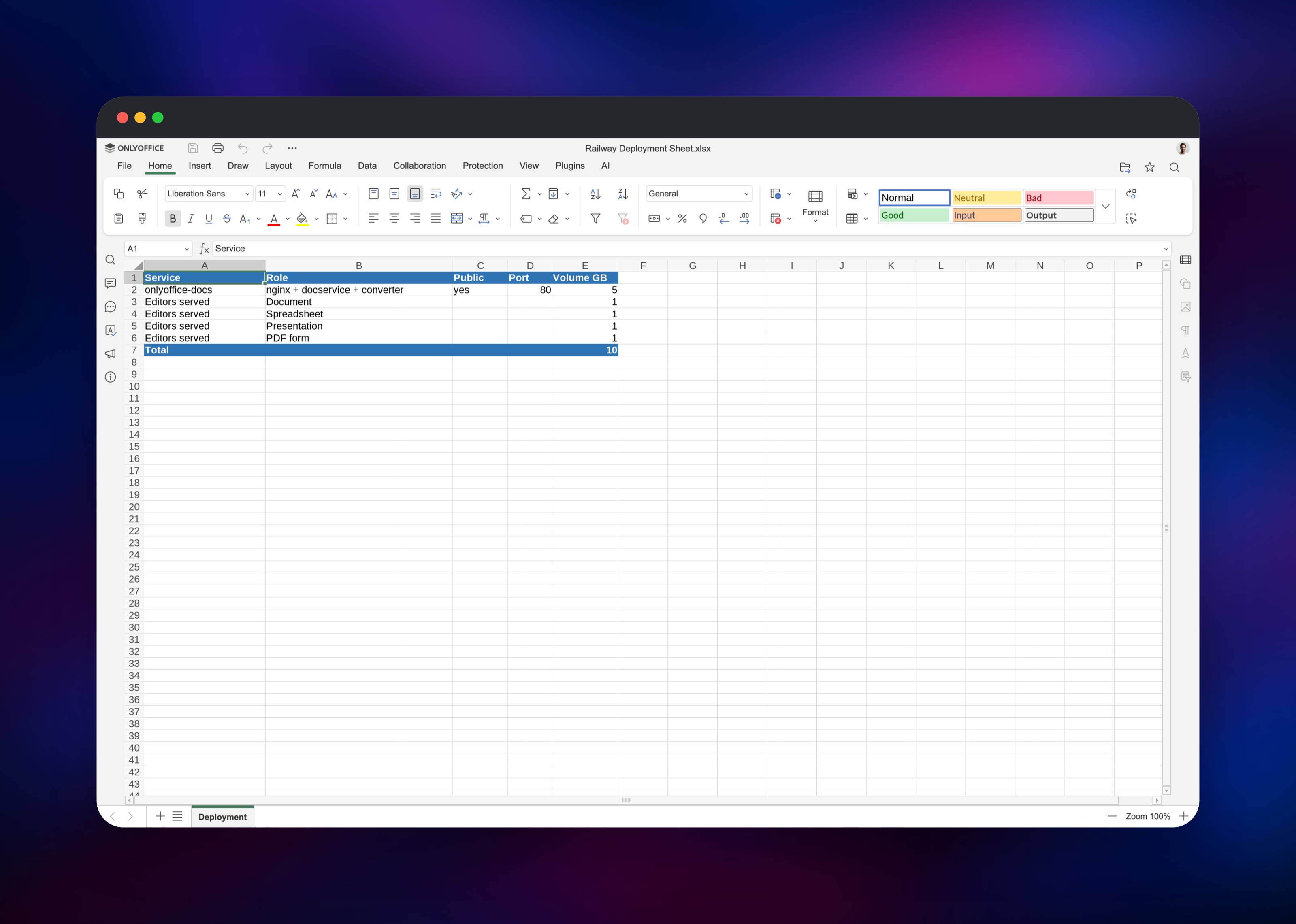
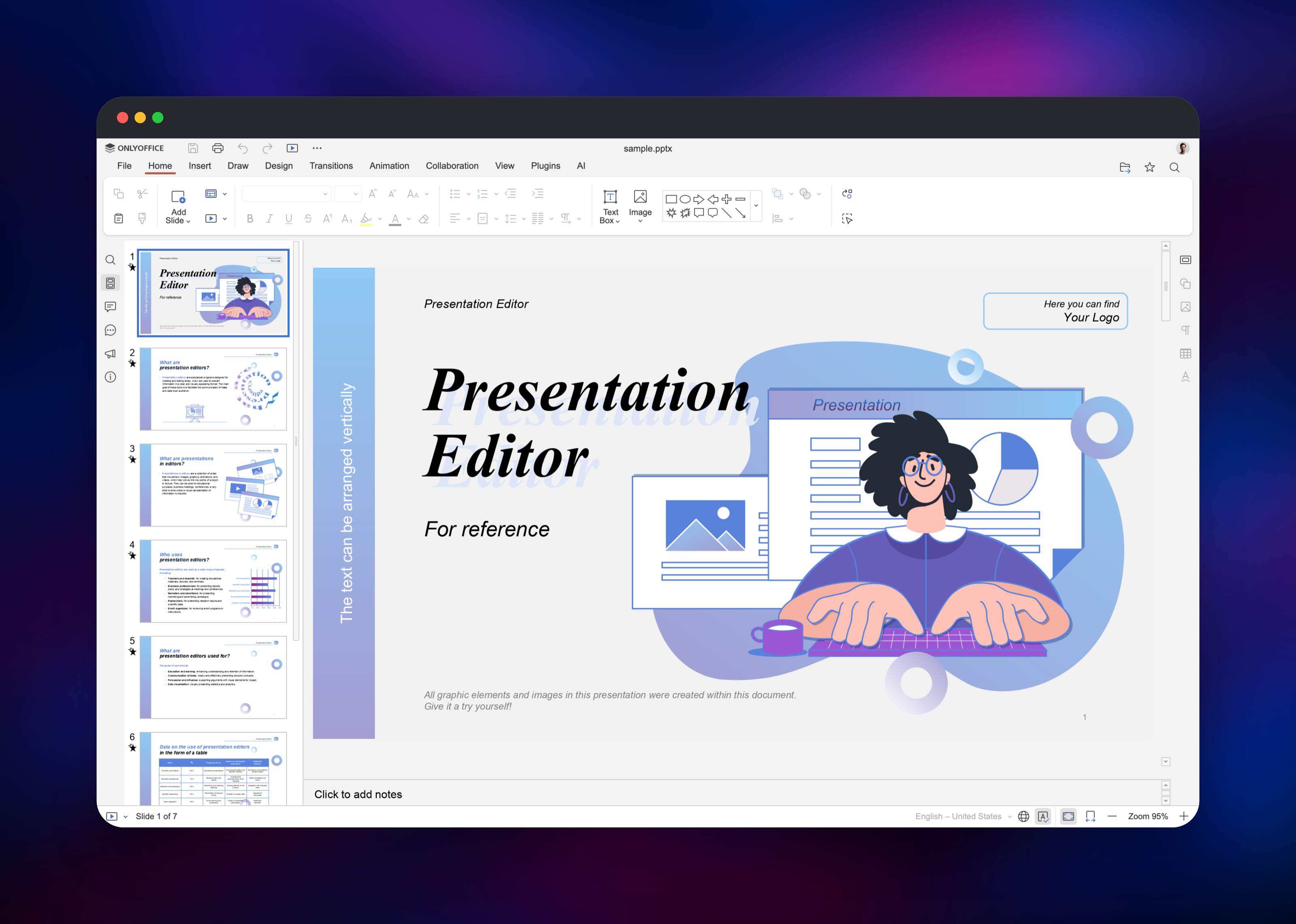
ONLYOFFICE Docs solves a specific problem: users want to edit Office documents without downloading them, and you do not want those files on someone else's servers. It renders DOCX, XLSX and PPTX in a canvas editor that keeps formatting intact.
- Document, spreadsheet, presentation and PDF form editors, Office Open XML native
- Real-time co-editing in fast (live keystrokes) or strict (paragraph lock) mode
- Comments, mentions, track changes and review modes
- A conversion service: DOCX to PDF, ODT to DOCX, XLSX to CSV and more
- Plugins and macros, including translation and mail merge
The Railway architecture is deliberately small. onlyoffice-docs is the only service, and the only one needed: the Community build compiles in-memory connectors, so there is no PostgreSQL, RabbitMQ or Redis alongside it. Inside the container nginx fronts the document service, the converter and the editor bundle, and the volume at /mnt/onlyoffice holds the cache plus the signing keystore.
Why Deploy ONLYOFFICE Docs on Railway
Railway removes the parts of self-hosting that are not about documents:
- An HTTPS domain issued automatically — the editor needs a real certificate
- A persistent volume pointed at both state directories
- Generated JWT and download-signing secrets, stable across redeploys
- A health check on the server's own endpoint, so a bad boot fails the deploy
- One service, no database or broker to operate
Common Use Cases
- Office editing inside Nextcloud, Seafile or ownCloud — users open a DOCX from their file list and edit it in the browser.
- Document editing in your own SaaS — integrate through the Document Server API so customers edit contracts in your product.
- A conversion endpoint — turn uploaded DOCX into PDF, or spreadsheets into CSV.
- An internal wiki or DMS — policies get edited in place, not downloaded and re-uploaded.
Dependencies for ONLYOFFICE Docs
onlyoffice/documentserver:latest— Community Edition, from ONLYOFFICE/DocumentServer, wrapped by gridalpha/onlyoffice-docs-railway- A persistent volume at
/mnt/onlyoffice— required, not optional
The volume is what makes redeploys safe. ONLYOFFICE Docs keeps two directories of mutable state, and both go on that one volume: the cache holding every file open in an editor, and the data directory holding the signing keystore. Lose either and in-flight edits are dropped.
Environment Variables Reference
| Variable | Default | What it does |
|---|---|---|
JWT_SECRET | generated | Signs requests between server and host app. Must match on both sides. |
SECURE_LINK_SECRET | generated | Signs the download URLs the editor uses for cached files. |
JWT_ENABLED | true | Enforces signed requests. Off, anyone with the URL can use the server. |
JWT_IN_BODY | false | For connectors that send the token in the body. |
EXAMPLE_ENABLED | false | Test manager at /example/. Unauthenticated — leave off. |
ALLOW_PRIVATE_IP_ADDRESS | true | Fetch documents from a host app on the private network. |
WOPI_ENABLED | false | WOPI discovery, for hosts that integrate that way. |
GENERATE_FONTS | true | Rebuilds the font list at boot, picking up fonts you add. |
Deployment Dependencies
- Docker image: onlyoffice/documentserver
- API reference: api.onlyoffice.com
- Connectors: onlyoffice.com/all-connectors.aspx
Hardware Requirements for Self-Hosting ONLYOFFICE Docs
ONLYOFFICE publishes its Docker requirements as a floor. Real usage depends on how many people have a document open at once, and how large those files are.
| Resource | Minimum | Recommended |
|---|---|---|
| CPU | 1 core, 2 GHz | 2+ cores |
| RAM | 4 GB | 8 GB for regular co-editing |
| Storage | 5 GB volume | 10 GB+ if many documents stay open |
| Runtime | Docker | Docker |
Community Edition is recommended for around 20 concurrent connections — one connection is one document open in an editor, not one user logged into the host app.
Self-Hosting ONLYOFFICE Docs
The quickest way to run ONLYOFFICE Docs locally is the official image. A minimal Docker command:
docker run -d --name onlyoffice-docs -p 8080:80 \
  -e JWT_ENABLED=true \
  -e JWT_SECRET=replace-with-a-long-random-string \
  -v onlyoffice-data:/var/www/onlyoffice/Data \
  -v onlyoffice-cache:/var/lib/onlyoffice \
  onlyoffice/documentserver:latest
Both volumes matter: one keeps the signing keys, the other the cache of open documents. Then confirm unsigned requests are actually rejected, which proves JWT is enforced rather than merely configured:
curl http://localhost:8080/healthcheck
# true

curl -X POST http://localhost:8080/ConvertService.ashx \
  -H 'Content-Type: application/json' \
  -d '{"filetype":"docx","key":"probe","outputtype":"pdf","title":"a.docx","url":"https://example.com/a.docx"}'
# {"error":-8}   invalid token — JWT is enforced
On Railway both land on one volume automatically, since a service takes exactly one.
Is ONLYOFFICE Docs Free to Self-Host?
ONLYOFFICE Docs Community Edition is free and open source under AGPL v3, with no licence fee and no key to buy. You pay only for the infrastructure — on Railway, the compute and the volume. The paid Enterprise and Developer editions start around $1,500 and add clustering, mobile web editors, an admin panel and vendor support; the editing engine is the same.
FAQ
What is ONLYOFFICE Docs?
An open-source online office suite that renders and edits Word, Excel and PowerPoint files in the browser with real-time collaboration. It runs behind a host application rather than as a standalone app.
What does this Railway template deploy?
One service running Community Edition, with a persistent volume for the document cache and signing keys, an HTTPS domain, JWT signing with a generated secret, and a health check.
Why does the template include a volume instead of a database?
Community Edition compiles in-memory connectors, so it needs no PostgreSQL or message broker. What it needs is disk: the cache of open documents and the signing keystore both live on the volume.
How do I connect self-hosted ONLYOFFICE Docs to Nextcloud?
Install the ONLYOFFICE connector app in Nextcloud, set the Document Server address to your Railway public URL, and paste the same JWT_SECRET into its secret key field. Mismatched secrets are the usual cause of a blank editor frame. Seafile and ownCloud use the same pair of fields.
How many people can edit at once on self-hosted ONLYOFFICE Docs?
Community Edition is recommended for around 20 concurrent connections. Give the service more CPU and RAM before raising that, and keep it at one instance: co-editing state is held in the process.
Template Content
onlyoffice-docs
gridalpha/onlyoffice-docs-railway

