
Deploy OpenCart
Open-source shopping cart for running an online store

Redis
Just deployed
/data

MySQL
Just deployed
/var/lib/mysql

mailpit
Just deployed
/data
opencart
Just deployed
/data
opencart-cron
Just deployed
Deploy and Host OpenCart on Railway
OpenCart is an open-source shopping cart written in PHP that has powered independent online stores since 2009. It gives you a storefront, a catalogue with options and downloadable goods, customer accounts, a multi-currency checkout, and an admin panel for orders and reports. It is deliberately lightweight — one PHP application over MySQL, no build step and no framework to learn — which is why small merchants and agencies pick it over Magento. Self-host OpenCart and your catalogue, customers and order history stay in a database you control.
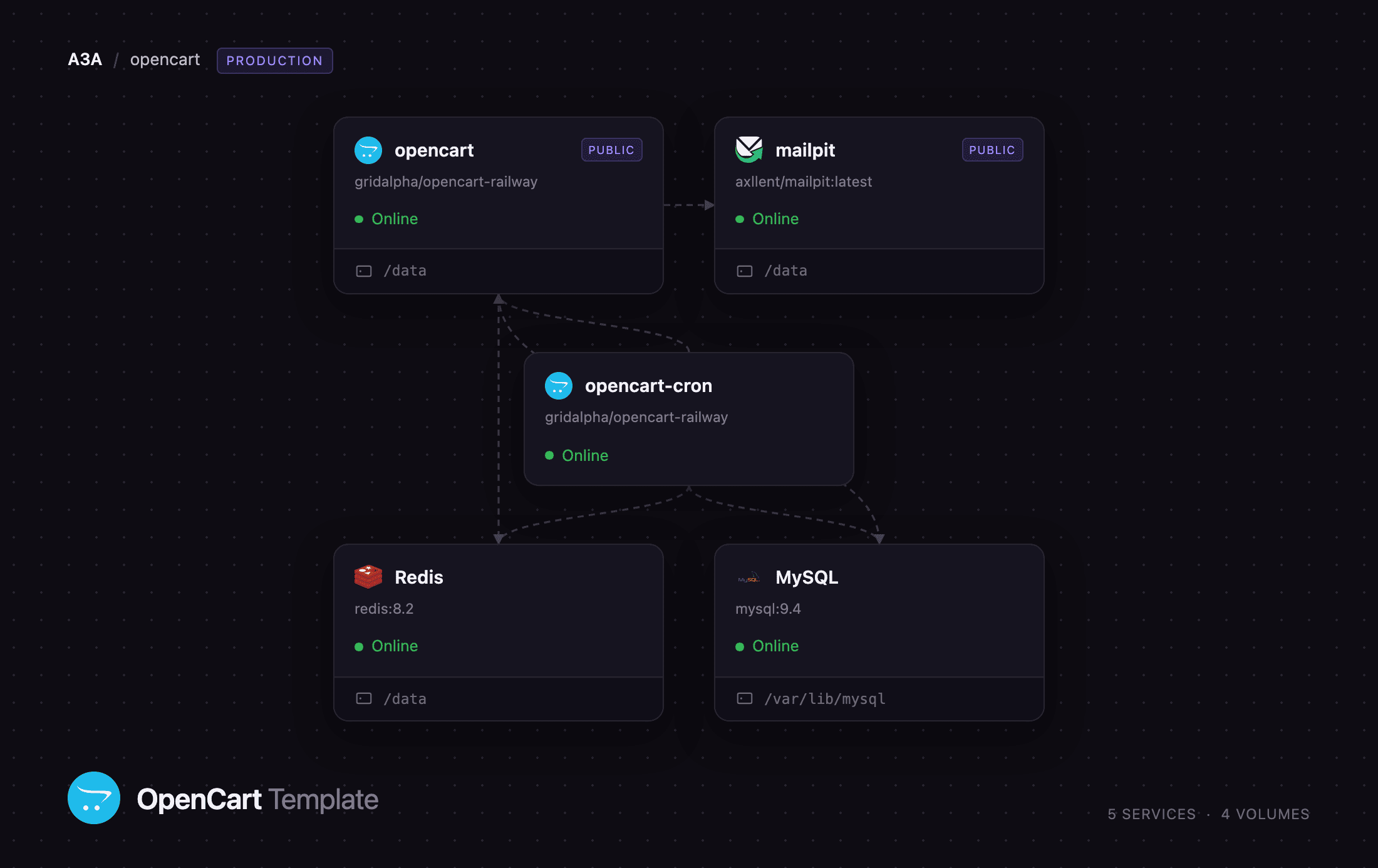
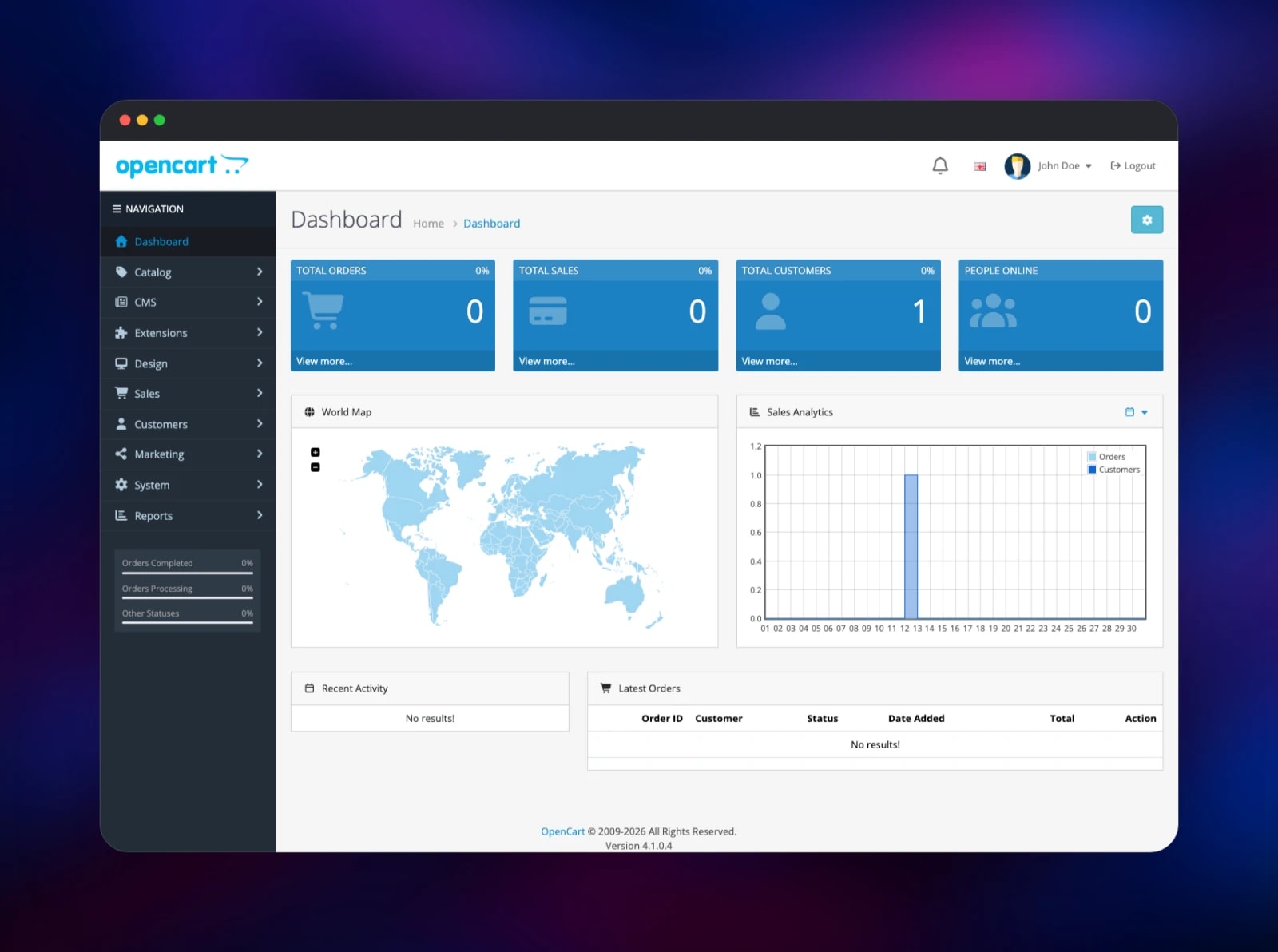
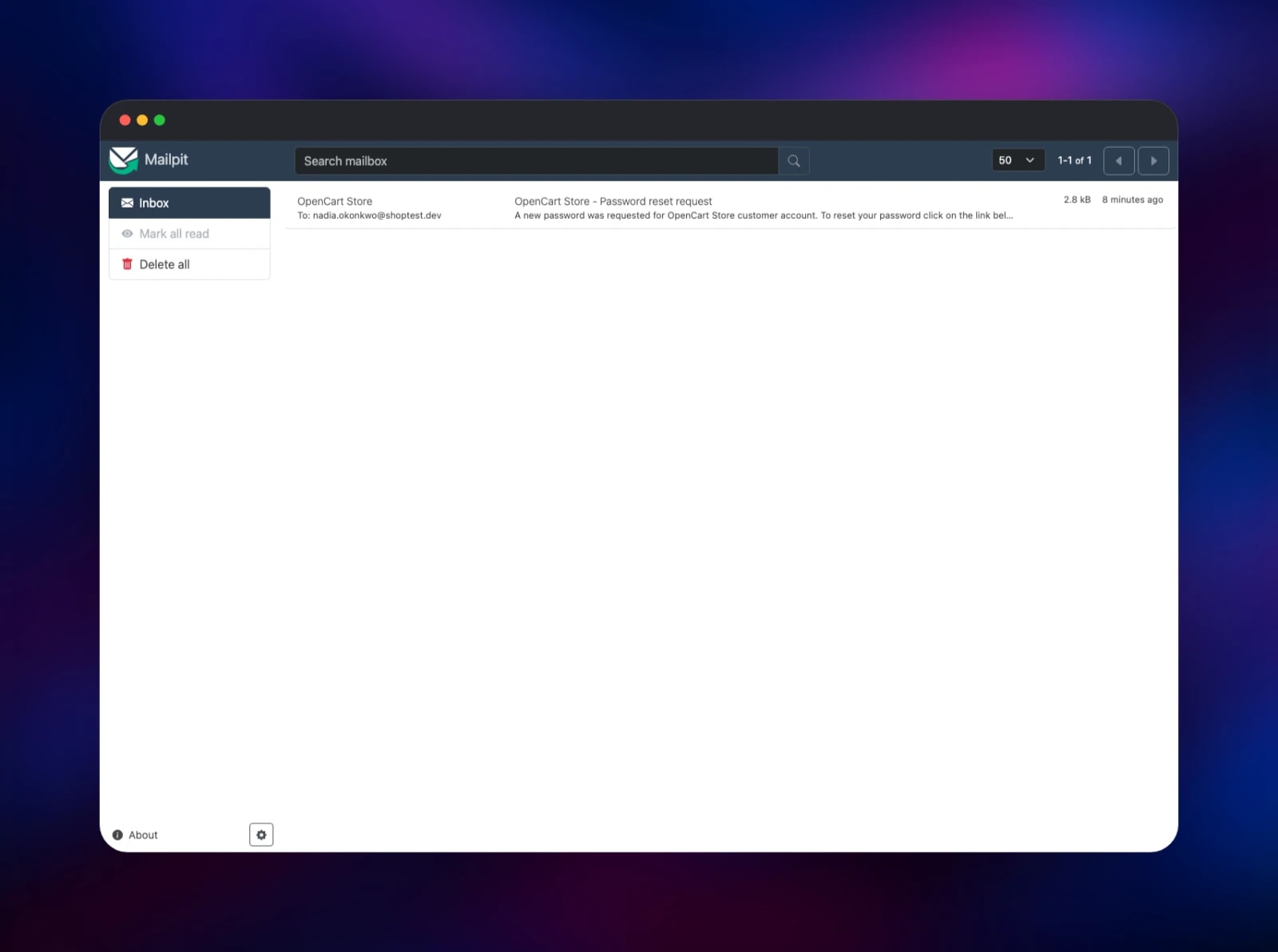
This template runs OpenCart 4.1.0.4 across five Railway services. opencart is the PHP and Apache container serving the storefront and /admin, with a volume holding product images, downloads, customer uploads and backups. MySQL holds every catalogue, order, customer and session row, and Redis is wired up as the cache engine. opencart-cron is a second container from the same image running OpenCart's scheduled tasks on an interval instead of a crontab. mailpit is a capture-only mailbox on the private network, so order and account mail is visible immediately; swap it for a real relay when you go live. The store installs itself on first boot from the variables you fill in before deploying.
Getting Started with OpenCart on Railway
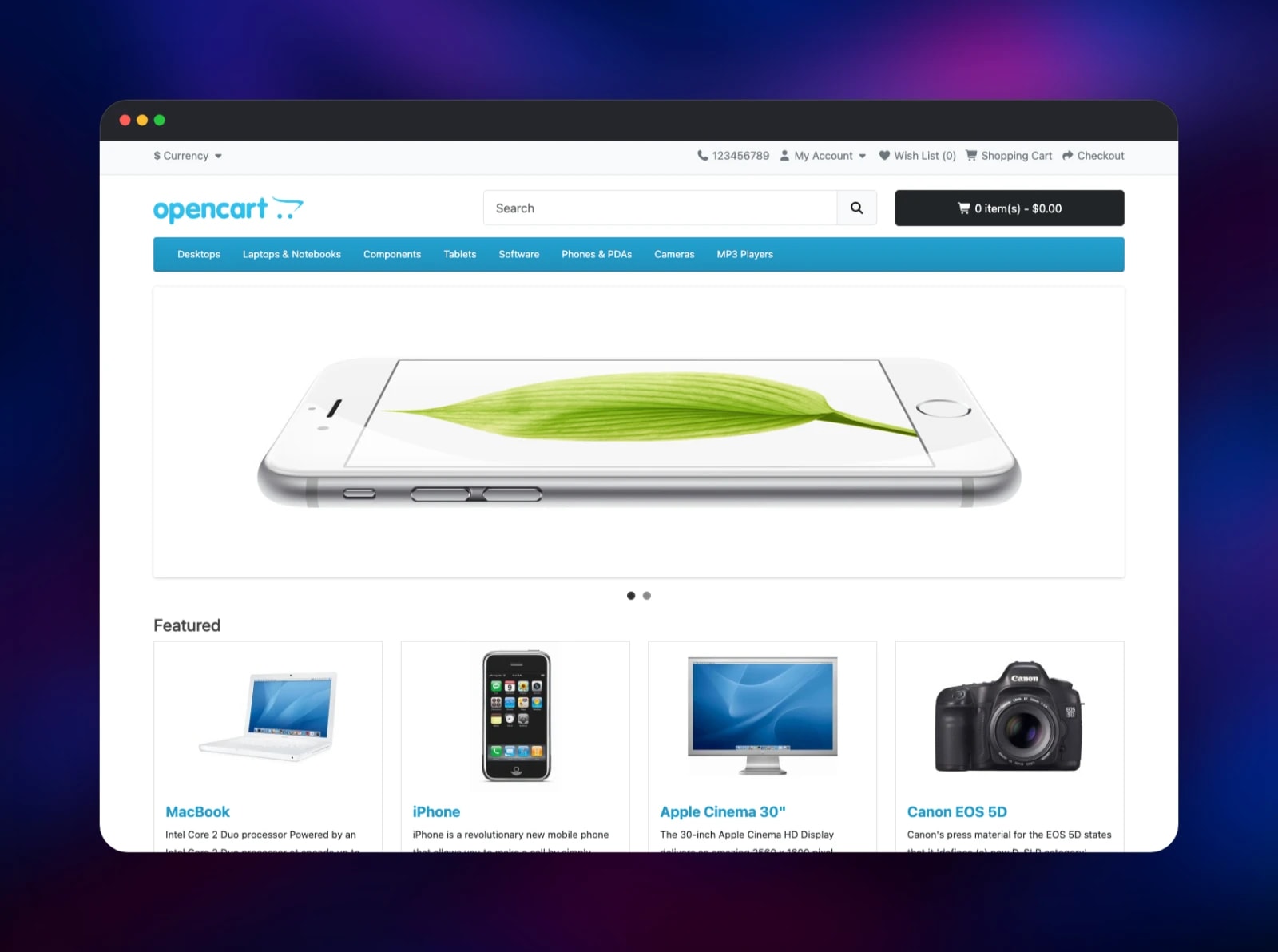
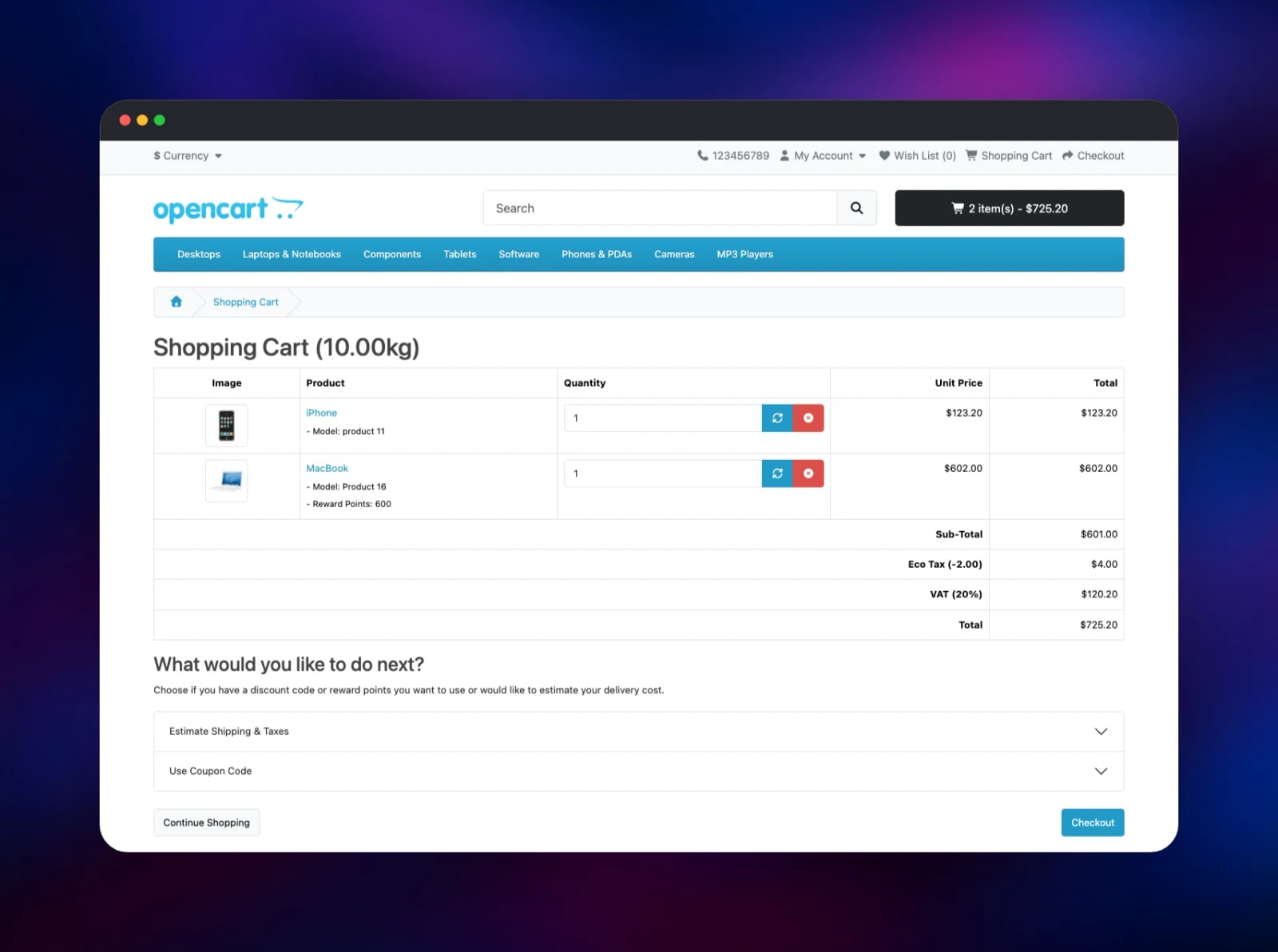
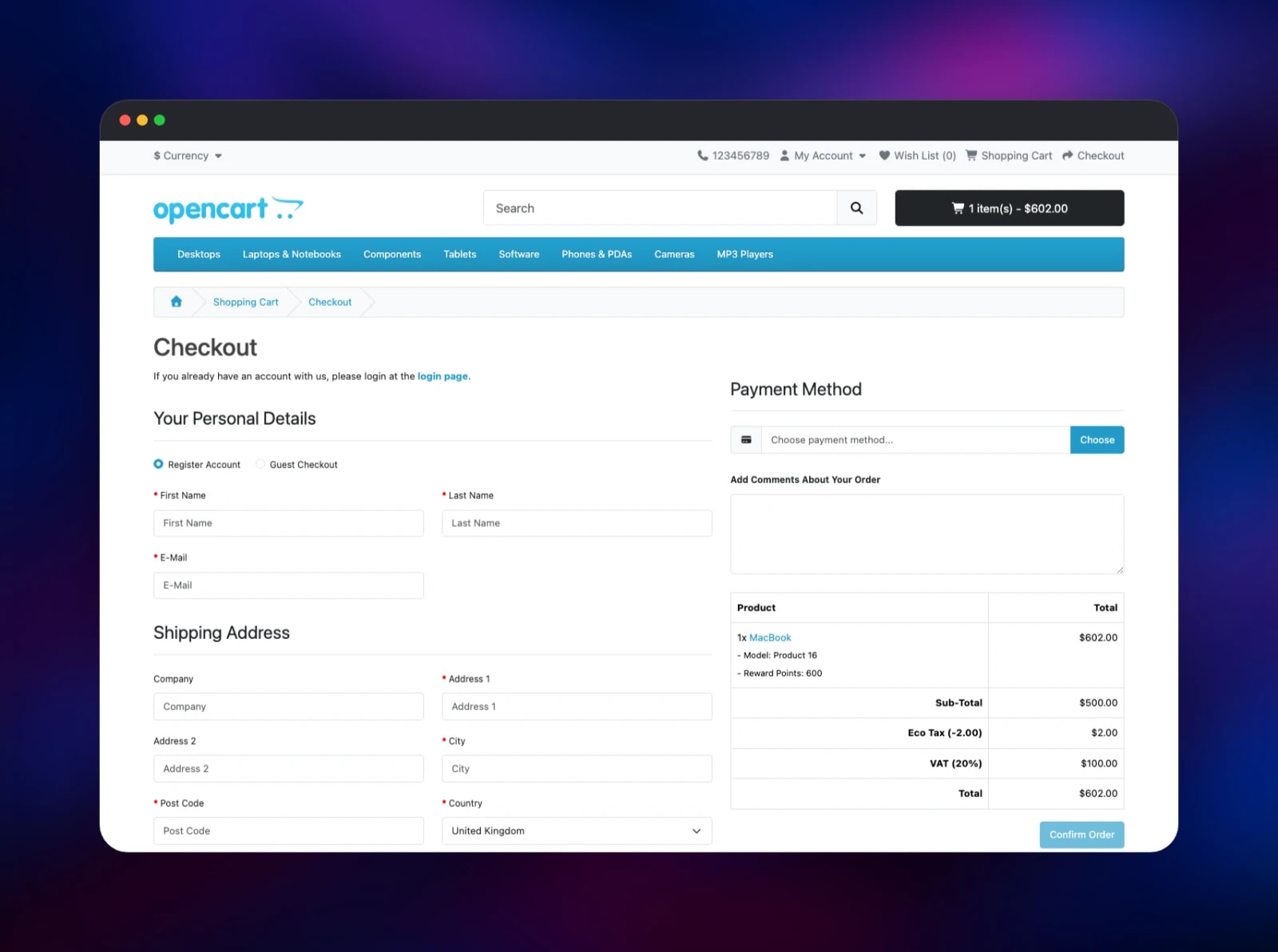
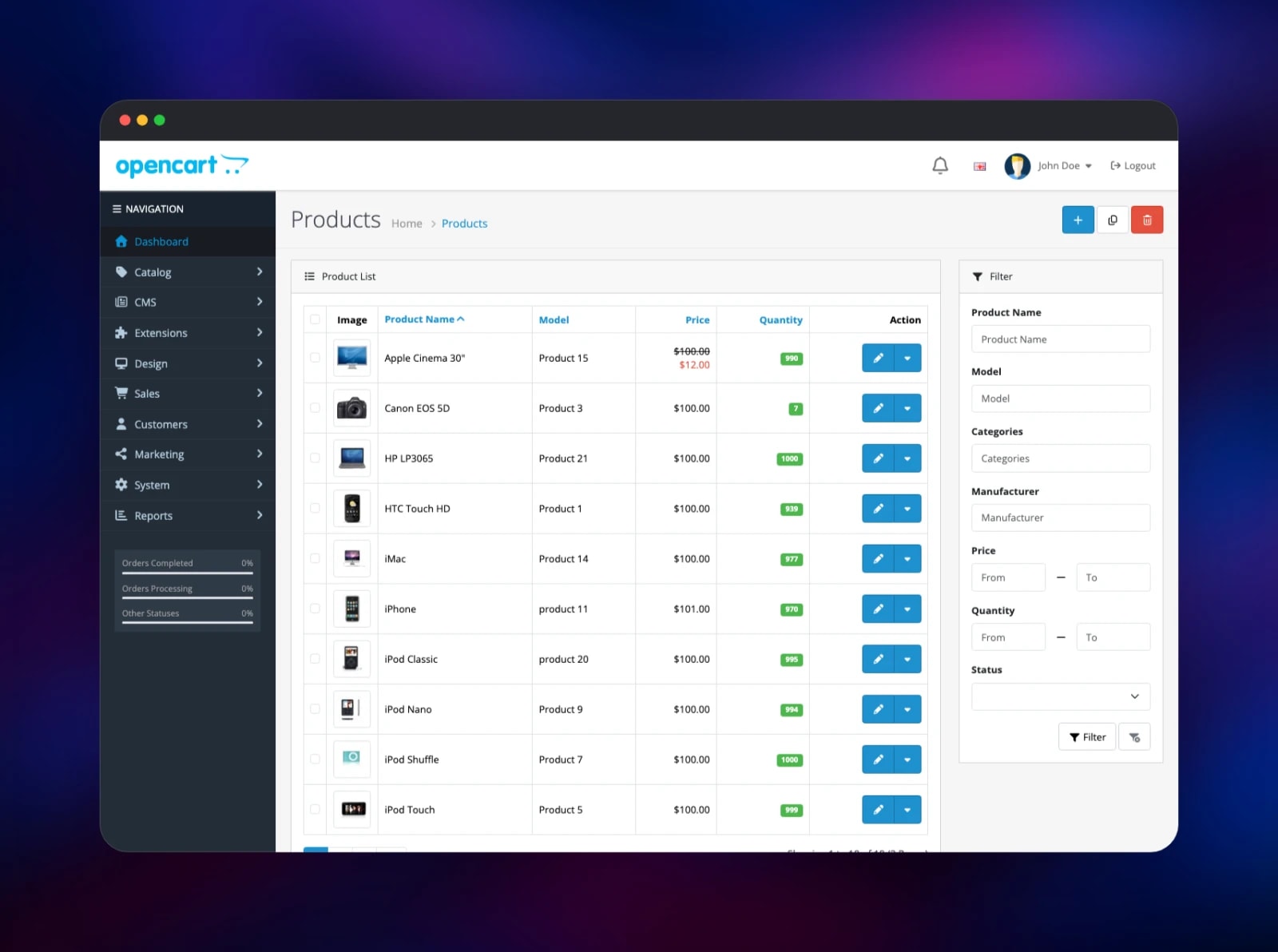
Set OPENCART_ADMIN_PASSWORD to 5–20 characters before deploying — OpenCart's installer enforces that range — and optionally change OPENCART_ADMIN_USERNAME, OPENCART_ADMIN_EMAIL and OPENCART_STORE_NAME. When the deploy finishes, open the public URL: you land on a working storefront pre-loaded with OpenCart's demo catalogue. Sign in at /admin/ with the credentials you supplied. Your first job is Extensions → Extensions → Payments and Shipping, where you enable at least one of each — a fresh install ships with none on, so checkout cannot complete until you do. Then clear the demo products under Catalog → Products and add your own. System → Settings carries the store name, address, currency and tax rules. To confirm everything works, register a customer, request a password reset, and open the Mailpit URL: the message should be waiting in the inbox.
About Hosting OpenCart
OpenCart is a classic LAMP application: PHP renders every page, MySQL stores everything, and there is no Node build, no queue broker and no search cluster to operate. That makes it one of the cheapest serious carts to run, and popular with agencies managing many small stores.
Key features:
- Unlimited products, categories, manufacturers and downloadable goods
- Multi-store: several storefronts, each with its own domain and theme
- Multi-currency, multi-language, and tax rules by geo zone
- Customer groups, discounts, coupons, reward points and affiliate tracking
opencart is the only service on the public internet and holds the volume; OpenCart's storage directory sits outside the web root on it, so uploads and logs are never directly reachable. MySQL carries sessions as well as data, so a redeploy never signs anyone out. opencart-cron has no volume and waits for the schema before its first run.
Why Deploy OpenCart on Railway
Railway removes the server administration a PHP cart usually brings.
- MySQL and Redis are provisioned, backed up and private by default
- The volume keeps product images and downloads across every redeploy
- A public HTTPS domain with an automatic certificate, plus custom domains
- Scaling without touching Apache or PHP config
- The cron tier runs as a real service, not a fragile crontab
Common Use Cases
- A retail store that wants to own its catalogue, customers and order history outright
- An agency running several client storefronts from one admin with multi-store
- A B2B shop needing customer groups, per-group pricing and regional tax rules
- A staging store for testing themes, gateways and extensions before production
Dependencies for OpenCart
- OpenCart 4.1.0.4 on
php:8.3-apache, built from gridalpha/opencart-railway; upstream is opencart/opencart - MySQL 9 — catalogue, orders, customers, settings and sessions
- Redis 8 — cache engine for settings, categories and product listings
- Mailpit (
axllent/mailpit) — capture-only inbox for order and account mail
Deployment Dependencies
- Source repository:
- Upstream project:
- Documentation:
Hardware Requirements for Self-Hosting OpenCart
| Resource | Minimum | Recommended |
|---|---|---|
| CPU | 1 vCPU | 2 vCPU |
| RAM | 512 MB | 2 GB |
| Storage | 2 GB volume | 10 GB or more for product images |
| Runtime | PHP 8.1+, MySQL 8+ | PHP 8.3, MySQL 9, Redis 8 |
Storage is the value to watch: product photography grows far faster than the database.
Self-Hosting OpenCart
OpenCart ships as a release archive, not a container image, so a manual install is a download, an unzip and a command-line installer. Copy the archive's upload/ directory into your web root and create the two config files the installer writes into:
curl -L -o opencart.zip \
  https://github.com/opencart/opencart/releases/download/4.1.0.4/opencart-4.1.0.4.zip
unzip -q opencart.zip -d /tmp/opencart
cp -a /tmp/opencart/upload/. /var/www/html/
touch /var/www/html/config.php /var/www/html/admin/config.php
chmod 666 /var/www/html/config.php /var/www/html/admin/config.php
The installer is a PHP script that creates the schema, loads the demo catalogue and writes both config files in one pass. Delete install/ afterwards, or the admin keeps warning you:
php /var/www/html/install/cli_install.php install \
  --username admin --password changeme --email you@example.com \
  --http_server https://shop.example.com/ \
  --db_driver mysqli --db_hostname 127.0.0.1 --db_port 3306 \
  --db_username opencart --db_password secret \
  --db_database opencart --db_prefix oc_
rm -rf /var/www/html/install
You also need PHP's mysqli, gd, curl, zip, zlib and openssl extensions.
How Much Does OpenCart Cost to Self-Host?
OpenCart is free and open source under the GPLv3, with no licence fee, no per-order commission and no transaction limits — unlike hosted carts, which take a percentage of every sale. The only cost is infrastructure: on Railway, compute for the store and cron containers, the managed MySQL and Redis instances, and the volume holding your images.
FAQ
What is OpenCart?
A free, open-source ecommerce platform written in PHP and backed by MySQL. It provides a storefront, a catalogue, a checkout and an admin panel for orders and customers, and has been maintained since 2009.
Why does the template include Redis and a separate cron service?
Redis makes OpenCart's settings, category and product-listing lookups faster than the default file cache while keeping the container stateless. The cron service exists because OpenCart's currency, GDPR and subscription jobs are normally driven by a crontab, which a container has none of.
How do I take payments in self-hosted OpenCart?
A fresh install enables no payment methods. Go to Extensions → Extensions → Payments and install one; Cash On Delivery and Bank Transfer ship with OpenCart, and Stripe, PayPal and Square are on the marketplace. Do the same for Shipping.
Where are uploaded product images stored, and do they survive a redeploy?
On the volume mounted at /data, along with downloadable goods, customer uploads and backups. It persists across redeploys and restarts; only the application code is replaced.
Can I use a custom domain with OpenCart on Railway?
Yes. Add the domain to the opencart service, point DNS at it, then set OPENCART_PUBLIC_URL to https://your-domain.com so the store writes the right base URL on the next deploy.
How do I upgrade OpenCart later?
The version is pinned deliberately: OpenCart owns its database schema and has no automatic migrator. Read upstream's UPGRADE.md, back up the database first, and raise the version only when you are ready.
Template Content
Redis
redis:8.2MySQL
mysql:9.4mailpit
axllent/mailpit:latestopencart
gridalpha/opencart-railwayopencart-cron
gridalpha/opencart-railway

