
Deploy OpenCode
AI coding agent that writes and runs code in your project
opencode
Just deployed
/data
Deploy and Host opencode on Railway
opencode is an open-source AI coding agent that reads, writes and runs code in a real project directory. Built by the team behind SST, it carries roughly 200,000 GitHub stars under an MIT licence and is not tied to one model vendor — it speaks to Anthropic, OpenAI, Google, Groq, Bedrock, OpenRouter and local runtimes like Ollama through one interface. Most people meet it as a terminal tool, but it also ships a full web interface, and that is what makes it worth hosting: a coding agent on a server keeps working when your laptop sleeps, holds its sessions and workspace between visits, and is reachable from any browser.
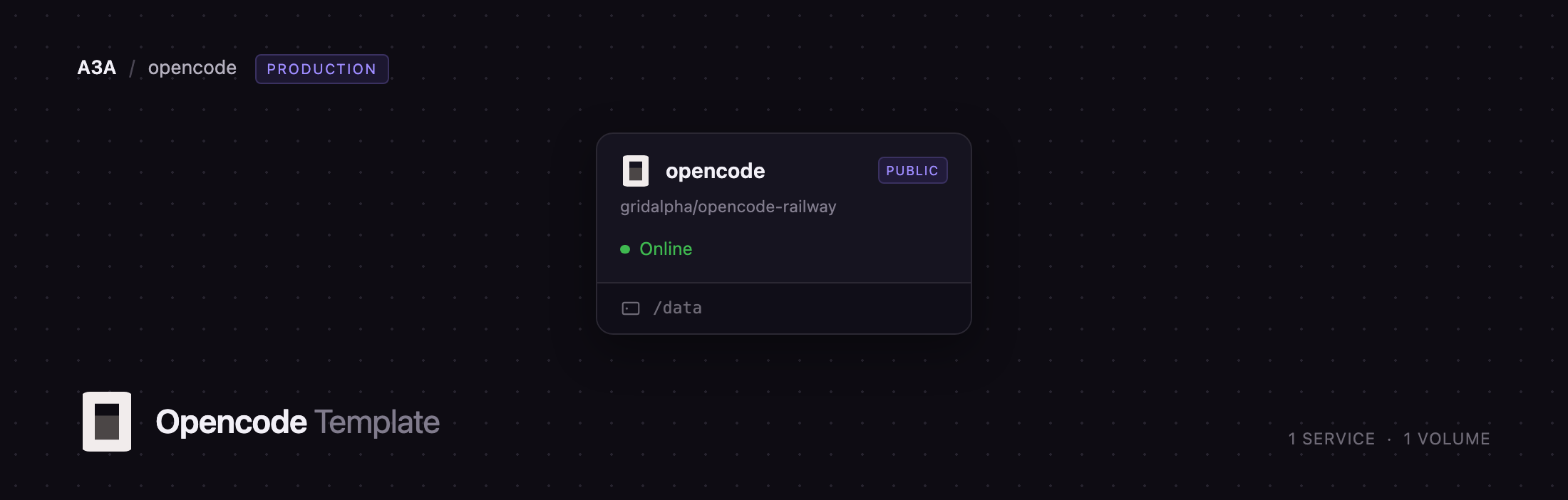
This template runs opencode web as a single Railway service with a persistent volume
and HTTP basic authentication in front. A Caddy front-end listens on the public port
and passes traffic to opencode on loopback, so the agent is never directly exposed.
Everything it owns — configuration, sessions, provider credentials and the workspace
at /data/workspace — lives on one volume at /data, so a redeploy never loses your
work. The container also carries a toolchain (Node.js 22, Python 3, git, ripgrep
and a C/C++ build chain), so the agent can install dependencies and run your tests.
Getting Started with opencode on Railway
Deploy the template, set a password, and open the generated Railway URL. Your browser
shows an authentication prompt: the username is opencode unless you changed it, and
the password is whatever OPENCODE_SERVER_PASSWORD was set to. There is no account to
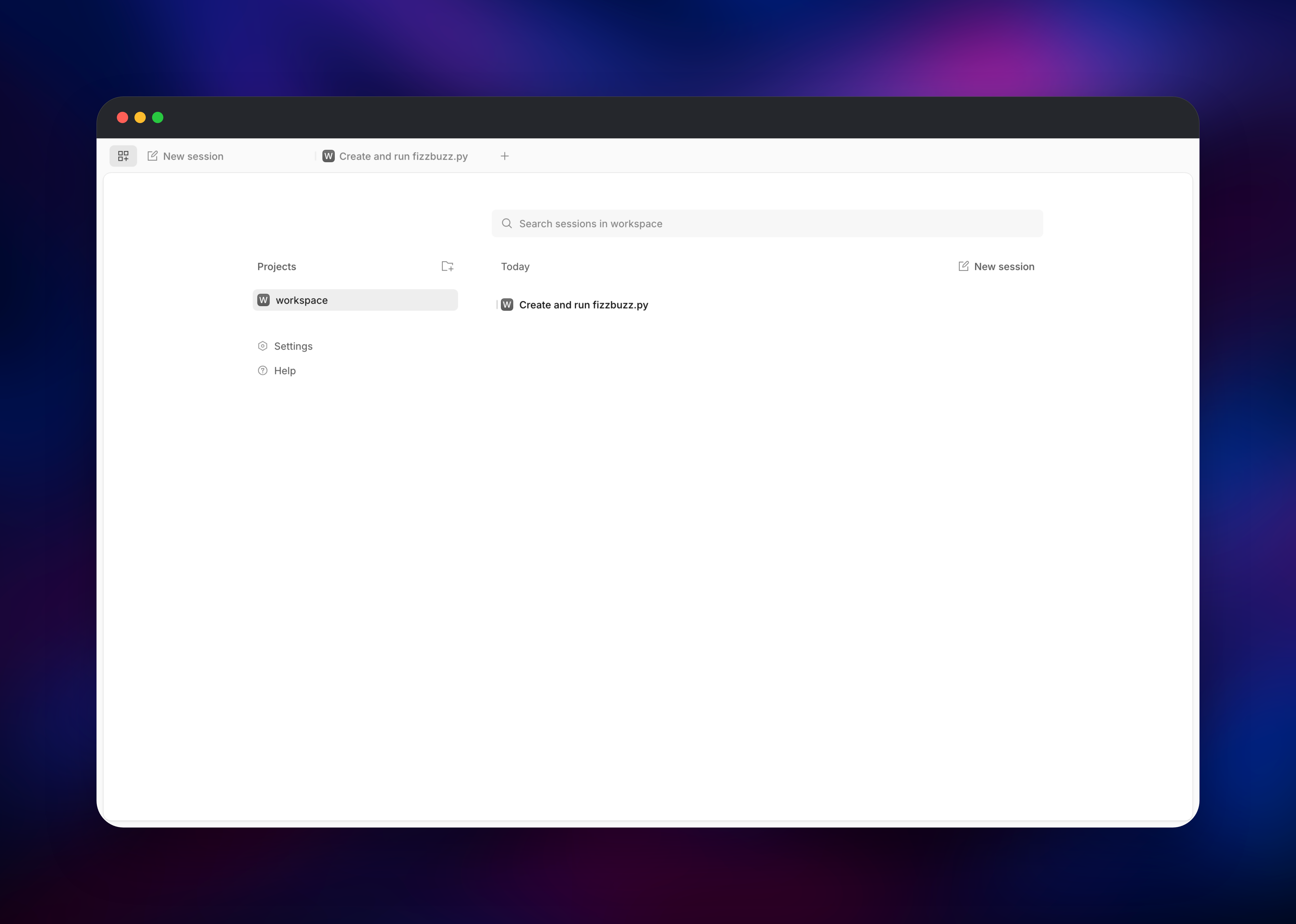
register and no setup wizard — that credential is the only login. Inside, click Add
project and pick ~/workspace, the git repository the container prepares on first
boot. Click New session, type a request, and press Enter.
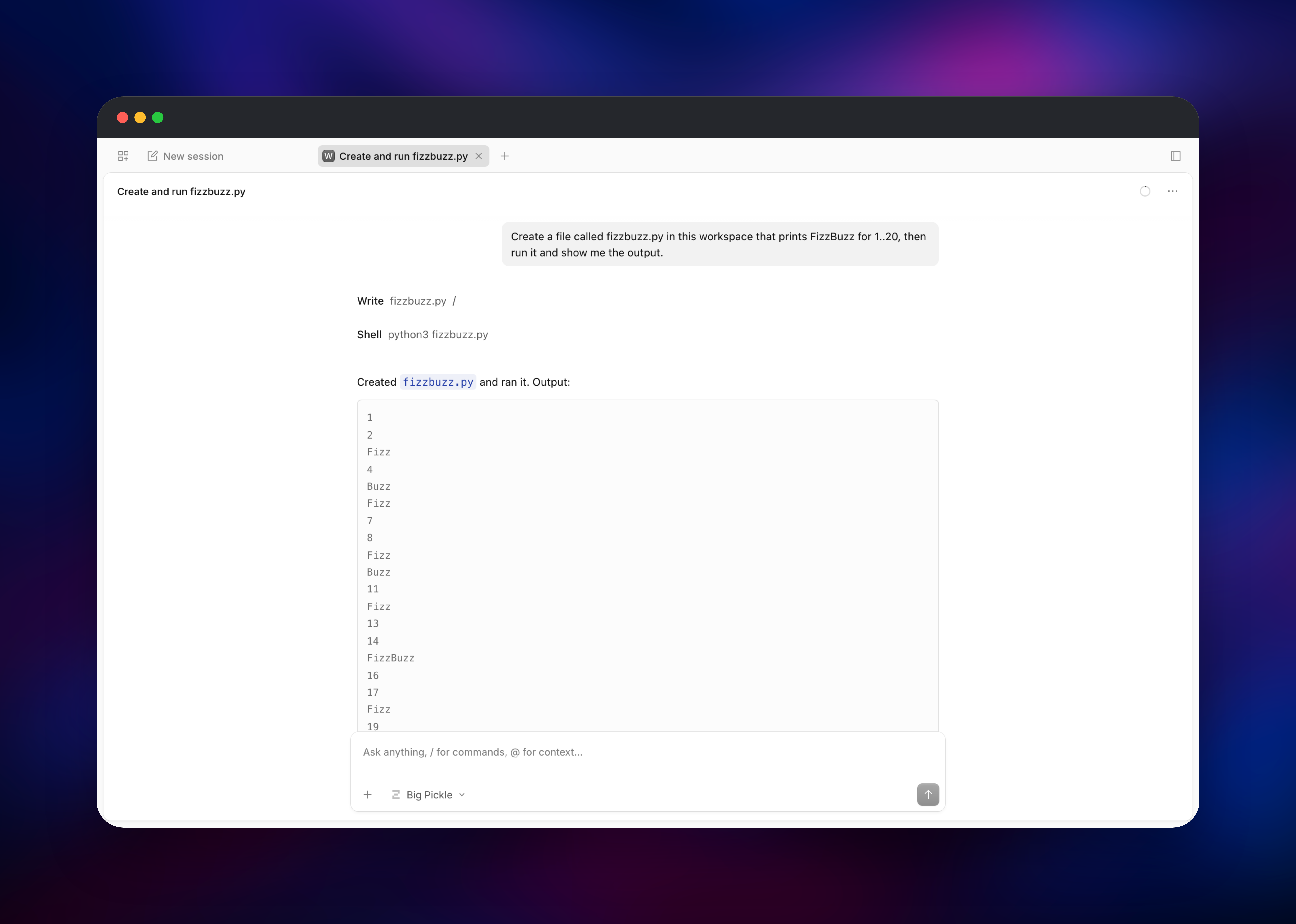
A good first task is small and verifiable, such as "Create a file called fizzbuzz.py
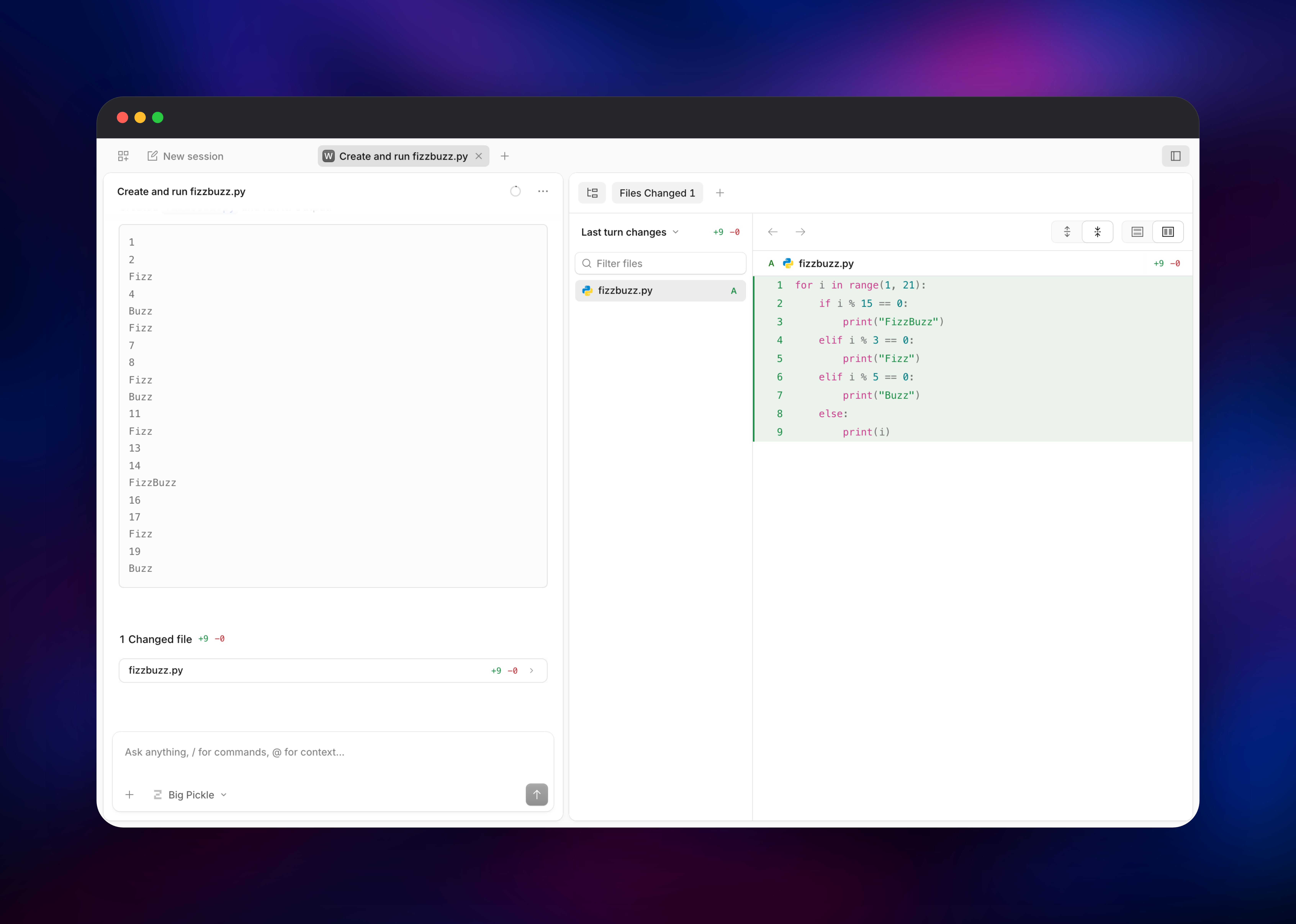
that prints FizzBuzz for 1 to 20, then run it and show me the output." You should see
a Write step, then a Shell step, then the output — confirming in one run that file
writes, shell execution and model access all work. The panel toggle in the top-right
corner reviews changes as a side-by-side diff. To bring your own code in, ask the
agent to clone a repository.
About Hosting opencode
opencode is an agent, not an autocomplete plugin. You describe an outcome and it plans the work, edits files, runs commands, reads the output and iterates. Self-hosting it makes sense when that loop should run somewhere other than a laptop: a machine that can be left working, that a team can reach, or that sits close to the services it operates on.
Key capabilities:
- Provider-agnostic — 75+ providers, plus a built-in default model that needs no API key, so the deployment is useful the moment it is live
- Web, terminal and IDE clients on one server, plus an OpenAPI 3.1 REST API
- Sessions that persist, with token and cost accounting
- Real tool use — file edits, shell commands, LSP integration and MCP servers
- Sub-agents and modes, including a read-only
planagent
The Railway architecture is deliberately small. One service runs two processes: Caddy
on the public port, and opencode bound to 127.0.0.1. Caddy exists for a reason —
opencode requires authentication on every route, so an anonymous health probe would be
rejected and a healthy deployment would look broken. Caddy answers /healthz by
replaying it as an authenticated request to opencode's health endpoint, so a passing
check proves the agent is up and accepting its credential. There is no database:
opencode keeps state in files, which is why the volume matters here.
Why Deploy opencode on Railway
Railway removes the server work around a self-hosted coding agent:
- One-click deploy with the volume, health check and public HTTPS already wired
- Persistent storage so sessions, credentials and workspace survive redeploys
- A generated TLS domain with no certificate or DNS work
- Environment variables and logs in one dashboard
- Vertical scaling when a build needs more memory
Common Use Cases
- An always-on coding agent reachable from any browser, so long refactors continue after you close the laptop
- A shared team sandbox where the agent can reach internal APIs and staging databases a local machine cannot
- Automated maintenance — dependency bumps, test repair, migrations — driven through the REST API on a schedule
- Evaluating models on real tasks, switching providers while the workspace stays identical
Dependencies for opencode
- opencode (
opencode-aion npm, source at github.com/anomalyco/opencode, formerlysst/opencode) — the agent and its web interface - Caddy 2 — public listener, proxy and authenticated health endpoint
- A 5 GB volume at
/data— configuration, sessions, credentials and workspace - A model provider — optional; the built-in default works out of the box
Environment Variables Reference
| Variable | Default | Purpose |
|---|---|---|
OPENCODE_SERVER_PASSWORD | generated | Basic auth password. The container refuses to start if empty. |
OPENCODE_SERVER_USERNAME | opencode | Basic auth username |
OPENCODE_WORKSPACE | /data/workspace | Directory the agent works in |
GIT_AUTHOR_NAME / GIT_AUTHOR_EMAIL | opencode | Identity for commits the agent makes |
ANTHROPIC_API_KEY and friends | unset | Set only for the provider you want |
Deployment Dependencies
- Source repository: github.com/anomalyco/opencode
- Documentation: opencode.ai/docs
- Server and API reference: opencode.ai/docs/server
- Runtime: Node.js 22 on Debian, with Python 3 and build tooling included
Hardware Requirements for Self-Hosting opencode
| Resource | Minimum | Recommended |
|---|---|---|
| CPU | 1 vCPU | 2+ vCPU |
| RAM | 1 GB | 4 GB |
| Storage | 5 GB volume | 20 GB+ volume |
| Runtime | Node.js 22 / Debian | Node.js 22 / Debian |
The agent is light; the load comes from what it runs. A workspace with node_modules,
a virtualenv or a Rust target directory outgrows a small volume quickly, so size
storage for your project, not for opencode.
Self-Hosting opencode
Locally, opencode installs in one command and serves the same web interface the template runs. These shell commands install it and start the server with a password:
npm install -g opencode-ai
OPENCODE_SERVER_PASSWORD=change-me opencode web --hostname 0.0.0.0 --port 4096
To containerise it, this Dockerfile is close to what the template builds — a Debian base with the toolchain the agent needs, then the npm package:
FROM node:22-bookworm-slim
RUN apt-get update && apt-get install -y --no-install-recommends \
      ca-certificates git ripgrep python3 build-essential tini \
    && rm -rf /var/lib/apt/lists/*
RUN npm install -g opencode-ai
ENV HOME=/data
WORKDIR /data/workspace
ENTRYPOINT ["/usr/bin/tini","-s","--","opencode","web","--hostname","0.0.0.0","--port","4096"]
Note the ca-certificates line: node:*-slim images ship without a system
certificate store, so git cannot clone over HTTPS until it is installed.
How Much Does opencode Cost to Self-Host?
opencode is free and MIT-licensed, with no paid tier or seat count. What you pay for is compute and model usage: on Railway that is the container and volume, which for a single-user agent is modest. Model calls are billed by whichever provider you configure with your own key; the built-in default lets you try it before choosing.
FAQ
What is opencode? An open-source AI coding agent that plans work, edits files and runs shell commands in a real project directory, driven by a model you choose. It runs in a terminal, an IDE, a desktop app or a browser.
What does this Railway template deploy?
A single service running opencode's web interface behind HTTP basic authentication,
with a 5 GB volume at /data holding config, sessions, credentials and a git
workspace.
Do I need an API key to use self-hosted opencode?
No. opencode ships a working default model, so the deployment is usable as soon as it
is live. Add ANTHROPIC_API_KEY, OPENAI_API_KEY, OPENROUTER_API_KEY or another
provider variable when you want a specific model.
Why does this template include a volume instead of a database?
opencode stores everything as files under its home directory — sessions, auth.json,
cache and your code. Without a volume every redeploy would start from an empty
workspace with no history.
Is my self-hosted opencode instance private? Every route requires the basic-auth credential, and the container refuses to start if no password is set. Treat that password like an SSH key: the agent runs arbitrary shell commands, so anyone holding it effectively has a shell.
Can I use the opencode API instead of the web interface? Yes. The same server exposes an OpenAPI 3.1 REST API covering sessions, messages, files and config. Send the same basic-auth credential with your requests.
Template Content
opencode
gridalpha/opencode-railway

