
Deploy OpenSaas
A ready-made starter app with logins, billing and an admin panel

Just deployed

Just deployed
/var/lib/postgresql/data
Just deployed

mailpit
Just deployed
/data
opensaas-files
Bucket
Just deployed
Deploy and Host Open SaaS on Railway
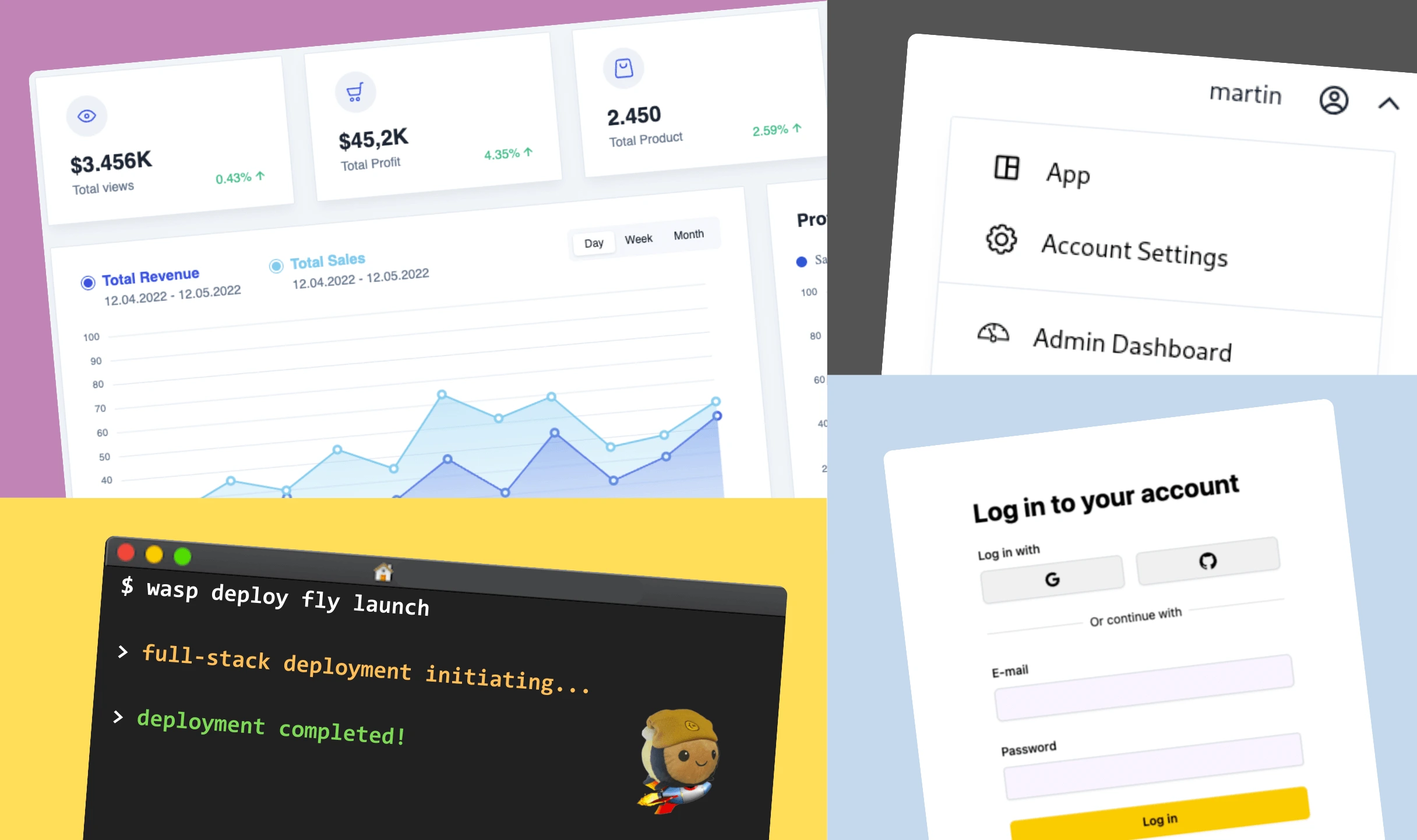
Open SaaS is a free, MIT-licensed SaaS starter kit that gives you a working product on day one instead of an empty repository: email authentication, payments wired to Stripe, Polar or Lemon Squeezy, an admin dashboard, S3 file uploads and an OpenAI demo app. It is built on Wasp, a framework that compiles one spec into a React client and a Node.js API server backed by Prisma and Postgres. Founders use it to skip the weeks spent re-implementing auth and billing.
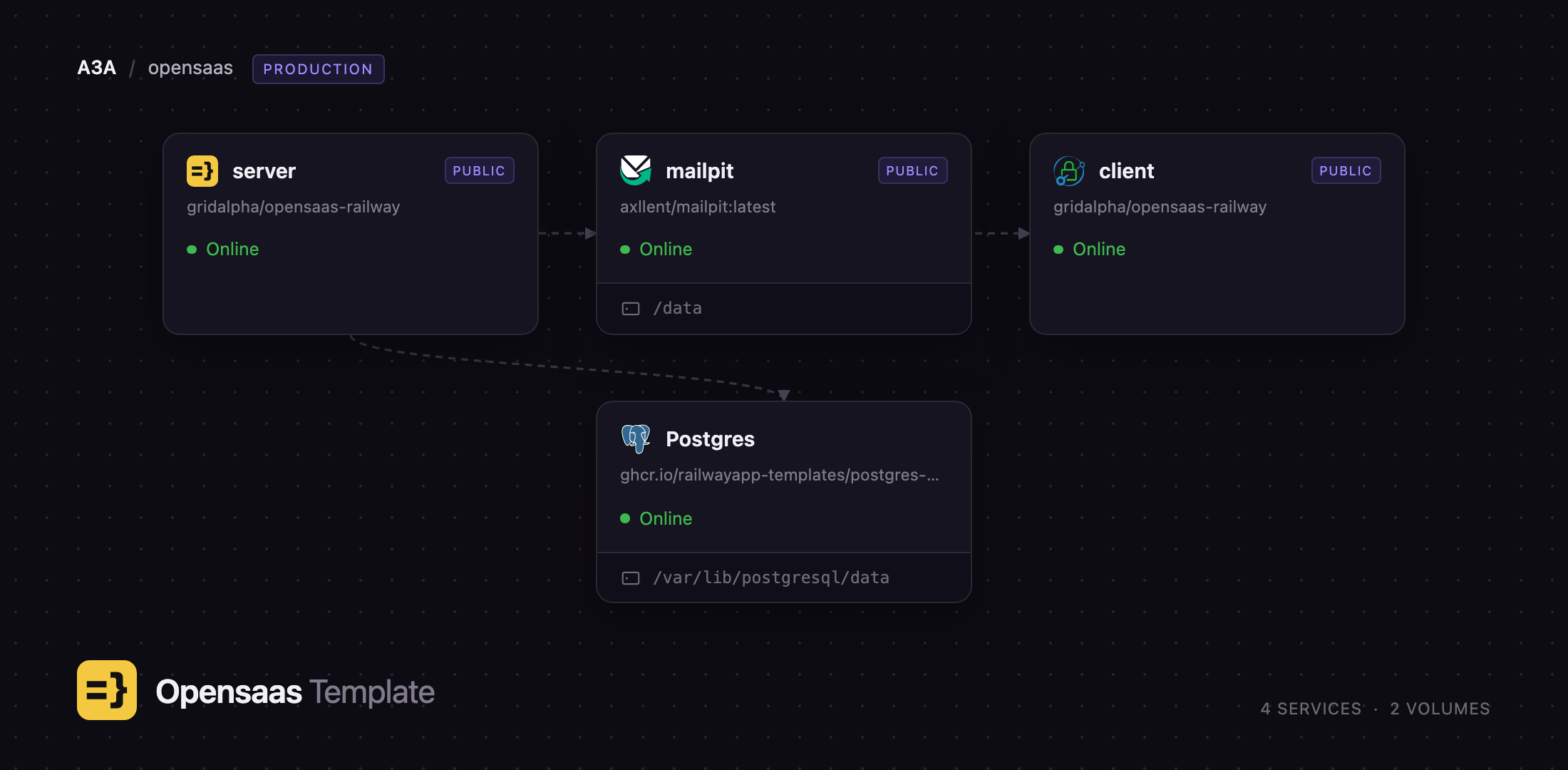
Self-host Open SaaS on Railway and the whole stack comes up talking to itself. This template builds the React client and Node API server from source, provisions Postgres with the schema already migrated, attaches an object storage bucket for uploads, and runs Mailpit so signup and password-reset email works before you have a mail provider. Browsers load the client, the client calls the API over HTTPS with a bearer token, and the server reaches Postgres and Mailpit over the private network.
Getting Started with Open SaaS on Railway
Set ADMIN_EMAILS before you deploy — the address you intend to sign up with. Any account registering with a listed address becomes an administrator automatically, and there are no default credentials to change because no account exists until you make one.
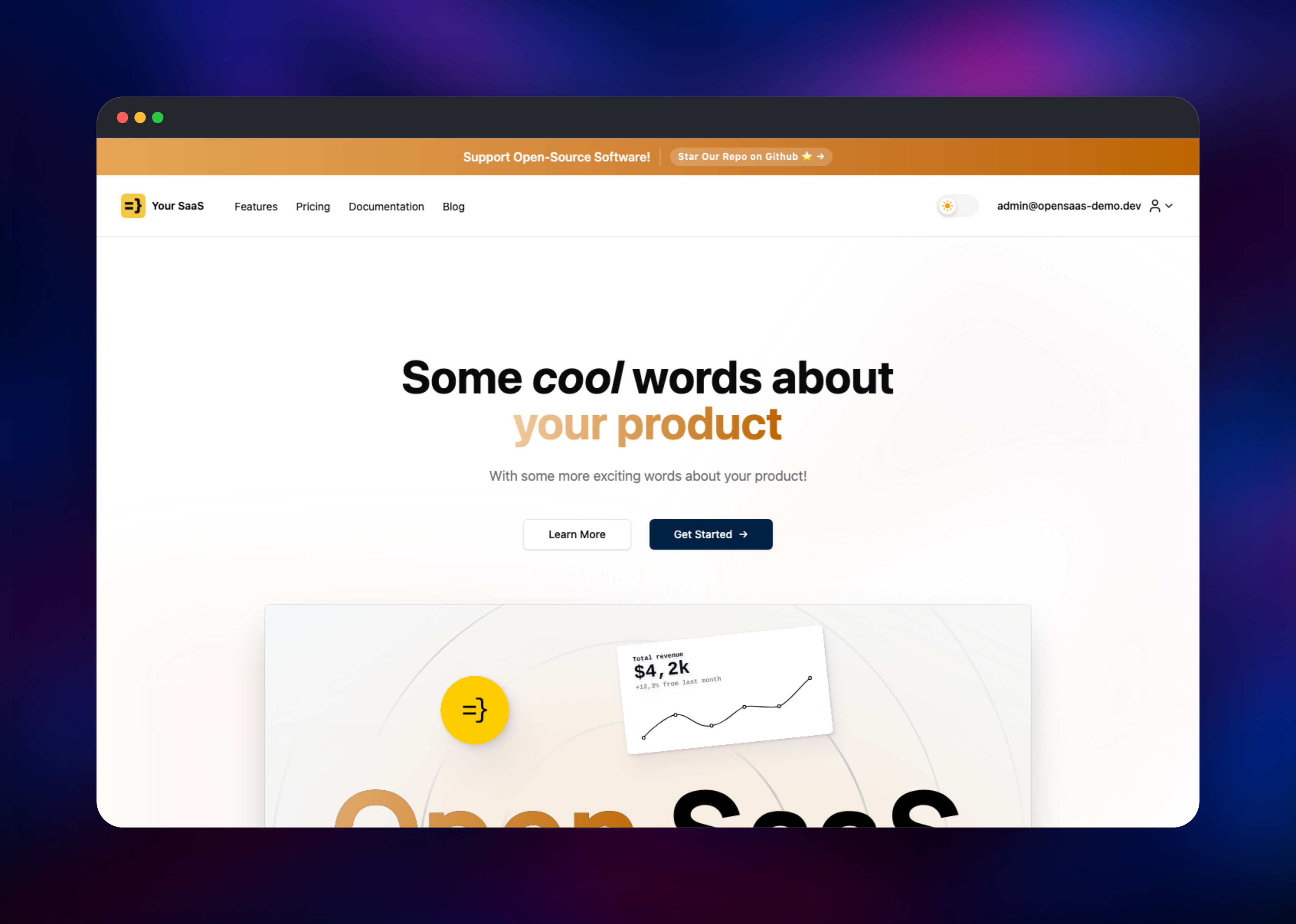
When the deploy finishes, open the client service's URL, click Get Started and register with your admin address. Then open the mailpit service's URL and sign in with the credentials from MP_UI_AUTH: your verification email is waiting there, and its link activates the account. Catching mail locally is what makes the first signup work with no external account.
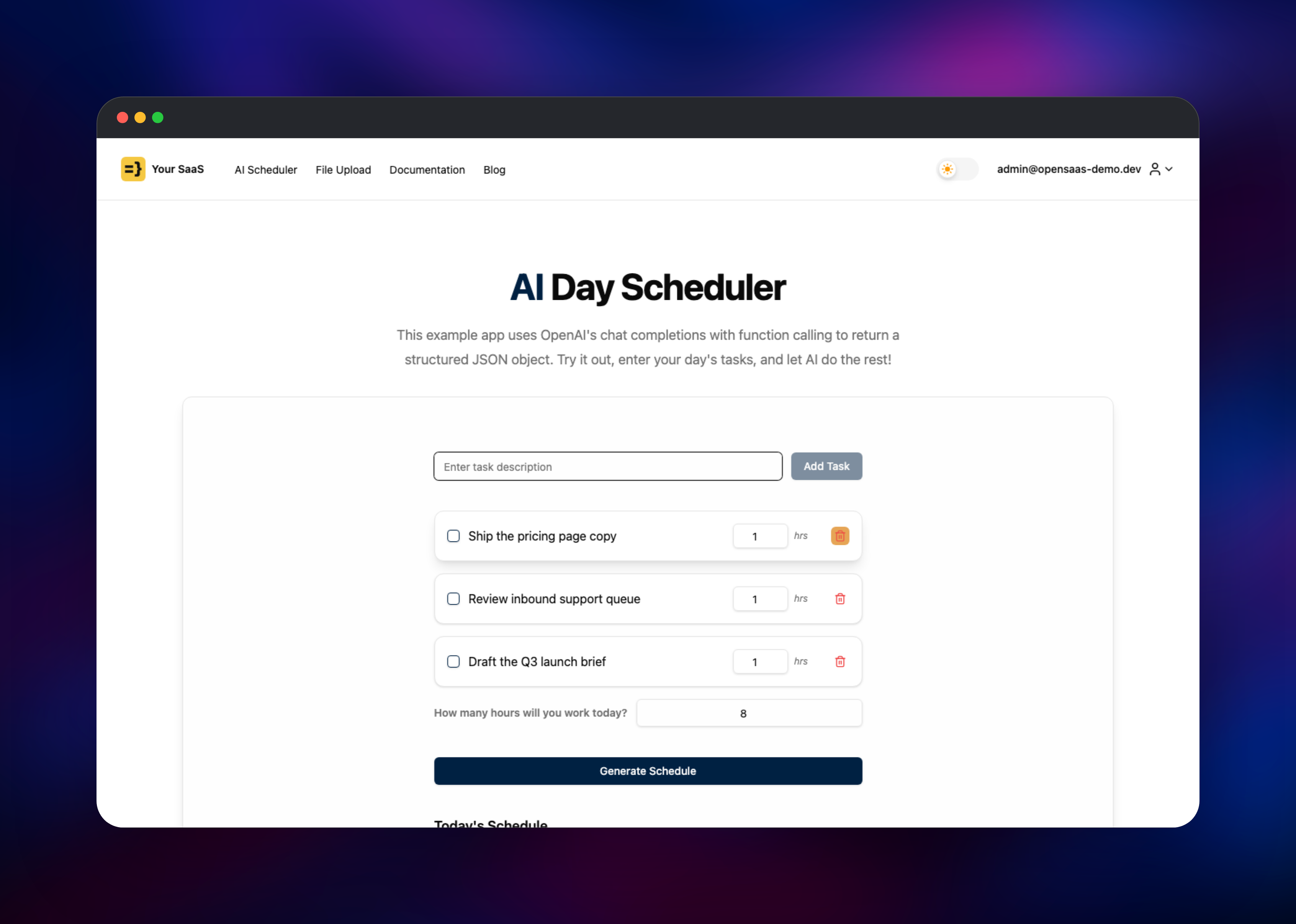
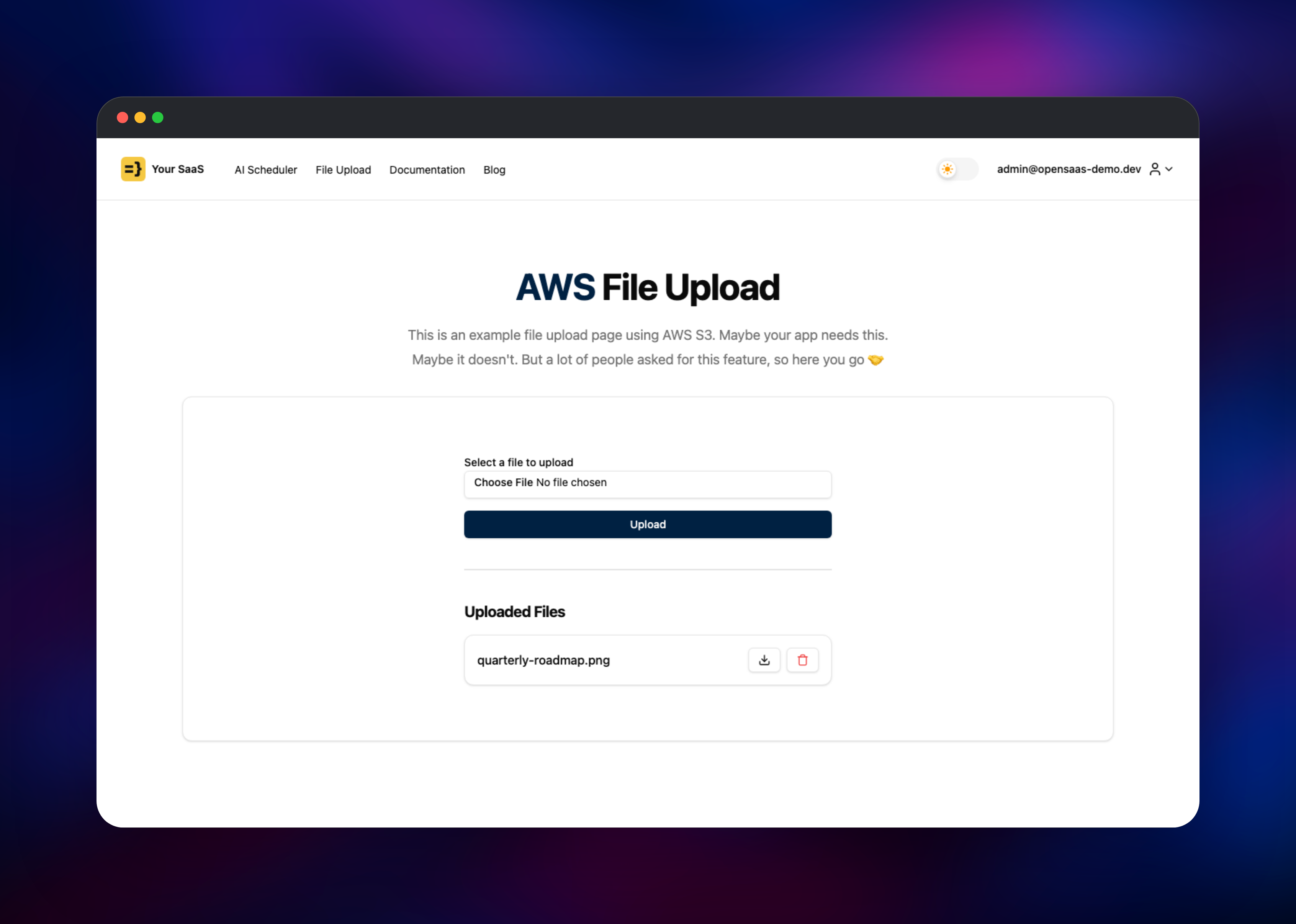
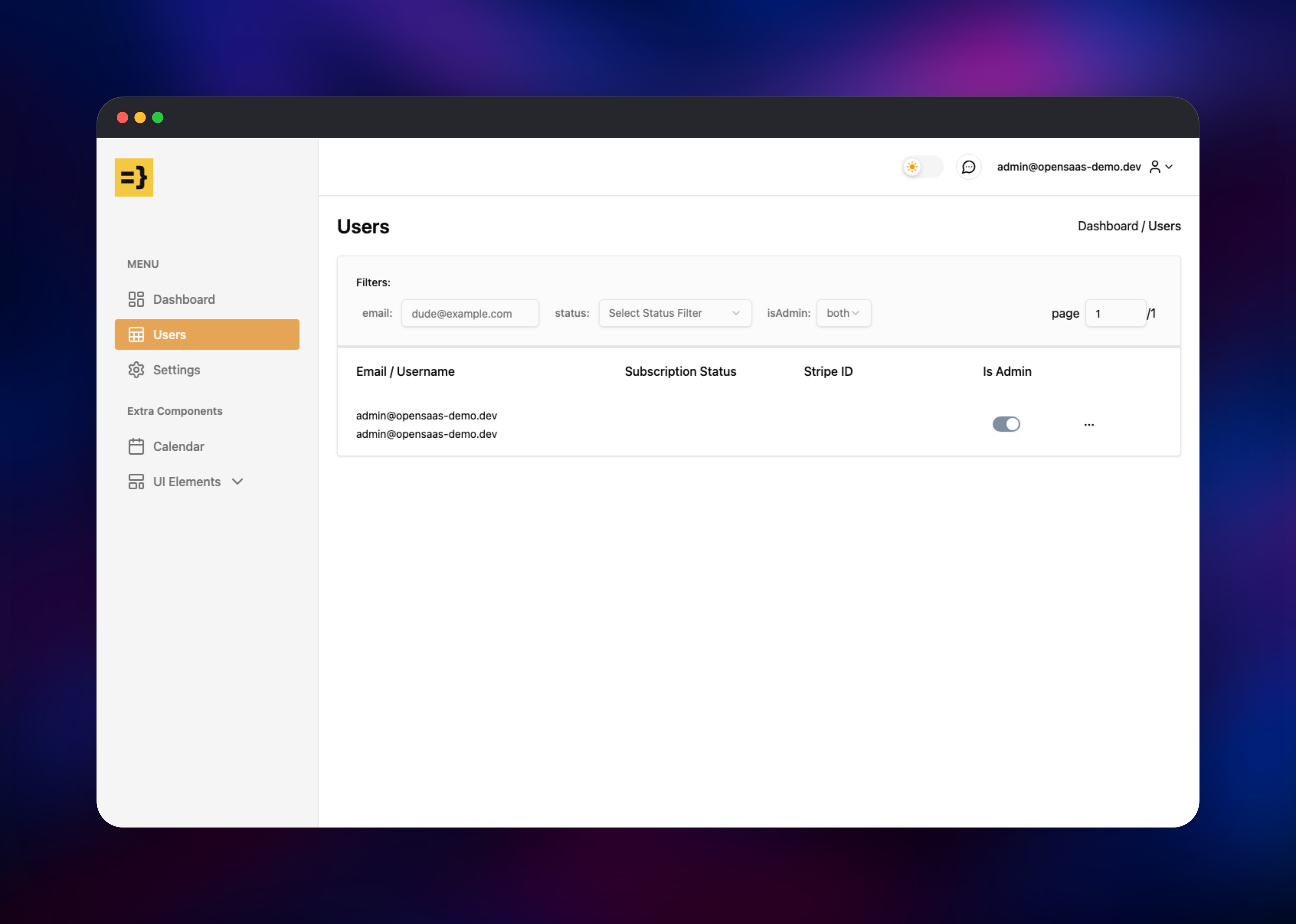
Logging in lands you on the AI Day Scheduler. Add a task — it saves through the API to Postgres, so if it survives a reload your database wiring is correct. Then upload an image on File Upload: it goes to your bucket through a presigned URL and the download button returns it, confirming object storage end to end. Finally open /admin for the dashboard and user table.
About Hosting Open SaaS
Open SaaS is a template you own outright. You get the source for every screen, so you customise by editing code rather than fighting a configuration UI. Teams self-host it to avoid per-seat boilerplate pricing and keep customer data in their own infrastructure.
Key features:
- Email authentication with verification and password reset, plus optional Google, GitHub and Discord sign-in
- Payments through Stripe, Polar or Lemon Squeezy, with subscriptions and one-off credit purchases
- Admin dashboard covering users, revenue, signups and page views
- File uploads to any S3-compatible bucket via presigned URLs
- Scheduled and background jobs on pg-boss, needing no separate queue service
- End-to-end type safety between client and server
The Railway architecture splits the app the way Wasp's own documentation does. server is the Node.js API: it applies Prisma migrations on startup, serves every authenticated operation, and runs scheduled jobs in-process. client is the compiled React bundle served by Caddy, with SPA routing and prerendered marketing pages. Postgres holds all application data. Mailpit gives you private SMTP plus a web inbox. The bucket holds uploads, keeping them off the container filesystem so they survive redeploys.
Why Deploy Open SaaS on Railway
Railway removes the setup work between a starter kit and a running product.
- Postgres, object storage and mail provisioned and wired together
- Client and server build from source on every push, no local toolchain
- Private networking keeps the database and SMTP off the internet
- HTTPS domains for client and API issued on deploy
- Vertical scaling and replicas with no config change
Common Use Cases for Self-Hosted Open SaaS
- Launching a subscription product with billing, auth and an admin panel already built
- Prototyping an AI product where the scheduler demo becomes the real feature
- Running an internal tool that needs accounts, roles and storage
Dependencies for Open SaaS
- Client and server — built from github.com/gridalpha/opensaas-railway, packaging wasp-lang/open-saas with Wasp CLI 0.25.0
- PostgreSQL 18 —
ghcr.io/railwayapp-templates/postgres-ssl:18, application database and pg-boss job queue - Mailpit —
axllent/mailpit:latest, SMTP server and web inbox for account email - Railway object storage — S3-compatible bucket for uploads
Environment Variables Reference
| Variable | Service | Purpose |
|---|---|---|
ADMIN_EMAILS | server | Addresses granted admin on registration |
JWT_SECRET | server | Signs sessions; changing it logs everyone out |
WASP_SERVER_URL | server | Public API URL used in email links |
WASP_WEB_CLIENT_URL | server | Client origin allowed by CORS |
REACT_APP_API_URL | client | API URL the browser calls |
SMTP_HOST / SMTP_PORT | server | Mail server for account mail |
STRIPE_API_KEY | server | Set to enable checkout; inert until you do |
OPENAI_API_KEY | server | Set to enable the AI scheduler demo |
Deployment Dependencies
- Open SaaS docs and Wasp docs
- Open SaaS on GitHub
- Runtime: Node.js 24, Prisma 5, React 19
Hardware Requirements for Self-Hosting Open SaaS
| Resource | Minimum | Recommended |
|---|---|---|
| CPU | 1 vCPU per service | 2 vCPU for the server |
| RAM | 512 MB server, 256 MB client | 1 GB server, 512 MB client |
| Storage | 1 GB Postgres volume | 5 GB+ with real users |
| Runtime | Node.js 24, PostgreSQL 18 | Same |
Builds are heavier than runtime — compiling client and server needs roughly 2 GB — but Railway's builder handles that separately from your service allocation.
Self-Hosting Open SaaS
Open SaaS ships as source, not a prebuilt image, because the point is to edit it. To run it locally, install the Wasp CLI and create a project:
npm install -g @wasp.sh/wasp-cli@0.25.0
wasp new -t saas
cd
Then start the database, migrate and run the app:
wasp start db
wasp db migrate-dev
wasp start
The client comes up on port 3000, the API on 3001. For production wasp build emits a Node server with its own Dockerfile plus a static client bundle. Note that REACT_APP_API_URL is compiled into the client, so a build is tied to one API URL unless you substitute it at container start — this template does that for you.
Is Open SaaS Free to Self-Host?
Open SaaS is free and open source under the MIT licence — no paid tier, no seat limits, no telemetry. You can build a commercial product on it and never pay the authors. Self-hosting on Railway costs only the compute, storage and bandwidth your services use. Stripe, OpenAI and email providers bill separately, and only if you enable them.
FAQ
What is Open SaaS?
A free, open-source SaaS starter kit built on Wasp: a React client, a Node.js API and a Prisma-managed Postgres database, with authentication, payments, an admin dashboard and file uploads already implemented.
What does this Railway template deploy?
Four services — the API server, the React client served by Caddy, PostgreSQL 18 and Mailpit — plus an object storage bucket for uploads. The schema is migrated automatically on the server's first boot.
Why does the template include Postgres and an object storage bucket?
Postgres stores users, sessions, subscriptions and job state — Open SaaS runs jobs on pg-boss, so the database is also the queue. Uploads go to the bucket rather than a disk, so they survive redeploys and are not tied to one container.
Do I need Stripe or OpenAI keys to deploy Open SaaS?
No. Every third-party integration ships with an inert default so the app boots without them. Checkout errors until you add a real Stripe key and the scheduler needs OPENAI_API_KEY, but authentication, uploads and the admin dashboard work without either.
How do I make the first admin user in self-hosted Open SaaS?
Put your address in ADMIN_EMAILS before deploying, then register through the signup page. The account is granted admin as it is created; adding an address later only affects accounts registered after the change.
How do I send real email from self-hosted Open SaaS?
Mailpit catches messages instead of delivering them, so real users cannot verify their addresses until you change that. Either point the server's SMTP_* variables at SendGrid, Mailgun or Resend, or keep Mailpit as a relay in front of one with MP_SMTP_RELAY_HOST, MP_SMTP_RELAY_PORT, MP_SMTP_RELAY_USERNAME, MP_SMTP_RELAY_PASSWORD and MP_SMTP_RELAY_ALL=true. Either way, change the defaultFrom address in the source to one your provider may send from.
How do I customise the landing page and pricing in Open SaaS?
Fork the source repository and edit it: landing page content in src/landing-page, pricing plans in src/payment/plans.ts, admin screens in src/admin. Push, and Railway rebuilds both services.
Template Content
ADMIN_EMAILS
Comma-separated admin addresses, set before first signup
mailpit
axllent/mailpit:latestopensaas-files
Bucket