
Deploy Owncast
Live video streaming and chat server you run yourself
owncast
Just deployed
/app/data
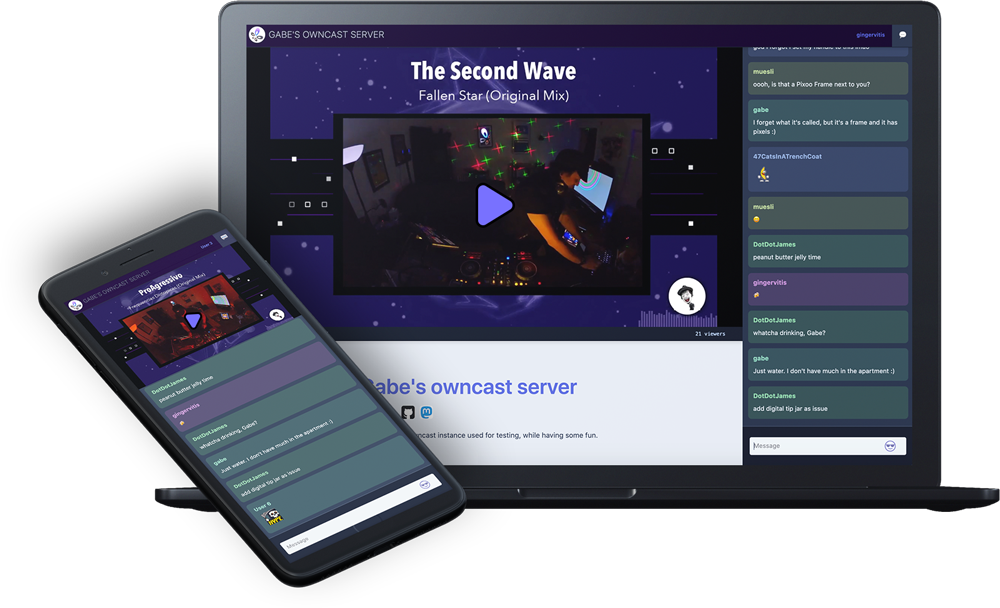
Deploy and Host Owncast on Railway
Owncast is an open source, self-hosted live video streaming and chat server — the independent alternative to Twitch or YouTube Live. Point OBS, Streamlabs, ffmpeg or any other RTMP encoder at your own server, and Owncast transcodes the feed into HLS, serves a web player and a live chat room, and gives you a moderation dashboard. Nobody else sets the rules for your content, chat or audience, and there is no platform cut or algorithm. It is one Go binary with an embedded database, so self-hosting Owncast suits a hobby stream and a company broadcast alike.
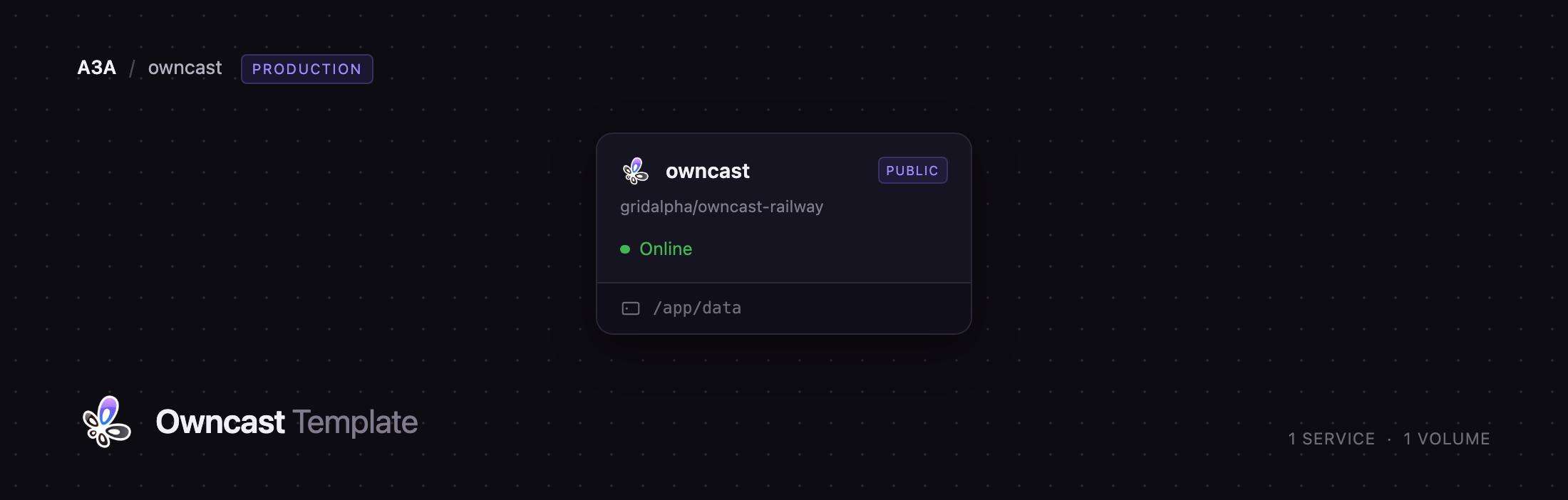
Deploying Owncast on Railway gives you one service built from the gridalpha/owncast-railway repository, which wraps the official owncast/owncast image. A volume at /app/data holds the SQLite configuration database, rolling HLS segments, emoji and logs. A public Railway domain serves the player, chat and admin over HTTPS, and a TCP proxy exposes the RTMP ingest port. The admin password and stream key are applied from environment variables on first boot, so the server never comes up carrying Owncast's published default credentials.
Getting Started with Owncast on Railway
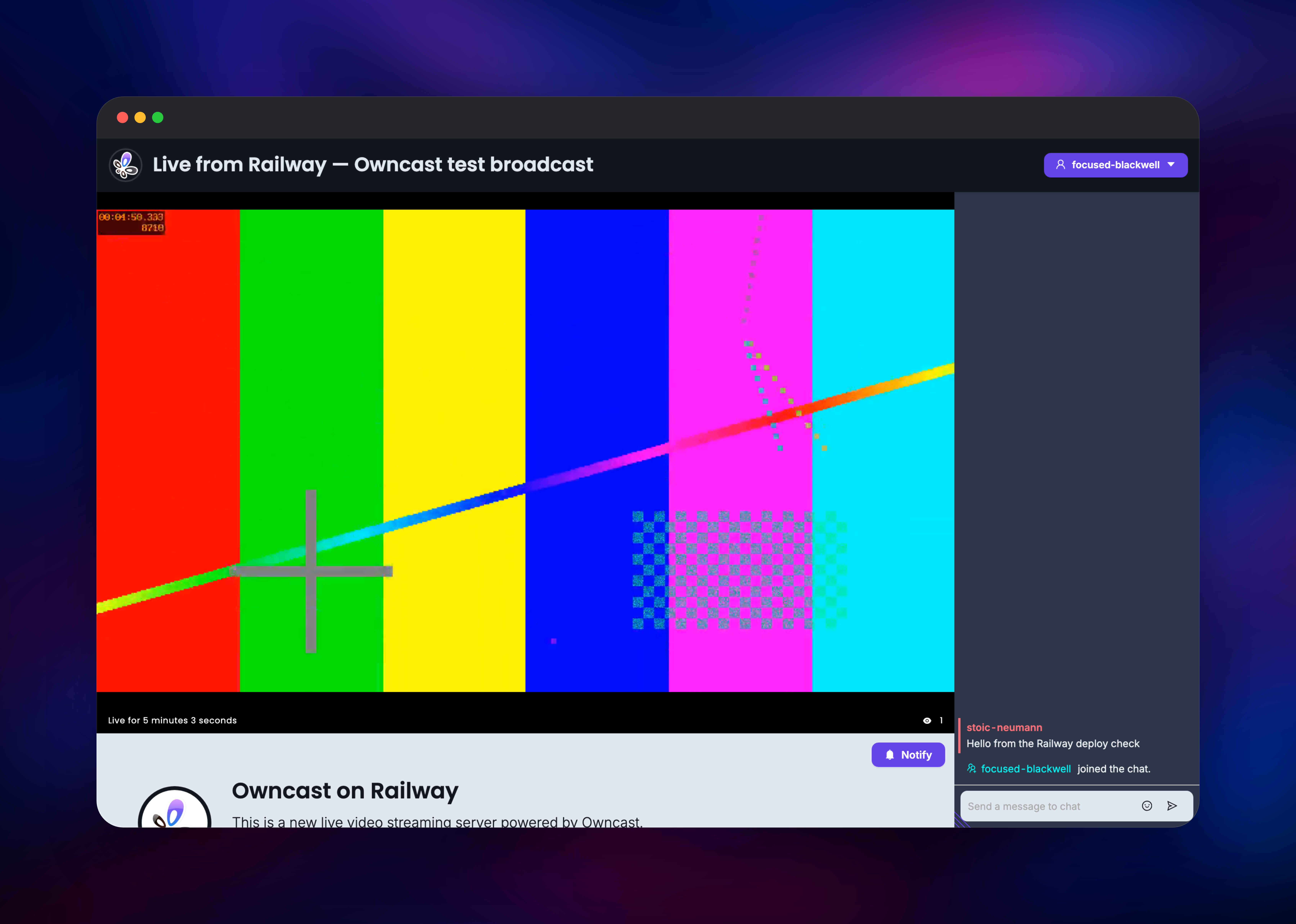
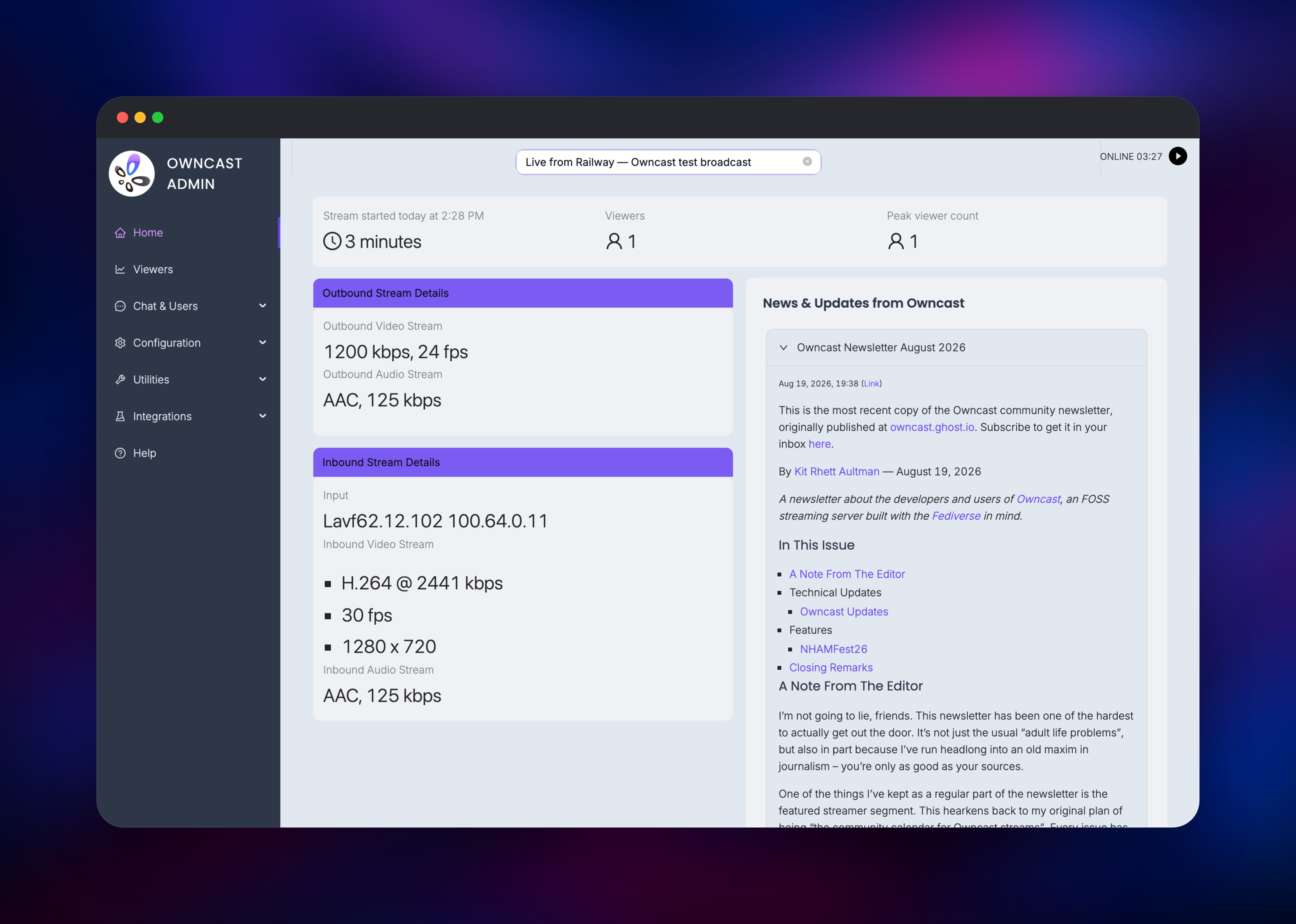
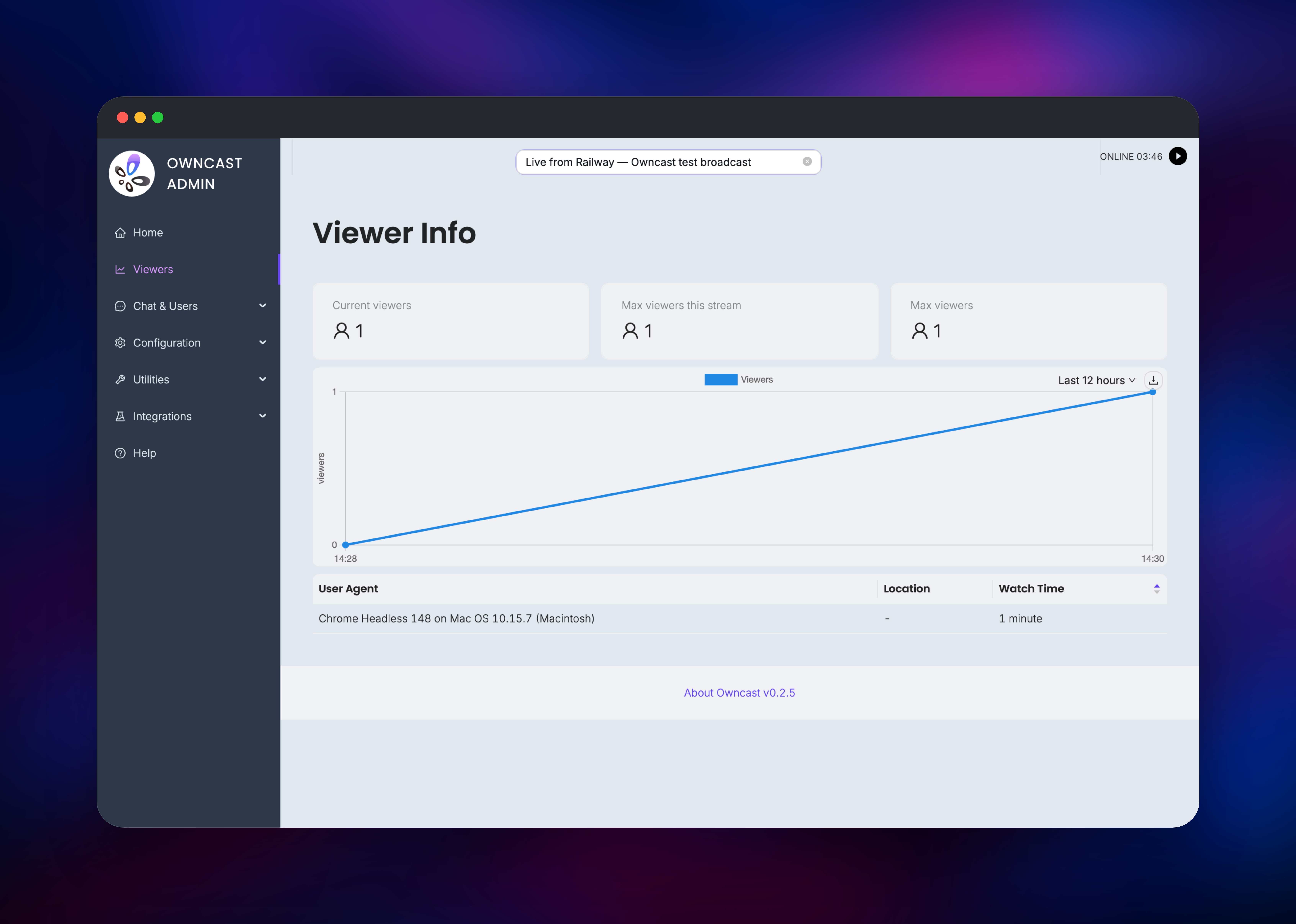
Once the deploy is green, open the Railway public URL: the welcome page with an offline player and chat panel confirms the server runs. Copy OWNCAST_ADMIN_PASSWORD and OWNCAST_STREAM_KEY from the service's Variables tab, then visit /admin/ and sign in as admin. For the RTMP endpoint, open Settings → Networking on the Railway service: the TCP Proxy row gives a hostname and port, and your encoder's server URL is rtmp://:/live with the stream key as the key. The RTMP address shown inside Owncast's own admin UI is derived from the web URL and will not work — always use the TCP proxy values. Put those into OBS under Settings → Stream with "Custom" as the service and click Start Streaming. Within about ten seconds the dashboard flips to ONLINE and reports the inbound codec, bitrate and resolution beside the outbound quality, and your public URL plays the stream live. Send a chat message from the viewer page, then set your title, name and logo under Configuration.
About Hosting Owncast
Owncast solves a specific problem: broadcasting live video to an audience you control, on a page you control, without handing your content and community to a platform that can demonetise or de-platform you. Teams also use it when a stream cannot leave their own infrastructure.
Key features:
- RTMP ingest from any standard encoder: OBS Studio, Streamlabs, ffmpeg, Restream
- HLS output with configurable quality variants, plus a passthrough mode skipping re-encode
- Live chat with moderation, IP bans, spam protection and optional auth
- ActivityPub federation, so Mastodon users can follow you and be told when you go live
- Admin dashboard with viewer analytics, stream health, hardware usage, logs
- Webhooks, scoped access tokens and a REST API for chat bots
- Full theming: name, logo, favicon, tags, social handles, page content, CSS and JS
The architecture is deliberately flat, because Owncast is single-broadcaster by design. One process accepts the RTMP connection, runs the ffmpeg transcode, writes HLS segments, serves the web app and holds the chat websockets. All state sits under /app/data, so the volume is what makes settings, chat history and moderation survive a redeploy.
Why Deploy Owncast on Railway
Railway removes the parts of self-hosting a stream that are not about streaming:
- One click deploys the server, its volume and its HTTPS domain
- The TCP proxy exposes RTMP ingest without touching a firewall or DNS
- HTTPS certificates are issued and renewed
- Scaling up for extra output qualities is a slider
- Logs, CPU and memory metrics are built in
- Redeploys pull the latest release, data intact
Common Use Cases for Self-Hosted Owncast
- Independent creators running a Twitch-style stream on their own domain, with Fediverse followers rather than a platform account
- Musicians and DJs broadcasting sets without commercial platforms' copyright bots
- Companies streaming all-hands, launches or training from infrastructure they control
- Communities and conferences hosting event streams that stay on brand
Dependencies for Owncast
owncast/owncast:latest— official image, bundling the server binary and ffmpeg- A volume at
/app/data— required: the database and video segments live there - A TCP proxy on container port
1935— required for RTMP ingest - A public domain on container port
8080— player, chat and admin
Environment Variables Reference
| Variable | Default | What it does |
|---|---|---|
OWNCAST_ADMIN_PASSWORD | generated | Password for admin at /admin/ |
OWNCAST_STREAM_KEY | generated | Key your encoder authenticates with |
OWNCAST_SERVER_URL | Railway domain | URL Owncast advertises; set for custom domains |
OWNCAST_RTMP_PORT | 1935 | RTMP port; must match the TCP proxy target |
PORT | 8080 | HTTP port, set by Railway |
Changing a secret here and redeploying applies the new value; changing it in the admin UI instead is respected and survives the next deploy.
Deployment Dependencies
- Source repo: gridalpha/owncast-railway
- Upstream: owncast/owncast, MIT
- Image: owncast/owncast
- Docs: owncast.online
Hardware Requirements for Self-Hosting Owncast
Owncast's guidance is that CPU is the constraint, roughly one core per output quality, while disk use is "almost none" because segments are cleaned up as you stream. Transcoding cost does not grow with your audience — the work is done once and the same files serve everyone — so viewers show up as bandwidth, not CPU.
| Minimum | Recommended | |
|---|---|---|
| CPU | 2 vCPU (one 720p output) | 4+ vCPU (multiple qualities, or 1080p) |
| RAM | 1 GB | 2 GB |
| Storage | 5 GB volume | 5 GB volume |
| Runtime | owncast/owncast:latest | same |
If CPU becomes the limit, enable video passthrough under Configuration → Video: it forwards your encoder's stream without re-encoding, removing nearly all transcoding cost, at the price of a single quality and a dependence on your encoder producing cleanly playable video for the web.
Self-Hosting Owncast with Docker
Outside Railway the smallest install is one container plus a volume. Owncast has no environment-variable configuration — every setting lives in data/owncast.db — so pass the admin password as a flag:
docker run -d --name owncast \
  -p 8080:8080 -p 1935:1935 \
  -v owncast-data:/app/data \
  owncast/owncast:latest -adminpassword 'your-strong-password'
The stream key has no flag and is set through the admin API:
curl -u admin:'your-strong-password' \
  -H 'Content-Type: application/json' \
  -d '{"value":[{"key":"your-stream-key","comment":"encoder"}]}' \
  http://localhost:8080/api/admin/config/streamkeys
A fresh install ships with the admin password and stream key both set to abc123, which is public and documented, so replacing both before the server is reachable is not optional. This template does that on first boot for you.
How Much Does Owncast Cost to Self-Host?
Owncast is free and open source under the MIT licence — no paid tier, no hosted edition, no seat count, no gated features; the project runs on Open Collective donations. Your only cost is infrastructure: compute while you are live, the 5 GB volume, and egress to viewers. Between streams the server is nearly idle, since transcoding runs only while an encoder is connected.
FAQ
What is Owncast? An open source, self-hosted live video streaming and chat server. You broadcast to it over RTMP from software like OBS, and it serves a page with an HLS player, live chat and an admin dashboard on your domain.
What does this Railway template deploy?
One Owncast service built from the owncast/owncast image, with a volume at /app/data, a public HTTPS domain for the player and admin, and a TCP proxy for RTMP ingest. The admin password and stream key are generated on first boot.
Why does the template include a volume? Owncast keeps everything in one directory: SQLite configuration database, chat history, moderation state, emoji, HLS segments and backups. Without the volume every redeploy would reset the server to a fresh install.
How do I connect OBS to Owncast running on Railway?
Take the hostname and port from the TCP Proxy row under the service's Networking settings, then in OBS choose Settings → Stream → Custom with rtmp://:/live as the server and OWNCAST_STREAM_KEY as the key. The address shown in Owncast's own admin UI will not work here.
Does Owncast support Mastodon and the Fediverse? Yes. Owncast federates over ActivityPub, so people can follow your server from Mastodon and be notified when you go live. It is off by default; turn it on under Configuration → Federation once your public URL is final.
Template Content
owncast
gridalpha/owncast-railway

