
Deploy Plume | Open Source Federated Blogging Platform
Self host Plume. Blogging engine with multi-blog support & full-text search

Just deployed
/var/lib/postgresql/data
Just deployed
/data
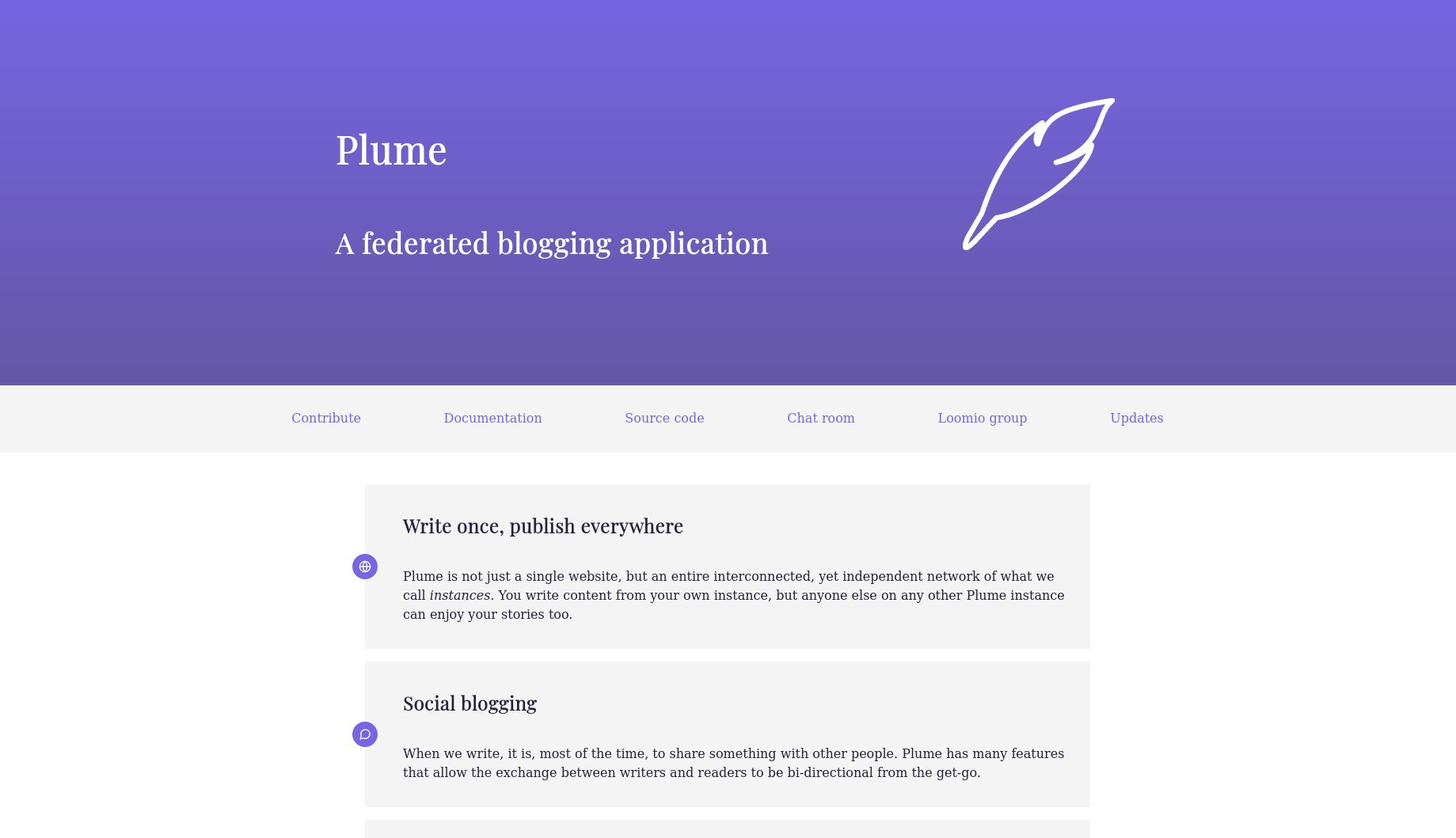
Deploy and Host Plume on Railway

Plume is a federated blogging engine built on ActivityPub that lets authors publish articles visible across the entire Fediverse — Mastodon, Pleroma, and any ActivityPub-compatible platform. Deploy Plume on Railway to self-host a fully functional multi-user blogging instance with PostgreSQL for data persistence and a persistent volume for media uploads and full-text search.
Self-host Plume on Railway and get a production-ready federated blog in minutes. This template pre-configures the Plume application service with an idempotent startup sequence (database migrations, search index initialization, admin user creation), a Railway-managed PostgreSQL database, and persistent storage for uploaded media and Tantivy search indexes.

Getting Started with Plume on Railway
After your Plume instance deploys, visit your public Railway URL to see the homepage showing "Nothing to see here yet." Click Log In and enter the admin credentials configured in your environment variables (admin / your ADMIN_PASSWORD). Once logged in, navigate to your dashboard and click Create a new blog to set up your first publication with a title, description, and license. Write your first article using Plume's built-in Markdown editor. Your post will automatically federate to the Fediverse — any Mastodon user can follow your blog's handle @blogname@your-domain to receive new posts in their timeline.

About Hosting Plume
Plume is an open-source (AGPL-3.0) federated blogging engine written in Rust. It solves the problem of centralized blogging platforms controlling your content by giving you full ownership of your writing while maintaining discoverability through ActivityPub federation.
- Multi-blog support — one account can manage multiple blogs for different topics
- ActivityPub federation — posts appear in Mastodon, Pleroma, and other Fediverse timelines
- Full-text search — Tantivy-powered search across all articles on your instance
- Media management — upload images and other media files alongside posts
- Multi-user — host blogs for your community, organization, or team
- WebFinger & NodeInfo — standard Fediverse discovery protocols built in
Why Deploy Plume on Railway
A single click gives you a production-ready Plume instance with zero ops overhead:
- Automatic database migrations and search index setup on every deploy
- Railway-managed PostgreSQL with automated backups
- Persistent volume for media uploads and search indexes
- HTTPS by default with Railway's TLS termination
- Horizontal scaling when your readership grows
Common Use Cases for Self-Hosted Plume
- Personal federated blog — publish long-form content discoverable across the Fediverse without relying on corporate platforms
- Community writing hub — host a multi-user instance where each member maintains their own blog
- Organization publishing — self-host an official blog that federates announcements to followers on Mastodon and other platforms
- Privacy-first publishing — keep full control of your content and reader data on your own infrastructure
Dependencies for Plume on Railway
- Plume —
plumeorg/plume:latest(Rust-based blogging engine, port 7878) - PostgreSQL — Railway-managed database for articles, users, and federation data
Environment Variables Reference
| Variable | Description |
|---|---|
DATABASE_URL | PostgreSQL connection string (references ${{Postgres.DATABASE_URL}}) |
BASE_URL | Public domain for federation identity |
ROCKET_SECRET_KEY | Cookie signing key (must be stable across deploys) |
ROCKET_ADDRESS | Bind address — must be 0.0.0.0 |
ROCKET_PORT | HTTP server port (default: 7878) |
MEDIA_UPLOAD_DIRECTORY | Path for uploaded media files |
SEARCH_INDEX | Path for Tantivy search index |
ADMIN_USERNAME | Admin account username (bootstrap-only) |
ADMIN_PASSWORD | Admin account password (bootstrap-only) |
SIGNUP | Registration policy: password or email |
Deployment Dependencies
- Runtime: Rust binary on Debian Slim
- Docker Hub: plumeorg/plume
- GitHub: Plume-org/Plume
- Docs: docs.joinplu.me
Hardware Requirements for Self-Hosting Plume
| Resource | Minimum | Recommended |
|---|---|---|
| CPU | 1 vCPU | 2 vCPU |
| RAM | 256 MB | 512 MB |
| Storage | 1 GB | 5 GB+ (scales with media uploads) |
| Runtime | Docker or Rust toolchain | Docker |
Self-Hosting Plume with Docker
Run Plume locally using Docker Compose. Create a docker-compose.yml:
version: "3"
services:
  postgres:
    image: postgres:15-alpine
    environment:
      POSTGRES_DB: plume
      POSTGRES_USER: plume
      POSTGRES_PASSWORD: changeme
    volumes:
      - pg_data:/var/lib/postgresql/data
  plume:
    image: plumeorg/plume:latest
    ports:
      - "7878:7878"
    environment:
      DATABASE_URL: postgres://plume:changeme@postgres/plume
      BASE_URL: localhost:7878
      ROCKET_ADDRESS: "0.0.0.0"
      ROCKET_PORT: "7878"
      ROCKET_SECRET_KEY: your-secret-key-here
      MIGRATION_DIRECTORY: migrations/postgres
    volumes:
      - media:/app/static/media
      - search:/app/search_index
    depends_on:
      - postgres
volumes:
  pg_data:
  media:
  search:
Run the first-boot initialization and start the server:
docker-compose up -d postgres
docker-compose run plume plm migration run
docker-compose run plume plm search init
docker-compose run plume plm instance new -d localhost:7878 -n "My Blog"
docker-compose run plume plm users new -n admin -N Admin -e admin@example.com -p mypassword --admin
docker-compose up -d plume
Is Plume Free to Self-Host?
Plume is completely free and open-source under the AGPL-3.0 license. There are no paid tiers, premium features, or usage limits — you get the full platform at no software cost. On Railway, you only pay for infrastructure usage (compute, database storage, network bandwidth). A typical Plume instance with moderate traffic runs comfortably on Railway's Hobby plan.
Plume vs WriteFreely on Railway
| Feature | Plume | WriteFreely |
|---|---|---|
| Federation | ActivityPub | ActivityPub |
| Multi-blog per user | Yes | No (one blog per user) |
| Full-text search | Yes (Tantivy) | No |
| Media uploads | Yes | No (images via external links) |
| Editor | Markdown | Markdown |
| Language | Rust | Go |
| License | AGPL-3.0 | AGPL-3.0 |
Plume offers richer features (multi-blog, search, media) while WriteFreely focuses on minimalist, distraction-free writing. Choose Plume for a full-featured community blogging platform; choose WriteFreely for simple, elegant long-form publishing.
FAQ
What is Plume and why should I self-host it? Plume is a decentralized blogging engine that uses the ActivityPub protocol to federate your posts across the Fediverse. Self-hosting gives you full ownership of your content, your data, and your readers' privacy — no corporate platform can censor, monetize, or delete your writing.
What does this Railway template deploy for Plume?
This template deploys two services: the Plume application (from the plumeorg/plume:latest Docker image) and a Railway-managed PostgreSQL database. It also provisions a persistent volume for media uploads and search indexes, runs database migrations automatically, and creates an admin account on first boot.
Why does Plume need PostgreSQL on Railway? Plume stores all articles, user accounts, blog metadata, federation state, and ActivityPub activity data in PostgreSQL. The database is essential for the application to function — without it, Plume cannot persist any content.
How do I create a new blog on my self-hosted Plume instance?
Log in with your admin credentials, then click the "Create a new blog" button on your dashboard. Enter a title, description, and content license. Your blog gets a Fediverse handle like @blogname@your-domain that anyone on Mastodon or other ActivityPub platforms can follow.
Can Mastodon users follow and interact with Plume blog posts?
Yes. Every Plume blog has an ActivityPub actor that Mastodon users can follow by searching for @blogname@your-plume-domain. New articles appear as posts in their home timeline. Mastodon users can boost (reshare) and reply to articles directly from their Mastodon client.
How do I reset the admin password on a self-hosted Plume instance?
Use the Plume CLI tool inside the container: plm users reset-password --user admin --password newpassword. On Railway, run this via railway run or update the ADMIN_PASSWORD environment variable and redeploy (the startup script re-runs plm users new with || true, which won't change an existing password — you must use the CLI for resets).
Template Content
ADMIN_EMAIL
Admin account email
ADMIN_PASSWORD
Admin password (bootstrap-only)
ADMIN_USERNAME
Admin account username