
Deploy Portainer
Web interface for managing Docker containers and Kubernetes
portainer
Just deployed
/data
Deploy and Host Portainer on Railway
Portainer is the container management UI that hundreds of thousands of teams point at their Docker, Docker Swarm, Podman and Kubernetes environments. Instead of SSH-ing into a host to read docker ps, you get a browser view of every container, image, volume, network and stack — with logs, a console, live stats, a Compose and Helm deployment engine that pulls from Git, registry credentials, and role-based access so an on-call engineer can restart a service without holding root on the box.
Self-host Portainer once, somewhere with a stable HTTPS URL, and connect it outward to whatever you already run: a VPS, a Raspberry Pi cluster at home, a managed Kubernetes cluster, or all three at once. Deploy Portainer on Railway and the Community Edition server comes up with an administrator already created, HTTPS terminated, and a volume holding its embedded database and signing keys.
Getting Started with Portainer on Railway
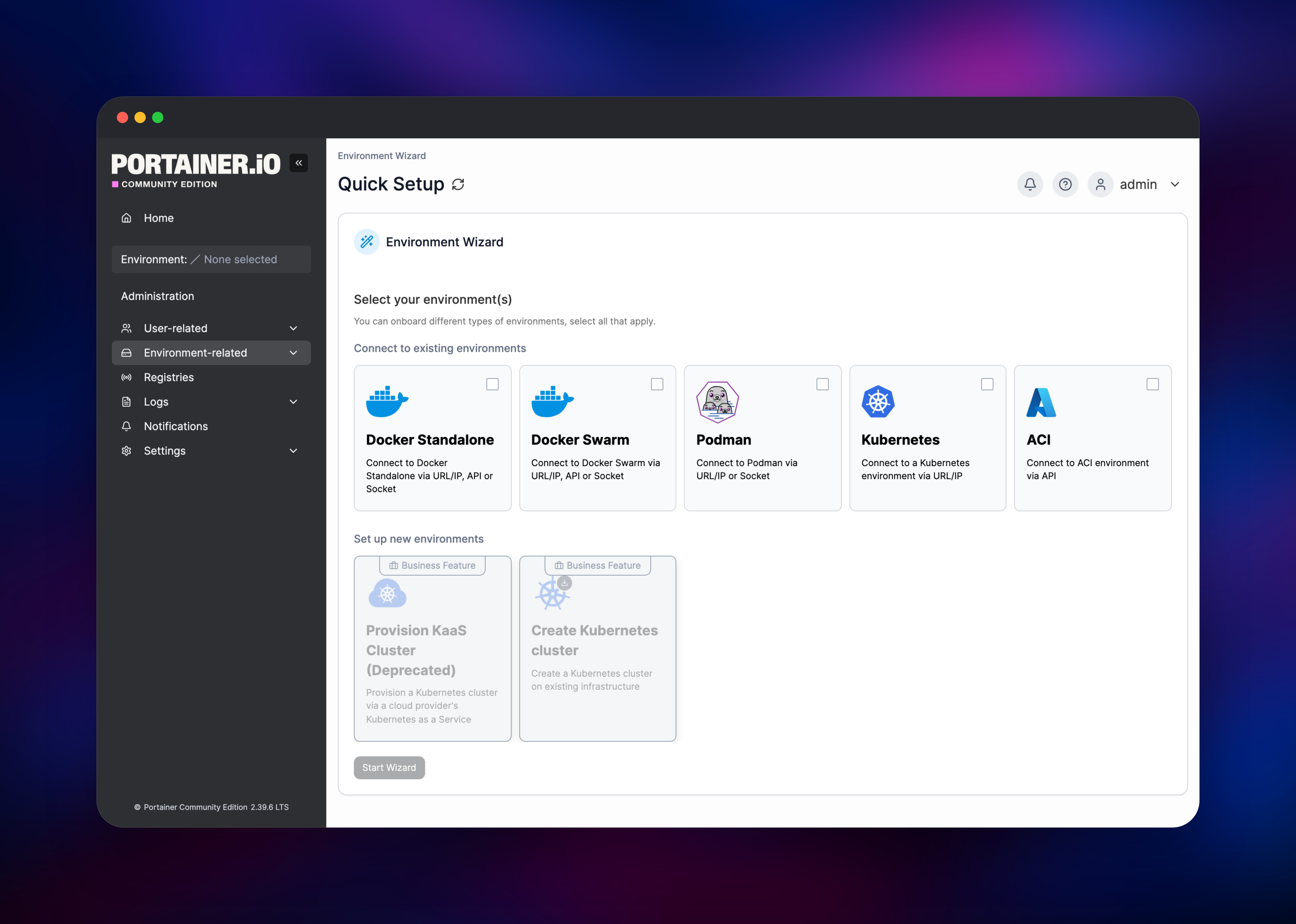
Set ADMIN_PASSWORD before deploying, or accept the generated value and copy it out of the Variables tab — it becomes the password for the admin account, created the first time the container boots. Open the public URL and sign in as admin: there is no setup wizard to clear and no default password to change. Portainer will report that it could not connect a local environment, which is expected — the hosts you manage live elsewhere.
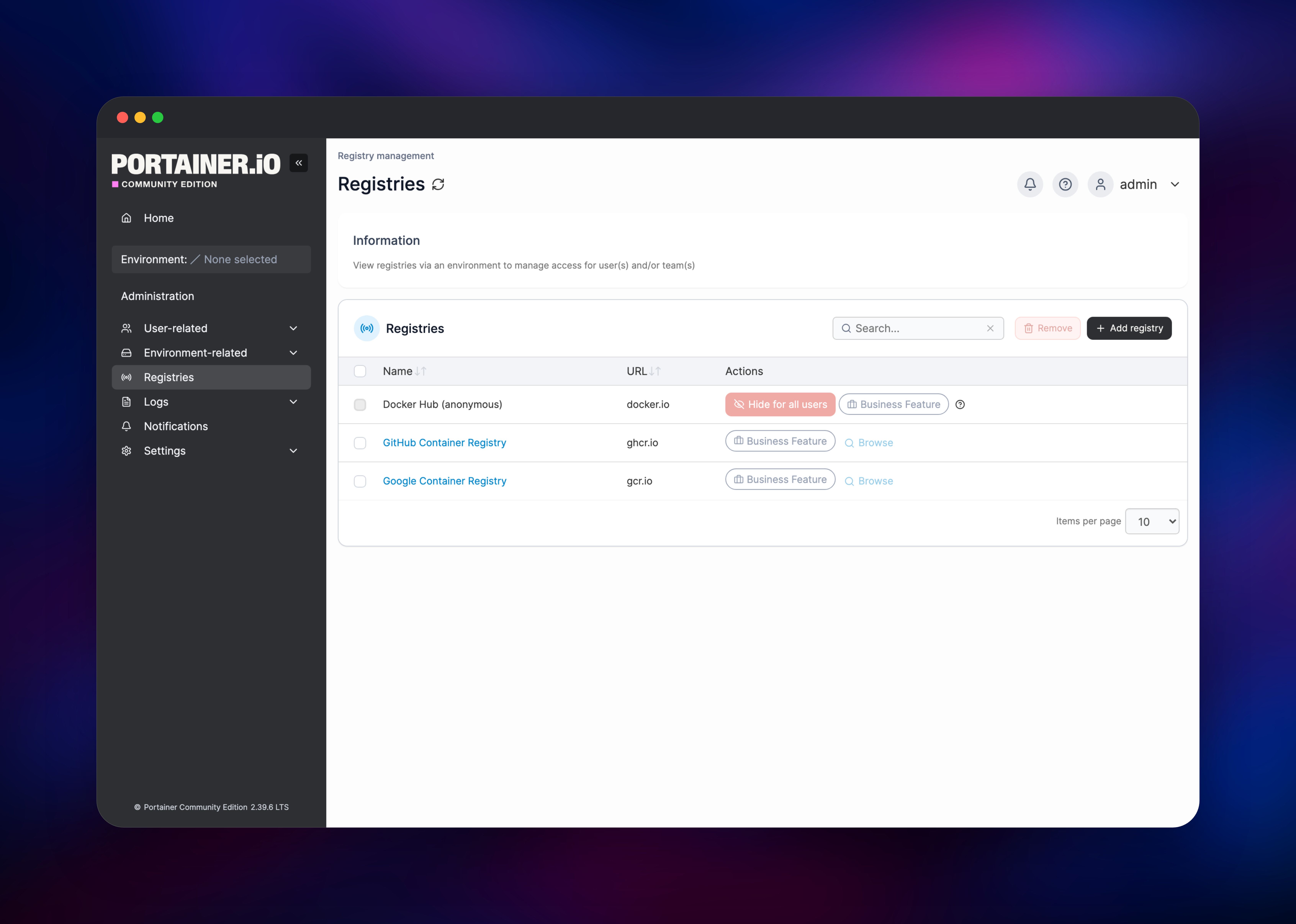
Click Add Environments and pick how to connect: Docker Standalone, Docker Swarm, Podman, Kubernetes or ACI. The usual choice is the Portainer Agent — run one container on the target host, publish port 9001, paste that address here, and set AGENT_SECRET on the agent to this template's value. Once an environment attaches, its dashboard shows live container counts, and opening a container's logs confirms it works end to end. From there add registry credentials, invite teammates, and deploy a stack from a Compose file or Git.
About Hosting Portainer
Portainer is a single Go binary with an embedded BoltDB database and a React UI. It runs no workload itself; it talks to the Docker or Kubernetes API of each environment you register and renders the result. That is why teams keep the server away from the machines it manages — when a node goes down, the control plane is still up to tell you.
Key features:
- Multi-environment: Docker Standalone, Docker Swarm, Podman and Kubernetes in one UI
- Stacks: deploy and update Compose files or Helm charts, optionally synced from Git
- Registries: credentials for Docker Hub, GHCR, ECR, Quay, GitLab and custom registries
- RBAC: users, teams and per-environment access for non-admins
- Operations: logs, exec console, live stats, image pruning, volume and network management
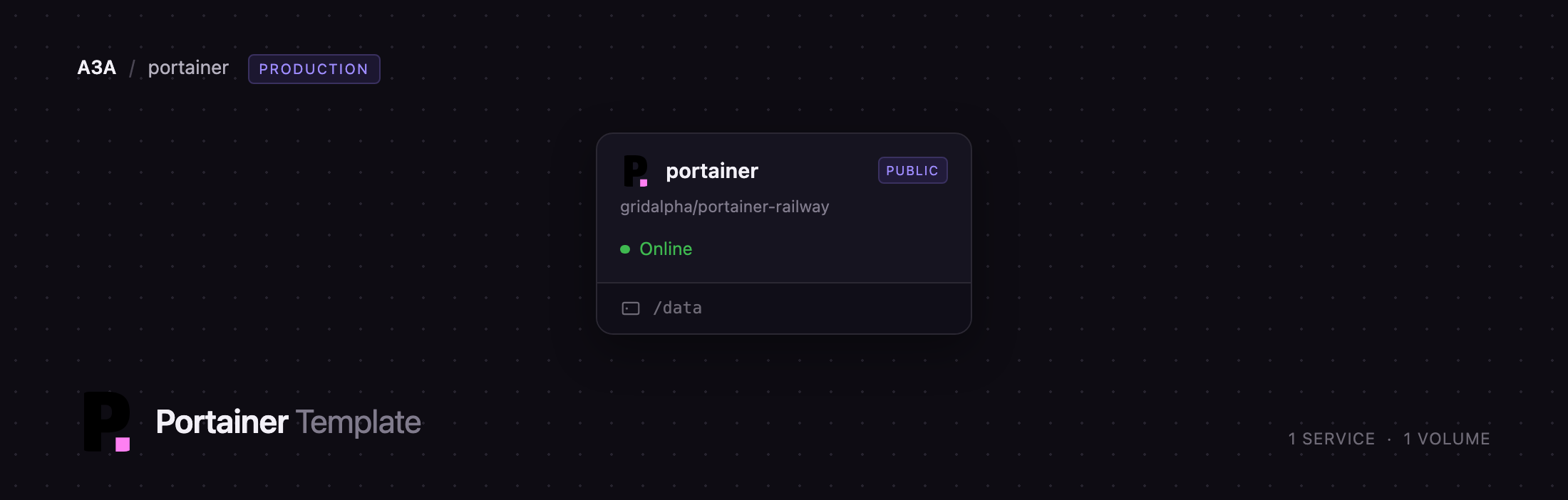
The Railway service is deliberately small: the Portainer server plus one volume at /data. No separate database, cache, worker or object storage.
Why Deploy Portainer on Railway
Railway removes the parts of hosting a control plane that are not the point:
- HTTPS, certificates and a public hostname are provisioned for you
- The volume keeps environments, users and registries across redeploys
- The administrator is created on first boot, not through a timed wizard
- HSTS and a strict content security policy are on by default
- Updates arrive by redeploying the upstream image, with no host to patch
Common Use Cases for Self-Hosted Portainer
- Homelab dashboard: manage a NAS, a mini-PC and a Pi cluster from one browser tab, off-site
- Small-team operations: give developers log and restart access to staging without SSH keys
- Fleet management: attach dozens of Docker hosts and roll one Compose stack out to all of them
- Kubernetes without
kubectl: browse namespaces, workloads and Helm releases visually
Dependencies for Portainer
portainer/portainer-ce:alpine— the Community Edition server, tracking the LTS line (2.39.6 today). A thin layer from github.com/gridalpha/portainer-railway starts it on Railway's injected port, serves plain HTTP behind the TLS-terminating edge, and creates the first administrator fromADMIN_PASSWORD.- A 5 GB volume at
/data— Portainer's entire state. Without it every redeploy resets your environments and users.
Environment Variables Reference
| Variable | Purpose |
|---|---|
ADMIN_PASSWORD | Password for the admin account, applied on first boot only. Minimum 12 characters |
AGENT_SECRET | Shared secret each Portainer Agent must present. Copy it to every agent you deploy |
PORT | HTTP listen port. Leave at 8080 |
PORTAINER_HSTS | true by default; sends Strict-Transport-Security. Set false to drop the header |
DB_ENCRYPTION_KEY | Optional. Encrypts the database at rest. One-way — see Troubleshooting |
PORTAINER_LOG_LEVEL | DEBUG, INFO, WARN or ERROR |
Deployment Dependencies
- Source repository: github.com/portainer/portainer
- Container image: hub.docker.com/r/portainer/portainer-ce
- Documentation: docs.portainer.io
- Runtime: a single Go binary on Alpine
Hardware Requirements for Self-Hosting Portainer
| Resource | Minimum | Recommended |
|---|---|---|
| CPU | 0.5 vCPU | 1 vCPU |
| RAM | 256 MB | 512 MB–1 GB |
| Storage | 1 GB volume | 5 GB volume |
| Runtime | Linux container, amd64 or arm64 | — |
Self-Hosting Portainer with Docker
The upstream image runs anywhere Docker does. To manage a host's own containers, mount its Docker socket:
docker volume create portainer_data
docker run -d --name portainer --restart=always \
  -p 9443:9443 -p 8000:8000 \
  -v /var/run/docker.sock:/var/run/docker.sock \
  -v portainer_data:/data \
  portainer/portainer-ce:lts
Browse to https://localhost:9443 and create the administrator. To attach a remote host, run the agent there and register its address in the UI:
docker run -d --name portainer_agent --restart=always \
  -p 9001:9001 \
  -e AGENT_SECRET="your-shared-secret" \
  -v /var/run/docker.sock:/var/run/docker.sock \
  -v /var/lib/docker/volumes:/var/lib/docker/volumes \
  portainer/agent:lts
How Much Does Portainer Cost to Self-Host?
Portainer Community Edition is free and open source under the zlib licence, with no node limit and no seat count. On Railway you pay only for the container and the volume — a few dollars a month for a control plane this size. Business Edition is a separate paid product, free for up to three nodes and around $1,045 a year for a 15-node tier. This template deploys the Community Edition.
Troubleshooting Self-Hosted Portainer on Railway
Quick Setup cannot connect a local environment. Expected: there is no Docker socket inside a Railway container, so Portainer has nothing local to adopt. Register a remote environment instead.
Edge Agent environments will not connect. Edge agents open a reverse tunnel to a host and port that Portainer derives from the API URL you enter, and Railway does not serve arbitrary TCP on your HTTPS hostname. Use the standard Portainer Agent, a Docker API endpoint over TLS, or a Kubernetes API server — all outbound from Portainer, all working normally.
DB_ENCRYPTION_KEY is a one-way door. Setting it encrypts the database on the next boot; clearing it later leaves Portainer unable to read its own data. Set it once, or not at all.
Changing ADMIN_PASSWORD later does nothing — it is read only while no administrator exists. Reset it from Portainer's user management.
FAQ
What is Portainer? An open-source management UI for containers. It connects to the Docker, Podman or Kubernetes API of one or more hosts and gives you a browser interface for containers, images, volumes, networks, stacks and access control.
What does this Railway template deploy?
A single Portainer Community Edition server built from portainer/portainer-ce:alpine, with a volume at /data, a public HTTPS domain, and an administrator created on first boot from ADMIN_PASSWORD.
Why does this template include a volume?
Portainer keeps everything in an embedded BoltDB database plus its key pair and TLS material under /data. Railway replaces the container on every deploy, so without a volume your environments, users and registries would disappear.
Can Portainer on Railway manage containers on my own server? Yes — that is the intended shape. Run the Portainer Agent on your server, publish its port and register the address. Portainer dials out, so your server needs no inbound access to Railway.
How do I secure the connection between Portainer and its agents?
Set the same AGENT_SECRET on the Portainer service and every agent container. Agents that do not present it are rejected.
Does the self-hosted Portainer template support Kubernetes? Yes. Register a Kubernetes environment by URL, or deploy the agent into the cluster, and you get namespaces, workloads, Helm releases and a kubeconfig download beside your Docker environments.
Template Content
portainer
gridalpha/portainer-railway

