
Deploy Rocket Chat
Team chat with file sharing, video conferencing, and collaboration tools
rocketchat
Just deployed

nats
Just deployed

mongodb
Just deployed
/data/db
Deploy and Host Rocket.Chat on Railway
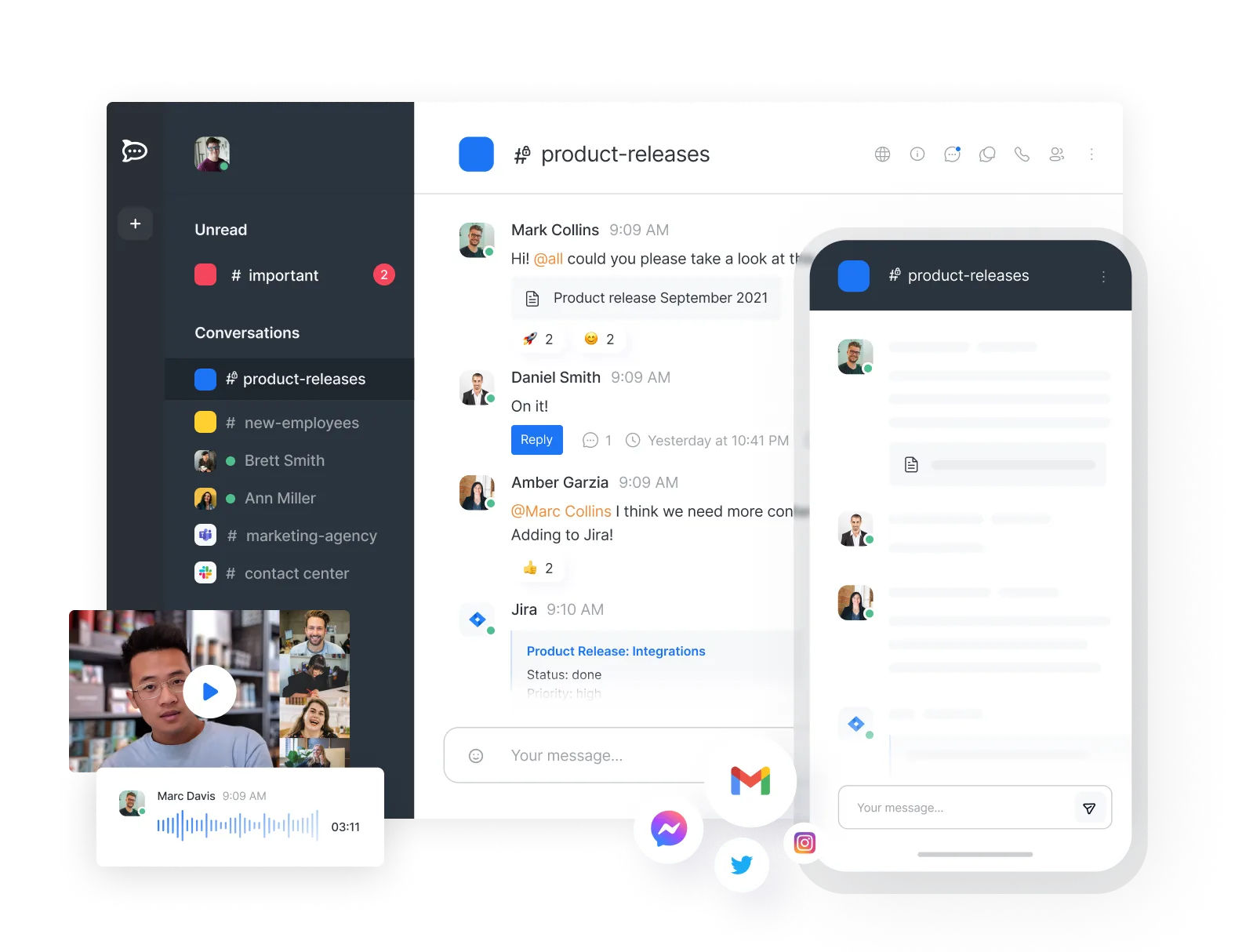
Rocket.Chat is an open-source team communication platform — channels, threads, direct messages, file sharing, voice and video calls, and a full admin console — used by companies, universities and government agencies that want their conversations on infrastructure they control. It is the best-known open-source alternative to Slack and Microsoft Teams, and because it runs on your own database, every message and attachment stays in your own account.
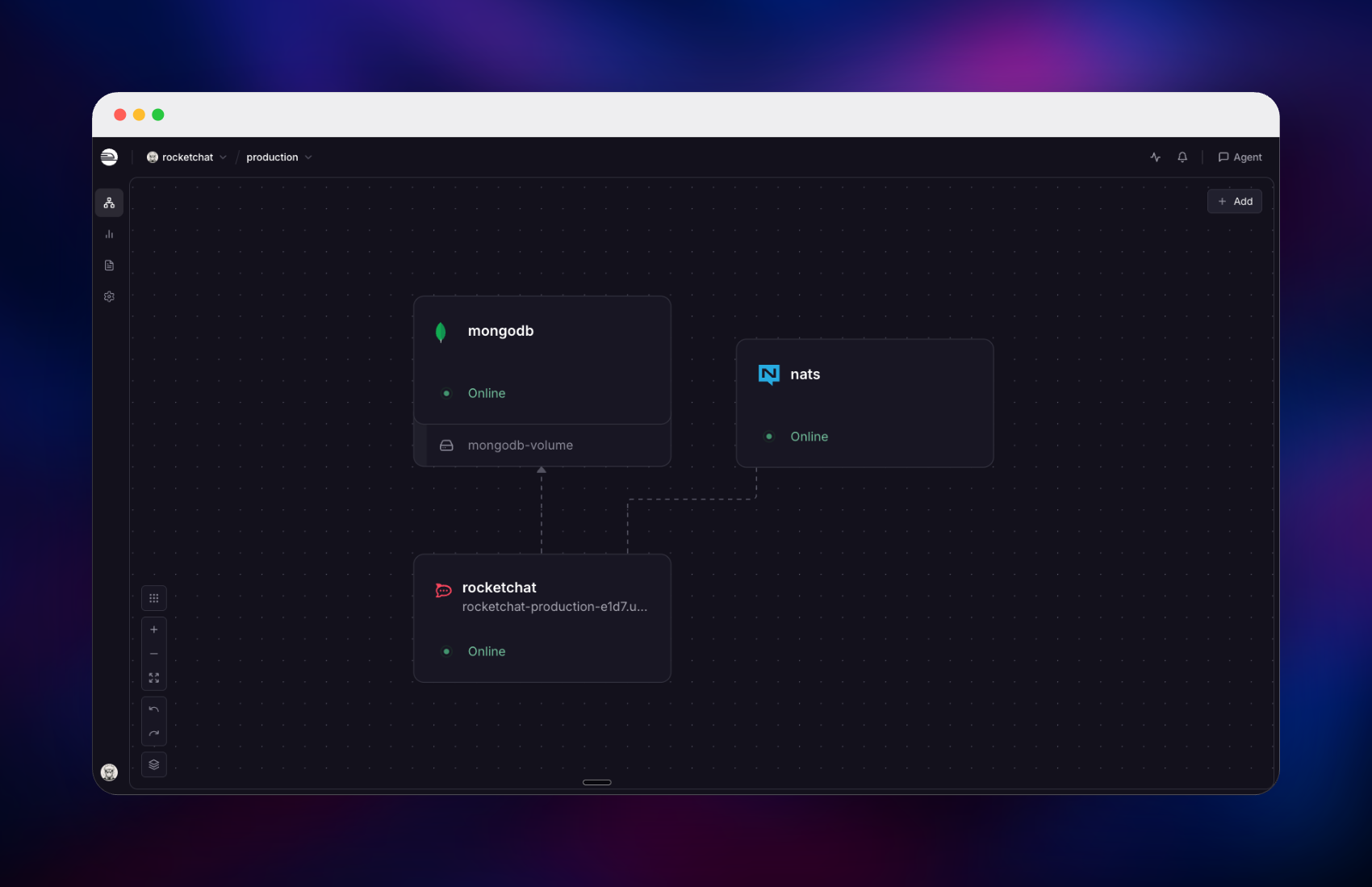
Deploy Rocket.Chat on Railway and this template brings up three services. The Rocket.Chat monolith serves the web app and REST API on a public HTTPS domain. MongoDB runs as a single-node replica set on a persistent volume — Rocket.Chat reads change streams to push new messages to connected clients, and change streams only exist on a replica set, so a standalone database will not work. NATS carries the internal message bus so the workspace can later run more than one instance. Only the app is reachable from the internet; MongoDB and NATS stay on Railway's private network.
Getting Started with Rocket.Chat on Railway
Open the generated Railway URL once all three services are green. Rocket.Chat creates its first administrator from the ADMIN_USERNAME, ADMIN_EMAIL and ADMIN_PASS variables on the very first boot, so sign in with those rather than looking for a registration screen — and change the password immediately, since the value is visible in your Railway variables. There are no other default credentials.
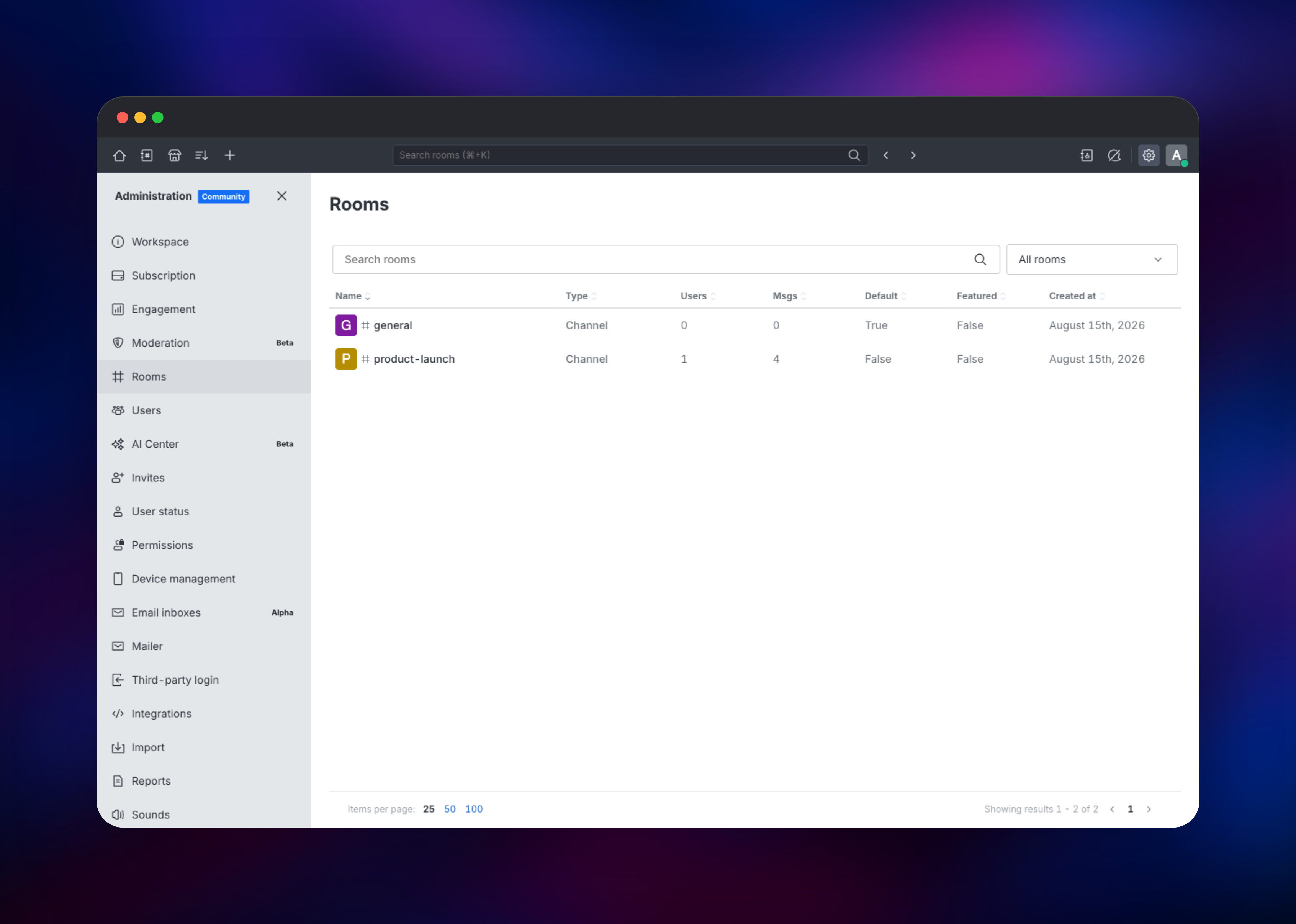
The setup wizard then asks for your organisation details and offers to register the workspace with Rocket.Chat Cloud. Registration is optional and can be done later from Administration → Subscription; to finish setup without it, close the wizard and set Show_Setup_Wizard to completed under Administration → Settings → Setup Wizard.
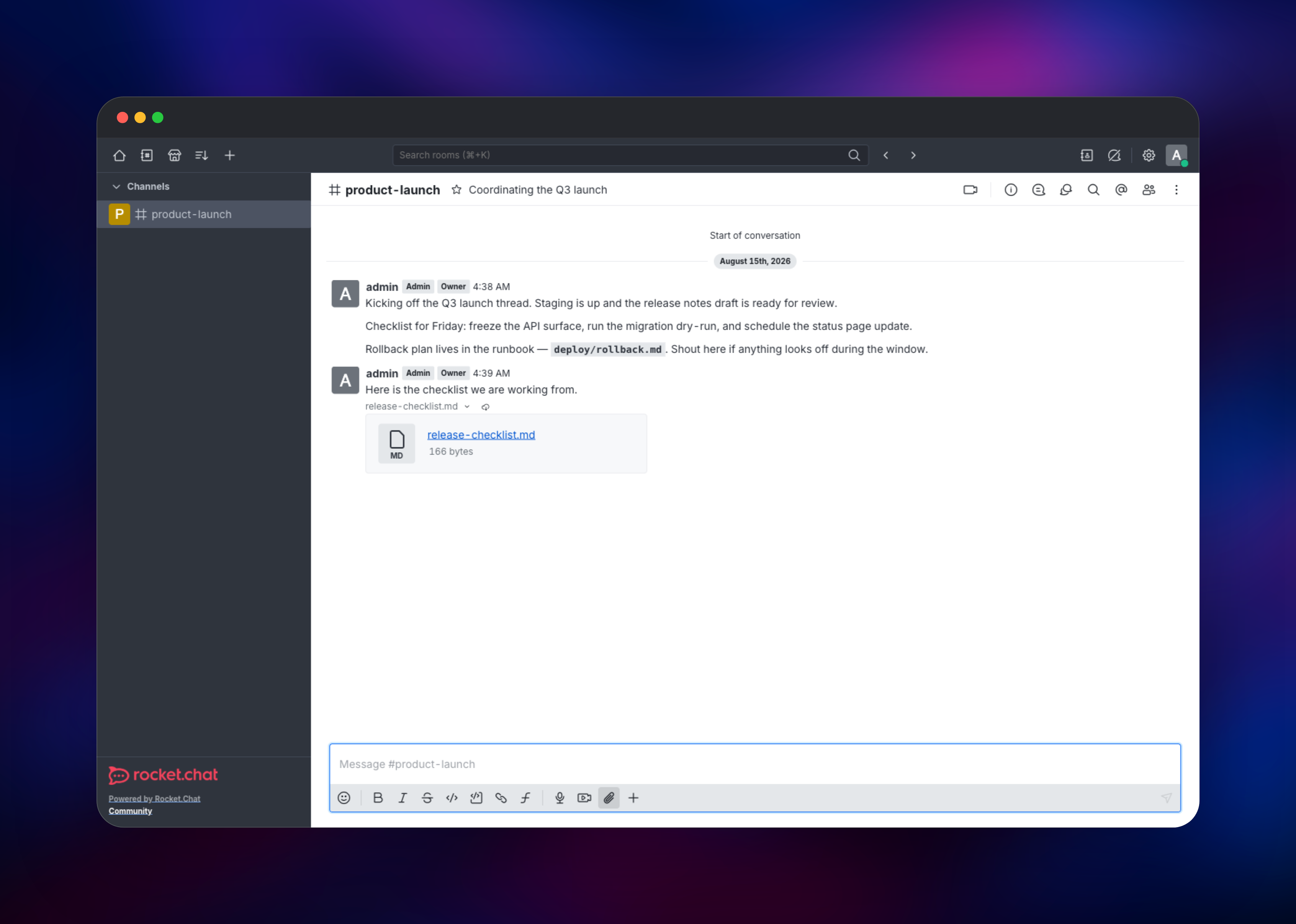
Your first useful action is creating a channel: click + in the top bar, choose Channel, give it a name and a topic, then post a message and drag a file into the composer. If the message appears instantly in a second signed-in browser and the file downloads again, change streams and file storage both work. Then open Administration → Settings → Accounts to decide whether open registration stays on before sharing the URL.
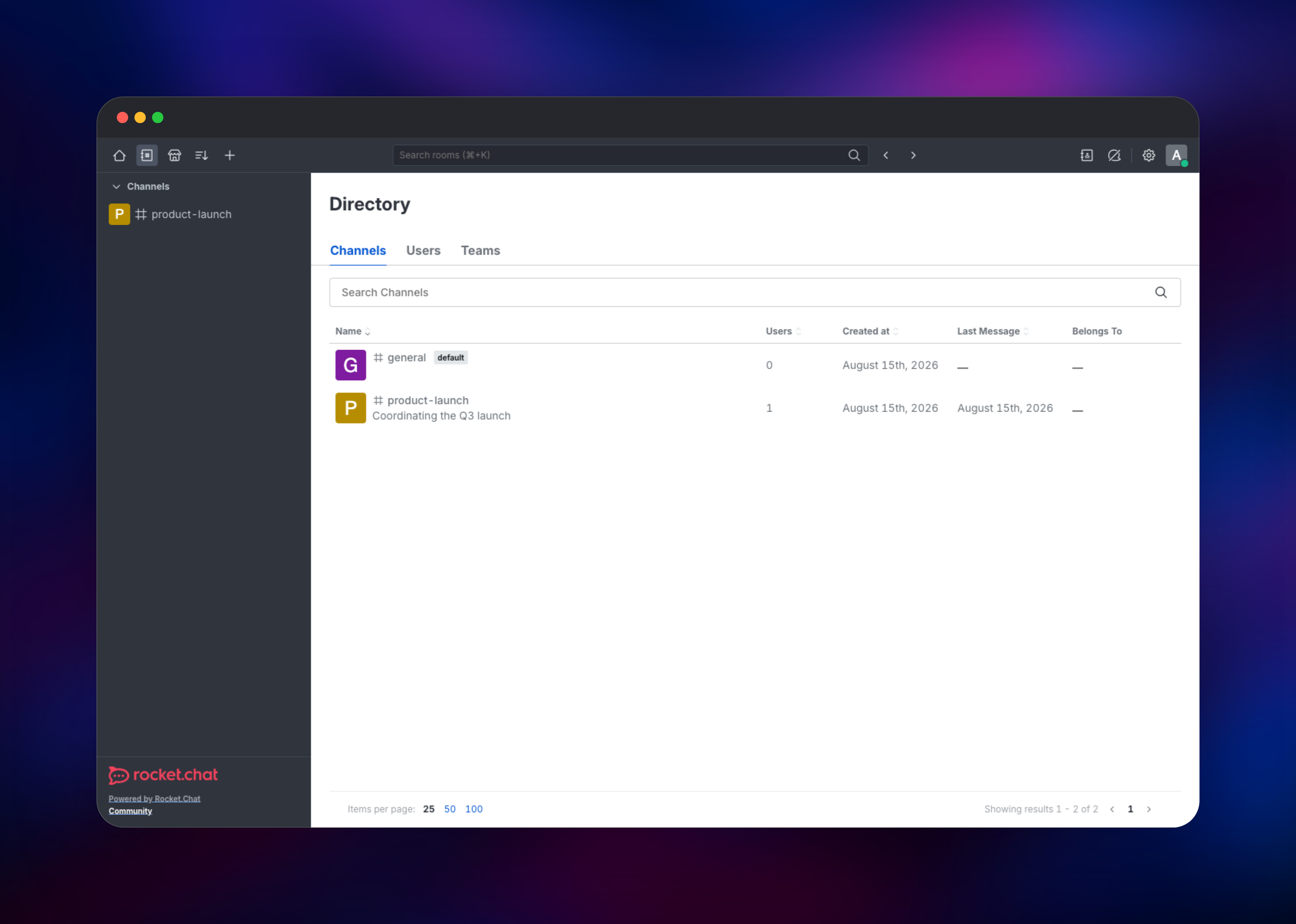
About Hosting Rocket.Chat
Rocket.Chat is a Meteor and Node.js application backed entirely by MongoDB. Teams self-host it when chat history is sensitive or regulated — healthcare, finance, defence, education — or when they do not want per-seat pricing on a tool everyone uses all day. It is MIT-licensed and the data lives in a database you can query and back up yourself, so migrating away later is a mongodump.
Key features:
- Public and private channels, discussions, threads and direct messages
- Drag-and-drop file sharing with full-text message search
- Video and voice conferencing through Jitsi or BigBlueButton
- REST API, real-time API, webhooks, and a Deno-based Apps engine
- LDAP, SAML and OAuth authentication, plus two-factor authentication
- Native mobile and desktop clients that point at your own server URL
Rocket.Chat is the only service with a public domain; it serves traffic on port 3000 and is health-checked at /api/info. MongoDB stores messages, users, settings and uploaded files — attachments go to GridFS, which is why the app needs no volume of its own. NATS is the Moleculer transporter that lets you raise the replica count later without instances reaching each other directly.
Why Deploy Rocket.Chat on Railway
Railway removes the infrastructure work self-hosting a chat server normally means.
- HTTPS, certificates and a public domain provisioned automatically
- MongoDB replica set already configured, authenticated and on a persistent volume
- Private networking between the app, database and message bus
- One-click redeploys and rollbacks when you upgrade
- Logs, metrics and health checks for every service in one dashboard
Common Use Cases
- An internal Slack replacement, with history on your own infrastructure and no per-seat billing
- A community or support space, with Omnichannel live chat embedded on a website
- A compliance-sensitive workspace where retention and data residency are set by regulation
- A chat backend for a product, driven through the REST API and webhooks
Dependencies for Rocket.Chat
- Rocket.Chat —
rocketchat/rocket.chat:8.7.0, the application itself - MongoDB 8.0 — built from
mongodb/mongodb-community-server:8.0-ubi8, run as a single-node replica set so change streams work - NATS —
nats:2.11-alpine, the internal message bus
The Rocket.Chat release and the MongoDB major must match. Every release publishes its supported database versions at https://releases.rocket.chat//info — 8.7.0 accepts MongoDB 8.0 only — so upgrade the two together.
Environment Variables Reference
| Variable | Purpose |
|---|---|
ROOT_URL | Public workspace URL; must match the domain users visit |
MONGO_URL | MongoDB connection string, including directConnection=true |
TRANSPORTER | NATS address used by the internal service bus |
ADMIN_USERNAME / ADMIN_EMAIL / ADMIN_PASS | First administrator, created on first boot only |
HTTP_FORWARDED_COUNT | Proxies in front of the app; 2 on Railway |
NODE_OPTIONS | Node heap ceiling, roughly half the container memory |
MONGODB_APP_PASSWORD | Password for the scoped database user |
Deployment Dependencies
- Source:
https://github.com/RocketChat/Rocket.Chat - Image:
https://hub.docker.com/r/rocketchat/rocket.chat - Docs:
https://docs.rocket.chat - Compose files:
https://github.com/RocketChat/rocketchat-compose
Hardware Requirements for Self-Hosting Rocket.Chat
| Resource | Minimum | Recommended |
|---|---|---|
| CPU | 1 vCPU | 2–4 vCPU |
| RAM | 2 GB for the app, 1 GB for MongoDB | 4 GB for the app, 2–4 GB for MongoDB |
| Storage | 5 GB volume for MongoDB | 20 GB+, since attachments live in GridFS |
| Runtime | Node.js 22, MongoDB 8.0 | Same, plus NATS for multi-instance |
Attachments grow fastest, so size the MongoDB volume for files rather than text.
Self-Hosting Rocket.Chat with Docker
Rocket.Chat needs MongoDB running as a replica set. These Docker CLI commands start the database and initiate a one-member set:
docker network create rocketchat

docker run -d --name mongodb --network rocketchat \
  -v mongodb_data:/data/db \
  mongodb/mongodb-community-server:8.0-ubi8 \
  mongod --replSet rs0 --bind_ip_all

docker exec mongodb mongosh --eval \
  'rs.initiate({_id:"rs0",members:[{_id:0,host:"localhost:27017"}]})'
With the set initiated, start the application against it:
docker run -d --name rocketchat --network rocketchat -p 3000:3000 \
  -e ROOT_URL=http://localhost:3000 \
  -e PORT=3000 \
  -e MONGO_URL="mongodb://mongodb:27017/rocketchat?directConnection=true" \
  rocketchat/rocket.chat:8.7.0
Full production compose files, including reverse proxy and monitoring, live in RocketChat/rocketchat-compose.
How Much Does Rocket.Chat Cost to Self-Host?
Rocket.Chat Community is MIT-licensed and free. It supports up to 100 concurrent users, caps push notifications at 10,000 per month, and limits video calling to Jitsi and BigBlueButton; the free Starter plan and the paid Commercial, Government and Defense plans add end-to-end encryption, advanced governance, microservices scaling and support. On Railway you pay only for the compute, memory and volume the three services use — no per-seat fees.
FAQ
What is Rocket.Chat? An open-source team chat platform with channels, threads, direct messages, file sharing, video calls and an extensive API — the leading self-hosted alternative to Slack.
What does this Railway template deploy? Three services: the Rocket.Chat application on a public HTTPS domain, a MongoDB 8.0 single-node replica set on a persistent volume, and a NATS message bus. Only the app is exposed publicly.
Why does Rocket.Chat need MongoDB as a replica set instead of a standalone server?
Rocket.Chat watches MongoDB change streams to deliver messages in real time, and change streams are a replica-set feature. Against a standalone mongod the app starts but messages never propagate, so this template runs a one-member replica set.
How do I log in for the first time and is there a default password?
There is no built-in default. The first administrator is created from the ADMIN_USERNAME, ADMIN_EMAIL and ADMIN_PASS variables on first boot; sign in with those and change the password straight away.
Do I have to register the workspace with Rocket.Chat Cloud? No. Registration enables mobile push notifications, marketplace apps and license delivery, but the workspace runs without it. Register later from Administration → Subscription.
Where are uploaded files stored in self-hosted Rocket.Chat? In MongoDB's GridFS by default, so attachments live on the database volume and are covered by database backups. Switch to Amazon S3 under Administration → Settings → File Upload.
Template Content


