
Deploy Label Studio — Open Source Alternative to Scale AI & Labelbox
Self Host Label Studio. Data labeling for images, text, audio & video.
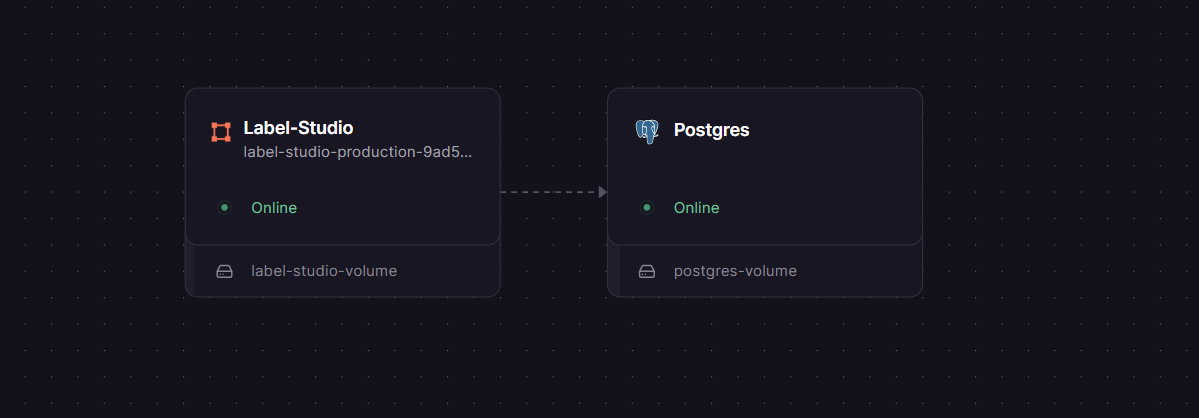
Label-Studio
Just deployed
/label-studio/data

Just deployed
/var/lib/postgresql/data

Deploy and Host Label Studio
Label Studio is an open-source, multi-modal data labeling platform that lets your team annotate images, text, audio, video, and time-series data in a single unified interface — with a REST API and ML backend integrations baked in.
Self-host Label Studio on Railway and you get a fully production-ready annotation environment with PostgreSQL persistence, a mounted volume for uploaded files, and zero infrastructure management. This template deploys heartexlabs/label-studio:latest wired to a Railway-managed Postgres instance, so you can run Label Studio on Railway with one click and start labeling within minutes.
Getting Started with Label Studio on Railway
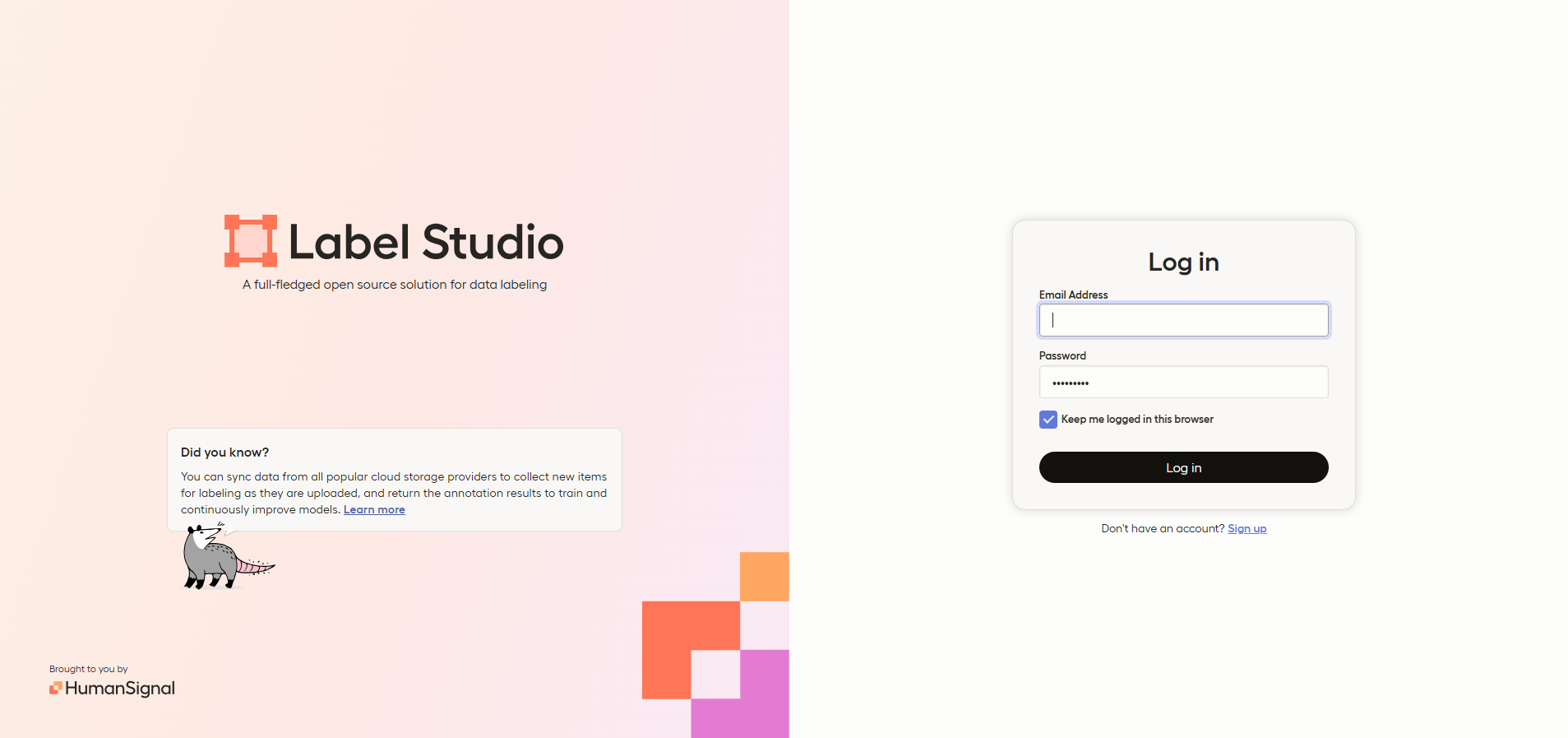
Once the deploy is live, open your Railway public URL — you'll land on the login page. Click Sign up to create your admin account; the first registered user becomes the workspace owner.
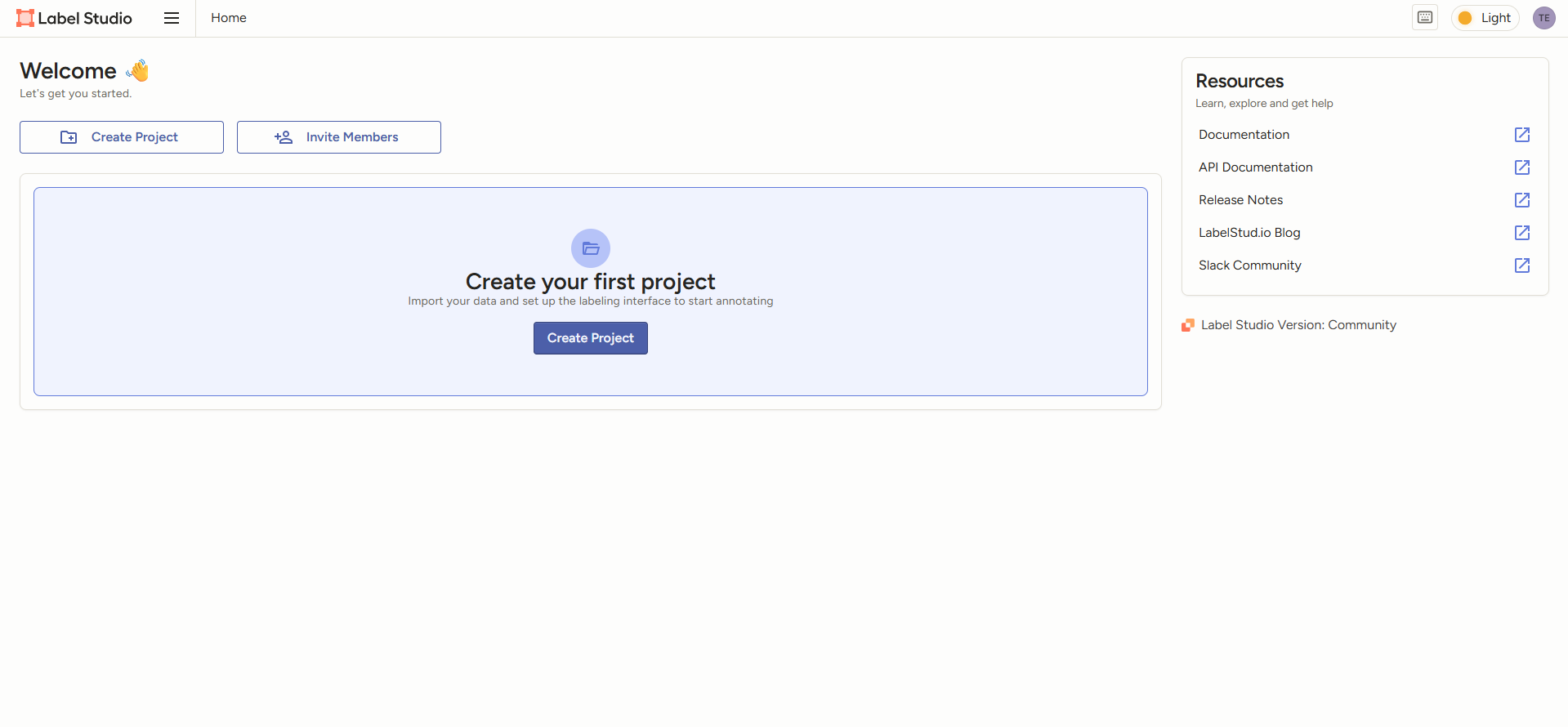
From the dashboard, create a new Project, choose your data type (image, text, audio, etc.), and configure your labeling interface using Label Studio's XML template builder. Import tasks via CSV, JSON, or direct cloud storage (S3, GCS, Azure Blob). Annotations export in JSON, CSV, COCO, Pascal VOC, and other formats ready for model training.
About Hosting Label Studio
Label Studio, maintained by HumanSignal (formerly Heartex) and available at github.com/HumanSignal/label-studio, solves a core ML problem: getting high-quality, consistently formatted ground-truth labels out of raw data. It supports every common annotation type — bounding boxes, polygons, NER spans, audio segments, keypoints, classifications, and time-series ranges — through a configurable XML interface that teams can tailor to any labeling schema.
Key features:
- Multi-modal annotation: images, text, audio, video, and time-series in one platform
- Customizable labeling interfaces via XML templates
- ML backend integration for pre-labeling and active learning
- REST API and Python SDK for pipeline automation
- Webhook support for triggering downstream workflows
- Export to COCO, Pascal VOC, YOLO, JSON, CSV, and more
- Cloud storage connectors for S3, GCS, and Azure Blob
On Railway, Label Studio connects to Postgres over the private network and persists uploaded task files to a Railway Volume mounted at /label-studio/data. Railway handles TLS termination, so no Nginx reverse proxy is needed.
Why Deploy Label Studio on Railway
One-click deploy gets you a production-ready annotation stack without touching Docker or Postgres config yourself.
- No Docker Compose or volume permission wrangling — Railway handles it
- Postgres and Label Studio communicate over a private internal network
- Managed TLS and custom domain support out of the box
- Persistent volume keeps uploaded files and annotation data safe across redeploys
- Redeploy any time from the Railway dashboard — no downtime procedures
Common Use Cases
- Computer vision dataset creation: Annotate bounding boxes and segmentation masks for object detection and segmentation model training
- NLP and LLM fine-tuning: Label named entities, classify intent, or build RLHF datasets from conversational text
- Audio and speech AI: Tag speech segments, emotion labels, or sound events for ASR and audio classification pipelines
- Model evaluation: Run human-in-the-loop reviews of model predictions to surface errors and measure accuracy before production
Dependencies for Label Studio
- label-studio —
heartexlabs/label-studio:latest(Docker Hub) running on port 8080, with a volume at/label-studio/data - Postgres — Railway managed PostgreSQL; Label Studio uses discrete
POSTGRE_*env vars, not aDATABASE_URLstring
Deployment Dependencies
- Runtime: Python 3.10+, Django 5.x (all bundled in the Docker image)
- GitHub repo: github.com/HumanSignal/label-studio
- Docker image:
heartexlabs/label-studio:latest - Official docs: labelstud.io/guide/install
Label Studio vs CVAT
| Feature | Label Studio | CVAT |
|---|---|---|
| Open source | ✅ Apache 2.0 | ✅ MIT |
| Data types | Images, text, audio, video, time-series | Images and video (vision-focused) |
| Video tracking / interpolation | Limited | ✅ Excellent |
| ML backend / pre-labeling | ✅ Flexible via SDK | ✅ Supported |
| REST API | ✅ Full | ✅ Full |
| Self-hostable | ✅ Docker / pip | ✅ Docker |
| SSO (self-hosted) | Enterprise only | Paid add-on |
| Best for | Multimodal + NLP + LLM workflows | High-volume video/image annotation |
Label Studio is the stronger choice when your data spans more than just images and video — especially for teams building NLP, speech, or LLM fine-tuning pipelines alongside computer vision work.
Minimum Hardware Requirements for Label Studio
| Resource | Minimum | Recommended |
|---|---|---|
| CPU | 1 vCPU | 2 vCPU |
| RAM | 1 GB | 2–4 GB |
| Storage (volume) | 5 GB | 20+ GB (scales with dataset size) |
| Python runtime | 3.10+ | 3.11+ |
| Database | PostgreSQL 13+ | PostgreSQL 15+ |
First boot runs Django migrations and may spike RAM briefly. The Railway Starter plan (512 MB RAM) may be tight for large annotation projects — consider upgrading to a higher memory tier if you're importing large image or audio datasets.
Self-Hosting Label Studio
Docker (fastest):
docker pull heartexlabs/label-studio:latest
docker run -it -p 8080:8080 \
  -v $(pwd)/mydata:/label-studio/data \
  -e LABEL_STUDIO_HOST=http://localhost:8080 \
  heartexlabs/label-studio:latest
With PostgreSQL via docker-compose:
services:
  db:
    image: postgres:15
    environment:
      POSTGRES_DB: labelstudio
      POSTGRES_USER: labelstudio
      POSTGRES_PASSWORD: changeme
    volumes:
      - pgdata:/var/lib/postgresql/data

  label-studio:
    image: heartexlabs/label-studio:latest
    ports:
      - "8080:8080"
    volumes:
      - lsdata:/label-studio/data
    environment:
      DJANGO_DB: default
      POSTGRE_NAME: labelstudio
      POSTGRE_USER: labelstudio
      POSTGRE_PASSWORD: changeme
      POSTGRE_HOST: db
      POSTGRE_PORT: 5432
      SECRET_KEY: your-secret-key-here
      LABEL_STUDIO_HOST: http://localhost:8080
      CSRF_TRUSTED_ORIGINS: http://localhost:8080

volumes:
  pgdata:
  lsdata:
Access Label Studio at http://localhost:8080 and sign up to create your admin account.
Is Label Studio Free?
Label Studio Community Edition is free and open source (Apache 2.0). On Railway, you pay only for infrastructure — typically $5–10/month for the label-studio service plus the Postgres instance, depending on usage tier.
HumanSignal also offers two paid editions: Starter Cloud (starting around $149/month, fully managed) and Enterprise (custom pricing, per-seat, with SSO, RBAC, audit logs, reviewer workflows, and SOC 2-certified hosting). Features like single sign-on and annotator analytics are gated to paid tiers — the Community Edition self-hosted on Railway covers core annotation, project management, and API access without any licensing cost.
FAQ
What is Label Studio? Label Studio is an open-source data annotation platform developed by HumanSignal. It supports labeling images, text, audio, video, and time-series data through configurable interfaces, with REST API and ML backend integrations for building production ML pipelines.
What does this Railway template deploy?
It deploys two Railway services: heartexlabs/label-studio:latest (the Label Studio web app on port 8080, with a persistent volume at /label-studio/data) and a Railway-managed PostgreSQL database for storing projects, tasks, and annotations.
Why is PostgreSQL included instead of SQLite?
SQLite is fine for local development but gets wiped on Railway redeploys without a volume. PostgreSQL is persistent, crash-safe, and required for multi-user setups. Label Studio uses discrete POSTGRE_* environment variables — it does not accept a standard DATABASE_URL connection string.
Why do I get a CSRF 403 error on the signup page?
Django requires your public domain to be explicitly listed in CSRF_TRUSTED_ORIGINS. Set it to https://${{RAILWAY_PUBLIC_DOMAIN}} and redeploy. This is separate from LABEL_STUDIO_HOST and both must be set.
Can I use Label Studio in production for my team? Yes. The Community Edition supports multiple user accounts, project-based access, and collaborative annotation. For team-level role management, reviewer workflows, or SSO, you would need the Starter Cloud or Enterprise edition from HumanSignal.
Does Label Studio support pre-labeling with ML models? Yes. You can connect any ML model via the Label Studio ML SDK, which runs as a separate backend service. Label Studio sends tasks to the backend, receives predictions, and displays them as pre-annotations for human review — enabling active learning loops.
Template Content
Label-Studio
heartexlabs/label-studio:latest

