
Deploy shotcode-source
Turn screenshots and Figma designs into editable frontend code with AI.
Just deployed
Just deployed
/data
Deploy and Host Screenshot to Code on Railway
Turn screenshots, mockups, Figma designs, screen recordings or plain-English prompts into editable frontend code. Choose HTML/CSS, Tailwind, React, Vue, Bootstrap or Ionic, then refine the result with follow-up prompts.
Explore live examples on the official Screenshot to Code website
| Original screenshot | Generated frontend |
|---|---|
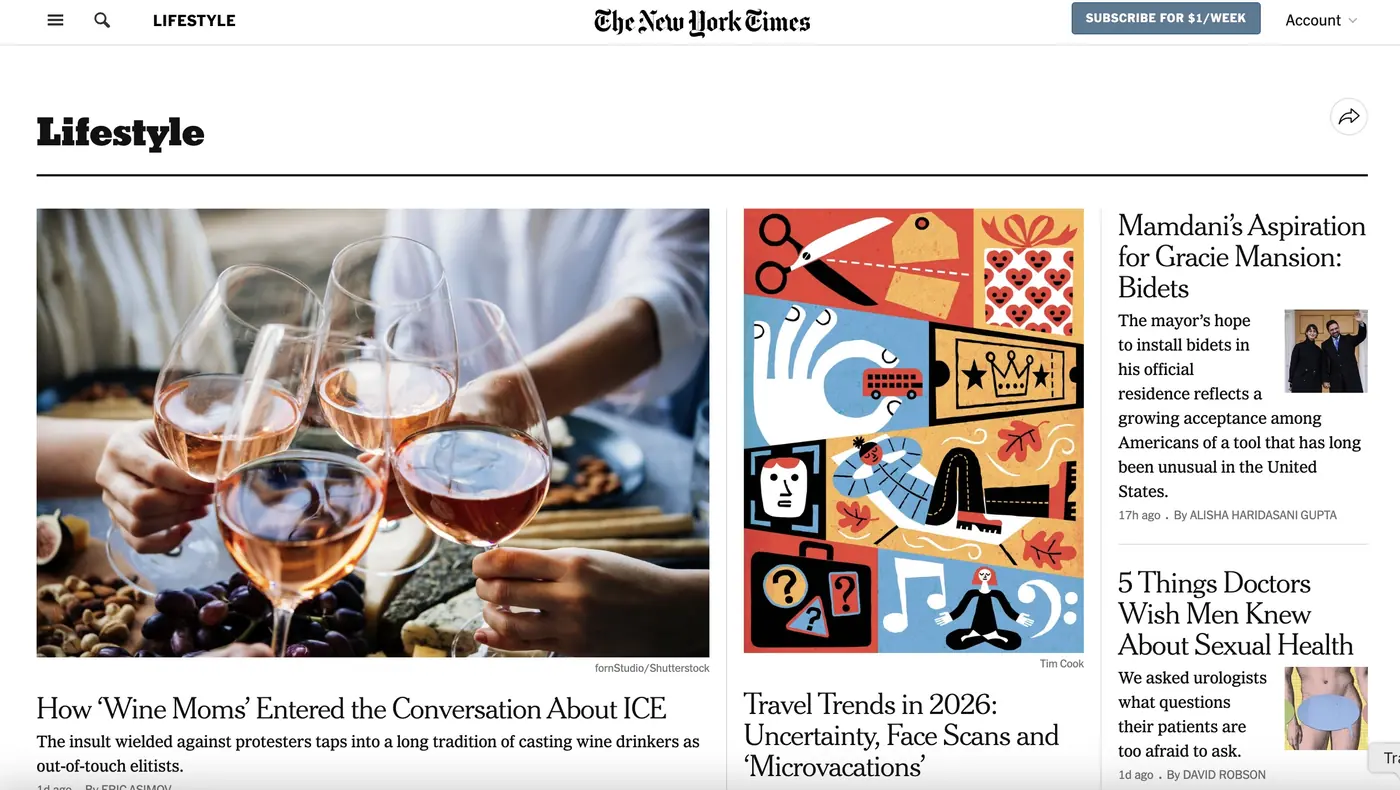 | 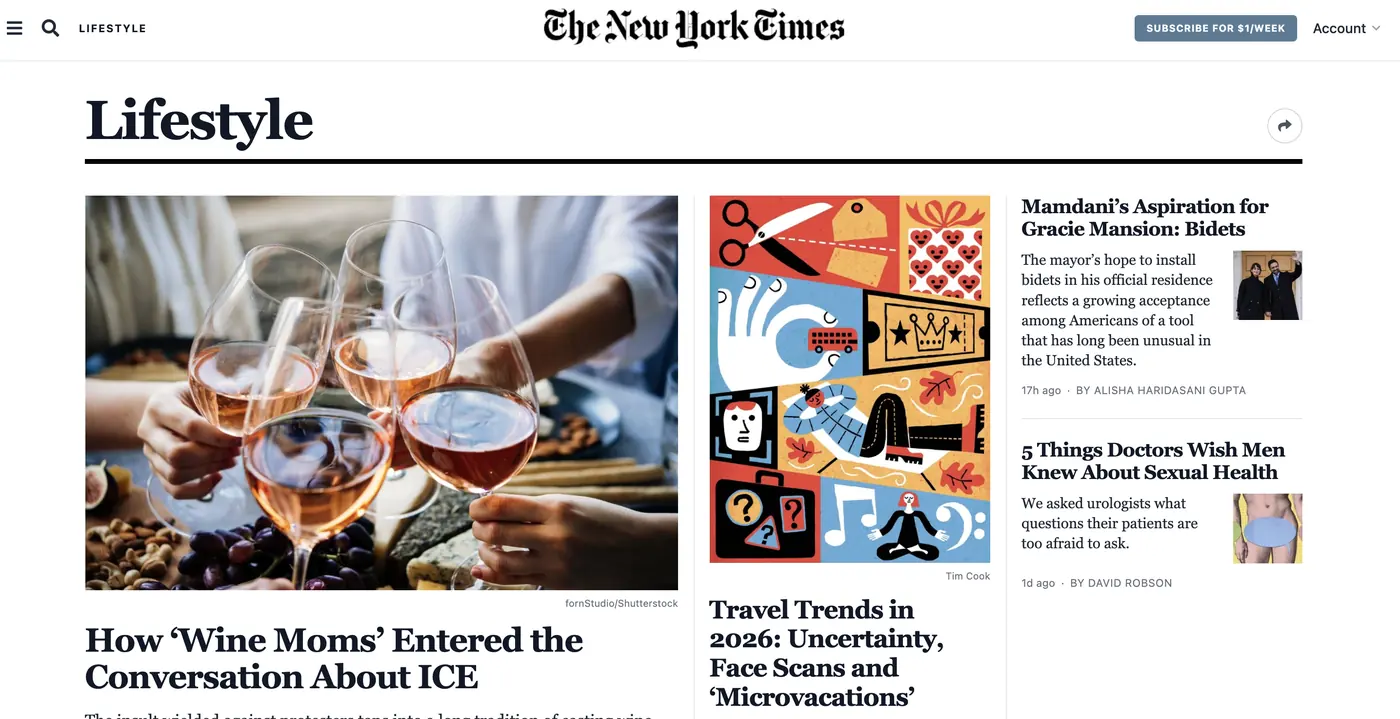 |
About Hosting Screenshot to Code
Screenshot to Code is an open-source AI workspace for turning visual ideas into working frontend code. Upload a screenshot or mockup, import a Figma design, record an interface in action or describe a UI in text. You can compare output across supported frontend stacks and keep refining it inside the app.
This Railway template gives you your own protected workspace. The public Web app uses generated Basic Auth, the Backend stays on Railway's private network and design systems and local assets persist on a /data volume.
Why Deploy Screenshot to Code on Railway
Railway creates the Web app, private Backend, secure service connection, health checks, generated login and persistent storage in one deployment. You get a private Screenshot to Code workspace without assembling the frontend, API, proxy and volume yourself.
After deployment, open the app settings and add at least one supported AI provider key. The template never includes or stores a shared provider key.
Common Use Cases
- Turn a website screenshot or product mockup into editable starter code.
- Convert Figma designs into HTML, React, Vue or Tailwind implementations.
- Record an interface flow and generate an interactive prototype.
- Describe a new page in plain English and refine it with follow-up prompts.
- Compare several frontend stacks before choosing an implementation.
Dependencies for Screenshot to Code Hosting
Code generation requires at least one supported provider key, such as OpenAI, Anthropic or Gemini. Add it after deployment through Screenshot to Code's settings. Replicate is optional and enables additional image generation and editing features. Provider usage is billed separately by that provider.
Deployment Dependencies
- Web - Public frontend with generated Basic Auth and an allowlisted proxy to the Backend.
- Backend - Private FastAPI service with Playwright Chromium and persistent
/datastorage. - AI provider - At least one key added in the application after deployment.
Official product and source
See demos, generated examples and supported workflows at screenshottocode.com. The MIT-licensed source is available at abi/screenshot-to-code.
This independent Just Ship It wrapper keeps every deployment reproducible with an immutable upstream commit. A scheduled updater checks the newest upstream revision, runs upstream tests, builds both images and applies the new pin automatically only when every check passes.
Important Notes
- Save the generated Basic Auth credentials from Railway.
- AI provider keys and usage charges are not included.
- Review generated code before using it in production.
Template Content


